
Documents are available on the Starter plan and above. The free Indie plan does not include them. Owners and Admins can create, edit, and delete documents and manage document types. Members can read documents. See Plans and billing and Team roles and permissions.
Documents are internal
Documents are only visible to your team inside the admin. They never appear on your public board, in your widget, or in your changelog. Nothing you write in a document is shown to your users, so you can be blunt about trade-offs, costs, and options you rejected. If you want to tell your users about something, use the changelog instead.Open the Documents screen
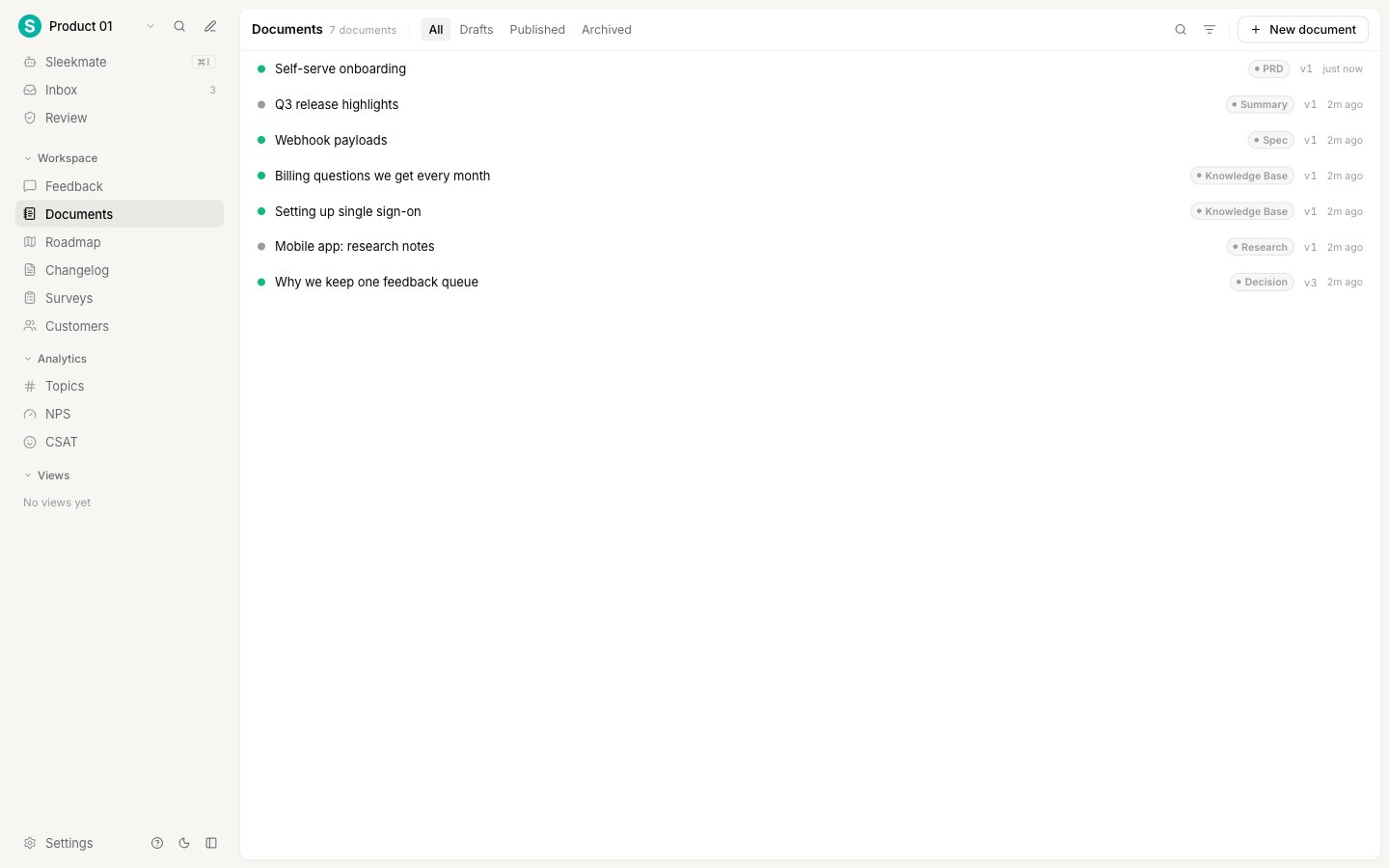
Documents live at Documents in the workspace sidebar, between Feedback and Roadmap.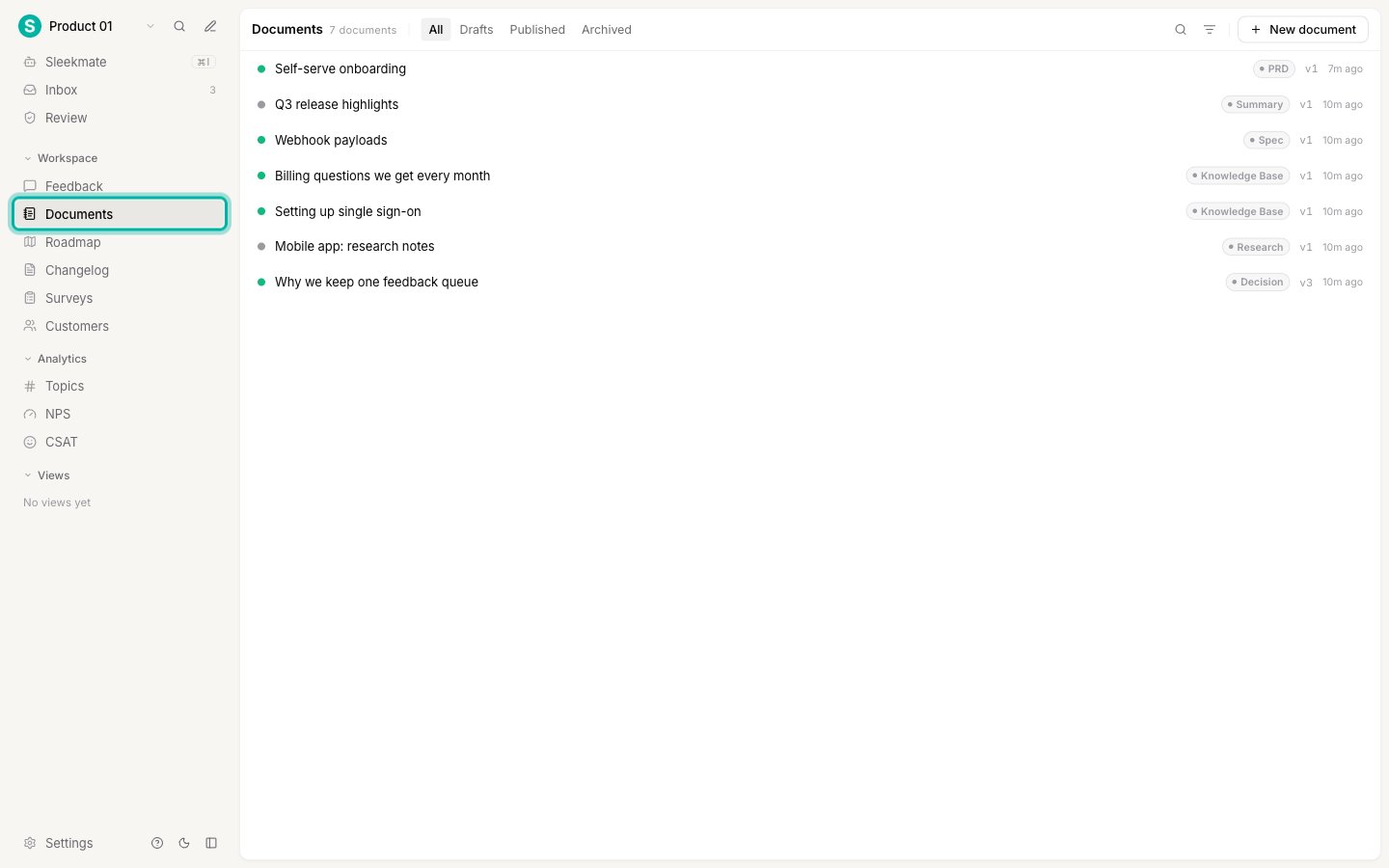
Find a document
The list header narrows what you see. None of these controls change a document.- Tabs switch between All, Drafts, Published, and Archived.
- Search matches the document title.
- The filter icon limits the list to one document type.
The three statuses
A document has its own three-value lifecycle. These are not feedback statuses, and they are not a workflow you can configure. They only describe how finished the thinking is.
Nothing happens automatically when you change a status. A published document is not sent anywhere, and an archived one is not deleted. The status is there so your team can tell finished thinking from a scratchpad.
What a document is not
A document is deliberately not a task. It carries no assignee, no due date, and no progress. Linking a document to a post records that the document informs the request, nothing more. Sleekplan tracks what your users asked for and what you decided. It does not track who is building it or how far along they are. That belongs in your issue tracker, which you can connect through an integration.Next steps
Write a document
Create a document, format it with Markdown, and set its type and status.
Link documents to feedback
Connect a document to the posts it informs, from either side.
Version history and restore
See what changed in any version and go back to it.
Document types
Rename the built-in types or add your own.