
Changing upload settings is available to workspace owners and admins.
Why image-only by default
Accepting arbitrary file uploads is a security risk: a malicious file disguised as a harmless attachment can put whoever downloads it at risk. Sleekplan keeps the default tight, images only, so you opt in deliberately to anything wider. When you do open it up, a built-in list of dangerous file types stays blocked no matter what (see Always-blocked file types below).Allow custom file types
1
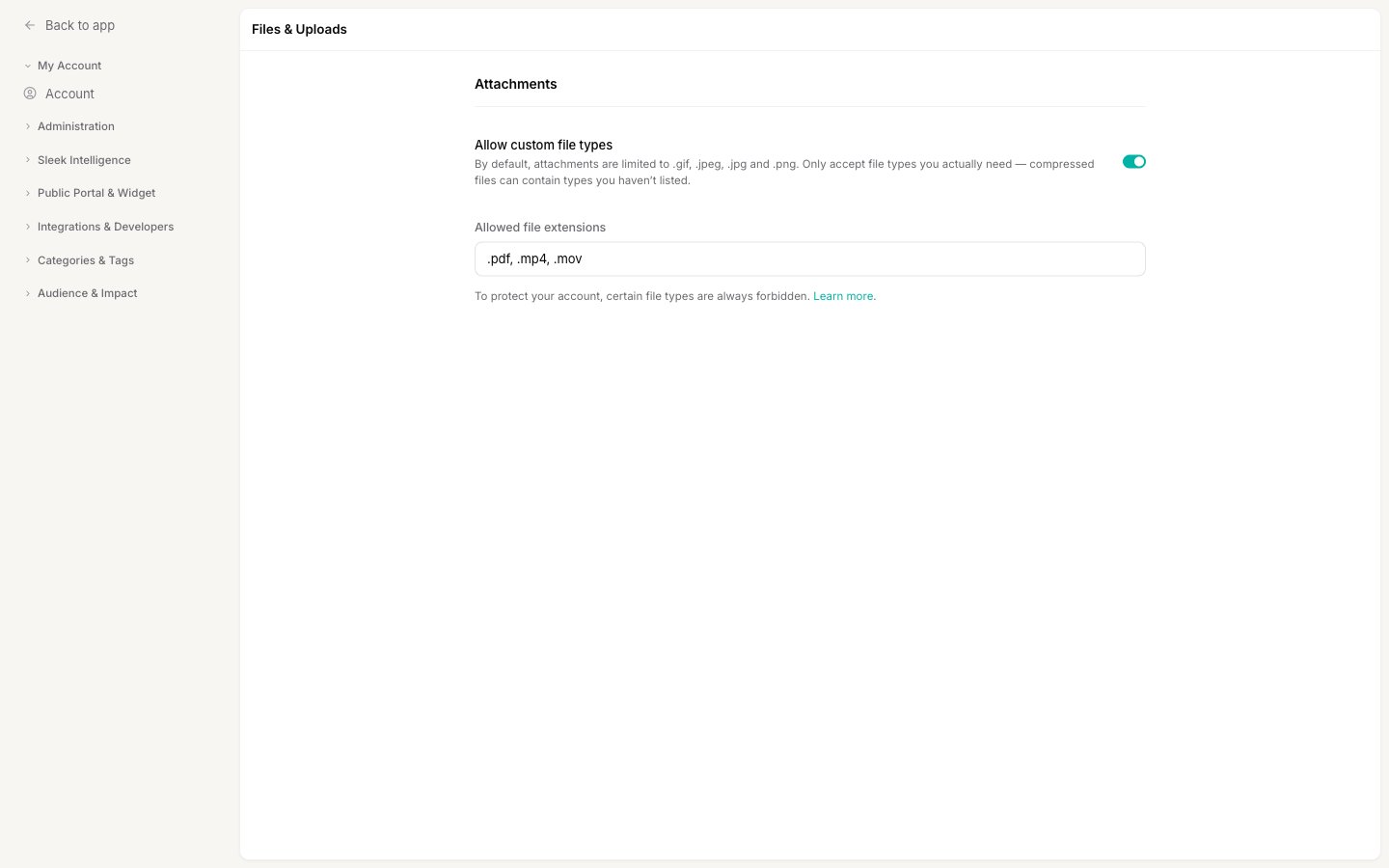
Open the Files & Uploads settings
2
Turn on Allow custom file types
Enable the Allow custom file types toggle. This acknowledges that you accept the security responsibility of allowing non-image uploads, and it unlocks the extensions field below.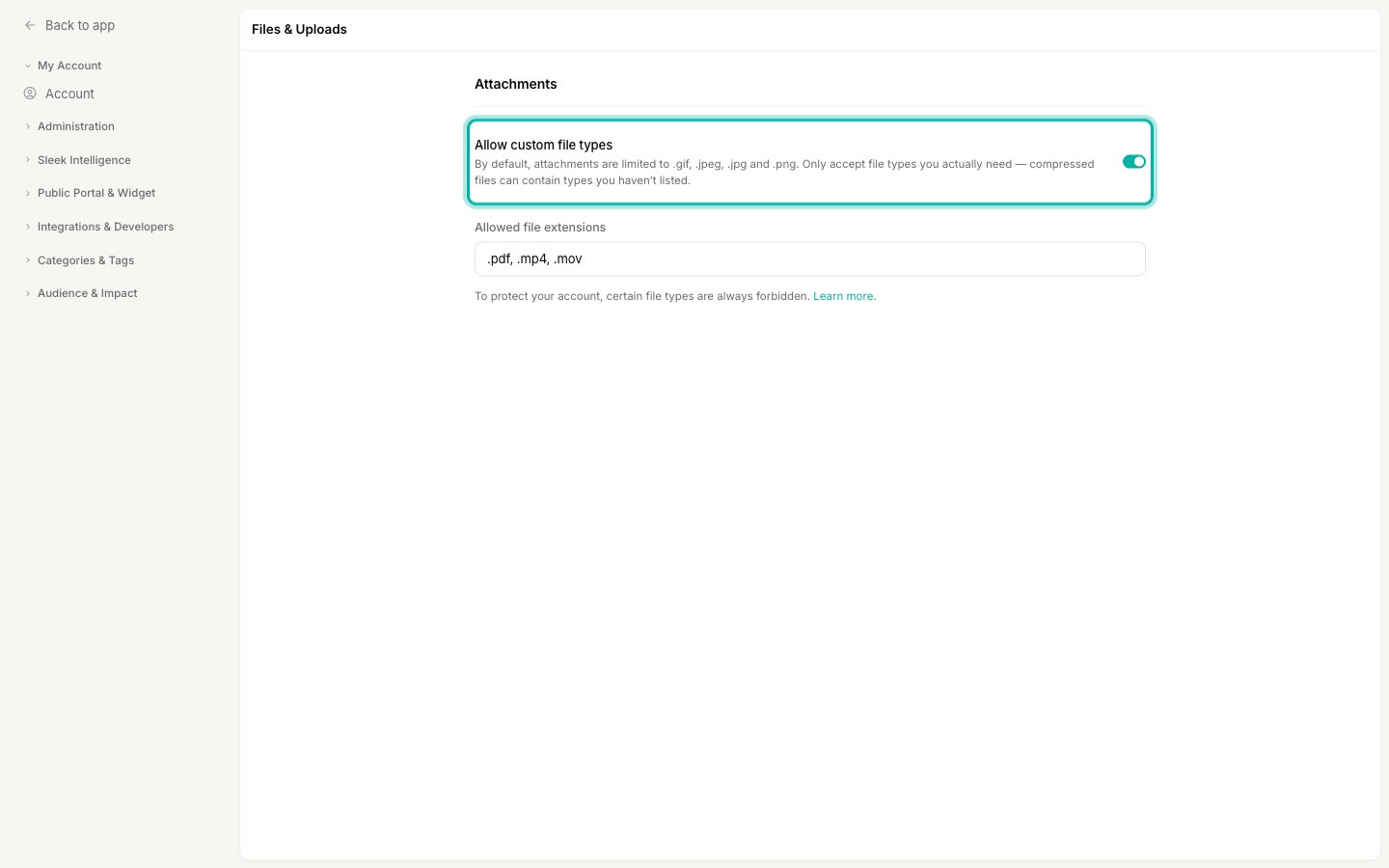
3
List the extensions you want to allow
In Allowed file extensions, enter a comma-separated list of the file types to permit. You can write them with or without a leading dot, for example 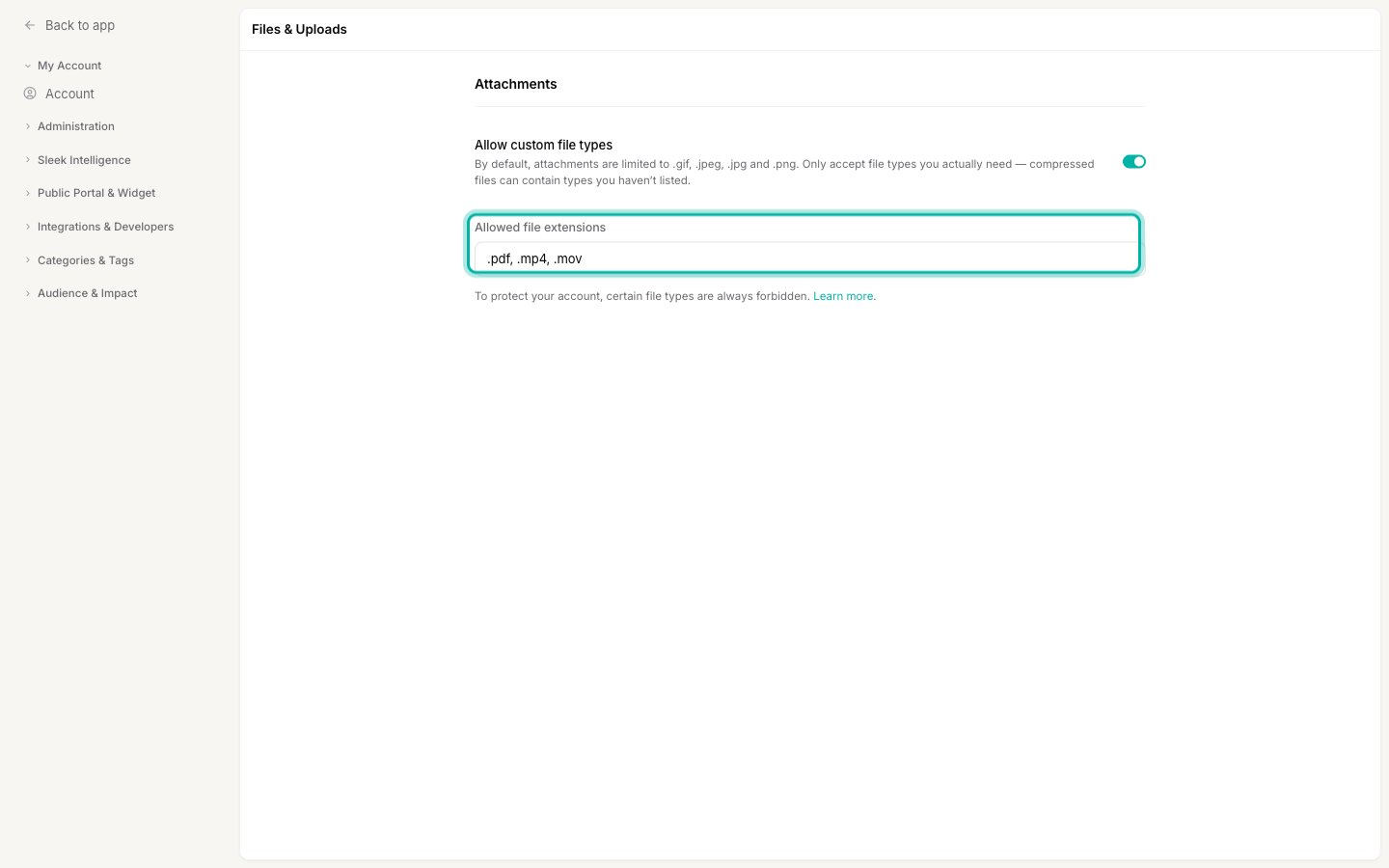
.csv, .xls, .xlsx or pdf, mp4, mov.4
Save your changes
Click Save in the bar that appears at the bottom of the page. Your users and team can now attach the file types you listed, in addition to the default images.
Always-blocked file types
To protect your account, roughly 60 executable and script file types are always rejected, even if you add them to your allowlist. This list is enforced first, so listing one of these extensions has no effect: the upload is still refused. The blocked types cover things that can run code or harm a device, including:- Executables and installers:
.exe,.msi,.app,.apk,.dmg,.jar - Scripts:
.bat,.cmd,.com,.js,.vbs,.ps1,.hta,.scr - System and library files:
.dll,.sys,.cpl,.reg - Disk images:
.iso,.img
What your users see
Once saved, the allowed file types apply immediately to the attachment picker on new posts and comments. If a user picks a file that isn’t an image and isn’t on your allowlist, they’re told the file type isn’t accepted before it uploads. For where attachments appear when creating feedback, see Create a post.Next steps
Create a post
Write feedback from the admin dashboard and attach screenshots, mockups, or documents.
Access & privacy
Control who can see and post to your public feedback board.