
The estimate is also shown to your users on the public post, so setting it does more than position the card. Set expectations you are comfortable sharing.
Set an estimate on a post
The estimate is a month and year, for example August 2026. There is no day-level precision, because the roadmap plans in months and quarters.2
Set the estimate
In the Properties section, click Set estimate and pick a month and year.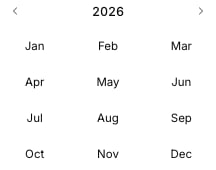
3
Adjust or clear it later
Reopen the estimate any time to choose a different month, or clear it to remove the post from the Month and Quarter views.
Month view
Open the Group by menu on the roadmap and choose Month to lay posts out across individual months. Each column is one month, and a post sits in the month of its estimate.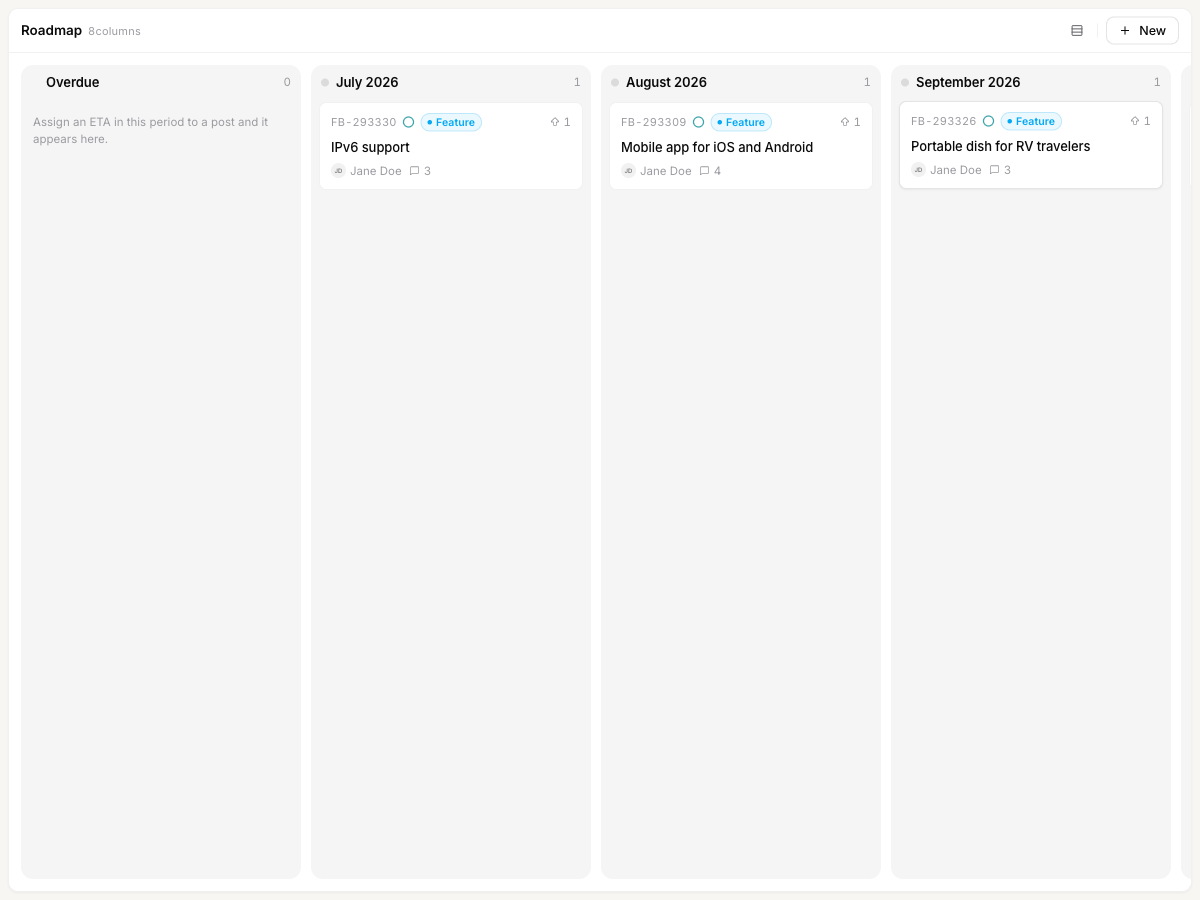
- Overdue collects posts whose estimate has already passed but are not yet complete, so nothing slips through unnoticed.
- Future collects posts estimated beyond the last month shown in the window.
Quarter view
Choose Quarter from the Group by menu to zoom out. Each column is a calendar quarter, and posts are grouped by the quarter their estimate falls in.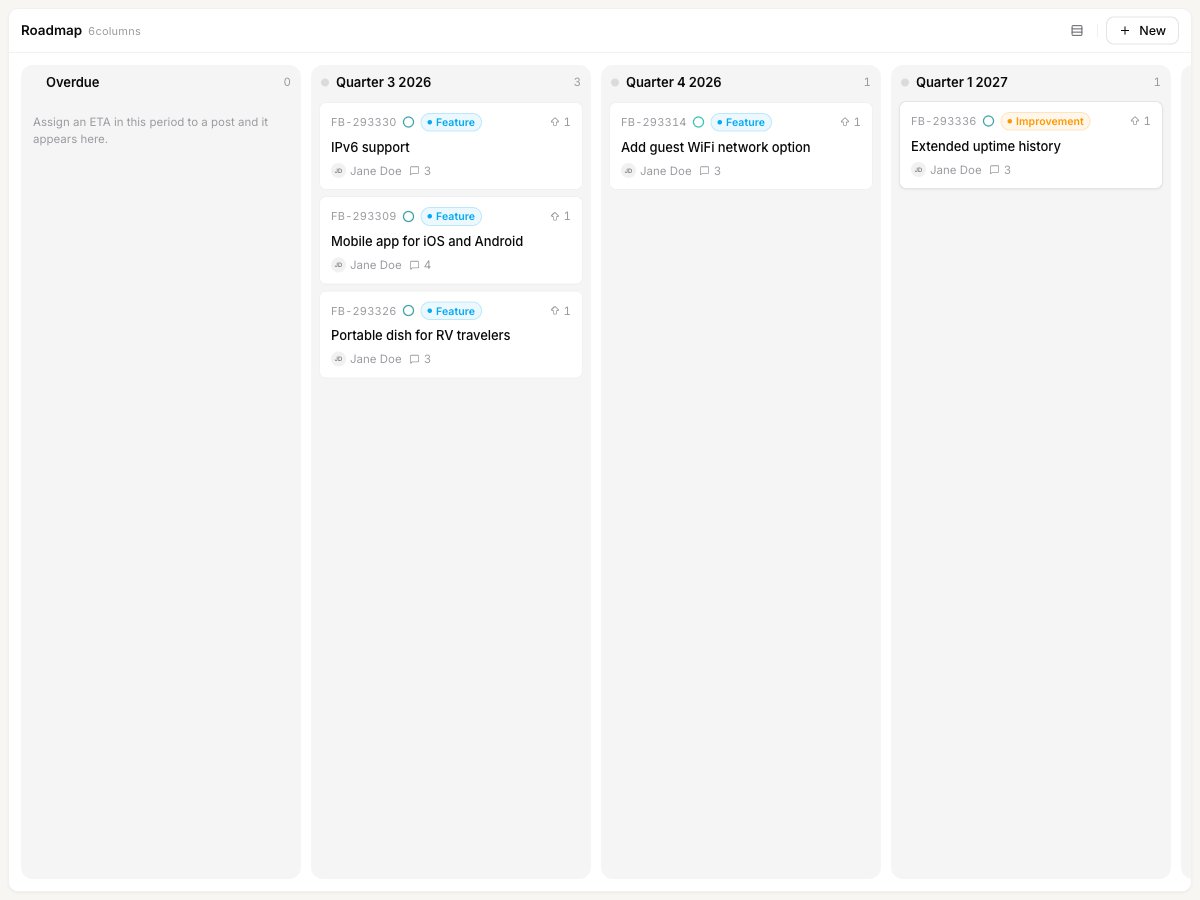
Moving a post’s timeline
Cards are not draggable in Month or Quarter view. To move a post to a different month or quarter, open it and change its estimate. Dragging between columns only works in Status view, where it changes the post’s status.
Show a timeline roadmap to your users
By default the public roadmap is grouped by status. To make the Month or Quarter layout the one visitors see first, go to Settings → Roadmap and set Default roadmap type to Month-based or Quarter-based. This is covered in The roadmap.Related
The roadmap
Group by status, drag posts between columns, and set the public default view.
Create a post
Add feedback and set its estimate along with status, category, and owner.