
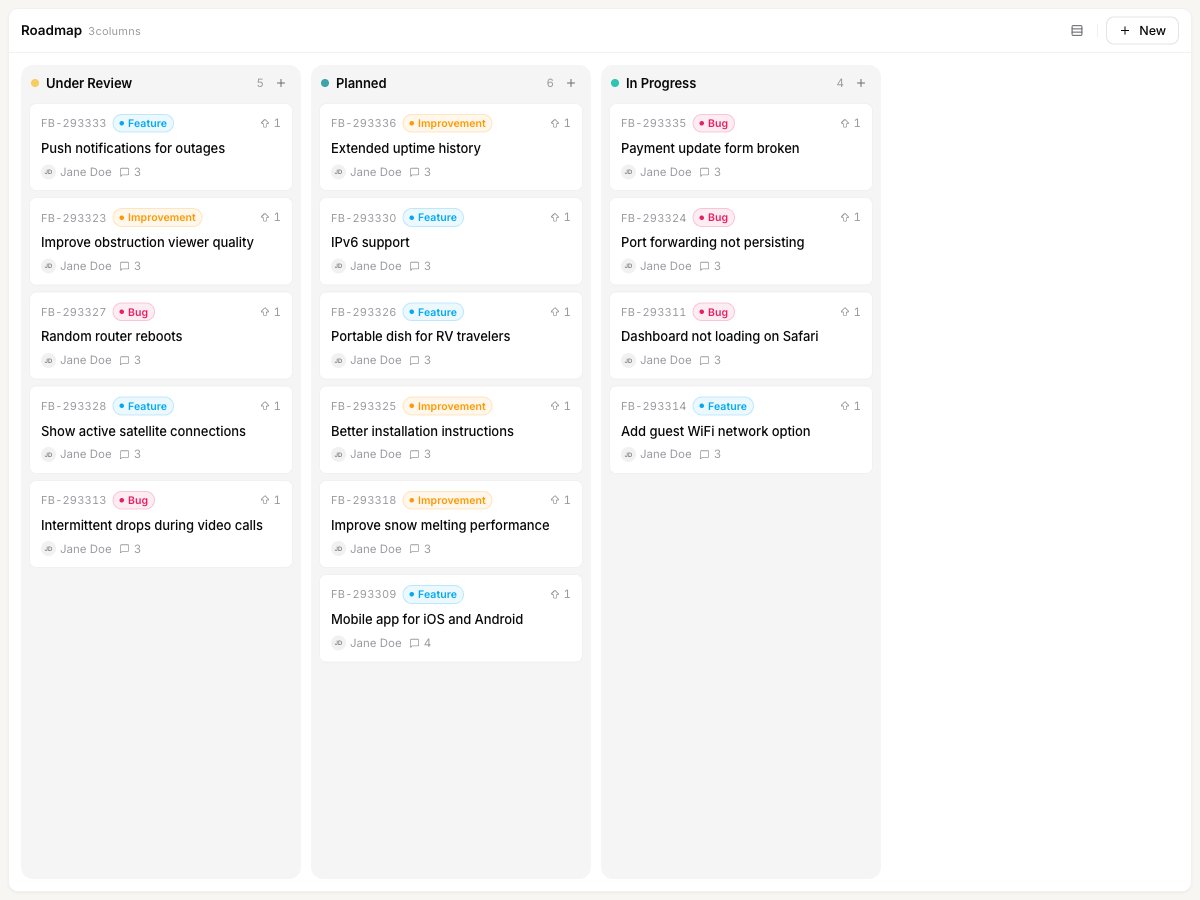
Switch how the roadmap is grouped
The roadmap can group your posts three ways. Open the Group by menu in the top right of the board to switch between them.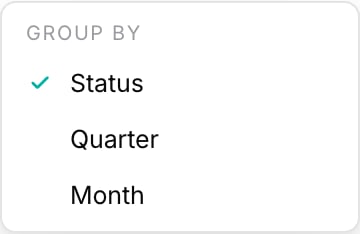
- Status groups posts into one column per status, for example Under Review, Planned, and In Progress.
- Quarter groups posts into calendar quarters based on each post’s estimated date.
- Month groups posts into individual months, again based on the estimated date.
Status view
In Status view, each column is a status from your workflow, and a post appears in the column that matches its current status. This is the default view and the one most teams work from day to day. Only statuses set to show on the roadmap appear as columns, and the column order follows your status order. To add, remove, or reorder the statuses on your roadmap, open Settings → Statuses. If a column is empty, assign that status to a post and it appears there.Drag a post to a new status
Drag and drop works in Status view only. In Quarter and Month view the columns are time periods rather than statuses, so cards are not draggable there.
1
Group the board by status
Open Group by and choose Status.
2
Drag a card to another column
Pick up any post card and drop it in a different status column. The post moves right away and its status updates to match the column you dropped it in.
Set the default view for visitors
The view you use inside the dashboard is your own preference. The view your users see on the public roadmap is set separately.1
Open the roadmap settings
Go to Settings → Roadmap.
2
Choose the default roadmap type
Set Default roadmap type to Status-based, Quarter-based, or Month-based. This decides how the public roadmap is structured when a visitor first opens it.
Related
Using the ETA based roadmap
Plan by timeline with the Quarter and Month views, driven by each post’s estimate.
Create a post
Add feedback and set its status, category, owner, and estimate.