
Only workspace Owners and Admins can change languages. Additional languages are an add-on; a trial includes two.
Choose your default language
Your default language is the language your board is written in. Visitors get it when their own language isn’t one you offer, and your portal shows it at its plain address, without a language in the path.1
Open the Languages settings
2
Pick the default language
In Default language, choose one of the 24 languages.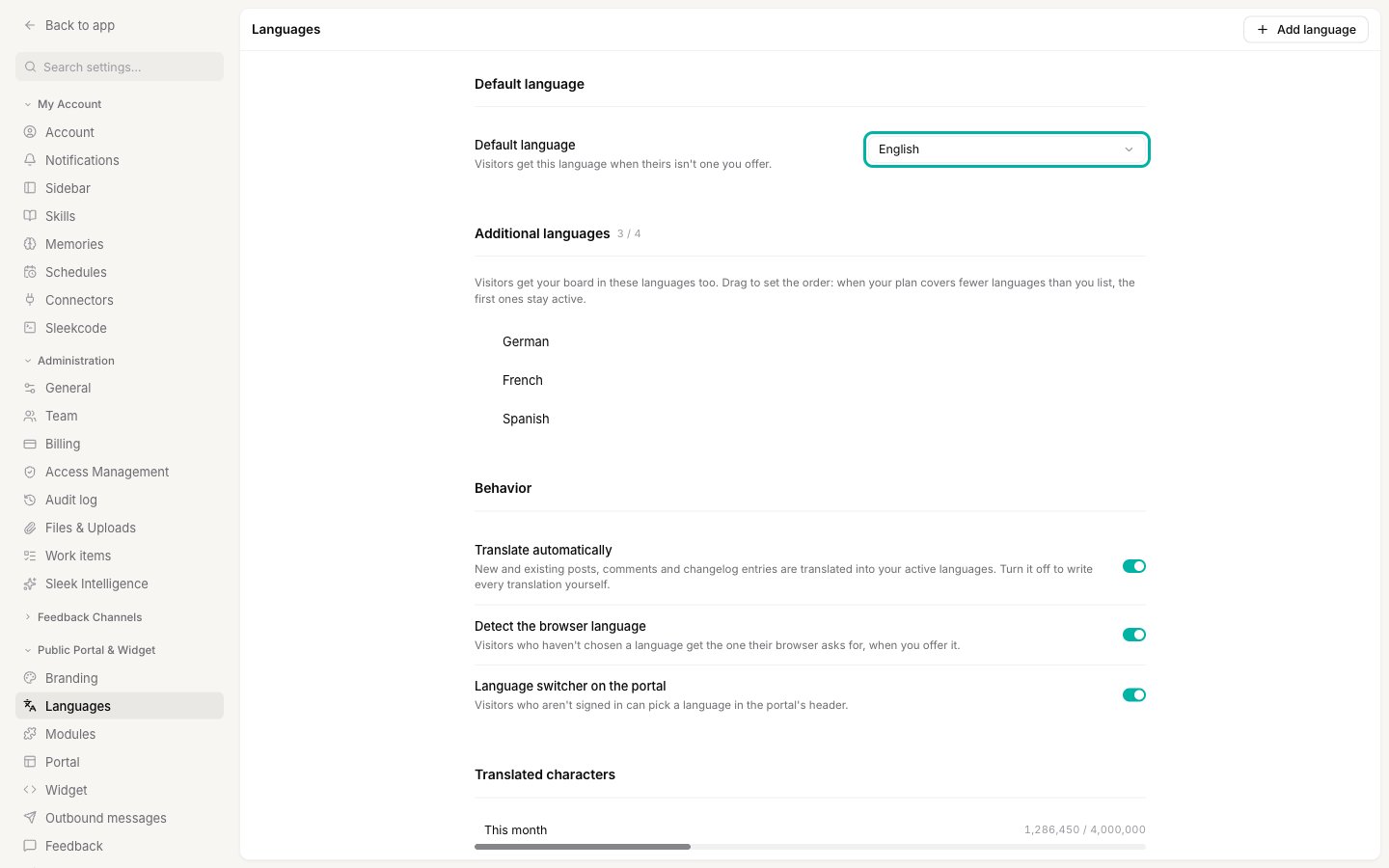
3
Save
Click Save changes.
Add a language
1
Click Add language
On the Languages page, click Add language at the top right.
2
Pick the language
Search for it in the list and click it. It’s added to Additional languages.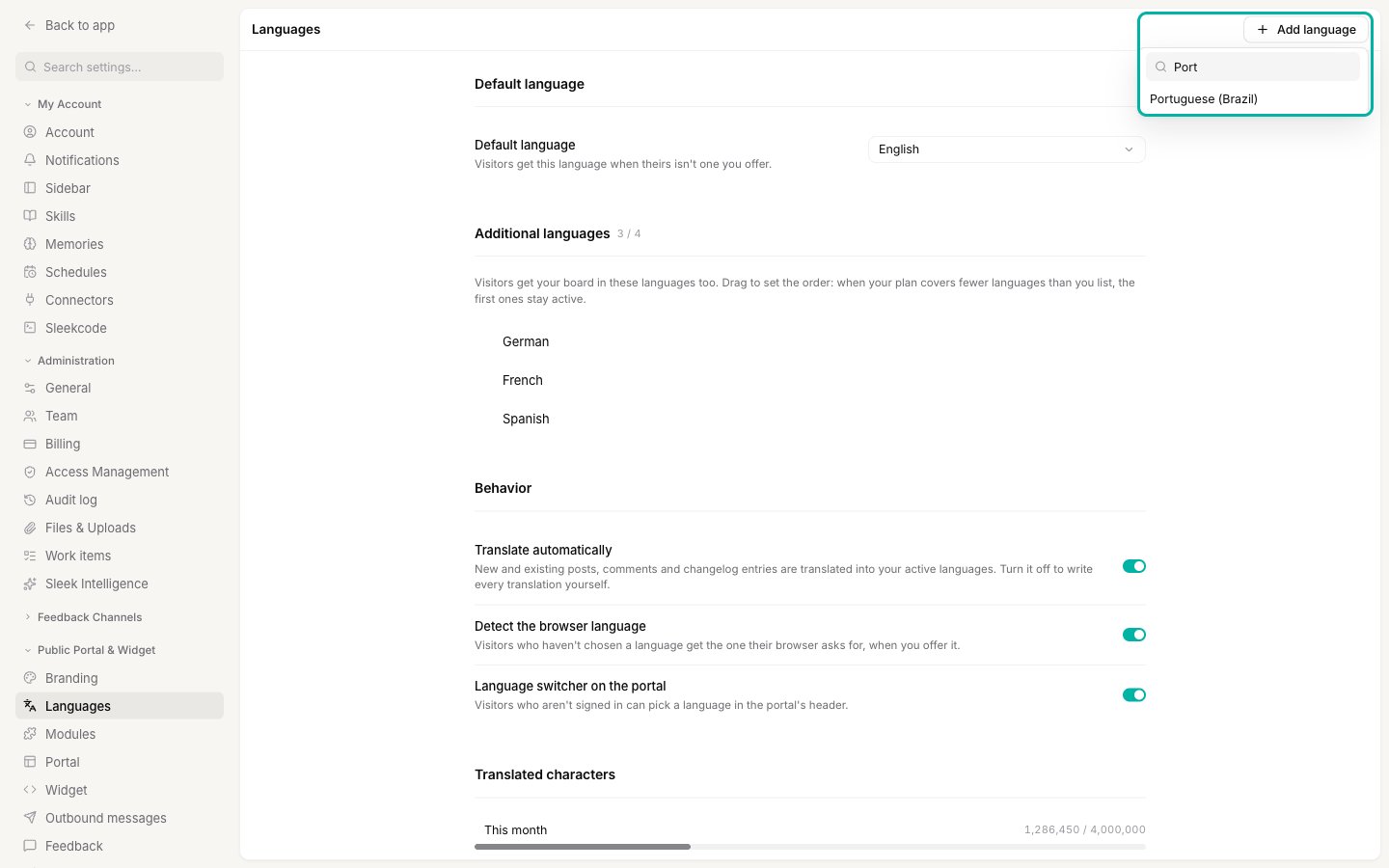
3
Save
Click Save changes. With Translate automatically on, Sleekplan starts translating your existing posts, comments and changelog entries into the new language.
Order your languages
Drag a language up or down in Additional languages to change its order. The order matters when your plan covers fewer languages than you list, for example after you reduce the add-on: the languages at the top stay active, and the others are marked Inactive.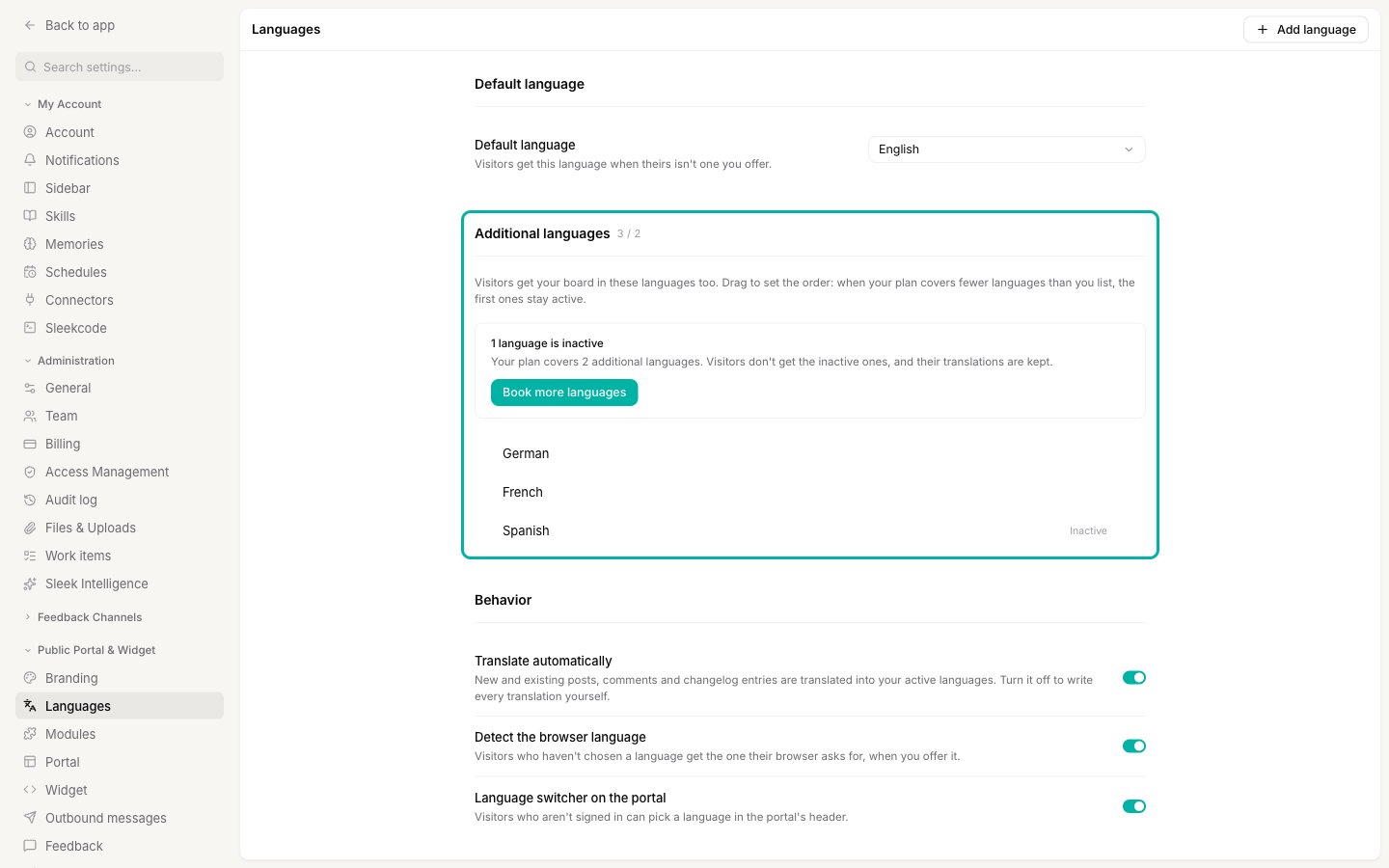
Remove a language
1
Delete the language
Hover the language in Additional languages and click the trash icon on the right.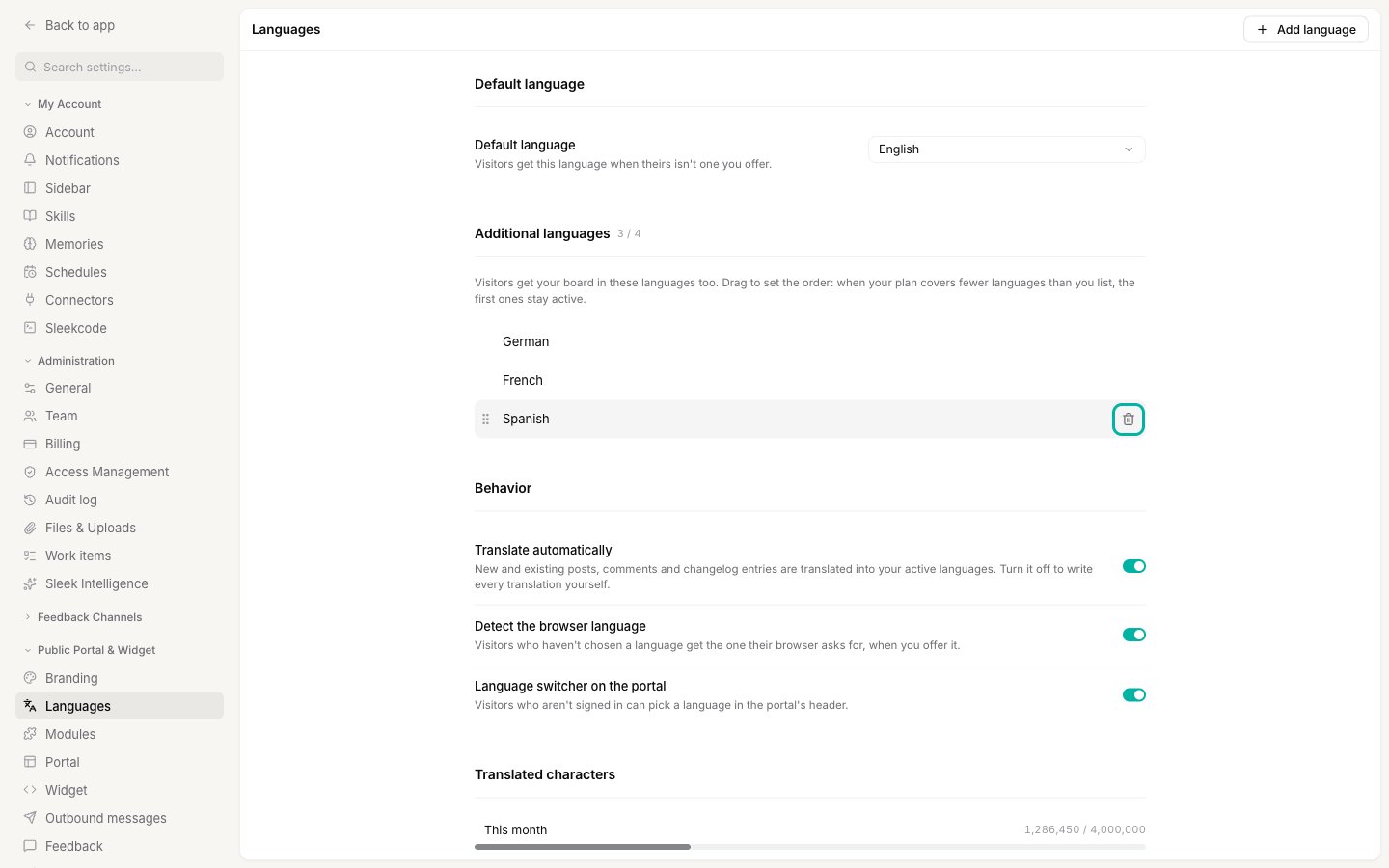
2
Confirm
Click Remove in the dialog.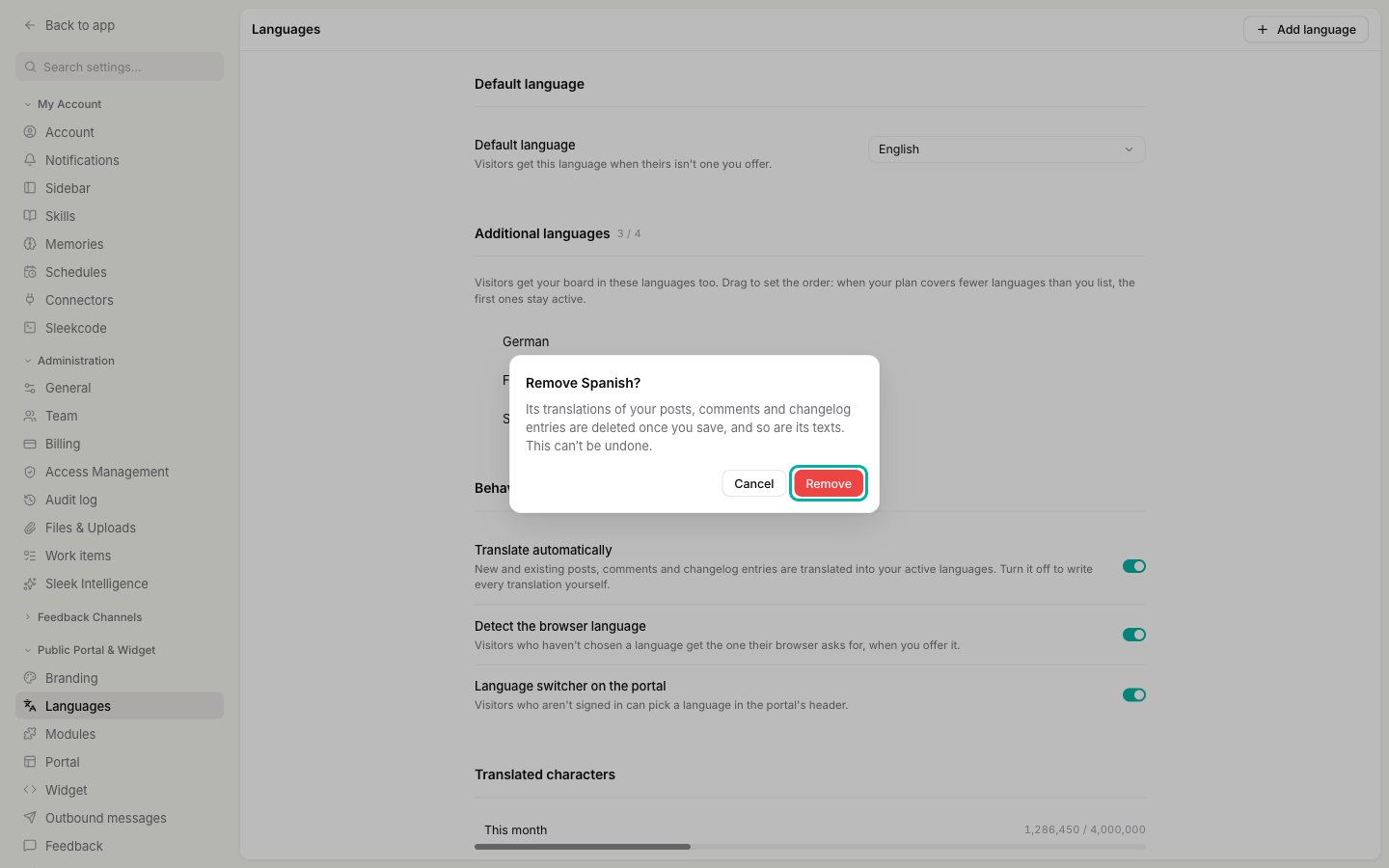
3
Save
Click Save changes.
Choose how languages behave
The Behavior section has three switches. All three are on for a new setup.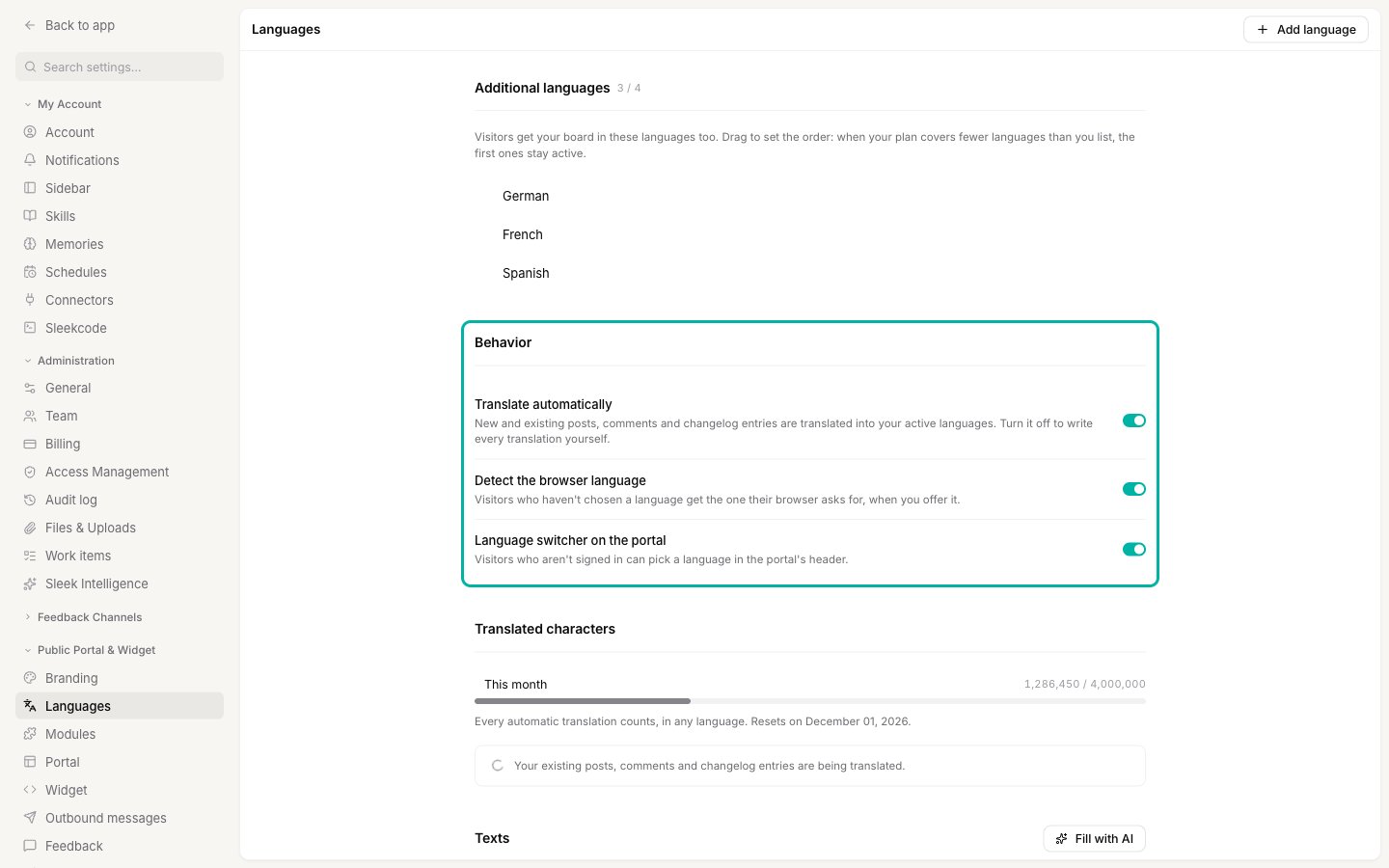
Click Save changes after changing a switch.
Next steps
Translate your names and texts
Translate your terms, texts and the names of categories, statuses and components.
How visitors get their language
Where a visitor’s language comes from, and what follows it.