
What gets translated
The title and the text of:- posts that visitors can see. A post held for approval is translated once you approve it. Merged posts aren’t translated.
- public comments. Internal notes are never translated, and neither are the automatic notes Sleekplan adds for status changes and merges.
- changelog entries, including drafts and scheduled ones, so you can check their translations before you publish. Archived entries aren’t translated.
When it’s translated
- New content is translated about a minute after it’s saved. Edits made within that minute are translated together.
- After an edit, visitors see the original until the new translation is ready, never an outdated translation. Versions your team wrote by hand are kept and marked Outdated in the Languages panel.
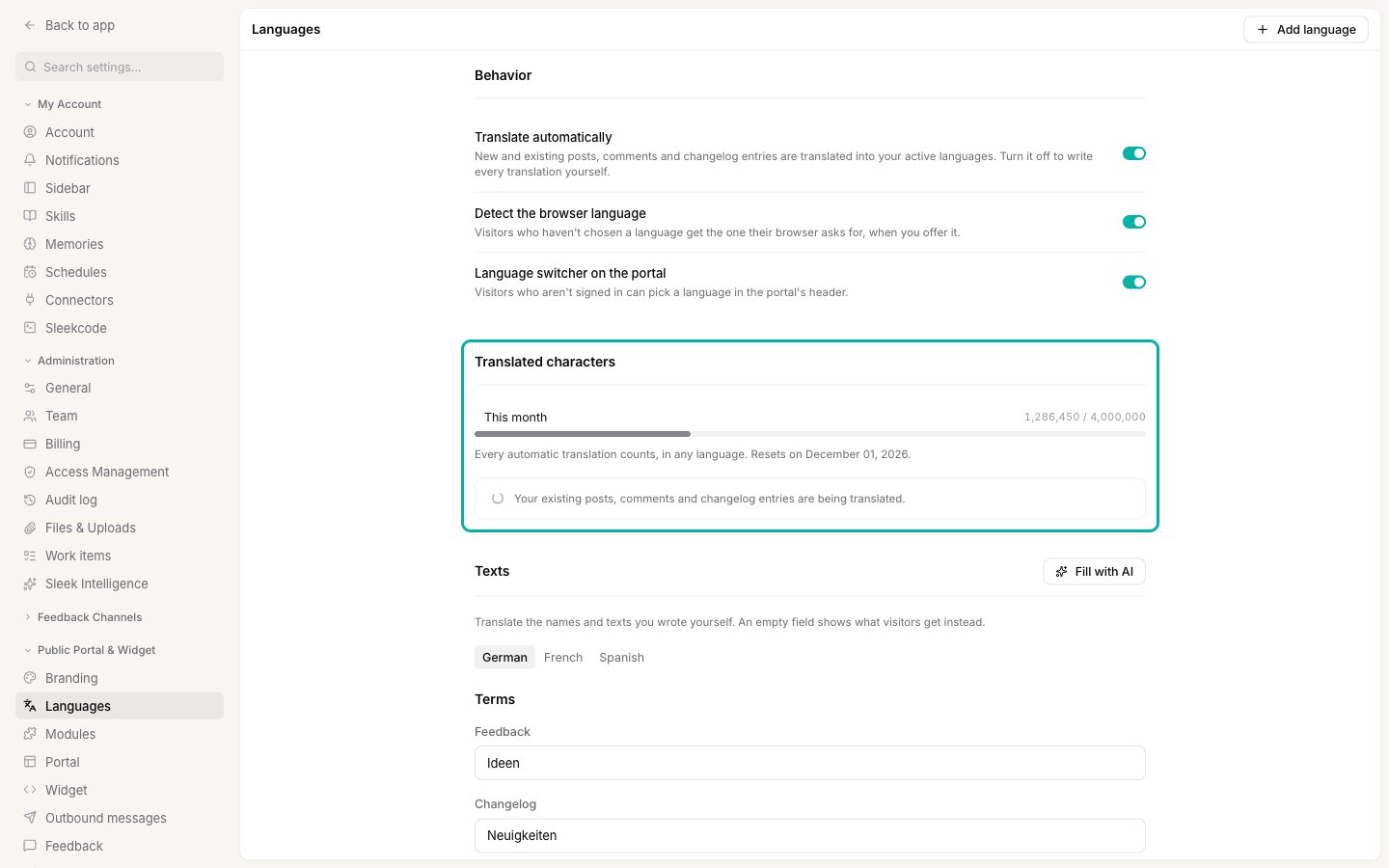
- Your existing content is translated in the background when you add a language, when your plan starts covering an inactive one, when you switch Translate automatically on, and after an import. Changelog entries come first, then posts, then comments, each newest first. While it runs, the Translated characters section of the Languages page says Your existing posts, comments and changelog entries are being translated, and Your existing content is translated once it’s done.
The original language
Sleekplan needs to know which language a post, comment or changelog entry was written in, so it knows what to translate into.- With automatic translation on, the translation detects the original language.
- With automatic translation off, the original language is the language the author was using the board in. Content written in the dashboard, through the API, an import or an integration counts as written in your default language.
When a translation fails
A translation that couldn’t be made shows Failed in the Languages panel, and visitors see the original meanwhile. Sleekplan tries again by itself when the problem was temporary. When the text itself couldn’t be translated, it’s tried again once the original changes, or when you click Translate now in the panel. You can also write that version yourself.Turn automatic translation off
1
Open the Languages settings
2
Switch off Translate automatically
In Behavior, turn off Translate automatically.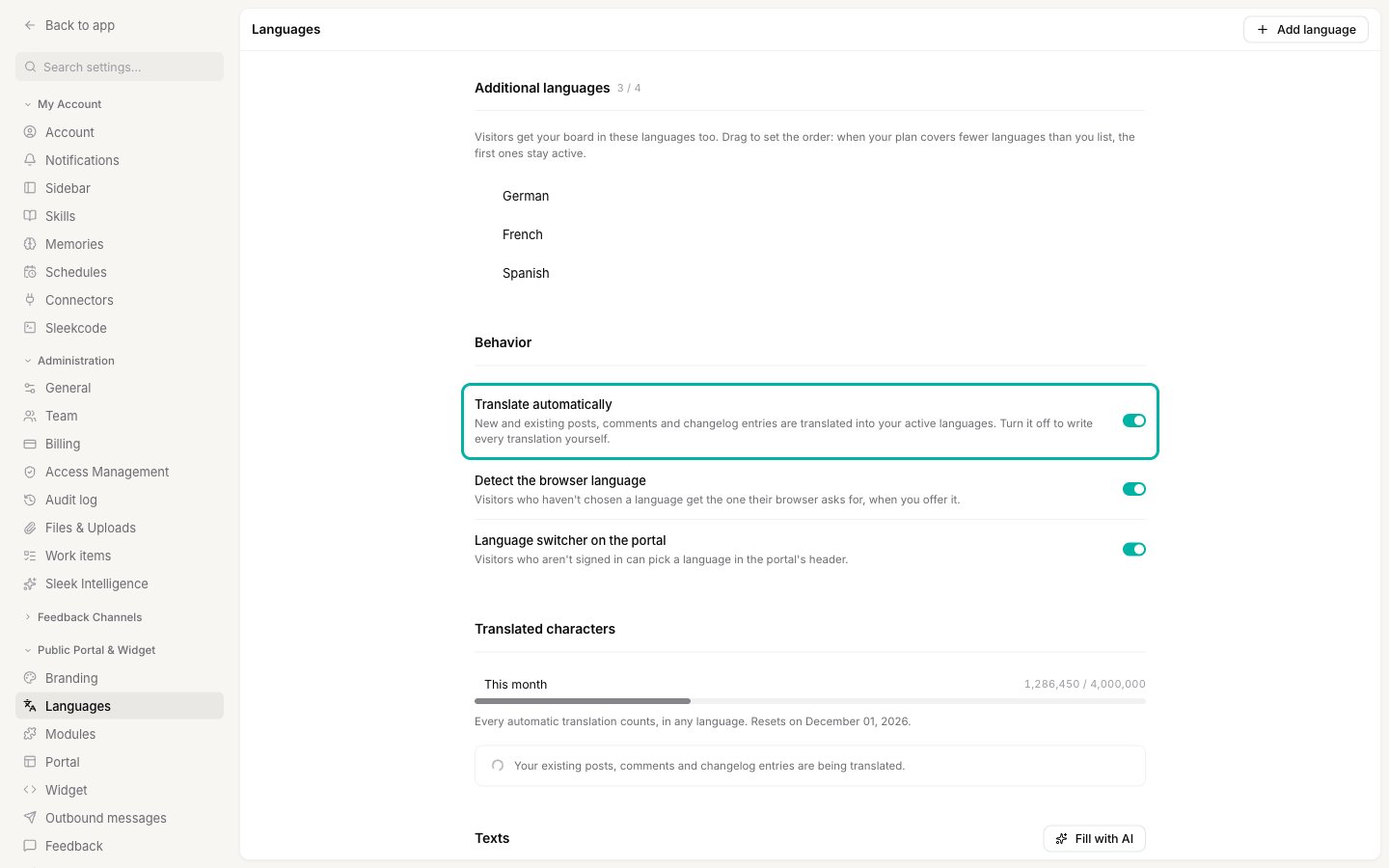
3
Save
Click Save changes.
- Translations made before stay visible as long as their original doesn’t change.
- New and edited posts and changelog entries show their original text in every language until someone on your team writes that version. See Edit a translation.
- Comments show in the language they were written in.
Where translation runs
Translations are made by an AI model on Amazon Web Services in the EU, where Sleekplan already stores your data. Your content isn’t shared with the model’s maker and isn’t used to train it. AI translations can contain mistakes. For important posts and changelog entries, check the translation in the Languages panel and correct it where needed.Translation doesn’t use Sleek Intelligence credits, and it works whether Sleek Intelligence is on or off.
Related
Edit a translation
Check, write and correct the language versions of a post or changelog entry.
Languages add-on and translated characters
How many characters you get each month and what counts.