
The feed is public. It only works while your portal is publicly reachable, so it is not available on boards set to private under Access & Privacy.
Where the feed lives
The feed sits at/changelog/rss.xml on your public portal address. Take your portal URL and add that path:
Find your feed URL
1
Open your public changelog
Visit your portal and open the Changelog tab. This is the page the RSS feed mirrors.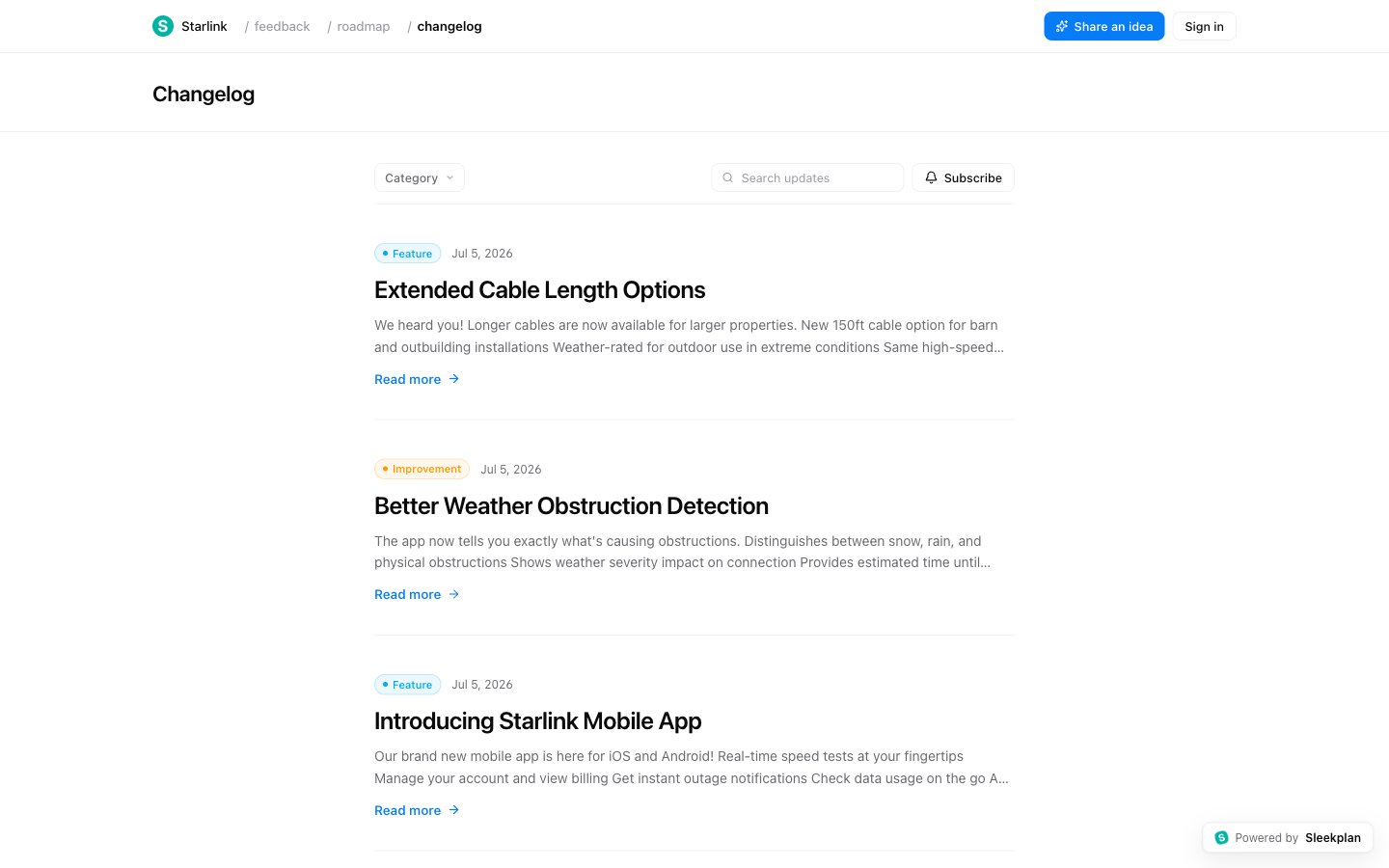
2
Add the feed path to your portal address
Take the portal address from the browser bar (for example 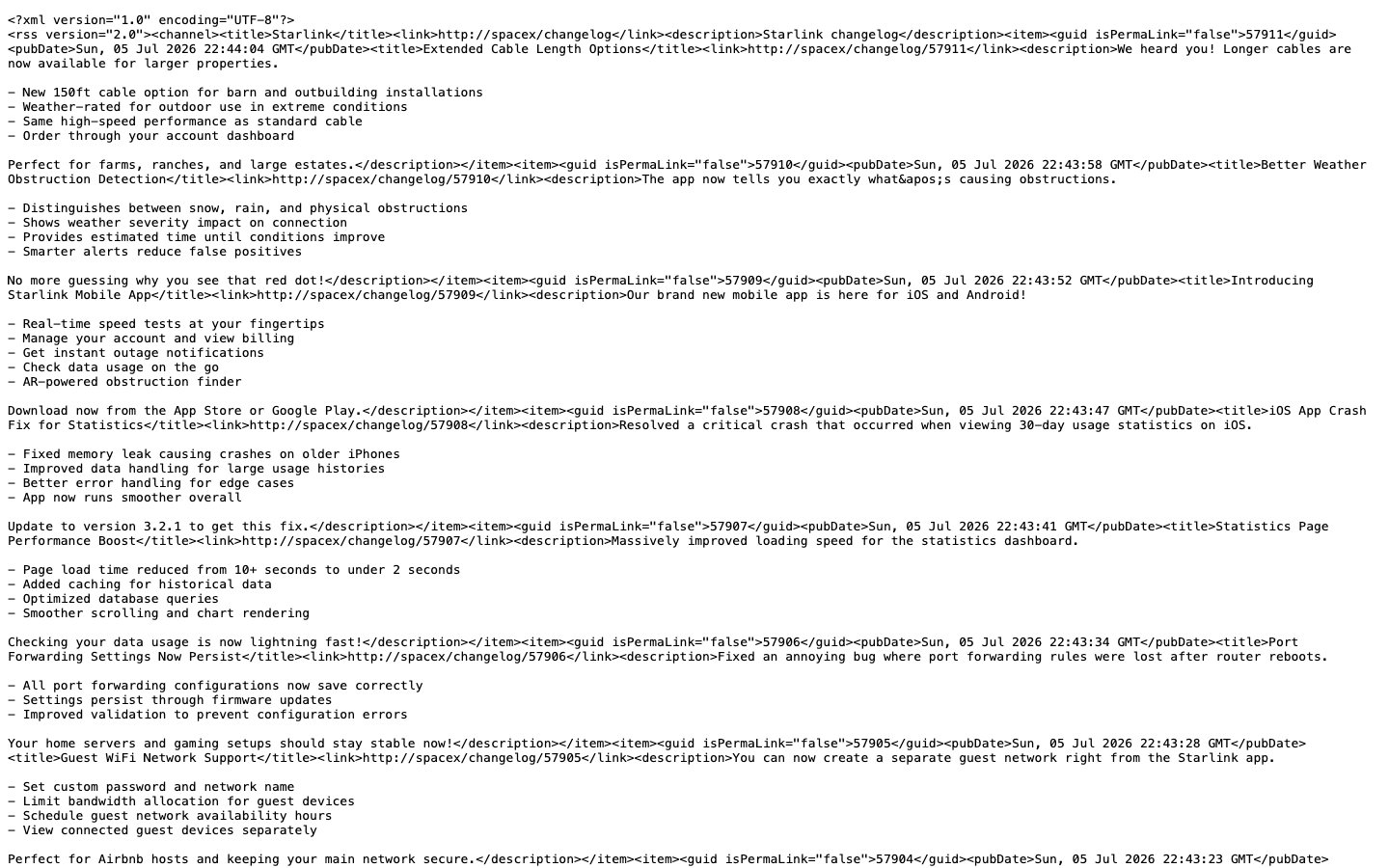
https://yourproduct.sleekplan.app) and add /changelog/rss.xml to the end. Open that URL in a new tab to confirm it loads.3
Subscribe with your reader or tool
Paste the feed URL into any tool that accepts RSS: an RSS reader (Feedly, Inoreader), a Slack RSS app, an automation platform (Zapier, Make), or your own script. It will pull new entries automatically as you publish them.
What the feed includes
The feed lists your most recent published changelog entries, newest first. To keep it clean and public-safe, some entries are left out:- Drafts and scheduled entries stay hidden until they go live.
- Hidden or segment-targeted categories are excluded, so entries meant for a specific audience never appear in the public feed.
Common uses
- Post updates to Slack or Teams automatically with the platform’s built-in RSS app.
- Trigger automations in Zapier or Make whenever a new entry is published, for example to cross-post to social media or a status page.
- Let power users follow along in their own RSS reader without needing an account.
If you would rather notify people by email when you ship an update, use the Subscribe button on your public changelog instead. That collects email subscribers who receive each new entry directly.
Related
Connect a custom domain
Serve your portal, and its RSS feed, from your own domain.
Access & privacy
Control who can reach your portal. Private boards disable the public feed.