
- From a CSV file, for feedback posts, changelog updates, or user accounts. See Import from a CSV file.
- From another tool (Canny, Upvoty, or UserVoice), which pulls your posts, comments, votes, and users straight from that service’s API. See Import from Canny, Upvoty, or UserVoice.
Importing is available to workspace owners and admins. It maps to the “Import and export data” permission. Team members with a lower role won’t see the Import screen.
Where to find the importer
Go to Settings → Integrations & Developers → Import.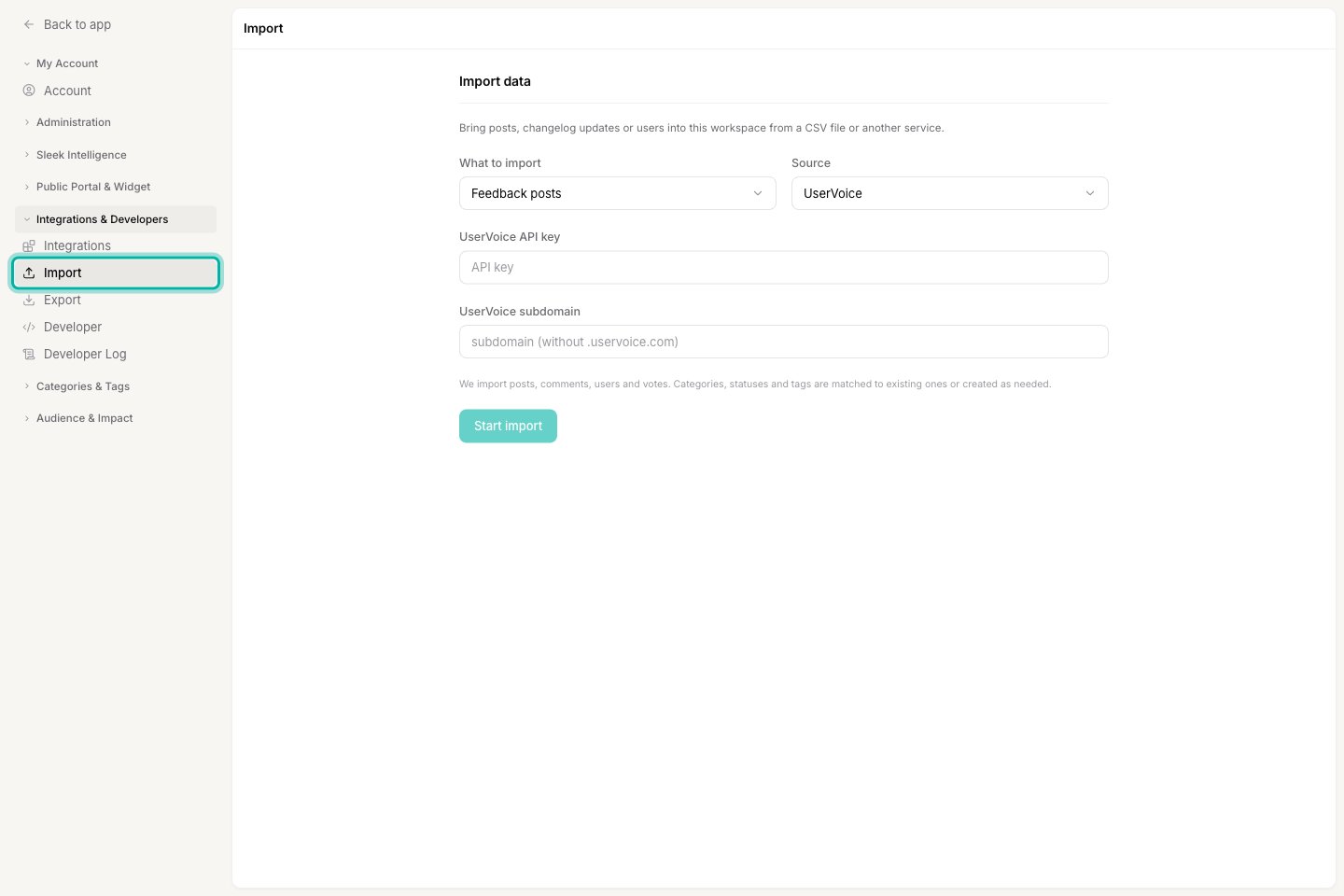
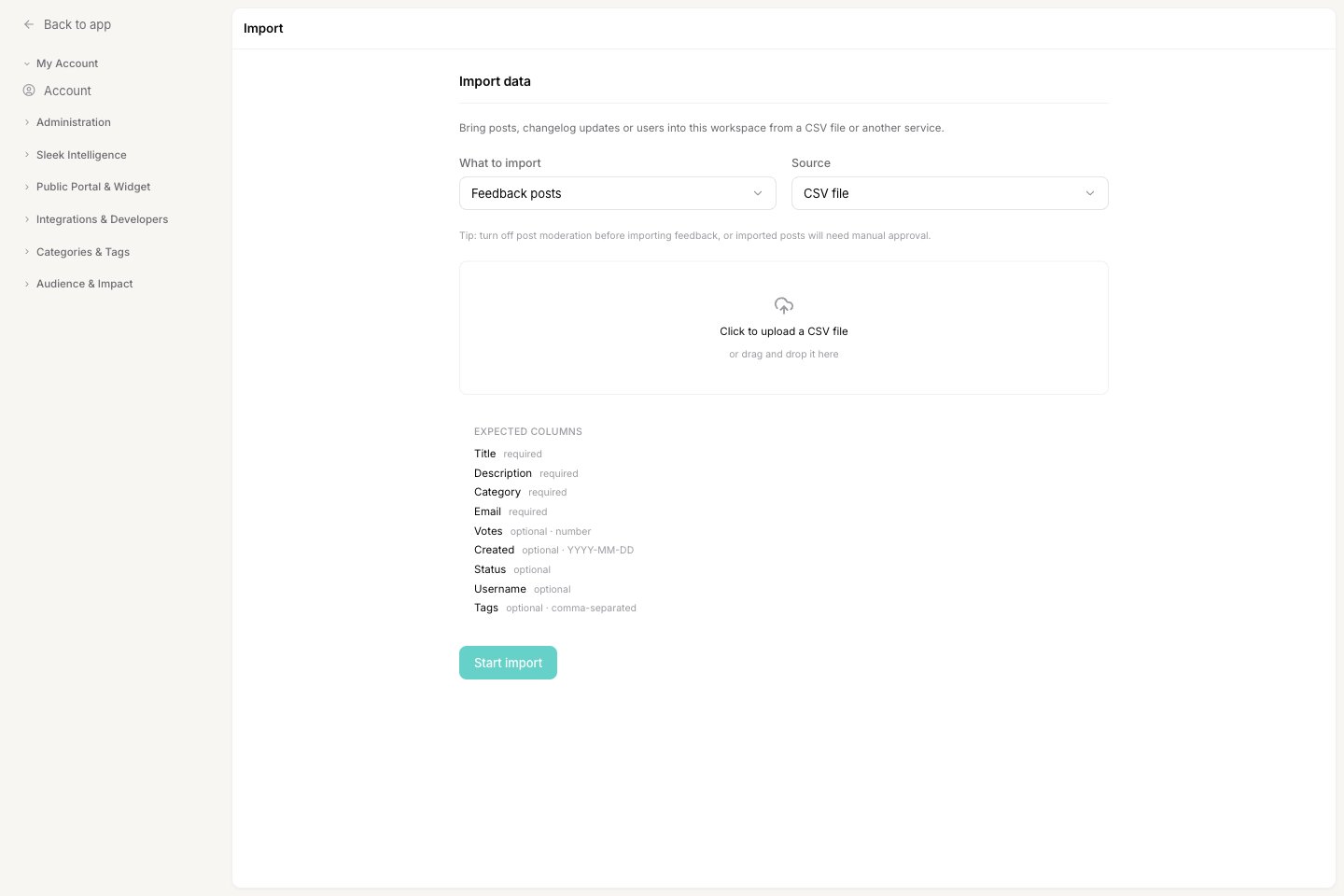
What you can import
Native importers also bring in the comments and votes attached to each post, and create the users behind them. Categories, statuses, and tags are matched to what already exists in your workspace, or created for you when there’s no match.
How an import runs
Imports run in the background, so you can start one and leave the page.1
You start the import
After you choose what to import, pick a source, and provide your file or API key, click Start import. Sleekplan schedules the job and shows the message “Import scheduled. It will run shortly.”
2
Sleekplan processes it in the background
The job runs on its own, typically within a few minutes. Large imports from another tool can take longer because Sleekplan pages through every post, vote, and comment.
3
You get an email when it finishes
When the import completes, the workspace owner receives an email with a log of what was imported, skipped, or failed.
Track or cancel an active import
While an import is scheduled or running, it appears in an Active imports list on the Import screen with its status. You can Cancel an import while it’s still scheduled. Once it has started processing, it runs to completion.Before you import
A few settings are worth checking first so the import goes smoothly. Two more things to know before you run an import:- Categories, statuses, and tags are created as needed. If an imported post references a category or status that doesn’t exist yet, Sleekplan creates it. Names are matched case-insensitively, so
Featureandfeaturemap to the same category. Clean up the names in your file first if you want to avoid stray categories. - Posts and changelog entries aren’t de-duplicated. Running the same import twice creates duplicate posts. Users are the exception: they’re matched by email, so re-importing the same email reuses the existing account instead of creating a second one.
Related
Import from a CSV file
Format your spreadsheet, map the columns, and import posts, changelog updates, or users.
Import from another tool
Move your board over from Canny, Upvoty, or UserVoice with an API key.
Export your data
Download feedback, changelog, users, votes, and survey results as CSV.
How end-user accounts work
Understand the users you’re importing and how they belong to your workspace.