
The tab lists notification emails only: new comments, mentions, status updates, and changelog updates. Sign-in codes are never shown here, because they are sent whatever else is going on with the account.
Check a customer’s emails
1
Open the customer
Go to Customers and select the person who reported the problem.
2
Switch to the Emails tab
The tabs sit below the customer’s stats. Emails is the third one.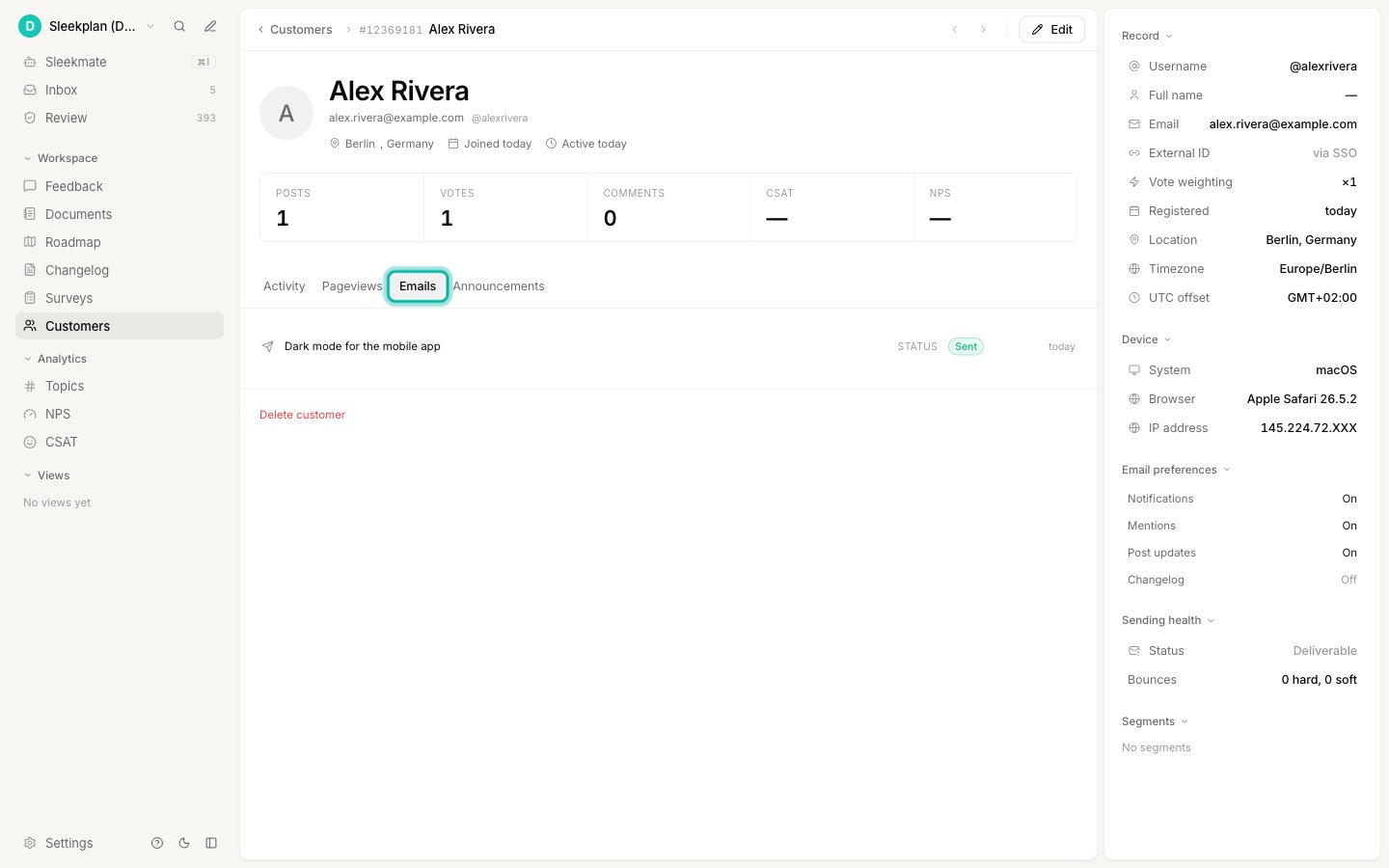
3
Read the status of each email
Every row is one email. The middle column tells you what kind of notification it was (a status update, a comment, a mention, a changelog entry), and the pill on the right tells you what happened to it.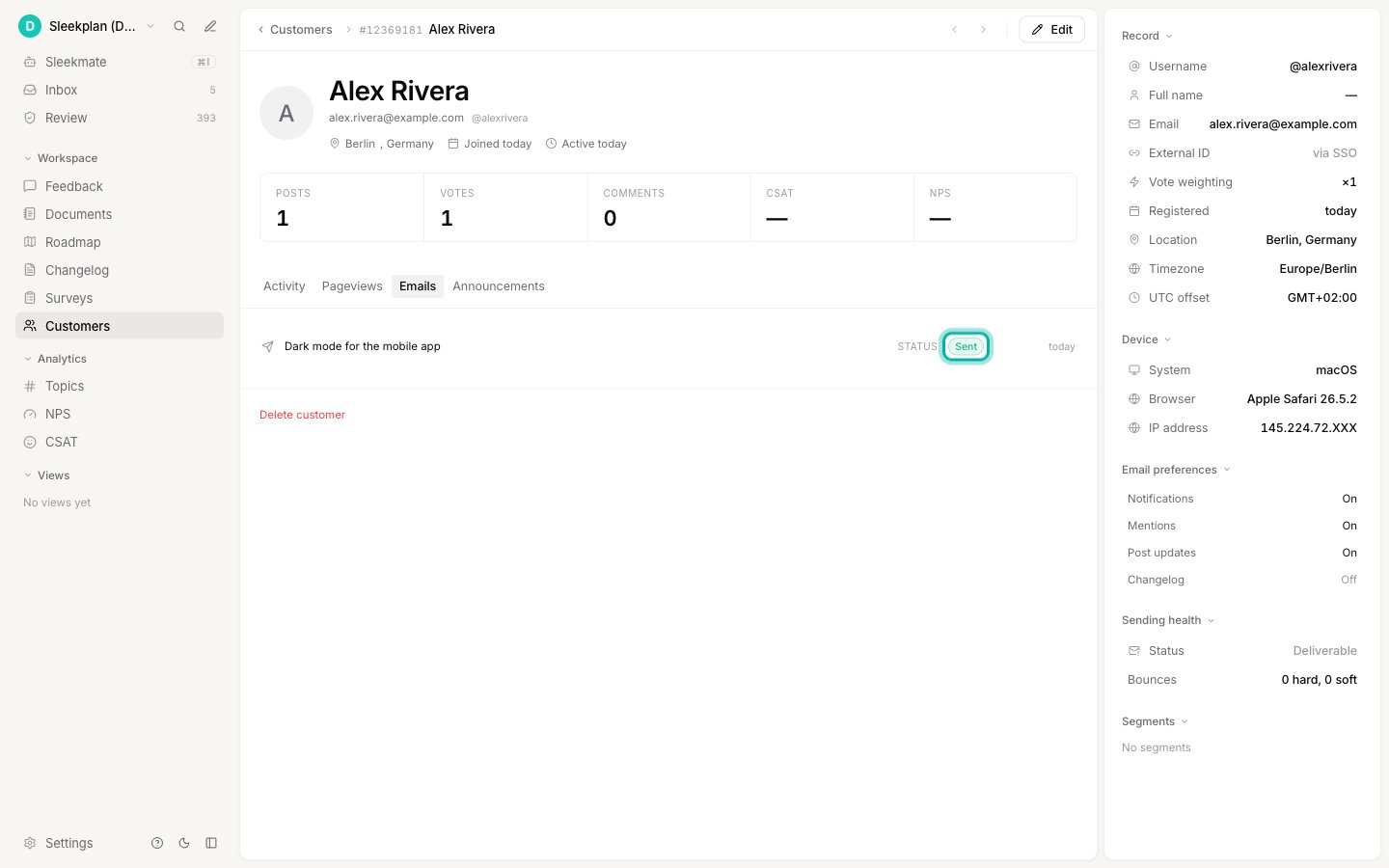
What each status means
Sent means the email left Sleekplan successfully, not that it landed in the inbox. Delivery to the mailbox happens after that and is outside what Sleekplan can see. Bounced and Spam report are the two signals that come back afterwards, and they replace Sent on the row when they arrive.
Why an email was never sent
Not sent means Sleekplan decided against sending, so nothing was ever attempted. There are three reasons, and all three are visible to you:- Email notifications are turned off for your whole workspace. The Disable email notifications switch at Settings → General stops all outgoing email to your users. It is useful during a bulk import, and easy to forget to turn back on.
- Your plan’s monthly email limit is used up. Notification emails pause until the limit resets. Sign-in codes keep working, so your users can still reach their account.
- The address is blocked. A previous hard bounce or spam report stopped sending to that person. Their sending health panel shows the reason and, where it applies, the date sending resumes.
Emails without a status
Rows older than this feature show no pill at all. The email was sent, but Sleekplan was not recording outcomes yet, so there is nothing truthful to display. A missing pill means “unknown”, never “failed”. You may also see a pill stay on Queued for good. That happens in the rare case where the email was queued but Sleekplan could not record which queued message the notification belonged to. The email itself was still sent.Related
Sending health
Check whether Sleekplan can still email a customer at all, and why it stopped.
Emails Sleekplan sends
Every email your end users can receive, and who gets each one.