
Booking add-ons requires the Owner or Admin role and an active paid subscription. Most add-ons require the Business plan; Sleek Intelligence credits can also be topped up on Starter. Add-ons are not available on the free plan or during a trial without a paid subscription. On Enterprise, your account manager handles add-ons.
Available add-ons
Each add-on is booked in fixed increments (for example, one seat at a time, emails in blocks of 5,000, credits in blocks of 10,000). The exact increments and live prices for your plan and currency are shown in the Manage add-ons dialog.
How to book an add-on
1
Open the Manage add-ons dialog
Go to Settings → Administration → Billing and, in the Plan section, click Add-ons.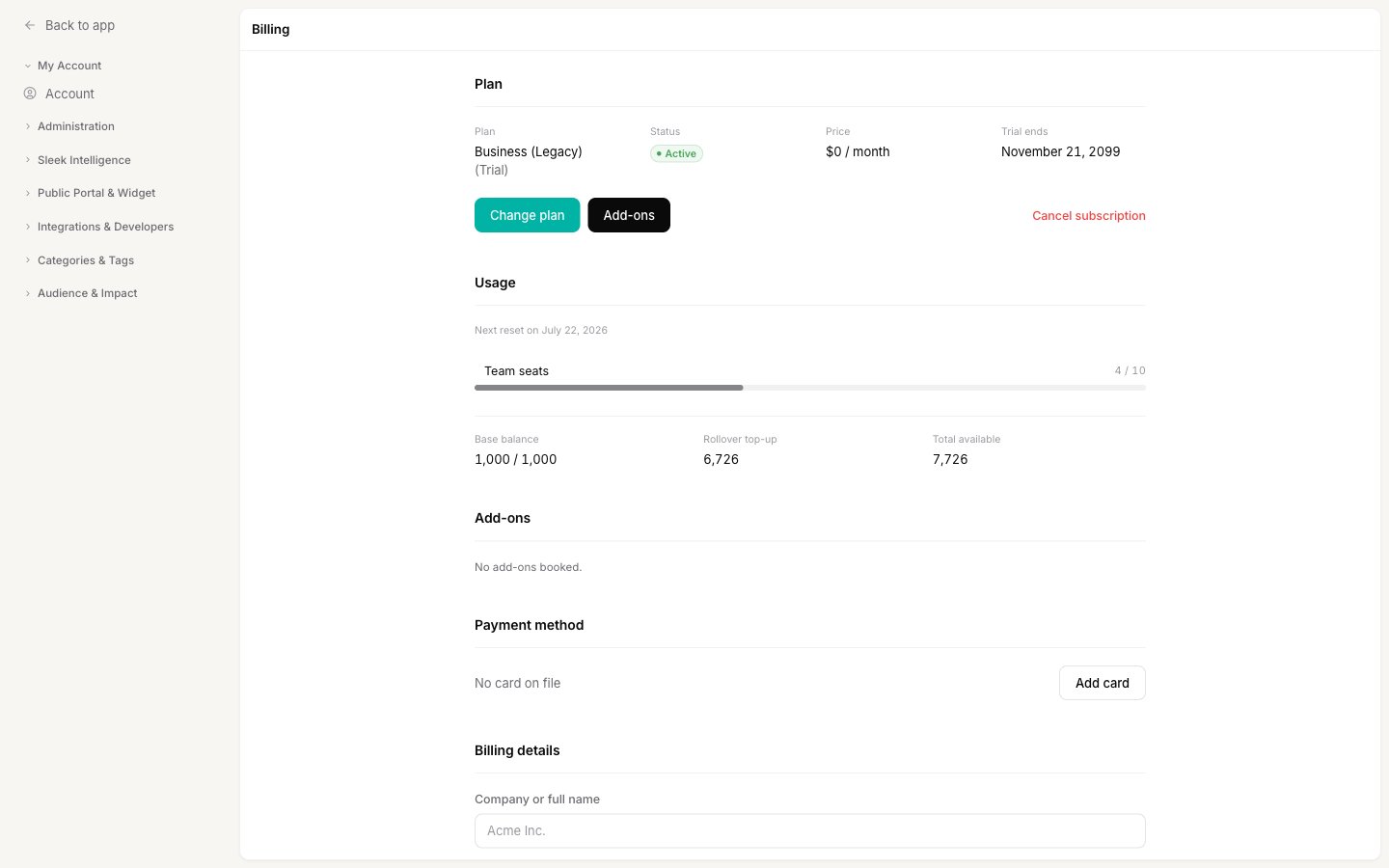
2
Choose how much of each add-on you want
For each add-on, pick a quantity from its dropdown. Only add-ons available on your current plan are shown. Set an add-on back to
0 to remove it.3
Review the live cost preview
As you change quantities, Sleekplan shows a live preview of the invoice, including the line items and the total. Prices are shown before tax.
4
Book the add-ons
Click Book add-ons. If your bank requires extra verification (3-D Secure), you will be prompted to confirm the payment. Your raised limits take effect right away.
Billing and timing
- Adding or increasing an add-on is charged immediately. For the email, popup, and announcement add-ons, the mid-cycle charge is prorated to the time left in your billing period.
- Reducing or removing an add-on is scheduled for the end of your current billing period, so you keep the extra capacity you have already paid for until then.
- Add-on charges appear as separate line items on your invoices.
Related
Billing and your subscription
Upgrade, downgrade, cancel, and manage payment details.
Sleek Intelligence credits
How credits work, monthly quotas, and top-ups.
Invite your team
Add teammates once you have booked extra seats.
Single sign-on (SSO) setup
Configure SAML SSO after enabling the add-on.