# The quiet power of better product updates
Rapid shipping without clear communication erodes trust. Using AI to write changelog updates fixes that gap. Start with a solid changelog skill, then build a workflow that respects users, editors, and release cadence.
# Ground rules: standards before automation
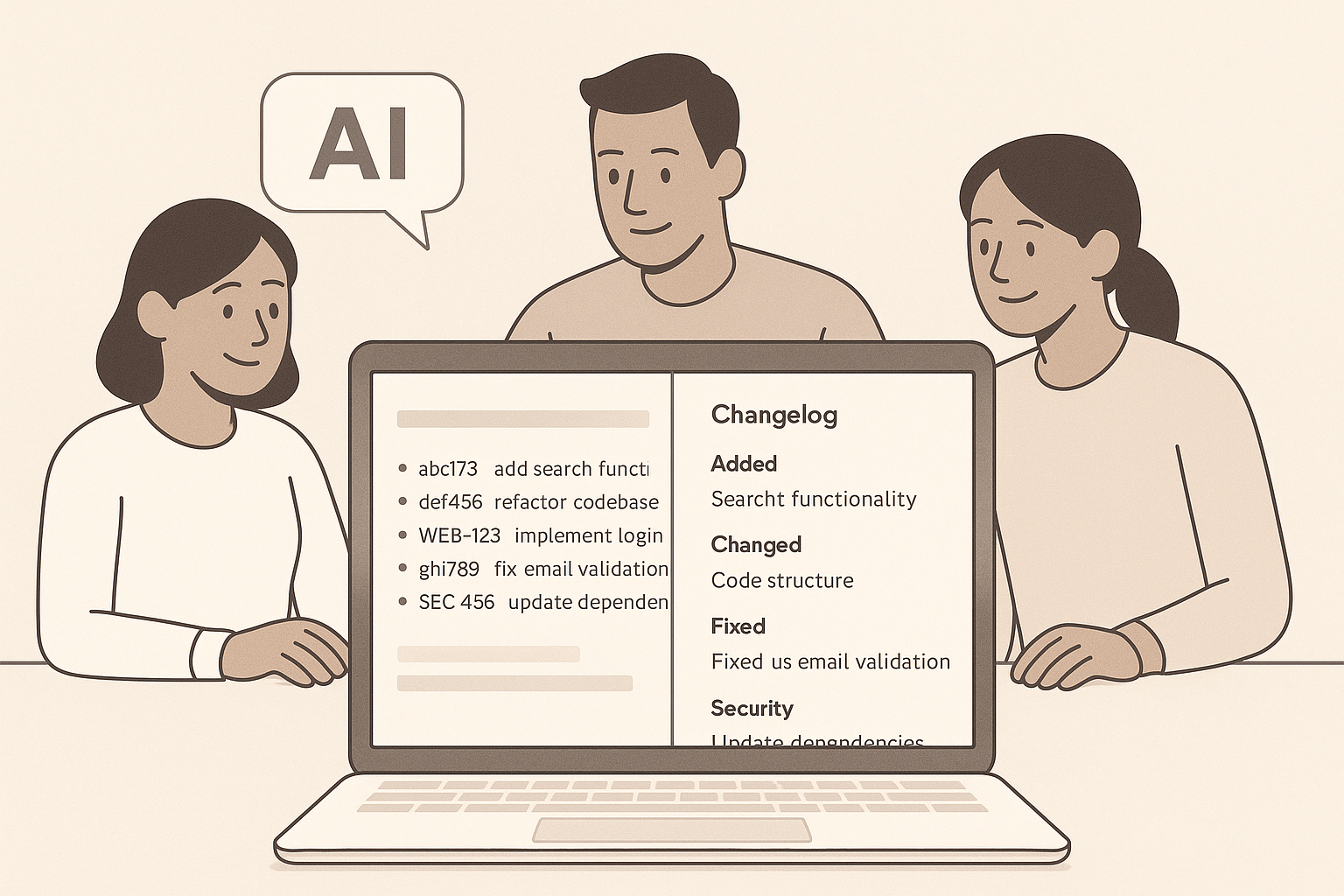
AI works best on top of structure. The widely used Keep a Changelog standard (opens new window) defines simple sections: Added, Changed, Deprecated, Removed, Fixed, Security. Humans first, machines second. Treat this as your baseline template.
- Group by type, not by team
- Show release date and version
- Call out breaking changes clearly
- Link to issues or PRs where it helps context
Principle: constrain the format so AI can focus on clarity and tone.
# Why manual changelogs break
Most teams still stitch updates from commits, tickets, and slack threads. It is slow, inconsistent, and often too technical. The result, users skim or skip. Editors drown in details, then publish late.
AI reverses the effort curve: it drafts in seconds, humans refine. You keep judgment and voice, the model handles extraction and grouping.
# What “good” looks like in 2026
Good changelog updates are concise, scannable, and tied to user value. They show progress without noise. Leading teams use AI to scale transparency and build credibility, a pattern echoed in Evil Martians on developer trust (opens new window).
Tell a short story: what changed, why it matters, who benefits. Ship consistently. Respect attention.
# A unified path with Sleekplan
We designed Sleekplan to connect feedback, roadmap, and changelog in one place, so context is never lost.
- Draft AI updates from shipped items, then edit in your voice
- Publish to web, email, and in‑app announcements
- Target segments, schedule send, and batch multiple posts into one email to avoid fatigue
Explore the workflow in our Changelog tool (opens new window), or go deeper into Changelog features (opens new window) and the broader Features overview (opens new window).
# From git history to readable updates
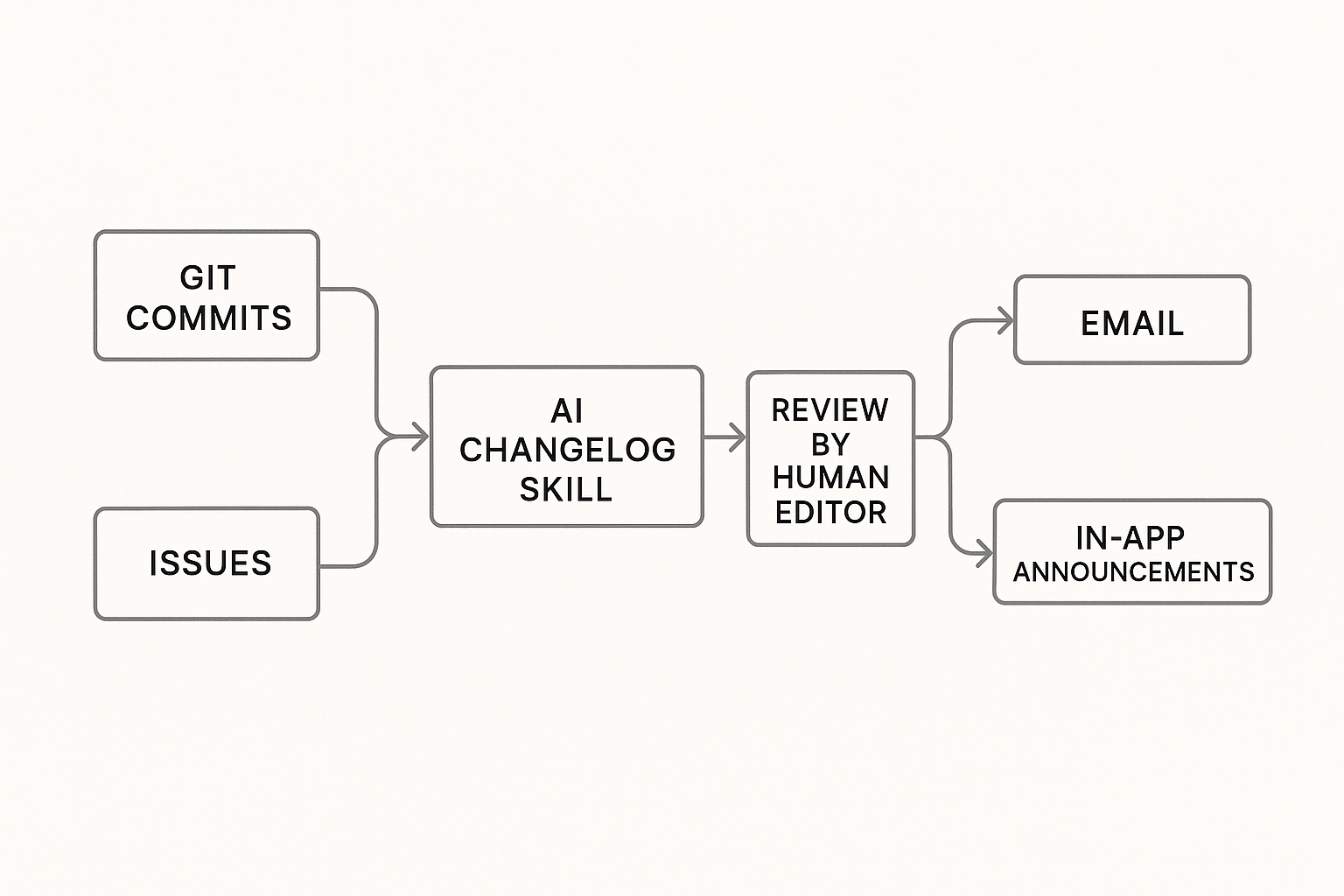
There are two reliable inputs for AI: clean commit messages and actual code diffs.
- Conventional Commits make parsing predictable
- Diff analysis helps catch reality when messages are vague
If you are deep in GitHub, the long‑standing GitHub Changelog Generator (opens new window) can auto-group issues and PRs. Pair it with an AI prompt to rewrite technical notes into user‑facing language.
Tip: teach your model the Keep a Changelog sections and your brand voice, then feed it structured inputs. You will get sharper drafts and fewer edits.
# Multi‑channel communication, not just a file
A changelog no one sees does not help. Mix channels.
- In‑product announcement for instant context
- Email for subscribers, queued into one daily digest when you ship a lot
- Public page for search and shareability
Use restraint. Intercom’s work on announcements shows that relevance beats volume. See their guidance in Intercom’s research on scaling product announcements (opens new window).
# Editorial guardrails that matter
AI is fast, your standards keep it honest.
- Audience lens: developer notes differ from customer notes
- Benefits first, then the how
- One sentence summary up top
- Max 5 bullets per section, short verbs
- Visuals when the feature is learnable at a glance
Quality shows in small choices, like consistent tense and crisp labels.
# A practical setup, step by step
- Define your template: sections, order, required fields.
- Adopt Conventional Commits, or map your current tags to sections.
- Connect your repository and feedback source.
- Configure filters: ignore refactors, dependency bumps, and bot commits.
- Generate a draft, edit for clarity and tone, ship within 24 hours of release.
- Schedule notifications, batch daily if shipping many small fixes.
- Track engagement and feature adoption, then adjust.
# FAQ: fast answers for busy teams
What is an AI changelog skill? A focused capability that turns commits, diffs, and tickets into structured changelog updates using a fixed template and brand voice.
How do I use AI to write changelog updates from Git commits? Enforce a commit convention, point the model at tags or a compare range, generate sections, then edit. Tools like the GitHub Changelog Generator (opens new window) help with sourcing.
What should not go into changelog updates? Internal maintenance, test-only changes, or noisy dependency bumps. If users cannot act on it or learn from it, leave it out or roll it into a periodic technical recap.
How often should we publish? Aim for consistency. Weekly works for most products. During heavy release periods, batch small changes into a daily digest. Intercom’s guidance supports relevance over volume.
# Metrics that prove it works
Track more than opens.
- Subscriber growth on your changelog page
- Read rate by channel, and time on page
- Feature adoption within 7 to 14 days post‑announcement
- Support ticket deltas after bugfix notices
- NPS or satisfaction shifts tied to major releases
When an update includes a short video or GIF, we often see higher activation. Test it.
# Example editorial rubric
- Lead with outcome: “You can export CSVs up to 200k rows”
- Then context: where to find it, who gets it
- One line of the how: settings, roles, or limits
- Link to docs if setup is nontrivial
If a change is complex or risky, add a “Breaking” callout and a short migration note.
# Rollout plan you can run this month
- Week 1: finalize template, commit rules, and voice guide. Turn on AI drafting in Sleekplan. Dry run on last two releases.
- Week 2: connect email and in‑app channels, ship two edited AI updates, start batching daily.
- Week 3: add visuals to feature launches, tag segments, measure read rate and adoption.
- Week 4: refine filters, tune prompts, publish a style guide for editors.
# Where to start
- Standardize on the Keep a Changelog standard (opens new window)
- Pick your generator and reviewer loop
- Centralize publishing with Sleekplan’s Changelog features (opens new window)
- Use research like Evil Martians’ guide to trust (opens new window) and Intercom’s announcement playbook (opens new window) to shape cadence and tone
Clear updates signal craft and care. AI handles the heavy lifting, we own the judgment.