# The market moved. Did your feedback stack follow?
Usersnap alternatives are no longer just cheaper copies. In 2026, teams expect a feedback platform that collects everywhere, analyzes with AI, and connects decisions to outcomes. The winners turn messy input into clear, prioritized work.
# Why Usersnap alternatives surged in 2026
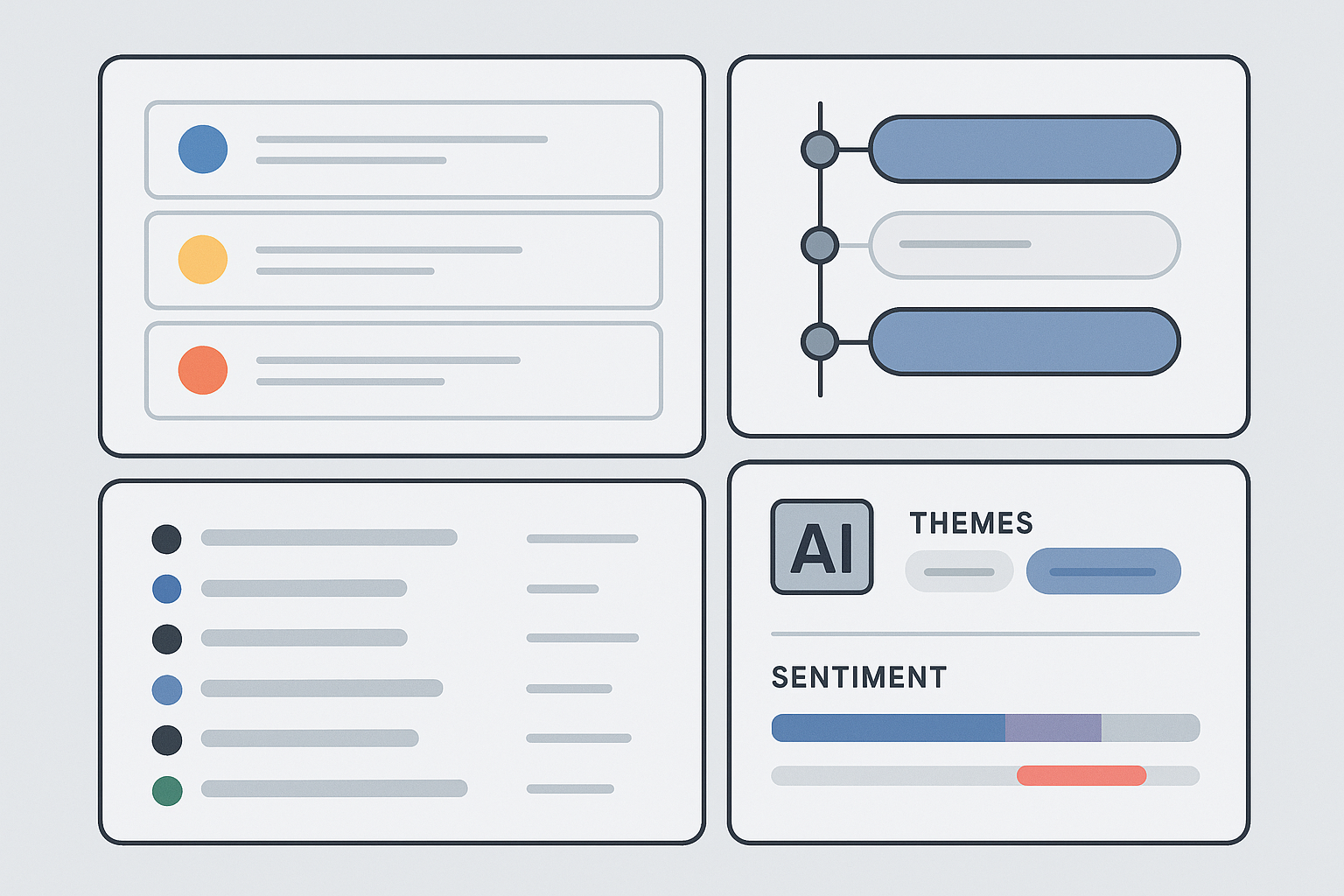
The job changed. Feedback now arrives from support tickets, social threads, in‑app surveys, and customer calls. Manually tagging and tallying is slow and error prone. Tools that add AI analysis, automated triage, and cross‑tool integrations cut the noise and surface what matters. Fewer blind spots, tighter roadmaps, faster loops.
- Capture across channels, not just widgets
- Auto‑cluster themes, detect sentiment, flag urgency
- Correlate feedback with revenue, churn risk, and usage
- Close the loop with roadmaps, changelogs, and surveys
See market overviews and tool roundups on Qualaroo and Tooljet for broader context:
- https://qualaroo.com/blog/usersnap-alternatives/ (opens new window)
- https://blog.tooljet.com/top-customer-feedback-tools/ (opens new window)
# What “modern feedback platform” really means
Clarity beats volume. A good Usersnap replacement should:
- Unify boards, roadmap, changelog, NPS and CSAT
- Pull in support, community, email, and social signals
- Use AI to cluster themes and score impact
- Tie decisions to delivery and measure results after ship
# Sleekplan, the top Usersnap alternative for 2026
We built Sleekplan to cover the full loop, then added Sleek Intelligence to turn raw feedback into direction. The goal is simple: less janitorial work, more judgment.
# Core modules that work together
- Feedback Board, one place for ideas, bugs, and internal notes, with voting and discussions
- Roadmap, list and Kanban views, drag and drop, linked to feedback
- Changelog, auto‑sync to shipped requests so promises match releases
- Surveys, NPS and CSAT as popups or embeds, plus custom surveys
Principle: every step connects. Capture feeds prioritization. Roadmap updates inform users. Surveys measure impact. No orphaned feedback.
# Sleek Intelligence, your AI copilot for analysis and action
- Auto‑ingest feedback from support, community, social, and email
- Cluster themes across phrasing variants, score sentiment and urgency
- Rank opportunities by business impact using account value and usage signals
- Draft PRDs from discovery notes, maintain status summaries, flag delivery risks
- Keep boards clean by merging duplicates and routing to owners
Deep dive on capabilities: Sleek Intelligence features (opens new window).
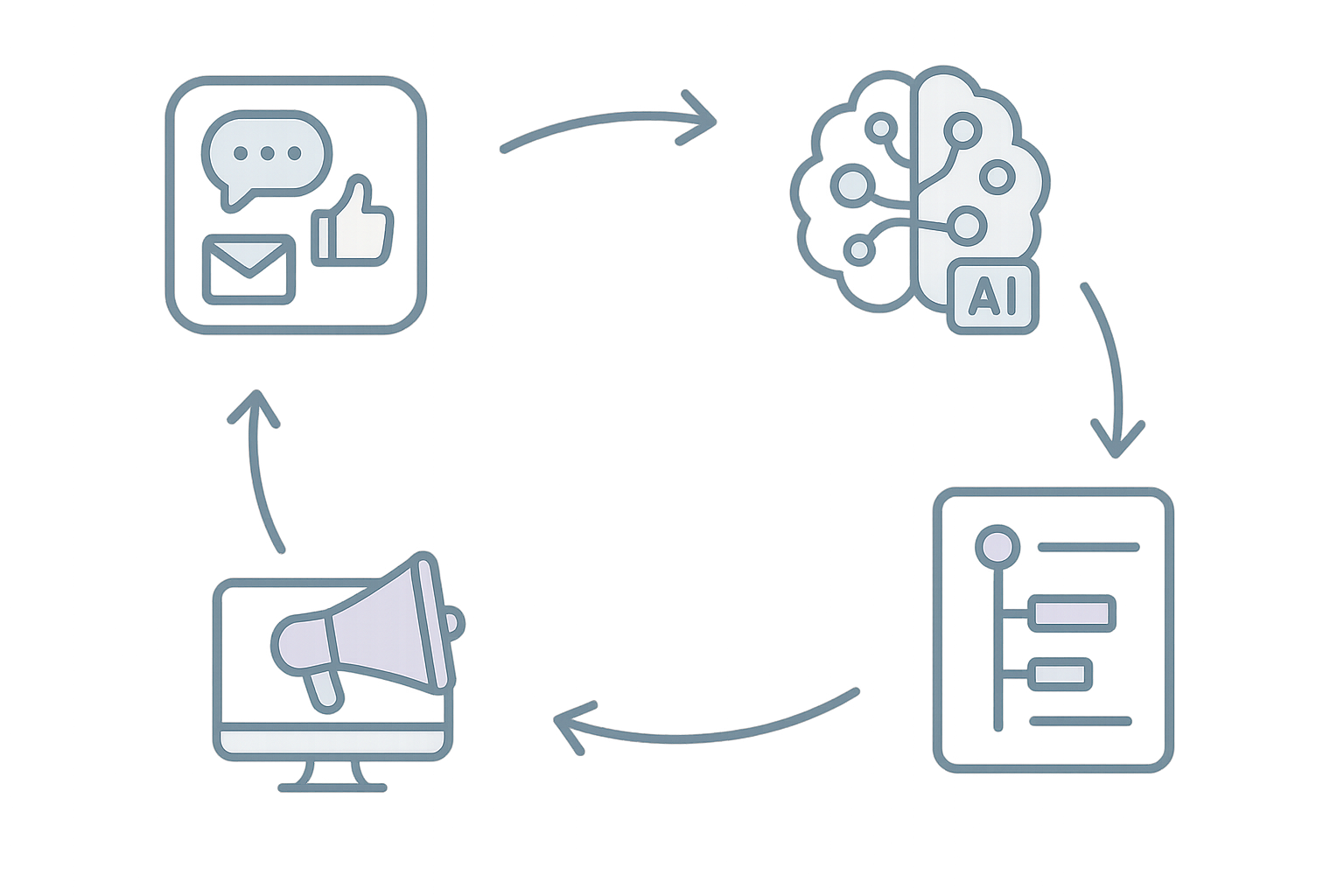
Takeaway: AI should compress discovery time, not replace judgment. Humans decide, the system prepares better options.
# Pricing that meets teams where they are
- Indie, free forever, unlimited end users and feedback, 1 seat
- Starter, $13 per month billed annually, 3 seats
- Business, $38 per month billed annually, 10 seats plus 5k AI credits
- Enterprise, custom, unlimited seats and AI credits, SOC 2 Type II, multi‑workspace
Clarity matters. No hidden gates, a 30‑day Business trial to test AI at full power.
# 9 more strong Usersnap alternatives, by use case
Not every team needs the same shape of tool. Pick by primary job to be done.
# Canny, polished interface with AI organization
Public boards, voting, clean UI, and an Autopilot feature for automatic categorization. Higher entry pricing, strong integrations. Good fit if design quality is non‑negotiable.
# Frill, lightweight and budget friendly
Simple boards, roadmaps, and surveys at low cost. Fewer native integrations, minimal learning curve. Ideal for early teams that value simplicity over breadth.
# FeatureOS, modern UI with AI prioritization
Includes feedback boards, roadmaps, release notes, and a Kal assistant for recommendations. Strong multi‑language support. Balanced option if you want modern design plus coverage.
# Rapidr, balanced features with cleaner design
Boards, roadmaps, and links to dev tools. Focus on actionable insights and straightforward workflows. Per‑seat pricing can work well for variable team sizes.
# Upvoty, lowest paid entry point
All core features at a very low monthly price. No advanced AI. Solid when cost is the top constraint and needs are basic.
# UserJot, clarity and speed for startups
Feedback, roadmap, and changelog in a crisp UI. Generous free plan. Good when you want contemporary design and minimal setup.
# Nolt, dead‑simple boards and voting
Flat pricing, near zero configuration. No AI or deeper analytics. Perfect if you want the smallest possible surface area.
# Marker.io (opens new window), visual website feedback
Specialized for annotated screenshots and client reviews, with deep Jira, Asana, Trello, and GitHub integrations. If your focus is website QA and design sign‑off, start here: https://marker.io (opens new window)
# Jam, context‑rich bug reporting for engineers
One click to capture replay, console, network, device details, and repro steps. Integrates with Jira and Linear. For engineering‑heavy teams, this saves hours: https://jam.dev (opens new window)
# Pricing signals to watch
- Free tiers now include real functionality, not just trials
- AI features are moving into mid tiers, credits keep costs predictable
- Per‑seat vs per‑workspace pricing changes the math for larger orgs
Reference roundups for price points and ranges: https://qualaroo.com/blog/usersnap-alternatives/ (opens new window)
# The AI advantage, beyond categorization
The point is not tags. It is clarity with context.
- Merge duplicate language into single themes
- Weigh requests by account value and churn risk
- Spot adoption blockers after ship by correlating usage with feedback
- Automate the boring parts: PRD drafts, status summaries, triage
Governance matters. Treat AI as an auditable system. Set owners for data quality, review models on recent cohorts, check for bias, document known limits. Better inputs, better calls.
# Implementation playbook when migrating from Usersnap
- Export existing data and map fields before import
- Set a cutover date, run tools in parallel for 1–2 weeks
- Bring support and success into the workflow early
- Re‑announce your roadmap and changelog to re‑engage subscribers
- Measure first 30 days with NPS and CSAT to validate the move
# Quick answers
- What is the best Usersnap alternative? For most product teams, Sleekplan pairs end‑to‑end coverage with AI analysis that ties feedback to business impact.
- Which tool is best for visual website feedback? Marker.io (opens new window), purpose built for annotated screenshots and web QA.
- Which option is strongest for engineering bug reports? Jam, it captures replay and technical context automatically.
- How do I choose among Usersnap alternatives? Start from your primary job: omnichannel feedback with AI, visual web reviews, or engineering bug capture. Then check pricing, integrations, and rollout time.
If you value clarity, connected workflows, and AI that respects human judgment, you will feel the difference the first week you run a full loop: capture, analyze, decide, ship, measure.