Notes from a team building feedback on autopilot.
Step-by-step guides for getting the most out of Sleekplan: widget setup, embeds, integrations, and customizations.
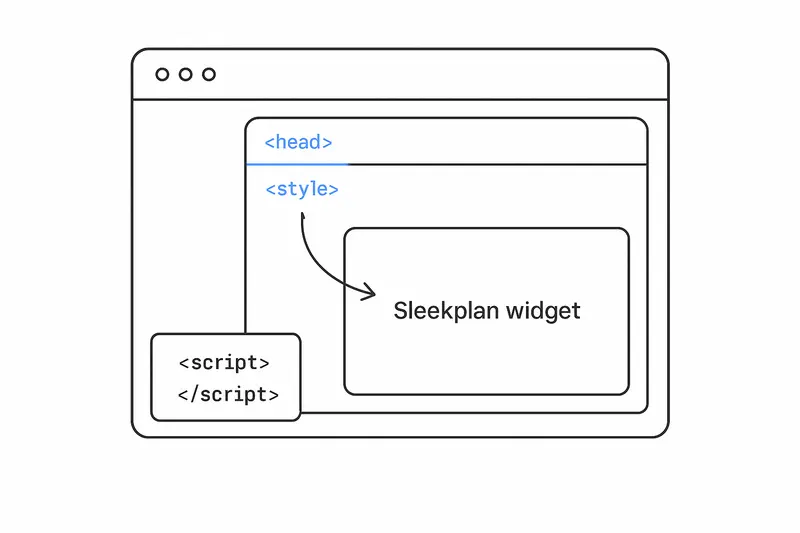
How to add CSS to the Sleekplan widget: safely access iframe CSS and style it cleanly
A focused guide on how to access iframe CSS and add custom styles to the Sleekplan widget. Learn safe injection on open, robust patterns, examples, and FAQs.
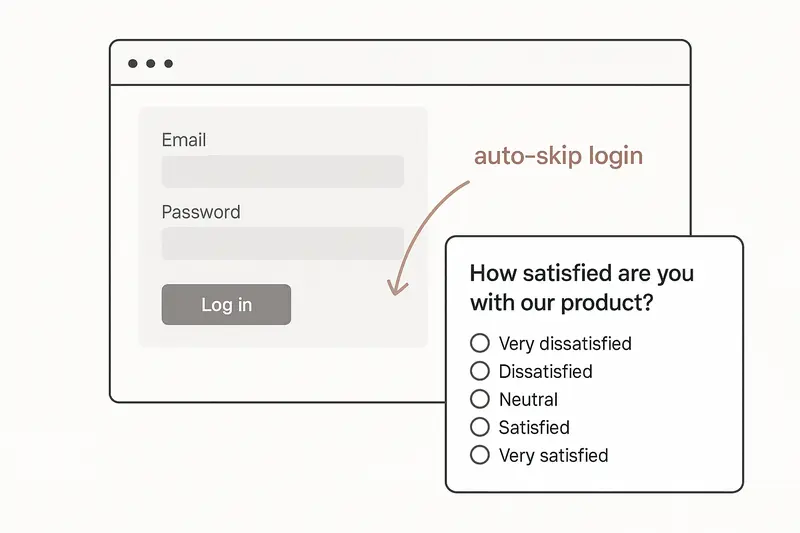
Streamlining SSO Authentication with Sleekplan Widget: A Browser-Based Approach
This blog post explores a method for implementing Single Sign-On (SSO) with the Sleekplan widget without generating the SSO key on the server. Instead, we create an SSO key directly on the client side using a JavaScript-based approach. While this technique offers speed and simplicity, it's important to note that it may not be the most secure SSO implementation.
How to Make the Native Sleekplan Feedback Button Movable
If you want to enhance the user experience, you can make the feedback button movable, allowing users to position it according to their preference. In this blog post, we will walk you through the process of making the Sleekplan feedback button draggable using a simple HTML snippet and JavaScript code.
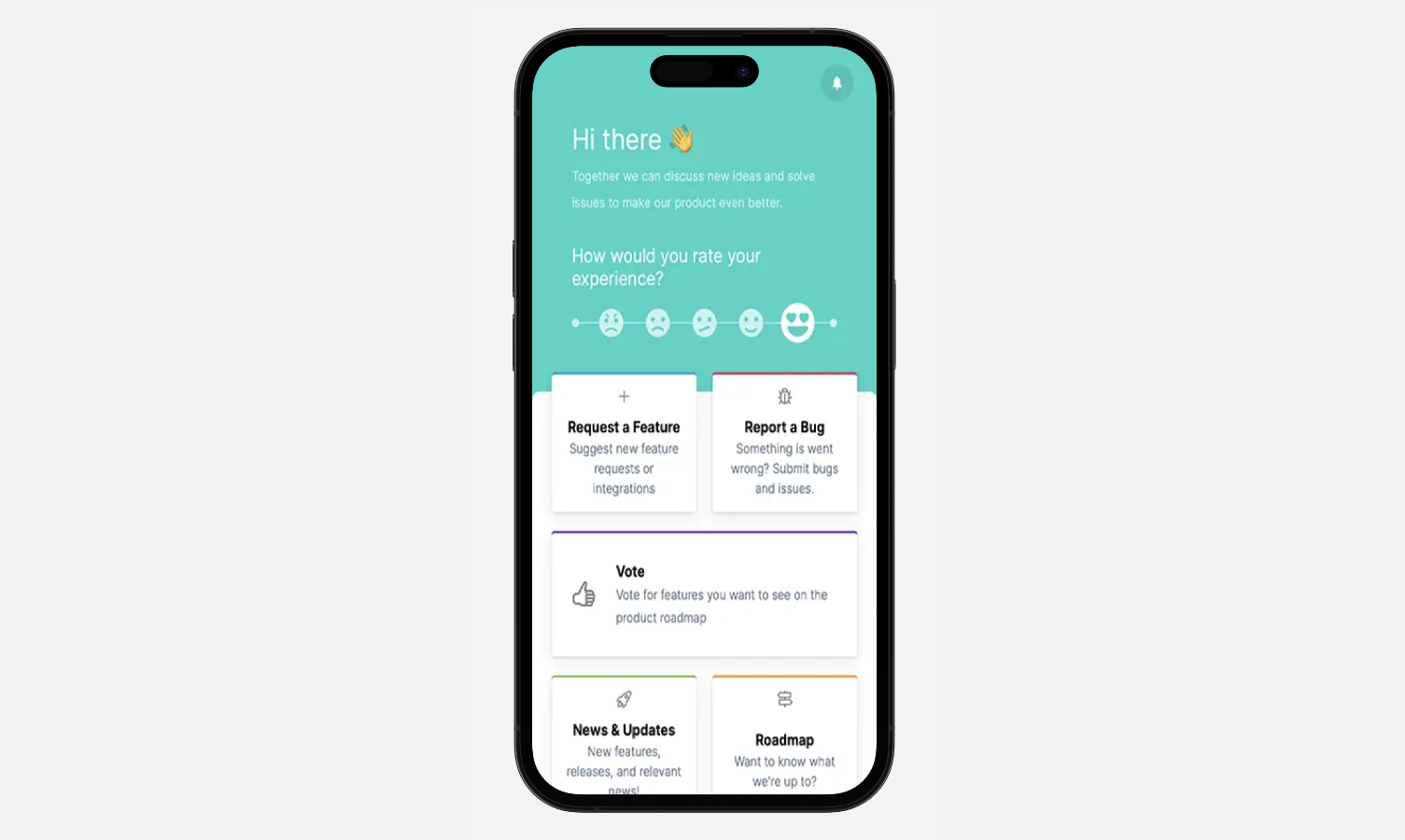
How to Use the Sleekplan In-App Widget with Action Screen on Mobile Apps
While the action screen feature is currently limited to the widget version, we provide a step-by-step guide to seamlessly integrate it into mobile apps. By creating a blank HTML page and embedding the widget code, developers can now offer users an interactive platform for sharing their thoughts and suggestions.

How to Manage Feedback from Internal and External Audiences
Managing feedback from both internal team members and external clients with finesse. With a focus on using a public feedback board, we present two efficient methods to segregate internal and external posts.

Website Feedback Button: HTML, CSS and Placement
Working HTML and CSS for a website feedback button, plus the placement rules. WCAG 2.2 sets the minimum target at 24 by 24 CSS pixels.