Feedback in. Pull requests out.
Sleekcode gives the work items you start to Claude Code, Codex or OpenCode on your computer. Your agent writes the spec, the plan and the code, opens the pull request and reports every step back. Sleekplan never sees your code.

Two clicks from vote to merge.
Sleekmate turns what your users ask for into work items. You click Start, and your agent writes the spec, the plan and the code and opens the pull request. You merge, and every voter hears it shipped.
- Your users
Ask for it
Export invoices as CSV
47 votes · 3 posts
- Sleekmate
Files a work item
WI-42
The posts, the evidence, a brief
- You
Click Start
Goal: Pull request
One click
- Your agent
Builds it
419 tests pass
- Spec
- Plan
- Build
- You
Merge
#318 merged
Your review, your call
47 voters get the email, and Sleekmate drafts the changelog.
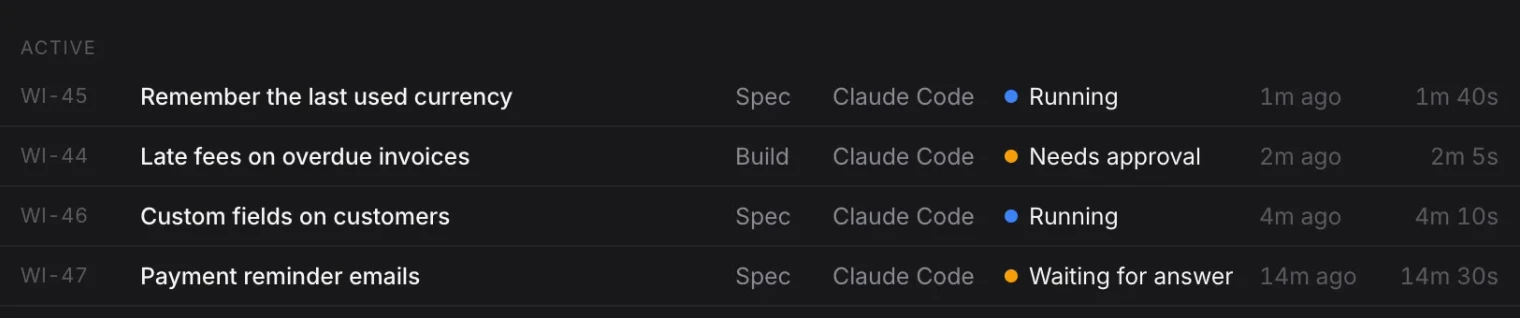
Ten background agents per computer.
Every developer's Sleekcode joins in, and the first free one takes the next work item. One computer runs up to ten at once.
Stop wherever you like.
Let a small fix run straight to a pull request, or stop a big idea at the spec and read it first. Steps before your goal approve themselves.
They hear it shipped.
The merge completes the work item. With one switch, its posts move to Completed and every voter gets the email.
From Ready to pull request.
Click Start on a work item in Sleekplan. Sleekcode takes it from there, in the background on your computer.
It picks the work up
Sleekcode checks for ready work every 30 seconds, so your agent is on it within half a minute. With several waiting, the highest priority goes first.
Spec and plan come first
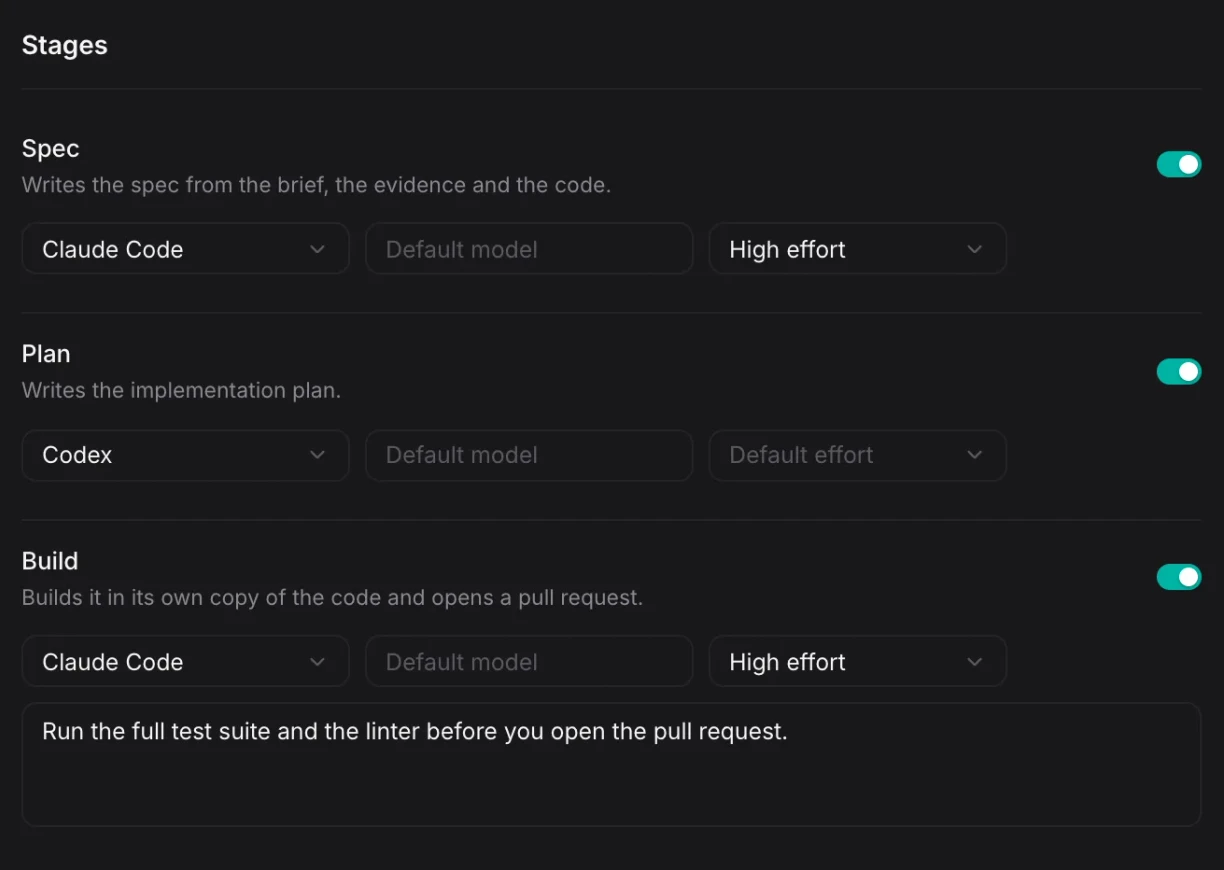
Each stage gets its own agent, model, effort and instructions. Approve the spec and the plan in Sleekplan, or let them run straight on to the build.
It asks when it's stuck
Instead of guessing, the agent asks on the work item. Answer it in Sleekplan, and it carries on where it stopped.

It opens the pull request
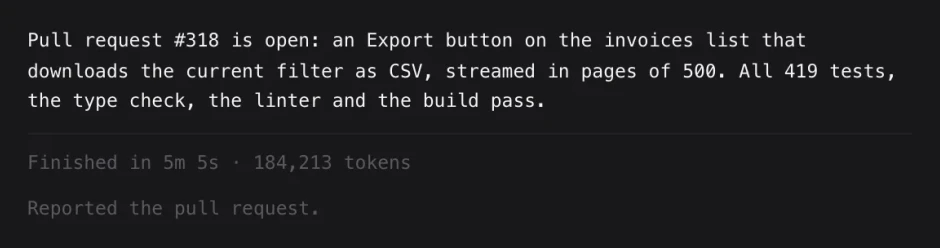
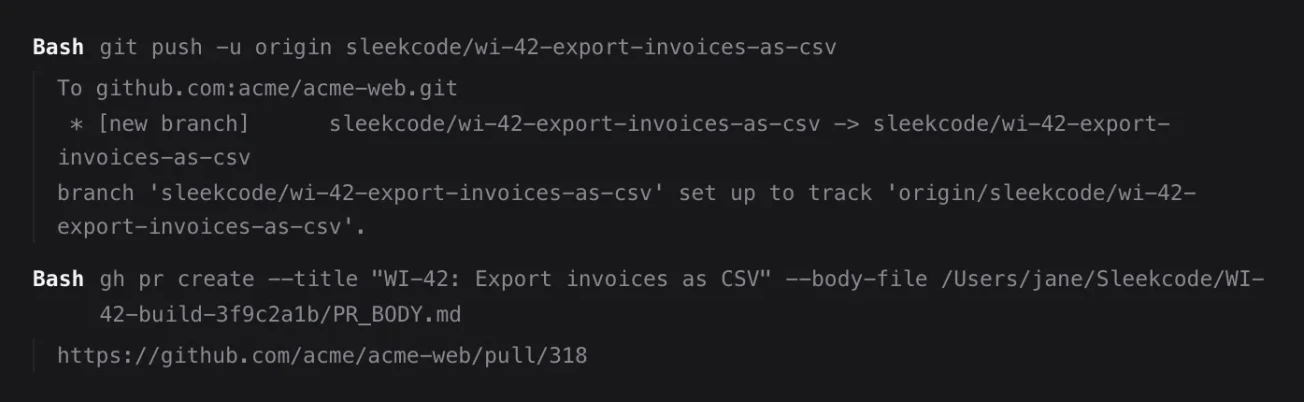
Tests and checks first. Then it pushes a new branch and opens the pull request on GitHub or GitLab. The link lands on the work item.
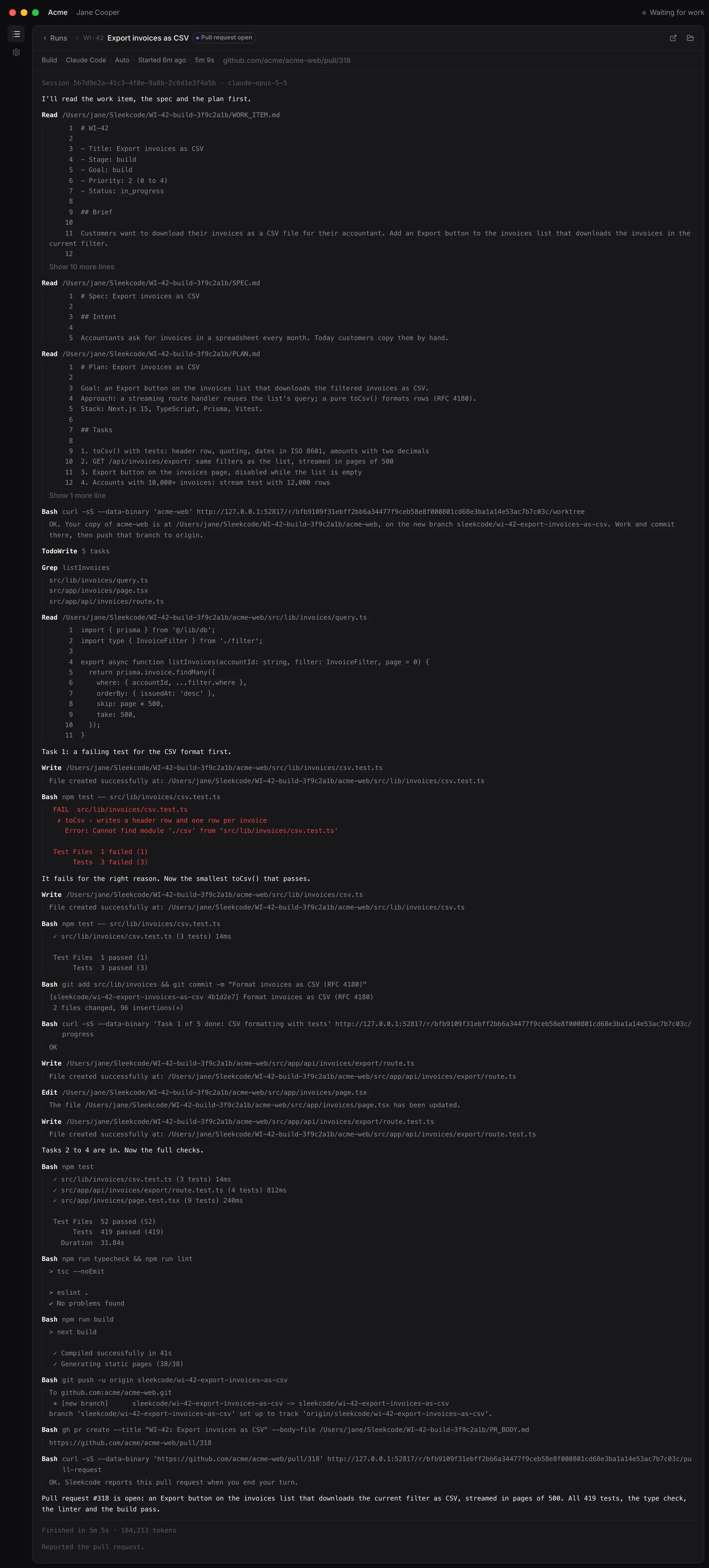
Watch your agent work.
Every file your agent reads and every command it runs, as it happens. At the end, how long it took and how many tokens it used.
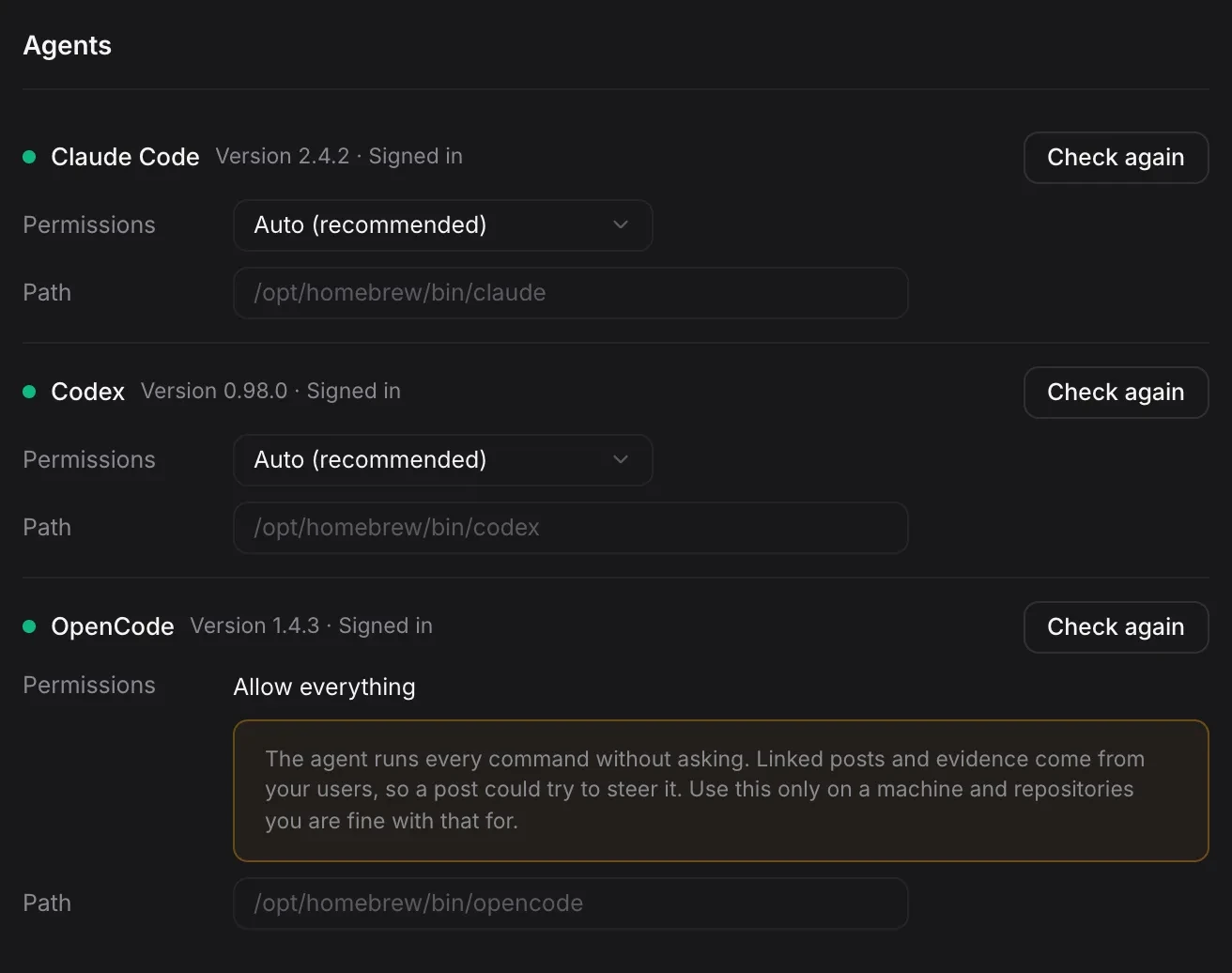
Your agent, on your terms.
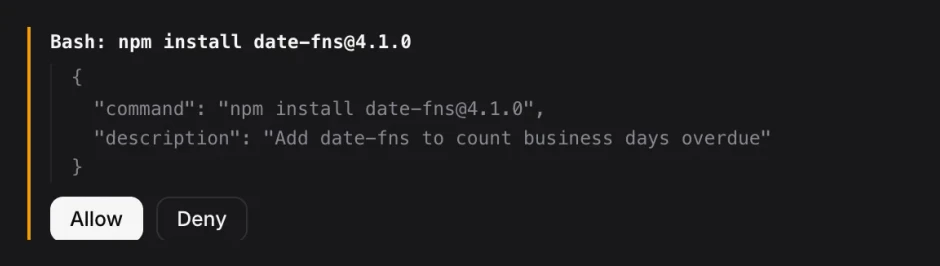
Sleekcode runs Claude Code, Codex or OpenCode in the background, as you installed them and signed in to your own account. You choose per agent what it may do without asking.
Ask for everything
Claude CodeEvery action Claude Code asks about waits in the run for your Allow or Deny.
Auto
RecommendedClaude Code, CodexClaude Code's auto mode approves what it judges safe and asks you about the rest. Codex's own reviewer approves or declines each command, inside its sandbox.
Allow everything
Claude Code, Codex, OpenCodeEvery command runs without asking. Best on a computer you set aside for it.
Stop any run at any time. The work item goes back to Sleekplan, and this computer leaves it alone for 24 hours.
Your code stays on your computer.
Give your agent its first
work item.
Download Sleekcode, sign in through your browser and add your repositories. Then click Start on a work item and watch it go.