
- Ask Sleekmate for a quick answer on how something works.
- Open the support center to report a bug, suggest a feature, or chat with our team.
- Email us at support@sleekplan.com.
Ask Sleekmate
Sleekmate, the AI assistant built into your dashboard, can answer “how do I…” questions about Sleekplan. It searches this Help Center and the Developer Docs for you, so you can ask in plain language, for example “How do I set up a custom domain?” or “How do I hide a post from the public board?”1
Open Sleekmate
Click Sleekmate at the top of the left sidebar to open it as a full page. Or press ⌘I (Ctrl+I on Windows) from any page to open it in a panel on the right, without leaving what you are doing.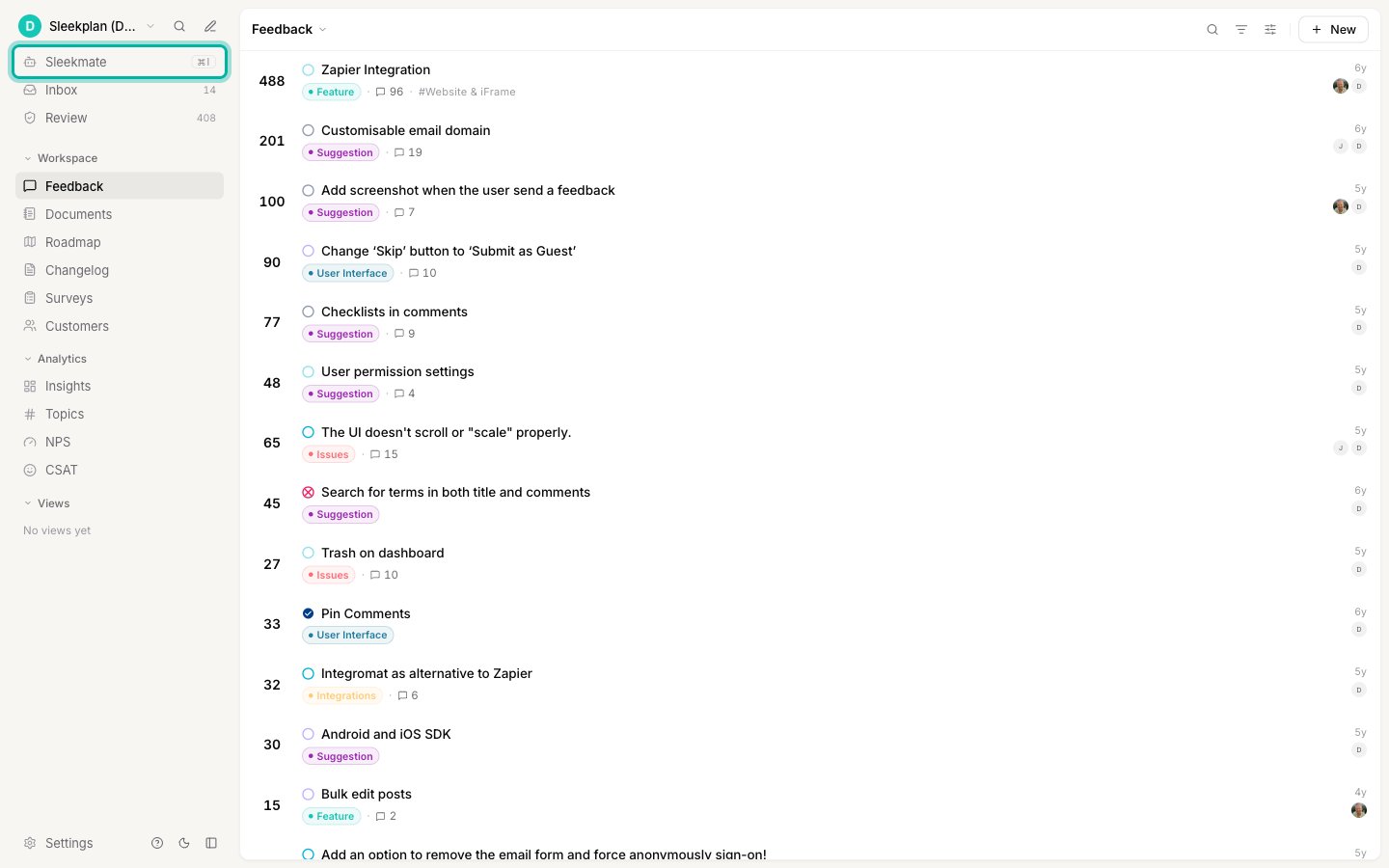
2
Ask your question
Type your question into the composer and send it. Sleekmate knows which page you are on, so you can also ask about the screen in front of you.
Sleekmate is part of Sleek Intelligence. It needs Sleek Intelligence switched on and a plan that includes AI (Starter and above), and each message uses Intelligence credits. If Sleekmate isn’t available in your workspace, use the support center or email instead.
Open the support center
The Help & support button (the ? icon) opens the Sleekplan support and feedback center in a panel on the right, without leaving the page you are on. From there you can report a bug, suggest an improvement, or start a chat with our support team.1
Click the ? icon
You’ll find it at the bottom of the left sidebar, next to Settings. If your sidebar is collapsed, it sits in the stack of icons at the bottom.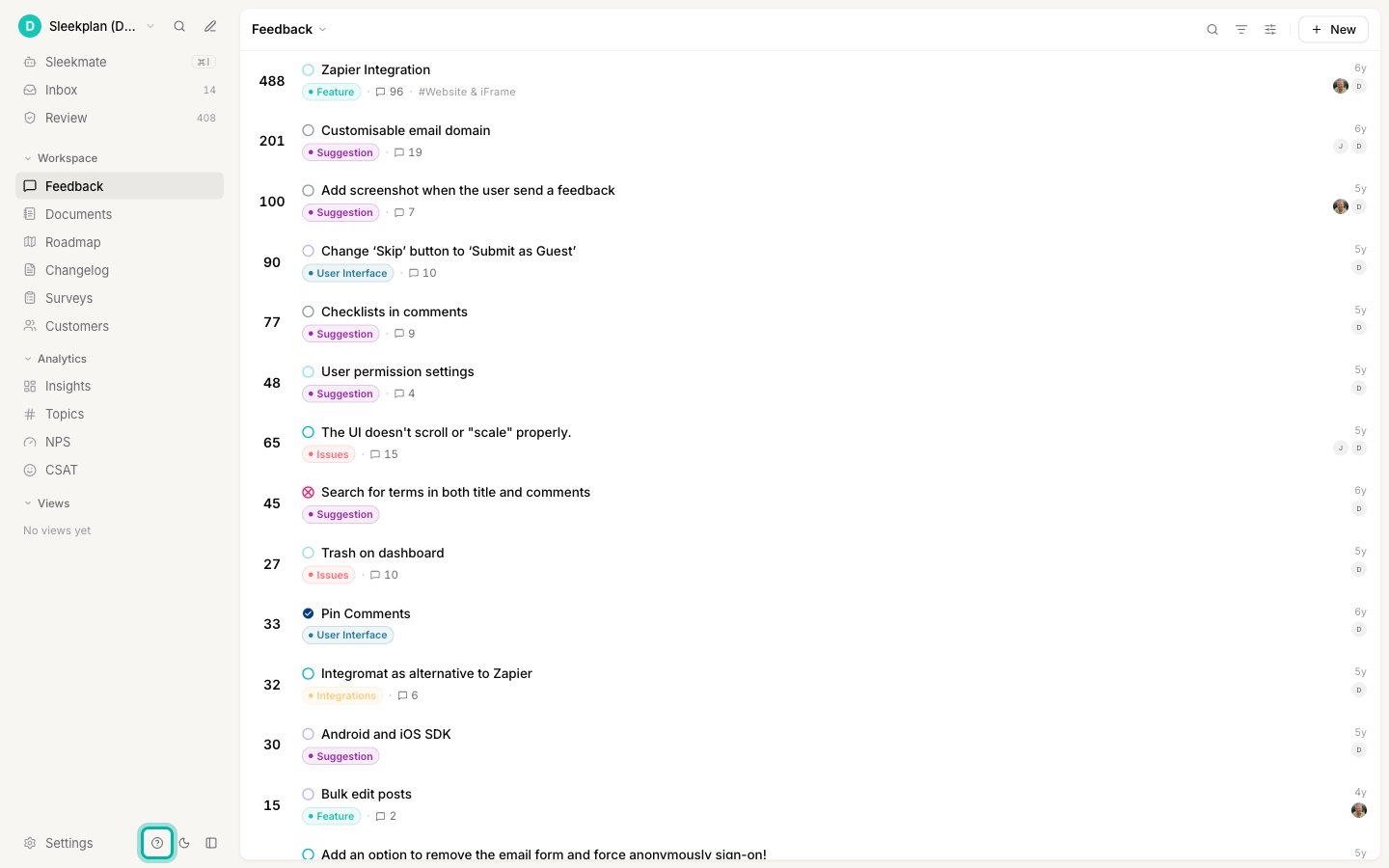
2
Choose what you need
Pick the tile that matches your request:
- Got a Question? opens a live chat with the Sleekplan support team.
- Contact us opens an email to support@sleekplan.com.
- Report a bug tells us when something isn’t working as expected.
- New suggestion lets you suggest a new feature or an improvement.
-
Help Center opens these help articles.
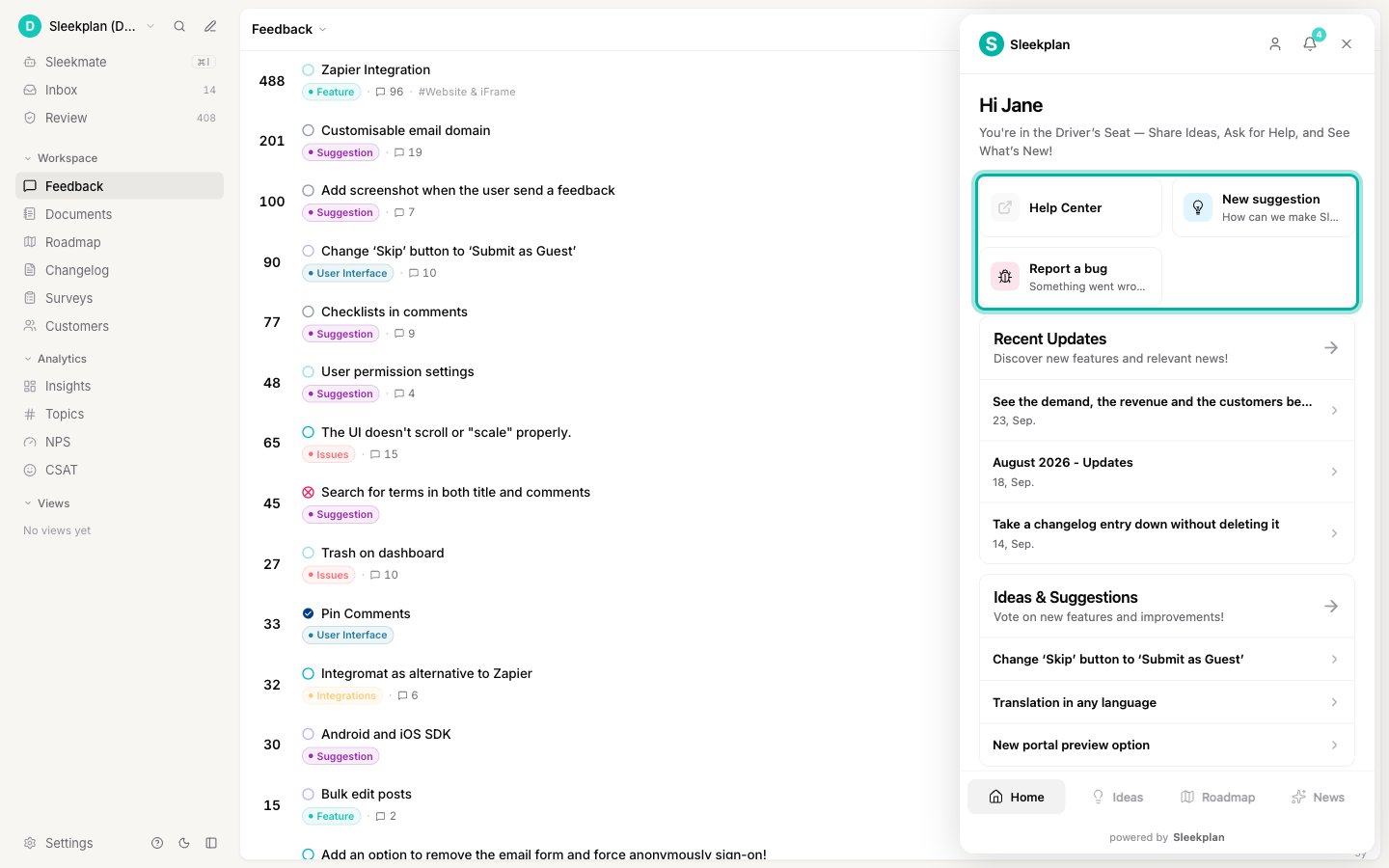
Live chat (Got a Question?) is available on every plan except the free Indie plan. On Indie, the center shows Contact us instead, which emails our support team. See Billing and plans to compare plans.
Email us
Write to support@sleekplan.com any time. Email works on every plan, and it’s the way to reach us if you can’t sign in to your dashboard. Let us know which workspace you’re writing about and what you were trying to do.Related
Sleekmate
Everything your in-app AI assistant can do for you.
Sleek Intelligence credits
How credits work and how to top them up.
Billing and plans
Compare plans and change yours.
Core concept
A plain-English tour of how Sleekplan works.