# Sleekplan
> The all-in-one feedback platform on autopilot. Feedback boards, roadmap, changelog, NPS, and five layers of AI that turn signal into shipped product.
Canonical Origin: https://sleekplan.com
## LLM Resources
- [Full Content](https://sleekplan.com/llms-full.txt)
Complete page content in markdown format.
- [API & Developer Docs](https://sleekplan.com/__docs__/llms.txt)
API reference, SDK guides, webhooks, and integration documentation.
## Pages
### Free Product Management Tools | Sleekplan
Source: https://sleekplan.com/tools
Description: Free templates, calculators and writers for product teams. No login, no email required, and the output is yours to keep.
h1. Small tools that do one thing properly.
Templates, calculators and writers for product teams. Open one, use it, take the result with you. No account, no email wall, no trial timer.
- No login
- No email required
- Yours to keep
h2. Template
5
- [PRD template
Four PRD templates: classic, lean one-pager, Amazon PR/FAQ, and one for AI coding agents. Copy the full text. No account, no email.4 versions Open ](https://sleekplan.com/tools/prd-template)
- [User story template
Five user story formats with acceptance criteria filled in: classic, job story, Given/When/Then, rule checklist, bug report. Copy the text, no account.5 versions Open ](https://sleekplan.com/tools/user-story-template)
- [Release notes template
Five release notes templates: product, in-app, Keep a Changelog, API breaking change, enterprise. Each one ships filled in with a real example.5 versions Open ](https://sleekplan.com/tools/release-notes-template)
- [MoSCoW template
Four MoSCoW worksheets you copy off the page. DSDM caps Must-have work at 60% of effort and puts Could-haves near 20%. No account, no download.4 versions Open ](https://sleekplan.com/tools/moscow-prioritization-template)
- [Survey questions
100 product survey questions in 10 categories. Each says what it measures, which scale to use, and when it is the wrong question. Tick and copy the set.10 versions Open ](https://sleekplan.com/tools/product-survey-questions)
h2. Calculator
4
- [NPS calculator
Enter your 0 to 10 responses and get your Net Promoter Score, from -100 to +100, next to the 2026 average for 13 industries.4 versions Open ](https://sleekplan.com/tools/nps-calculator)
- [CSAT calculator
Enter your counts of 1 to 5 ratings and get CSAT calculated both ways, top-2-box and mean-based, with the gap between the two shown.4 versions Open ](https://sleekplan.com/tools/csat-calculator)
- [RICE score calculator
RICE is Reach times Impact times Confidence, divided by Effort. Score each feature on Intercom's 3 to 0.25 impact scale, then copy the ranked table.4 versions Open ](https://sleekplan.com/tools/rice-score-calculator)
- [Kano questionnaire
A Kano model questionnaire asks two questions per feature. Enter the answer pairs and get the category plus Better and Worse coefficients.4 versions Open ](https://sleekplan.com/tools/kano-model)
Get started in 4 minutes
h2. **Your roadmap,**** on **autopilot**. **
Free for 30 days. No card, no sales call. Cancel anytime.
[**Start free **](https://app.sleekplan.com/sign-up/) [**Book a 20-min demo **](https://sleekplan.com/contact/sales)
---
### Pricing — Boost your feedback, not your budget | Sleekplan
Source: https://sleekplan.com/pricing
Description: Clear, simple plans that grow with you, from a free forever Indie tier to Enterprise. 30-day trial on every paid plan, no card required.
**Pricing**
h1. **Boost your feedback, **not your budget**. **
Clear, simple plans that grow with you. 30-day trial on every paid plan, no card required to start.
**Save 2 months **
**Indie**
Everything you need to kickstart the feedback loop.
**$****0**
Free forever
[**Get started **](https://app.sleekplan.com/sign-up/)
- Unlimited feedback & subscribers - Feedback Board & Changelog - Single-admin workspace - Email & in-app announcements
**Starter**
For small teams ready to close the loop.
**$****13**
/ mo · billed yearly
[**Start free trial **](https://app.sleekplan.com/sign-up/)
30-day trial · no card
- Everything in Indie, plus - 3 team seats - CSAT, NPS & 1,000 AI credits - SSO · API access · webhooks - Standard integrations
**Business**
For teams that need power tools and AI.
**$****38**
/ mo · billed yearly
[**Start free trial **](https://app.sleekplan.com/sign-up/)
30-day trial · no card
- Everything in Starter, plus - 10 team seats - 5,000 AI credits / mo - Surveys & topic analytics - Remove branding · custom domain
**Enterprise**
For large orgs with security and scale needs.
**Custom **
Tailored to your org
[**Book a 20-min demo **](https://sleekplan.com/contact/sales)
- Everything in Business, plus - Custom team seats - SAML SSO (Okta, Azure AD, Auth0) - Custom contracts & invoicing - Multi-workspace organisations
30-day free trial No credit card Cancel anytime Stripe Climate · 1% to CO₂ removal
Compare plans
h2. **Every feature, every plan. **
**Feature **
**Indie **
Free
**Starter **
$13/mo
**Business **
$38/mo
**Enterprise **
Custom
Usage
Tracked users
Unlimited
Unlimited
Unlimited
Unlimited
Feedback items
Unlimited
Unlimited
Unlimited
Unlimited
Subscribers
Unlimited
Unlimited
Unlimited
Unlimited
Team seats
0
3
10
Custom
Sleek Intelligence credits
—
1,000
5,000
Custom
Announcement views / month
1,000
10,000
30,000
Custom
Popup views / month
—
5,000
10,000
Custom
Email sends / month
500
2,000
10,000
Custom
Modules
Feedback Board
Changelog
Roadmap
—
Customer Satisfaction (CSAT)
—
Net Promoter Score® (NPS)
—
Documents
—
Surveys
—
—
Topic analytics
—
—
Insights dashboards
—
—
Feedback Board
Custom statuses
—
Components
—
Internal statuses
—
Custom categories
—
Category templates
—
Moderation
—
Estimated dates
—
Post & vote on behalf
—
Internal discussions
—
Custom file types
—
Impact score
—
Feedback owner
—
—
Feedback tags
—
—
Custom impact score
—
—
Customization & email
Private board
—
Custom user metadata
—
Board customization (CSS, JS, CSP)
—
—
Remove Sleekplan branding
—
—
Custom domain
—
—
User segmentation
—
—
User groups (B2B accounts)
—
—
Auto anonymize users
—
—
Scheduled changelog
—
—
Email sending domain
—
—
Custom email templates
—
—
Integrations & developer
Standard integrations (Intercom, GitHub, Slack, Zapier, Jira…)
—
Single Sign-On (SSO)
—
REST API & webhooks
—
JavaScript SDK
Premium integrations
—
—
SAML (Okta, Azure AD, Auth0…)
—
—
**+ Add-on**
Directory Sync (SCIM)
—
—
**+ Add-on**
Support & compliance
Email & live chat support
GDPR compliance
Dedicated Slack channel
—
—
Custom payment terms
—
—
—
Custom contracts
—
—
—
Organisational structure (multi-workspace)
—
—
—
FAQ
h2. **Frequently asked questions **
Sign up without a credit card and use everything in the Business plan for 30 days. If you don't upgrade, we automatically move you to the free Indie plan when the trial ends. Your data stays put.
Any time, from your workspace settings. Cancellations stop the next charge and your plan remains active through the period you've already paid for.
You keep every feature in your plan until the end of the paid period. After that, your workspace is automatically downgraded to the Indie plan. No data is lost.
Pricing is per workspace. You can embed one workspace's widget on as many sites as you like, or run multiple workspaces under a single account. Each workspace is billed separately and can be on a different plan.
Monthly plans take any major credit card. Annual Business and Enterprise plans can also be paid via ACH or bank transfer in your local currency (EU, US, UK, CA, AU, JP, NZ).
Yes. Our Enterprise plan supports an organisational structure with multiple workspaces, shared SSO, consolidated billing, and per-workspace permissions.
Still curious? [**Talk to us → **](https://sleekplan.com/contact/sales)
Get started in 4 minutes
h2. **Your roadmap,**** on **autopilot**. **
Free for 30 days. No card, no sales call. Cancel anytime.
[**Start free **](https://app.sleekplan.com/sign-up/) [**Book a 20-min demo **](https://sleekplan.com/contact/sales)
---
### PRD Template: 4 Formats, Free, No Signup | Sleekplan
Source: https://sleekplan.com/tools/prd-template
Description: Four PRD templates: classic, lean one-pager, Amazon PR/FAQ, and one for AI coding agents. Copy the full text. No account, no email.
h1. A PRD template you can copy, in four formats.
h3. Classic
h4. [Feature name]
Author · Date · Status: draft / in review / approved
h5. 1. Problem
What is broken today, for whom, and how often. One paragraph. If you cannot name the person who has this problem, stop writing and go find them.
h5. 2. Customer evidence
Quotes, ticket counts, survey verbatims. Group them into themes and count each theme. This is the section that turns the rest of the document from an opinion into a decision.
h5. 3. Proposed solution
What you will build, described closely enough that an engineer can picture it. Cover the happy path and the one edge case that actually matters.
h5. 4. Success metric
One number, its value today, and the value that would make this worth building. "More engagement" is not a metric.
h5. 5. Scope
What ships in the first release. A list, not a paragraph.
h5. 6. Non-goals
What you are deliberately not doing, and why. This section prevents more rework than any other.
h5. 7. Open questions
What you still do not know, who will answer it, and by when.
Markdown. Paste it straight into your docs, tracker or a coding agent.
h3. Lean one-pager
h4. [Feature name]: one-pager
h5. Problem
One sentence. Who is stuck, and on what.
h5. Evidence
Two or three lines. A count, a quote, a number from your own data.
h5. Solution
Two or three sentences. What changes for the user.
h5. Success metric
One number and the threshold that makes this worth doing.
h5. Not doing
Three bullets. The things a reader would otherwise assume are included.
Markdown. Paste it straight into your docs, tracker or a coding agent.
h3. Amazon PR/FAQ
h4. [Product name]
h5. Press release
h6. Headline
One line a customer would understand without context.
h6. Sub-heading
Who it is for and what it lets them do.
h6. The problem
A paragraph describing the world before this exists.
h6. The solution
A paragraph describing how it works, in plain language.
h6. Customer quote
What a real user would say after using it. If you cannot write one that sounds like a person, the value is not clear enough yet.
h6. Getting started
The first thing a customer does.
h5. Customer FAQ
The questions a user will ask. Pricing, limits, migration, privacy.
h5. Internal FAQ
The questions your own team will ask. Cost, risk, what happens if adoption is low, what we are betting on.
Markdown. Paste it straight into your docs, tracker or a coding agent.
h3. For AI coding agents
h4. [Task]
h5. Context
What exists today, and where in the codebase. Name files and modules, not concepts.
h5. Acceptance criteria
A numbered list of statements that are either true or false when the work is done. No adjectives.
h5. Out of scope
What the agent must not touch. Be specific: this is the section that prevents a 40-file diff.
h5. Files and interfaces
The files expected to change, and any public signature that must not break.
h5. Verification
The exact command that proves it works, and what passing output looks like.
Markdown. Paste it straight into your docs, tracker or a coding agent.
The AI writer loads here. Everything else on this page works without it. Copy any of the four templates above.
h2. What a product requirements document is for
A product requirements document states what you are building, who it is for, and how you will know it worked. It exists so that engineering, design and leadership can disagree on a written page instead of discovering the disagreement three weeks into the build.
A PRD is not a spec and not a project plan. It does not describe implementation, and it does not hold dates. Keep it to the decision and the evidence behind it; the ticket tracker holds the rest.
The length that works is shorter than most people expect. A classic PRD runs 800 to 1,500 words. A lean one-pager runs 300 to 500. If yours is longer, the extra words are usually implementation detail that belongs in a ticket, or hedging that belongs in Open questions.
h2. Which PRD template to use when
Pick the variant that matches the size of the decision, not the size of the feature. A change two people already agree on needs a one-pager. A change that reshapes pricing or onboarding needs the classic format, because Non-goals and Open questions are where that argument gets settled.
Copy the template above and fill it top to bottom. The order matters: problem before solution, evidence before scope. Writing the solution first is how teams end up with a document that justifies a decision already made.
Which PRD template to use when
| Variant | Length | Audience | Use it when |
| --- | --- | --- | --- |
| Classic | 800–1,500 words | Engineering, design, leadership | The decision is contested, or the work spans more than one team |
| Lean one-pager | 300–500 words | Your immediate team | Everyone already agrees and you need the scope written down |
| Amazon PR/FAQ | 600–1,200 words | Leadership, go-to-market | You are testing whether the value is explainable before building it |
| For AI coding agents | 200–600 words | Cursor, Claude Code, Codex | You want an agent to implement it without inventing scope |
h2. The section most PRDs get wrong
Customer evidence is the section that decides whether the document is worth reading, and it is the one most templates leave as a single empty heading.
Evidence is not "customers have asked for this". Evidence is a count, a segment and a quote: how many people raised it, which kind of customer they were, and what they actually said in their own words. Three verbatim quotes from paying customers change a roadmap conversation in a way that a summary sentence never does.
The practical problem is that the evidence is scattered. It sits in support tickets, in sales-call notes, in a Slack channel somebody muted, and in a survey export nobody reopened. Most PRDs skip the section because collecting it by hand costs an afternoon, not because the author thinks it is unimportant.
That is the step Sleekplan removes. Feedback arrives from the widget, the portal and your support tools onto one board. Sleekmate reads it, groups the related posts and drafts the PRD as a document in the workspace, linked to every post it came from. The evidence section is filled before you start writing, and a reviewer can click through to the original requests.
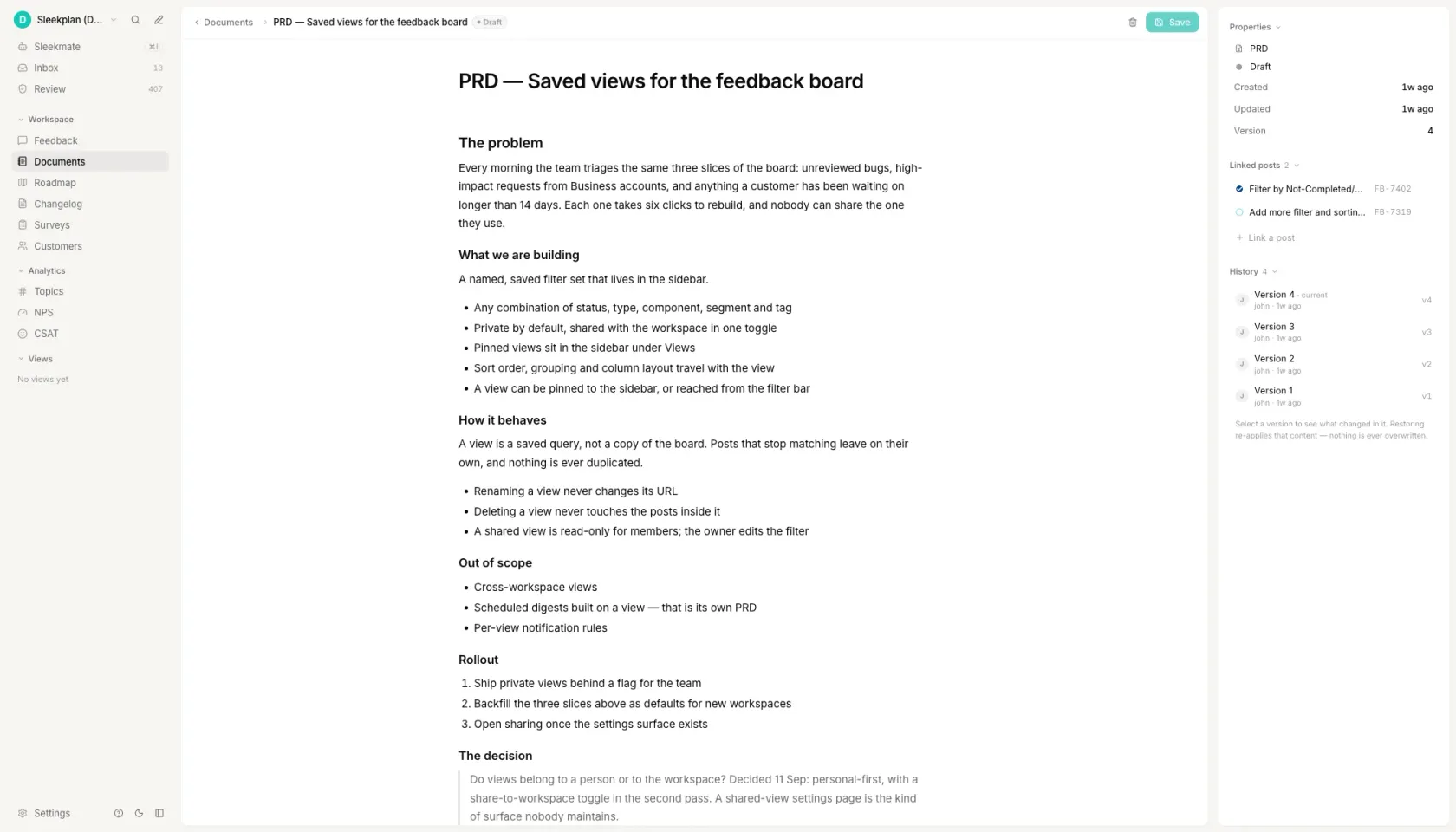_A PRD in Sleekplan, linked to the feedback posts it came from. Version history on the right; nothing is ever overwritten._
[See how feedback collection works ](https://sleekplan.com/feedback)
h2. How to write a PRD
h3. Write the problem before anything else
Name who is stuck, on what, and how often. Be specific enough that a reader could go and find that person. A problem statement that works for any feature, say "users want a better experience", is a sign you have started from the solution and are reverse-engineering a justification for it. If you cannot write the problem without naming the feature, you do not have one yet.
h3. Collect the evidence before you propose anything
Pull the support tickets, sales notes and survey verbatims that touch this problem. Group them into themes and count each theme. Two or three direct quotes carry more weight in a roadmap review than any summary you could write. This step is the one teams skip, and it is the one that decides whether the document survives its first challenge.
h3. Propose one solution, not three
A PRD is a decision, not a menu. If you are genuinely torn between two approaches, put the alternative under Open questions with what would settle it, not in the body as a parallel proposal. Describe the solution closely enough that an engineer can picture the happy path, and stop before implementation detail. How it gets built belongs in a technical spec written afterwards.
h3. Pick one number
State the metric, its value today, and the value that would make the work worth doing. "Increase engagement" fails all three tests. "Share of workspaces above 50 seats that export monthly: 0% today, worth building at 25%" passes, because in two quarters someone can check it. A PRD without a falsifiable number cannot be wrong, which means it also cannot be right.
h3. Write down what you are not doing
Non-goals prevent more rework than any other section. List the things a reasonable reader would otherwise assume are included: the adjacent format, the scheduled version, the admin setting. Say why each is out. Then list what you still do not know, who will answer it, and by when. An honest open question is worth more to a reviewer than a confident sentence nobody verified.
FAQ
h2. Questions people ask
h3. What is the format of a PRD?
A PRD is a text document, usually seven sections: problem, customer evidence, proposed solution, success metric, scope, non-goals and open questions. There is no standard file format. Markdown, a Google Doc or a Confluence page all work, and the choice matters far less than whether the evidence section is filled in.
h3. How do I write a PRD?
Write it in this order: problem, then evidence, then solution, then metric, then what you are not doing. Writing the solution first produces a document that justifies a decision you already made. Expect 800 to 1,500 words for a classic PRD and 300 to 500 for a one-pager; anything longer is usually implementation detail that belongs in a ticket.
h3. What should be included in a PRD?
Problem, customer evidence, proposed solution, success metric, scope, non-goals and open questions. Non-goals prevent more rework than any other section, because they catch the assumptions a reader would otherwise make silently. Leave a section marked open rather than filling it with something you have not verified.
h3. What are common PRD mistakes?
Three recur. Writing the solution before the problem. Leaving customer evidence as an empty heading or a vague "customers have asked for this" instead of counts, segments and verbatim quotes. And omitting non-goals, which is what turns a two-week build into a six-week one when a reviewer assumes something was in scope.
h3. Is a PRD the same as a spec?
No. A PRD states what to build and why, and stops before implementation. A technical spec states how, and is usually written afterwards by whoever will build it. Teams that merge the two end up with a document that is too detailed for leadership and too vague for engineering.
Get started in 4 minutes
h2. **Your roadmap,**** on **autopilot**. **
Free for 30 days. No card, no sales call. Cancel anytime.
[**Start free **](https://app.sleekplan.com/sign-up/) [**Book a 20-min demo **](https://sleekplan.com/contact/sales)
---
### Release Notes Template: 5 Formats + Examples | Sleekplan
Source: https://sleekplan.com/tools/release-notes-template
Description: Five release notes templates: product, in-app, Keep a Changelog, API breaking change, enterprise. Each one ships filled in with a real example.
h1. Five release notes templates you can copy, each with a worked example.
h3. Product release note
h4. [Acme Analytics] 2.4.0
Released [2 October 2026] · For every workspace
h5. What is new
- Saved views. Filter a dashboard once, name it, and it is waiting for you tomorrow. A view is private until you share it with the workspace.
- CSV export on every table, up to 50,000 rows. Anything larger arrives by email as a zip file.
- A weekly summary email, off by default. Turn it on under Settings, Notifications.
h5. Improved
- Dashboards with more than 20 widgets load in about 1.2 seconds, down from 4.1.
- The date picker remembers the last range you used on each dashboard instead of resetting to Last 7 days.
- The workspace switcher is searchable once you belong to more than five workspaces.
h5. Fixed
- Scheduled reports were sent in UTC rather than in the workspace timezone. [37] workspaces were affected and their send times are correct from today.
- Deleting a widget while its query was still running left the dashboard stuck on a loading spinner.
- Invitations failed for members whose name contains an apostrophe.
h5. What you need to do
Nothing. Saved views appear on your dashboards the next time you reload. One thing worth knowing: an export of more than 50,000 rows now arrives by email instead of downloading in the browser.
Questions: [support@acme.example] · Every release: [acme.example/changelog]
Markdown. Paste it straight into your docs, tracker or a coding agent.
h3. In-app entry
h4. Saved views are here
[2 October 2026]
Filter a dashboard the way you want it, name it, and it is waiting for you tomorrow. Switch between views from the dashboard title, or share one with your workspace so everybody opens the same numbers.
Also in this release: CSV export on every table, up to 50,000 rows.
[Try saved views] · [Read the full release note]
Markdown. Paste it straight into your docs, tracker or a coding agent.
h3. Keep a Changelog
h4. Changelog
All notable changes to [acme-analytics] are recorded in this file. The format follows Keep a Changelog, and this project follows Semantic Versioning.
h5. [2.4.0] - 2026-10-02
h6. Added
- `POST /views` and `GET /views` for saved dashboard views.
- `format=csv` on every `/reports/*` endpoint, capped at 50,000 rows.
h6. Changed
- `GET /dashboards/:id` returns `widgets` as full objects instead of ids. Send `?expand=none` for the previous shape.
- Default page size on list endpoints raised from 25 to 50.
h6. Deprecated
- `GET /exports/legacy`, replaced by `format=csv`. It now responds with a `Sunset` header and is removed in 3.0.0.
h6. Removed
- The `beta_charts` feature flag, which has been on for every workspace since 2.2.0.
h6. Fixed
- Scheduled reports ignored the workspace timezone and were sent in UTC.
- `POST /invites` returned 422 for names containing an apostrophe.
h6. Security
- Session tokens are rotated on password change.
h5. [2.3.1] - 2026-09-11
h6. Fixed
- `GET /widgets` returned 500 when a widget had no saved query.
Markdown. Paste it straight into your docs, tracker or a coding agent.
h3. API breaking change
h4. [Acme Analytics] API, [2 October 2026]
h5. Breaking change: `GET /dashboards/:id`
`widgets` is now an array of widget objects instead of an array of ids.
- Who is affected: any client that reads `dashboard.widgets` and treats the entries as strings.
- When: today on [API version 2026-10-02], and on [2 December 2026] for every client still pinned to an older version.
- What to do: send `?expand=none` to keep the previous shape, or read `widget.id` instead of the array entry.
Before: `"widgets": ["wid_31", "wid_44"]`
After: `"widgets": [{ "id": "wid_31", "type": "line" }]`
h5. Deprecated
`GET /exports/legacy` is deprecated today and is removed on [1 April 2027]. Every response from it now carries a `Sunset` header with that date. The replacement, `GET /reports/:id?format=csv`, accepts the same filters and streams up to 50,000 rows.
h5. Added
- `POST /views`, `GET /views` and `DELETE /views/:id` for saved dashboard views.
- `format=csv` on every `/reports/*` endpoint.
h5. Fixed
- Scheduled reports were sent in UTC rather than in the workspace timezone.
- `POST /invites` returned 422 for names containing an apostrophe.
h5. Unchanged
Authentication, the rate limit of [600] requests per minute per token, and the cap of [50] concurrent exports per workspace are all unchanged in this release.
h5. How to tell whether this affects you
Search your code for `dashboards/`. If a result treats an entry of `widgets` as a string, you are affected. Calls still sending the previous shape are listed under [Settings, API usage] with a `deprecated-shape` label until [2 December 2026].
Markdown. Paste it straight into your docs, tracker or a coding agent.
h3. Enterprise change record
h4. [Acme Analytics] release 2.4.0
Change reference [CHG-2026-0418] · Released [2 October 2026] at [21:00 UTC] · Classification: standard change, pre-approved
h5. Summary
Release 2.4.0 adds saved dashboard views and CSV export, raises the default API page size, and corrects a timezone defect in scheduled reports. It touches the web application, the reporting service and the public API. The one schema change is additive and needs no downtime.
h5. Scope
- Systems affected: [acme-analytics-web], [reporting-service], [api-gateway]
- Environments: [production-eu], [production-us]
- Users affected: all [4,200] licensed users. No change to authentication, to role definitions or to data residency.
- Downtime: none. Rolling deployment across [6] instances, [11] minutes end to end.
h5. Changes in this release
- New: saved dashboard views. [JIRA-4411]
- New: CSV export on every report table, capped at 50,000 rows. [JIRA-4460]
- Changed: `GET /dashboards/:id` returns widgets inline. The previous shape stays available via `?expand=none` until [2 December 2026]. [JIRA-4478]
- Changed: default API page size raised from 25 to 50. [JIRA-4480]
- Fixed: scheduled reports were sent in UTC instead of in the workspace timezone, affecting [37] workspaces. [INC-2026-0332]
- Fixed: invitations failed for names containing an apostrophe. [JIRA-4402]
- Security: session tokens are rotated on password change. [SEC-2026-0119]
h5. Risk assessment
Risk: low. The API change is additive and sits behind a compatibility flag that can be reverted on its own. The export path is new code behind a per-workspace feature flag. The timezone fix changes send times for [37] workspaces, whose administrators were notified on [25 September 2026].
h5. Test evidence
- [412] automated tests, [412] passing. Run: [ci.acme.example/runs/8841]
- Full regression suite on the [production-eu] staging mirror, [30 September 2026]. No defects raised.
- Retest of the session rotation change by [security vendor], [26 September 2026]. No findings.
- User acceptance testing signed off by [name, Head of Reporting] on [1 October 2026].
h5. Rollback plan
Redeploy [2.3.1] from the release registry, estimated at [12] minutes. The `views` table is additive and is left in place on rollback, so nothing written by 2.4.0 is lost. The compatibility flag on `GET /dashboards/:id` is independent of the deployment and can be reverted alone, in under a minute, without a redeploy.
h5. Approvals
- Change owner: [name, Engineering Manager], [29 September 2026]
- Technical approver: [name, Principal Engineer], [30 September 2026]
- Change advisory board: approved [1 October 2026], reference [CAB-2026-40]
- Post-implementation review due: [9 October 2026]
h5. Communications
In-app announcement to every user on release. Email digest to [1,180] subscribers the following Tuesday. Administrators of the [37] workspaces affected by the timezone fix were notified directly on [25 September 2026].
Markdown. Paste it straight into your docs, tracker or a coding agent.
The release note builder loads here. All five templates and their worked examples are on the page already, ready to copy.
h2. What a release note has to contain
A release note tells a reader what changed, whether it affects them, and what they have to do about it. Everything else is optional. Four parts carry that: a version and a date, the changes grouped by kind, the user-visible effect of each one, and the action required. A note missing the last part is the one that generates support tickets.
Three failures make a release note useless. A title that names an internal ticket rather than an outcome. A body written from the implementation rather than from the change in behaviour. And silence about breaking changes, which is the only one a reader is actively penalised for missing, and the reason every template above puts breaking changes above the feature list rather than in a footnote.
The format follows the audience, not the size of the release. A customer-facing note leads with the benefit and hides the mechanism. A developer-facing one leads with the mechanism, groups entries under Added, Changed, Deprecated, Removed, Fixed and Security, and pins each group to a version and a date. Those six group names are the Keep a Changelog convention, and reusing them means a reader already knows where to look before they start reading.
Length follows the same rule. An in-app entry that competes with the product for attention runs 40 to 80 words. A standard product note runs 150 to 300. An enterprise change record carrying test evidence, a rollback plan and named approvers runs 400 to 800, because each of those parts is read by a different person.
h2. Which release notes format to use when
Choose the format from who reads it and what they have to do, not from how large the release was. A one-line fix to a billing bug is a 60-word in-app entry for customers and a three-line entry in CHANGELOG.md for the teams integrating with your API. One change, two formats, because the two readers need different things from it.
The five templates above are the formats in day-to-day use, and they are filled in rather than bracketed so you can read one and decide before you copy it. Swap the bracketed values, delete the lines that do not apply, and keep the group order: breaking changes, then new, then improved, then fixed. Readers scan top to bottom and stop early, so order is the only priority signal a release note has.
Which release notes format to use when
| Format | Length | Audience | Use it when |
| --- | --- | --- | --- |
| Product release note | 150–300 words | Customers and support | A named version ships with more than one user-visible change |
| In-app entry | 40–80 words | Logged-in users | The note appears in a widget or a what's-new panel and competes with the product for attention |
| Keep a Changelog | 100–200 words | Engineers and integrators | The artifact is a CHANGELOG.md in the repository and the version follows SemVer |
| API breaking change | 200–400 words | Integration owners | Something that worked stops working, or an endpoint is deprecated on a deadline |
| Enterprise change record | 400–800 words | Change board, auditors, IT | The release needs a change reference, test evidence, a rollback plan and named approvers |
h2. What good release notes examples have in common
Read enough of them and the good ones share four habits. One entry per change, so the note stays scannable. The outcome named rather than the component, so "filter a dashboard once and it is there tomorrow" replaces "added persistence to the view state reducer". A number wherever one exists: 50,000 rows, 1.2 seconds, 37 workspaces affected. And an honest line about what is still broken, because a known-issues note costs nothing and removes the support ticket it would otherwise produce.
The bad ones are just as consistent. A list of merged pull request titles. A version number with no date. A breaking change described in the past tense halfway down, after three paragraphs of new features. And the empty note, "various bug fixes and performance improvements", which tells a reader nothing and teaches them not to open the next one.
Software release notes carry one obligation that product notes do not: version discipline. If you publish a SemVer number, the number is a promise. A major bump means something existing stops working, a minor bump means something was added, a patch means neither. A breaking change shipped under a patch version is worse than no release note at all, because the reader trusted the number and skipped the text.
h2. Release notes written from the feedback they close
The slow part of a release note is rarely the writing. It is reconstructing what actually shipped, and then finding the people who asked for it. Both answers already exist, in the tickets you closed and in the board where the requests arrived, and in most teams those two live in systems that never talk to each other.
In Sleekplan a changelog entry is linked to the feedback posts it closes. Move a roadmap item to Shipped, and Sleekmate drafts the entry from the requests behind it; you edit a line and publish. Publishing notifies the people who voted, through an in-app announcement and the weekly email digest, so the loop that usually breaks, someone asks for a feature and never hears that it shipped, closes on its own.
That also fixes the reconstruction problem at its source. The entry is written against the original requests, so it speaks in the customer's words rather than in commit messages, and every claim in it is traceable back to the post that prompted it.
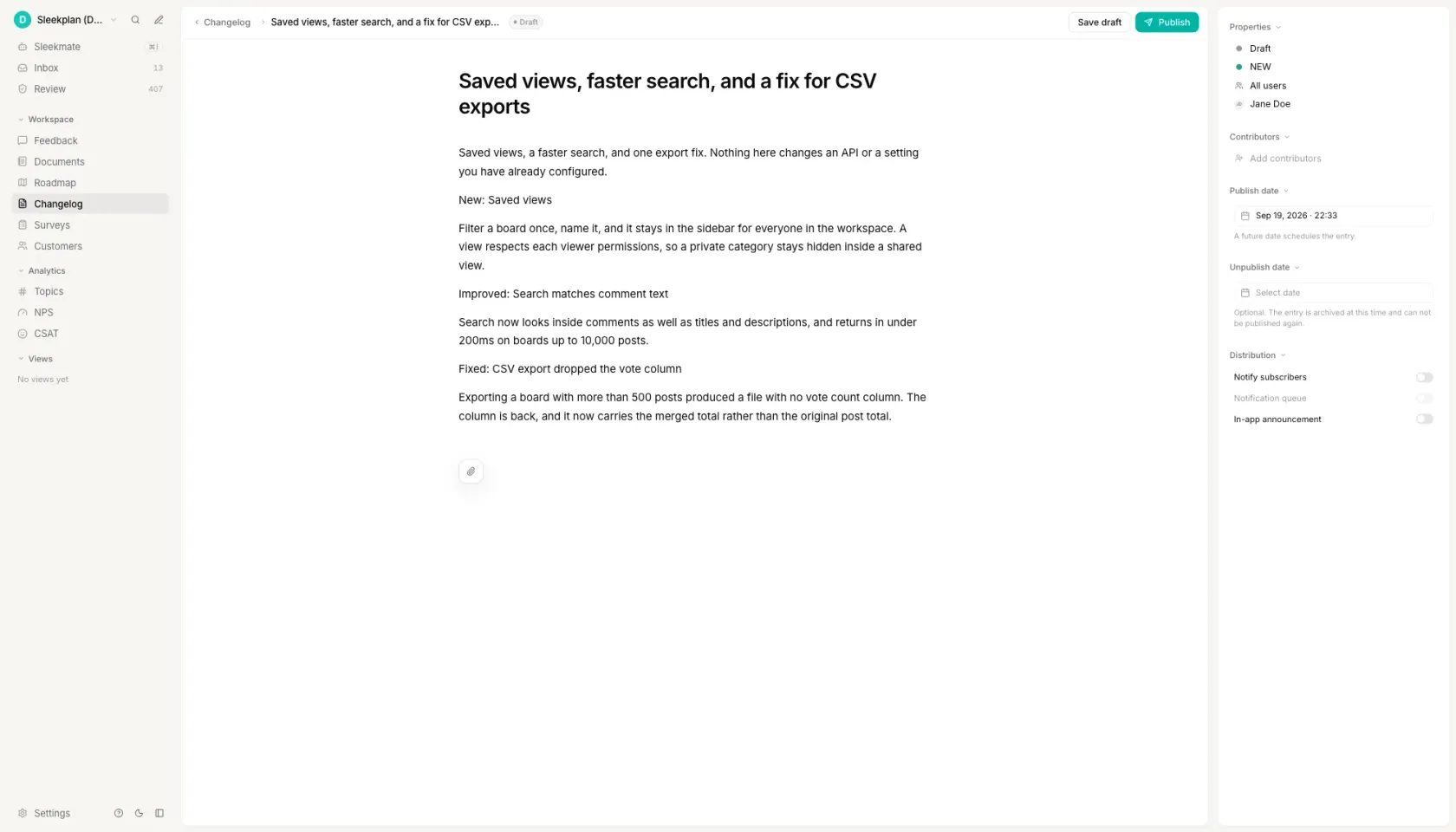_The same structure as the templates above, written in the editor that also ships it to subscribers._
[See how the changelog works ](https://sleekplan.com/changelog)
h2. How to write release notes
h3. Start from the change list, not a blank page
Pull the pull requests merged or the tickets closed since the last version. That list is the raw material, and gathering it first is what stops a release note from becoming a memory exercise two days after the deploy. Everything after this step is editing rather than recall. If a change is not on the list, it does not go in the note, and if something on the list changes nothing for a reader, it comes straight back out.
h3. Sort every change into new, improved, fixed and removed
Four buckets is the shape nearly every convention agrees on, and Keep a Changelog splits the same idea into six by adding Deprecated and Security. Sorting first is what keeps a release note from reading as a stream of unrelated sentences. It also exposes the release that has 14 fixes and nothing new, which is worth knowing before you publish rather than after somebody asks what you have been doing.
h3. Write the user-visible outcome, not the commit message
One sentence per change, in the present tense, naming what the reader can now do. "Dashboards with more than 20 widgets load in about 1.2 seconds" is a release note. "Refactored widget hydration" is a commit message that escaped. The test is whether someone who has never seen your codebase could tell from the sentence alone whether the change affects them.
h3. Put breaking changes and upgrade steps at the top
A breaking change belongs above the feature list, labelled as breaking, with the date it takes effect and the exact action required. Readers scan from the top and stop early, so anything below the fold is effectively unpublished. State who is affected in one line, so the majority who are not can stop reading there rather than working it out from an endpoint name.
h3. Say what you know is still broken
A known-issues section costs a sentence and removes the support ticket it would otherwise generate. Name the defect, who it affects, and when you expect the fix; "we are aware and working on it" is worth less than a date you might miss. The same applies to anything deprecated: give the removal date in the note that announces the deprecation, not in the one that performs it.
FAQ
h2. Questions people ask
h3. How do you write release notes?
Start from the list of changes that shipped, sort them into new, improved, fixed and removed, then rewrite each one as the outcome a reader would recognise rather than as the work you did. Put breaking changes and required upgrade steps at the top, because readers scan from there and stop early. Expect 150 to 300 words for a standard product note and 40 to 80 for an in-app entry.
h3. What are some good examples of release notes?
The five worked examples above are complete notes rather than empty outlines: a product release, an in-app entry, a Keep a Changelog file, an API breaking-change note and an enterprise change record, all for one fictional version so the formats can be compared directly. What makes a real one good is consistent across all five: one entry per change, the outcome named instead of the component, a number wherever one exists, and an honest line about what is still broken.
h3. How to automatically generate release notes?
Two mechanisms do most of it without a model. If your team writes Conventional Commits, the prefixes feat, fix, perf and BREAKING CHANGE already sort every commit into buckets, and the builder on this page does that from a pasted list. The second is closing the loop from your tracker: in Sleekplan, moving a roadmap item to Shipped drafts a changelog entry from the feedback posts it closes, which is the part commit parsing cannot do because it is the part that knows who asked.
h3. What is a good format for release notes?
A heading with the version and the date, breaking changes first, then changes grouped by kind, then the action required. For a file in a repository the six Keep a Changelog groups, Added, Changed, Deprecated, Removed, Fixed and Security, are the convention worth following because readers already know the order. For a customer-facing note, three groups are usually enough: what is new, what improved, what is fixed.
h3. What is a software release note?
A short document published with a software version that records what changed in it and what the reader has to do. It differs from a changelog in audience and shape: a release note covers one release and is written for the people who use the product, while a changelog is a running list of every version, kept in the repository, and written for the people who integrate with it. Many teams publish both from the same change list.
Get started in 4 minutes
h2. **Your roadmap,**** on **autopilot**. **
Free for 30 days. No card, no sales call. Cancel anytime.
[**Start free **](https://app.sleekplan.com/sign-up/) [**Book a 20-min demo **](https://sleekplan.com/contact/sales)
---
### NPS Calculator: Your Score vs 13 Industries | Sleekplan
Source: https://sleekplan.com/tools/nps-calculator
Description: Enter your 0 to 10 responses and get your Net Promoter Score, from -100 to +100, next to the 2026 average for 13 industries.
h1. An NPS calculator that shows the benchmark next to your score.
h3. Relationship (rNPS)
h4. Relationship NPS survey
h5. Send it
Every 90 days, to your whole customer base, from the same sender and with the same wording each time. Changing the wording between rounds makes the trend meaningless.
h5. Question 1
How likely are you to recommend [company] to a friend or colleague?
Scale: 0 to 10, where 0 is not at all likely and 10 is extremely likely. Required.
h5. Question 2
What is the main reason for your score?
Open text, not required. This is the question that tells you what to change.
h5. Optional follow-up, promoters who answered 9 or 10
What is the one thing we should never change?
h5. Optional follow-up, detractors who answered 0 to 6
What would have to be true for you to score us higher?
Markdown. Paste it straight into your docs, tracker or a coding agent.
h3. Transactional (tNPS)
h4. Transactional NPS survey
h5. Send it
Within 24 hours of the interaction ending: a support ticket closed, an order shipped, an onboarding call finished. After that the memory is of the week, not of the interaction.
h5. Question 1
Based on this [interaction], how likely are you to recommend [company] to a friend or colleague?
Scale: 0 to 10. Required.
h5. Question 2
What is the main reason for your score?
Open text, not required.
h5. Question 3
Was your issue resolved?
Yes / No / Partly. One click, and it is the field that makes a low score diagnosable.
h5. Do not mix it with your relationship score
A transactional score is measured on the people who just contacted you, which is not your customer base. Report the two separately or the trend is noise.
Markdown. Paste it straight into your docs, tracker or a coding agent.
h3. Product NPS
h4. Product NPS survey
h5. Send it
After 30 days of real use, once onboarding is finished. Asking during the first week measures your setup flow, not your product.
h5. Question 1
How likely are you to recommend [product] to a colleague?
Scale: 0 to 10. Required.
h5. Question 2
What is the main reason for your score?
Open text, not required.
h5. Question 3
Which part of [product] do you use most?
A short list of your main areas, single choice. It lets you read the score per area instead of as one number.
h5. Segment before you compare
Run it in-product and keep the segment on every response: plan, role and account age. A product score that mixes admins and end users averages two different opinions into one meaningless figure.
Markdown. Paste it straight into your docs, tracker or a coding agent.
h3. Employee (eNPS)
h4. Employee NPS survey
h5. Send it
Quarterly, anonymously, to everyone at once. Anonymity is the whole design: an eNPS you can trace back to a person measures how safe people feel, not how they feel.
h5. Question 1
How likely are you to recommend [company] as a place to work?
Scale: 0 to 10. Required.
h5. Question 2
What is the main reason for your score?
Open text, not required.
h5. Question 3
What is the one thing that would most improve your working week?
Open text, not required.
h5. Reporting rule
Do not break the result down by any group smaller than about eight people. Below that, an anonymous survey stops being anonymous and the next round will tell you nothing.
Markdown. Paste it straight into your docs, tracker or a coding agent.
The calculator loads here. NPS is the percentage of promoters, who answer 9 or 10, minus the percentage of detractors, who answer 0 to 6. Every formula, band and benchmark on this page works without it.
h2. What the Net Promoter Score measures
Net Promoter Score is the share of promoters minus the share of detractors, on a scale that runs from -100 to +100. A respondent who answers 9 or 10 is a promoter, 7 or 8 is a passive, and 0 through 6 is a detractor. Passives count toward the total response count but never toward the score.
The formula works in percentages rather than raw counts, so a survey with 40 replies and one with 40,000 produce comparable numbers. Take 250 responses split into 130 promoters, 70 passives and 50 detractors: 52% promoters minus 20% detractors is an NPS of +32. Write it as a whole number, never as a percentage, because it is the difference between two percentages rather than one of them.
Bain and Company, where the metric was published in 2003, define the three bands by behaviour rather than by mood. Promoters account for more than 80% of referrals, detractors for more than 80% of negative word of mouth, and passives repurchase and refer at rates around 50% lower than promoters. That is the reason a passive is neutral in the arithmetic: it describes a customer who will not tell anyone about you in either direction.
h2. What is a good Net Promoter Score
There is no absolute threshold that makes a score good. Any NPS above 0 means promoters outnumber detractors, and the comparison worth making is against your own industry, because the spread between industries is wider than the spread between competitors inside one.
Retently's 2026 benchmark study puts the average for B2B Software and SaaS at 41. Across the 13 industries it measured, every average sits above zero, and the range runs from 26 for consumer internet software and services to 68 for financial services and consulting. Retently includes an industry only when it has 10 or more clients in it and at least 10,000 surveys behind the number.
Read the table as a starting line rather than a target. A score of 35 is six points below average for B2B Software and SaaS, and the same 35 would be nine points above average in Internet Software and Services for consumers. The absolute number tells you almost nothing until you know which row you are in.
Average Net Promoter Score by industry, from Retently's 2026 NPS benchmark study
| Industry | Average NPS, 2026 | Gap to B2B SaaS |
| --- | --- | --- |
| Financial Services | 68 | +27 |
| Consulting | 68 | +27 |
| Technology and Services | 63 | +22 |
| Ecommerce and Retail | 61 | +20 |
| Digital Marketing Agencies | 49 | +8 |
| Property Management | 47 | +6 |
| Insurance | 46 | +5 |
| Logistics and Transportation | 42 | +1 |
| Construction | 42 | +1 |
| B2B Software and SaaS | 41 | 0 |
| Communication and Media | 39 | -2 |
| Cloud and Hosting | 30 | -11 |
| Internet Software and Services (B2C) | 26 | -15 |
h2. How to calculate NPS on a 1 to 10 or a 1 to 5 scale
The 0 to 10 scale is the standard, and a score calculated on anything else is not strictly a Net Promoter Score. Teams run the survey on other scales anyway, usually because it has to match a form that already exists, so the conversion is worth stating plainly instead of leaving people to guess it.
On a 1 to 10 scale the bands do not move: 9 and 10 are promoters, 7 and 8 are passives, and 1 through 6 are detractors. The only difference is that the lowest box is 1 rather than 0, so the scale carries six detractor values instead of seven and the same opinions score fractionally higher than they would on a 0 to 10 form.
On a 1 to 5 scale the usual mapping is 5 for a promoter, 4 for a passive, and 1 through 3 for detractors. That is a convention rather than part of the original method, and it is lossy: the detractor box now covers seven of the eleven original values, so a five-point survey cannot separate a 9 from a 10 or a 0 from a 6. Convert when you need to compare against a benchmark, and say on the chart that you converted.
The calculator above takes all three scales and shows the band each answer lands in after conversion, so you can check the mapping rather than trust it.
h2. What passives do to your score
Passives are the part of the formula that surprises people. A 7 or an 8 never adds to the score and never subtracts from it, but it sits in the denominator, so every passive answer pulls the result toward zero.
Take 100 responses: 60 promoters, 40 detractors, no passives. That is 60% minus 40%, an NPS of +20. Now add 100 passives without changing a single existing answer. The same 60 promoters are 30% of 200 responses and the same 40 detractors are 20%, so the score halves to +10. Nobody became less happy. The denominator grew.
That behaviour is deliberate. The metric is built to reward enthusiasm rather than satisfaction, and it counts a merely satisfied customer as one who will not recommend you. It also means the fastest way to move the number is to convert passives, which is why the open-text follow-up matters more than the score: "What is the main reason for your score?" is the only part of an NPS survey that tells you what to change.
One practical consequence for reporting: always publish the response count next to the score. An NPS of +50 from 12 replies and an NPS of +50 from 1,200 are not the same claim, and small samples swing hardest when a handful of passives arrive.
h2. Running NPS as a measurement rather than a one-off calculation
A single score is a snapshot. It becomes a measurement when the same question goes to the same defined group on a fixed cadence, and when each score keeps its written comments attached instead of collapsing into one number on a slide.
That is the step every calculator in this category leaves to you, and the one most survey tools put behind an account. In Sleekplan, NPS is a survey type alongside CSAT: you choose who sees it and when, the score and the three bands are calculated as responses arrive, and every response keeps its open-text answer next to the number. A detractor comment can be turned into a post on the same feedback board your roadmap is built from, so the reason for a score ends up where the decision it should influence gets made.
Two things are worth settling before the first send. Survey the same population each round, because a score from last month's signups and a score from three-year customers are not comparable. And leave at least 90 days between relationship surveys, so you are measuring the relationship rather than survey fatigue.
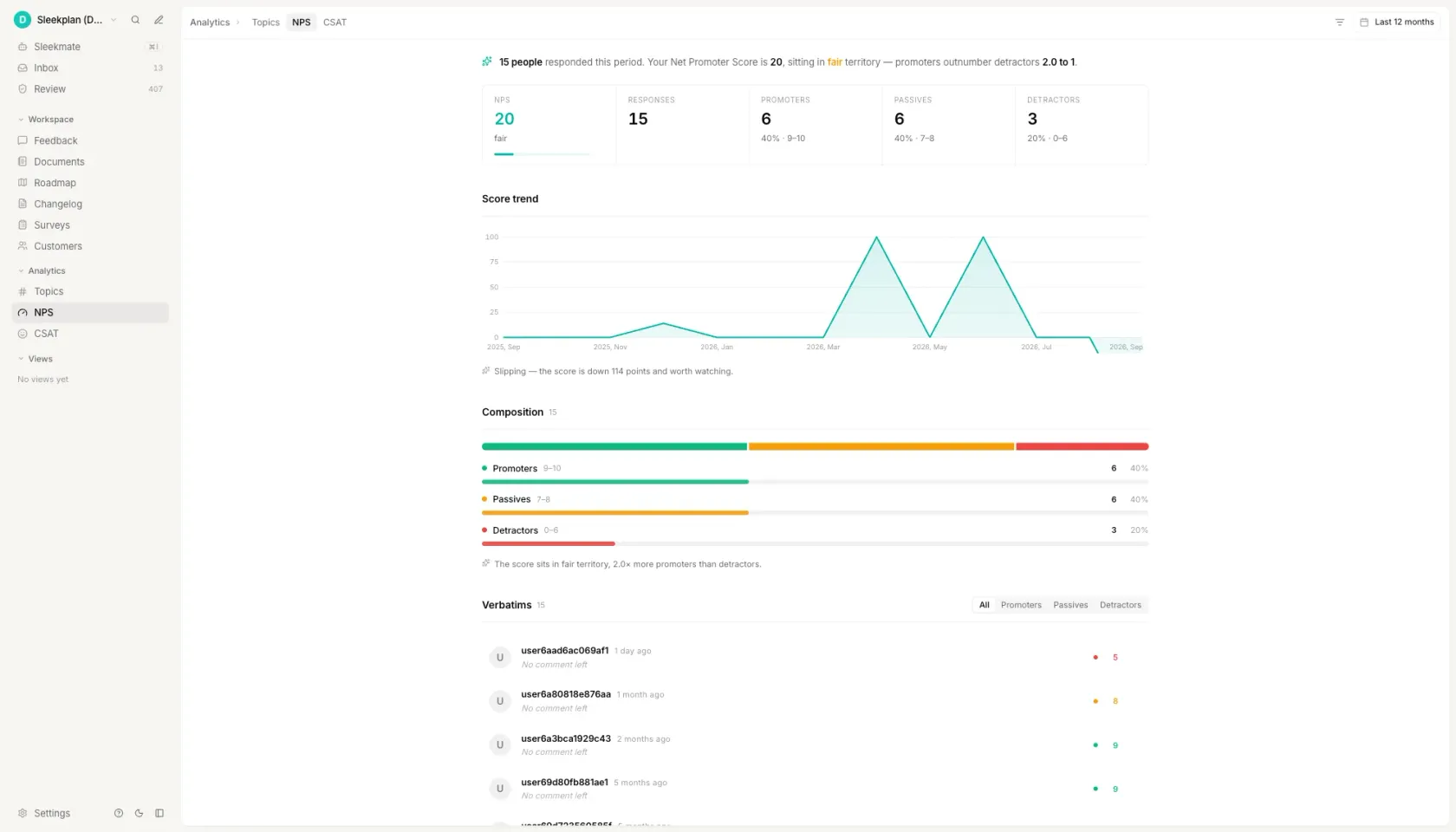_The same three bands this calculator uses, running on a cadence instead of on one pasted column._
[See how NPS and CSAT surveys work ](https://sleekplan.com/csat-nps)
h2. How to calculate NPS
h3. Ask the standard question on a 0 to 10 scale
"How likely are you to recommend us to a friend or colleague?", answered from 0 for not at all likely to 10 for extremely likely. Keep all eleven boxes: collapsing them to five, or relabelling the ends, means your result is no longer comparable with anybody else's. Add one open-text follow-up asking for the main reason behind the score, and leave it optional.
h3. Sort every response into three bands
9 and 10 are promoters, 7 and 8 are passives, 0 through 6 are detractors. The bands are not evenly sized and that is intentional: a 6 out of 10 is counted as a detractor because, in Bain's data, the behaviour of a 6 looks nothing like the behaviour of a 7. Discard nothing at this stage except responses that skipped the rating question entirely.
h3. Turn two of the bands into percentages
Divide the promoter count by the total number of responses, and the detractor count by the same total. Passives never get a percentage of their own, but they stay in the denominator, so the two percentages will not add up to 100. With 250 responses made up of 130 promoters, 70 passives and 50 detractors, that is 52% promoters and 20% detractors.
h3. Subtract the detractor percentage from the promoter percentage
52 minus 20 is 32, so the Net Promoter Score is +32. The result runs from -100, where every respondent is a detractor, to +100, where every respondent is a promoter. Report it as a signed whole number rather than a percentage, and put the response count beside it, because the same score from 20 replies and from 2,000 carries very different weight.
h3. Compare it against your industry, then repeat on a cadence
A score on its own is a number, not a measurement. Put +32 against the 2026 average for your industry, which is 41 for B2B Software and SaaS in Retently's benchmark study, and you have a position. Repeat the same question, to the same population, on the same cadence, and you have a trend, which is the only version of this metric that ever changes a decision.
FAQ
h2. Questions people ask
h3. How is Net Promoter Score calculated?
Subtract the percentage of detractors, who answer 0 through 6, from the percentage of promoters, who answer 9 or 10. Passives, who answer 7 or 8, are counted in the denominator and nowhere else. With 250 responses split 130 promoters, 70 passives and 50 detractors, that is 52% minus 20%, or an NPS of +32. The result runs from -100 to +100 and is written as a whole number, never as a percentage.
h3. What is the formula of NPS?
NPS equals the percentage of promoters minus the percentage of detractors. Written out: (promoters / total responses x 100) minus (detractors / total responses x 100). Total responses includes passives, which is what keeps the two percentages from adding up to 100. Nothing in the formula is weighted, so one response from your largest account counts exactly as much as one from a trial user.
h3. What is a good NPS score to have?
Anything above 0 means promoters outnumber detractors, but the useful comparison is your own industry. In Retently's 2026 benchmark study the 13 industry averages run from 26 to 68, with B2B Software and SaaS at 41. So a score of 37 is below average for a SaaS company and comfortably above average for a consumer internet service. Compare against your row, and against your own score last quarter, rather than against a universal threshold.
h3. How to calculate NPS manually?
Count the responses of 9 and 10, count the responses of 0 through 6, and divide each by the total number of responses. Subtract the second percentage from the first. In a spreadsheet with raw scores in column A, one formula does it: =COUNTIF(A:A,">=9")/COUNT(A:A)*100 - COUNTIF(A:A,"<=6")/COUNT(A:A)*100. You never need to count passives separately, because they are already in the total.
h3. How do you calculate NPS on a 5 point scale?
Map 5 to a promoter, 4 to a passive, and 1 through 3 to detractors, then apply the normal formula. Treat the result as an approximation: a five-point box covers seven of the eleven values on the standard scale, so it cannot tell a 0 apart from a 6. If the score will be compared with an industry benchmark, state on the report that it was converted from a five-point scale, because that conversion typically reads slightly harsher than a native 0 to 10 survey.
Get started in 4 minutes
h2. **Your roadmap,**** on **autopilot**. **
Free for 30 days. No card, no sales call. Cancel anytime.
[**Start free **](https://app.sleekplan.com/sign-up/) [**Book a 20-min demo **](https://sleekplan.com/contact/sales)
---
### MoSCoW Prioritization Template: No Download | Sleekplan
Source: https://sleekplan.com/tools/moscow-prioritization-template
Description: Four MoSCoW worksheets you copy off the page. DSDM caps Must-have work at 60% of effort and puts Could-haves near 20%. No account, no download.
h1. Four MoSCoW worksheets you can copy straight off the page.
h3. Sprint or release
h4. MoSCoW worksheet: Sprint 24, 17 Nov to 28 Nov
Timebox: 10 working days. Capacity: 40 points. Release goal: self-serve trial signup.
The test every Must have had to pass: if this one item is missing on 28 Nov, we do not turn the trial on.
h5. Must have (24 of 40 points, 60%)
Signup form with email verification · 8
Stripe checkout for the Starter plan · 8
Trial expiry job and the expiry email · 5
Audit-log entry for every plan change · 3
h5. Should have (8 of 40 points, 20%)
Annual billing toggle · 5 · workaround: sales invoices annually by hand, three deals a month
In-app countdown banner · 3 · workaround: the expiry email already tells them
h5. Could have (8 of 40 points, 20%)
Coupon codes at checkout · 5
Usage chart on the billing page · 3
This is the contingency pool. If the Must haves run long, these are what we drop, and dropping them breaks nothing we promised.
h5. Won't have this time
SAML SSO · reason: no trial account has asked, and the two that will are both above 50 seats · revisit: when the first 50-seat trial starts · decided 17 Nov
Multi-currency pricing · reason: Stripe supports it, our invoicing does not · revisit: Q2 · decided 17 Nov
h5. Effort check
Must 24/40 = 60%. Should 8/40 = 20%. Could 8/40 = 20%.
DSDM guidance: no more than 60% Must have effort, with a Could have pool around 20%. This plan is at the limit, not under it, so any new Must have has to push something else out.
Markdown. Paste it straight into your docs, tracker or a coding agent.
h3. Product backlog
h4. MoSCoW worksheet: backlog triage, 17 Nov
Scope this applies to: the next release, six weeks. Items: the 12 open requests above 20 votes.
One row per item. The rationale column is the one that stops the same argument twice.
h5. Must have
Bulk CSV import · 8 pts · 214 votes · rationale: named in four of the six deals lost last quarter, no workaround exists
Role-based permissions · 13 pts · 156 votes · rationale: blocks every account above 50 seats, legal cannot sign without it
SSO via SAML · 8 pts · 98 votes · rationale: three enterprise renewals name it as a condition
h5. Should have
Slack notifications for status changes · 5 pts · 142 votes · rationale: painful to omit, but the weekly digest email covers it for now
Custom fields on a request · 8 pts · 87 votes · rationale: two accounts are using tags as a substitute and say it works
h5. Could have
Dark mode in the portal · 5 pts · 76 votes · rationale: wanted, visible, and nothing stops working without it
Emoji reactions on comments · 2 pts · 54 votes · rationale: cheap, and first out if the Must haves slip
h5. Won't have this time
Public API v2 · 21 pts · 63 votes · reason: the v1 API covers every use case in the requests, this is a rewrite disguised as a feature · revisit: after the permissions model lands · decided 17 Nov
Mobile app · 44 pts · 41 votes · reason: the responsive portal handles the two jobs people described · revisit: not this year · decided 17 Nov
h5. Effort check
Must 29 pts. Should 13 pts. Could 7 pts. Total sorted: 49 pts.
Must share: 29/49 = 59%, just inside the 60% DSDM guidance. Could pool: 14%, thinner than the 20% DSDM suggests, so there is less to trade away than it looks.
Markdown. Paste it straight into your docs, tracker or a coding agent.
h3. Workshop agenda
h4. MoSCoW workshop: 60 minutes, 8 to 12 people
Bring: the candidate list, one line per item, already written. Do not write the list in the room.
Roles: one facilitator who does not vote, one scribe, one person who owns the deadline.
h5. 0 to 5 min · State the timebox
Name the release date and the capacity, out loud, before any item is discussed. MoSCoW with no fixed deadline degrades into high, medium and low within about ten minutes, because nothing is competing for anything.
h5. 5 to 10 min · Agree the Must have test
Write one sentence on the board that every Must have has to pass. The usable default: if this is missing on the release date, we do not ship. Point at it every time someone argues for a Must have.
h5. 10 to 35 min · First pass, 60 seconds per item
Read the item, take a category, move on. No debate in the first pass. Anything that takes more than a minute goes in a parked column and is revisited at minute 35. Expect roughly half the list to be uncontested.
h5. 35 to 45 min · The parked items
Work the parked column. For each one, ask what breaks if it ships a release later. If the answer is a workaround, it is a Should have. If the answer is nothing anyone can name, it is a Could have.
h5. 45 to 55 min · The effort check
Add up the effort in each bucket and show the percentages. If the Must haves are above 60% of total effort, the group has to move something now, in the room. DSDM's guidance is no more than 60% Must have effort, with a Could have pool around 20%. This is the step that makes the workshop worth holding.
h5. 55 to 60 min · Read back the Won't haves
Read every Won't have out loud with its reason and the date. Anyone who disagrees says so now. Once the list is read back and nobody objects, those items are closed until the revisit date, and re-opening one costs a new meeting.
h5. After the session
Send the four lists and the effort split within the hour, while the reasoning is still fresh. A decision nobody wrote down is a decision that gets made again.
Markdown. Paste it straight into your docs, tracker or a coding agent.
h3. Requirements and BA
h4. MoSCoW requirements schedule
Project: Customer portal, phase 1. Baseline date: 17 Nov. Author: [name]. Version: 1.0.
Categories are agreed with the business sponsor and are fixed at baseline. A change of category after baseline goes through change control.
h5. Must have
R-001 · Must · The system shall authenticate users with email and password. · Acceptance: a registered user signs in with valid credentials and is denied with invalid ones, and three failures lock the account for 15 minutes.
R-002 · Must · The system shall let an authenticated user submit a request with a title and a description. · Acceptance: the request appears in the queue within 5 seconds with its author and timestamp.
R-003 · Must · The system shall record an immutable audit entry for every status change. · Acceptance: each entry carries actor, old status, new status and UTC timestamp, and cannot be edited or deleted through any interface.
h5. Should have
R-010 · Should · The system should notify a requester by email when their request changes status. · Acceptance: an email is sent within 60 seconds. · Workaround if deferred: the requester sees the status in the portal.
R-011 · Should · The system should let an administrator export the request list as CSV. · Acceptance: the export carries every visible column for the current filter. · Workaround if deferred: read-only database access, already granted to two analysts.
h5. Could have
R-020 · Could · The system could let a user attach up to three files to a request. · Acceptance: files up to 10 MB each, PDF and PNG only.
R-021 · Could · The system could show a requester how many others voted on the same request. · Acceptance: the count is visible on the request detail view.
h5. Won't have this time
R-030 · Won't · Single sign-on against the corporate directory. · Reason: the directory migration completes in Q2 and building against the current one is throwaway work. · Revisit: phase 2.
R-031 · Won't · A native mobile application. · Reason: the responsive portal meets the two field use cases in the requirements workshop notes. · Revisit: not scheduled.
h5. Effort and sign-off
Must have effort: 60% of the phase-1 estimate. Could have pool: 20%. Should have: the remainder.
DSDM guidance, from the Agile Business Consortium: no more than 60% Must have effort, with a sensible Could have pool of around 20%.
Agreed by: business sponsor [name], date. Delivery lead [name], date. Business analyst [name], date.
Changes after this date are recorded in the change log, not in this table.
Markdown. Paste it straight into your docs, tracker or a coding agent.
The sorting board loads here. Paste a list, sort it into the four categories and it checks the Must-have effort share against the 60% rule. All four worksheets are on the page already, ready to copy.
h2. What Must have, Should have, Could have and Won't have mean
MoSCoW sorts every candidate item into four categories against one fixed deadline: Must have, Should have, Could have, and Won't have this time. The two lowercase o's are filler that make the acronym pronounceable and stand for nothing.
A Must have is not the same thing as important. The Agile Business Consortium, the standards body behind DSDM, defines the Must haves as "the Minimum Usable SubseT (MUST) of requirements which the project guarantees to deliver", spelled with a capital T because the backronym is M-U-S-T. Wikipedia, citing the IIBA's Business Analysis Body of Knowledge, states the same test from the other side: "If even one Must have requirement is not included, the project delivery should be considered a failure." That is the bar. If a workaround exists, or the release would still be worth shipping without it, the item is a Should have.
A Should have hurts to leave out and has a workaround, however ugly. A Could have is wanted, costs little to omit, and is the first thing dropped when the Must haves run long. DSDM treats the Could haves as the release's contingency pool, which is why it is the only category other than Must with a recommended size.
Won't have this time is the category teams skip and the one that does the most work. It is a dated decision, not a rejection. Wikipedia records that the variant "Would like to have" is incorrect usage, because this last priority states that something is outside the scope of delivery, and notes that the BCS, in later editions of its business analysis book, phrases the W as "Want to have but not this time around". The W is the contested letter. Writing the reason and the date beside each item is what stops it being re-argued in the next planning session.
h2. How much of a release can be a Must have
DSDM puts a number on this, and it is the number almost no MoSCoW template carries. The Agile Business Consortium states that "the safe percentage of Must Have requirements, in order to be confident of project success, is not to exceed 60% Must Have effort", and recommends a pool of Could haves "that reflects a sensible level of contingency", typically around 20% Could have effort.
Three precisions separate that rule from the version most summaries carry. The 60% is a share of effort, not of item count: DSDM says so explicitly, "in terms of effort to deliver". It applies to a project or Project Increment, not to a single day's to-do list. And there is no prescribed Should have percentage: Should is the remainder, and the Agile Business Consortium is explicit that the exact split between Musts, Shoulds and Coulds is each team's to agree. So the defensible reading is Must haves at no more than 60% of effort, a Could have pool near 20%, and Should haves as whatever is left. The third number is arithmetic, not guidance.
The reasoning behind the figures is the part worth keeping. In the same source: "anything other than a Must Have is, to some degree, contingency, since the Must Haves define the Minimum Usable SubseT which is guaranteed to be delivered." A plan that is 90% Must have effort has 10% contingency, so the first thing that goes wrong is paid for by breaking a promise. A plan at 60% can absorb a bad estimate by dropping Coulds nobody was promised. That is the whole mechanism, and it is why MoSCoW is not just high, medium and low with different words.
Both figures come from the Agile Business Consortium's "What is MoSCoW Prioritisation?" resource, checked on 19 September 2026. Wikipedia's MoSCoW article carries the method's origin but no percentage guidance at all, so a page citing Wikipedia for the 60% figure is citing the wrong source.
h2. Where MoSCoW prioritization comes from
MoSCoW was not invented by DSDM, and getting that order right is worth one sentence because several widely read pages have it backwards. Wikipedia states that "this prioritization method was developed by Dai Clegg in 1994 for use in rapid application development (RAD)" and that "it was first used extensively with the dynamic systems development method (DSDM) from 2002". Created in 1994 for RAD, adopted by DSDM eight years later.
That history explains the shape of the method. RAD and DSDM both fix the deadline and flex the scope, which is the inverse of a fixed-scope plan, and MoSCoW is the instrument that makes flexing safe: the Must haves are the part of the scope that does not flex, and everything else is graded by how much it can. Used on a project where the deadline is negotiable, MoSCoW loses most of its point, because nothing forces the four categories to be different sizes.
The method's documentation is split across two sites, which is why so many summaries carry half of it. Wikipedia has the origin, the etymology and the criticisms, and no percentages. The Agile Business Consortium has the effort guidance and the Minimum Usable SubseT definition, and no origin. This page carries both, and names which is which.
h2. Which MoSCoW worksheet to use when
Four worksheets, one method. They differ in what the timebox is, how much rationale each item carries, and who has to sign the result. Pick by the meeting you are walking into, not by the size of the product.
All four are plain text. Select one, copy it, and paste it into a spreadsheet, a Word document, a Notion page, a Jira description or a Confluence page. That covers what people usually mean by a MoSCoW Excel template or a MoSCoW template in Word: the structure is the template, and the file format is whatever you already use. There is nothing to download, no account to create and no canvas to learn, which is what the other MoSCoW templates ask for first.
Every worksheet is filled in with a worked example rather than left as four empty headings, because the hard part of MoSCoW is not the four labels. It is the rationale line next to each item and the honesty of the Must have test, and neither is visible in an empty grid.
Which MoSCoW worksheet to use when
| Worksheet | Use it when | Scope | What you end up with |
| --- | --- | --- | --- |
| Sprint or release | You are planning one fixed timebox | One sprint or one release | Four buckets plus an effort split checked against the 60% rule |
| Product backlog | You are triaging a standing list of requests | Ongoing, no end date | One row per item with votes, effort and a rationale |
| Workshop agenda | You are running the categorisation live with stakeholders | One 60-minute meeting | A timed script, a parked column and a read-back of the Won't haves |
| Requirements and BA | You are writing a specification someone has to sign | One baselined document | Numbered requirements with a MoSCoW column, acceptance criteria and sign-off |
h2. What MoSCoW does not do
MoSCoW has one well-documented weakness, and Wikipedia's list of criticisms leads with it: the method "does not help decide between multiple requirements within the same priority". The same list names three more, all recognisable to anyone who has run a session: no rationale for why something is a Must rather than a Should, ambiguity over whether a Won't have means not this release or not ever, and a drift toward visible new features over technical work such as refactoring.
Three of the four are fixed by writing more down rather than by changing method. A one-line reason beside each category kills the rationale problem. A revisit date on every Won't have resolves the ambiguity. Putting technical work through the same Must have test as features, in the same list, stops the quiet demotion of the work that keeps the system standing.
The first one is not fixable inside MoSCoW, and it is the honest limit of the method. Once a release has fourteen Should haves and room for six, MoSCoW has stopped being the right instrument, because all fourteen are in the same bucket by definition. A scoring model puts a number on each item and orders them. RICE multiplies reach by impact and confidence, divides by effort, and produces a ranked list, which is exactly the ordering MoSCoW refuses to give you. The two work in sequence rather than in competition: MoSCoW decides what the release has to contain, and a score decides the order of everything after that.
[Score the rest with RICE ](https://sleekplan.com/tools/rice-score-calculator)
h2. From a sorted list to a roadmap people can see
A finished MoSCoW worksheet has a short half-life. It is accurate on the day of the session, and within a fortnight the Should haves have been re-argued, the Won't haves have quietly come back, and the customer who asked for the biggest one has emailed to ask what happened to their request.
That is the loop Sleekplan closes. Feature requests arrive on one board from the widget, the portal and your support tools, carrying votes and the accounts behind them, so the Must have argument starts from counts and named customers instead of from whoever is most insistent in the room. The items you keep move onto a public roadmap in Planned, In progress and Shipped columns, and the Won't have this time decisions stay visible with a status and a reason, which is the difference between a deferral a customer can read and a request that appears to have vanished. When something ships, the changelog notifies every person who voted for it.
The worksheet on this page is still the right place to do the thinking. What the product replaces is the part after the session: keeping the four categories true as the release moves, and telling the people who asked.
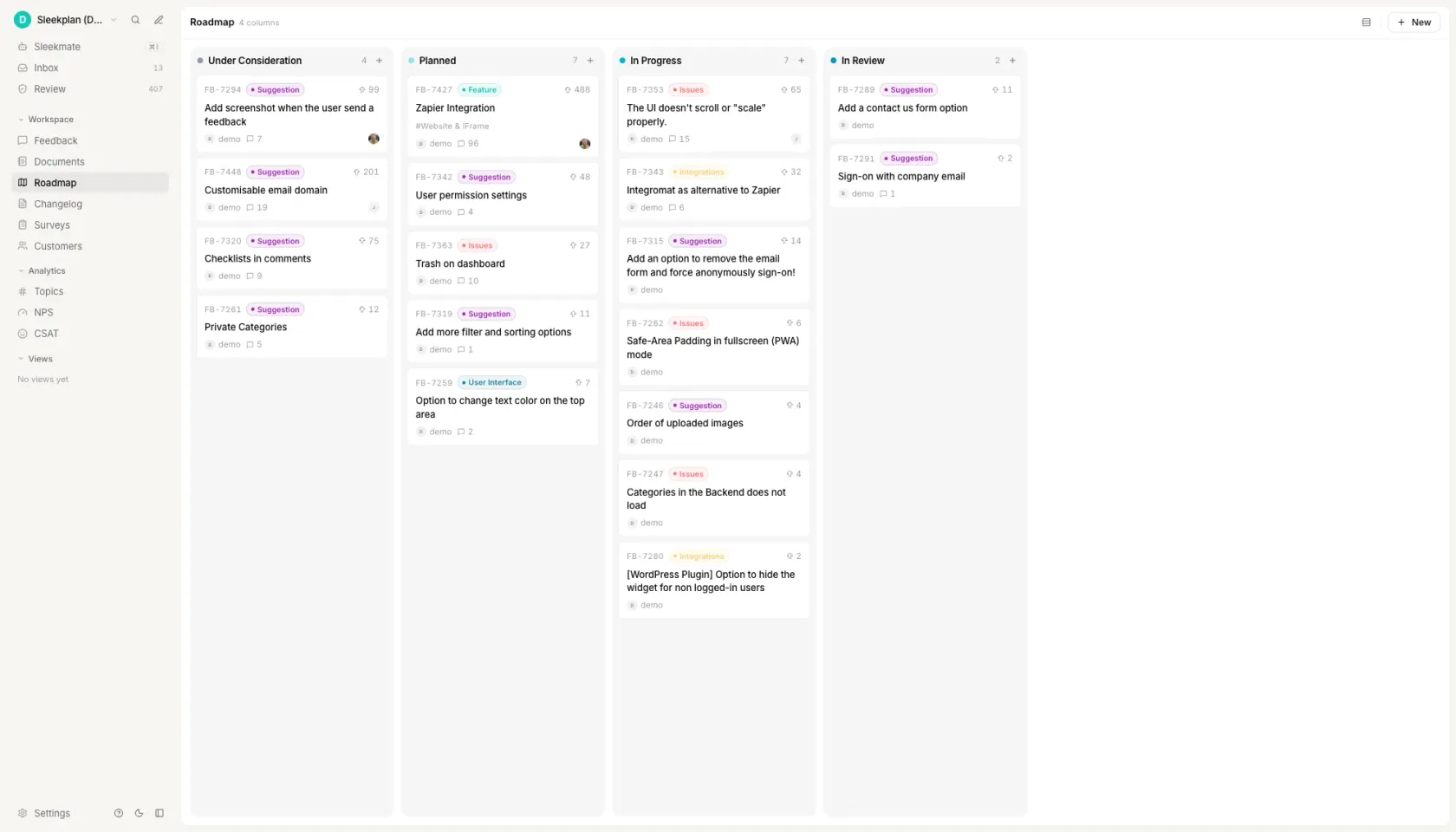_What the worksheet turns into: the categories stay visible to the people who asked, with the vote counts attached._
[See how the roadmap works ](https://sleekplan.com/roadmap)
h2. How to use the MoSCoW method
h3. Put every candidate in one list first
One line per item, in one place, before any categorising starts. Sorting a list you are still adding to is how a session runs over: every new item reopens the argument about the size of the Must have bucket. Give each line a rough effort number at the same time, even a t-shirt size converted to points, because step four needs effort and adding it later means reading the whole list again.
h3. Fix the timebox before you sort anything
Name the release date and the capacity out loud, and write both at the top of the worksheet. MoSCoW is a scope-fixing method for a fixed deadline: with no deadline, nothing competes for anything and the four categories collapse into high, medium and low within about ten minutes. If the date is genuinely open, you do not have a MoSCoW problem yet, you have an estimation problem.
h3. Sort each item against one written test
Write the Must have test on the board before the first item: if this is missing on the release date, we do not ship. Then take each item once, at roughly a minute each, and put it in a bucket. Anything that takes longer than a minute goes to a parked column rather than eating the session. A Must have with a workaround is a Should have, however loudly it is argued for, and the test is what lets you say so without it being personal.
h3. Check the Must have share of effort, not of items
Add up the effort in each bucket and take the percentages. DSDM's guidance, from the Agile Business Consortium, is no more than 60% Must have effort, with a Could have pool of around 20% to act as contingency. Counting items instead of effort hides the problem: eight small Musts and one enormous one look like a healthy list and are not. If the Must have share is over 60%, something moves now, in the room, while everyone who can agree to it is present.
h3. Read the Won't haves back, with reasons and dates
Say every Won't have this time out loud, with why and when it will be looked at again. This is the step that stops the list being re-argued in three weeks, and it is the one teams skip because it feels like a formality. Then send the four lists and the effort split within the hour. A categorisation nobody wrote down is a categorisation that gets done again, usually by different people reaching a different answer.
FAQ
h2. Questions people ask
h3. What is the MoSCoW method of prioritization?
MoSCoW is a method for fixing the scope of a release against a fixed deadline by sorting every item into four categories: Must have, Should have, Could have and Won't have this time. The two lowercase o's only make the acronym pronounceable. It was developed by Dai Clegg in 1994 for rapid application development and, per Wikipedia, first used extensively with DSDM from 2002. It decides what a release must contain; it deliberately says nothing about the order of items inside a category.
h3. What are the four categories of the MoSCoW model?
Must have: the release is not worth shipping without it. The Agile Business Consortium calls these the Minimum Usable SubseT, the set the project guarantees to deliver. Should have: painful to leave out, but a workaround exists. Could have: wanted, cheap to omit, and the first thing dropped when the Must haves run long, which is why DSDM treats it as the contingency pool. Won't have this time: a dated decision to exclude something, recorded with the reason so it is not re-argued next month.
h3. What are common mistakes using the MoSCoW method?
Five recur. Running the session without a fixed deadline, which turns the four categories into high, medium and low. Letting anything important become a Must have, instead of testing whether a workaround exists. Counting items rather than effort, which hides a Must have list that is 80% of the work. Leaving Won't have empty, so the same items come back every planning cycle. And recording no rationale, which means the whole argument is repeated the next time anyone asks why something was a Should.
h3. Is the MoSCoW method still relevant today?
It is relevant wherever the deadline is fixed and the scope can flex, which is what it was built for in 1994, and it is close to useless where the deadline is open. Interest in the term is falling, down roughly 46% year on year in Google Ads search volume measured in September 2026, and the honest reason is that it does one job: it does not rank items, estimate value, or tell you what to build next quarter. Teams that still get value from it usually pair it with a scoring model for the ordering.
h3. What is the difference between RICE and MoSCoW prioritization?
MoSCoW is categorical and RICE is numerical. MoSCoW sorts items into four buckets against a deadline and gives no order inside a bucket, which Wikipedia lists as its first criticism. RICE multiplies reach by impact and confidence, divides by effort, and returns a score that ranks every item against every other. Use MoSCoW to decide what a release must contain, then RICE to order the Should haves and Could haves that are competing for what is left. They answer different questions, so using both is normal rather than redundant.
Get started in 4 minutes
h2. **Your roadmap,**** on **autopilot**. **
Free for 30 days. No card, no sales call. Cancel anytime.
[**Start free **](https://app.sleekplan.com/sign-up/) [**Book a 20-min demo **](https://sleekplan.com/contact/sales)
---
### User Story Template + Criteria, No Signup | Sleekplan
Source: https://sleekplan.com/tools/user-story-template
Description: Five user story formats with acceptance criteria filled in: classic, job story, Given/When/Then, rule checklist, bug report. Copy the text, no account.
h1. A user story template you can copy, with the acceptance criteria already filled in.
h3. Classic story
h4. Classic story
The Connextra form, the default for most backlog items: one sentence of intent, then a checklist of rules that decide when it is done.
h5. The template
As a [role], I want [goal], so that [benefit].
h5. Acceptance criteria
- [The rule the system follows when the main case succeeds.]
- [The limit, count or timeout that applies.]
- [What the user sees when the input is invalid.]
h5. Worked example: bulk workspace invites
As an IT administrator rolling the tool out to a department of 200 people, I want to invite teammates from a CSV file, so that I do not paste addresses one at a time.
h5. Acceptance criteria
- The upload accepts a CSV of up to 1000 rows and a file size up to 5 MB.
- Required columns are email and role. A file missing either column is rejected before a single invite is sent.
- Rows with a malformed email address are skipped and listed by row number, and the valid rows are still sent.
- An address that already belongs to the workspace is counted as skipped, never invited twice.
- The summary shows sent, skipped and failed counts within 10 seconds for a file of 1000 rows.
Markdown. Paste it straight into your docs, tracker or a coding agent.
h3. Given / When / Then
h4. Given / When / Then
The same story sentence, with each criterion written as a scenario in Gherkin, the syntax test runners like Cucumber read directly. Use it when the behaviour depends on state.
h5. The template
As a [role], I want [goal], so that [benefit].
h5. Scenarios
Scenario: [name of the happy path]
Given [the starting state]
When [the action]
Then [the observable result]
Scenario: [name of the failure path]
Given [the starting state]
When [the action cannot complete]
Then [what the user gets instead]
h5. Worked example: scheduled weekly report
As a regional operations manager, I want the Monday performance report emailed to my distribution list automatically, so that I stop rebuilding it by hand every week.
h5. Scenarios
Scenario: The report sends on schedule
Given a schedule set to Monday 07:00 in the recipient timezone
And a distribution list of 12 addresses
When the scheduler runs
Then all 12 recipients receive the PDF within 5 minutes
And the report covers the 7 days ending the previous Sunday
Scenario: The data source is unavailable
Given the warehouse query returns an error
When the scheduler runs
Then no partial report is sent to anyone on the list
And the report owner receives a failure notice within 15 minutes
And the job retries twice at 30 minute intervals before it gives up
Markdown. Paste it straight into your docs, tracker or a coding agent.
h3. Rule checklist
h4. Rule checklist
Criteria written as flat statements that are each either true or false. Use it for work that is a set of constraints rather than a flow.
h5. The template
As a [role], I want [goal], so that [benefit].
h5. Acceptance criteria
- [A limit, stated as a number with its unit.]
- [An allowed set, listed in full.]
- [What the user sees when a rule is broken.]
h5. Write each rule so it can only be read one way
Vague: the file should not be too large.
Precise: a file over 25 MB is rejected and the reason names the 25 MB limit.
h5. Worked example: ticket attachments
As a support engineer, I want to attach screenshots and log files to a ticket, so that the developer can reproduce the problem without a second round of questions.
h5. Acceptance criteria
- A ticket accepts up to 10 attachments totalling 50 MB.
- Accepted types are png, jpg, pdf, txt, log and zip. Every other extension is refused.
- A refused file shows its name and the reason inline, and the other files selected with it still upload.
- Attachments are scanned before they become visible, and a file that fails the scan is removed and reported within 60 seconds.
- An attachment download link expires 24 hours after it is generated.
Markdown. Paste it straight into your docs, tracker or a coding agent.
h3. Job story
h4. Job story
When, I want, so I can. Choose it over the classic form during discovery: it leads with the situation rather than a persona, so you do not have to invent a user you have not met yet.
h5. The template
When [situation], I want [motivation], so I can [expected outcome].
h5. Acceptance criteria
- [What is preserved, and for how long.]
- [How much work can be lost at worst.]
- [What happens when the state cannot be restored.]
h5. Worked example: returning to a draft
When I open the app the next morning after being pulled away in the middle of a sentence, I want to land back in the draft I was writing, so I can keep going without hunting through a file list.
h5. Acceptance criteria
- Reopening the app within 30 days restores the last edited draft, with the cursor at the last edit position.
- The draft is saved at most 3 seconds after the last keystroke, so no more than 3 seconds of typing can be lost.
- A banner names the draft and its last edit time, and one click dismisses it for that device.
- If the draft was deleted or edited elsewhere, the app opens the document list and says which of the two happened.
Markdown. Paste it straight into your docs, tracker or a coding agent.
h3. Bug report
h4. Bug report
A defect is not a story. Record what you did, what you expected, what happened and where. The acceptance criteria say what counts as fixed.
h5. The template
Summary: [one sentence of observable behaviour, no diagnosis]
h5. Steps to reproduce
- [Step 1]
- [Step 2]
- [Step 3]
h5. Expected
[What should have happened]
h5. Actual
[What happened instead]
h5. Environment
[App version, device, OS, account settings, region]
h5. Worked example: notification shows the wrong local time
Summary: A push notification for a 15:00 meeting reads 09:00 while the recipient is travelling outside their home timezone.
h5. Steps to reproduce
- Set the account timezone to Europe/Berlin and schedule a reminder for 15:00.
- Change the device timezone to America/New_York and close the app.
- Wait for the reminder to fire.
h5. Expected
The notification reads 15:00 Berlin time, the timezone the event was created in.
h5. Actual
The notification reads 09:00, the device local time, with no timezone label.
h5. Environment
iOS 18.4, app 4.12.0, device timezone America/New_York, account timezone Europe/Berlin.
h5. Acceptance criteria
- Notification times render in the event timezone and name it, in all 5 supported languages.
- Changing the device timezone updates scheduled but undelivered notifications within 1 minute.
- Events spanning a daylight saving change keep their wall clock time, verified for both the March and October transitions.
Markdown. Paste it straight into your docs, tracker or a coding agent.
The story builder loads here. All five formats and their worked examples are on the page already, ready to copy.
h2. What a user story is, and what the acceptance criteria add
A user story names who wants something, what they want, and why. The classic form is one sentence: as a role, I want a goal, so that a benefit. It is deliberately short, because its job is to hold a place for a conversation rather than to replace one.
The acceptance criteria are what make the story testable. They state, as a list of things that are either true or false when the work is done, what the team agreed the story means. A story without them is an intention; a story with them is a shared definition of done that a reviewer can check without asking the author what they meant.
The difference between the two is a division of labour, not a difference in importance. The story holds the intent and stays negotiable: it is written to be argued with. The criteria record what the argument concluded, and they stop being negotiable once the work starts. If you find yourself adding detail to the story sentence, you are almost always writing a criterion in the wrong place.
The two common formats for criteria are Given/When/Then, which describes behaviour as scenarios, and a rule checklist, which lists constraints. Scenarios suit anything with a flow. A checklist suits anything with rules, like validation or permissions. Three to five criteria per story is typical; a story that needs twelve is usually two stories.
h2. Which user story format to use when
Pick the format by what the criteria have to describe, not by what the team calls itself. A scrum user story template and an agile user story template are the same artifact: the Connextra sentence plus criteria. What actually changes between backlog items is whether the behaviour branches, and that is what the five tabs above differ on.
If the behaviour depends on state, write Given/When/Then, because whoever automates the test will otherwise write it for you and guess. If the work is a set of constraints, a rule checklist reads faster and is easier to review line by line. If you are still in discovery and do not know who the user is yet, a job story lets you write the situation down without inventing a persona to hang it on.
One rule holds across all five: copy the format, then fill it in before you share it. An empty skeleton pasted into a ticket is worth less than no ticket, because it looks like a decision was made.
Which user story format to use when
| Format | Criteria style | Audience | Use it when |
| --- | --- | --- | --- |
| Classic story | Rule checklist | The whole team, in backlog refinement | The feature is understood and you need it written down |
| Given / When / Then | BDD scenarios | QA and automation engineers | The behaviour branches and someone will write tests from it |
| Rule checklist | Numbered constraints | Designers and reviewers | The work is a set of rules rather than a flow |
| Job story | Situation-led criteria | Discovery and research-driven teams | You do not know the persona yet and the situation is the real driver |
| Bug report | Expected versus actual | Support and engineering | Something already exists and is wrong |
h2. User story examples with acceptance criteria you can copy
Below are sixteen user stories drawn from eight parts of a product, two from each, with the acceptance criteria written out beside every one. Each story carries between three and five criteria, and every criterion names a number, an exact state or an exact action, so a tester can pass or fail it without asking what was meant. Copy them as they are, then swap the role and the numbers for your own.
Onboarding. As an IT administrator standing up a workspace for 240 staff across 6 sites, I want a setup checklist that shows which of the 7 required steps are still open, so that I hand over a workspace that is configured rather than one that looks configured. Done when: the checklist lists all 7 steps, each marked done or not done; every open step links straight to the screen that completes it; the workspace cannot be switched to live while any required step is open; completing a step updates the checklist without a page reload; the audit log records who completed each step and when.
Onboarding. As a newly hired claims adjuster working my first 20 cases, I want the 8 steps of the claim workflow shown on the case itself, so that I stop asking a colleague what comes next. Done when: each case displays the 8 steps with the completed ones marked; the case header names the next step by its exact title; skipping a step requires choosing a reason from the list before the case can move on; the checklist switches itself off after the adjuster closes 25 cases and can be switched back on from their profile.
Billing. As a finance manager closing the month for 12 legal entities, I want to download one consolidated invoice per entity rather than per subscription, so that I can file them without merging PDFs by hand. Done when: each entity produces exactly one PDF covering every subscription billed in that period; the file name carries the entity name and the billing month; entities with no charges produce no file rather than an empty one; the download completes for 12 entities in a single request.
Billing. As the office manager of a dental practice with 18 seats, I want to add 4 seats halfway through a billing period and see the prorated amount before I confirm, so that I am not surprised by the next invoice. Done when: the prorated amount is shown before confirmation and matches the amount charged to the cent; all 4 seats are usable immediately after confirmation; the next invoice carries the proration as its own line with the date range it covers; an attempt to reduce the seat count below the number of seats in use is refused, and the message states how many seats must be freed first.
Search and filtering. As a recruiter working a pipeline of 12,000 candidate profiles, I want to search by skill and by last-contacted date in the same query, so that I stop exporting to a spreadsheet to combine them. Done when: results satisfy both conditions at once, not either one; a name misspelled by a single character still returns the matching profile; archived profiles are excluded unless the recruiter includes them explicitly; the result count is exact up to 10,000 and shown as "10,000+" above that; a query with no results names both active conditions and offers to drop one.
Search and filtering. As a logistics dispatcher who rebuilds the same view of late shipments every morning, I want to save that filter under a name and open it from the sidebar, so that I stop setting 6 conditions by hand each day. Done when: the saved filter stores all 6 conditions, including relative dates such as "today"; opening it runs the query against current data rather than showing the result set from last time; a filter shared with the team is read only for everyone except its owner, who can be seen by name; deleting a filter that 3 other people have opened in the last 30 days warns with that count before it is removed.
Notifications. As a school administrator copied on every facilities request across 4 campuses, I want one daily digest instead of a message per request, so that I read 1 email in the morning rather than 60 through the day. Done when: the digest sends once per day at the hour the administrator selects; requests are grouped under the campus they came from; a day with no new requests sends nothing at all; each line shows the request title and its current status and links to the request; switching from daily to weekly takes effect at the next send and carries over the items already queued.
Notifications. As an account manager copied on a renewal thread that has run to 40 replies, I want to mute that one thread without muting the account, so that I keep my alerts for the other 22 accounts I own. Done when: muting silences that thread only, and notifications for the other 22 accounts continue; a direct mention inside the muted thread still notifies once; the muted marker is visible to the person who muted it and to nobody else; unmuting resumes notifications from that point and does not replay the messages posted while it was muted.
Admin and permissions. As a compliance officer at a credit union, I want an auditor role that can open every case record and change none of them, so that an external reviewer can work without a supervised screen share. Done when: an account holding the auditor role can open all 9 record types and sees no save, delete or assign control anywhere; an API token issued to that role is refused with a 403 on every write endpoint; the role can still export records to CSV; granting the role requires an existing administrator and writes both names and a timestamp to the audit log.
Admin and permissions. As an HR operations coordinator processing 15 leavers a month, I want a single action that revokes a departing employee's access while keeping the records they created, so that offboarding does not erase four years of history. Done when: revoking access ends every active session for that account within 60 seconds; the leaver's name stays on the records they created and is shown as inactive; any open tasks assigned to them are listed for reassignment before the revocation finishes; a revoked account cannot be reactivated except by an administrator, and the reactivation is logged.
Reporting. As a data analyst pulling 18 months of ticket history into a warehouse, I want an export that returns every matching row rather than the 1,000 shown on screen, so that my totals reconcile with the product. Done when: the export contains all matching rows, verified against a query returning 250,000; column headers match the field names used by the API; timestamps are written in ISO 8601 with the UTC offset; an export above 100,000 rows is prepared in the background and the analyst is told where to collect it; an export that fails reports the row number it stopped at.
Reporting. As a nonprofit program director presenting to a board of 7 trustees, I want a dashboard of 4 numbers that each state the period they cover, so that nobody spends the meeting asking what the figure means. Done when: each of the 4 numbers displays its date range next to it; clicking a number opens the list of records it was calculated from; the page shows the time of the last refresh and that time is never more than 1 hour old; a metric with no underlying records reads "no data for this period" instead of 0.
Integrations. As a marketing operations manager who inherited a second CRM through an acquisition, I want both systems connected at once rather than one replacing the other, so that neither team loses their pipeline during the merge. Done when: both connections remain active at the same time and each displays the account it authenticates as; every imported record is tagged with the system it came from; a field written by one connection is not overwritten by the other, and the clash is listed for a human to resolve; disconnecting one system leaves the records already imported from it in place.
Integrations. As a payroll specialist running a nightly sync of 1,400 employee records, I want a run that fails partway to tell me exactly what did not land, so that I fix 12 records instead of rerunning all 1,400. Done when: the run reports counts for records written, skipped and failed; each failed record is listed with its employee identifier and the reason it failed; rerunning the sync processes only the failed records; one alert is sent for the run, not one per failed record; a record either updates on every field or on none, never on some.
Mobile. As a field technician writing job notes at the top of a ladder with one hand, I want every control I need inside the bottom third of the screen, so that I am not stretching my thumb across the display on a rung. Done when: the controls required to complete a job sit in the bottom third at screen widths from 360 to 430 points; notes persist as typed and survive the app sitting in the background for 30 minutes; a job can be closed in 3 taps from the job screen; a quantity field opens the numeric keypad rather than the full keyboard.
Mobile. As a warehouse supervisor counting stock in a freezer aisle with no signal, I want counts saved on the device and uploaded later, so that a lost connection does not cost me a 2 hour count. Done when: counts entered offline are stored on the device and shown as pending; the count screen states how many entries are waiting to upload; entries upload on their own when the connection returns and change from pending to saved; two supervisors counting the same location offline produce two entries, both kept and flagged, with neither overwriting the other; the device holds at least 500 pending entries before it refuses a new one.
h2. INVEST: the six-part check on a story before it enters a sprint
INVEST is a checklist coined by Bill Wake in 2003, and it is still the shortest useful test of a user story: Independent, Negotiable, Valuable, Estimable, Small, Testable. Read the story once against each letter. A story that fails one of the six is not a bad story, it is a story that needs one more conversation before anyone estimates it.
Independent means it could ship without waiting on another story. Negotiable means it leaves room to discuss how, so a story that names a dropdown and a database column is a solution wearing a story's clothes. Valuable means the person in the sentence would notice if it shipped. Estimable means the team knows enough to size it. Small means it fits comfortably inside one sprint. Testable means every criterion can be checked without asking the author what they meant.
Two of the six fail far more often than the rest. Small fails because a story was written at the size of a feature, and the fix is to split it along the acceptance criteria you already wrote: each criterion that could be released on its own is a candidate story. Testable fails because the criteria carry adjectives instead of numbers, and the fix is mechanical, which is why the builder on this page flags them.
INVEST is a prompt, not a gate. Nobody should be blocked on Negotiable. The value is that six words catch, in about thirty seconds, the two failures that otherwise surface halfway through a sprint.
h2. The part a template cannot fill in: who actually asked
A template gives you the shape of a story. It cannot tell you whether anybody wants it. The sentence "as a support lead, I want to filter the board by plan" is well formed whether it came from 30 customers or from one person in a planning meeting, and the format hides the difference completely.
That is why the first line of a good story names a real person at a real scale. A role written as "a support lead triaging 200 tickets a week" is falsifiable: either you have that person or you do not. A role written as "a user" is not, and it is how backlogs fill with work that nobody asked for and nobody misses.
The practical obstacle is that the evidence is scattered. It sits in support tickets, in sales-call notes, in a Slack channel somebody muted, and in a survey export nobody reopened. Most teams write the story from memory because reconstructing where the request came from costs an afternoon, not because they think the provenance does not matter.
That is the step Sleekplan removes. Requests arrive from the widget, the portal and your support tools onto one board, where they are voted on and grouped. The story is written as a document in the same workspace, linked to every request it came from, so a reviewer can click from the acceptance criteria back to the person who asked and read what they actually said.
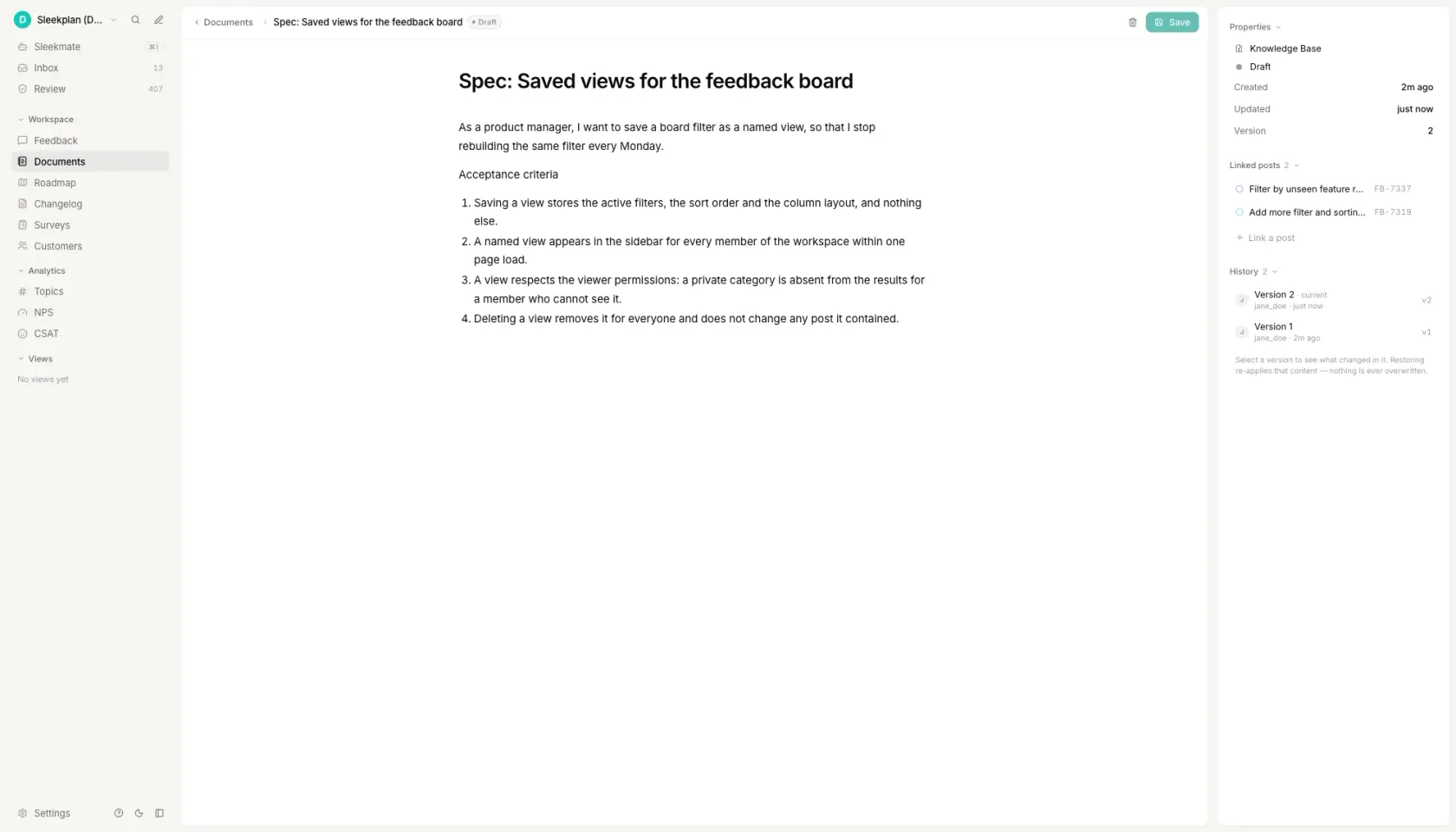_The story and its criteria, linked to the two requests they came from._
[See how documents link back to feedback ](https://sleekplan.com/documents)
h2. How to write user stories
h3. Name one real person, not the user
Write the role as a job plus a scale: a support lead triaging 200 tickets a week, a payroll specialist running a nightly sync of 1,400 records. "As a user" passes every review and tells nobody anything, and it is the single most common reason a story gets built for a person who does not exist. If you cannot name the role specifically enough that someone could go and find that person, you have a feature idea, not a story.
h3. Write the goal as an action, not a screen
The goal belongs in the user's language and at the level of outcome: "filter the board by the plan a request came from", not "add a dropdown to the board header". A goal written as an interface element has already decided the design, which means the story is no longer negotiable and half the team's expertise is locked out of the conversation before it starts.
h3. Make the benefit falsifiable
The "so that" clause is the part a reviewer uses to decide whether the proposed solution actually delivers anything, so it has to be something that could turn out to be false. "So that the experience is better" cannot be wrong, which means it also cannot be right. "So that I can tell a trial request from a paying one before I escalate it" can be checked against the person in the story in about a minute.
h3. Turn the benefit into acceptance criteria
Ask what would have to be true for that benefit to land, and write each answer as a statement that is either true or false when the work is done. Three to five is typical. Cover the main case, the limit that applies, and the one failure everybody will otherwise discover in review. If the behaviour branches, write them as Given/When/Then scenarios instead, because whoever automates the test will otherwise guess.
h3. Delete every vague word
Read the criteria back and strike out fast, easy, intuitive, user-friendly, seamless and robust. Each one is a place where two people will read the same sentence differently and only find out during review. Replace it with a number or an exact action: "loads quickly" becomes "renders 50 rows in under 2 seconds". Then check the phrasing is positive, because a criterion written as "should not" describes an infinite set of behaviours and tests none of them.
FAQ
h2. Questions people ask
h3. What is the format for a user story?
As a role, I want a goal, so that a benefit. All three parts matter: the role stops the story being written for a generic user, the goal states the outcome rather than the implementation, and the benefit is the part a reviewer uses to decide whether the proposed solution actually delivers it. The format is called the Connextra template, after the company whose team wrote it down in 2001.
h3. What are the 3 C's of user stories?
Card, Conversation, Confirmation, from Ron Jeffries in 2001. The card is the story sentence, short enough that it was originally written on an index card. The conversation is the discussion the card exists to trigger, and it is where the real requirement is worked out. The confirmation is the acceptance criteria: what the two sides agreed, written down so it can be checked later.
h3. What is considered a good user story?
One that names a specific person rather than "a user", states an outcome rather than an interface element, carries a benefit that could turn out to be false, and comes with three to five acceptance criteria containing numbers instead of adjectives. The usual shorthand for the rest is INVEST: independent, negotiable, valuable, estimable, small and testable. Small and testable are the two that fail most often.
h3. How do I write acceptance criteria for a user story?
Ask what would have to be true for the story's benefit to land, and write each answer as a statement that is either true or false when the work is done, with no adjectives. Two formats are common: Given/When/Then scenarios for anything whose behaviour branches, and a rule checklist for anything that is a set of constraints such as validation or permissions. Three to five criteria per story is typical.
h3. Can you provide an example of an acceptance criteria in a user story?
Take the story "as an IT administrator rolling the tool out to a department of 200 people, I want to invite teammates from a CSV file, so that I do not paste addresses one at a time." One criterion on it reads: "rows with a malformed email address are skipped and listed by row number, and the valid rows are still sent." It is checkable, it names the failure case, and nobody has to ask the author what they meant.
Get started in 4 minutes
h2. **Your roadmap,**** on **autopilot**. **
Free for 30 days. No card, no sales call. Cancel anytime.
[**Start free **](https://app.sleekplan.com/sign-up/) [**Book a 20-min demo **](https://sleekplan.com/contact/sales)
---
### AI-Powered Customer Feedback Platform | Sleekplan
Source: https://sleekplan.com/
Description: All-in-one feedback platform on autopilot. Feedback boards, roadmap, changelog, NPS, and AI that turn signal into shipped product.
**Sleekplan is**merging duplicates
h1. **Ship what users **actually** want. **
Sleekplan collects feedback from every channel, finds the themes, and writes the changelog when you ship. You decide what to build.
[**Start free **](https://app.sleekplan.com/sign-up/) [**Learn how it works **](https://sleekplan.com/intro?play=capture)
6+ years of shipping fast 30-day trial GDPR 99.99% uptime
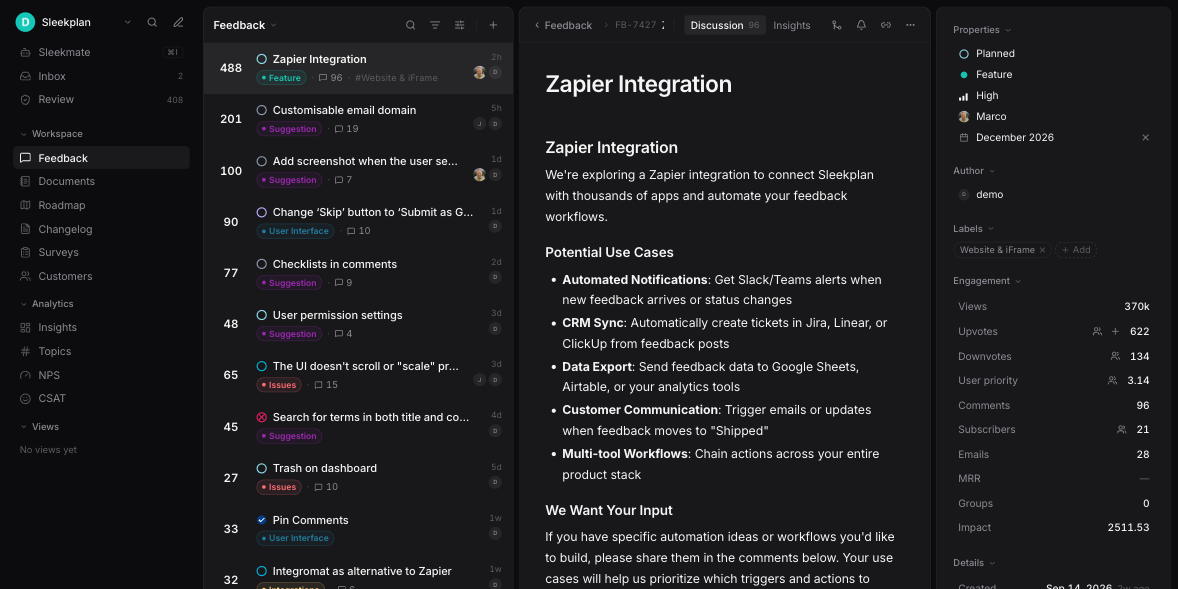
Trusted by leading product teams worldwide
Trusted by Ooma, Yodeck, McKinsey, HID Global, Dendreo, Fender, Mercedes-Benz, Decathlon, N26, LambdaTest, York University, Billbee.
**FEATURES **## **Four products, **one** tab. **
Everything your team uses to close the customer feedback loop. No more bouncing between Trello, Notion, Mailchimp, and a typeform that nobody reads.
01 / BOARDS**Boards**
h3. **Feedback**
Public or private boards. Voting, comments, statuses. Auto-categorized by AI the moment a request hits the queue.
[**Learn more **](https://sleekplan.com/feedback)
**248**
Slack notifications
**191**
CSV bulk import
**174**
Custom domains
02 / PLANNING**Planning**
h3. **Roadmap**
Drag, prioritize, assign. Share publicly to build trust, or keep internal. Linked to feedback so users see their idea ship.
[**Learn more **](https://sleekplan.com/roadmap)
**Now**AI tagging · Slack v2
**Next**Mobile SDK · Webhooks
**Later**Custom AI
03 / ANNOUNCEMENTS**Announcements**
h3. **Changelog**
Beautifully-rendered release notes with reactions, embeds, and an in-app widget. Markdown in, delight out.
[**Learn more **](https://sleekplan.com/changelog)
**NEW**v2.18 · today
**Auto-summaries for threads**
**FIX**v2.17 · 2d ago
**Voting button on dark mode**
04 / PULSE**Pulse**
h3. **NPS & Surveys**
Targeted surveys at the moments that matter. Sentiment scoring rolls into the same boards your PMs already live in.
[**Learn more **](https://sleekplan.com/csat-nps)
NPS · LAST 30D
**+62 **
**↑ 14 pts **
**6+ years**
Shipping fast
**95K+**
Monthly feedback signals
**1.3M+**
Monthly users reached
**4.9 / 5**
Average rating
**HOW IT WORKS **## **From **“good idea”** to shipped, on autopilot. **
1. **01**### **Collect**
Embed widgets, public boards, in-app prompts, email, Slack, Intercom. Capture feedback wherever it shows up.Widget Slack Email Intercom APIPOST /v1/feedback { source: "widget", text: "..." }
2. **02**### **Prioritize**
AI clusters duplicates, tags by theme, and surfaces what's actually moving the needle. You drag, you decide.**Mobile app**47 ideas**Billing**28 ideas**API limits**19 ideas
3. **03**### **Ship & tell**
Move it to the roadmap, ship it, and announce it. Your users get auto-notified the second their request goes live.**SHIPPED ****Slack v2 integration** AUTO-NOTIFIED · 184 USERS The feature you voted for is live.
Sleek Intelligence
h2. **The feedback loop, **fully closed**. **
Five layers of AI turn the noise into signal: support tickets, store reviews, half-finished portal posts — shaped into a roadmap that ships itself.
**01**
**Collect**
Tickets, reviews
**02**
**Insights**
Themes, trends
**03**
**PRD**
Agent drafts
**04**
**Ship**
Claude / Cursor
**05**
**Tell**
Auto changelog
Get started in 4 minutes
h2. **Your roadmap,**** on **autopilot**. **
Free for 30 days. No card, no sales call. Cancel anytime.
[**Start free **](https://app.sleekplan.com/sign-up/) [**Book a 20-min demo **](https://sleekplan.com/contact/sales)
---
### CSAT Calculator: Top-2-Box and Mean Score | Sleekplan
Source: https://sleekplan.com/tools/csat-calculator
Description: Enter your counts of 1 to 5 ratings and get CSAT calculated both ways, top-2-box and mean-based, with the gap between the two shown.
h1. A CSAT calculator that runs both formulas on the same responses.
h3. Support ticket
h4. Support ticket CSAT
h5. When to ask
Immediately after the ticket is marked resolved, in the reply itself or in the widget. Within the hour, not the next morning.
h5. The question
How satisfied are you with the help you received?
h5. The scale
1 to 5. Label every point: 1 Very dissatisfied, 2 Dissatisfied, 3 Neutral, 4 Satisfied, 5 Very satisfied.
h5. The follow-up
What would have made this a 5? One optional open field, never required.
h5. Which formula to report
Top-2-box. A support desk needs a threshold it can act on, and the count of 1s and 2s is a work queue rather than a statistic.
Markdown. Paste it straight into your docs, tracker or a coding agent.
h3. Onboarding
h4. Onboarding CSAT
h5. When to ask
At the end of the first week, once setup is finished. Not on day one: there is nothing to rate yet.
h5. The question
How satisfied are you with how your first week went?
h5. The scale
1 to 7, labelled at the ends only: 1 Very dissatisfied, 7 Very satisfied.
h5. The follow-up
What was the hardest part of getting set up?
h5. Which formula to report
Mean-based, and print the mean out of 7 next to the percentage. Top-2-box on a seven-point scale counts only 6 and 7, so it treats every 5 as a failure and discards most of the movement the longer scale was chosen for.
Markdown. Paste it straight into your docs, tracker or a coding agent.
h3. In-app moment
h4. In-app moment CSAT
h5. When to ask
On the screen where the job was just done: a report exported, an invoice sent, a workflow published. Throttle it so nobody is asked twice in a quarter.
h5. The question
How satisfied are you with [the thing they just did]?
h5. The scale
1 to 5 stars or smileys. One tap, with no required text field behind it.
h5. The follow-up
Anything we should fix here? Optional.
h5. Which formula to report
Top-2-box, per moment, never pooled across moments. Two triggers with different populations averaged into one number will move when traffic shifts and nothing else changed.
Markdown. Paste it straight into your docs, tracker or a coding agent.
h3. New feature
h4. New feature CSAT
h5. When to ask
After the person has used the feature twice, not the first time. First use measures your onboarding; second use measures the feature.
h5. The question
How satisfied are you with [feature name] so far?
h5. The scale
1 to 5, the same scale as your other surveys, so the number is comparable to them.
h5. The follow-up
What were you trying to do the last time you used it?
h5. Which formula to report
Both, and read the gap between them. A new feature is where opinion splits hardest, and a wide gap is the signal that you have two populations rather than one average user.
Markdown. Paste it straight into your docs, tracker or a coding agent.
The calculator loads here. Both formulas, the worked table and every answer on this page are readable without it.
h2. The two CSAT formulas, and why they disagree
Customer Satisfaction Score has two formulas in common use and they answer different questions. Top-2-box counts the share of respondents who picked either of the two highest options, usually 4 and 5 on a five-point scale: satisfied responses divided by total responses, times 100. Mean-based CSAT averages every rating instead, then divides that average by the scale maximum to express it as a percentage.
In a spreadsheet with raw ratings in column A, top-2-box is COUNTIF(A:A,">=4")/COUNT(A:A)*100 and mean-based is AVERAGE(A:A)/5*100. Both work unchanged in Excel and Google Sheets. On a seven-point scale, change the 4 to a 6 and the 5 to a 7.
The two move apart whenever opinion is split. A set of 100 responses that is half fives and half ones gives a top-2-box CSAT of 50% and a mean of 3.00, which rescales to 60%: ten points of disagreement from the same answers. Neither is wrong. Top-2-box measures enthusiasm, mean-based measures central tendency, and a report that names only one of them hides the fact that the other exists.
The gap does not always run the same way. Ratings that pile up on 4 push top-2-box above mean-based, because a 4 counts in full toward top-2-box and only 80% toward the mean. Ratings that split to both ends push mean-based above top-2-box. Pick the formula before you see the number, write it next to the score, and keep it there.
h2. A worked CSAT calculation on four response shapes
Each row below is 100 responses to one of the four survey templates above, scored by both formulas. Counts are listed highest rating first, so 62, 21, 9, 4, 4 means 62 people picked 5, 21 picked 4, nine picked 3, four picked 2 and four picked 1. The gap column is mean-based minus top-2-box, in percentage points. Enter any row into the calculator and you get the same numbers back.
The spread is widest on the seven-point scale. Onboarding CSAT below is an ordinary, healthy distribution, and the two formulas report 58.0% and 79.1% for it: 21 points apart, decided entirely by which formula the team picked. Top-2-box on a seven-point scale means 6 and 7, so every 5 counts as a failure, while the mean treats a 5 as 71% of a perfect answer.
Which one to report follows from what the number is for. Top-2-box when you need a threshold to act on, because it answers how many people were actually happy. Mean-based when you are tracking movement on a stable scale, because it uses every rating instead of collapsing them into satisfied or not. On a two-point thumbs scale the choice disappears and mean-based becomes useless: with only 1 and 2 available it can never fall below 50%, however bad the week was.
100 responses per row, scored by both CSAT formulas
| Survey | Responses, highest rating first | Top-2-box | Mean-based | Gap |
| --- | --- | --- | --- | --- |
| Support ticket CSAT | 1 to 5: 62, 21, 9, 4, 4 | 83.0% | 86.6% (mean 4.33) | +3.6 points |
| Onboarding CSAT | 1 to 7: 28, 30, 22, 12, 5, 2, 1 | 58.0% | 79.1% (mean 5.54) | +21.1 points |
| In-app moment CSAT | 1 to 5: 30, 55, 10, 3, 2 | 85.0% | 81.6% (mean 4.08) | -3.4 points |
| New feature CSAT | 1 to 5: 40, 8, 6, 6, 40 | 48.0% | 60.4% (mean 3.02) | +12.4 points |
h2. What counts as a good CSAT score
There is no single good CSAT score, and the pages that publish bands like 90 to 100 exceptional, 70 to 89 good rarely say where the bands came from. Three sources are worth knowing because they are published, dated and attributable. Two of them are not measured the way this calculator measures, and that difference matters more than the numbers do.
The American Customer Satisfaction Index put the United States national score at 76.1 for the second quarter of 2026, down from 76.7 in the first quarter, in a release dated 11 August 2026. It is built from roughly 200,000 interviews a year across more than 400 companies in more than 40 industries. Its 2026 sector studies, each with its own fieldwork window, run from 80 for audio streaming and specialty retail, through 79 for online retail, 77 for wireless service and for hotels, 76 for airlines and 75 for social media, down to 73 for internet service providers.
ACSI is a 0 to 100 index, not a percentage of satisfied customers, and it is not produced by the arithmetic on this page. It comes from a multi-question model weighting expectations, perceived quality and perceived value, drawn from a national sample rather than from your customers at your moment. Reading a 76% top-2-box as level with the national 76.1 compares two different instruments. That confusion is the origin of most of the unsourced CSAT bands in circulation: they are index-shaped numbers wearing a percentage sign.
For a benchmark measured the way this calculator measures, Retently's 2026 CSAT benchmarks, published 8 April 2026, report a dominant range of 65% to 80% across industries, with financial services at 81%, ecommerce and retail at 77% and internet and software services at 64%. Retently publishes no sample size or methodology beside those figures, which is a reason to treat them as orientation rather than as a target. Zendesk's guidance, last updated 21 November 2025, calls 75% to 85% good and above 90% exemplary, and presents itself as a rule of thumb rather than as measured data.
Your own previous quarter beats all of them, provided it was collected on the same scale, at the same trigger, with a comparable number of responses. That is three conditions, and a benchmark comparison that fails any one of them is decoration.
h2. How much of your CSAT is sampling noise
A CSAT of 80% from 50 responses and a CSAT of 80% from 2,000 responses are not the same finding, and no calculator on the first page of results says so. The 95% interval on a proportion is 1.96 times the square root of p times one minus p, divided by n. At p = 0.80 and n = 50 that is plus or minus 11.1 points, so the honest reading of that 80% is somewhere between 69% and 91%.
The interval shrinks with the square root of the sample, which means four times the responses to halve it. The same 80% is plus or minus 5.5 points at 200 responses and plus or minus 2.5 points at 1,000. It also widens as the score approaches 50%: at p = 0.50 and n = 50 the interval is plus or minus 13.9 points, not 11.1, so a mediocre score is measured less precisely than a good one.
The practical consequence is the one most CSAT dashboards get wrong. A move from 80% to 84% on 50 responses a month is not an improvement, and treating it as one is how a team spends a quarter chasing a number that never moved. The calculator prints this interval next to the top-2-box score at whatever sample size you entered.
h2. Where the responses come from
Arithmetic is the easy half. The number is mostly decided before any calculator runs, by the moment you asked at, how many people answered, and whether the question was worded the same way last quarter. A CSAT that moved because the trigger changed from ticket closed to ticket closed and not reopened within 48 hours has measured the trigger, not satisfaction.
That collection half is what Sleekplan does. A survey fires on a path or a journey, checkout, settings, the end of onboarding, on a scale you set once, and cohort throttling stops the same person being asked twice in a quarter, which is the most common way a CSAT sample quietly stops being representative. An optional open question captures the reason next to the rating, and the dashboard reports rolling 30, 90 and 365-day scores instead of one survey round.
Because the responses land in the same workspace as the feedback board, a 2 out of 5 is one click from whatever that customer has been asking for, and a detractor can page a Slack channel within seconds rather than surfacing in a quarterly review. That also removes the sample size problem above: a trigger that fires on every resolved ticket collects hundreds of responses a quarter without anyone launching a campaign.
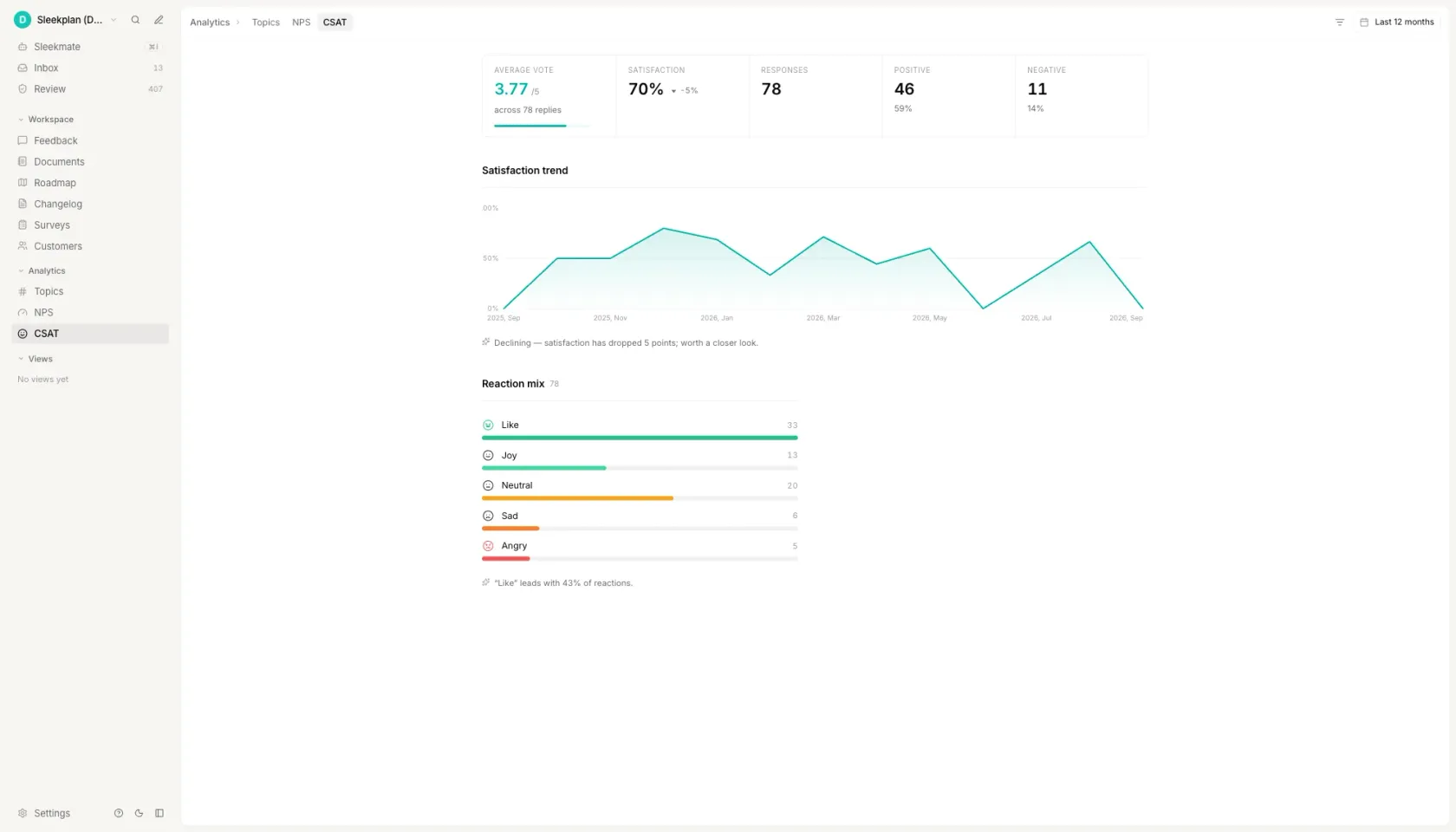_Both numbers on one screen: the mean out of five and the satisfaction percentage, from the same 78 replies._
[See how CSAT surveys are triggered ](https://sleekplan.com/csat-nps)
h2. How to calculate CSAT
h3. Ask one rating question on a fixed scale
One question, one scale, the same wording every time. Five points is the default; seven is used when you expect the score to move slowly and want the resolution. The choice matters far less than never changing it, because a scale change breaks comparison with every period before it. Label the points in words as well as numbers, so a 3 means the same thing in every language you ask in.
h3. Decide what counts as satisfied before you look at the data
This is the step that changes the number. On a five-point scale, top-2-box counts 4 and 5 as satisfied and top-box counts only 5. On a seven-point scale, top-2-box is 6 and 7, so a 5 becomes a failure. Write the choice down next to the score. A team that decides after seeing the data will pick whichever definition flatters the quarter, and the series stops meaning anything from that point on.
h3. Count the responses at each rating point
You need one count per rating, not a list of scores. Export the raw column from your helpdesk or survey tool and count it, or paste the column into the calculator above and let it count. Use completed responses only: someone who closed the survey did not answer 3, and folding abandonments in as neutral is a common way to invent a number that looks calmer than the truth.
h3. Run both formulas on the same counts
Top-2-box is satisfied responses divided by total responses, times 100. Mean-based is the average rating divided by the scale maximum, times 100. Run both on the same counts. If they agree to within a point or two, the distribution is clustered and either will do. If they are ten points apart, opinion is split, and the single number you were about to report is hiding that.
h3. Check the result against your sample size, then against a benchmark
At 50 responses an 80% top-2-box score carries a 95% interval of plus or minus 11 points, so next month's 84% is noise. Then compare like with like: a CSAT collected after a resolved ticket is not comparable to one collected after onboarding, and neither is comparable to a national index built with a different instrument and a different question.
FAQ
h2. Questions people ask
h3. What is the CSAT formula?
CSAT is satisfied responses divided by total responses, times 100. On a five-point scale, satisfied normally means the answers 4 and 5, which is the top-2-box method. The second formula in common use averages every rating and divides by the scale maximum instead, and it returns a different number whenever opinion is split: 50 fives and 50 ones are 50% by top-2-box and 60% by the mean. In a spreadsheet the two are COUNTIF(A:A,">=4")/COUNT(A:A)*100 and AVERAGE(A:A)/5*100.
h3. What is a good average CSAT score?
The published benchmarks disagree because they are not measured the same way. Retently's 2026 CSAT benchmarks, published 8 April 2026, give a dominant range of 65% to 80% across industries. Zendesk's guidance, updated 21 November 2025, calls 75% to 85% good as a rule of thumb. The American Customer Satisfaction Index scored the United States at 76.1 for the second quarter of 2026, but that is a 0 to 100 index from a multi-question model rather than a percentage of satisfied respondents, so it is not comparable to a top-2-box score at all.
h3. Is 80% CSAT good?
It sits inside every published band, and on its own it says very little, because three things are usually missing when it is quoted. Which formula: 80% top-2-box and 80% mean-based are different claims about the same responses, and on a split set they can be ten points apart. Which moment: a post-ticket 80% and a post-onboarding 80% are not the same measurement. And the sample size: at 50 responses, 80% carries a 95% interval of plus or minus 11.1 points, so the honest statement is somewhere between 69% and 91%. An 80% that beats your own previous quarter on the same trigger, the same scale and a comparable number of responses is good. An 80% with none of that attached is a rounding.
h3. What is a CSAT score of 5 out of 5 considered?
A single 5 out of 5 is one satisfied respondent, not a score. CSAT only exists once you divide by the total. If every respondent picked 5, CSAT is 100% by both formulas, which in practice usually means the sample is very small or the question reached only people with no reason to complain. A period with no 1s and no 2s in it is a sampling question before it is a result.
h3. How do you calculate a CSAT score out of 5?
Count how many people picked each rating from 1 to 5. Add the 4s and the 5s, divide by the total number of responses and multiply by 100: that is top-2-box CSAT. For the mean version, multiply each rating by its count, add the products, divide by the total to get the average out of 5, then divide by 5 and multiply by 100. With 62 fives, 21 fours, nine threes, four twos and four ones, those two calculations give 83.0% and 86.6% from the same 100 answers.
Get started in 4 minutes
h2. **Your roadmap,**** on **autopilot**. **
Free for 30 days. No card, no sales call. Cancel anytime.
[**Start free **](https://app.sleekplan.com/sign-up/) [**Book a 20-min demo **](https://sleekplan.com/contact/sales)
---
### RICE Score Calculator: Copy the Ranked List | Sleekplan
Source: https://sleekplan.com/tools/rice-score-calculator
Description: RICE is Reach times Impact times Confidence, divided by Effort. Score each feature on Intercom's 3 to 0.25 impact scale, then copy the ranked table.
h1. A RICE score calculator that ranks your backlog and copies out as a table.
h3. Scoring table
h4. RICE scoring table
Reach is customers per quarter. Impact is 3, 2, 1, 0.5 or 0.25. Confidence is 100%, 80% or 50%. Effort is person-months, minimum 0.5. RICE is (Reach x Impact x Confidence) / Effort, rounded to one decimal.
h5. Ranked backlog
| Rank | Feature | Reach | Impact | Confidence | Effort | RICE |
| --- | --- | --- | --- | --- | --- | --- |
| 1 | Bulk invite teammates by CSV | 900 | 1 | 100% | 1 | 900.0 |
| 2 | Saved filters on the board | 1400 | 0.5 | 100% | 1.5 | 466.7 |
| 3 | Slack notification on status change | 620 | 1 | 80% | 2 | 248.0 |
| 4 | Merge duplicate requests | 300 | 2 | 50% | 1.5 | 200.0 |
| 5 | Dark mode | 2000 | 0.25 | 100% | 3 | 166.7 |
| 6 | Single sign-on with Okta | 120 | 3 | 80% | 4 | 72.0 |
h5. Scale
Impact: 3 massive, 2 high, 1 medium, 0.5 low, 0.25 minimal. Confidence: 100% high, 80% medium, 50% low. Both scales are fixed; they are not free numbers.
Markdown. Paste it straight into your docs, tracker or a coding agent.
h3. Quarterly planning
h4. RICE ranking for [quarter]
Scored on [date] by [names]. Reach is customers per quarter, Effort is person-months. Anything below the cut line is ranked, not rejected.
h5. Committed
| Rank | Feature | Owner | Carried over | Reach | Impact | Confidence | Effort | RICE |
| --- | --- | --- | --- | --- | --- | --- | --- | --- |
| 1 | Bulk invite teammates by CSV | [name] | no | 900 | 1 | 100% | 1 | 900.0 |
| 2 | Saved filters on the board | [name] | Q2 | 1400 | 0.5 | 100% | 1.5 | 466.7 |
| 3 | Slack notification on status change | [name] | no | 620 | 1 | 80% | 2 | 248.0 |
h5. Below the cut line
| Rank | Feature | Reach | Impact | Confidence | Effort | RICE | Revisit when |
| --- | --- | --- | --- | --- | --- | --- | --- |
| 4 | Merge duplicate requests | 300 | 2 | 50% | 1.5 | 200.0 | Confidence rises above 50% |
| 5 | Single sign-on with Okta | 120 | 3 | 80% | 4 | 72.0 | Reach passes 400 accounts |
h5. Capacity
Person-months available this quarter: [number]. Person-months committed above: [number]. If the second number is larger, move the cut line, do not shrink the estimates.
Markdown. Paste it straight into your docs, tracker or a coding agent.
h3. Spreadsheet formula
h4. RICE in Sheets or Excel
Six columns and one formula. Identical in Google Sheets and Excel.
h5. Columns
A: Feature. B: Reach. C: Impact. D: Confidence. E: Effort. F: RICE. G: Rank.
h5. The formula in F2, filled down
=ROUND((B2*C2*D2)/MAX(E2,0.5),1)
h5. Why MAX(E2,0.5)
It is the divide-by-zero guard. An empty or zero Effort cell would return #DIV/0! or an infinite score that sorts to the top of your roadmap. 0.5 person-months is the smallest honest estimate anyway.
h5. Rank in G2, filled down
=RANK(F2,$F$2:$F$50)
h5. Data validation for column C (Impact)
3, 2, 1, 0.5, 0.25 as a dropdown list. Labels: 3 massive, 2 high, 1 medium, 0.5 low, 0.25 minimal.
h5. Data validation for column D (Confidence)
1, 0.8, 0.5 as a dropdown list. Labels: 1 high (100%), 0.8 medium (80%), 0.5 low (50%). Store the decimal, format the cell as a percentage.
h5. Then
Sort by column F, Z to A. Freeze row 1. Do not let anyone widen the Impact or Confidence dropdowns.
Markdown. Paste it straight into your docs, tracker or a coding agent.
h3. With customer evidence
h4. RICE with the Reach evidence attached
One extra column, and it is the one that ends the argument. Reach is the only number in RICE that can be invented, so write down where each one came from while you still remember.
h5. Ranked backlog
| Rank | Feature | Reach | Where Reach came from | Impact | Confidence | Effort | RICE |
| --- | --- | --- | --- | --- | --- | --- | --- |
| 1 | Bulk invite teammates by CSV | 900 | Workspaces that added 5 or more members last quarter, billing export | 1 | 100% | 1 | 900.0 |
| 2 | Saved filters on the board | 1400 | Accounts that opened the board at least once last quarter, analytics | 0.5 | 100% | 1.5 | 466.7 |
| 3 | Slack notification on status change | 620 | Workspaces with Slack connected, integrations table | 1 | 80% | 2 | 248.0 |
| 4 | Merge duplicate requests | 300 | Admins who merged at least one post last quarter | 2 | 50% | 1.5 | 200.0 |
| 5 | Single sign-on with Okta | 120 | Accounts on a plan that allows SSO, 14 of which asked in sales calls | 3 | 80% | 4 | 72.0 |
h5. Rule for the fourth column
A count and its source, or the row does not get scored. "Customers have asked for this" is not a Reach number. "41 votes across 3 merged posts, 9 of them on accounts above 50 seats" is.
Markdown. Paste it straight into your docs, tracker or a coding agent.
The calculator loads here: score several features at once, and copy the ranked list as a markdown table. RICE = (Reach x Impact x Confidence) / Effort, with Impact from 3, 2, 1, 0.5, 0.25 and Confidence from 100%, 80%, 50%. The formula, both scales and the worked example on this page are readable without it.
h2. The RICE score formula
RICE = (Reach x Impact x Confidence) / Effort. Reach is the number of people a change affects in one fixed period, counted in real units such as customers per quarter. Impact is a multiplier picked from a fixed five-value scale. Confidence is a percentage picked from a fixed three-value scale, and it enters the arithmetic as a decimal, so 80% is 0.8. Effort is what the change costs, counted in person-months, where one person-month is the work one team member does in one month.
Sean McBride, who published the framework on the Intercom blog on 5 January 2018, describes the result as total impact per time worked. That is the whole idea in five words. The numerator is how much good the change does and how sure you are of it, the denominator is what it costs to find out, and dividing one by the other is what lets a small change that touches everyone outrank a large change that three people asked for.
The score has no unit of its own, which means it does not travel. Effort is the live disagreement: the framework says person-months, but published RICE calculators variously use person-weeks or story points, and the same feature scores roughly four times higher in weeks than in months. Fix the unit before you score the first item and write it at the top of the table, because a RICE number with no stated Effort unit cannot be checked by anyone.
h2. Reach, Impact, Confidence and Effort
Reach is a count of people or events in one time period. Not a percentage, not a feeling. Pick the period, use the same one for every item on the list, and take the number from product metrics rather than from a hat. The original worked example: 500 customers reach this point in the signup funnel each month and 30% choose this option, so the reach is 500 x 30% x 3 = 450 customers per quarter.
Impact is picked from exactly five values: 3 for massive, 2 for high, 1 for medium, 0.5 for low and 0.25 for minimal. It is a per-person multiplier, not a total, and it is scored against one named goal rather than against the general good of the product.
Confidence is picked from exactly three values: 100% for high, 80% for medium and 50% for low. It covers the other three numbers, not the idea. The source is blunt about what sits underneath: anything below 50% is a total moonshot, which is a decision to make on other grounds rather than a number to score.
Effort is estimated in person-months, all disciplines included, kept to whole numbers, with 0.5 for anything well under a month. Rough is the intent. An Effort estimate carried to one decimal place implies a precision that the other three numbers cannot support.
Impact and Confidence are fixed scales, and that is the part worth defending. Reach and Effort are measurable, so someone who disagrees with you can go and check them. Impact and Confidence are judgements, and a judgement you can set to any number is a dial you turn until the thing you already wanted comes out on top. Five values and three values force the judgement into the open: you have to say this one is high and that one is medium, out loud, in front of the people who will build both. A number anyone can set to anything ranks nothing.
One correction worth carrying, because the mistake is now widespread. The Impact scale runs from 3 down to 0.25, not from 3 down to 0.5. Google's AI summary for this framework has stated the range as 0.5 minimal to 3.0 massive, which deletes the bottom value and relabels the one above it. In the published scale 0.5 is low and 0.25 is minimal, and the difference matters: it is the gap between a feature scoring half and a quarter of medium.
h2. A worked RICE score, start to finish
Take saved filters on a feedback board. Analytics say 1,400 accounts opened the board at least once last quarter, so Reach is 1,400. It saves a few seconds per visit rather than unlocking anything new, so Impact is 0.5, low. The reach comes from measured behaviour rather than from a survey, so Confidence is 100%. Two engineers think it is about six person-weeks between them, so Effort is 1.5 person-months.
1,400 x 0.5 = 700. 700 x 1.0 = 700. 700 / 1.5 = 466.7.
Now single sign-on with Okta, on the same list. Only 120 accounts are on a plan that would use it, so Reach is 120. For those accounts it removes a procurement blocker, which is as big as it gets, so Impact is 3. Sales have asked for it repeatedly but nobody has measured how many accounts would switch it on, so Confidence is 80%. It is four person-months of work.
120 x 3 = 360. 360 x 0.8 = 288. 288 / 4 = 72.0.
466.7 against 72.0 is the argument the framework exists to have. Single sign-on is the bigger piece of work and that is precisely why it loses: Effort is the denominator. Saved filters wins this quarter not because it matters more to any one customer, it matters far less, but because it touches twelve times as many accounts for a quarter of the time. And if you think the ranking is wrong, the framework has already told you where to argue: there are eight numbers behind those two scores and one of them is the one you disagree with.
h2. Which RICE prioritization template to use
All four templates above score the same way. What changes is what sits next to the score, and who reads it afterwards.
Pick by what happens to the output. Ranking a backlog once, in a meeting, needs nothing more than the scoring table. If the ranking becomes the plan of record, the quarterly variant carries the owner, the target quarter and the cut line, so the ranking and the commitment stay in one document. If you want the arithmetic to keep working after somebody adds a row next month, the spreadsheet variant gives you the cell formula and the two dropdown lists. And if anyone is going to ask where a Reach number came from, use the evidence variant from the start: adding the sources afterwards turns a scoring session into an archaeology session.
Which RICE template to use when
| Template | Use it when | Rows it suits | What it does not do |
| --- | --- | --- | --- |
| Scoring table | You are ranking a backlog once, in a meeting | 5 to 15 | No owner, no dates, no capacity check |
| Quarterly planning | The ranking becomes the plan of record | 10 to 30 | Heavier to fill in, and it goes stale |
| Spreadsheet formula | You want the arithmetic to live in Sheets or Excel | Any number of rows | Lives outside the doc everyone reads |
| With customer evidence | Someone will ask where Reach came from | 5 to 15 | Needs the evidence to exist first |
h2. What a RICE score is worth once you have it
Higher is better, and that is close to everything a single RICE score tells you. There is no universal threshold. Absolute cutoffs are published, and one widely linked calculator asserts that anything above 100 warrants prioritization while anything below 20 belongs in a someday pile, but those numbers are a property of that team's reach counts rather than of the framework.
The reason is arithmetic. Reach is an absolute headcount, so a team with 40,000 users generates scores two orders of magnitude larger than a team with 400 for identical work. Effort is a local estimate in a locally chosen unit. A RICE score is therefore only comparable inside one backlog, scored by one team, in one sitting. Carried across teams, or across a quarter in which the reach baseline moved, it compares nothing.
Which is why the ranking is the output and the individual score is an intermediate. The useful question is never whether 340 is good, it is what 340 beat and what beat it. If the top of your list is obviously wrong, one of the four numbers behind it is wrong, and RICE has done its job by telling you which row to open.
RICE also answers a narrower question than it first appears. It ranks candidates you have already decided are worth considering. Deciding what is in scope at all, and what is explicitly not, is a different job with a different tool.
[Compare it with a MoSCoW list ](https://sleekplan.com/tools/moscow-prioritization-template)
h2. Where the Reach number comes from
Almost every real objection to RICE is an objection to Reach. Impact and Confidence come from fixed scales, so the argument about them is short and public. Effort comes from the people who will do the work, who are in the room. Reach is the one number that can be invented, and an invented Reach makes the whole ranking decorative.
The instruction in the original is to use real measurements from product metrics instead of pulling numbers from a hat. In practice that means one of three things: a count from analytics, how many accounts touch this surface in a quarter; a count from demand, how many people asked for it and how many voted for the same thing; or a segment, which plan or which size of account the number is true for.
The middle one is the one most teams cannot produce on the spot, because the requests are scattered across support tickets, sales calls and a Slack channel somebody muted. That is the part Sleekplan holds. Feedback from the in-app widget, the public portal and your support tools lands on one board, duplicates merge into a single post that keeps every voter, and each post carries its vote count and the segment those voters belong to. Score in whatever table you like: what changes is that the number in the Reach column has a link behind it, and the roadmap it feeds tells the people who voted what was ranked above them and what shipped.
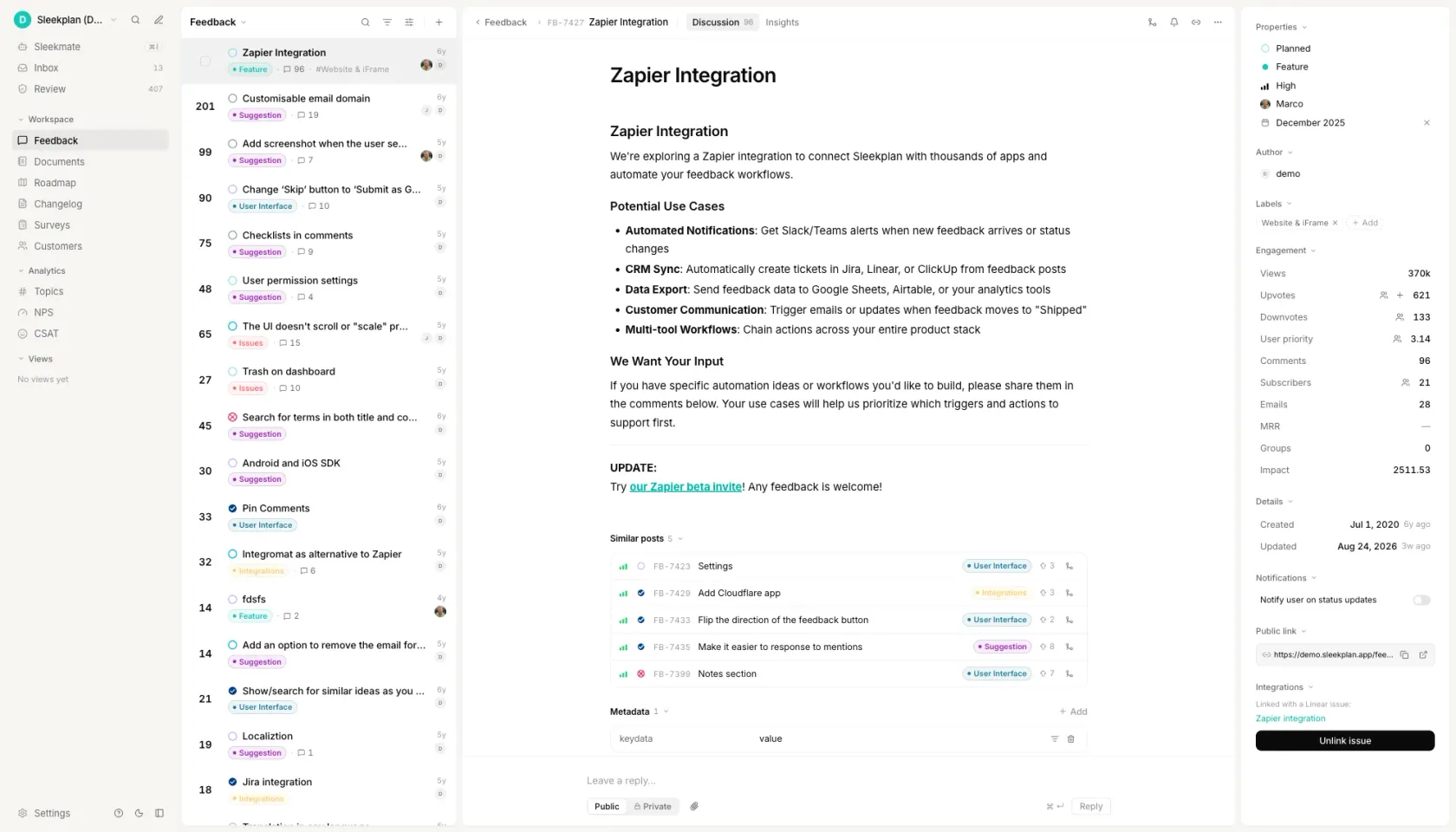_Reach is the one RICE number people invent. This is the same number with a list of names behind it._
[See how the roadmap works ](https://sleekplan.com/roadmap)
h2. How to calculate a RICE score
h3. Count the Reach in one fixed period
Decide the period first, then use it for every item on the list: customers per quarter, transactions per month, signups per week. Reach is a count of people or events, never a percentage. Take it from product metrics rather than from a hat, and if you have to combine numbers, show the working: 500 customers hit this step each month and 30% pick this option, so 500 x 30% x 3 = 450 per quarter.
h3. Pick the Impact multiplier from the five values
3 for massive, 2 for high, 1 for medium, 0.5 for low, 0.25 for minimal. Five values, no others, and no typing a number of your own. Score it per person reached, against one named goal, not against how important the project feels. If two items both look like a 3, one of them is a 2 and the conversation about which is the useful part of the exercise.
h3. Set Confidence from the evidence you actually have
100% when the reach and impact numbers come from measured behaviour, 80% when you have decent data for some of it, 50% when the whole thing rests on a strong hunch. Confidence is about your other three numbers, not about whether the idea is good. Anything you would score below 50% is a moonshot: decide it on other grounds instead of dressing it up with a score.
h3. Estimate Effort in person-months
One person-month is the work one team member does in a month, counting every discipline the change needs: design, engineering, QA, docs, migration. Stick to whole numbers, with 0.5 for anything well under a month, and never use zero. Rough is deliberate here. The other three numbers cannot support a precise denominator, and an Effort of 2.75 implies a certainty nobody in the room has.
h3. Divide, then rank the whole list
(Reach x Impact x Confidence) / Effort, rounded to one decimal, with Confidence as a decimal so 80% is 0.8. Then sort the list descending and read the order, not the numbers. The rank is the output. A single score has no natural unit and no threshold, so it means nothing until it sits above or below another score produced by the same team in the same sitting.
FAQ
h2. Questions people ask
h3. How do you calculate a RICE score?
Multiply Reach by Impact by Confidence, then divide by Effort. Reach is a count of people or events in one fixed period, Effort is person-months, and Confidence enters as a decimal, so 80% is 0.8. A feature reaching 620 accounts a quarter at medium impact, 80% confidence and two person-months scores (620 x 1 x 0.8) / 2 = 248.0. The result has no natural unit, so it only means something next to another score from the same list.
h3. What is the RICE formula?
RICE = (Reach x Impact x Confidence) / Effort. The letters stand for Reach, Impact, Confidence and Effort. Reach and Effort are measured in real units, people per period and person-months. Impact and Confidence are picked from fixed scales rather than typed. Sean McBride published the formula on the Intercom blog on 5 January 2018 and describes what it produces as total impact per time worked.
h3. What is the RICE method of prioritization?
A way of ranking candidate work by scoring each one on four factors and dividing the benefit by the cost. Two of the four are deliberately not free numbers: Impact is picked from 3, 2, 1, 0.5 or 0.25, and Confidence from 100%, 80% or 50%. Constraining them is the method, not a simplification of it, because an impact figure anyone can set to anything makes the ranking unfalsifiable. Intercom published it in 2018 to separate ideas its own team could not otherwise rank.
h3. Is a higher or lower RICE score better?
Higher is better, but only within one list. Reach is an absolute headcount and Effort is a local estimate, so a team with 40,000 users produces much larger scores than a team with 400 for exactly the same work. A score is comparable to the other scores in the same backlog, scored by the same people in the same sitting, and to nothing else. Comparing your 340 with a number from another company's blog post compares nothing.
h3. How do you interpret a RICE score?
Read the order, not the number. There is no universal cutoff, and published thresholds such as above 100 is a priority or below 20 is a someday reflect one team's reach counts rather than anything about the framework. Ask what the score beat and what beat it. When the top of the list looks wrong, one of the four inputs behind it is wrong, and finding which one is the point of scoring in the first place.
Get started in 4 minutes
h2. **Your roadmap,**** on **autopilot**. **
Free for 30 days. No card, no sales call. Cancel anytime.
[**Start free **](https://app.sleekplan.com/sign-up/) [**Book a 20-min demo **](https://sleekplan.com/contact/sales)
---
### Product Survey Questions: 100, Filter & Copy | Sleekplan
Source: https://sleekplan.com/tools/product-survey-questions
Description: 100 product survey questions in 10 categories. Each says what it measures, which scale to use, and when it is the wrong question. Tick and copy the set.
h1. Filter 100 product survey questions down to the five you will actually send.
h3. Overall satisfaction and loyalty
How satisfied are you with [product] overall?
1 to 5. Baseline sentiment, and the number most teams already report, so it is the one that makes a trend comparable.
Wrong when: Asked right after a support ticket closes. The answer then measures the ticket, not the product, and it will quietly drag your product baseline toward your support quality.
How likely are you to recommend [product] to a friend or colleague?
0 to 10. Willingness to stake a reputation on you, which tracks referral behaviour better than satisfaction does.
Wrong when: Asked of a user who cannot recommend you, such as an admin on a tool their company mandated. They will answer anyway, and the score will be about procurement.
How would you feel if you could no longer use [product]?
Multiple choice. The PMF signal. How the answers split between people who would be badly stuck and people who would shrug tells you whether there is a core worth defending.
Wrong when: Asked in the first week of a trial. Nobody has built a habit yet, so most people pick the indifferent option and you conclude you have no fit when all you have measured is how new the accounts are.
Have you actually recommended [product] to anyone in the last six months?
Yes or no. Referral behaviour that has already happened, which is the check on a stated likelihood score. The two disagree more often than teams expect, and only one of them has a date attached.
Wrong when: Used instead of the 0 to 10 recommend question rather than beside it. On its own it says nothing about the people who would happily recommend you and have simply never been asked to, and that group is the entire point of a referral programme.
How likely is it that you will still be using this a year from now?
0 to 10. Renewal intent, the closest stated proxy for retention you can collect before the invoice arrives.
Wrong when: Asked of accounts on an annual contract with nine months still to run. They are not free to leave, so the answer reports the contract rather than the intent, and the optimistic reading will not survive the renewal call.
If you were choosing a tool for this again today, would you pick the same one?
Yes or no. Repurchase intent with sunk cost stripped out, which separates real preference from the inertia of an existing setup.
Wrong when: Asked of the person who championed the original purchase. Saying no means admitting in front of their own team that they chose badly, so the yes rate inflates. Route this one to the colleagues who inherited the tool instead.
Was there a point where you nearly stopped using this? What happened?
Open text. The specific incidents that put a retained account at risk, which is where a churn post mortem would have started had they actually left.
Wrong when: Asked of accounts that have already cancelled. The story has been justified internally and defended in a meeting, so it comes back tidier and more rational than the messy moment was. Ask while they are still deciding.
If you could change just one thing about [product], what would it be? And why?
Open text. Reproduced here as it circulates, inside one published list of 103 questions, because it is the most common double-barrelled question in product surveys and it is far easier to recognise than to describe.
Wrong when: Always, as written. It makes two asks and offers one box, so a short answer gives you the change or the reason and never both, and nothing in the reply tells you which half is missing. Ship it as two fields: the change, then an optional why.
Compared with what you expected when you signed up, how has this turned out?
Multiple choice. The gap between the promise in your marketing and the delivery in the product, which tells you whether a low score is really an acquisition problem.
Wrong when: Asked more than six months after signup. Memory of the original expectation has been overwritten by the current experience, so the answer collapses into a second satisfaction score and says nothing about the promise you made.
How do you feel about the direction [product] is heading?
1 to 5. Forward-looking confidence, which tends to move before satisfaction does and is usually the first thing to fall after a redesign or a packaging change.
Wrong when: Asked of people who have not opened the product since before your last release. They answer from the most recent email you sent them, so the score tracks your marketing cadence rather than anything you shipped.
What is the main reason for the score you just gave?
Open text. The cause behind a number, and the one field that makes a rating actionable: without it, half a point of movement is a fact with nothing attached to it.
Wrong when: Made a required field. Forcing a reason out of somebody who rated you a 9 collects "no reason, it is fine" at volume, which buries the few detailed answers, and it pushes the people with a real complaint into abandoning the survey rather than typing it.
Markdown. Paste it straight into your docs, tracker or a coding agent.
h3. Feature usage and value
Which of these have you used in the last 30 days?
Multiple choice. Self-reported breadth of adoption, most useful as a cross-check against product analytics: where the two disagree you usually have a naming problem.
Wrong when: Used in place of instrumentation. People under-report routine actions and over-report anything they feel they ought to be doing, so a list of fifteen items returns a flattering picture your event data will contradict.
How often do you use [feature name]?
Multiple choice. Usage frequency, which separates a feature that carries the daily workflow from one that earns its place only at quarter end.
Wrong when: Asked about something genuinely seasonal, such as an annual planning view. Everyone surveyed in March answers rarely, the feature looks dead, and it gets cut four months before the period when it does all of its work.
Put these in order, from the part you would fight hardest to keep to the part you would give up first.
Ranking. Relative value under a forced trade-off, which surfaces the ordering that a set of independent importance ratings always flattens.
Wrong when: Given a list longer than about seven items. Accuracy falls apart past the top few positions and the bottom half of the order is close to noise, so a deprecation decision read off it is a coin toss with extra steps.
If everything but one part were taken away, which part would you keep?
Multiple choice. Where the load-bearing value sits, and whether different roles point at different parts of the product.
Wrong when: Answered by one admin and read as the team's view. A multi-seat product carries several jobs at once, so the one person who fills in surveys quietly overrides the reason four colleagues log in every morning.
Before this survey, did you know [feature name] existed?
Yes or no. Discovery failure, held apart from value failure: a no here is a navigation or onboarding fix rather than a product one.
Wrong when: Placed after a question that has just described the feature. The description plants the memory, people answer yes out of politeness, and a genuine discovery gap gets filed as already solved.
Where did you look for [feature name] before you found it?
Open text. The mental model people bring to your navigation, which is the real specification for where the entry point belongs.
Wrong when: Asked of someone who has used the feature for months. They now recall the route they learned, not the one they hunted for, so the answer just describes your current menu back to you. It only works within a day or two of first use.
Is there anything here you tried once and never came back to? What put you off?
Open text. Value failure rather than discovery failure: they found it, used it, and judged it not worth a second attempt.
Wrong when: Asked of users who have never got past the first two screens. There is nothing to abandon, so they invent a plausible complaint to fill the box, and an untouched feature ends up with a defect report written about it.
What were you trying to do the last time you opened [feature name]?
Open text. The job the feature is actually used for, in the user's own words, which is frequently narrower than the one it was designed for.
Wrong when: Asked about something the person opened once, months ago. Recall of a single old session is reconstruction rather than memory, so gate it on a session in the last seven days or accept that you are collecting plausible fiction.
How much of this part of your work happens inside [product]?
Multiple choice. Share of workflow captured, the distance between partial adoption and being the system of record.
Wrong when: Asked during a pilot that was deliberately scoped to one team and one use case. A low share is the plan working, not a gap, and reading it as weak adoption sends an account manager in to fix something nobody broke.
How well does [feature name] fit the way your team already works?
1 to 5. Process friction, which explains why something with healthy usage numbers still generates complaints.
Wrong when: Asked of an individual contributor about a feature their manager configured. They can rate the steps they perform but not the constraint that shaped them, so a low score arrives with no lever attached and sits in the deck unused.
If [feature name] moved to a paid add-on, how likely would you be to buy it?
0 to 10. Willingness to pay at the feature level, safest read as a relative ordering across features rather than as a forecast.
Wrong when: Asked without naming a price. Every answer becomes a vote for liking the feature, the high scores evaporate the moment a number appears, and packaging gets decided on a demand curve that was never measured.
Does [feature name] go far enough for what you need it to do?
1 to 5. Whether a gap is a missing feature or an unfinished one, which is the difference between a new project and a small extension.
Wrong when: Asked about something shipped in the last fortnight. Early users are still finding the edges, so they rate depth against a guess at the design rather than against their own work, and the real ceiling only surfaces weeks later.
Markdown. Paste it straight into your docs, tracker or a coding agent.
h3. Usability and effort
How much effort did it take to [complete the task]?
1 to 5. Customer Effort Score for one concrete job, which predicts repeat use of a task people have to do more reliably than a satisfaction rating does.
Wrong when: Fired at people who abandoned the task. Effort only exists for a journey someone finished, so an exit trigger collects ratings from people who never found out how hard the remaining steps were, and the average comes back healthier than the flow actually is.
How clear was this screen about what you needed to do next?
1 to 5. Whether the interface communicates the next action, which separates a comprehension problem from a capability problem on a step with a high drop rate.
Wrong when: The version that circulates, "How easy was it to navigate our intuitive dashboard?", is broken twice over. The word intuitive hands the respondent the answer you want, and navigate covers every goal a person could have had, so a low score cannot be traced back to anything.
Where did you get stuck, if you got stuck at all?
Open text. Named friction points in the user's own words, which is how you find the failures that produce no error and therefore never reach your logs.
Wrong when: Run as a standing poll on every page. Open text costs the respondent real time, and asking it of people who sailed through returns "nothing" from most of them, which buries the handful of real reports and teaches everyone to dismiss your prompts on sight.
Did you finish what you came to do without asking anyone for help?
Yes or no. The self-serve completion rate, which sets the ceiling on how far support headcount can be decoupled from user growth.
Wrong when: Asked inside a workspace where one colleague is the designated admin. Those users route every question to that person by policy rather than because the product failed them, so their No is an org chart artifact and inflates your apparent support dependency.
When something went wrong, how easy was it to get back to what you were doing?
1 to 5. The recovery cost after a failure, which distinguishes a product that errors rarely from a product that errors gracefully.
Wrong when: Put in front of a whole cohort instead of only the people who hit an error. Those with a clean session either skip it, which damages your completion rate, or answer a hypothetical, which produces a number describing an event that never happened.
Which part was hardest to do on a phone screen?
Multiple choice. The specific small-screen failure, which is usually one dense table or one modal rather than the responsive layout as a whole.
Wrong when: Shown to desktop-only users, who will still pick something because a list of options invites a pick. Gate it on a session that actually ran at a small viewport, otherwise the winning option mostly reflects which item you placed first.
How would you rate the speed of the product while you were working today?
0 to 10. Perceived performance, which tracks the slowest interaction on a path rather than the median response time your dashboards report.
Wrong when: Used as a replacement for instrumentation you do not have. The answer establishes that people feel it is slow and never which call is slow, so a team without traces spends the next sprint optimising whatever it already suspected and cannot tell whether that helped.
Rank these steps by how much of your time they take.
Ranking. Where effort concentrates across a multi-step flow, which tells you which single step is worth rebuilding first.
Wrong when: Given to someone who has run the flow once. A ranking needs repeated exposure to be stable, and a first-timer orders the steps by how recent or how confusing each felt, so the same person returns a different order a week later.
Which of these labels would you look for to find [this feature]?
Multiple choice. Whether your naming matches the words people search with, a direct input to nav labels, help article titles and in-product search synonyms.
Wrong when: Asked of people who have used the product for a year. They have learned your vocabulary and will confirm your current label, while the newcomers who cannot find the feature at all are the only population whose answer would change the label.
Did the help article you opened answer your question?
Yes or no. Documentation deflection at the article level, which tells you which pages to rewrite rather than how many people opened them.
Wrong when: Placed at the bottom of a long article. Only readers who scrolled that far can vote, and the people whose question was not covered left by the second paragraph, so your least useful pages quietly collect the cleanest scores.
What made you contact a person instead of finding the answer yourself?
Open text. The reason support volume exists, sorting tickets into missing documentation, distrusted documentation, and problems only an account holder can resolve.
Wrong when: Sent after the ticket is closed and the agent was friendly. Gratitude rewrites the story, so people report that they simply prefer talking to a human rather than that your search returned nothing usable. Ask it at the moment the ticket is opened.
Markdown. Paste it straight into your docs, tracker or a coding agent.
h3. Onboarding and first run
How long was it between signing up and getting something useful out of the product?
Multiple choice. Self-reported time to first value, which anchors the activation window your instrumentation should be held against.
Wrong when: Asked of an account someone else configured and handed over. That person's clock starts at a working workspace, so they answer in minutes and hide the two weeks the admin spent, and onboarding looks far cheaper than it is to the people who buy it.
Have you finished setting up, or is something still unfinished?
Yes or no. Self-reported completion, which often disagrees with the completion flag in your database and exposes steps users treat as optional that you treat as required.
Wrong when: Asked of a trial with three days left on it. People answer yes because they want the trial to have counted, not because the integration is connected. Read it next to a server-side check, or wait until the buying decision has passed.
Before you signed up, what did you think this product would do for you?
Open text. The promise the user arrived carrying, which is where a mismatch between acquisition copy and the first run begins.
Wrong when: Asked six months in. By then the person describes what the product does today, because using it has overwritten what they once assumed. This question has a short shelf life and only returns honest material within the first days after signup.
How closely does the product match what you expected before you signed up?
1 to 5. The size of the gap between the promise and the delivery, a leading indicator of early churn that no usage metric surfaces.
Wrong when: Asked without an open follow-up. The midpoint tells you a gap exists and nothing about its direction, and a product that overshot in one area while missing in another lands on exactly the same number as one that was merely adequate everywhere.
Which setup step took you the longest?
Multiple choice. Where onboarding time concentrates, which decides whether a step gets automated, documented, or dropped from the required path.
Wrong when: Offered with a list of steps that hides the waiting between them. If the real cost was a colleague sitting on an API key, no option describes it, the respondent picks the nearest step, and organisational delay lands on your engineering backlog as a UI problem.
Who did the setup work on this account?
Multiple choice. Whether activation depends on a human assist, which determines if onboarding can scale with self-serve signups or only with headcount.
Wrong when: Sent to single-seat accounts, where only one answer is possible. The result says most people set up alone, which is true by construction and says nothing about the multi-seat accounts where a stalled admin is the actual bottleneck.
Was there a moment during setup when you nearly gave up?
Open text. The strongest failure point in the flow, which is systematically under-reported because the people it defeated are not in your active user list.
Wrong when: Asked only of activated users, which is the sample that survived. The answers describe irritations people pushed through and never the wall that stopped anyone, so your worst step never appears. Send the same question by email to signups that stalled.
What was the first thing you did that made the product feel worth keeping?
Open text. The activation event in the user's own words, which shows whether the moment you optimise for is the moment that actually converts.
Wrong when: Asked before the person has reached any such moment. A user three screens into setup will invent an answer to be helpful, and an invented activation event is worse than none, because teams then rebuild onboarding to push everyone toward a moment nobody had.
How confident are you that you can run this on your own from here?
0 to 10. Perceived self-sufficiency at the end of onboarding, which predicts support contacts over the next weeks better than a completed setup checklist does.
Wrong when: Asked of the person who bought the product but will never operate it. Their confidence is an opinion about someone else's job and stays high whatever the state of the setup, which hides the risk sitting with the person who has to use it daily.
How clear was it what to do first after your first login?
1 to 5. Whether the empty state directs the user, which is where most first-session drop-off happens before any feature has been opened.
Wrong when: Reported as one average across signup sources. Someone arriving from a template link lands on a different first screen than someone who signed up cold, so a single number describes nobody, and it drifts every time your traffic mix changes rather than when the screen does.
Markdown. Paste it straight into your docs, tracker or a coding agent.
h3. Pricing and value for money
At what price would [product] be so expensive that you would not consider it?
Open text. The upper bound of the Van Westendorp price sensitivity meter, and the point where price stops being a negotiation and becomes a disqualification.
Wrong when: Asked of a user who does not hold the budget. An end user names a number from their own pocket and a procurement lead names one from a department plan, and pooling the two produces a curve that describes nobody.
At what price would [product] be so cheap that you would question whether it is any good?
Open text. The lower bound of the Van Westendorp meter: the point where a low price reads as a signal of weakness rather than a saving.
Wrong when: Asked in a category where free tiers are the norm. Respondents anchored on competitors that cost nothing answer that no price is too low, the lower curve flattens against zero, and the acceptable range reads far wider than the market will actually bear.
At what price would [product] start to feel expensive, though you would still think about buying it?
Open text. The point of price resistance on the Van Westendorp meter, where the purchase moves from routine to deliberated and needs a second person to approve it.
Wrong when: Asked of existing paying customers, who already know what they pay. The invoice is the anchor, most answers land just above it, and you end up measuring your current price list rather than the market's tolerance for a different one.
At what price would [product] be such good value that you would buy it without much deliberation?
Open text. The point of marginal cheapness on the Van Westendorp meter, and the price at which the decision stops needing a business case.
Wrong when: The respondent has only read a description and never used the thing. Pricing a paragraph, they reach for what similar sounding tools cost, so the number reports category familiarity rather than the value of your product.
Thinking only about what you get for what you pay, how would you rate the value?
1 to 5. Perceived value for money as a single tracked number, comparable across releases and across segments, and an early indicator of churn at renewal.
Wrong when: The version that circulates elsewhere is double-barrelled: 'How satisfied are you with our pricing and the features you receive?' A 2 there can mean the price is too high or the features are too thin, and the two need opposite fixes. Nothing in the answer says which.
Which plan comes closest to what you actually need, rather than what you are on today?
Multiple choice. The gap between packaging and real demand, and which tier boundaries are pushing people into a plan that fits badly in either direction.
Wrong when: Asked during a trial. Every plan looks adequate before anything has been used at volume, so nobody has met a limit yet and the answers cluster on the cheapest tier. Plan fit only becomes answerable after a first full billing cycle of real usage.
What would have to be included in the next plan up for you to move to it?
Open text. The specific contents of an upgrade decision, and whether your current tier boundary is drawn around something people will actually pay to cross.
Wrong when: Asked of free-plan users who have never paid for anything in this category, the answers are a wish list with no cost attached. Treat them as candidates to test behind a paywall, never as a forecast of upgrades, because naming a feature and buying it are different acts.
Would you rather be charged per user, by how much you use, or one flat amount?
Multiple choice. Preference between billing models, and how much predictability is worth relative to paying only for what is consumed.
Wrong when: Run on a sample skewed to one account shape. People pick whichever model shrinks their own bill, so a survey of small teams elects per user and a survey of large ones elects flat. Without light and heavy accounts in proportion, the winner is decided by who you invited.
At [price] per month, would you buy it?
Yes or no. One point on a Gabor-Granger demand curve. Repeated across several prices in random order, the set of answers gives the share of buyers at each level.
Wrong when: Asked once, at the price you hope to charge. Respondents read a single figure as a yes or no on the product rather than on the price, and agreeableness inflates it. Without several prices shown in random order there is no curve, only a compliment.
If your budget were cut, rank these parts of what you pay for in the order you would give them up.
Ranking. The internal order of value inside one bill, and which line items get defended when money is scarce. A ranking forces the trade-off that a rating scale lets people avoid.
Wrong when: Put to accounts that never adopted half the list. People discard what they never switched on, so the bottom of the ranking is an adoption report rather than a value judgement, and you cut a capability that was only ever badly onboarded.
Markdown. Paste it straight into your docs, tracker or a coding agent.
h3. What to build next
What is the one thing [product] does not do that you wish it did?
Open text. The top unmet need per respondent, and because it is capped at one it produces a countable ranking rather than a wish list.
Wrong when: Asked as "What is the one thing you would change, and why?" That version makes two asks, so a short answer gives you the why and not the what, or the what and not the why, and you cannot tell which half is missing.
In the last month, what did you try to do in [product] and could not?
Open text. An attempted action with a date attached, which is evidence of demand rather than a prediction of it.
Wrong when: Asked of someone who signed up a week ago and has not yet formed the habits that produce blocked attempts. They answer with a first-run confusion, you file it as a missing capability, and the onboarding bug it actually was never gets fixed.
How are you handling this today, outside [product]?
Open text. The substitute already in use, including the spreadsheet or second tool you are quietly competing with, and how costly that habit would be to give up.
Wrong when: The workaround has been in place long enough to feel normal. People who have exported to a spreadsheet every Monday for two years describe it as part of their process, not as a gap, so a real hole in the product reads back as satisfaction.
If we could ship only one of the two options below in the next quarter, which would you choose?
Multiple choice. Relative demand between two candidates that both look strong when rated in isolation, since a forced choice removes the option of wanting everything.
Wrong when: The two options do not compete for the same people or the same quarter. A respondent who would happily take both is made to invent a preference, and the winning percentage then settles a roadmap argument that the answers never actually spoke to.
Rank these five candidates from most useful to least useful for your work.
Ranking. An ordering inside the shortlist, and the gap between second and third place, which is usually where the real planning decision sits.
Wrong when: Used as the only demand question you ask. A closed list can return nothing but an item someone on your team already thought of, so a genuine top need that is missing from the five comes back as a confident ranking of the wrong things. Always pair it with one open question.
Of these four, pick the one that would help you most, then pick the one that would help you least.
Multiple choice. Both ends of the preference spread at once. It records two separate picks rather than one answer, which is why it is not the double-barrelled question it first appears to be, and it separates options people actively do not want from ones they are merely indifferent to.
Wrong when: Repeated past five or six sets of four in one sitting. Attention drops, people begin picking the first and last item in each set out of habit, and the later sets contribute noise that arrives looking like signal.
How often does this problem come up in a normal working week?
Multiple choice. Whether the gap is a daily tax or a yearly annoyance, which sets the size of fix that is worth funding.
Wrong when: The respondents are the thirty people who replied to a post on your feedback board. A self-selected group reports high frequency by definition, because that is why they turned up, and a tally of the loudest few gets read back as market demand.
Would you move to a higher plan to get this?
Yes or no. Whether the need is priced or only preferred, and it is the cheapest available filter on an otherwise unanimous wish list.
Wrong when: Read as revenue. Stated willingness to pay runs well above what the same people do at a checkout, especially when no number is on screen, so treat every yes as a shortlist for a real upgrade offer rather than as a forecast.
Which roles on your team would use this besides you?
Multiple choice. Whether the request belongs to one person or to a seat count, which changes both the expansion case and who has to sit in the design review.
Wrong when: The respondent is an individual contributor answering on behalf of a department they do not sit in. They report what they imagine colleagues need, and you size a feature for roles nobody ever asked directly.
If this existed tomorrow, how would you feel about it?
Multiple choice. Whether a capability is genuinely wanted or simply assumed to be there already, since an answer of "I would expect that" marks a gap you are being judged on today.
Wrong when: Sent from a company address a few weeks before a launch. Respondents read a hypothetical from a vendor as a commitment, support starts getting asked for the date, and a question meant to size interest has quietly become an announcement.
If we never build this, how much would that affect your work?
1 to 5. The cost of inaction, which is what separates a pleasant addition from a condition of staying.
Wrong when: Asked on its own. Without the matching question about the capability existing, a high score cannot be told apart from general frustration with the product, and the two answers only carry meaning as a pair from the same respondent.
To get this, what would you accept being slower, simpler or unavailable?
Open text. Whether the respondent holds any real trade-off at all, and which existing behaviour they value least, which is hard to learn any other way.
Wrong when: Asked of a respondent on a free plan with nothing at stake, who offers up a feature they have never opened. Weight the answers by whether the thing given away is something that account actually used in the last ninety days.
Markdown. Paste it straight into your docs, tracker or a coding agent.
h3. New product and concept validation
In your own words, what does the product you just read about do?
Open text. Whether the concept survives one retelling, and which part of the positioning people drop or invent when the copy is no longer in front of them.
Wrong when: The description is still visible on the same screen. Respondents copy phrases back and comprehension looks total. Ask it on the next screen, before any rating question, or you are grading short-term reading memory instead of whether the idea lands.
How appealing is this idea to you?
0 to 10. Concept appeal as a comparable number, useful for ranking several concepts against each other in the same study rather than for judging one alone.
Wrong when: Fielded only to your own newsletter or user list. A warm audience rates almost every concept highly, so an isolated score has no meaning. Run at least two concepts past the same people, or hold a benchmark from a previous concept on the same list.
If this were available today, how likely would you be to buy it?
1 to 5. Purchase intent on the standard five-point scale, read as a top-box share and discounted, not as a direct forecast of conversion.
Wrong when: No price and no switching cost are shown. Stated intent collected against a free hypothetical measures enthusiasm, and the top box routinely runs several times above what people do. Attach a price to the concept before you read the number as intent.
If you started using this, what would you stop using or stop doing?
Open text. The thing being displaced, which tells you who you are really competing with, including spreadsheets and manual routines that never appear on a competitor list.
Wrong when: Asked about a concept that adds a new activity rather than replacing an existing one. The question presumes a substitution, so respondents name something to be helpful, and you read a displacement that will not happen. Ask what it would sit alongside instead.
What would have to be true for you to move from what you use today to this?
Open text. The conditions attached to a switch, and whether the barrier is the product, the migration, or a commitment that has nothing to do with either.
Wrong when: Run on a sample that has never actually switched anything. People who only considered it name price. People who have moved name the data migration and the month it took. Pool the two and the expensive condition disappears under the cheap one.
Compared with how you handle this today, how much better or worse would this be?
Multiple choice. Relative value against the incumbent, which is the only comparison that decides adoption. Absolute appeal ignores the cost of leaving what already works.
Wrong when: The comparison is unfair by construction at concept stage: a described product has no bugs, no setup and no edge cases, while the current tool is judged as lived. The concept wins on imagination, and you inherit the expectation gap at launch.
In the last three months, have you tried to solve this yourself with a spreadsheet, a script, or a manual routine?
Yes or no. Evidence of an unmet need through behaviour rather than opinion. Effort already spent is a far stronger signal than agreement with a problem statement.
Wrong when: Asked with an open recall window. Phrased as 'have you ever', nearly everyone says yes at some point in a career, the answer separates nobody, and the question stops discriminating. The bounded period is what makes a yes worth anything.
Would you be willing to use an early version that is incomplete and may break?
Yes or no. Willingness to join an early access cohort, and the size of the group prepared to trade reliability for being first.
Wrong when: The invitation goes only to your most engaged users. They say yes out of loyalty, tolerate the rough edges, and report none of the confusion a first-time user hits. The beta then validates a build that new accounts cannot get through.
Rank these parts of the concept by how much each one would matter in your work.
Ranking. A forced trade-off between the pieces of the concept, which separates the part worth building first from the parts that merely sound agreeable.
Wrong when: The list mixes grains: a whole workflow listed next to a single button. Respondents rank by how important the words sound rather than by the work involved, and a broad item wins simply because it covers more. Keep the items at one level.
What is the single biggest reason you would not adopt this?
Multiple choice. The dominant objection, and whether it sits in the product, the buying process, or the team around the respondent.
Wrong when: Used as the first study on a new concept: a closed list can only return the objections you already thought of, and the real one hides inside the other option. Run it open first, code the answers, then offer those codes as options in the next wave.
Markdown. Paste it straight into your docs, tracker or a coding agent.
h3. Competitors and switching
What were you using to handle this work before you started with us?
Multiple choice. Whether you win against a named tool, against a spreadsheet, or against nobody doing the job at all, which decides who your positioning actually has to argue with.
Wrong when: Asked a year into the account. People misremember their old stack and compress three tools into one answer. Capture it during onboarding, while the previous setup is still open in another tab, and store it on the record instead of resurveying for it later.
What made you start looking for something different?
Open text. The event that opened the buying window, which is the signal your acquisition timing and your outbound campaigns can be built around.
Wrong when: Pointless for accounts that arrived through a free trial someone opened out of curiosity, with no problem in front of them. They will invent a trigger to be helpful, and invented triggers are indistinguishable from real ones once they are in the spreadsheet.
Which other tools did you seriously compare us against?
Open text. Your competitive set as buyers draw it, which is usually narrower and stranger than the set your team argues about internally.
Wrong when: Meaningless when the buyer inherited the decision from a parent company, an agency or a predecessor. They can only name what was handed to them, so their empty answer is filed as "no competition" and your competitive set reads thinner than it is.
What almost made you stay with [the tool you used before]?
Open text. The retention hook a rival holds over its customers, whether that is stored history, a contract date, or one workflow nobody wanted to rebuild.
Wrong when: Asked once the migration is finished and the pain has faded. The switching cost that nearly stopped them is only vivid while it is happening, so ask in the first week, with the half-moved data still in front of them, not at the quarterly check-in.
If we shut down tomorrow, put these options in the order you would try them.
Ranking. Which substitute the account treats as nearest, and whether going back to manual work sits above or below a rival in that order.
Wrong when: A hypothetical with no cost attached, so it reports preference and gets read as behaviour. Wrong as the basis for a churn-destination model: the integrations churned accounts request, and the tools support sees in their exports, answer that with evidence.
What do we do better than [the other tool you considered]?
Open text. The differentiator in the customer's own vocabulary, which is usually the phrasing your landing page should be borrowing rather than inventing.
Wrong when: The version that circulates elsewhere, "What are our strengths and weaknesses compared to [competitor]?", makes two asks in one box. Respondents answer whichever half they feel more strongly about, and a short reply that skipped the weakness is unreadable against one that found none.
What does [the other tool you considered] do better than us?
Open text. The concession a customer who already chose you is willing to make out loud, which is the most credible gap list available to you.
Wrong when: Sent from a named account manager's address to a customer weeks before renewal. Telling the person who owns the relationship that a rival is better feels like opening a negotiation, so the replies come back polite and empty. Send it unsigned or through a research address.
Are you still running another tool alongside us for the same work?
Yes or no. Whether you displaced the incumbent or merely joined the stack, which separates a safe account from a coexistence that ends at the next budget review.
Wrong when: Your own integrations list already answers it. An account with an active sync to the other tool is visibly running both, and confirming it by survey spends the one question you had on something a database query returns for every account.
Markdown. Paste it straight into your docs, tracker or a coding agent.
h3. Churn and win-back
What is the main reason you are cancelling?
Multiple choice. The stated driver in a countable form, which turns churn into categories you can size rather than a folder of anecdotes.
Wrong when: "Too expensive" sits first in the list. It is the easiest answer to give and it excuses the respondent from explaining anything else, so a list that leads with it reports a pricing problem whatever the real cause was. Rotate the option order.
Are you still doing this work somewhere else, or has the need gone away?
Multiple choice. Whether this is a competitive loss or a dissolved use case, two outcomes that call for completely different responses from the product team.
Wrong when: Asked of accounts closed because the company was acquired or shut down. The answer gets forced into a product category when the cause was corporate, and one acquisition losing forty seats can make a healthy segment look like it stopped needing you.
What could we have done that would have changed your decision?
Open text. The specific save that was still on the table, and, where answers repeat, the intervention your retention play should be built around.
Wrong when: Asked after the account is closed and the refund processed, when nothing can be influenced and the respondent knows it. Put it inside the cancellation flow, before the final confirm, where a named save can still reach someone the same day.
Was there a particular moment when you decided to stop? Describe what happened.
Open text. The concrete incident sitting behind an abstract reason, usually an outage, a failed import or an unanswered ticket you can match against the support log.
Wrong when: It only goes to people who click through the cancellation flow. Slow-fade churn, the accounts that quietly stopped logging in months before the card expired, has no moment to describe, and it is usually the larger half of the loss.
Would you consider using us again in the future?
Yes or no. The size of the win-back list, separating accounts worth a future campaign from ones where further contact is wasted on both sides.
Wrong when: A yes costs the respondent nothing, so it is permission to stay in touch, not a forecast. Wrong as the sole trigger for a win-back sequence: paired with nothing, it mails people whose actual blocker you never learned, on a date you picked at random.
What would have to be true for you to come back?
Open text. The named condition, a missing capability, a price point, an expiring contract, that a re-engagement message can be triggered on the day it becomes real.
Wrong when: Asked of someone who cancelled in anger over an incident that is still open. What comes back is the complaint again, not a condition, and the win-back list fills with apologies you have already made. Wait a fortnight and ask then.
If a smaller version at a lower price had been available, what would you have done?
Multiple choice. Whether the account was rejecting the price or the product, which is the difference between a plan gap you can close and a fit problem you cannot.
Wrong when: You have no intention of building a cheaper tier, so you create an expectation you will not meet. The answers also run optimistic: far more people say they would have downgraded than accept a downgrade when one is offered at the moment of cancelling.
Your account has been quiet for [a while]. What is getting in the way of using it?
Multiple choice. The stall reason while the subscription is still alive, which is the only churn signal that arrives early enough to do anything about.
Wrong when: Sent to seats that were never meant to be active: the admin who bought for a team, the shared billing address, the auditor. They report no blocker because they have no use for the product, and their replies dilute the stall reasons that matter.
Did you ever get the thing you originally signed up for working?
Yes or no. Whether this is failed activation or value lost after a working start, two churn shapes with different owners: onboarding in one case, the product itself in the other.
Wrong when: Your product analytics already record the activation event. Self-reports disagree with the logs, people who half-finished a setup answer yes, and you have spent a question on a worse copy of something you can query for every account at once.
Is there anything else you want to tell us before you go?
Open text. The reason that fitted none of the options you offered, plus the tone, which predicts whether this account will speak badly of you in public.
Wrong when: Placed as the last field of an eight-question cancellation flow. By then the respondent wants to be gone and the box collects "no" or nothing at all. It earns its keep as the second question, where the person still has something to say.
Markdown. Paste it straight into your docs, tracker or a coding agent.
h3. Screening and profiling
Which of these best describes your role?
Multiple choice. The segment a respondent belongs to, which is the variable every other answer in the survey gets cut by.
Wrong when: Shipped as a free-text box. Titles arrive as "Head of Product", "product lead", "PM II" and "founder, also does product", nobody tabulates four hundred of those by hand, and the segmentation the whole survey was built around never happens.
How long have you been using [product]?
Multiple choice. Whether an opinion comes from the first week or the third year, which is the difference between an onboarding complaint and a mature-use gap.
Wrong when: Your own database already holds the signup date. You spend a scarce question slot on a fact you could join in afterwards, and a long-standing customer who knows you have it reads the question as proof that nobody looked them up.
How often do you open [product] in a normal week?
Multiple choice. The respondent's own sense of their usage, which is the frame everything else they wrote was written inside.
Wrong when: Treated as a usage metric. Self-reports drift upward and bunch on round answers, while your event data already holds the truth. Keep the question only to see where belief and logs disagree, because that gap is the finding.
Were you involved in the decision to start using [product]?
Yes or no. Whether the answers come from someone who can renew or cancel, which sets how much weight a pricing objection deserves.
Wrong when: Asked in a self-serve product where everyone signed themselves up: almost every answer is yes and the question segments nothing. It earns its slot in larger accounts, where the person using the tool daily is rarely the person who approved the invoice.
How many people are on your team?
Multiple choice. The scale a request has to work at, and whether a complaint about permissions is one odd account or an entire tier's problem.
Wrong when: Asked in a survey you promised was anonymous, sitting next to role and country. Across four hundred accounts, "engineering lead, 2 to 10 people, Norway" is one identifiable person, and a respondent who works that out stops telling you anything uncomfortable.
Which of these describes you best right now?
Multiple choice. Which of three very different stories you are collecting, since a churn reason and a feature request should never land in the same tally.
Wrong when: The send list was built from active accounts. The former-user bucket comes back near empty and you conclude nobody leaves for that reason. To hear from that group they have to be invited from billing records, not from recent logins.
Markdown. Paste it straight into your docs, tracker or a coding agent.
The picker loads here. All 100 questions are on this page already, grouped by category and ready to copy without it.
h2. How many questions a product survey should actually contain
This page holds 100 product survey questions, and no single survey should use more than about eight of them. Every question you add costs response rate, and the ones people abandon are the open questions at the end, which are the ones worth reading.
Pick one outcome question, at most three diagnostic questions that could explain a bad answer to it, and one open question. That is five. The other 95 on this page exist so you can find your five, not so you can send fifty.
The cut gets easier if you write the decision down first. A question earns its slot when you can name the thing you would do differently depending on the answer. A question that is interesting but changes nothing is why surveys get a reputation for wasting customers' time, and it is also why question eight gets a careless answer rather than no answer at all. A careless answer still lands in your average.
Length is not the only budget, and channel matters more than length does. An in-app survey that fires on a screen somebody is trying to leave should ask one question, occasionally two. Five to eight is an emailed survey, sent to a list that already expects to hear from you, and even there the completion curve bends sharply once an open field appears.
h2. Which category to use, and when to send it
The ten categories below are not topics, they are send conditions. Each one answers a different question, reaches a different population and goes out at a different moment, which is why a survey assembled from three categories at once usually returns three unusable thirds.
Two of the ten are the reason this bank exists. Nine pages ranking for product survey questions were read on 20 September 2026. Not one of them has a block for what to build next, and not one publishes a single screening question. A bank with no screeners produces answers you cannot segment, which is the most common reason a completed survey gets read once and never referenced again.
The satisfaction block carries the 0 to 10 recommend question and the 1 to 5 satisfaction question with their wording and their scale, and nothing else. No formula, no bands, no benchmark table: turning those answers into a score is a separate job, and it has its own page on this site.
The ten categories in the bank, what each one answers and when to send it
| Category | What the answers tell you | When to send it |
| --- | --- | --- |
| Overall satisfaction and loyalty | Whether the relationship is holding, in one number you can trend across quarters | Quarterly to the whole base, or at renewal. Never inside a support reply, which measures the ticket instead |
| Feature usage and value | Which parts of the product carry the value, and which are shelf-ware nobody found | After about 30 days of use, to accounts your analytics show have actually opened the feature |
| Usability and effort | How hard the product is to operate, task by task rather than as an impression | Immediately after the task, on the screen where it happened, not in a monthly round-up |
| Onboarding and first run | Where new accounts stall before they get anything useful out of you | Day 7 to day 14, once setup has either finished or clearly stopped. Not on day one |
| Pricing and value for money | What people will pay, and the point at which price stops being a negotiation | Before a pricing change, to the people who hold the budget, and never during a billing incident |
| What to build next | Which of the things you could build is worth building first, as a count rather than a wish list | During discovery, to people who have hit the problem in the last 30 days |
| New product and concept validation | Whether something that does not exist yet is understood, wanted and worth paying for | Before the build, to the market you intend to sell it to rather than to your happiest current users |
| Competitors and switching | What you were bought instead of, and what you would lose them to | In the first 60 days, while the comparison they ran is still fresh enough to recall |
| Churn and win-back | Why an account left, and what would have to change for it to come back | In the cancellation flow for the reason, then again 60 to 90 days later for the truth |
| Screening and profiling | Who is answering, so that every other answer can be cut by role, tenure and usage | First, or not at all. Pull it from your own records instead if you already hold it |
[Turn the 0 to 10 answers into a score ](https://sleekplan.com/tools/nps-calculator)
h2. The scale decides what the answer is worth
Pick the scale before you write the wording. A question written first and scaled afterwards ends up with whatever the survey tool defaulted to, and a badly scaled question does not fail loudly. It returns a full set of answers that cannot be used, which is the most common way a good question produces unusable data. That is why every entry in this bank states its scale rather than leaving it to you.
Six formats cover almost everything a product team needs to ask. A 0 to 10 scale gives eleven points and earns them only if you intend to read the distribution rather than the average. A 1 to 5 scale is the default for a rating you want to trend, and every point should be labelled in words, so that a 3 means the same thing to somebody reading it in their second language. Yes or no is a filter rather than a measurement: its job is to decide who sees the next question. Multiple choice can only ever return an option you already thought of, so it belongs after you have run the open version at least once. Ranking stops being reliable past about five items, because people order the top two and then guess. Open text carries the most information and the most drop-off, which is why it goes last.
A 0 to 10 answer and a 1 to 5 answer are not convertible. Rescaling a 4 out of 5 into an 8 out of 10 assumes both scales were read the same way, and they are not: eleven points spread the middle and five points collapse it. Change the scale and your series starts again from that date, so decide once and then leave it alone for as long as you want the trend.
[Score 1 to 5 answers both ways ](https://sleekplan.com/tools/csat-calculator)
h2. Leading questions in surveys, and the ones that ask two things at once
A leading question carries its own answer. "How easy was our new setup flow?" has already decided that setup was easy and leaves the respondent choosing a degree. The fix is to delete the adjective and let the scale carry the judgement: "How much effort did setup take?" Read everything you are about to send and strike out easy, simple, powerful, helpful, seamless and improved. Each one is a thumb on the scale, and each one shifts the result in a direction you chose rather than one you measured.
An unbalanced answer list does the same thing more quietly. Options running excellent, good, fair, poor offer three positive rungs against one negative one, so the midpoint of the list sits above neutral and the average drifts upward whatever people actually think. Balance the options around a real middle, or remove the middle deliberately and say why.
A double-barrelled question makes two asks and accepts one answer. "How satisfied are you with our pricing and support?" cannot be answered by anybody who values one and resents the other, and the number it returns cannot be traced back to either. The test takes a second: if a respondent could reasonably answer differently to each half, it is two questions, so split it. The same applies to any question with "and why" bolted onto the end, which is the most common version in circulation.
This is where the pages ranking for this query fall down, and it was measured rather than assumed. Of nine pages read on 20 September 2026, four warn against leading and double-barrelled questions in a separate advice section, none applies that rule to a single one of its own questions, and one ships at least three double-barrelled questions inside its own list of 103. That is why the wording problem is annotated on the question itself here, in the same line as the scale, instead of being taught once at the top and forgotten by the time the list starts.
h2. Getting the answers back in a shape you can act on
A hundred questions is the easy half. How many people answer is decided by where the survey fires and who it fires at, and whether the answers are worth having is decided by what they land next to.
Sleekplan runs the survey where the behaviour happens. A survey triggers on a URL, a segment, a plan or an action, so the effort question reaches the person who has just finished the task and the pricing question reaches only the people who hold the budget. Branching means a detractor and a promoter see different follow-ups from the same send, which is how a survey stays at three questions per respondent while still covering eight. Responses can be collected anonymously when the honest answer is one nobody wants to sign.
Results come back per question rather than as a single completion figure: the answer breakdown for each question, the drop-off point for each step, and the individual responses behind the number. Because the survey sits in the same workspace as the feedback board, a 2 out of 5 is one click from everything that account has already asked for, and a free-text answer can become a feedback post without anybody retyping it.
That last part is what a question bank on its own cannot give you. The wording is on this page and it is free to take. What decides whether the answers are worth reading is who saw the question, and what happened to the reply afterwards.
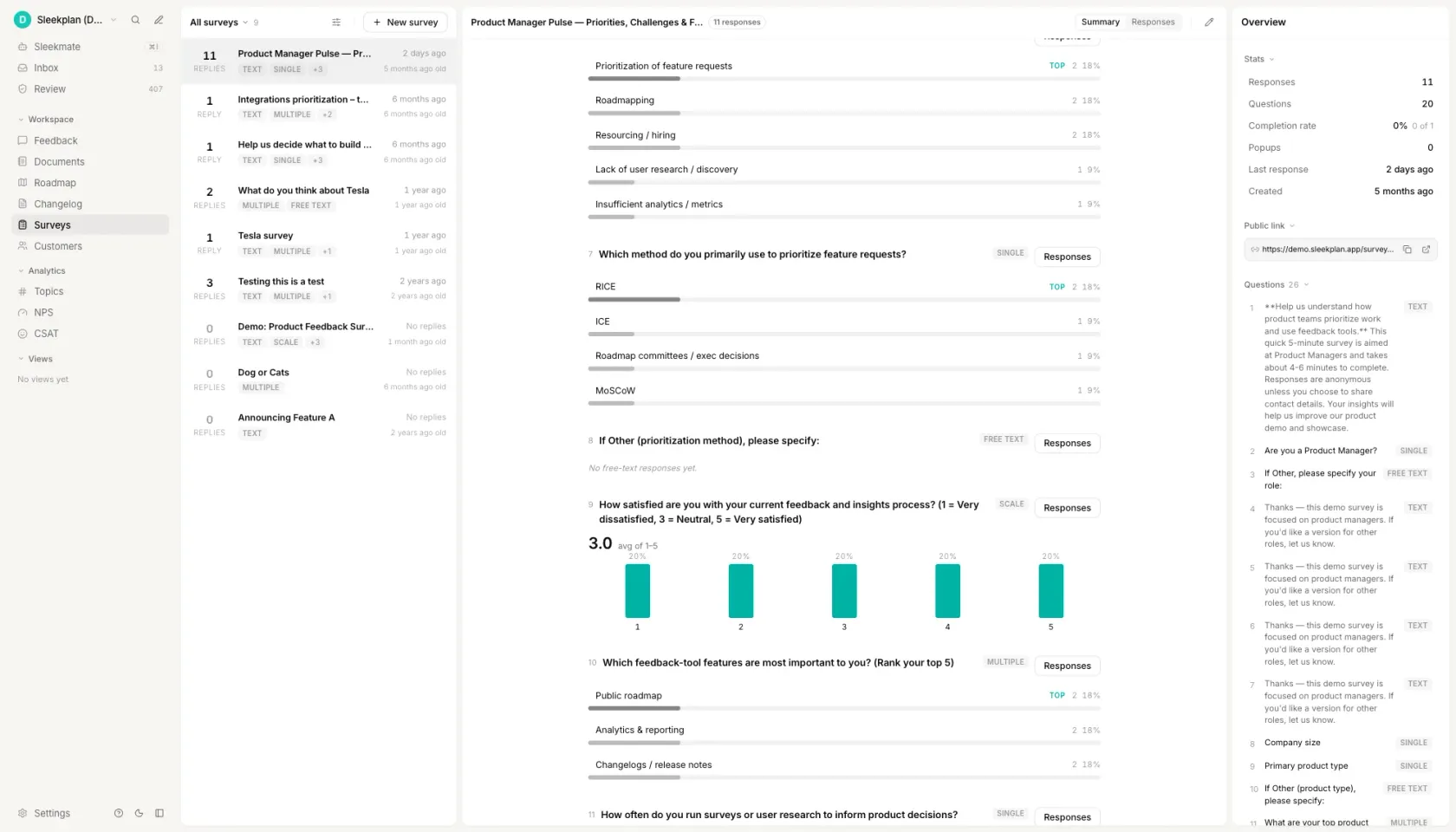_Answers come back question by question, each on the scale it was asked on. The rating question states its scale in its own wording, which is the habit this bank is built around._
[See how surveys are triggered and read ](https://sleekplan.com/surveys)
h2. How to write survey questions
h3. Write down the decision before you write the question
Name the thing you would do differently depending on the answer, in one sentence, before any wording exists. "If effort scores on import are worse than on export, we rebuild import first" is a decision. "We want to understand the customer journey" is not, and a survey built on it will produce a deck rather than a change. Questions that survive this test write themselves; the ones that do not are the ones you were going to cut at question nine anyway.
h3. Pick the instrument, not just the topic
Every question is measuring something that already has a name and a known failure mode: satisfaction with a moment, likelihood to recommend, effort on a task, willingness to pay, frequency of a behaviour, or raw open feedback. Choosing the instrument first tells you the population and the moment as well as the format. Effort belongs immediately after the task and to people who finished it. Willingness to pay belongs to whoever holds the budget, which is often not the person using the product.
h3. Set the scale, then write the wording to fit it
Decide on 0 to 10, 1 to 5, yes or no, a choice list, a ranking or an open field before the sentence exists, because the scale decides what the sentence is allowed to ask. A question phrased for a rating and shipped as a choice list loses its middle. Label every point in words as well as numbers, keep the list balanced around a real neutral, and cap a ranking at five items, because people order the top two honestly and guess the rest.
h3. Make exactly one ask per question
Read each question and ask whether a respondent could reasonably answer differently to two parts of it. "How satisfied are you with the price and the support?" fails, and so does any question with "and why" attached, because a short answer then gives you one half and hides which half is missing. Split it into two questions, or keep the ask and move the why into its own optional open field underneath.
h3. Take the adjective out and balance the options
Delete easy, simple, intuitive, powerful, seamless and helpful wherever they appear in a question, because each one tells the respondent which answer you are hoping for. Then check the answer list for the same defect: excellent, good, fair, poor has three positive rungs and one negative one, so the list averages upward before anybody reads it. Neutral wording with a balanced list is the whole of question-writing craft that survives contact with real respondents.
h3. Pilot on five people, and decide the sample before you send
Five readers is enough to find a question that means two things, and it is the cheapest step in the process. Ask them to say what each question means in their own words rather than to answer it. Then decide who receives it and how many answers make the result worth reading: a rating from 40 self-selected respondents carries a confidence interval wide enough to swallow any change you would act on, and a tally of the thirty loudest people on your feedback board is not demand, it is attendance.
FAQ
h2. Questions people ask
h3. What are 5 good survey questions examples?
Five that work as a set, rather than five good ones in isolation. How satisfied are you with the product overall, on 1 to 5. How likely are you to recommend it to a friend or colleague, on 0 to 10. How much effort did it take to do what you came to do, on 1 to 5. What is the one thing the product does not do that you wish it did, open. And what were you trying to do the last time you used it, open. The first three give you numbers you can trend from quarter to quarter; the last two tell you why those numbers moved.
h3. What are good questions to ask about a product?
Start with one outcome question, such as overall satisfaction or likelihood to recommend, then add the two or three diagnostic questions that could explain a bad answer to it, and close with one open question. Which diagnostics you pick depends on what you would change: effort questions if the product is hard to operate, feature questions if it is hard to find the value, pricing questions if neither is true and people still leave. A product survey that asks more than about eight questions trades response rate for detail nobody reads.
h3. What are the 5 basic questions for surveys?
In practice they are: how satisfied are you, how likely are you to recommend us, how easy was it, what were you trying to do, and what is missing. The first three are rating questions that give you a number to trend. The last two are open questions that give you the reason behind it. Almost every product survey worth sending is a variation on those five, with the diagnostics swapped to match the decision you are trying to make.
h3. What is a leading question in a survey?
A question that contains the answer it wants. "How helpful was our new dashboard?" presupposes the dashboard was helpful and leaves the respondent picking a degree; the neutral version drops the adjective and lets the scale carry the judgement. Answer lists lead too: options running excellent, good, fair, poor offer three positive rungs against one negative one, so the list averages upward before anyone reads it. A leading question does not give you no data, it gives you data that is wrong in a direction you chose, which is harder to notice and harder to undo.
h3. How many questions should a product survey have?
Five to eight for an emailed survey and one to three for an in-app one. The limit is attention rather than patience: the questions at the end of a long survey get answered carelessly rather than skipped, which is worse, because careless answers still land in your average. If you need more than eight, send two surveys to two different samples instead of one survey to everybody.
Get started in 4 minutes
h2. **Your roadmap,**** on **autopilot**. **
Free for 30 days. No card, no sales call. Cancel anytime.
[**Start free **](https://app.sleekplan.com/sign-up/) [**Book a 20-min demo **](https://sleekplan.com/contact/sales)
---
### Kano Model Questionnaire + Free Scorer | Sleekplan
Source: https://sleekplan.com/tools/kano-model
Description: A Kano model questionnaire asks two questions per feature. Enter the answer pairs and get the category plus Better and Worse coefficients.
h1. Copy a Kano model questionnaire, then score the answers in your browser.
h3. Standard 5-point pair
h4. Kano questionnaire: the standard pair
Ask both questions about every feature, in this order, using the same five answers each time. Three features are filled in below as an example. Replace them with your own and keep the wording of the answers.
h5. Answer options (identical for every question)
1. I like it that way
2. It must be that way
3. I am neutral
4. I can live with it that way
5. I dislike it that way
h5. Feature 1: single sign-on with Okta
Functional: How would you feel if you could sign in to the app with your company Okta account?
Dysfunctional: How would you feel if you had to keep a separate password for this app?
h5. Feature 2: offline mode in the mobile app
Functional: How would you feel if the mobile app let you read and draft with no connection, then synced when you came back online?
Dysfunctional: How would you feel if the mobile app showed nothing at all until you were back online?
h5. Feature 3: CSV export of survey responses
Functional: How would you feel if you could export every response to CSV in one click?
Dysfunctional: How would you feel if you had to copy responses off the screen by hand?
h5. Closing question (optional, one per survey)
Of the features above, which single one would you most want in the next release?
Markdown. Paste it straight into your docs, tracker or a coding agent.
h3. Short 3-point pair
h4. Kano questionnaire: short 3-point pair
The same two questions with three answers instead of five. Use it inside an in-app survey, where every extra option costs completion rate.
h5. Answer options (identical for every question)
1. I like it
2. I am neutral
3. I dislike it
h5. Feature 1: a dark theme
Functional: How would you feel if the app had a dark theme?
Dysfunctional: How would you feel if the app only ever appeared in light mode?
h5. Feature 2: keyboard shortcuts for the inbox
Functional: How would you feel if you could triage the inbox entirely from the keyboard?
Dysfunctional: How would you feel if every action in the inbox needed the mouse?
h5. Feature 3: a weekly digest email
Functional: How would you feel if you got one weekly email summarising what changed?
Dysfunctional: How would you feel if you had to open the app to find out what changed?
h5. How the three answers map onto the evaluation table
Score it by collapsing onto the five-point grid: "I like it" is read as option 1, "I am neutral" as option 3, "I dislike it" as option 5.
Options 2 and 4, "It must be that way" and "I can live with it that way", are unreachable in this mode. That removes rows and columns 2 and 4 from the grid, so this variant can still produce every category, but the line between Must-be and One-dimensional is noisier than on the five-point scale.
Markdown. Paste it straight into your docs, tracker or a coding agent.
h3. Pair plus importance
h4. Kano questionnaire: pair plus self-stated importance
Three questions per feature. The third one is what ranks features that land in the same category, which is the usual reason a first Kano round fails to produce a decision.
h5. Answer options for questions 1 and 2
1. I like it that way
2. It must be that way
3. I am neutral
4. I can live with it that way
5. I dislike it that way
h5. Scale for question 3
1 = not at all important, through to 9 = extremely important.
h5. Feature 1: two-factor authentication
Functional: How would you feel if the app asked for a second factor when you signed in?
Dysfunctional: How would you feel if a password were the only thing protecting your account?
Importance: How important is it to you that this app offers two-factor authentication? Answer 1 to 9.
h5. Feature 2: scheduled reports by email
Functional: How would you feel if your reports arrived by email on a schedule you set?
Dysfunctional: How would you feel if you had to open the app and run each report by hand?
Importance: How important is it to you that reports can be scheduled? Answer 1 to 9.
h5. Feature 3: a public API
Functional: How would you feel if everything in the product were reachable from a documented API?
Dysfunctional: How would you feel if the only way in and out were the interface?
Importance: How important is it to you that this product has a public API? Answer 1 to 9.
h5. Reading the third answer
Classify first, then rank inside each category by mean importance. Importance never changes the category: a feature rated 9 that everyone can live without is still Indifferent, and that contradiction is usually worth a follow-up interview.
Markdown. Paste it straight into your docs, tracker or a coding agent.
h3. Invitation and intro
h4. Kano survey invitation and intro copy
The preamble matters more here than on a normal survey, because the pair of questions looks like a mistake until someone explains it.
h5. Subject line
Two questions about [product], about four minutes
h5. Email body
Hi [first name],
We are deciding what to build next in [product], and we would rather ask than guess.
The survey covers [n] possible features. For each one it asks two questions: how you would feel if we shipped it, and how you would feel if we did not. The pair looks repetitive on purpose. It is the only way to tell "I would love this" apart from "I would not accept anything less", and those two answers lead to very different decisions.
It takes about four minutes. There are no open text boxes.
[Start the survey]
Thank you,
[name]
h5. Intro screen inside the survey
You will see each feature twice: once as something we added, once as something we left out. Answer both from your own use, not from what you think we want to hear. There is no wrong combination of answers.
h5. Closing screen
That is everything. We read every response by segment rather than in aggregate, so your answers will not be averaged away against a different kind of customer.
Markdown. Paste it straight into your docs, tracker or a coding agent.
The scorer loads here, and it is arithmetic rather than AI. Better = (A + O) / (A + O + M + I), Worse = -(O + M) / (A + O + M + I). The questionnaire, the full evaluation table and a worked example are on the page already.
h2. How a Kano model questionnaire works
A Kano questionnaire asks two questions about every feature rather than one. The functional question asks how you would feel if the feature were present. The dysfunctional question asks how you would feel if it were absent. Each is answered on the same five-point scale, running from "I like it that way" to "I dislike it that way".
The pair of answers is what carries the information. Liking a feature when present and disliking its absence is a different signal from liking it when present and not caring when it is gone, and a single-question survey cannot tell those apart. Two questions per feature is also the practical ceiling on length: a ten-feature Kano survey is twenty questions, which is about as much as one sitting will bear.
The method comes from Noriaki Kano, then a professor of quality management at the Tokyo University of Science. He set it out with Seraku, Takahashi and Tsuji in "Attractive Quality and Must-be Quality", published in the Journal of the Japanese Society for Quality Control, volume 14 issue 2, in 1984. The English-language reproduction that most practitioners actually work from is Berger and colleagues, "Kano's Methods for Understanding Customer-defined Quality", Center for Quality Management Journal 2(4), 1993.
Nothing in the method is proprietary and nothing in it needs software. The questionnaire is text, the classification is a lookup in a fixed table, and the two coefficients are one division each. The scorer on this page does the lookup and the arithmetic; the templates above and the table below are the whole method, and they work on paper.
h2. The Kano evaluation table, all 25 cells
The evaluation table is a five by five grid. The row is the answer to the functional question, the column is the answer to the dysfunctional question, and the cell is the category for that one respondent and that one feature. Twenty five cells, six possible outcomes: Must-be, One-dimensional, Attractive, Indifferent, Reverse and Questionable.
Functional answer "I like it that way": a dysfunctional answer of "I like it that way" gives Questionable, "It must be that way" gives Attractive, "I am neutral" gives Attractive, "I can live with it that way" gives Attractive, and "I dislike it that way" gives One-dimensional.
Functional answer "It must be that way": "I like it that way" gives Reverse, "It must be that way" gives Indifferent, "I am neutral" gives Indifferent, "I can live with it that way" gives Indifferent, and "I dislike it that way" gives Must-be.
Functional answer "I am neutral": "I like it that way" gives Reverse, "It must be that way" gives Indifferent, "I am neutral" gives Indifferent, "I can live with it that way" gives Indifferent, and "I dislike it that way" gives Must-be.
Functional answer "I can live with it that way": "I like it that way" gives Reverse, "It must be that way" gives Indifferent, "I am neutral" gives Indifferent, "I can live with it that way" gives Indifferent, and "I dislike it that way" gives Must-be.
Functional answer "I dislike it that way": "I like it that way" gives Reverse, "It must be that way" gives Reverse, "I am neutral" gives Reverse, "I can live with it that way" gives Reverse, and "I dislike it that way" gives Questionable.
The shape is easier to remember than the grid is to look up. Of the 25 cells, nine are Indifferent, seven are Reverse, three are Must-be, three are Attractive, two are Questionable, and exactly one is One-dimensional. One-dimensional occurs in a single cell, where the respondent likes the feature present and dislikes it absent. Must-be occurs only in the last column. The entire first column is Reverse apart from its top cell.
Questionable is the outcome most published versions of this table leave out, and it is the one that protects the result. It marks a pair that contradicts itself: the respondent said "I like it that way" to both questions, or "I dislike it that way" to both. Either they misread the second question or they were not paying attention. The response is discarded for that feature rather than counted, and if more than about one response in ten comes back Questionable, the wording is the problem, not the respondents.
Two versions of this table are in circulation and it is worth knowing which one you are reading. The standard table, the one on this page, marks only the two corner cells Questionable. A revision attributed to Fred Pouliot, used by Folding Burritos and by Conjointly's published grid, also marks the cells where a respondent answered "It must be that way" twice or "I can live with it that way" twice, on the argument that those pairs are contradictory too. The scorer on this page uses the standard table and has a switch for the revision, because the two disagree on exactly two of the 25 cells and a page that shows one without naming the other is not checkable.
The Kano evaluation table. The row is the answer to the functional question, the column is the answer to the dysfunctional question.
| Functional answer | I like it that way | It must be that way | I am neutral | I can live with it | I dislike it that way |
| --- | --- | --- | --- | --- | --- |
| I like it that way | Questionable | Attractive | Attractive | Attractive | One-dimensional |
| It must be that way | Reverse | Indifferent | Indifferent | Indifferent | Must-be |
| I am neutral | Reverse | Indifferent | Indifferent | Indifferent | Must-be |
| I can live with it | Reverse | Indifferent | Indifferent | Indifferent | Must-be |
| I dislike it that way | Reverse | Reverse | Reverse | Reverse | Questionable |
h2. Better and Worse, the customer satisfaction coefficients
A category tells you which kind of feature you are looking at. It does not tell you how strongly anybody felt, and two features in the same category are routinely not the same decision. The Better and Worse coefficients restore the size of the effect.
Count, for one feature, how many respondents fell into each category. Call those counts A for Attractive, O for One-dimensional, M for Must-be and I for Indifferent. Reverse and Questionable are excluded from both the numerator and the denominator.
Better = (A + O) / (A + O + M + I)
Worse = -(O + M) / (A + O + M + I)
Better runs from 0 to +1 and reads as the share of satisfaction you gain by shipping the feature. Worse runs from 0 to -1 and reads as the share of satisfaction you lose by leaving it out. Keep the minus sign: it is what makes the standard Better against Worse scatter plot readable, and dropping it is the most common error in reproductions of this formula.
The coefficients are Mike Timko's, from "An Experiment in Continuous Analysis" in the Center for Quality Management Journal 2(4), 1993, pages 17 to 20. They are reproduced in exactly this form in the peer-reviewed literature, for example as equations 1 and 2 of "Service quality assessment and enhancement using Kano model", PLOS One, 2022, doi 10.1371/journal.pone.0264423.
Their known limitation is worth stating, because it is what stops people over-reading them. Both numbers are computed from the discrete category each respondent produced, so a strong answer and a weak answer count the same. They are sound for ranking features against each other and unsound as an absolute measure of anything.
h2. Which Kano questionnaire to use when
The choice is between length and resolution, and it is made per survey, not per company. The five-point pair is the version published benchmarks use, so it is the one to run first. The three-point pair exists because in-app surveys are abandoned, not because it is better. The importance question exists because a first Kano round usually ends with four features in the same category and no way to choose between them.
The respondent counts below are working guidance rather than a measured threshold. Kano classifies what one segment feels, and a mixed sample averages two different products together, so the number that matters is respondents per segment, not respondents in total.
Which Kano questionnaire to use when
| Variant | Questions per feature | Respondents per segment | Use it when | What you give up |
| --- | --- | --- | --- | --- |
| Standard 5-point pair | 2 | 20 or more | It is your first Kano round and you want results comparable to published studies | Length. Ten features is twenty questions |
| Short 3-point pair | 2 | 20 or more | It runs inside the product and completion rate matters more than nuance | Resolution. Two of the five answers are unreachable, so Must-be and One-dimensional blur |
| Pair plus importance | 3 | 30 or more | Several features will land in the same category and you need to rank inside it | Length again, and a higher drop-off part way through |
| Invitation and intro | Not applicable | Not applicable | You are emailing the survey rather than embedding it | Nothing. Pair it with one of the other three |
h2. A worked Kano model example
Twenty people answered a three-feature questionnaire. Here is what the scoring looks like end to end, so you can check the tool against something.
Single sign-on with Okta came back Must-be 11, One-dimensional 5, Indifferent 2, Attractive 1, Questionable 1, Reverse 0. The Questionable response is dropped, so the denominator is 19, not 20. Better = (1 + 5) / 19 = 0.32. Worse = -(5 + 11) / 19 = -0.84. The category is Must-be, on a clear majority.
Offline mode in the mobile app came back Attractive 9, Indifferent 6, One-dimensional 4, Must-be 1, with no Reverse and no Questionable. Better = (9 + 4) / 20 = 0.65. Worse = -(4 + 1) / 20 = -0.25. The category is Attractive.
CSV export of responses came back One-dimensional 8, Indifferent 5, Attractive 4, Must-be 3. Better = (4 + 8) / 20 = 0.60. Worse = -(8 + 3) / 20 = -0.55. The category is One-dimensional.
Now read the three together, because this is the part a category list on its own will not give you. Offline mode and CSV export have almost the same Better, 0.65 against 0.60, and shipping either one buys roughly the same goodwill. Leaving CSV export out costs 0.55, leaving offline mode out costs 0.25, so they are not the same bet at all. And single sign-on, with the lowest Better of the three at 0.32, is still the one to build first: at -0.84 it is the only feature on the list whose absence is actively losing you customers.
When the counts tie, the usual convention is the Lee and Newcomb rule: Must-be beats One-dimensional beats Attractive beats Indifferent. It is a tie-break, not a finding. A genuine tie between Attractive and Indifferent normally means the sample holds two segments and should be scored as two.
h2. Getting twenty of the right people to answer
The arithmetic on this page is the easy half. The hard half is the sample. Kano classifies what one segment feels about one feature, so the answers have to come from people who actually use the area you are asking about, and they have to be identifiable well enough that you can score each segment separately. A blast to a whole mailing list produces a table that describes nobody.
That is the half Sleekplan covers. The functional and dysfunctional questions are two multi-choice steps in a survey, so the pair fits the standard question types with nothing custom. Target it at a segment rather than a list, and run it in-app, where it reaches someone inside the product, or as a standalone hosted link for customers you want to reach by email. Conditional steps let you skip a feature block for people who have never opened that part of the product, which is the single biggest source of Indifferent noise.
The built-in analytics give you the per-question breakdown, which is exactly the shape the scorer above wants: counts per answer option, per question, per segment. Read the pairs off, enter them once, and you have the categories and both coefficients for every feature in the round.
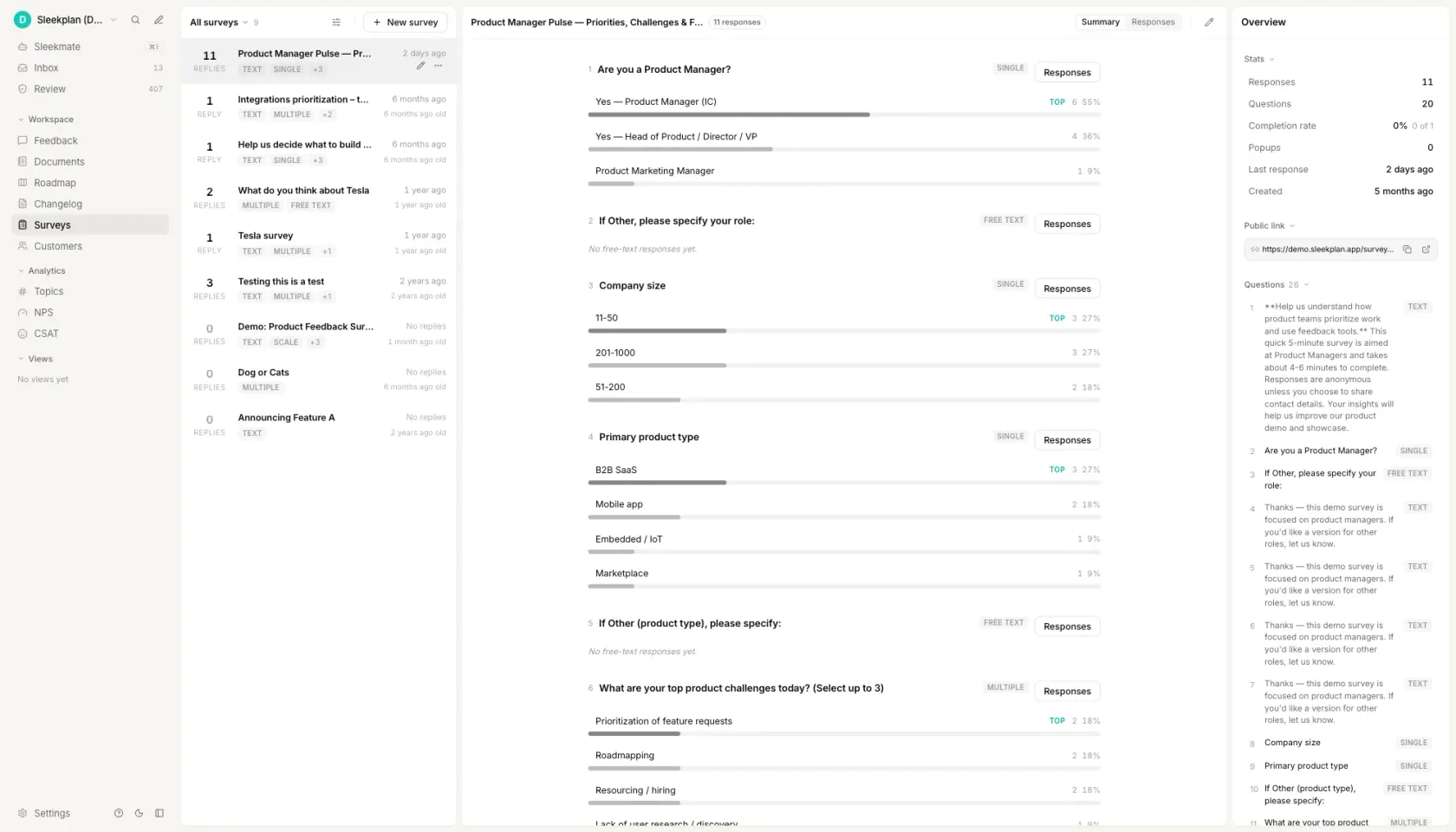_The per-option counts a Kano questionnaire produces. The scorer above turns the answer pairs into categories._
[See how surveys work in Sleekplan ](https://sleekplan.com/surveys)
h2. How to do a Kano analysis
h3. List the features you are genuinely unsure about
Five to fifteen. Kano ranks a list you already have; it does not generate one, and that is its main limitation rather than a flaw in how you run it. Leave out anything already decided, because every extra feature costs two questions and respondent attention is the budget you are spending. Past about fifteen features people start answering neutral to get to the end, which shows up later as a wall of Indifferent.
h3. Write the question pair
One functional question, one dysfunctional question, the same five answers under both. Describe the feature by what it does for the respondent, not by its internal name. Watch the dysfunctional wording in particular: "how would you feel if exports were slower" is a different question from "how would you feel if there were no export", and only the second one is asking about absence.
h3. Add a self-stated importance question if you expect ties
One rating per feature, 1 to 9. It costs a third of your survey length and it is what lets you order features that land in the same category. Skip it on a first round with few features; add it the moment a round comes back with four Must-be features and no way to sequence them.
h3. Send it to real users, one segment at a time
Aim for twenty or more responses per segment, not twenty in total. A Kano table built from a mixed sample averages two different products together and the classification it produces belongs to neither of them. If you only have one sample, at least record the segment against each response so you can split it afterwards.
h3. Score the answers
Each answer pair maps to one cell of the evaluation table. Take the most common category per feature, discarding Questionable responses, then compute Better and Worse from the remaining counts. Report all three numbers: the category says what kind of feature it is, and the two coefficients say how much the presence and the absence are each worth. Paste the counts into the scorer at the top of this page and it does both.
FAQ
h2. Questions people ask
h3. How does the Kano model work?
It turns two survey answers into one classification. For each feature you ask how the respondent would feel if it were present and how they would feel if it were absent, on the same five-point scale. The pair of answers is looked up in a fixed five by five table, which returns one of six categories. Counting those categories across respondents gives the feature's category, and the same counts give the Better and Worse coefficients.
h3. What are the categories of the Kano model?
Six, not five. Must-be, One-dimensional, Attractive and Indifferent describe real preferences. Reverse marks a feature the respondent actively does not want. Questionable marks a contradictory answer pair, which usually means the second question was misread, and those responses are discarded rather than counted. Most summaries list only the first five, which is why Questionable rates are so often left unexamined.
h3. Who developed the Kano model?
Noriaki Kano, then a professor of quality management at the Tokyo University of Science, with Seraku, Takahashi and Tsuji. The founding paper is "Attractive Quality and Must-be Quality", Journal of the Japanese Society for Quality Control 14(2), 1984, pages 39 to 48. The English reproduction most teams work from is Berger and colleagues in the Center for Quality Management Journal 2(4), 1993.
h3. What are the limitations of the Kano model?
Three that matter. It ranks a list of candidate features you already have and will not suggest one you did not think of. Its categories are not stable: an Attractive feature becomes One-dimensional and then Must-be as competitors adopt it, so a classification has a shelf life of quarters, not years. And it describes one segment at a time, so a survey sent to a mixed audience returns a result that fits nobody in it.
h3. What questions are in a Kano model questionnaire?
Exactly two per feature, plus an optional importance rating. The functional question is "how would you feel if the product had this?" and the dysfunctional question is "how would you feel if the product did not have this?". Both use the same five answers: I like it that way, it must be that way, I am neutral, I can live with it that way, I dislike it that way. The templates at the top of this page are filled in and ready to copy.
Get started in 4 minutes
h2. **Your roadmap,**** on **autopilot**. **
Free for 30 days. No card, no sales call. Cancel anytime.
[**Start free **](https://app.sleekplan.com/sign-up/) [**Book a 20-min demo **](https://sleekplan.com/contact/sales)
---
### Terms of Service | Sleekplan
Source: https://sleekplan.com/terms
Description: Terms of Service for Sleekplan, the all-in-one feedback platform.
h1. **Terms of Service**
Last updated: 09/06/2022
**Introduction**
Welcome to Sleekplan. As you have just clicked our Terms of Service, please pause, grab a cup of coffee and carefully read the following pages. It will take you approximately 20 minutes.
These Terms of Service (“Terms”, “Terms of Service”) govern your use of our web pages including without limitation sleekplan.com, www.sleekplan.com, app.sleekplan.com, api.sleekplan.com, api-client.sleekplan.com, sleekplan.app and any successor URLS, mobile or localized versions and related domains and subdomains (together or individually “Service”) operated by Sleekplan GmbH, support@sleekplan.com (“Sleekplan”, “Company”, “we”, “our”, “us”).
Our Privacy Policy also governs your use of our Service and explains how we collect, safeguard and disclose information that results from your use of our web pages. Please read it here https://sleekplan.com/privacy/.
Your agreement with us includes these Terms and our Privacy Policy (“Agreements”). You acknowledge that you have read and understood Agreements, and agree to be bound of them.
Pursuant to these Terms, Sleekplan agrees to provide you (“Account Holder”) and the end users of your product or application (each an “End User”), access to the Service
If you do not agree with (or cannot comply with) Agreements, then you may not use the Service, but please let us know by emailing at support@sleekplan.com so we can try to find a solution. These Terms apply to all visitors, users and others who wish to access or use Service.
Thank you for being responsible.
Communications
By creating an Account on our Service, you agree to subscribe to newsletters, marketing or promotional materials and other information we may send. However, you may opt out of receiving any, or all, of these communications from us by following the unsubscribe link or by emailing at.
Contests, Sweepstakes and Promotions
Any contests, sweepstakes or other promotions (collectively, “Promotions”) made available through Service may be governed by rules that are separate from these Terms of Service. If you participate in any Promotions, please review the applicable rules as well as our Privacy Policy. If the rules for a Promotion conflict with these Terms of Service, Promotion rules will apply.
Subscriptions
Some parts of Service are billed on a subscription basis (“Subscription(s)”). You will be billed in advance on a recurring and periodic basis (“Billing Cycle”). Billing cycles are set either on a monthly or annual basis, depending on the type of subscription plan you select when purchasing a Subscription.
At the end of each Billing Cycle, your Subscription will automatically renew under the exact same conditions unless you cancel it or Sleekplan cancels it. You may cancel your Subscription renewal either through your online account management page or by contacting Sleekplan customer support team.
A valid payment method, including credit card, is required to process the payment for your subscription. You shall provide Sleekplan with accurate and complete billing information including full name, address, state, zip code, telephone number, and a valid payment method information. By submitting such payment information, you automatically authorize Sleekplan to charge all Subscription fees incurred through your account to any such payment instruments.
Should automatic billing fail to occur for any reason, Sleekplan will issue an electronic invoice indicating that you must proceed manually, within a certain deadline date, with the full payment corresponding to the billing period as indicated on the invoice.
Free Trial
Sleekplan offers a 30-day free trial to new users who register with the Site. The account will not be charged and the subscription will be suspended until upgraded to a paid version at the end of the free trial.
At any time and without notice, Sleekplan reserves the right to (i) modify Terms of Service of Free Trial offer, or (ii) cancel such Free Trial offer.
Fee Changes
Sleekplan, in its sole discretion and at any time, may modify Subscription fees for the Subscriptions. Any Subscription fee change will become effective at the end of the then-current Billing Cycle.
Sleekplan will provide you with a reasonable prior notice of any change in Subscription fees to give you an opportunity to terminate your Subscription before such change becomes effective.
Your continued use of Service after Subscription fee change comes into effect constitutes your agreement to pay the modified Subscription fee amount.
Refunds
Except when required by law, paid Subscription fees are non-refundable.
Content
Our Service allows you to post, link, store, share and otherwise make available certain information, text, graphics, videos, or other material (“Content”). You are responsible for Content that you post on or through Service, including its legality, reliability, and appropriateness.
By posting Content on or through Service, You represent and warrant that: (i) Content is yours (you own it) and/or you have the right to use it and the right to grant us the rights and license as provided in these Terms, and (ii) that the posting of your Content on or through Service does not violate the privacy rights, publicity rights, copyrights, contract rights or any other rights of any person or entity. We reserve the right to terminate the account of anyone found to be infringing on a copyright.
You retain any and all of your rights to any Content you submit, post or display on or through Service and you are responsible for protecting those rights. We take no responsibility and assume no liability for Content you or any third party posts on or through Service. However, by posting Content using Service you grant us the right and license to use, modify, publicly perform, publicly display, reproduce, and distribute such Content on your behalf and through Service within your workspace. You agree that this license includes the right for us to make your Content available to other users and visitors of Service within your workspace, who may also use your Content subject to these Terms.
Sleekplan will not share or display any Content you submit on other workspaces out of your area of responsibility, without your express consent
Sleekplan has the right but not the obligation to monitor and report Content provided by users
In addition, Content found on or through this Service are the property of Sleekplan or used with permission. You may not distribute, modify, transmit, reuse, download, repost, copy, or use said Content, whether in whole or in part, for commercial purposes or for personal gain, without express advance written permission from us or the rights holder.
Prohibited Uses
You may use Service only for lawful purposes and in accordance with Terms. You agree not to use Service:
In any way that violates any applicable national or international law or regulation.For the purpose of exploiting, harming, or attempting to exploit or harm minors in any way by exposing them to inappropriate content or otherwise.To transmit, or procure the sending of, any advertising or promotional material, including any “junk mail”, “chain letter,” “spam,” or any other similar solicitation.To impersonate or attempt to impersonate Company, a Company employee, another user, or any other person or entity.In any way that infringes upon the rights of others, or in any way is illegal, threatening, fraudulent, or harmful, or in connection with any unlawful, illegal, fraudulent, or harmful purpose or activity.To engage in any other conduct that restricts or inhibits anyone’s use or enjoyment of Service, or which, as determined by us, may harm or offend Company or users of Service or expose them to liability.Additionally, you agree not to:
Use Service in any manner that could disable, overburden, damage, or impair Service or interfere with any other party’s use of Service, including their ability to engage in real time activities through Service.Use any robot, spider, or other automatic device, process, or means to access Service for any purpose, including monitoring or copying any of the material on Service.Use any manual process to monitor or copy any of the material on Service or for any other unauthorized purpose without our prior written consent.Use any device, software, or routine that interferes with the proper working of Service.Introduce any viruses, trojan horses, worms, logic bombs, or other material which is malicious or technologically harmful.Attempt to gain unauthorized access to, interfere with, damage, or disrupt any parts of Service, the server on which Service is stored, or any server, computer, or database connected to Service.Attack Service via a denial-of-service attack or a distributed denial-of-service attack.Take any action that may damage or falsify Company rating.Otherwise attempt to interfere with the proper working of Service.
Analytics
We may use third-party Service Providers to monitor and analyze the use of our Service.
Google Analytics
Google Analytics is a web analytics service offered by Google that tracks and reports website traffic. Google uses the data collected to track and monitor the use of our Service. This data is shared with other Google services. Google may use the collected data to contextualise and personalise the ads of its own advertising network.
For more information on the privacy practices of Google, please visit the Google Privacy Terms web page: https://policies.google.com/privacy?hl=en
We also encourage you to review the Google's policy for safeguarding your data: https://support.google.com/analytics/answer/6004245.
Mixpanel
Mixpanel is provided by Mixpanel Inc.
You can prevent Mixpanel from using your information for analytics purposes by opting-out. To opt-out of Mixpanel service, please visit this page: https://mixpanel.com/optout/
Service reselling
You are not allowed to reproduce, duplicate, copy, sell, resell or exploit any portion of the Service and of its associated Services without our express permission, granted either directly or through a proper reselling program.
No Use By Minors
Service is intended only for access and use by individuals at least eighteen (18) years old. By accessing or using any of Company, you warrant and represent that you are at least eighteen (18) years of age and with the full authority, right, and capacity to enter into this agreement and abide by all of the terms and conditions of Terms. If you are not at least eighteen (18) years old, you are prohibited from both the access and usage of Service.
Accounts
When you create an account with us, you guarantee that you are above the age of 18, and that the information you provide us is accurate, complete, and current at all times. Inaccurate, incomplete, or obsolete information may result in the immediate termination of your account on Service.
You are responsible for maintaining the confidentiality of your account and password, including but not limited to the restriction of access to your computer and/or account. You agree to accept responsibility for any and all activities or actions that occur under your account and/or password, whether your password is with our Service or a third-party service. You must notify us immediately upon becoming aware of any breach of security or unauthorized use of your account.
You may not use as a username the name of another person or entity or that is not lawfully available for use, a name or trademark that is subject to any rights of another person or entity other than you, without appropriate authorization. You may not use as a username any name that is offensive, vulgar or obscene.
We reserve the right to refuse service, terminate accounts, remove or edit content, or cancel orders in our sole discretion.
Intellectual Property
Service and its original content (excluding Content provided by users), features and functionality are and will remain the exclusive property of Sleekplan and its licensors. Service is protected by copyright, trademark, and other laws of Germany and foreign countries. Our trademarks and trade dress may not be used in connection with any product or service without the prior written consent of Sleekplan.
Error Reporting and Feedback
You may provide us either directly at support@sleekplan.com or via third party sites and tools with information and feedback concerning errors, suggestions for improvements, ideas, problems, complaints, and other matters related to our Service (“Feedback”). You acknowledge and agree that: (i) you shall not retain, acquire or assert any intellectual property right or other right, title or interest in or to the Feedback; (ii) Company may have development ideas similar to the Feedback; (iii) Feedback does not contain confidential information or proprietary information from you or any third party; and (iv) Company is not under any obligation of confidentiality with respect to the Feedback. In the event the transfer of the ownership to the Feedback is not possible due to applicable mandatory laws, you grant Company and its affiliates an exclusive, transferable, irrevocable, free-of-charge, sub-licensable, unlimited and perpetual right to use (including copy, modify, create derivative works, publish, distribute and commercialize) Feedback in any manner and for any purpose.
The third party sites and tools mentioned above include the following:
Bugsnag
Bugsnag is a platform for monitoring and logging stability of applications provided by Bugsnag Inc.Please read their Privacy Policy here: https://docs.bugsnag.com/legal/privacy-policy/
Links To Other Web Sites
Our Service may contain links to third party web sites or services that are not owned or controlled by Sleekplan.
Sleekplan has no control over, and assumes no responsibility for the content, privacy policies, or practices of any third party web sites or services. We do not warrant the offerings of any of these entities/individuals or their websites.
YOU ACKNOWLEDGE AND AGREE THAT SLEEKPLAN SHALL NOT BE RESPONSIBLE OR LIABLE, DIRECTLY OR INDIRECTLY, FOR ANY DAMAGE OR LOSS CAUSED OR ALLEGED TO BE CAUSED BY OR IN CONNECTION WITH USE OF OR RELIANCE ON ANY SUCH CONTENT, GOODS OR SERVICES AVAILABLE ON OR THROUGH ANY SUCH THIRD PARTY WEB SITES OR SERVICES.
WE STRONGLY ADVISE YOU TO READ THE TERMS OF SERVICE AND PRIVACY POLICIES OF ANY THIRD PARTY WEB SITES OR SERVICES THAT YOU VISIT.
Disclaimer Of Warranty
THESE SERVICES ARE PROVIDED BY COMPANY ON AN “AS IS” AND “AS AVAILABLE” BASIS. COMPANY MAKES NO REPRESENTATIONS OR WARRANTIES OF ANY KIND, EXPRESS OR IMPLIED, AS TO THE OPERATION OF THEIR SERVICES, OR THE INFORMATION, CONTENT OR MATERIALS INCLUDED THEREIN. YOU EXPRESSLY AGREE THAT YOUR USE OF THESE SERVICES, THEIR CONTENT, AND ANY SERVICES OR ITEMS OBTAINED FROM US IS AT YOUR SOLE RISK.
NEITHER COMPANY NOR ANY PERSON ASSOCIATED WITH COMPANY MAKES ANY WARRANTY OR REPRESENTATION WITH RESPECT TO THE COMPLETENESS, SECURITY, RELIABILITY, QUALITY, ACCURACY, OR AVAILABILITY OF THE SERVICES. WITHOUT LIMITING THE FOREGOING, NEITHER COMPANY NOR ANYONE ASSOCIATED WITH COMPANY REPRESENTS OR WARRANTS THAT THE SERVICES, THEIR CONTENT, OR ANY SERVICES OR ITEMS OBTAINED THROUGH THE SERVICES WILL BE ACCURATE, RELIABLE, ERROR-FREE, OR UNINTERRUPTED, THAT DEFECTS WILL BE CORRECTED, THAT THE SERVICES OR THE SERVER THAT MAKES IT AVAILABLE ARE FREE OF VIRUSES OR OTHER HARMFUL COMPONENTS OR THAT THE SERVICES OR ANY SERVICES OR ITEMS OBTAINED THROUGH THE SERVICES WILL OTHERWISE MEET YOUR NEEDS OR EXPECTATIONS.
COMPANY HEREBY DISCLAIMS ALL WARRANTIES OF ANY KIND, WHETHER EXPRESS OR IMPLIED, STATUTORY, OR OTHERWISE, INCLUDING BUT NOT LIMITED TO ANY WARRANTIES OF MERCHANTABILITY, NON-INFRINGEMENT, AND FITNESS FOR PARTICULAR PURPOSE.
THE FOREGOING DOES NOT AFFECT ANY WARRANTIES WHICH CANNOT BE EXCLUDED OR LIMITED UNDER APPLICABLE LAW.
Limitation Of Liability
EXCEPT AS PROHIBITED BY LAW, YOU WILL HOLD US AND OUR OFFICERS, DIRECTORS, EMPLOYEES, AND AGENTS HARMLESS FOR ANY INDIRECT, PUNITIVE, SPECIAL, INCIDENTAL, OR CONSEQUENTIAL DAMAGE, HOWEVER IT ARISES (INCLUDING ATTORNEYS' FEES AND ALL RELATED COSTS AND EXPENSES OF LITIGATION AND ARBITRATION, OR AT TRIAL OR ON APPEAL, IF ANY, WHETHER OR NOT LITIGATION OR ARBITRATION IS INSTITUTED), WHETHER IN AN ACTION OF CONTRACT, NEGLIGENCE, OR OTHER TORTIOUS ACTION, OR ARISING OUT OF OR IN CONNECTION WITH THIS AGREEMENT, INCLUDING WITHOUT LIMITATION ANY CLAIM FOR PERSONAL INJURY OR PROPERTY DAMAGE, ARISING FROM THIS AGREEMENT AND ANY VIOLATION BY YOU OF ANY FEDERAL, STATE, OR LOCAL LAWS, STATUTES, RULES, OR REGULATIONS, EVEN IF COMPANY HAS BEEN PREVIOUSLY ADVISED OF THE POSSIBILITY OF SUCH DAMAGE. EXCEPT AS PROHIBITED BY LAW, IF THERE IS LIABILITY FOUND ON THE PART OF COMPANY, IT WILL BE LIMITED TO THE AMOUNT PAID FOR THE PRODUCTS AND/OR SERVICES DURING THE PRIOR 12 MONTHS, AND UNDER NO CIRCUMSTANCES WILL THERE BE CONSEQUENTIAL OR PUNITIVE DAMAGES. SOME STATES DO NOT ALLOW THE EXCLUSION OR LIMITATION OF PUNITIVE, INCIDENTAL OR CONSEQUENTIAL DAMAGES, SO THE PRIOR LIMITATION OR EXCLUSION MAY NOT APPLY TO YOU.
Termination
We may terminate or suspend your account and bar access to Service immediately, without prior notice or liability, under our sole discretion, for any reason whatsoever and without limitation, including but not limited to a breach of Terms.
If you wish to terminate your account, you may simply discontinue using Service.
All provisions of Terms which by their nature should survive termination shall survive termination, including, without limitation, ownership provisions, warranty disclaimers, indemnity and limitations of liability.
Governing Law
These Terms shall be governed and construed in accordance with the laws of Germany without regard to its conflict of law provisions.
Our failure to enforce any right or provision of these Terms will not be considered a waiver of those rights. If any provision of these Terms is held to be invalid or unenforceable by a court, the remaining provisions of these Terms will remain in effect. These Terms constitute the entire agreement between us regarding our Service and supersede and replace any prior agreements we might have had between us regarding Service.
Changes To Service
We reserve the right to withdraw or amend our Service, and any service or material we provide via Service, in our sole discretion without notice. We will not be liable if for any reason all or any part of Service is unavailable at any time or for any period. From time to time, we may restrict access to some parts of Service, or the entire Service, to users, including registered users.
Amendments To Terms
We reserve the right to modify these Terms at any time, informing Users by publishing a notice posted on Sleekplan. Such amended Terms will be effective from the date upon which they are posted on Sleekplan.
Users who continue to use the Services after the publication of the changes accept the new Terms in their entirety.
Waiver And Severability
No waiver by Company of any term or condition set forth in Terms shall be deemed a further or continuing waiver of such term or condition or a waiver of any other term or condition, and any failure of Company to assert a right or provision under Terms shall not constitute a waiver of such right or provision.
If any provision of Terms is held by a court or other tribunal of competent jurisdiction to be invalid, illegal or unenforceable for any reason, such provision shall be eliminated or limited to the minimum extent such that the remaining provisions of Terms will continue in full force and effect.
Acknowledgement
BY USING SERVICE OR OTHER SERVICES PROVIDED BY US, YOU ACKNOWLEDGE THAT YOU HAVE READ THESE TERMS OF SERVICE AND AGREE TO BE BOUND BY THEM.
Contact Us
Please send your feedback, comments, requests for technical support:By email: support@sleekplan.com.
---
### Cookie Policy | Sleekplan
Source: https://sleekplan.com/cookie
Description: Cookie Policy for Sleekplan, the all-in-one feedback platform.
h1. **Cookie Policy**
Effective date: 01/01/2022
h2. 1. Introduction
We use cookies to help improve your experience of sleekplan.com. This cookie policy is part of our privacy policy. It covers the use of cookies between your device and our site.
We also provide basic information on third-party services we may use, who may also use cookies as part of their service. This policy does not cover their cookies.
If you do not wish to accept cookies from us, you should instruct your browser to refuse cookies from https://sleekplan.com. In such a case, we may be unable to provide you with some of your desired content and services.
h2. 2. What is a cookie?
A cookie is a small piece of data that a website stores on your device when you visit. It typically contains information about the website itself, a unique identifier that allows the site to recognize your web browser when you return, additional data that serves the cookie’s purpose, and the lifespan of the cookie itself.
Cookies are used to enable certain features (e.g. logging in), track site usage (e.g. analytics), store your user settings (e.g. time zone, notification preferences), and to personalize your content (e.g. advertising, language).
Cookies set by the website you are visiting are usually referred to as first-party cookies. They typically only track your activity on that particular site.
Cookies set by other sites and companies (i.e. third parties) are called third-party cookies They can be used to track you on other websites that use the same third-party service.
h2. 3. Types of cookies and how we use them
**Essential cookies**
Essential cookies are crucial to your experience of a website, enabling core features like user logins, account management, shopping carts, and payment processing.
We use essential cookies to enable certain functions on our website.
**Performance cookies**
Performance cookies track how you use a website during your visit. Typically, this information is anonymous and aggregated, with information tracked across all site users. They help companies understand visitor usage patterns, identify and diagnose problems or errors their users may encounter, and make better strategic decisions in improving their audience’s overall website experience. These cookies may be set by the website you’re visiting (first-party) or by third-party services. They do not collect personal information about you.
We use performance cookies on our site.
**Functionality cookies**
Functionality cookies are used to collect information about your device and any settings you may configure on the website you’re visiting (like language and time zone settings). With this information, websites can provide you with customized, enhanced, or optimized content and services. These cookies may be set by the website you’re visiting (first-party) or by third-party service.
We use functionality cookies for selected features on our site.
---
### Security Policy | Sleekplan
Source: https://sleekplan.com/security
Description: Security Policy for Sleekplan, the all-in-one feedback platform.
h1. **Security Policy**
h2. 1. Overview
Protecting our customer data is a key value at Sleekplan. We pride ourselves on ensuring that your data is always maintained in a safe and trustworthy environment. We understand the importance of safeguarding your data.
Sleekplan takes your security and the security of your website visitors very seriously. We implemented security best-practices at every level. We constantly improve our services and processes to protect your data and update this document accordingly. The following is an overview of the main areas of our privacy and security protocols.
h2. 2. Data privacy
1. GDPR compliant: Sleekplan and all our third-party providers are compliant with the EU’s General Data Protection Regulation.
2. Credit cards: Sleekplan does not process or store any credit card details belonging to you or your customers. Your card details are never transmitted through or stored on Sleekplan’s infrastructure.
3. Passwords: Your password is encrypted and never stored in our database in a readable/unencrypted format. You are responsible for choosing a strong password and keeping it secret. Two-factor authentication is available to all Sleekplan users and we strongly recommended enabling it on your account for an additional layer of security.
h2. 3. Data access
At Sleekplan, all new hires, regardless of role, are trained on up-to-date security policies and industry standards.
Your data is your property and will never be sold to third parties. We will only access your Sleekplan account with your permission, in the case of suspicious account activity or if we suspect the Sleekplan terms of service are being violated. All employee access to your data is monitored, persisted, and reviewed continuously.
h2. 5. Application security
1. Encryption in Transit: Data sessions are always protected with TLS protocols and 2,048-bit keys.
1. Crafting security: Sleekplan considers security during all phases of our software development lifecycle from product ideation to deployment and release. We run automated and manual code analysis and use industry best practices to ensure the highest standards of quality for our services.
2. Incident policy: Incidents are handled through well-defined and documented process to ensure we do the right things right. We run post-mortems on each incident we experience, in order to prevent such incidents from happening again, and to learn.
h2. 6. Resiliency and availability
1. 99.9% Uptime: Sleekplan's availability consistently exceeds 99.9%. Customer data is backed up to replicas with additional backup snapshots.
2. 24x7 Monitoring: Our engineering team monitors application, software, and infrastructure behavior through industry-established services that are highly reliable and compliant.
3. Fault tolerance: Sleekplan provides multiple failover instances to prevent outages due to single points of failure.
h2. 7. Data centers and network
Our data center providers maintain ISO 27001, SOC2, along with other certifications. Network attacks are prevented through monitoring and controlled network-level firewalling.
---
### Legal Notice | Sleekplan
Source: https://sleekplan.com/legal
Description: Legal Notice for Sleekplan, the all-in-one feedback platform.
h1. **Legal Notice**
**Sleekplan GmbH**
Leopoldstraße 3180802 Munich (München)Germany
Phone: +1 448 230 5023, +49 (89) 20007987 (for legal purposes, no support)Email: [support@sleekplan.com](https://sleekplan.com/mailto:support@sleekplan.com)
**Managing Director** (Geschäftsführer and redaktionell Verantwortlicher)Marco Graf
**Commercial Register** (Handelsregister)Local Court (Amtsgericht) of Munich (München) HRB 273168
**VAT-ID** (Umsatzsteueridentifikationsnummer)DE 350750009
We assume no liability for the content of websites linked to us.The owners of these linked websites take sole responsibility for their contents.
---
### Privacy Policy | Sleekplan
Source: https://sleekplan.com/privacy
Description: Privacy Policy for Sleekplan, the all-in-one feedback platform.
h1. **Privacy Policy**
Effective date: 04/24/2020
h2. 1. Introduction
Welcome to Sleekplan.
Sleekplan (“us”, “we”, or “our”) operates https://sleekplan.com (hereinafter referred to as “Service”).
Our Privacy Policy governs your visit to https://sleekplan.com, and explains how we collect, safeguard and disclose information that results from your use of our Service.
We use your data to provide and improve Service. By using Service, you agree to the collection and use of information in accordance with this policy. Unless otherwise defined in this Privacy Policy, the terms used in this Privacy Policy have the same meanings as in our Terms and Conditions.
Our Terms and Conditions (“Terms”) govern all use of our Service and together with the Privacy Policy constitutes your agreement with us (“agreement”).
h2. 2. Definitions
**SERVICE** means the https://sleekplan.com website operated by Sleekplan.
**PERSONAL DATA** means data about a living individual who can be identified from those data (or from those and other information either in our possession or likely to come into our possession).
**USAGE DATA** is data collected automatically either generated by the use of Service or from Service infrastructure itself (for example, the duration of a page visit).
**COOKIES** are small files stored on your device (computer or mobile device).
**DATA CONTROLLER** means a natural or legal person who (either alone or jointly or in common with other persons) determines the purposes for which and the manner in which any personal data are, or are to be, processed. For the purpose of this Privacy Policy, we are a Data Controller of your data.
**DATA PROCESSORS (OR SERVICE PROVIDERS)** means any natural or legal person who processes the data on behalf of the Data Controller. We may use the services of various Service Providers in order to process your data more effectively.
**DATA SUBJECT** is any living individual who is the subject of Personal Data.
**THE USER**is the individual using our Service. The User corresponds to the Data Subject, who is the subject of Personal Data.
h2. 3. Information Collection and Use
We collect several different types of information for various purposes to provide and improve our Service to you.
h2. 4. Types of Data Collected
**Personal Data**
While using our Service, we may ask you to provide us with certain personally identifiable information that can be used to contact or identify you (“Personal Data”). Personally identifiable information may include, but is not limited to:
1. Email address
2. First name and last name
3. Cookies and Usage Data
We may use your Personal Data to contact you with newsletters, marketing or promotional materials and other information that may be of interest to you. You may opt out of receiving any, or all, of these communications from us by following the unsubscribe link.
**Usage Data**
We may also collect information that your browser sends whenever you visit our Service or when you access Service by or through a mobile device (“Usage Data”).
This Usage Data may include information such as your computer's Internet Protocol address (e.g. IP address), browser type, browser version, the pages of our Service that you visit, the time and date of your visit, the time spent on those pages, unique device identifiers and other diagnostic data.
When you access Service with a mobile device, this Usage Data may include information such as the type of mobile device you use, your mobile device unique ID, the IP address of your mobile device, your mobile operating system, the type of mobile Internet browser you use, unique device identifiers and other diagnostic data.
**Tracking Cookies Data**
We use cookies and similar tracking technologies to track the activity on our Service and we hold certain information.
Cookies are files with a small amount of data which may include an anonymous unique identifier. Cookies are sent to your browser from a website and stored on your device. Other tracking technologies are also used such as beacons, tags and scripts to collect and track information and to improve and analyze our Service.
You can instruct your browser to refuse all cookies or to indicate when a cookie is being sent. However, if you do not accept cookies, you may not be able to use some portions of our Service.
Examples of Cookies we use:
1. **Session Cookies**: We use Session Cookies to operate our Service.
2. **Preference Cookies**: We use Preference Cookies to remember your preferences and various settings.
3. **Security Cookies**: We use Security Cookies for security purposes.
4. **Advertising Cookies**: Advertising Cookies are used to serve you with advertisements that may be relevant to you and your interests.
h2. 5. Use of Data
Sleekplan uses the collected data for various purposes:
1. to provide and maintain our Service;
2. to notify you about changes to our Service;
3. to allow you to participate in interactive features of our Service when you choose to do so;
4. to provide customer support;
5. to gather analysis or valuable information so that we can improve our Service;
6. to monitor the usage of our Service;
7. to detect, prevent and address technical issues;
8. to fulfill any other purpose for which you provide it;
9. to carry out our obligations and enforce our rights arising from any contracts entered
10. into between you and us, including for billing and collection;
11. to provide you with notices about your account and/or subscription, including expiration and renewal notices, email-instructions, etc.;
12. to provide you with news, special offers and general information about other goods, services and events which we offer that are similar to those that you have already purchased or enquired about unless you have opted not to receive such information;
13. in any other way we may describe when you provide the information;
14. for any other purpose with your consent.
h2. 6. Retention of Data
We will retain your Personal Data only for as long as is necessary for the purposes set out in this Privacy Policy. We will retain and use your Personal Data to the extent necessary to comply with our legal obligations (for example, if we are required to retain your data to comply with applicable laws), resolve disputes, and enforce our legal agreements and policies.
We will also retain Usage Data for internal analysis purposes. Usage Data is generally retained for a shorter period, except when this data is used to strengthen the security or to improve the functionality of our Service, or we are legally obligated to retain this data for longer time periods.
h2. 7. Transfer of Data
Your information, including Personal Data, may be transferred to – and maintained on – computers located outside of your state, province, country or other governmental jurisdiction where the data protection laws may differ from those of your jurisdiction.
If you are located outside United States and choose to provide information to us, please note that we transfer the data, including Personal Data, to United States and process it there.
Your consent to this Privacy Policy followed by your submission of such information represents your agreement to that transfer.
Sleekplan will take all the steps reasonably necessary to ensure that your data is treated securely and in accordance with this Privacy Policy and no transfer of your Personal Data will take place to an organisation or a country unless there are adequate controls in place including the security of your data and other personal information.
h2. 8. Disclosure of Data
We may disclose personal information that we collect, or you provide:
1. **Disclosure for Law Enforcement.**Under certain circumstances, we may be required to disclose your Personal Data if required to do so by law or in response to valid requests by public authorities.
2. **Business Transaction.**If we or our subsidiaries are involved in a merger, acquisition or asset sale, your Personal Data may be transferred.
3. **Other cases. We may disclose your information also:**
1. to our subsidiaries and affiliates;
2. to fulfill the purpose for which you provide it;
h2. 9. Security of Data
The security of your data is important to us but remember that no method of transmission over the Internet or method of electronic storage is 100% secure. While we strive to use commercially acceptable means to protect your Personal Data, we cannot guarantee its absolute security.
h2. 10. Your Data Protection Rights
We aim to take reasonable steps to allow you to correct, amend, delete, or limit the use of your Personal Data.
Whenever made possible, you can update your Personal Data directly within your account settings section. If you are unable to change your Personal Data, please contact us to make the required changes.
If you wish to be informed what Personal Data we hold about you and if you want it to be removed from our systems, please email us at support@sleekplan.com.
In certain circumstances, you have the following data protection rights:
> the right to access and receive a copy of the Personal Data we hold about you; the right to rectify any Personal Data held about you that is inaccurate; the right to request the deletion of Personal Data held about you;
You have the right to data portability for the information you provide to us. You can request to obtain a copy of your Personal Data in a commonly used electronic format so that you can manage and move it.
Please note that we may ask you to verify your identity before responding to such requests.
h2. 11. Your Data Protection Rights Under General Data Protection Regulation (GDPR)
If you are a resident of the European Union (EU) and European Economic Area (EEA), you have certain data protection rights, covered by GDPR. – See more at https://eur-lex.europa.eu/eli/reg/2016/679/oj
We aim to take reasonable steps to allow you to correct, amend, delete, or limit the use of your Personal Data.
If you wish to be informed what Personal Data we hold about you and if you want it to be removed from our systems, please email us at [support@sleekplan.com](https://sleekplan.com/mailto:support@sleekplan.com).
In certain circumstances, you have the following data protection rights:
1. the right to access, update or to delete the information we have on you;
2. the right of rectification. You have the right to have your information rectified if that information is inaccurate or incomplete;
3. the right to object. You have the right to object to our processing of your Personal Data;
4. the right of restriction. You have the right to request that we restrict the processing of your personal information;
5. the right to data portability. You have the right to be provided with a copy of your Personal Data in a structured, machine-readable and commonly used format;
6. the right to withdraw consent. You also have the right to withdraw your consent at any time where we rely on your consent to process your personal information;
Please note that we may ask you to verify your identity before responding to such requests. Please note, we may not able to provide Service without some necessary data.
You have the right to complain to a Data Protection Authority about our collection and use of your Personal Data. For more information, please contact your local data protection authority in the European Economic Area (EEA).
h2. 12. Service Providers
We may employ third party companies and individuals to facilitate our Service (“Service Providers”), provide Service on our behalf, perform Service-related services or assist us in analysing how our Service is used.
These third parties have access to your Personal Data only to perform these tasks on our behalf and are obligated not to disclose or use it for any other purpose.
h2. 13. Analytics
We may use third-party Service Providers to monitor and analyze the use of our Service.
**Google Analytics**
Google Analytics is a web analytics service offered by Google that tracks and reports website traffic. Google uses the data collected to track and monitor the use of our Service. This data is shared with other Google services. Google may use the collected data to contextualise and personalise the ads of its own advertising network.
For more information on the privacy practices of Google, please visit the Google Privacy Terms web page: https://policies.google.com/privacy?hl=en
We also encourage you to review the Google's policy for safeguarding your data: https://support.google.com/analytics/answer/6004245.
h2. 14. CI/CD tools
We may use third-party Service Providers to automate the development process of our Service.
**GitHub**
GitHub is provided by GitHub, Inc.
GitHub is a development platform to host and review code, manage projects, and build software.
For more information on what data GitHub collects for what purpose and how the protection of the data is ensured, please visit GitHub Privacy Policy page: https://help.github.com/en/articles/github-privacy-statement.
h2. 15. Payments
We may provide paid products and/or services within Service. In that case, we use third-party services for payment processing (e.g. payment processors).
We will not store or collect your payment card details. That information is provided directly to our third-party payment processors whose use of your personal information is governed by their Privacy Policy. These payment processors adhere to the standards set by PCI-DSS as managed by the PCI Security Standards Council, which is a joint effort of brands like Visa, Mastercard, American Express and Discover. PCI-DSS requirements help ensure the secure handling of payment information.
The payment processors we work with are:
**Stripe:**
Their Privacy Policy can be viewed at: https://stripe.com/us/privacy
h2. 16. Links to Other Sites
Our Service may contain links to other sites that are not operated by us. If you click a third party link, you will be directed to that third party's site. We strongly advise you to review the Privacy Policy of every site you visit.
We have no control over and assume no responsibility for the content, privacy policies or practices of any third party sites or services.
h2. 17. Children's Privacy
Our Services are not intended for use by children under the age of 13 (“Children”).
We do not knowingly collect personally identifiable information from Children under 13. If you become aware that a Child has provided us with Personal Data, please contact us. If we become aware that we have collected Personal Data from Children without verification of parental consent, we take steps to remove that information from our servers.
h2. 18. Changes to This Privacy Policy
We may update our Privacy Policy from time to time. We will notify you of any changes by posting the new Privacy Policy on this page.
We will let you know via email and/or a prominent notice on our Service, prior to the change becoming effective and update “effective date” at the top of this Privacy Policy.
You are advised to review this Privacy Policy periodically for any changes. Changes to this Privacy Policy are effective when they are posted on this page.
h2. 19. Contact Us
If you have any questions about this Privacy Policy, please contact us:
By email: [support@sleekplan.com.](https://sleekplan.com/mailto:support@sleekplan.com.)
---
### Terms of Service (End Users) | Sleekplan
Source: https://sleekplan.com/custom/terms_enduser
Description: Terms of Service (End Users) for Sleekplan, the all-in-one feedback platform.
h1. **Terms of Service (End Users)**
Last updated: 09/06/2022
IntroductionWelcome to Sleekplan. As you have just clicked our Terms of Service, please pause, grab a cup of coffee and carefully read the following pages. It will take you approximately 20 minutes.
These Terms of Service (“Terms”, “Terms of Service”) govern your use of our web pages including without limitation sleekplan.com, www.sleekplan.com, app.sleekplan.com, api.sleekplan.com, api-client.sleekplan.com, sleekplan.app and any successor URLS, mobile or localized versions and related domains and subdomains (together or individually “Service”) operated by Sleekplan GmbH, support@sleekplan.com (“Sleekplan”, “Company”, “we”, “our”, “us”).
Our Privacy Policy also governs your use of our Service and explains how we collect, safeguard and disclose information that results from your use of our web pages. Please read it here https://sleekplan.com/privacy/.
Your agreement with us includes these Terms and our Privacy Policy (“Agreements”). You acknowledge that you have read and understood Agreements, and agree to be bound of them.
Pursuant to these Terms, Sleekplan agrees to provide you (“Account Holder”) and the end users of your product or application (each an “End User”), access to the Service
If you do not agree with (or cannot comply with) Agreements, then you may not use the Service, but please let us know by emailing at support@sleekplan.com so we can try to find a solution. These Terms apply to all visitors, users and others who wish to access or use Service.
Thank you for being responsible.
CommunicationsBy creating an Account on our Service, you agree to subscribe to newsletters, marketing or promotional materials and other information we may send. However, you may opt out of receiving any, or all, of these communications from us by following the unsubscribe link or by emailing at.
Contests, Sweepstakes and PromotionsAny contests, sweepstakes or other promotions (collectively, “Promotions”) made available through Service may be governed by rules that are separate from these Terms of Service. If you participate in any Promotions, please review the applicable rules as well as our Privacy Policy. If the rules for a Promotion conflict with these Terms of Service, Promotion rules will apply.
SubscriptionsSome parts of Service are billed on a subscription basis (“Subscription(s)”). You will be billed in advance on a recurring and periodic basis (“Billing Cycle”). Billing cycles are set either on a monthly or annual basis, depending on the type of subscription plan you select when purchasing a Subscription.
At the end of each Billing Cycle, your Subscription will automatically renew under the exact same conditions unless you cancel it or Sleekplan cancels it. You may cancel your Subscription renewal either through your online account management page or by contacting Sleekplan customer support team.
A valid payment method, including credit card, is required to process the payment for your subscription. You shall provide Sleekplan with accurate and complete billing information including full name, address, state, zip code, telephone number, and a valid payment method information. By submitting such payment information, you automatically authorize Sleekplan to charge all Subscription fees incurred through your account to any such payment instruments.
Should automatic billing fail to occur for any reason, Sleekplan will issue an electronic invoice indicating that you must proceed manually, within a certain deadline date, with the full payment corresponding to the billing period as indicated on the invoice.
Free TrialSleekplan offers a 30-day free trial to new users who register with the Site. The account will not be charged and the subscription will be suspended until upgraded to a paid version at the end of the free trial.
At any time and without notice, Sleekplan reserves the right to (i) modify Terms of Service of Free Trial offer, or (ii) cancel such Free Trial offer.
Fee ChangesSleekplan, in its sole discretion and at any time, may modify Subscription fees for the Subscriptions. Any Subscription fee change will become effective at the end of the then-current Billing Cycle.
Sleekplan will provide you with a reasonable prior notice of any change in Subscription fees to give you an opportunity to terminate your Subscription before such change becomes effective.
Your continued use of Service after Subscription fee change comes into effect constitutes your agreement to pay the modified Subscription fee amount.
RefundsExcept when required by law, paid Subscription fees are non-refundable.
ContentOur Service allows you to post, link, store, share and otherwise make available certain information, text, graphics, videos, or other material (“Content”). You are responsible for Content that you post on or through Service, including its legality, reliability, and appropriateness.
By posting Content on or through Service, You represent and warrant that: (i) Content is yours (you own it) and/or you have the right to use it and the right to grant us the rights and license as provided in these Terms, and (ii) that the posting of your Content on or through Service does not violate the privacy rights, publicity rights, copyrights, contract rights or any other rights of any person or entity. We reserve the right to terminate the account of anyone found to be infringing on a copyright.
You retain any and all of your rights to any Content you submit, post or display on or through Service and you are responsible for protecting those rights. We take no responsibility and assume no liability for Content you or any third party posts on or through Service. However, by posting Content using Service you grant us the right and license to use, modify, publicly perform, publicly display, reproduce, and distribute such Content on your behalf and through Service within your workspace. You agree that this license includes the right for us to make your Content available to other users and visitors of Service within your workspace, who may also use your Content subject to these Terms.
Sleekplan will not share or display any Content you submit on other workspaces out of your area of responsibility, without your express consent
Sleekplan has the right but not the obligation to monitor and report Content provided by users
In addition, Content found on or through this Service are the property of Sleekplan or used with permission. You may not distribute, modify, transmit, reuse, download, repost, copy, or use said Content, whether in whole or in part, for commercial purposes or for personal gain, without express advance written permission from us or the rights holder.
Prohibited UsesYou may use Service only for lawful purposes and in accordance with Terms. You agree not to use Service:
In any way that violates any applicable national or international law or regulation.For the purpose of exploiting, harming, or attempting to exploit or harm minors in any way by exposing them to inappropriate content or otherwise.To transmit, or procure the sending of, any advertising or promotional material, including any “junk mail”, “chain letter,” “spam,” or any other similar solicitation.To impersonate or attempt to impersonate Company, a Company employee, another user, or any other person or entity.In any way that infringes upon the rights of others, or in any way is illegal, threatening, fraudulent, or harmful, or in connection with any unlawful, illegal, fraudulent, or harmful purpose or activity.To engage in any other conduct that restricts or inhibits anyone’s use or enjoyment of Service, or which, as determined by us, may harm or offend Company or users of Service or expose them to liability.Additionally, you agree not to:
Use Service in any manner that could disable, overburden, damage, or impair Service or interfere with any other party’s use of Service, including their ability to engage in real time activities through Service.Use any robot, spider, or other automatic device, process, or means to access Service for any purpose, including monitoring or copying any of the material on Service.Use any manual process to monitor or copy any of the material on Service or for any other unauthorized purpose without our prior written consent.Use any device, software, or routine that interferes with the proper working of Service.Introduce any viruses, trojan horses, worms, logic bombs, or other material which is malicious or technologically harmful.Attempt to gain unauthorized access to, interfere with, damage, or disrupt any parts of Service, the server on which Service is stored, or any server, computer, or database connected to Service.Attack Service via a denial-of-service attack or a distributed denial-of-service attack.Take any action that may damage or falsify Company rating.Otherwise attempt to interfere with the proper working of Service.AnalyticsWe may use third-party Service Providers to monitor and analyze the use of our Service.
Google AnalyticsGoogle Analytics is a web analytics service offered by Google that tracks and reports website traffic. Google uses the data collected to track and monitor the use of our Service. This data is shared with other Google services. Google may use the collected data to contextualise and personalise the ads of its own advertising network.
For more information on the privacy practices of Google, please visit the Google Privacy Terms web page: https://policies.google.com/privacy?hl=en
We also encourage you to review the Google's policy for safeguarding your data: https://support.google.com/analytics/answer/6004245.
MixpanelMixpanel is provided by Mixpanel Inc.
You can prevent Mixpanel from using your information for analytics purposes by opting-out. To opt-out of Mixpanel service, please visit this page: https://mixpanel.com/optout/
Service resellingYou are not allowed to reproduce, duplicate, copy, sell, resell or exploit any portion of the Service and of its associated Services without our express permission, granted either directly or through a proper reselling program.
No Use By MinorsService is intended only for access and use by individuals at least eighteen (18) years old. By accessing or using any of Company, you warrant and represent that you are at least eighteen (18) years of age and with the full authority, right, and capacity to enter into this agreement and abide by all of the terms and conditions of Terms. If you are not at least eighteen (18) years old, you are prohibited from both the access and usage of Service.
AccountsWhen you create an account with us, you guarantee that you are above the age of 18, and that the information you provide us is accurate, complete, and current at all times. Inaccurate, incomplete, or obsolete information may result in the immediate termination of your account on Service.
You are responsible for maintaining the confidentiality of your account and password, including but not limited to the restriction of access to your computer and/or account. You agree to accept responsibility for any and all activities or actions that occur under your account and/or password, whether your password is with our Service or a third-party service. You must notify us immediately upon becoming aware of any breach of security or unauthorized use of your account.
You may not use as a username the name of another person or entity or that is not lawfully available for use, a name or trademark that is subject to any rights of another person or entity other than you, without appropriate authorization. You may not use as a username any name that is offensive, vulgar or obscene.
We reserve the right to refuse service, terminate accounts, remove or edit content, or cancel orders in our sole discretion.
Intellectual PropertyService and its original content (excluding Content provided by users), features and functionality are and will remain the exclusive property of Sleekplan and its licensors. Service is protected by copyright, trademark, and other laws of Germany and foreign countries. Our trademarks and trade dress may not be used in connection with any product or service without the prior written consent of Sleekplan.
Error Reporting and FeedbackYou may provide us either directly at support@sleekplan.com or via third party sites and tools with information and feedback concerning errors, suggestions for improvements, ideas, problems, complaints, and other matters related to our Service (“Feedback”). You acknowledge and agree that: (i) you shall not retain, acquire or assert any intellectual property right or other right, title or interest in or to the Feedback; (ii) Company may have development ideas similar to the Feedback; (iii) Feedback does not contain confidential information or proprietary information from you or any third party; and (iv) Company is not under any obligation of confidentiality with respect to the Feedback. In the event the transfer of the ownership to the Feedback is not possible due to applicable mandatory laws, you grant Company and its affiliates an exclusive, transferable, irrevocable, free-of-charge, sub-licensable, unlimited and perpetual right to use (including copy, modify, create derivative works, publish, distribute and commercialize) Feedback in any manner and for any purpose.
The third party sites and tools mentioned above include the following:
BugsnagBugsnag is a platform for monitoring and logging stability of applications provided by Bugsnag Inc.Please read their Privacy Policy here: https://docs.bugsnag.com/legal/privacy-policy/
Links To Other Web SitesOur Service may contain links to third party web sites or services that are not owned or controlled by Sleekplan.
Sleekplan has no control over, and assumes no responsibility for the content, privacy policies, or practices of any third party web sites or services. We do not warrant the offerings of any of these entities/individuals or their websites.
YOU ACKNOWLEDGE AND AGREE THAT SLEEKPLAN SHALL NOT BE RESPONSIBLE OR LIABLE, DIRECTLY OR INDIRECTLY, FOR ANY DAMAGE OR LOSS CAUSED OR ALLEGED TO BE CAUSED BY OR IN CONNECTION WITH USE OF OR RELIANCE ON ANY SUCH CONTENT, GOODS OR SERVICES AVAILABLE ON OR THROUGH ANY SUCH THIRD PARTY WEB SITES OR SERVICES.
WE STRONGLY ADVISE YOU TO READ THE TERMS OF SERVICE AND PRIVACY POLICIES OF ANY THIRD PARTY WEB SITES OR SERVICES THAT YOU VISIT.
Disclaimer Of WarrantyTHESE SERVICES ARE PROVIDED BY COMPANY ON AN “AS IS” AND “AS AVAILABLE” BASIS. COMPANY MAKES NO REPRESENTATIONS OR WARRANTIES OF ANY KIND, EXPRESS OR IMPLIED, AS TO THE OPERATION OF THEIR SERVICES, OR THE INFORMATION, CONTENT OR MATERIALS INCLUDED THEREIN. YOU EXPRESSLY AGREE THAT YOUR USE OF THESE SERVICES, THEIR CONTENT, AND ANY SERVICES OR ITEMS OBTAINED FROM US IS AT YOUR SOLE RISK.
NEITHER COMPANY NOR ANY PERSON ASSOCIATED WITH COMPANY MAKES ANY WARRANTY OR REPRESENTATION WITH RESPECT TO THE COMPLETENESS, SECURITY, RELIABILITY, QUALITY, ACCURACY, OR AVAILABILITY OF THE SERVICES. WITHOUT LIMITING THE FOREGOING, NEITHER COMPANY NOR ANYONE ASSOCIATED WITH COMPANY REPRESENTS OR WARRANTS THAT THE SERVICES, THEIR CONTENT, OR ANY SERVICES OR ITEMS OBTAINED THROUGH THE SERVICES WILL BE ACCURATE, RELIABLE, ERROR-FREE, OR UNINTERRUPTED, THAT DEFECTS WILL BE CORRECTED, THAT THE SERVICES OR THE SERVER THAT MAKES IT AVAILABLE ARE FREE OF VIRUSES OR OTHER HARMFUL COMPONENTS OR THAT THE SERVICES OR ANY SERVICES OR ITEMS OBTAINED THROUGH THE SERVICES WILL OTHERWISE MEET YOUR NEEDS OR EXPECTATIONS.
COMPANY HEREBY DISCLAIMS ALL WARRANTIES OF ANY KIND, WHETHER EXPRESS OR IMPLIED, STATUTORY, OR OTHERWISE, INCLUDING BUT NOT LIMITED TO ANY WARRANTIES OF MERCHANTABILITY, NON-INFRINGEMENT, AND FITNESS FOR PARTICULAR PURPOSE.
THE FOREGOING DOES NOT AFFECT ANY WARRANTIES WHICH CANNOT BE EXCLUDED OR LIMITED UNDER APPLICABLE LAW.
Limitation Of LiabilityEXCEPT AS PROHIBITED BY LAW, YOU WILL HOLD US AND OUR OFFICERS, DIRECTORS, EMPLOYEES, AND AGENTS HARMLESS FOR ANY INDIRECT, PUNITIVE, SPECIAL, INCIDENTAL, OR CONSEQUENTIAL DAMAGE, HOWEVER IT ARISES (INCLUDING ATTORNEYS' FEES AND ALL RELATED COSTS AND EXPENSES OF LITIGATION AND ARBITRATION, OR AT TRIAL OR ON APPEAL, IF ANY, WHETHER OR NOT LITIGATION OR ARBITRATION IS INSTITUTED), WHETHER IN AN ACTION OF CONTRACT, NEGLIGENCE, OR OTHER TORTIOUS ACTION, OR ARISING OUT OF OR IN CONNECTION WITH THIS AGREEMENT, INCLUDING WITHOUT LIMITATION ANY CLAIM FOR PERSONAL INJURY OR PROPERTY DAMAGE, ARISING FROM THIS AGREEMENT AND ANY VIOLATION BY YOU OF ANY FEDERAL, STATE, OR LOCAL LAWS, STATUTES, RULES, OR REGULATIONS, EVEN IF COMPANY HAS BEEN PREVIOUSLY ADVISED OF THE POSSIBILITY OF SUCH DAMAGE. EXCEPT AS PROHIBITED BY LAW, IF THERE IS LIABILITY FOUND ON THE PART OF COMPANY, IT WILL BE LIMITED TO THE AMOUNT PAID FOR THE PRODUCTS AND/OR SERVICES DURING THE PRIOR 12 MONTHS, AND UNDER NO CIRCUMSTANCES WILL THERE BE CONSEQUENTIAL OR PUNITIVE DAMAGES. SOME STATES DO NOT ALLOW THE EXCLUSION OR LIMITATION OF PUNITIVE, INCIDENTAL OR CONSEQUENTIAL DAMAGES, SO THE PRIOR LIMITATION OR EXCLUSION MAY NOT APPLY TO YOU.
TerminationWe may terminate or suspend your account and bar access to Service immediately, without prior notice or liability, under our sole discretion, for any reason whatsoever and without limitation, including but not limited to a breach of Terms.
If you wish to terminate your account, you may simply discontinue using Service.
All provisions of Terms which by their nature should survive termination shall survive termination, including, without limitation, ownership provisions, warranty disclaimers, indemnity and limitations of liability.
Governing LawThese Terms shall be governed and construed in accordance with the laws of Germany without regard to its conflict of law provisions.
Our failure to enforce any right or provision of these Terms will not be considered a waiver of those rights. If any provision of these Terms is held to be invalid or unenforceable by a court, the remaining provisions of these Terms will remain in effect. These Terms constitute the entire agreement between us regarding our Service and supersede and replace any prior agreements we might have had between us regarding Service.
Changes To ServiceWe reserve the right to withdraw or amend our Service, and any service or material we provide via Service, in our sole discretion without notice. We will not be liable if for any reason all or any part of Service is unavailable at any time or for any period. From time to time, we may restrict access to some parts of Service, or the entire Service, to users, including registered users.
Amendments To TermsWe reserve the right to modify these Terms at any time, informing Users by publishing a notice posted on Sleekplan. Such amended Terms will be effective from the date upon which they are posted on Sleekplan.
Users who continue to use the Services after the publication of the changes accept the new Terms in their entirety.
Waiver And SeverabilityNo waiver by Company of any term or condition set forth in Terms shall be deemed a further or continuing waiver of such term or condition or a waiver of any other term or condition, and any failure of Company to assert a right or provision under Terms shall not constitute a waiver of such right or provision.
If any provision of Terms is held by a court or other tribunal of competent jurisdiction to be invalid, illegal or unenforceable for any reason, such provision shall be eliminated or limited to the minimum extent such that the remaining provisions of Terms will continue in full force and effect.
AcknowledgementBY USING SERVICE OR OTHER SERVICES PROVIDED BY US, YOU ACKNOWLEDGE THAT YOU HAVE READ THESE TERMS OF SERVICE AND AGREE TO BE BOUND BY THEM.
Contact UsPlease send your feedback, comments, requests for technical support:By email: support@sleekplan.com.
---
### Privacy Policy (End Users) | Sleekplan
Source: https://sleekplan.com/custom/privacy_enduser
Description: Privacy Policy (End Users) for Sleekplan, the all-in-one feedback platform.
h1. **Privacy Policy (End Users)**
Effective date: 04/24/2020
h2. 1. Introduction
Welcome to Sleekplan.
Sleekplan (“us”, “we”, or “our”) operates https://sleekplan.com (hereinafter referred to as “Service”).
Our Privacy Policy governs your visit to https://sleekplan.com, and explains how we collect, safeguard and disclose information that results from your use of our Service.
We use your data to provide and improve Service. By using Service, you agree to the collection and use of information in accordance with this policy. Unless otherwise defined in this Privacy Policy, the terms used in this Privacy Policy have the same meanings as in our Terms and Conditions.
Our Terms and Conditions (“Terms”) govern all use of our Service and together with the Privacy Policy constitutes your agreement with us (“agreement”).
h2. 2. Definitions
**SERVICE** means the https://sleekplan.com website operated by Sleekplan.
**PERSONAL DATA** means data about a living individual who can be identified from those data (or from those and other information either in our possession or likely to come into our possession).
**USAGE DATA** is data collected automatically either generated by the use of Service or from Service infrastructure itself (for example, the duration of a page visit).
**COOKIES** are small files stored on your device (computer or mobile device).
**DATA CONTROLLER** means a natural or legal person who (either alone or jointly or in common with other persons) determines the purposes for which and the manner in which any personal data are, or are to be, processed. For the purpose of this Privacy Policy, we are a Data Controller of your data.
**DATA PROCESSORS (OR SERVICE PROVIDERS)** means any natural or legal person who processes the data on behalf of the Data Controller. We may use the services of various Service Providers in order to process your data more effectively.
**DATA SUBJECT** is any living individual who is the subject of Personal Data.
**THE USER**is the individual using our Service. The User corresponds to the Data Subject, who is the subject of Personal Data.
h2. 3. Information Collection and Use
We collect several different types of information for various purposes to provide and improve our Service to you.
h2. 4. Types of Data Collected
**Personal Data**
While using our Service, we may ask you to provide us with certain personally identifiable information that can be used to contact or identify you (“Personal Data”). Personally identifiable information may include, but is not limited to:
1. Email address
2. First name and last name
3. Cookies and Usage Data
We may use your Personal Data to contact you with newsletters, marketing or promotional materials and other information that may be of interest to you. You may opt out of receiving any, or all, of these communications from us by following the unsubscribe link.
**Usage Data**
We may also collect information that your browser sends whenever you visit our Service or when you access Service by or through a mobile device (“Usage Data”).
This Usage Data may include information such as your computer's Internet Protocol address (e.g. IP address), browser type, browser version, the pages of our Service that you visit, the time and date of your visit, the time spent on those pages, unique device identifiers and other diagnostic data.
When you access Service with a mobile device, this Usage Data may include information such as the type of mobile device you use, your mobile device unique ID, the IP address of your mobile device, your mobile operating system, the type of mobile Internet browser you use, unique device identifiers and other diagnostic data.
**Tracking Cookies Data**
We use cookies and similar tracking technologies to track the activity on our Service and we hold certain information.
Cookies are files with a small amount of data which may include an anonymous unique identifier. Cookies are sent to your browser from a website and stored on your device. Other tracking technologies are also used such as beacons, tags and scripts to collect and track information and to improve and analyze our Service.
You can instruct your browser to refuse all cookies or to indicate when a cookie is being sent. However, if you do not accept cookies, you may not be able to use some portions of our Service.
Examples of Cookies we use:
1. **Session Cookies**: We use Session Cookies to operate our Service.
2. **Preference Cookies**: We use Preference Cookies to remember your preferences and various settings.
3. **Security Cookies**: We use Security Cookies for security purposes.
4. **Advertising Cookies**: Advertising Cookies are used to serve you with advertisements that may be relevant to you and your interests.
h2. 5. Use of Data
Sleekplan uses the collected data for various purposes:
1. to provide and maintain our Service;
2. to notify you about changes to our Service;
3. to allow you to participate in interactive features of our Service when you choose to do so;
4. to provide customer support;
5. to gather analysis or valuable information so that we can improve our Service;
6. to monitor the usage of our Service;
7. to detect, prevent and address technical issues;
8. to fulfill any other purpose for which you provide it;
9. to carry out our obligations and enforce our rights arising from any contracts entered
10. into between you and us, including for billing and collection;
11. to provide you with notices about your account and/or subscription, including expiration and renewal notices, email-instructions, etc.;
12. to provide you with news, special offers and general information about other goods, services and events which we offer that are similar to those that you have already purchased or enquired about unless you have opted not to receive such information;
13. in any other way we may describe when you provide the information;
14. for any other purpose with your consent.
h2. 6. Retention of Data
We will retain your Personal Data only for as long as is necessary for the purposes set out in this Privacy Policy. We will retain and use your Personal Data to the extent necessary to comply with our legal obligations (for example, if we are required to retain your data to comply with applicable laws), resolve disputes, and enforce our legal agreements and policies.
We will also retain Usage Data for internal analysis purposes. Usage Data is generally retained for a shorter period, except when this data is used to strengthen the security or to improve the functionality of our Service, or we are legally obligated to retain this data for longer time periods.
h2. 7. Transfer of Data
Your information, including Personal Data, may be transferred to – and maintained on – computers located outside of your state, province, country or other governmental jurisdiction where the data protection laws may differ from those of your jurisdiction.
If you are located outside United States and choose to provide information to us, please note that we transfer the data, including Personal Data, to United States and process it there.
Your consent to this Privacy Policy followed by your submission of such information represents your agreement to that transfer.
Sleekplan will take all the steps reasonably necessary to ensure that your data is treated securely and in accordance with this Privacy Policy and no transfer of your Personal Data will take place to an organisation or a country unless there are adequate controls in place including the security of your data and other personal information.
h2. 8. Disclosure of Data
We may disclose personal information that we collect, or you provide:
1. **Disclosure for Law Enforcement.**Under certain circumstances, we may be required to disclose your Personal Data if required to do so by law or in response to valid requests by public authorities.
2. **Business Transaction.**If we or our subsidiaries are involved in a merger, acquisition or asset sale, your Personal Data may be transferred.
3. **Other cases. We may disclose your information also:**
1. to our subsidiaries and affiliates;
2. to fulfill the purpose for which you provide it;
h2. 9. Security of Data
The security of your data is important to us but remember that no method of transmission over the Internet or method of electronic storage is 100% secure. While we strive to use commercially acceptable means to protect your Personal Data, we cannot guarantee its absolute security.
h2. 10. Your Data Protection Rights
We aim to take reasonable steps to allow you to correct, amend, delete, or limit the use of your Personal Data.
Whenever made possible, you can update your Personal Data directly within your account settings section. If you are unable to change your Personal Data, please contact us to make the required changes.
If you wish to be informed what Personal Data we hold about you and if you want it to be removed from our systems, please email us at support@sleekplan.com.
In certain circumstances, you have the following data protection rights:
> the right to access and receive a copy of the Personal Data we hold about you; the right to rectify any Personal Data held about you that is inaccurate; the right to request the deletion of Personal Data held about you;
You have the right to data portability for the information you provide to us. You can request to obtain a copy of your Personal Data in a commonly used electronic format so that you can manage and move it.
Please note that we may ask you to verify your identity before responding to such requests.
h2. 11. Your Data Protection Rights Under General Data Protection Regulation (GDPR)
If you are a resident of the European Union (EU) and European Economic Area (EEA), you have certain data protection rights, covered by GDPR. – See more at https://eur-lex.europa.eu/eli/reg/2016/679/oj
We aim to take reasonable steps to allow you to correct, amend, delete, or limit the use of your Personal Data.
If you wish to be informed what Personal Data we hold about you and if you want it to be removed from our systems, please email us at [support@sleekplan.com](https://sleekplan.com/mailto:support@sleekplan.com).
In certain circumstances, you have the following data protection rights:
1. the right to access, update or to delete the information we have on you;
2. the right of rectification. You have the right to have your information rectified if that information is inaccurate or incomplete;
3. the right to object. You have the right to object to our processing of your Personal Data;
4. the right of restriction. You have the right to request that we restrict the processing of your personal information;
5. the right to data portability. You have the right to be provided with a copy of your Personal Data in a structured, machine-readable and commonly used format;
6. the right to withdraw consent. You also have the right to withdraw your consent at any time where we rely on your consent to process your personal information;
Please note that we may ask you to verify your identity before responding to such requests. Please note, we may not able to provide Service without some necessary data.
You have the right to complain to a Data Protection Authority about our collection and use of your Personal Data. For more information, please contact your local data protection authority in the European Economic Area (EEA).
h2. 12. Service Providers
We may employ third party companies and individuals to facilitate our Service (“Service Providers”), provide Service on our behalf, perform Service-related services or assist us in analysing how our Service is used.
These third parties have access to your Personal Data only to perform these tasks on our behalf and are obligated not to disclose or use it for any other purpose.
h2. 13. Analytics
We dont use third-party Service Providers to monitor and analyze the use of our Service.
h2. 14. CI/CD tools
We may use third-party Service Providers to automate the development process of our Service.
**GitHub**
GitHub is provided by GitHub, Inc.
GitHub is a development platform to host and review code, manage projects, and build software.
For more information on what data GitHub collects for what purpose and how the protection of the data is ensured, please visit GitHub Privacy Policy page: https://help.github.com/en/articles/github-privacy-statement.
h2. 15. Links to Other Sites
Our Service may contain links to other sites that are not operated by us. If you click a third party link, you will be directed to that third party's site. We strongly advise you to review the Privacy Policy of every site you visit.
We have no control over and assume no responsibility for the content, privacy policies or practices of any third party sites or services.
h2. 16. Children's Privacy
Our Services are not intended for use by children under the age of 13 (“Children”).
We do not knowingly collect personally identifiable information from Children under 13. If you become aware that a Child has provided us with Personal Data, please contact us. If we become aware that we have collected Personal Data from Children without verification of parental consent, we take steps to remove that information from our servers.
h2. 17. Changes to This Privacy Policy
We may update our Privacy Policy from time to time. We will notify you of any changes by posting the new Privacy Policy on this page.
We will let you know via email and/or a prominent notice on our Service, prior to the change becoming effective and update “effective date” at the top of this Privacy Policy.
You are advised to review this Privacy Policy periodically for any changes. Changes to this Privacy Policy are effective when they are posted on this page.
h2. 18. Contact Us
If you have any questions about this Privacy Policy, please contact us:
By email: [support@sleekplan.com.](https://sleekplan.com/mailto:support@sleekplan.com.)
---
### Additional Terms | Sleekplan
Source: https://sleekplan.com/custom/additional-terms
Description: Additional Terms for Sleekplan, the all-in-one feedback platform.
h1. **Additional Terms**
Last updated: 26/03/2025
**Introduction**
These Sleekplan Additional Terms (“Additional Terms”) set forth the specific conditions that apply to certain Sleekplan services or features offered as part of Sleek Intelligence AI (each, an “Additional Product”). By using an Additional Product, you agree that these Additional Product Terms govern your use of that product. These Terms are incorporated into and form a part of the Sleekplan Terms of Service or the relevant Master SaaS Subscription Agreement (the “Agreement”) between Sleekplan and the entity that entered into the Agreement (“Customer” or “You”).
In the event of any conflict between the Agreement and these Additional Terms, the specific Additional Terms shall control to the extent of the conflict. A breach of these Additional Terms will be considered a breach of the Agreement. Capitalized terms not defined herein will have the meanings given to them in the Agreement. These Additional Terms apply to the following services:
h2. AI Products
Sleekplan offers a range of AI-powered features—collectively referred to as Sleek Intelligence AI—powered exclusively by Azure’s capabilities. Use of these AI features is governed by the AI Product Terms set out below. Sleekplan reserves the right to update or modify the list of AI features over time.
- **Sleek Intelligence:** An AI-powered tool that automates and extract feedback from internal and external ressources.
h3. AI Product Terms
h4. 1. Processing by Azure
When using Sleek Intelligence AI, all processing of personal data—including any data contained in Inputs (as defined below) or other Customer Data—is performed using Azure hosted instances in the EU. All processing activities will be governed by the Data Processing Agreement (DPA) in place between Sleekplan and the Customer.
h4. 2. Location of Processing
By electing to use an AI Product, Customer acknowledges that personal data will be processed by Azure, in accordance with the relevant documentation and security measures outlined by Azure.
h4. 3. Electronic Protected Health Information (ePHI)
Customer is solely responsible for the creation, content, and accuracy of any electronic protected health information (ePHI) submitted to an AI Product. Customer must ensure that any Inputs containing ePHI are accurately matched with the corresponding Outputs, and that these Outputs are delivered to the appropriate end users.
h4. 4. Inputs and Outputs
“Inputs” refers to any data, content, or information (in any format) submitted to an AI Product by Customer, its authorized users, or any other person, including conversation data, queries, and any personal data therein. “Outputs” refers to any results generated by an AI Product based on such Inputs. Both Inputs and Outputs are considered Customer Data under the Agreement and are subject to its rights, restrictions, and obligations. Customer agrees to provide only those Inputs for which it is duly authorized, and acknowledges that third parties may also provide Inputs resulting in similar Outputs. Customer has no claim over any such third-party generated results.
h4. 5. Accuracy
Outputs generated by Sleek Intelligence AI may contain inaccuracies and may not reflect complete, current, or correct information. Customer should not rely on Outputs without independent verification and human review. Sleekplan does not offer any warranties or indemnities regarding the accuracy or reliability of these Outputs, and the AI features are not intended to replace professional advice or services.
h4. 6. Transparency
Customer must ensure that:
1. All users are informed when they are interacting with an AI system;
2. All Outputs are clearly marked as being generated or influenced by artificial intelligence; and
3. There is no misrepresentation that Outputs are human-generated.
h4. 7. Rights to Use
Customer authorizes Azure to use Inputs, Outputs, or other Customer Data as necessary to provide the AI Product, comply with applicable laws, and enforce its policies. Sleekplan restricts Azure from using Customer Data for training or enhancing its services beyond what is necessary to provide the agreed functionality.
h4. 8. Restrictions on Use
In addition to any general obligations under the Agreement, Customer represents and warrants that:
- The AI Products will not be used in any manner that violates Sleekplan’s Acceptable Use Policy or any third-party policies applicable to the use of the AI Products.
- Customer, nor any permitted user, will use the AI Products to develop or train a competing model or system to Azure’s services.
- Customer will not use any method to extract or infer information from an AI Product beyond its intended functionality, except as permitted by law.
- Customer is solely responsible for all use of the AI Product by its authorized users.
- Customer agrees not to use the AI Products to generate Outputs specifically for creating synthetic training data intended to develop or train a model or system that substantially competes with Azure’s AI services.
h4. 9. Pricing and Usage Limits
By using an AI Product, Customer agrees to the pricing specified on the Pricing Page or in the Order Form. Sleekplan may monitor, limit, or suspend usage of an AI Product if it determines that such usage may bypass or circumvent rate limits, compromise security, or otherwise negatively impact the integrity or commercial viability of any services.
h4. 10. Availability
No service level agreement or uptime guarantee is provided for any AI Product.
---
### NPS & CSAT Survey Tool: One score that actually moves | Sleekplan
Source: https://sleekplan.com/csat-nps
Description: Trigger micro-surveys at the right moment. Roll the answers into a single CSAT and NPS score the whole team can read.
h1. One number that actually moves.
Trigger micro-surveys at the right moment. Roll the answers into a single CSAT and NPS score everyone on the team can read.
[**Start free **](https://app.sleekplan.com/sign-up/) [See a live popup ](https://sleekplan.github.io/sleekplan-demopage/?type=popup&data=promoter)
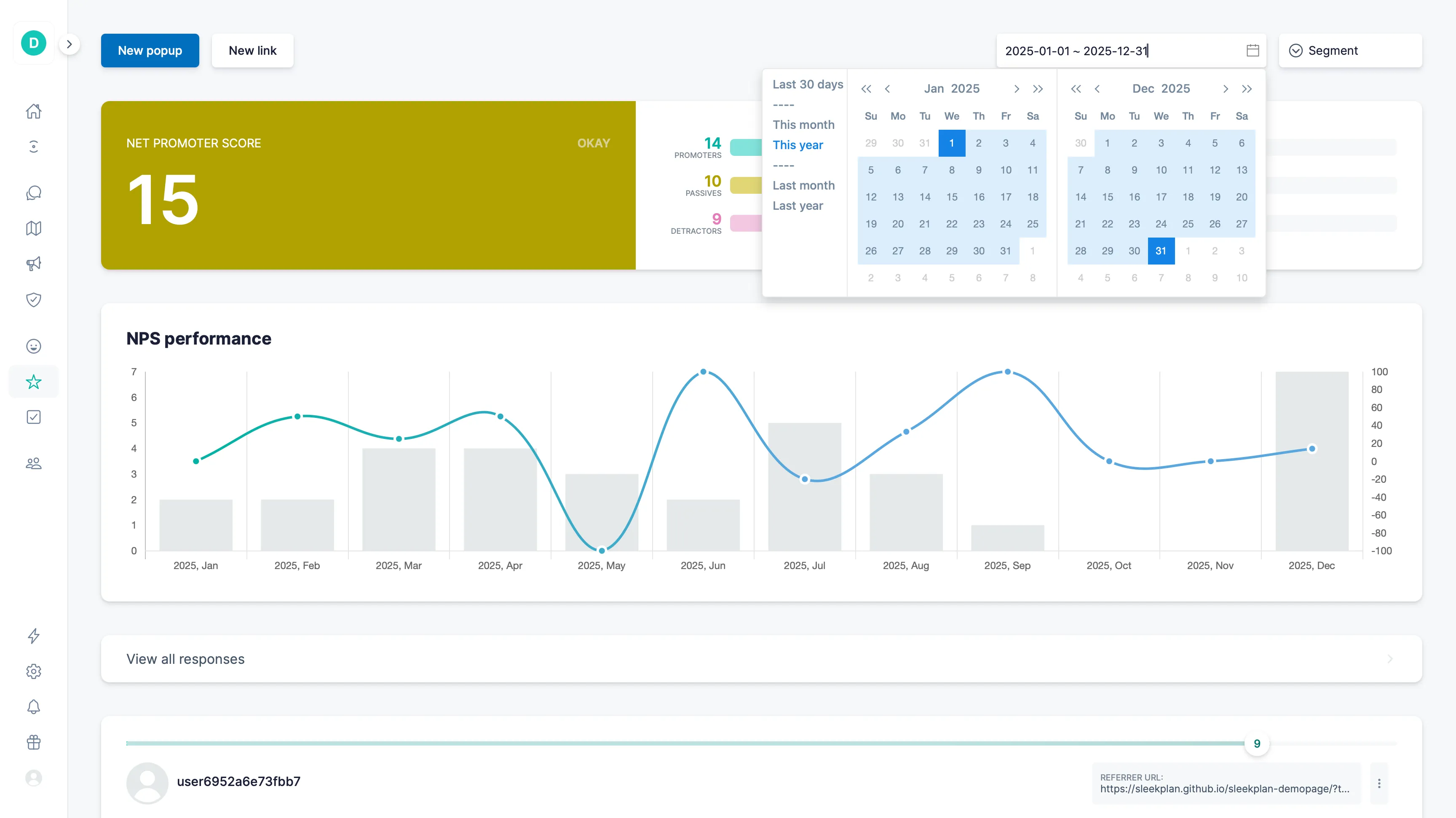
Pulse, scored
h2. Ask once. Watch the score.
Trigger micro-surveys at the right moment: after support, on checkout, in-app. Roll the answers into a single CSAT and NPS view that everyone can read.
Live responses · today
10
Promoter
"Loving the new boards"
7
Passive
"Works but slow on mobile"
9
Promoter
"Best feedback tool I've used"
3
Detractor
"Pricing is confusing"
NPS · 30D
+62
↑ 14 PTS
30-day trend
Promoters71%
Passives20%
Detractors9%
CSAT
h3. After every meaningful moment.
One-tap CSAT after support replies, onboarding finishes, paywall converts. Wherever satisfaction matters.
[See CSAT in action ](https://sleekplan.github.io/sleekplan-demopage/?type=popup&data=satisfaction)
NPS
h3. 0–10, with the why.
Classic NPS with smart cohort triggers and an open-text follow-up, so a number always comes with context.
[Set up NPS ](https://sleekplan.github.io/sleekplan-demopage/?type=popup&data=promoter)
AI
Sleekmate
h3. Just ask for the pattern.
Sleekmate reads every response, groups themes, and answers plain-language questions. Skip the spreadsheet and go straight to the insight.
[Meet Sleekmate ](https://sleekplan.com/sleekmate)
Capabilities
h2. Pulse-check satisfaction. And loyalty.
CSAT surveys
1–5 star, smiley or thumbs. Pick the scale that fits your brand.
NPS surveys
Standard 0–10 with promoter/passive/detractor segmentation.
Path-based triggers
Fire on specific URLs or user journeys: checkout, settings, onboarding.
Popup surveys
Lightweight in-app popups that drop in on the right page, then get out.
Custom surveys
Add your own questions around the score: pricing, sentiment, intent.
Cohort throttling
Never ask the same user twice in a quarter, unless they opt in.
Follow-up text
Capture the "why" with an optional open question.
Auto-tag themes
Sleek Intelligence clusters comments into themes automatically.
Trend dashboard
30/90/365-day rolling scores, with deltas highlighted.
Segment by plan
Slice by tier, MRR, or segment. Your CSAT story per persona.
Slack alerts
Detractor responses ping the right channel within seconds.
Export anywhere
CSV, webhooks, or REST. Pipe scores straight into your BI tool.
Multi-language
Detect the user's locale and ask in the right language.
Anonymous mode
Let users respond honestly without exposing their identity.
Fully customisable
Colours, copy and question wording to match your brand voice.
Embed anywhere
Drop a survey into your widget, an iframe, or a hosted standalone link.
Explore other modules
[F Feedback Board Voting, comments, statuses](https://sleekplan.com/feedback) [D Documents Specs, decisions, research](https://sleekplan.com/documents) [R Roadmap Public or internal planning](https://sleekplan.com/roadmap) [C Changelog Release notes that delight](https://sleekplan.com/changelog) [S Surveys In-app surveys with logic](https://sleekplan.com/surveys) [I Insights Dashboards the whole team reads](https://sleekplan.com/insights)
Get started in 4 minutes
h2. **Your roadmap,**** on **autopilot**. **
Free for 30 days. No card, no sales call. Cancel anytime.
[**Start free **](https://app.sleekplan.com/sign-up/) [**Book a 20-min demo **](https://sleekplan.com/contact/sales)
---
### Product Roadmap Tool: Plan public, ship private | Sleekplan
Source: https://sleekplan.com/roadmap
Description: Public or internal roadmaps that stay in sync with Linear, GitHub, ClickUp and Azure DevOps. No copy-paste, no stale lanes.
h1. Plan in public, ship in private.
Public or internal roadmaps that stay in sync with Linear, GitHub, ClickUp and Azure DevOps. No copy-paste.
[**Start free **](https://app.sleekplan.com/sign-up/) [See a live roadmap ](https://demo.sleekplan.app/roadmap)
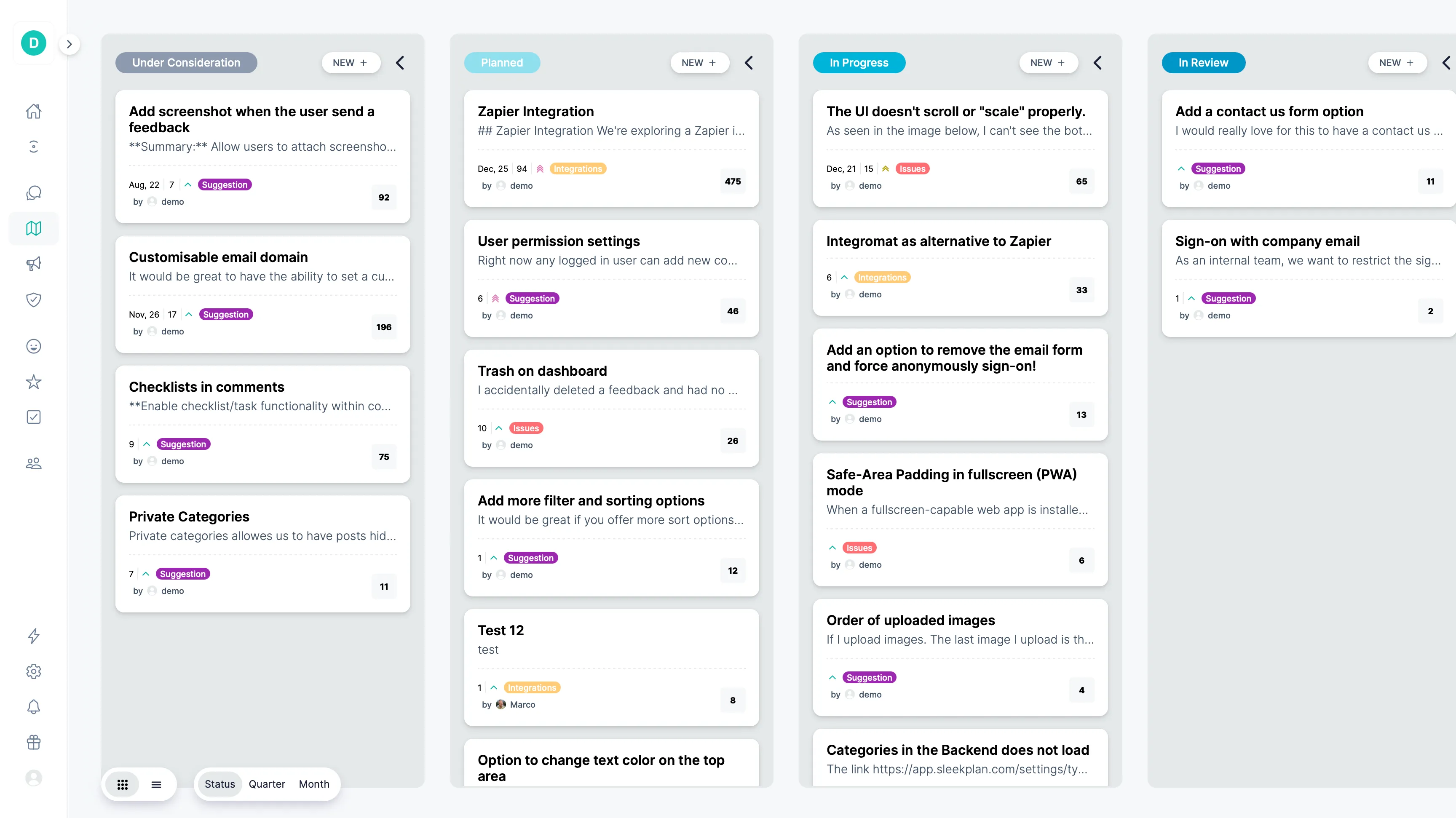
Sync with your dev tools
h2. Your tools ship it. Your roadmap shows it.
Connect Linear, GitHub, ClickUp or Azure DevOps and watch statuses flow automatically into your public roadmap, without anyone copy-pasting between tools.
Sync from Linear GitHub ClickUp Azure DevOps Auto-synced
Now3 ITEMS
AI auto-tagging
Slack v2
Bulk re-categorise
Next2 ITEMS
Mobile SDK
Public webhooks
Later1 ITEMS
Custom embeddings
This week
14
shipped
Live
Dev-tool sync
h3. Status, owners, dates: synced.
When a Linear issue moves to In Progress, the public roadmap updates instantly. Same for GitHub, ClickUp, DevOps.
[See all integrations ](https://sleekplan.com/integrations)
Public / private
h3. Share what matters.
Public lanes build trust; private lanes plan with your team. Toggle per item and never expose what's not ready.
[Tour the demo roadmap ](https://demo.sleekplan.app/roadmap)
Loop
Subscribers
h3. Users hear when it ships.
Every public roadmap item is linked back to the feedback that asked for it. Subscribers get notified the moment status changes.
Learn about subscribers
Internal statuses
h2. One promise in public. All the detail in private.
A public status is a promise your customer reads. "In design" and "In review" are not promises, they're your week. Mark a status internal, pick the public one it shows as, and everyone outside your team sees only that.
What your team sees
Scoping Internal6
In design Internal4
In review Internal3
What your customers see
Planned6
In progress7
Many to one
Several internal statuses can resolve to the same public one. Split your workflow as finely as you like without adding a single column to the public roadmap.
One hop, never a chain
An internal status must point at a public one, never at another internal status. Sleekplan refuses to save a chain, so there's no way to leak by accident.
Everywhere, not just the board
The public status is what lands on the board, the portal, the widget, the roadmap and the email your customer gets. Your team's notifications still name the real one.
Capabilities
h2. Plan in public. Or in private.
Linear sync
Issues, projects and cycles flow into roadmap lanes automatically.
GitHub sync
Milestones and PRs update status the moment they're merged.
ClickUp sync
Tasks, sprints and statuses kept in lockstep.
Azure DevOps
Work items and pipeline state mirrored onto the roadmap.
Now · Next · Later
Three default lanes, fully customisable per workspace.
Custom status tags
Name, colour and reorder every status to match your workflow.
Multiple views
Group by status, month or quarter. Pick the lens that fits the meeting.
Estimated dates
Set a target month/year to manage expectations transparently.
Private lanes
Plan internally; flip a switch to make a lane public when ready.
Internal owners
Assign teammates to roadmap items. Internal only, never exposed publicly.
Status notifications
Subscribers get an email the moment something moves to Shipped.
Custom domain
Host the roadmap at roadmap.your-domain.com.
Internal statuses
Track "In design" and "In review" privately; customers see the one public status you map them to.
Many-to-one mapping
Several internal statuses can resolve to a single public promise. Your workflow stays yours.
Explore other modules
[F Feedback Board Voting, comments, statuses](https://sleekplan.com/feedback) [D Documents Specs, decisions, research](https://sleekplan.com/documents) [C Changelog Release notes that delight](https://sleekplan.com/changelog) [C CSAT & NPS Pulse-check satisfaction & loyalty](https://sleekplan.com/csat-nps) [S Surveys In-app surveys with logic](https://sleekplan.com/surveys) [I Insights Dashboards the whole team reads](https://sleekplan.com/insights)
Get started in 4 minutes
h2. **Your roadmap,**** on **autopilot**. **
Free for 30 days. No card, no sales call. Cancel anytime.
[**Start free **](https://app.sleekplan.com/sign-up/) [**Book a 20-min demo **](https://sleekplan.com/contact/sales)
---
### Changelog Software: Release notes that write themselves | Sleekplan
Source: https://sleekplan.com/changelog
Description: Release notes that write themselves. Sleek Intelligence drafts your changelog from shipped work. Edit a line, hit publish, users hear it.
h1. Release notes that write themselves.
Sleek Intelligence drafts your changelog from shipped work. Edit a sentence, hit publish, and users hear about it where they read.
[**Start free **](https://app.sleekplan.com/sign-up/) [Browse demo changelog ](https://demo.sleekplan.app/changelog)
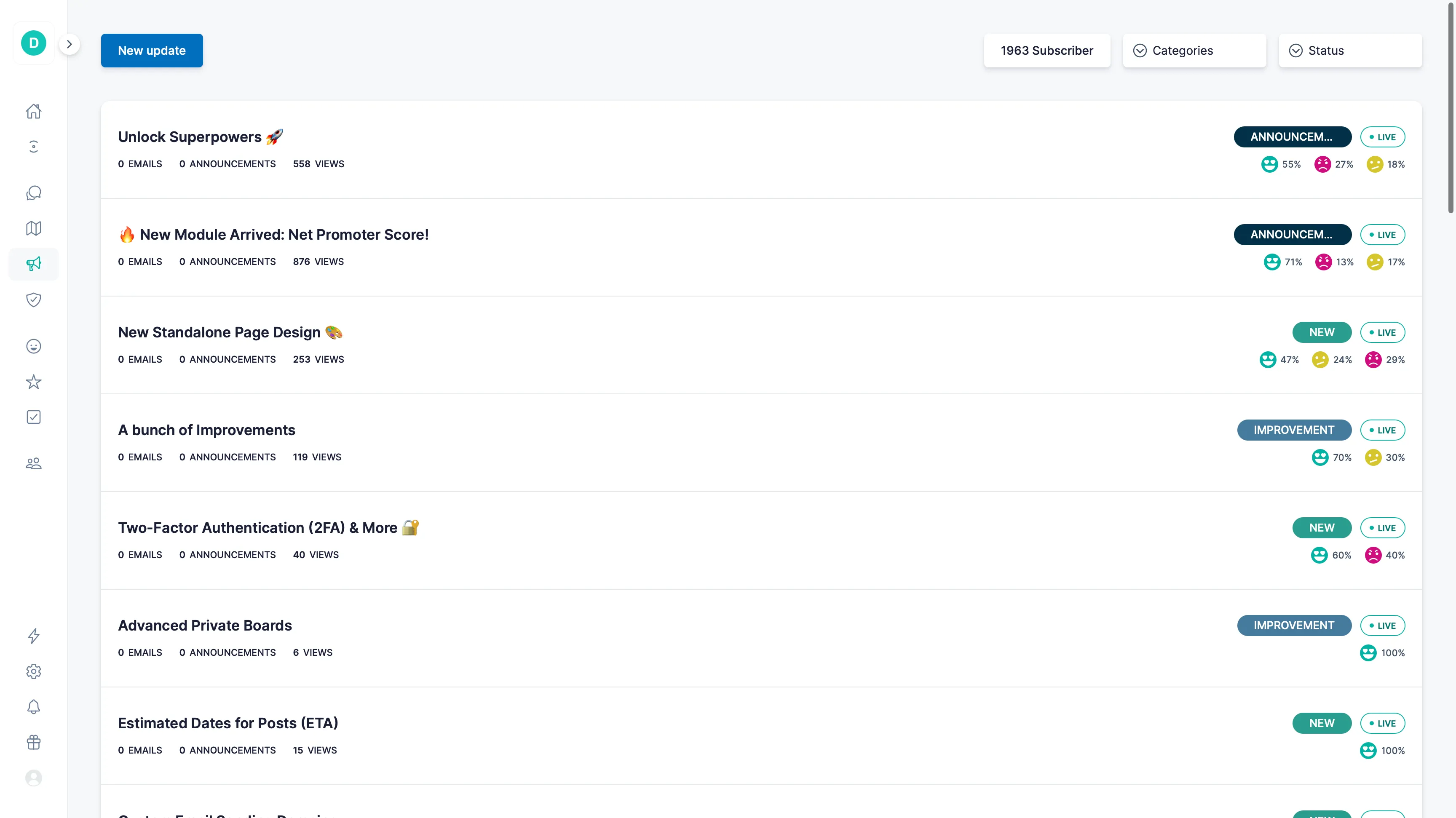
Composed for you
h2. Ship it. Tell them. Without writing a word.
Sleek Intelligence drafts release notes from your shipped tickets and PRs. Edit a sentence, hit publish, and your users hear about it everywhere they read.
This week · shipped
ENG-482Auto-summaries for threads DONE
PR #1244Faster filters on inbox DONE
ENG-491Vote button on dark mode DONE
Composes
C
v2.18 · today
Composed · ready to publish
NEWAuto-summaries for threads
IMPFaster filters on the inbox
FIXVote button on dark mode
New
Sleekmate
h3. Compose changelog updates.
Ask the Agent to draft an update from your shipped work, or hand it a list of PRs and it writes the post for you. Edit, then ship.
[Meet Sleekmate ](https://sleekplan.com/sleekmate)
Sleekplan MCP
h3. From your IDE or terminal.
MCP server exposes "draft changelog" as a tool. Cursor, Claude Desktop, your CLI: same Agent, called from where you actually work.
[Set up MCP ](https://sleekplan.com/mcp)
Sleek Intelligence
h3. Or let it happen.
Turn on auto-publish and we'll draft and post the changelog the moment a roadmap item moves to Shipped. You stay in the loop via Slack.
[How Intelligence works ](https://sleekplan.com/intelligence)
Tell them about it
h2. Ship it once. Reach them everywhere.
Every changelog post becomes an email to subscribers and an in-app popup the next time a user opens your product. Same content, two channels, zero extra effort.
Subscribers
h3. An email for every release.
Users subscribe with one click. Every time you publish, Sleekplan sends a beautifully-formatted email to your subscribers. No mailing list to maintain, no template to write.
Inbox Subscribed
SSleekplan · updatesv2.18
Auto-summaries for threads · v2.18
NEW
IMP
FIX
8,400 subscribersRead in app →
S
v2.17
In-app announcements
h3. Popup on their next visit.
Surface new shipments inside your product the next time a user opens it, gated by plan, segment, or feature flag. Dismissible, never naggy.
NEW · v2.18 ×
Auto-summaries for threads
Capabilities
h2. Release notes that delight. And get read.
Sleekmate
Compose updates from a prompt or shipped items list.
MCP server
Call "draft changelog" from your IDE, terminal or AI app.
Auto-publish
Roadmap → Shipped moves auto-trigger a changelog post.
In-app announcements
Pop the latest update inside your product on first visit.
Reactions & comments
Users can react and reply. You see who cares about what shipped.
Scheduled posts
Draft now, publish at 10am next Tuesday.
Linked back to feedback
Every changelog entry links to the requests it closes.
Custom domain
Host at updates.your-domain.com or alongside your roadmap.
Email digest
Subscribers get a tidy weekly digest of everything new.
Rich markdown
Code blocks, images, video embeds, all rendered beautifully.
Audience targeting
Show specific updates to specific plans or segments.
Engagement analytics
Track who read, reacted, and clicked through to features.
Notification queue
Batch updates and send a single digest instead of pinging on every post.
Call-to-action link
Attach a primary CTA to each update: "Try it now", "Read the docs", your call.
Embed anywhere
Drop the changelog into your app as a widget or iframe, wherever users already read.
RSS feed
Every changelog has an RSS feed. Readers stay current in their own reader.
Unpublish
Take a published entry down. It leaves the changelog and the emails you already sent stay sent.
Duplicate
Copy any entry into a fresh draft, images and all. The way to republish something you took down.
Stats you can click
Views, emails, announcements and reactions, each opening the list of identified people behind the number.
Unsubscribes in the feed
Subscribes and unsubscribes both land in the activity feed, per customer. No silent churn.
Explore other modules
[F Feedback Board Voting, comments, statuses](https://sleekplan.com/feedback) [D Documents Specs, decisions, research](https://sleekplan.com/documents) [R Roadmap Public or internal planning](https://sleekplan.com/roadmap) [C CSAT & NPS Pulse-check satisfaction & loyalty](https://sleekplan.com/csat-nps) [S Surveys In-app surveys with logic](https://sleekplan.com/surveys) [I Insights Dashboards the whole team reads](https://sleekplan.com/insights)
Get started in 4 minutes
h2. **Your roadmap,**** on **autopilot**. **
Free for 30 days. No card, no sales call. Cancel anytime.
[**Start free **](https://app.sleekplan.com/sign-up/) [**Book a 20-min demo **](https://sleekplan.com/contact/sales)
---
### Feedback Dashboard: 22 metrics on one page | Sleekplan
Source: https://sleekplan.com/insights
Description: Build feedback dashboards from 22 metrics: votes, completed requests, response times, NPS, CSAT and how many voters heard it shipped. One page for the team.
h1. Every number your team checks, on one page.
Build feedback dashboards from 22 metrics, from new posts and votes to response times, NPS and closed loops. Everyone on the team opens the same page and sees the same numbers.
[**Start free **](https://app.sleekplan.com/sign-up/)
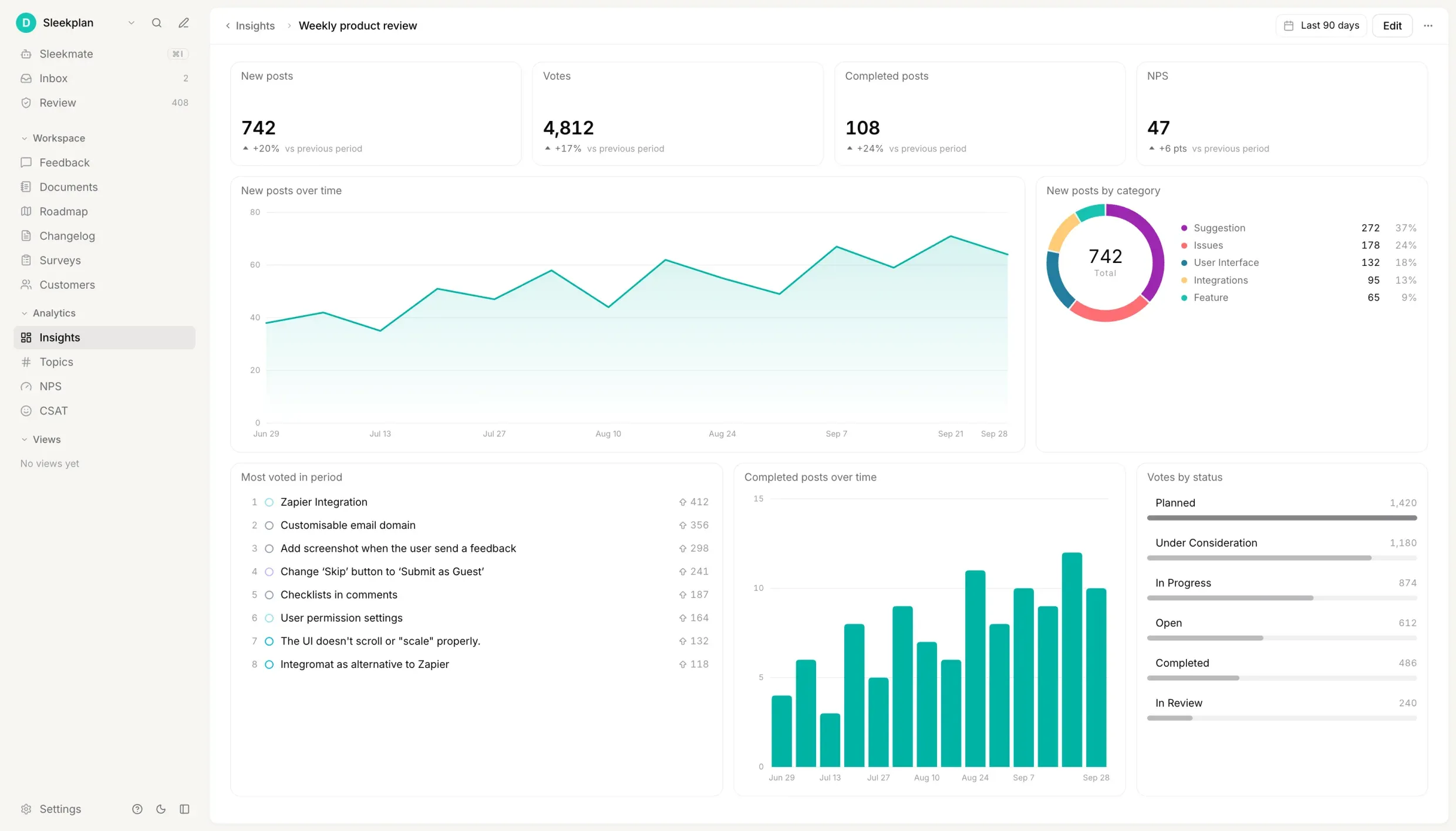
Build a dashboard
h2. Pick a metric. Pick a view. That's an insight.
Each tile on a dashboard is one number or one chart. You build it in a dialog, not a query language, and the title writes itself: Votes, broken down by status, becomes "Votes by status".
_Adding "Votes by status" to a dashboard in edit mode._
1. 01Pick a metric
Twenty-two to choose from, from New posts and Votes to Time to first response and NPS. One your plan doesn't include is marked, not hidden.
2. 02Choose a view
One number compared with the previous period, a chart over time by day, week or month, or a breakdown by category, status or component.
3. 03Pick the chart
Line or columns over time. Bars, donut or a single share bar for a breakdown. Top posts is always a list that links to each post.
4. 04Save it for everyone
Edit mode is a draft. Add, move and resize freely, then click Done and everyone who can see the dashboard sees the change. Cancel, and nothing did.
Metrics
h2. Twenty-two metrics. From first vote to "it shipped".
Every metric reads data Sleekplan already has: your posts, votes, replies, changelog, popups and surveys. Nothing to connect, nothing to export. Breakdowns use your own categories, statuses and colours.
h3. Feedback
How much comes in, and what ships?
- New posts
- Posts created in the date range
- Votes
- Upvotes cast, with merged posts left out
- Completed posts
- Posts moved to Completed, each counted once
- Time to complete
- Median days from a post's creation to Completed
- Top posts
- The most voted posts, in the period or of all time
h3. Conversation
How fast does the team answer?
- Comments
- Public comments, split by team, customers or AI
- Time to first response
- Median time to the team's first public reply or status change
- Unanswered posts
- Customer posts with no team response yet
- Status changes
- Public status changes, by the status posts moved to
h3. Closing the loop
Did the people who asked find out?
- Voters of completed posts
- Customers who upvoted a post before it shipped
- Voters told it shipped
- The share of those voters who were notified
- Changelog updates
- Changelog entries published
- Changelog views
- Views of individual changelog entries
- Emails sent
- Emails sent on your behalf, by type
h3. In-app messages
Who saw the popup, and what did they do?
- Popups delivered
- Times a popup was shown to a signed-in visitor, by outcome
- People reached by popups
- Distinct signed-in visitors who saw one
- Popup response rate
- The share of deliveries with a completed response
- Announcements delivered
- Times an in-app announcement was shown to a signed-in visitor
- Announcement views
- Views of announcements, anonymous visitors included
h3. Traffic and satisfaction
Is anyone looking, and are they happy?
- Page views
- Views of your widget and public portal, by page
- NPS
- Net Promoter Score, split into promoters, passives and detractors
- CSAT
- Average satisfaction rating from 1 to 5, by reaction
NPS, CSAT and the popup metrics need a plan that includes them. Every other metric works on every plan that can build a dashboard.
Capabilities
h2. Built for the weekly review. No analyst required.
Overview template
One click fills a new dashboard with eight insights built on feedback and page views.
12-column grid
Drag an insight to move it, pull its corner to resize. A taller chart shows more rows.
Against last period
Every number shows its change against the same length of time just before.
Your own date range
Nine presets or any start and end date. Teammates keep their own.
Dashboard filters
Narrow every insight to one category, status or component at once.
Shared with the team
Everyone opens the same page and sees the same numbers. Nobody rebuilds the report.
Private dashboards
Keep one to yourself. Not even an Owner or Admin finds it in the list.
Readable on every plan
Anyone on the team can read shared dashboards. Building them needs Business or above.
Fresh in five minutes
New posts, votes and replies reach the numbers within five minutes.
Click through to the post
Hover a chart for exact values. Click a post in a top list to open it.
25 dashboards, 24 insights
One for the weekly review, one for support, one for the launch.
Three years back
A date range can span up to 1,100 days. Long charts switch to weekly or monthly points.
Explore other modules
[F Feedback Board Voting, comments, statuses](https://sleekplan.com/feedback) [D Documents Specs, decisions, research](https://sleekplan.com/documents) [R Roadmap Public or internal planning](https://sleekplan.com/roadmap) [C Changelog Release notes that delight](https://sleekplan.com/changelog) [C CSAT & NPS Pulse-check satisfaction & loyalty](https://sleekplan.com/csat-nps) [S Surveys In-app surveys with logic](https://sleekplan.com/surveys)
Get started in 4 minutes
h2. **Your roadmap,**** on **autopilot**. **
Free for 30 days. No card, no sales call. Cancel anytime.
[**Start free **](https://app.sleekplan.com/sign-up/) [**Book a 20-min demo **](https://sleekplan.com/contact/sales)
---
### Product Spec & PRD Tool: tied to feedback | Sleekplan
Source: https://sleekplan.com/documents
Description: Write PRDs, specs and decisions next to the feedback that prompted them. Eight document types, a version on every save with block-level diffs, and 14 MCP tools.
h1. The thinking behind every request.
PRDs, specs, research and decisions — written in Markdown, versioned on every save, and attached to the posts that prompted them. Internal, always: your customers never see them.
[**Start free **](https://app.sleekplan.com/sign-up/)
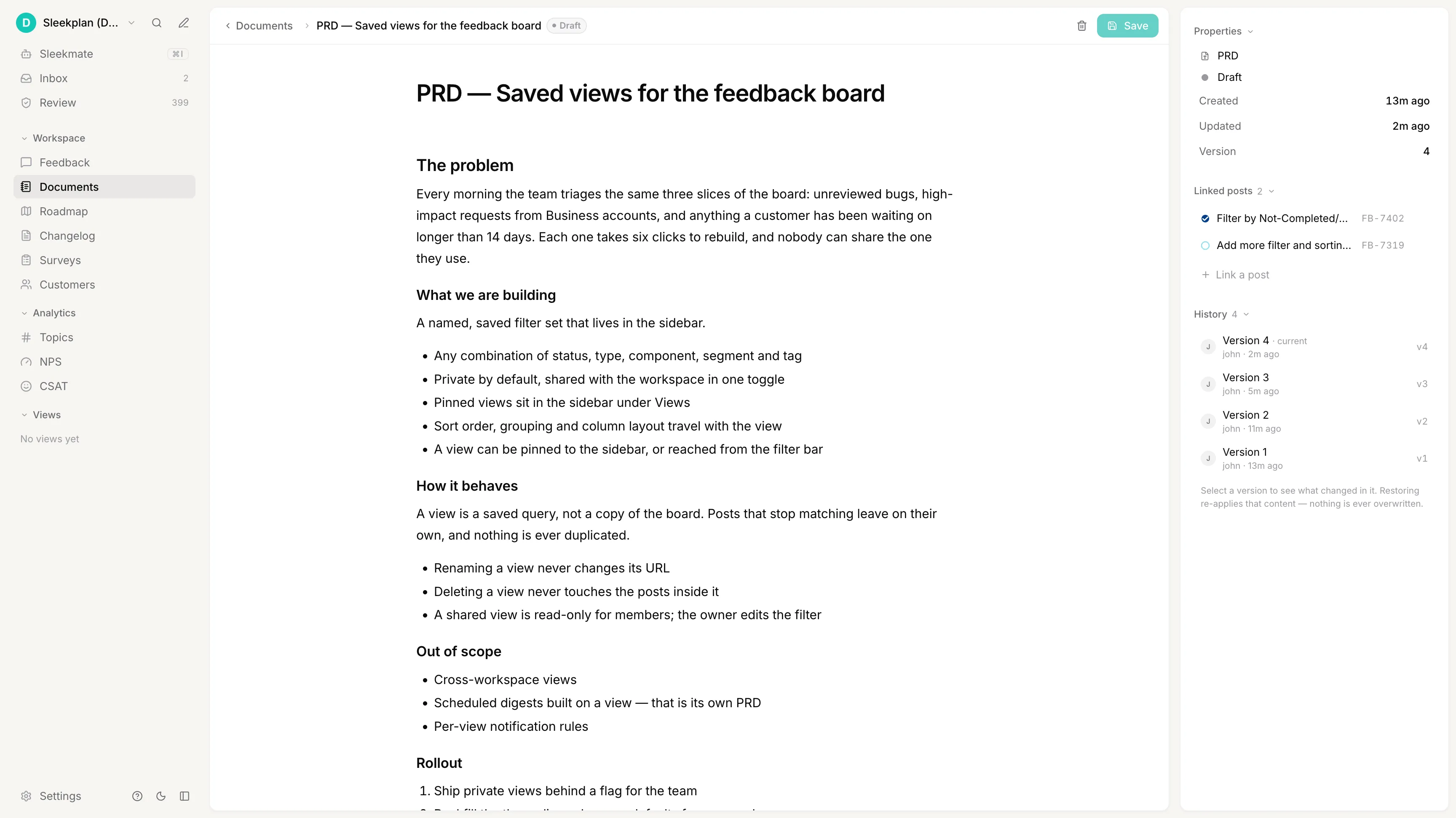
Why a document
h2. So the public post can stay simple.
A feature request is one sentence from a customer. The work behind it is a spec, a rejected approach, a decision someone will ask about in six months. Put all of that on the board and the board becomes unreadable.
So it lives in a document instead — attached to the post, readable by your team, invisible to everyone else. The post keeps its votes and gets one answer at the end. No sub-items, no threads of half-decisions.
Never public
Public board
148votesAdd more filter and sorting optionsFB-7319 Planned
62votesFilter by Not-Completed / Not-ClosedFB-7402 Under review
Linked both ways
Internal — your team only
PRDv4
Saved views for the feedback board
The problem
What we are building
How it behaves
Out of scope
Rollout
The decision
Document types
h2. Eight types out of the box. Then whatever you call yours.
A type is the question the document answers. Every workspace starts with these eight; rename them, recolour them, reorder them, or add the ones your team actually uses.
Knowledge Base
How does this work?
PRD
What are we building?
Spec
How exactly?
Plan
In what order?
Research
What did we learn?
Decision
Why this way?
Summary
What came out of it?
Project
What's in flight?
Your own type
Version history
h2. Every save kept. Every change visible.
Six months later, the useful question isn't what the spec says. It's what it used to say, and who changed it. Open any version and the answer is highlighted in place.
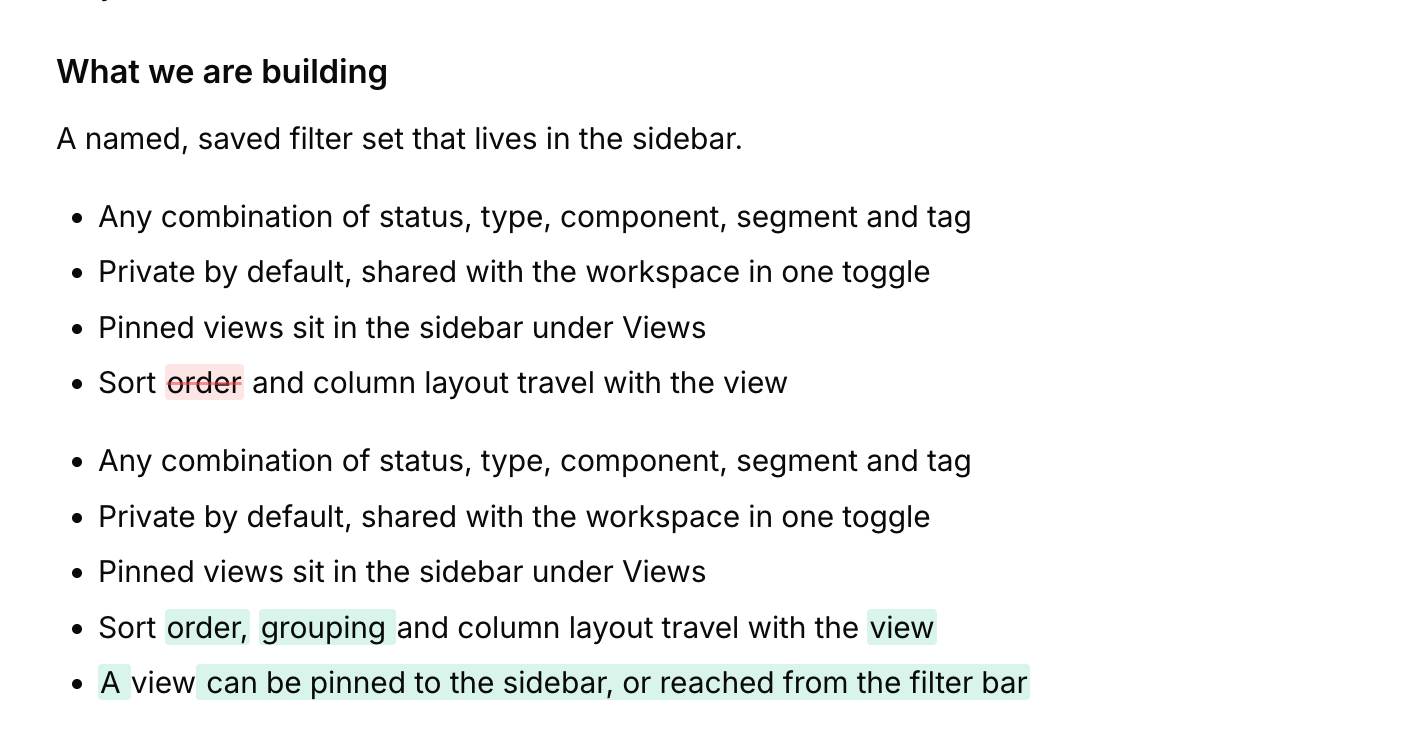
_Version 4 of a PRD — one bullet reworded, one added._
- Every save, a full snapshot
Not a delta. Version 1 is written the moment the document is created, so the history is complete from birth.
- Diffed block by block
Paragraphs, list items and code blocks are compared whole, then word by word inside any block that was rewritten.
- Restore adds, never overwrites
Restoring an old version re-applies its content as a new version on top. Nothing in the chain is destroyed or rewound.
- No pruning, no noise
Versions accumulate — there's no retention window. Save a document you didn't actually change and nothing is written at all.
Capabilities
h2. Twelve tools. No ceremony.
Markdown bodies
Headings, lists, quotes and code blocks from a / menu. Stored as Markdown, not a proprietary blob.
Eight types built in
PRD, Spec, Plan, Research, Decision, Summary, Project, Knowledge Base.
Custom types
Add your own. Rename, recolour and reorder the built-in ones.
A version on every save
Full snapshot, from version 1 onward. Save an identical document and nothing is written.
Block-level diffs
See which blocks changed, word by word inside the ones that were rewritten.
Restore, never overwrite
A restore re-applies old content as a new version. Nothing in the chain is destroyed.
Linked to feedback
Many-to-many, from either side. One piece of thinking can inform several posts.
Internal by default
Documents never render on your public board, portal or widget.
Draft, published, archived
Three states, so half-formed thinking doesn't read as settled.
Search and filters
Find by title, then narrow by type or status.
14 MCP tools
List, read, write, link, diff and restore — the whole module is agent-addressable.
Sleek Mate drafts them
It offers to save what it just worked out, and never writes a document unasked.
Explore other modules
[F Feedback Board Voting, comments, statuses](https://sleekplan.com/feedback) [R Roadmap Public or internal planning](https://sleekplan.com/roadmap) [C Changelog Release notes that delight](https://sleekplan.com/changelog) [C CSAT & NPS Pulse-check satisfaction & loyalty](https://sleekplan.com/csat-nps) [S Surveys In-app surveys with logic](https://sleekplan.com/surveys) [I Insights Dashboards the whole team reads](https://sleekplan.com/insights)
Get started in 4 minutes
h2. **Your roadmap,**** on **autopilot**. **
Free for 30 days. No card, no sales call. Cancel anytime.
[**Start free **](https://app.sleekplan.com/sign-up/) [**Book a 20-min demo **](https://sleekplan.com/contact/sales)
---
### Survey Tool: Prompt a survey, ship it in seconds | Sleekplan
Source: https://sleekplan.com/surveys
Description: Prompt a survey in plain English. Sleekmate drafts the questions, picks the types, sets the trigger. You hit publish.
h1. Prompt a survey, ship it in seconds.
Sleekmate drafts the questions, picks the types, sets the trigger. You hit publish. Or build it by hand. Your choice.
[**Start free **](https://app.sleekplan.com/sign-up/) [See a live survey ](https://sleekplan.github.io/sleekplan-demopage/?type=popup&data=survey)
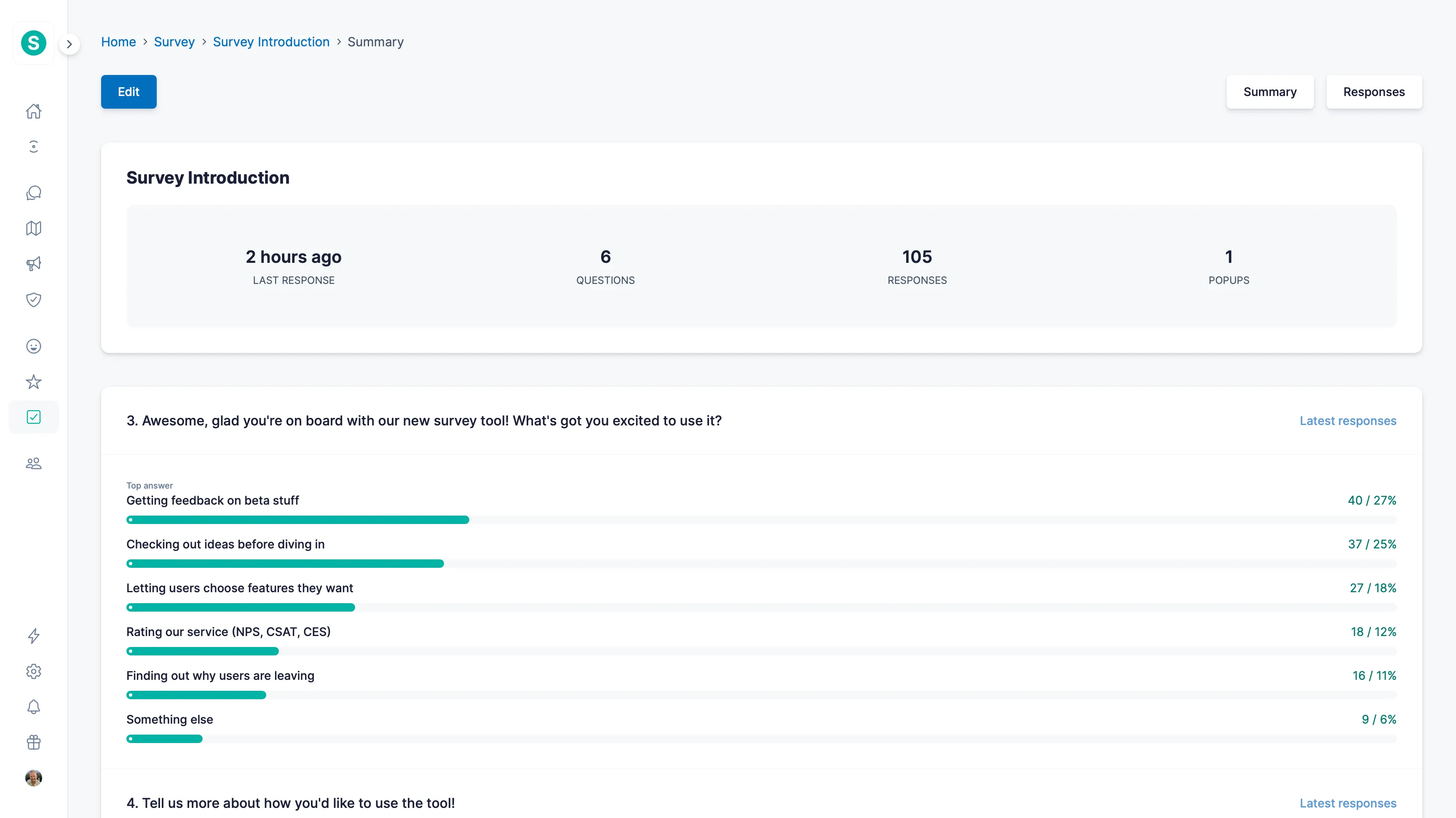
Generate, then ship
h2. Prompt a survey. Ship it in seconds.
Ask Sleekmate in plain English. It drafts the questions, picks the right types, sets the trigger, and waits for you to hit publish.
Prompt
Survey users who **downgraded last month**, focus on pricing and missing features.
Sleekmate or via MCP or manual
Generates
Generated survey · 3 steps
READY
01
Why did you downgrade?
Multi-choice · 4 options
Too expensive
Missing feature
Switched tools
Other
02
What did you wish was different?
Long text · optional
03
Would you come back if we…?
0–10 scale · NPS-style
New
Sleekmate
h3. Prompt to survey.
"Survey users who downgraded last month, focus on pricing": Agent drafts the questions, the trigger, and the segment.
[Meet Sleekmate ](https://sleekplan.com/sleekmate)
Sleekplan MCP
h3. From your IDE.
MCP exposes "draft survey" so you can spin one up from Cursor or Claude Desktop without leaving the editor.
[Set up MCP ](https://sleekplan.com/mcp)
In-App Demo
h3. See a live survey.
Drag-and-drop steps, conditional branching, scoring logic. For when you know exactly what you want to ask.
[Try the in-app demo ](https://sleekplan.github.io/sleekplan-demopage/?type=page&data=popup.survey%3Fdata_id%3Dsu69d63e9eaedf5)
Built for any answer
h2. Five question types, one calm builder.
From a one-line scale to an informational text block: pick the shape that fits the question. Branch on any answer to show a follow-up only when it makes sense.
5 types · 1 builder
textT
Text Block
Informational markdown block. No input; uses a Continue button.
multipleM
Multiple Choice
Checkbox list. Pick one or many.
✓
✓
singleS
Single Choice
Radio list. Exactly one answer.
freeF
Free Text
Textarea for open-ended response.
scaleS
Scale
Numeric range with configurable min/max, perfect for NPS or CSAT.
0510
Explore the survey builder
Capabilities
h2. Surveys that write themselves. Almost.
Prompt-to-survey
Describe the goal. Agent drafts the questions and trigger.
MCP integration
Generate surveys from your IDE, terminal or AI app.
Multi-step flows
Chain questions across steps to guide respondents through a structured flow.
Conditional questions
Branch on answers so different cohorts see different follow-ups.
9 question types
Multi-choice, scale, NPS, CSAT, long text, rating, date, file, hidden.
Audience targeting
Trigger by URL, segment, plan, action, anything in your CRM.
Multi-language
Detect the user's locale and serve translated steps automatically.
Standalone or in-app
Hosted survey link or embedded inside your product.
Webhook on submit
Pipe responses to Slack, Linear, or your data warehouse. Anywhere.
Anonymous mode
Strip identifying data so users feel safe to be honest.
Built-in analytics
Completion rate, dropout per step, sentiment per question.
Fully customisable
Match your brand: colours, fonts, button copy and confirmation states.
Explore other modules
[F Feedback Board Voting, comments, statuses](https://sleekplan.com/feedback) [D Documents Specs, decisions, research](https://sleekplan.com/documents) [R Roadmap Public or internal planning](https://sleekplan.com/roadmap) [C Changelog Release notes that delight](https://sleekplan.com/changelog) [C CSAT & NPS Pulse-check satisfaction & loyalty](https://sleekplan.com/csat-nps) [I Insights Dashboards the whole team reads](https://sleekplan.com/insights)
Get started in 4 minutes
h2. **Your roadmap,**** on **autopilot**. **
Free for 30 days. No card, no sales call. Cancel anytime.
[**Start free **](https://app.sleekplan.com/sign-up/) [**Book a 20-min demo **](https://sleekplan.com/contact/sales)
---
### Product Feedback Tool: Every idea, in one place | Sleekplan
Source: https://sleekplan.com/feedback
Description: Capture, organize and prioritise feedback from anywhere your customers live. Voting, comments, statuses: built for product teams who'd rather ship than triage.
h1. Every product idea, in one place.
Capture, organize and prioritise feedback from anywhere your customers live. Voting, comments, statuses, discussions. Built for product teams who'd rather ship than triage.
[**Start free **](https://app.sleekplan.com/sign-up/) [See a live board ](https://demo.sleekplan.app)
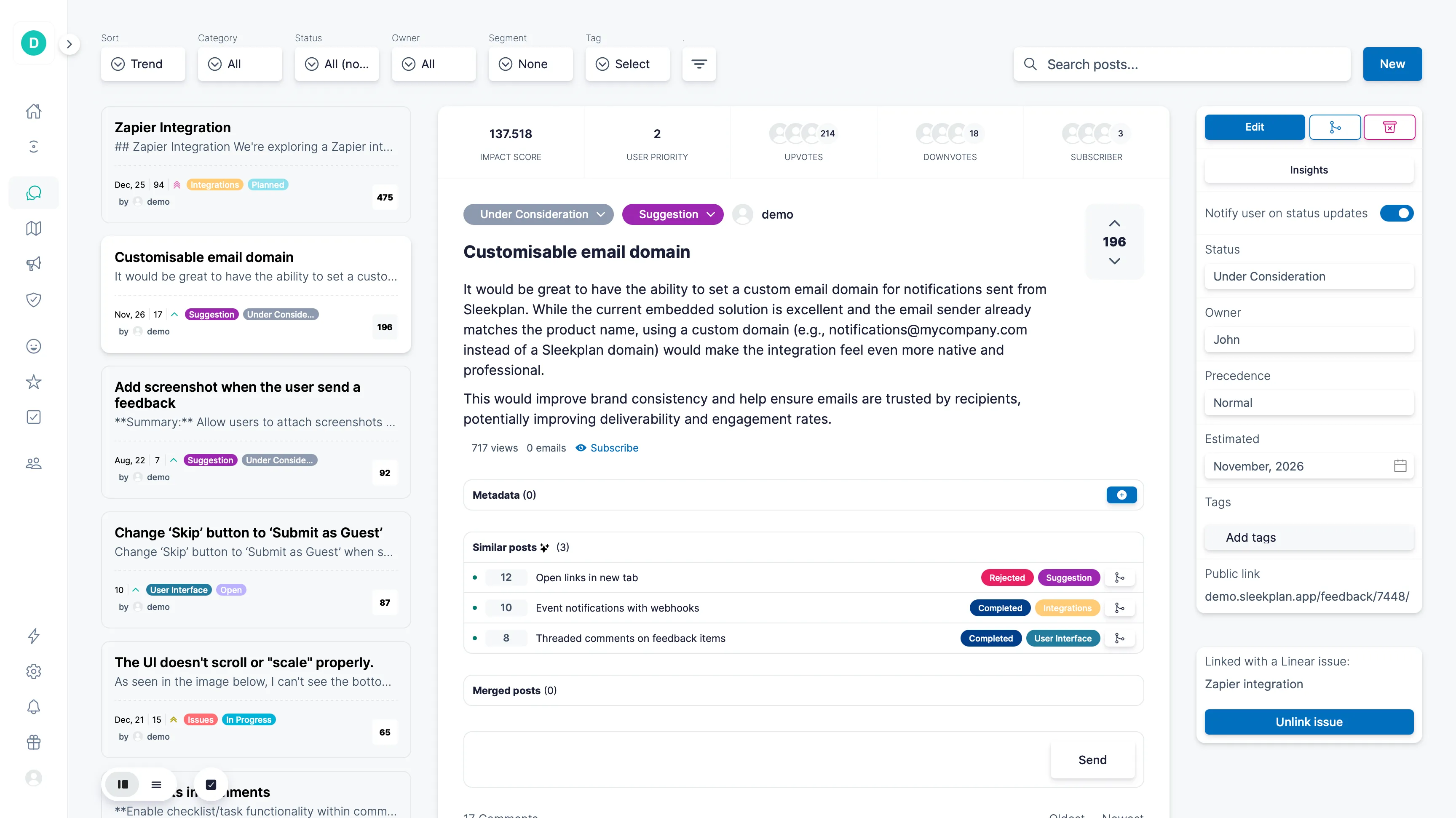
One source of truth
h2. One board. Public, internal, or both.
Public
Share a board with the world. Custom domain, SEO-optimised, anonymous voting if you want it.
Custom domainSEO indexedAnonymous voting
Internal
Lock the board to your team or customers with JWT SSO, SAML, password or email-domain rules.
JWT SSOSAMLEmail domain
Hybrid
Public board with private categories for internal-only ideas. Best of both worlds.
Public + privatePer-categoryGranular access
Single source of truth
h2. Every channel. One inbox.
Sleekplan collects feedback from your portal, your in-app widget, your support inbox and review sites, then merges duplicates into a single triaged inbox.
Feedback portal
Public board on your domain
In-app widget
Embedded, users never leave
Support tickets
Slack, Intercom, Helpscout
Review sites
G2, Capterra, App Store
S
Sleekplan inbox
1,248 posts · auto-merged
248
Custom domains
FEATURE
191
Slack notifications
INTEGRATION
174
CSV bulk import
FEATURE
92
Auth timeout on iOS
BUG
Standalone portal
h3. A board on your own domain.
Custom appearance, SEO-indexed, your logo. Up in minutes at feedback.your-domain.com.
[Tour the portal demo ](https://demo.sleekplan.app)
In-app widget
h3. Embedded. Users never leave.
A floating button, sidebar or full-page iframe, auto-themed to match your app.
[Try the widget demo ](https://sleekplan.github.io/sleekplan-demopage/)
New
Auto-collector
h3. Feedback finds you.
Sleek Intelligence listens to Slack, Intercom, support email and review sites, and files feedback for you.
[Meet Sleek Intelligence ](https://sleekplan.com/intelligence)
Prioritise, your way
h2. The impact score you fine-tune.
Every post gets a single number, the impact score, that ranks it against everything else in your inbox. Tune the weights to match how your team prioritises: customer impact, B2B revenue, raw votes, engagement, happiness. Override one parameter or all of them.
16 parameters · 1 score
Parameter
Default
Custom
Description
Weight configuration
w_total_priority
0.20
0.30
Weight on the total number of priority votes a post has received.
w_customer_weight
0.20
0.45
Customer impact: sum of user weights (importance, plan, value).
w_company_weight
0.10
0.15
B2B impact: each unique company counted once.
w_vote_score
0.15
—
Combined sentiment (up vs. down) and vote volume.
w_engagement
0.10
—
Comment count + subscribers. Captures community activity.
w_user_happiness
0.05
—
Average satisfaction + promoter score of engaged users.
Normalization limits
max_total_priority
200
—
Cap for total priority votes used to normalize the score.
max_customer_weight
100
250
Cap for total customer weighting across participating users.
max_vote_volume
1000
—
Prevents popular items from dominating the ranking.
View all 16 parameters
Capabilities
h2. Twenty sharp tools. Zero busywork.
Anonymous voting & posting
Let users contribute without registration.
Custom categories
Bugs, requests, integrations. Your taxonomy.
Components
The second axis: category is the shape of a request, component is which part of the product. Internal until you publish them.
Custom status tags
Name and colour every stage of your workflow.
Merge posts
Combine duplicates without losing votes or comments.
Internal discussions
Team-only threads attached to public posts.
Post & vote on behalf
Capture feedback from email, sales calls, support.
Voice-of-customer weighting
Vote weight by plan, MRR, or segment. Your call.
Feedback owner
Assign teammates to specific suggestions.
Email notifications
Users hear back when status changes or comments arrive.
Reply via email
Email replies become comments automatically.
Moderation
Review new posts before they hit the public board.
Impact score
Sleekplan auto-scores posts using your weighting.
Estimated dates
Set a target month/year to manage expectations.
Comment likes
Quick agree without typing another comment.
Post templates
Pre-fill structure so users submit useful posts.
Duplicate detection
Sleek Intelligence vector-matches new posts and auto-links the dupes.
Documents on a post
Attach the PRD, spec or decision behind a request. Internal, versioned, never public.
Approve & reply
Clear a pending post and answer the author in the same composer. The reply posts publicly and notifies them.
Merge while you review
The queue surfaces similar posts as you go. Publish and merge into an existing one; votes and subscribers come with it.
Explore other modules
[D Documents Specs, decisions, research](https://sleekplan.com/documents) [R Roadmap Public or internal planning](https://sleekplan.com/roadmap) [C Changelog Release notes that delight](https://sleekplan.com/changelog) [C CSAT & NPS Pulse-check satisfaction & loyalty](https://sleekplan.com/csat-nps) [S Surveys In-app surveys with logic](https://sleekplan.com/surveys) [I Insights Dashboards the whole team reads](https://sleekplan.com/insights)
Get started in 4 minutes
h2. **Your roadmap,**** on **autopilot**. **
Free for 30 days. No card, no sales call. Cancel anytime.
[**Start free **](https://app.sleekplan.com/sign-up/) [**Book a 20-min demo **](https://sleekplan.com/contact/sales)
---
### Book a Demo | Sleekplan
Source: https://sleekplan.com/demo
Description: Three live demo surfaces: standalone portal, in-app widget, embedded iframe. Vote, comment, submit. No signup, no marketing simulation. It's the real product.
h1. See Sleekplan in action.
Vote on real feedback, browse a real roadmap, read a real changelog. A playable workspace you can poke around in for as long as you like.
Three live surfaces
h2. Open any of them. It's all real.
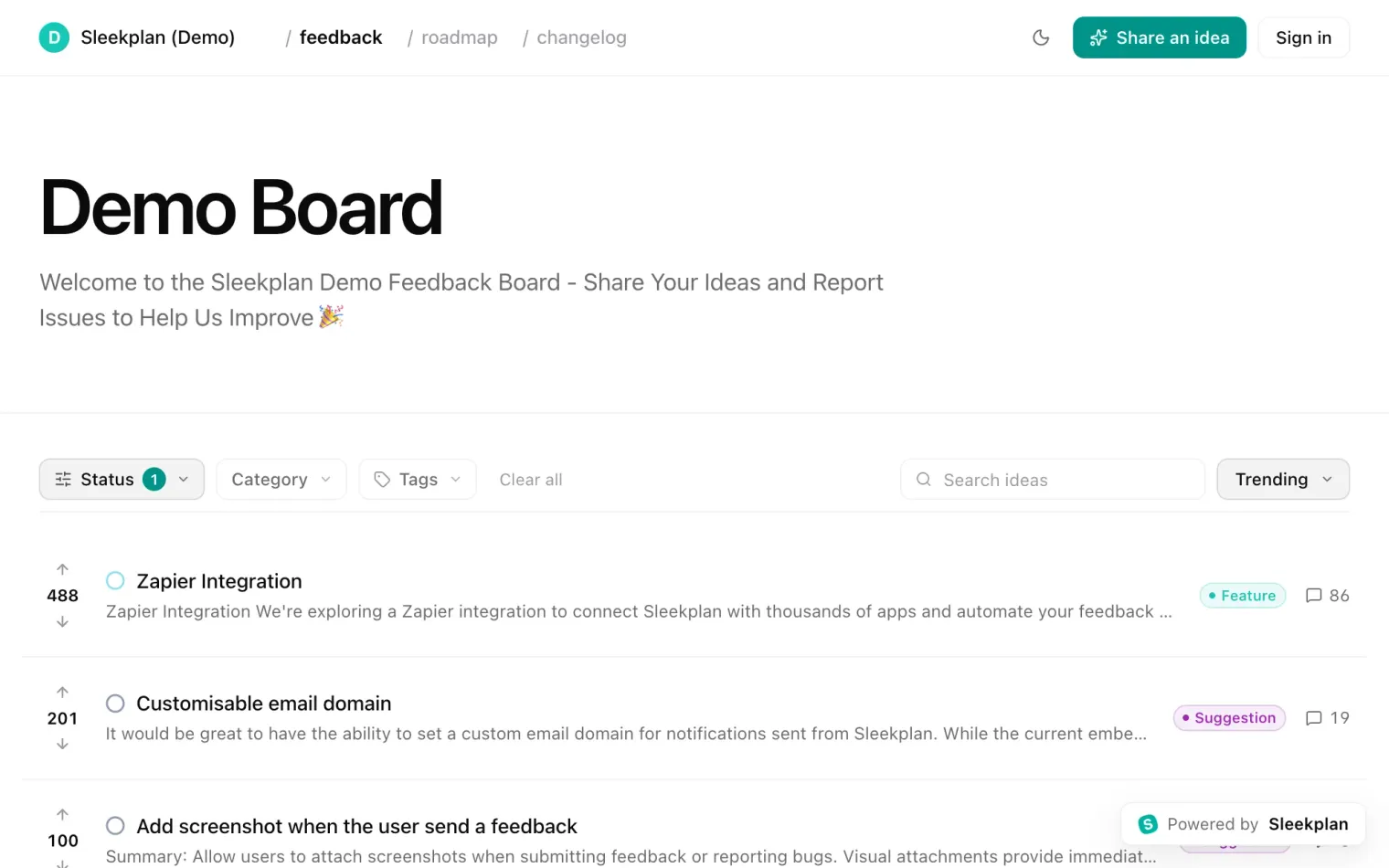
Standalone portal
h3. Feedback portal
Vote on real posts, browse statuses, filter by category. The same Sleekplan board your users see, deployed on its own domain.
Try this
- Vote on a few feedback posts
- Filter by status or category
- Submit your own suggestion
[**Open this demo **](https://demo.sleekplan.app)
How the demo works
h2. What your users see. Nothing else.
Real customer surfaces
Every demo is the actual portal, widget, or iframe your users will see. No admin app, no marketing simulation.
Read-write enabled
Vote, comment, subscribe, submit. Everything's live and your changes show up for the next visitor too.
Reset every Monday
The demo workspace refreshes weekly so you'll always see a clean board with fresh activity.
Everything is yours
Logo, domain, colors, typography, copy: every surface is fully customizable to fit your brand tone and style.
Admin walkthrough
h2. And the side your team works in.
The live demos show what your users see. This 30-minute walkthrough shows the admin: one feature request from the first vote to the changelog that says it shipped. 19 chapters, so you can jump to what you need.
[Watch the full demo](https://sleekplan.com/intro?play=capture)
Get started in 4 minutes
h2. **Your roadmap,**** on **autopilot**. **
Free for 30 days. No card, no sales call. Cancel anytime.
[**Start free **](https://app.sleekplan.com/sign-up/) [**Book a 20-min demo **](https://sleekplan.com/contact/sales)
---
### Product Demo Video: The Full Walkthrough | Sleekplan
Source: https://sleekplan.com/intro
Description: The full Sleekplan demo in the real app: one feature request, from the widget vote to the email that says it shipped. 19 chapters, no signup.
h1. **Sleekplan, start to **finish**. **
Follow one feature request from the first vote to the email that says it shipped. Jump straight to the chapter you need.
h2. Chapters
1. [00:00 How Sleekplan works: the whole loop](https://sleekplan.com/intro?t=0)
2. [02:30 What your users see: widget and portal](https://sleekplan.com/intro?t=150)
3. [03:58 Collect feedback from everywhere](https://sleekplan.com/intro?t=238)
4. [06:06 Private boards, single sign-on and data privacy](https://sleekplan.com/intro?t=366)
5. [07:58 The feedback board: organise every request](https://sleekplan.com/intro?t=478)
6. [09:39 Merge duplicates and keep notes](https://sleekplan.com/intro?t=579)
7. [11:22 Prioritize by impact, not just votes](https://sleekplan.com/intro?t=682)
8. [13:04 Documents: the thinking behind a request](https://sleekplan.com/intro?t=784)
9. [14:35 The public roadmap](https://sleekplan.com/intro?t=875)
10. [15:50 Close the loop: changelog and notifications](https://sleekplan.com/intro?t=950)
11. [19:04 NPS and CSAT](https://sleekplan.com/intro?t=1144)
12. [20:18 Surveys](https://sleekplan.com/intro?t=1218)
13. [21:26 Insights dashboards](https://sleekplan.com/intro?t=1286)
14. [22:21 Sleek Intelligence: automatic feedback processing](https://sleekplan.com/intro?t=1341)
15. [23:25 Topics](https://sleekplan.com/intro?t=1405)
16. [24:09 Sleekmate: skills, schedules and connectors](https://sleekplan.com/intro?t=1449)
17. [25:55 MCP: your workspace in Claude, ChatGPT and Cursor](https://sleekplan.com/intro?t=1555)
18. [26:56 Integrations: Jira, Linear, Slack, Intercom](https://sleekplan.com/intro?t=1616)
19. [28:29 Plans and how to start](https://sleekplan.com/intro?t=1709)
---
### Integrations — Connect to everywhere you work | Sleekplan
Source: https://sleekplan.com/integrations
Description: Twelve native integrations (Intercom, Slack, GitHub, Jira, ClickUp, Zapier) plus 6,000+ more via Zapier. Pipe feedback into the tools your team lives in.
h1. Connect Sleekplan to everywhere you work.
Twelve native integrations, plus 6,000+ more through Zapier. Pipe feedback into the tools your team already lives in.
[**Intercom**
Capture feedback inside your Intercom Messenger and surface your roadmap + changelog on the Home screen — with visitors already signed in.](https://sleekplan.com/integrations/intercom) [**Slack**
Manage feedback from Slack: create posts, ship changelog updates, and get notified on every CSAT vote.](https://sleekplan.com/integrations/slack) [**GitHub**
Sync GitHub Issues with your Sleekplan widget. Status updates flow back to your users automatically.](https://sleekplan.com/integrations/github) [**Jira**
Push feedback into Jira Cloud, link existing tickets, and keep status in sync without leaving your board.](https://sleekplan.com/integrations/jira) [**ClickUp**
Turn user feedback into ClickUp tasks and notify users when the task ships, without copy-paste.](https://sleekplan.com/integrations/clickup) [**Zapier**
Connect Sleekplan to 6,000+ other apps. Trigger on new feedback, status change, or vote threshold.](https://sleekplan.com/integrations/zapier)
**All integrations**
- [LinearSync feedback with Linear issues and keep customers in the loop on every status change.](https://sleekplan.com/integrations/linear)
- [Azure DevOpsPush customer feedback into Azure DevOps work items and report progress back automatically.](https://sleekplan.com/integrations/devops)
- [Jira Data CenterSelf-hosted Jira? Same workflow as Cloud: push posts, link tickets, sync status.](https://sleekplan.com/integrations/jira-dc)
- [WordPressSingle sign-on into any WordPress-powered site so users post feedback under their identity.](https://sleekplan.com/integrations/wordpress)
- [Chrome ExtensionCapture feedback and vote on existing posts from any tab. Install once, use everywhere.](https://sleekplan.com/integrations/chrome)
- [CloudflareOne-click install for any Cloudflare-powered app. No DNS changes, no code edits.](https://sleekplan.com/integrations/cloudflare)
- [PostHogImport Sleekplan feedback, votes, comments, changelog entries and CSAT and NPS responses into PostHog, then query them next to your product analytics.](https://sleekplan.com/integrations/posthog)
Build your own
h2. **Don't see it? **Build it.
REST API, real-time webhooks, JavaScript SDK and a full MCP server. Everything our own integrations use is yours to call.
[**Read the docs **](https://sleekplan.com/docs) [**Suggest an integration **](https://feedback.sleekplan.com/feedback/add?type=integrations)
POST/v1/posts 200 OK · 84MS
```
$ curl -X POST https://api.sleekplan.com/v1/posts \
-H "Authorization: Bearer $SLEEK_KEY" \
-d '{"title": "Bulk re-categorise", "category": "feature"}'
{
"id": "p_482",
"score": 0.81,
"tags": ["inbox", "feature"]
}
```
---
### About — Bootstrapped from Munich | Sleekplan
Source: https://sleekplan.com/about
Description: Building feedback on autopilot for the next thousand product teams. Munich-based, EU-only, remote-first. And still using Sleekplan to run Sleekplan.
h1. Building feedback on autopilot for the next thousand product teams.
We make tools that help product teams stop guessing and start shipping what users actually want. Customer feedback shouldn't be a chore. It should be the loop everything else fits inside.
The story
h2. Built from real product pain. Still shaped by customer feedback.
Sleekplan started while we were building another SaaS. Customer feedback was everywhere: Emails, support chats, Slack threads, forms, and spreadsheets - but never in one clear place. It was hard for us to see what customers really wanted. And it was hard for customers to see existing requests, add their own ideas, vote, comment, or follow what happened next.
So we built the first version of Sleekplan for ourselves: a simple feedback board, voting, comments, and statuses. It made the whole process smoother for both sides. What started as an internal tool quickly became something other product teams wanted too. In early 2020, Sleekplan became our full focus.
Today, thousands of teams use Sleekplan to collect feedback, prioritize what matters, publish updates, and close the loop with their customers. Still bootstrapped. Still independent. Still shipping every week. And still using Sleekplan to build Sleekplan.
> The feedback loop we needed and still use every week.

Marco Graf [Marco Graf on LinkedIn](https://www.linkedin.com/in/marcograf/)
Founder
6+ years
Shipping fast
95K+
Monthly feedback signals
1.3M+
Monthly users reached
4.9 / 5
Average rating
What we believe
h2. Six rules we don't bend.
§ 01
Defaults beat options.
Every preference is a bet that the user knows better than the designer. Sometimes that bet is wrong. We choose the default carefully so people don't have to choose at all.
§ 02
Ship every week.
Cadence beats velocity. A team that ships every Tuesday outperforms one that ships every quarter, even if each release is smaller. The discipline of shipping is the practice of finishing.
§ 03
Our own product, first.
We run Sleekplan on Sleekplan. Every roadmap item is a feedback post. Every release is a changelog. Every customer call hits a board. If we don't trust our product to organise our work, our customers shouldn't either.
§ 04
Small team. Long stay.
We hire slowly and stay for years. Most of the company has been here since the first 10 customers. The next 10,000 are being built by the same people.
§ 05
Boring is a feature.
We don't chase the latest AI trend or rebuild every screen on a whim. Boring software wins because boring is what reliable means.
§ 06
Customers, not users.
Words shape habits. We say "customers" because we never want to forget who pays the bills and why we should listen to them.
Loved by customers
h2. Words from the people who pay us.
“The best customer feedback and sentiment app on the market. We can gather feedback, feature requests, and communicate our roadmap and product updates. Very happy to have found this app.”
TJ
Tyler J.
via Capterra
“I fell in love immediately after trying this app and now after several months the heart is still beating. Simplicity, visual analytics, user segmentation, all at a great price.”
TS
Tomas S.
via Capterra
“Sleekplan is an all-in-one feedback loop management tool that I've grown to love. My audience loves hearing about what's new, and Sleekplan helps me provide this in a way that keeps them engaged.”
GD
Gene D.
via G2
“I love that I have so much control with Sleekplan. Having feedback, satisfaction and changelog in one tool is so helpful. The interface is laid out intuitively, it's fast to load, and everything is very simple to use.”
SM
Sorcha M.
via G2
★★★★★4.9 / 5 on G24.8 on Capterra98% would recommend
Hiring
h2. Want to build the next thousand with us?
We're remote-first, async by default, and hire slowly. Senior people who've shipped a lot and want to keep shipping. Generous equity, no hierarchy, real customers from day one.
[**See 4 open roles **](https://doc.clickup.com/90151015430/d/2kyppn06-8515/careers)
Open roles4
[Applied AI EngineerRemote · EU/US East](https://doc.clickup.com/90151015430/d/2kyppn06-8515/careers/2kyppn06-8115/applied-ai-engineer) [Founding Account ExecutiveRemote · EU/US East](https://doc.clickup.com/90151015430/d/2kyppn06-8515/careers/2kyppn06-8135/founding-account-executive) [Frontend Engineer (Vue)Remote · EU/US East](https://doc.clickup.com/90151015430/d/2kyppn06-8515/careers/2kyppn06-8155/frontend-engineer-vue) [Open ApplicationRemote](https://doc.clickup.com/90151015430/d/2kyppn06-8515/careers/2kyppn06-8175/open-application)
Get started in 4 minutes
h2. **Your roadmap,**** on **autopilot**. **
Free for 30 days. No card, no sales call. Cancel anytime.
[**Start free **](https://app.sleekplan.com/sign-up/) [**Book a 20-min demo **](https://sleekplan.com/contact/sales)
---
### Intercom Integration | Sleekplan
Source: https://sleekplan.com/integrations/intercom
Description: Capture feedback inside your Intercom Messenger and surface your roadmap + changelog on the Home screen — with visitors already signed in.
h1. Capture feedback inside your Intercom Messenger and surface your roadmap + changelog on the Home screen — with visitors already signed in.
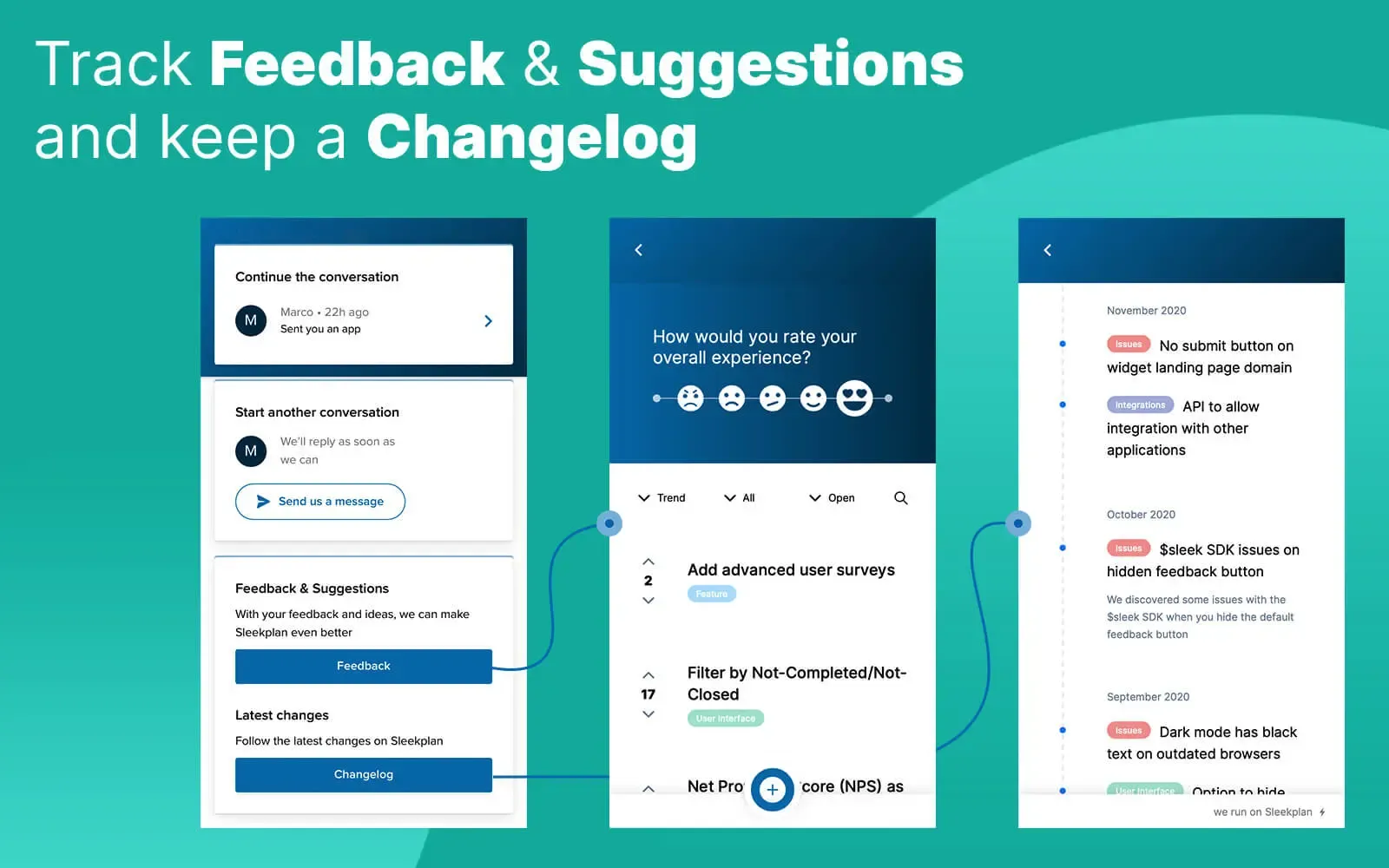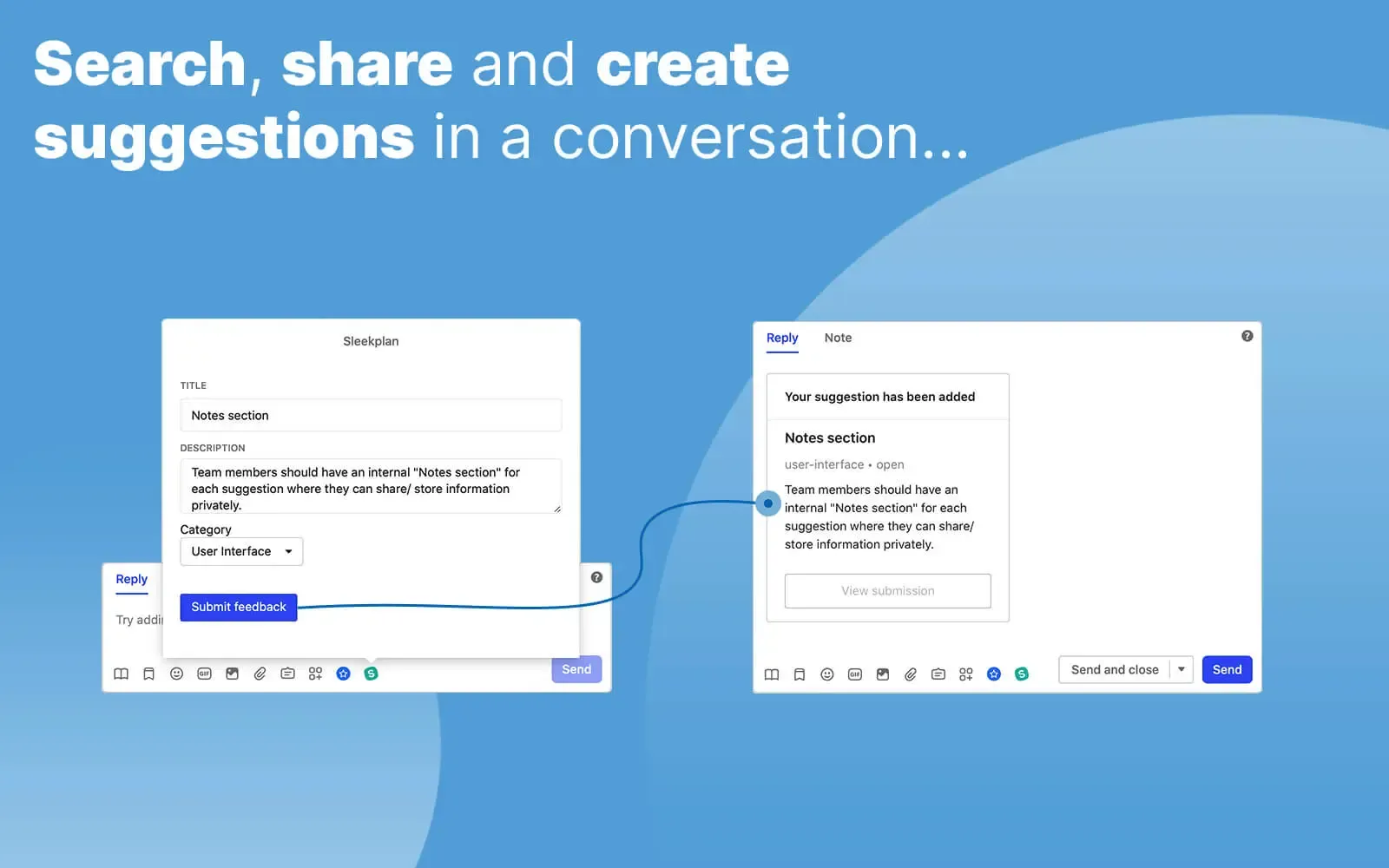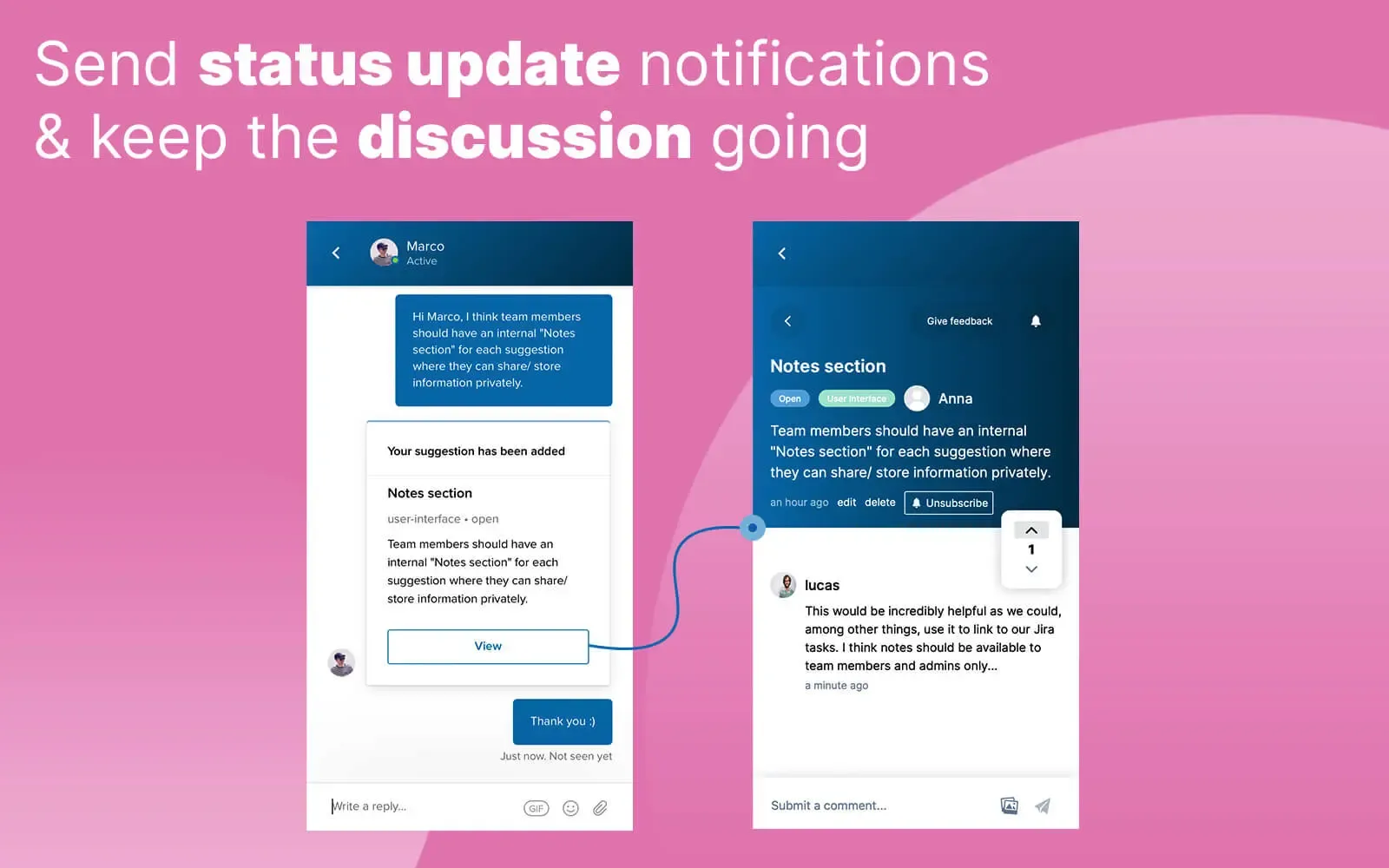
Roadmap and changelog inside the Intercom Messenger
h2. Overview
This integration plugs Sleekplan into your Intercom Messenger so customers can browse your public roadmap, file new feedback, vote, and read changelog updates without ever leaving the chat. Status changes route back into the same conversation, closing the feedback loop without a single tab switch.
h2. How it works
Once installed, the Sleekplan widget appears as a Home item inside your Intercom Messenger. Users can search existing posts, vote, comment, and submit new feedback under their Intercom identity. We map Intercom contacts to Sleekplan users automatically, so the vote weight and segment you've already qualified in Intercom carry across to every Sleekplan post.
Visitors arrive already signed in. Intercom re-renders the card for each viewer and tells us who is looking; we verify that message came from Intercom, then mint a short-lived token scoped to your workspace so the portal opens as that person. No login screen, no second password, and nothing to paste: the handoff uses your workspace's own SSO key and the token expires after fifteen minutes.
Roadmap and changelog render inline so you don't have to send anyone away from the chat to learn what's shipping next. Outbound notifications fire when a post moves to In Progress or Released, going straight back to the original requester as an Intercom message.
h2. Configure
A Sleekplan workspace admin enables the integration from Settings → Integrations → Intercom. The install flow grants OAuth access to your Messenger, then you set the card's title, description and button label in Intercom, and choose whether it opens in the Messenger or a new tab. Where the button lands is whatever you've set as your portal's start page, so you change it there rather than coming back here.
Signed-in handoff needs no extra configuration — there's no key to copy and no secret to store. It applies to workspaces on the current Sleekplan portal.
h2. **Explore other integrations **
[**Browse all **](https://sleekplan.com/integrations)
[**Slack** Manage feedback from Slack: create posts, ship changelog updates, and get notified on every CSAT vote.](https://sleekplan.com/integrations/slack) [**GitHub** Sync GitHub Issues with your Sleekplan widget. Status updates flow back to your users automatically.](https://sleekplan.com/integrations/github) [**Jira** Push feedback into Jira Cloud, link existing tickets, and keep status in sync without leaving your board.](https://sleekplan.com/integrations/jira)
Build your own
h2. **Don't see it? **Build it.
REST API, real-time webhooks, JavaScript SDK and a full MCP server. Everything our own integrations use is yours to call.
[**Read the docs **](https://sleekplan.com/docs) [**Suggest an integration **](https://feedback.sleekplan.com/feedback/add?type=integrations)
POST/v1/posts 200 OK · 84MS
```
$ curl -X POST https://api.sleekplan.com/v1/posts \
-H "Authorization: Bearer $SLEEK_KEY" \
-d '{"title": "Bulk re-categorise", "category": "feature"}'
{
"id": "p_482",
"score": 0.81,
"tags": ["inbox", "feature"]
}
```
---
### AI Customer Feedback Management Software | Sleekplan
Source: https://sleekplan.com/intelligence
Description: AI customer feedback management: Sleek Intelligence pulls feedback from 30+ sources like Intercom, Zendesk and G2, merges duplicates and drafts your changelog.
h1. **Feedback management, **on a quiet hum**.**
Sleek Intelligence reads every review, ticket and chat your users leave behind, turns the signal into structured posts, merges the dupes, files the spam, and writes the changelog when it ships. Your portal runs itself.
[**Get started **](https://app.sleekplan.com/sign-up) **See how it works**
Sleek Intelligence · service pipeline · live
Streaming
G2 · Review
2 minutes ago
SD
Sarah D.
★★★★☆ · verified
"The Starlink app is great for managing my network, but I'd love parental controls, detailed data usage stats, and customisable network settings to feel in control."
Detect
Extract
Compose
Sleekplan · New post
auto-filed · category set
Advanced controls in the Starlink mobile app
Description
App currently exposes basic Wi-Fi + status only.
Problem
Users can't personalise or monitor data usage.
Benefit
More control, security, tailored experience.
MobileFeature requestLinked → #248
01 · Service pipeline
h2. **Detect & extract from every channel. **Nothing slips.
Sleek Intelligence reads reviews, support chats, emails and APIs across 30+ integrations. New ideas become structured posts; near-duplicates get linked to existing requests instead.
30+ sources
Trustpilot
Star reviews
LIVE
G2
Mid-market reviews
Intercom
Support chats
Helpscout
Email inbox
LIVE
App Store
iOS reviews
Capterra
B2B reviews
Zendesk
Conversations
LIVE
Google Reviews
Business listings
Sleek Intelligence
Sleekplan · Post · #482
Parental controls for the Starlink app
Users want to monitor data, restrict access by device, and personalise their network from one place.
+12 linked184 votes0.4s
This run: 47 new posts · 12 linked · 84 votes added
**Auto-compose**
h3. **Half-sentence rants become PRD-shaped posts.**
Description, problem, benefit: extracted and written for you, ready to triage. Edit or accept, your call.
**Smart linking**
h3. **Recognises a request you've already seen.**
Embeddings compare the new feedback against your whole corpus. Match? It links and adds a vote, not noise.
**30+ sources**
h3. **Wherever your users complain, we listen.**
Intercom, Helpscout, Zendesk, G2, Capterra, App Store, Trustpilot, Google Reviews, all stitched into one inbox.
02 · Post pipeline
h2. **Triage the portal **while you sleep
When a user submits, Sleekplan finds the post it overlaps with, scrubs anything confidential, and filters obvious spam. All before a human looks at the queue.
01User submits
NEW · 14s AGO
"Add dark mode to the dashboard"
It's really hard to use Sleekplan in low-light. Please add a dark theme.
02Check & clean
Similar match
92% → #142
Spam check
clean
PII scrub
0 detected
Confidence
auto-merge
03Merged into existing post
#142 · 247 VOTES · +1
Dark mode for the dashboard
Auto-merged from "Add dark mode to the dashboard" · linked to thread
UINow
**Smart merge**
h3. **Duplicates link, never noise.**
Vector-match against the existing board. Confidence above 0.85 → auto-link with a comment trail. Below → flag for review.
**Spam filter**
h3. **Promo links don't see daylight.**
Promo URLs, scraped content, repeated submissions: silently kicked. You see the report, not the noise.
**Privacy scrub**
h3. **PII removed before publish.**
Emails, IDs, tokens and inline screenshots of inboxes scrubbed before the post hits a public board.
03 · Comment pipeline
h2. **Discussions that stay **on track
Off-topic threads become their own post. Confidential info gets scrubbed. Tone stays professional. Conversations earn their place.
○Original thread · #142 Dark mode
M
Marcus K.
OLED would be so much easier on the eyes for night sessions.
P
Priya N.OFF-TOPIC
And while we're at it — please also fix the CSV export, it's broken since last week.
J
Jonas L.HAS PII
My account ID is 4f72-aa31, can you check why my widget isn't loading?
✦Sleek Intelligence acted
LIFTED → NEW POST
CSV export is broken
Priya's off-topic comment lifted into #519, tagged Bug. She and the parent thread were both notified.
REDACTED
Account ID removed from public view
Jonas's comment kept for admins. Public version: '…my widget isn't loading?'
THANKS BACK
Marcus auto-thanked
Sleek replied: '👀 Noted. Dark mode is in Now — should ship this sprint.'
**Topic splitter**
h3. **Off-topic? It becomes its own post.**
Anything that drifts off the parent gets lifted into a fresh request with full context. Voters of the new idea get pinged.
**Auto-redact**
h3. **Confidential never reaches public view.**
Account IDs, tokens, internal links and PII are redacted on submit. Original kept for admins; public sees a clean version.
**Tone clean-up**
h3. **Heated rants get edited, not deleted.**
Sleek rewrites for clarity while keeping the substance. Authors are notified; they can revert with one click.
04 · Automation pipeline
h2. **Recurring tasks, **handled
Cron-style triggers and event hooks run Sleek Intelligence on your schedule. Status updates, comment drafts, weekly digests, changelog entries: written, posted, sent.
Workflow · monthly-changelog
On the 6th of each month
Cron · 09:00 UTC
1
Get completed tasks · last 30 days
Filter · status = shipped
2
Group by epic, summarise impact
Sleek Intelligence
3
Compose changelog draft
Template · monthly
Publish to changelog
Awaiting your approval
Generated · changelog draft
v4.18JUN 6, 2026 · DRAFT
h4. What shipped in May
Twelve releases this month, with three big ones for portal speed and one long-asked-for theme. Highlights below; see the roadmap for the full set.
- ✦Dark mode for the dashboard247 votes
- →3x faster board loadp95 380ms
- ○Slack 2-way comments2 weeks beta
**On a schedule**
h3. **Weekly digests write themselves.**
Every Monday: pull last week's shipped items, draft a changelog post, queue it for review. Or auto-publish if you trust it.
**On event**
h3. **Status flips, voters hear about it.**
Anything moves to Shipped? Sleek drafts the customer email, references the original feedback, sends. No copy-paste.
**Custom triggers**
h3. **Wire it to your stack.**
Webhook in, webhook out. Trigger from Linear, Slack, anywhere. Pass parameters, run a flow, get an artifact back.
MCP Server · new
h3. **Hand Sleekplan to your **AI editor**.**
The hosted MCP server gives Claude, Cursor and any MCP-aware client first-class read & write access to your roadmap, feedback and changelog. Ship the feature, ask the agent to write the post.
[**Connect MCP **](https://sleekplan.com/mcp)
Claude Cursor Zed Continue
// claude session
user ▸ ship the dark mode toggle and announce it
tool_use ▸ sleekplan.update_status(#142, "shipped")
tool_use ▸ sleekplan.create_changelog("Dark mode is here…")
tool_use ▸ sleekplan.notify(voters_of: #142)
✓ Shipped, posted, 247 voters notified.
Trust & security
h2. **Secure AI that doesn't **cause headaches**. **
**Hosted in the EU**
Runs on Azure in the EU. GDPR-compliant infrastructure; data stays within Europe.
**No training on your data**
Strict contracts with AI subprocessors explicitly prevent your data from being used to train models.
**No prompt logging**
We do not store or log AI prompts by default. PII never gets processed in plain text.
**End-to-end encryption**
All data encrypted in transit and at rest. Tokens scoped per workspace; rotation enforced quarterly.
GDPR compliantISO 27001 alignedEU data residency
FAQ
h2. **The fine print.**
Can't find it? Email support →
No. Every feature is opt-in. Turn on what helps; ignore the rest. You can always run Sleekplan as a pure board-and-changelog tool with zero AI in the loop.
Yes. Each pipeline has its own toggle: detect, posts, comments, automation. You can also scope where Sleek Intelligence runs (specific boards, specific categories, specific channels).
Free while in beta. Production pricing will be a per-workspace fee bundled into Business and Enterprise plans, with usage-based credits for the bulk pipelines. No surprise per-token bills.
Sleek Intelligence runs on Microsoft Azure in the EU. GDPR-compliant; data residency in Europe; strict subprocessor contracts that explicitly forbid training on your data.
Yes. Hosted in the EU, no PII processing by default, no prompt logging, end-to-end encryption. The full DPA is available on request, and you can rotate your workspace token at any time.
On Enterprise, yes. Bring your own OpenAI, Anthropic or Azure-hosted endpoint, route the pipelines through it, keep the rest of the workflow identical.
Included on all plans
h2. **Let the portal **run itself**.**
Flip on Sleek Intelligence today. Watch a week of triage drop to zero. Decide if you want to keep it on after.
[**Get started **](https://app.sleekplan.com/sign-up) [**See pricing **](https://sleekplan.com/pricing)
---
### The #1 MCP Server for Product Managers | Sleekplan
Source: https://sleekplan.com/mcp
Description: The MCP server built for product managers. Connect Claude, Cursor or ChatGPT to your product feedback, roadmap, and changelog. Secure OAuth, live in minutes.
h1. **Bring Sleekplan into your **AI workflow**.**
The MCP server built for product managers. Connect Claude, Cursor or any MCP-compatible client to your workspace and let your assistant work with your real feedback, votes, users, and changelog.
**Connect now ** [**Read the docs**](https://sleekplan.com/docs/mcp-server)
~ claude · sleekplan-mcp
connected
// thursday standup, 9:02 am
you ▸ what did our top 10 voters ask for this week?
⏵ sleekplan.list_top_voters(limit: 10)
✓ 10 customers · $182k ARR represented
⏵ sleekplan.feedback_by_users(since: -7d)
✓ 34 posts · 5 themes clustered
// summary
1.Bulk re-categorise · 6 voters · $74k
2.Slack 2-way comments · 4 voters · $52k
3.SSO via Okta · 3 voters · $56k
Workspace · acme inc.
14 tools
capture, reply, merge, ship…
6 resources
tags, statuses, team, plans…
4 prompts
weekly digest · changelog draft…
SCOPE
Read & write, scoped to acme.sleekplan.app
HTTP · OAuth 2.0v1.2.0
The full MCP experience
h2. Most servers give you one. We give you all three.
So your AI doesn't just _act_ — it _understands_ your workspace first.
14 tools availablelist_tools()
sleekplan.capture_feedback()
Create a post on behalf of a user
sleekplan.reply_to_comment()
Post a reply on any thread
sleekplan.publish_changelog()
Ship a release post & notify subscribers
sleekplan.merge_duplicates()
Combine two requests, transfer votes
sleekplan.tag_and_triage()
Apply tags, set status, assign owner
sleekplan.update_status()
Move items across the roadmap
+ 8 more · all permission-scoped to your workspace
What you can do with it
h2. Plain-English commands. Real work done.
// claude desktop · sleekplan-mcp
you ▸ triage everything from the last 24 hours
⏵ sleekplan.list_feedback(since: -1d)
✓ 47 new posts
⏵ sleekplan.classify_intent()
✓ 31 features · 12 bugs · 4 ideas
⏵ sleekplan.apply_tags()
✓ all tagged · 6 flagged for review
✓ Done. 1.4s · 3 tool calls · 0 errors.
Connect in 30 seconds
h2. **Paste one block. ***You're connected***. **
01Pick your AI client
Claude, Cursor, Zed, ChatGPT, anything MCP-aware.
02Paste the config
Copy the line for your tool. One field, one URL.
03Authenticate once
OAuth handshake with your workspace. Done.
$claudemcpadd--transporthttpsleekplanhttps://mcp.sleekplan.com/mcp
● mcp.sleekplan.com/mcp · HTTP transportSee setup docs for your client →
HTTP
MCP transport
OAuth 2.0
Sign-in handshake
Scoped
Per workspace
Free
All MCP clients
Hosted
EU servers
Trust & security
h2. **Boring on the inside. **That's the point**. **
**Secure OAuth sign-in**
No API keys to copy, store or rotate by hand. Standard OAuth 2.0 flow with revocable tokens you can audit.
**Scoped per workspace**
Every request is bound to one workspace. The assistant cannot reach data outside of what you've authorised.
**Works with any MCP client**
Claude Desktop, Cursor, Zed, ChatGPT, Continue. Anything that speaks the MCP protocol, on day one.
**Hosted in the EU**
The Sleekplan MCP server runs on Azure in the EU. GDPR-compliant infrastructure; your workspace data stays within Europe.
OAuth 2.0GDPR compliantEU data residencyRevocable tokens
Sleek Intelligence
h3. **Don't want to drive it yourself? Let it **drive itself**.**
The MCP server gives you the keys. Sleek Intelligence runs the same engine on a schedule, triage, dedupe, draft, ship, without anyone in the driver's seat.
[**Explore Sleek Intelligence **](https://sleekplan.com/intelligence)
Automated triage Smart merge Scheduled runs
Detect & extract
every 5min
Post triage
on submit
Comment hygiene
on submit
Smart merge
vector-matched
FAQ
h2. **The fine print.**
Can't find it? Email support →
Model Context Protocol is an open standard for connecting AI assistants to external systems. Built initially by Anthropic, now supported by Claude, Cursor, Zed, ChatGPT and a growing list of clients. One spec, every tool.
Anything that speaks MCP: Claude Desktop, Claude Code, Cursor, VS Code, ChatGPT, Codex CLI, Amp, Gemini CLI, OpenCode, Warp, Windsurf, Zed, plus any custom client you build. If it supports MCP, it works.
No. The Sleekplan MCP server uses OAuth. Sign in once with your workspace and you're done. Tokens are revocable, scoped to your workspace and stored only in your client's secure config.
Only what you let it. Every tool call is permission-scoped to your workspace, and your AI client previews each call before running it. You approve or reject inline. If anything ever feels off, disconnect the integration from Sleekplan settings and the tokens stop working everywhere.
No. The MCP server is included free on every paid Sleekplan plan, with reasonable rate limits. Enterprise gets higher limits and bring-your-own-model routing for the heavy stuff.
Hosted on edge infrastructure with regional failover. Most tool calls return in under 200ms; bulk operations stream their progress so the assistant can show partial results as they come in.
Included on all plans
h2. **Ship a feature. **Tell everyone**.**
Connect Sleekplan to your editor and stop tab-juggling between feedback, code and changelog.
**Connect now ** [**See docs **](https://docs.sleekplan.com/mcp)
---
### AI Customer Feedback Analysis Tool | Sleekplan
Source: https://sleekplan.com/analytics
Description: AI customer feedback analysis that sorts every post, review and chat into up to 10 topics with 30 subtopics each, plus sentiment and a 12-month trend per topic.
h1. **See **what** your customers are really talking about.**
Topic Detection clusters every post, review and chat into themes, sized by volume, scored by confidence, tracked month over month. No tagging, no taxonomy meetings. Just the picture.
[**Get started **](https://app.sleekplan.com/sign-up) **See it work**
01 · Auto-clustering
h2. **Topics, subtopics, **zero tagging.
Every post is read, embedded and assigned a place in a two-tier hierarchy. Top-level Topics for the picture; Subtopics underneath for the why. Each classification carries a confidence score.
Incoming feedback
Intercom
0.94
"The push notifications wake me up at 3am every night — can you let me set quiet hours?"
G2
0.91
"I keep getting kicked out when my train enters a tunnel. An offline mode would save me."
Email
0.97
"The board takes 8 seconds to render on a 1k-item project. Search is faster than browsing."
Zendesk
0.88
"Brand new accounts see a blank board and nothing happens. Maybe show example posts?"
Capterra
0.82
"Cannot find where to set monthly vs annual billing without contacting sales every time."
Cluster
Topic hierarchy
Push notifications1420.94
Offline mode960.91
Tablet layout880.88
Biometric auth860.82
Slow board load1340.97
API latency810.90
Search ranking720.85
Empty states880.88
Sample data620.83
Invite flow480.80
Annual discount540.82
Seat counting460.79
VAT invoices320.86
**Two-tier hierarchy**
h3. **Up to 10 Topics × 30 Subtopics each.**
Big enough to cover any product. Small enough that you can read the whole map in 10 seconds.
**Confidence scoring**
h3. **Know how sure the model is.**
Every classification carries a 0–1 score. Below 0.7 stays in a review queue. Above 0.85 publishes automatically.
**Always re-clustering**
h3. **Topics shift as your product does.**
New categories emerge, dead ones fold in. The map reflects what your customers are saying this month, not last quarter.
02 · 12-month evolution
h2. **Watch a theme **emerge.
Every topic and subtopic has a year of history attached. Spot the long curve climbing weeks before it spikes in support. Spot a complaint quietly dying because you actually shipped the fix.
Themes
Theme 01 · Mobile
Theme 02 · Performance
Theme 03 · Onboarding
Theme 04 · Integrations
Theme 05 · Billing
Theme 06 · Notifications
**Per-topic series**
h3. **Each topic charts itself.**
A 12-month area showing post count per week. Hover to see which release, ad campaign or competitor move kicked it.
**Sentiment overlay**
h3. **Volume + vote net + sentiment.**
Three lines on one chart: raw posts, net votes (up minus down), and aggregate sentiment. Same scale, same week.
**Compare any two**
h3. **Side-by-side topics.**
Pin one topic, overlay another. See whether your shiny new feature stole all the oxygen from another conversation.
03 · Typical requests
h2. **Every theme, **with the evidence.
Each theme shows representative quotes, vote weight, sentiment polarity and the confidence score the model assigns it. Use this to tell whether a cluster's a coherent ask or a fuzzy edge.
Mobile experience
412 POSTS
Push notifications · Offline mode · Tablet layout · Biometric auth
VOTES1,842
SENTIMENT+62%
CONF0.92
Intercom
Push notifications wake me up at 3am — quiet hours pls
G2
Train tunnel kicks me out every morning. Offline mode would save me
Email
Tablet layout is just iPhone-stretched, please fix
Performance
287 POSTS
Slow board load · API latency · Search ranking
VOTES1,311
SENTIMENT-34%
CONF0.95
Zendesk
8 seconds to render a 1k-item board. Search is faster than browsing
Intercom
API p99 has been spiking on /search since the new deploy
G2
Heavy boards crawl. We literally moved to a different tool because of this
Onboarding
198 POSTS
Empty states · Sample data · Invite flow
VOTES642
SENTIMENT+18%
CONF0.88
G2
Blank board for new teams. We thought it was broken
Capterra
Wish there was a 1-click way to seed example posts
Helpscout
Sending invite emails is two screens deeper than it should be
Billing & plans
132 POSTS
Annual discount · Seat counting · VAT invoices
VOTES318
SENTIMENT-12%
CONF0.82
Email
Cannot find the annual toggle without calling sales
Intercom
We added 3 new admins and got billed for the entire workspace?
G2
Need proper VAT invoices for EU companies, current ones are useless
**Representative samples**
h3. **See the quotes behind the cluster.**
Three real (anonymised) lines per theme, picked from the median of each cluster. The voice, not the abstraction.
**Sentiment polarity**
h3. **Net feeling at a glance.**
Each theme carries an aggregate sentiment from –100% to +100%, weighted by recency. The vote bar shows it.
**Confidence per topic**
h3. **Trust the model where it's sure.**
A topic-level confidence score tells you which clusters are tight (high-confidence) versus fuzzy edges still worth a glance.
Sleek Intelligence · the full kit
h3. **Topic Detection is one **layer of five**.**
Detect, automate, analyse, agent, MCP: the full Sleek Intelligence stack. Topic Detection is the analytics layer. Wire on the rest for an end-to-end portal that runs itself.
[**Explore Sleek Intelligence **](https://sleekplan.com/intelligence)
Collect Automate Comments Agent MCP
// pipeline · today
ingest ▸ 1,489 posts · 9 channels
extract ▸ entities, intent, sentiment
cluster ▸ 10 topics · 47 subtopics
score▸ avg confidence 0.91
✓ topics, evolution & samples updated
05 · Use cases
h2. **Four ways to use the ***map***. **
**Spot the next fire**
h3. **Catch pain before support does.**
When a subtopic jumps 40% week-over-week, that's tomorrow's ticket flood. Sleekplan surfaces it now, before your CS team is buried.
**+142%**
Push notifications · 30d
**Prioritise on volume**
h3. **Roadmap by real demand.**
Stop arguing about which feature 'feels' important. Compare topic volumes and growth side-by-side; ship what the numbers want.
**412**
Posts in Mobile · this month
**Drill the why**
h3. **Drop into subtopics.**
A theme is growing. Open the topic, scan the subtopics, read the typical requests. Now you know what to scope.
**0.94**
Avg. confidence
**Report without tagging**
h3. **Weekly digest in two clicks.**
Themes are already there, charts are already drawn. Pull a screenshot, drop it in the board update. No more 'someone needs to categorise the last 200 posts'.
**0 min**
Tagging required
FAQ
h2. **The fine print.**
Can't find it? Email support →
Sleekplan reads every incoming post, embeds it, and clusters embeddings into coherent groups. Topics emerge from your data; you don't define them up front. You can rename or merge them at any time.
Yes. Rename topics, merge two into one, split one in two, or hand-assign a stuck post to a different bucket. Your overrides feed back into the model for your workspace.
A 0–1 number for how sure the model is that a post belongs in its assigned subtopic. Below 0.7 stays in a review queue you can triage; above 0.85 publishes to the map automatically. You can change the threshold.
New posts are classified live, within seconds of arrival. The treemap and evolution charts recompute hourly; topic-level re-clustering runs nightly. You can also force a re-cluster from settings.
The percentage shown on each tile compares post volume in the last 30 days to the 30 days before that. Subtopic-level deltas use the same window. Hover any number for the raw counts.
No. It's included with Sleek Intelligence on Business and Enterprise plans. Free while in beta. No per-classification billing.
Never. Sleekplan's AI subprocessors are under strict contracts that explicitly forbid training on customer data. Topic Detection runs on the same EU-hosted infrastructure as the rest of Sleek Intelligence.
Included on all plans
h2. **Stop guessing **what users want**.**
Topic Detection is on every Sleek Intelligence plan, with a year of history out of the box. Flip it on, scroll the map.
[**Get started **](https://app.sleekplan.com/sign-up) [**See pricing **](https://sleekplan.com/pricing)
---
### Slack Integration | Sleekplan
Source: https://sleekplan.com/integrations/slack
Description: Manage feedback from Slack: create posts, ship changelog updates, and get notified on every CSAT vote.
h1. Manage feedback from Slack: create posts, ship changelog updates, and get notified on every CSAT vote.
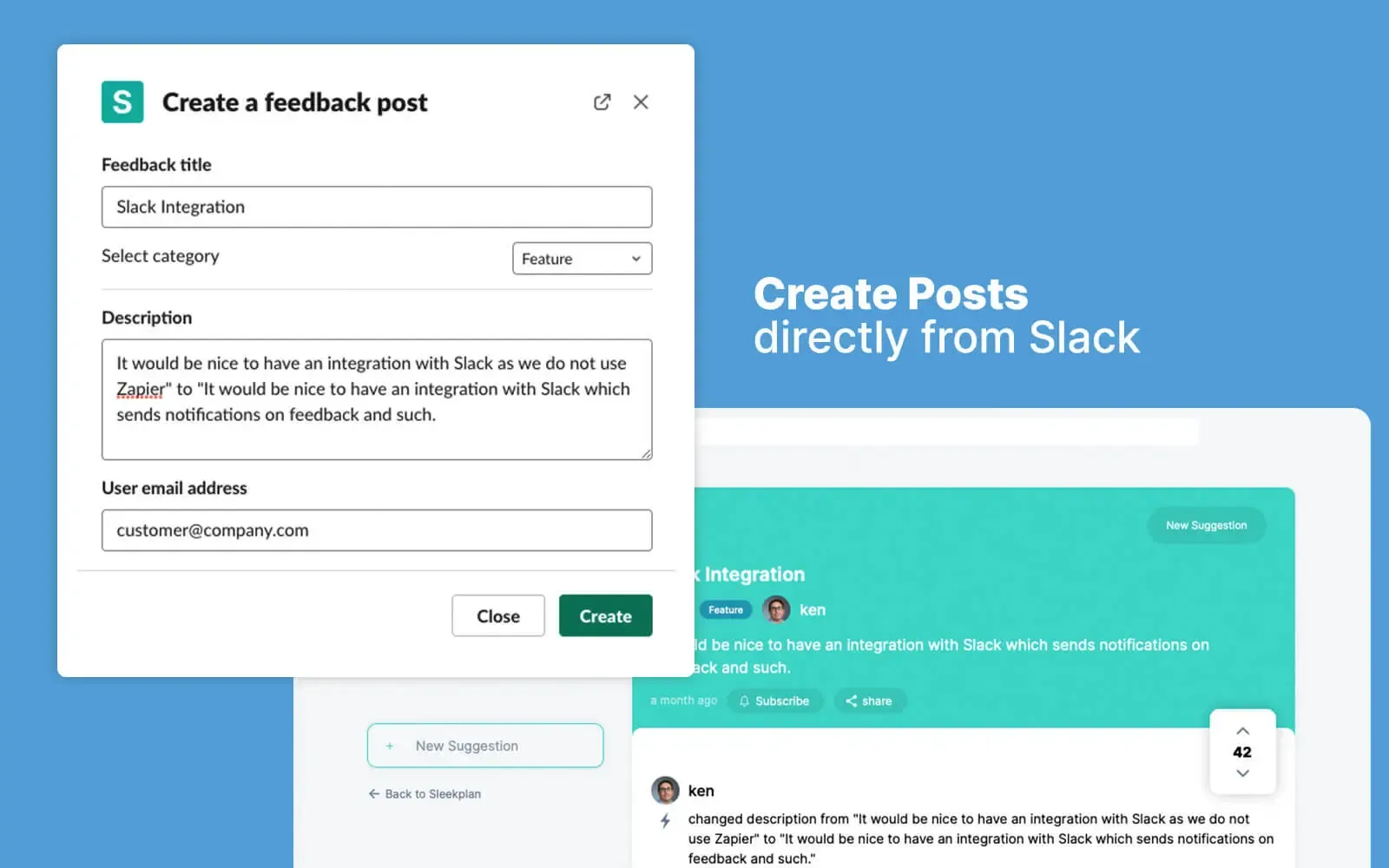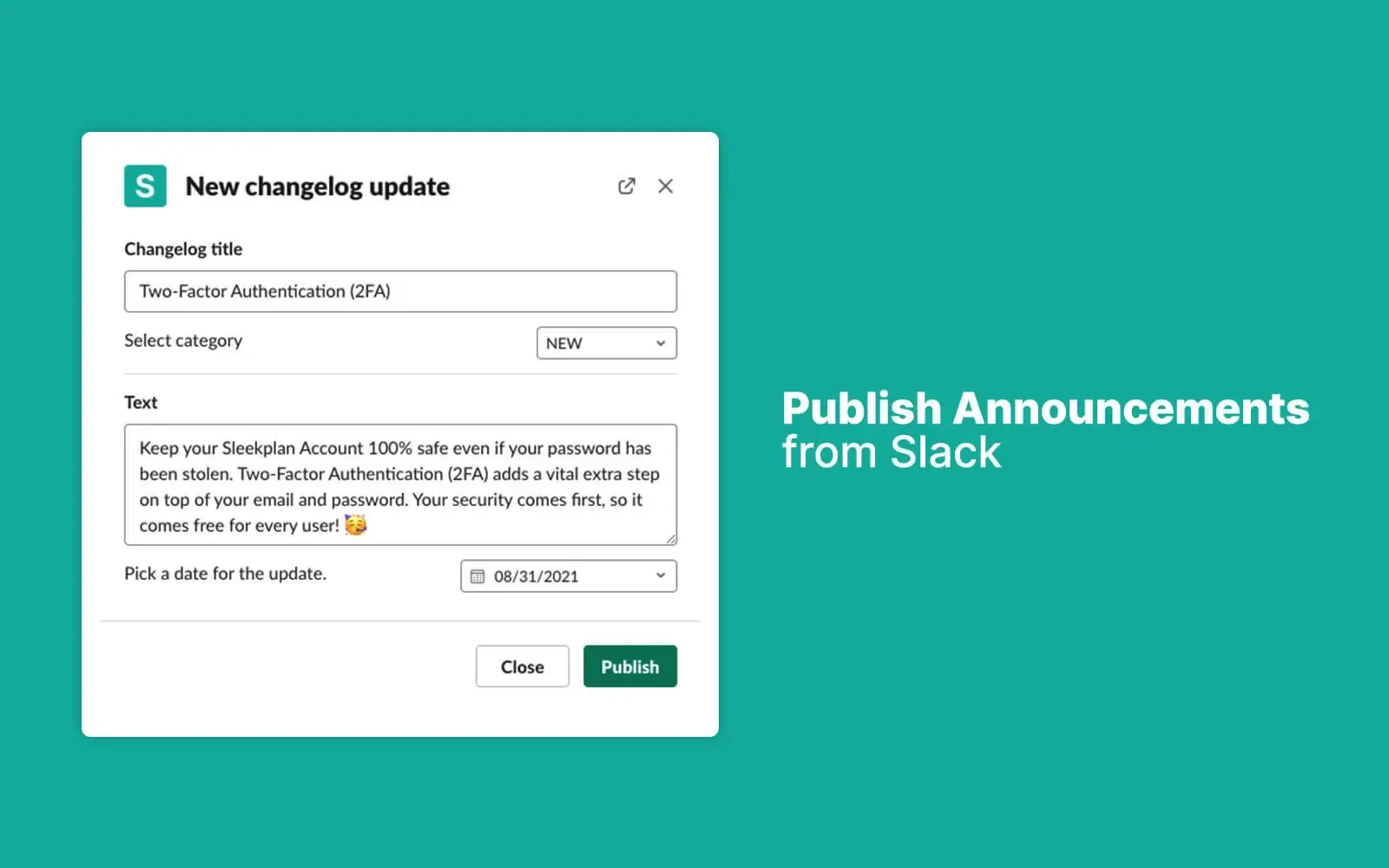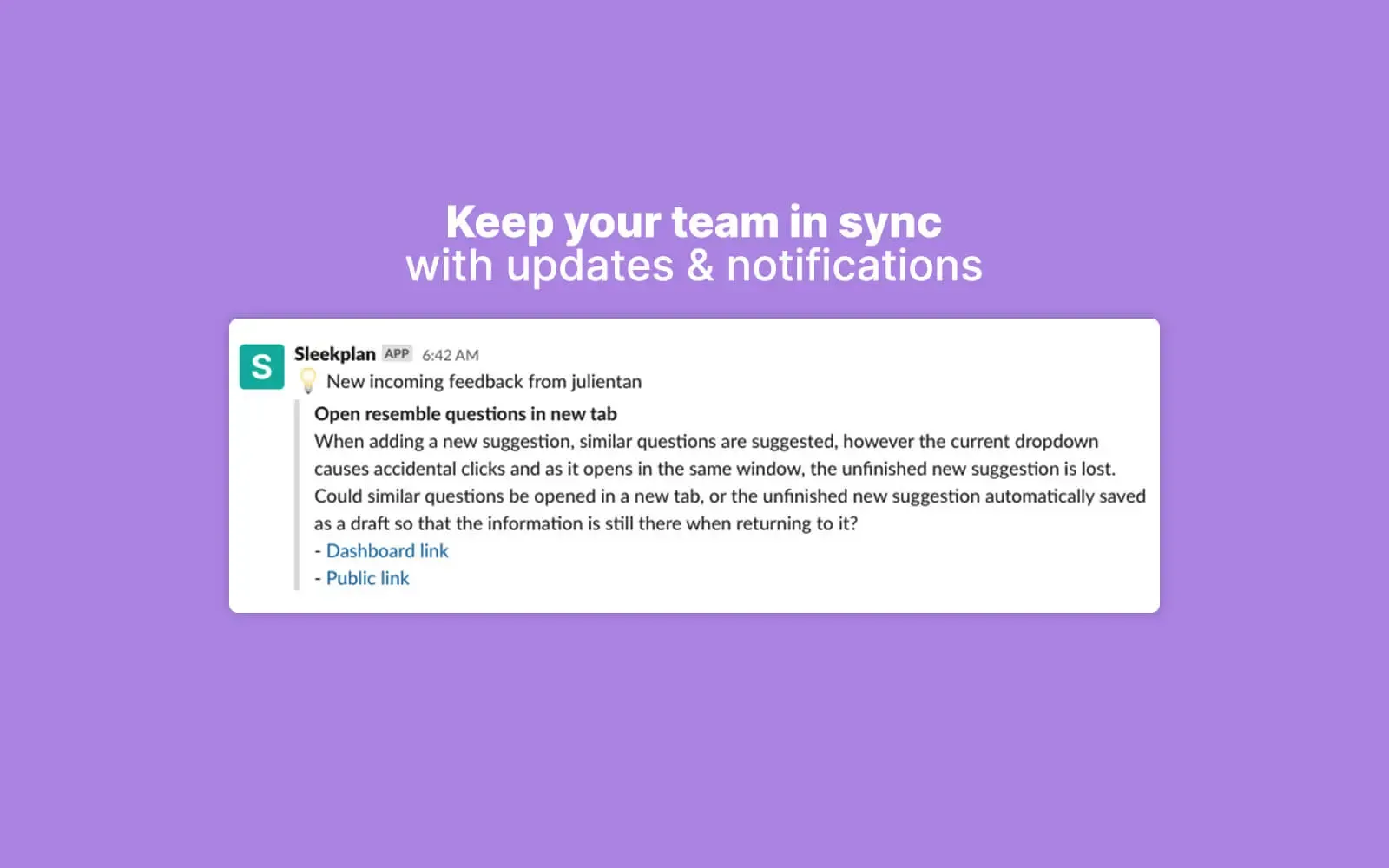
Adding feedback on behalf of customers from Slack
h2. Overview
The Slack integration turns every conversation into a feedback funnel. Mention a request in any channel and convert it into a Sleekplan post with a single slash command. Ship a changelog entry without leaving Slack. Get a ping the moment a feature crosses your vote threshold.
h2. How it works
Use /sleek feedback to file a post on behalf of a customer from any channel, handy for support chats where the request first lands. Use /sleek changelog to publish release notes straight from Slack with no copy-paste.
Notifications for new feedback, comments, CSAT votes, and status changes route into the channels you pick: one for sales, one for support, one for product, your call. Reply in-thread to leave a comment back on the originating Sleekplan post.
h2. Configure
Add Sleekplan to your workspace from Settings → Integrations → Slack, then pick the default channel for each event type. Slack admins can scope the install to a single channel or open it to the whole workspace. Personal preferences override workspace defaults so noisy notifications don't follow every teammate.
h2. **Explore other integrations **
[**Browse all **](https://sleekplan.com/integrations)
[**Intercom** Capture feedback inside your Intercom Messenger and surface your roadmap + changelog on the Home screen — with visitors already signed in.](https://sleekplan.com/integrations/intercom) [**GitHub** Sync GitHub Issues with your Sleekplan widget. Status updates flow back to your users automatically.](https://sleekplan.com/integrations/github) [**Jira** Push feedback into Jira Cloud, link existing tickets, and keep status in sync without leaving your board.](https://sleekplan.com/integrations/jira)
Build your own
h2. **Don't see it? **Build it.
REST API, real-time webhooks, JavaScript SDK and a full MCP server. Everything our own integrations use is yours to call.
[**Read the docs **](https://sleekplan.com/docs) [**Suggest an integration **](https://feedback.sleekplan.com/feedback/add?type=integrations)
POST/v1/posts 200 OK · 84MS
```
$ curl -X POST https://api.sleekplan.com/v1/posts \
-H "Authorization: Bearer $SLEEK_KEY" \
-d '{"title": "Bulk re-categorise", "category": "feature"}'
{
"id": "p_482",
"score": 0.81,
"tags": ["inbox", "feature"]
}
```
---
### Sleekmate | AI Agent for Product Managers | Sleekplan
Source: https://sleekplan.com/sleekmate
Description: Sleekmate is the AI agent for product managers built into Sleekplan. It reviews 30 days of feedback, cleans up duplicates and drafts PRDs. Hosted in the EU.
h1. **Your AI Product Manager, **built in**.**
Sleekmate is the in-app copilot that thinks like a PM. It knows the page you're on, works through your feedback with specialised agents, and turns user signal into shipped updates. All without leaving Sleekplan.
[**Get started **](https://app.sleekplan.com/sign-up) **See what it does**
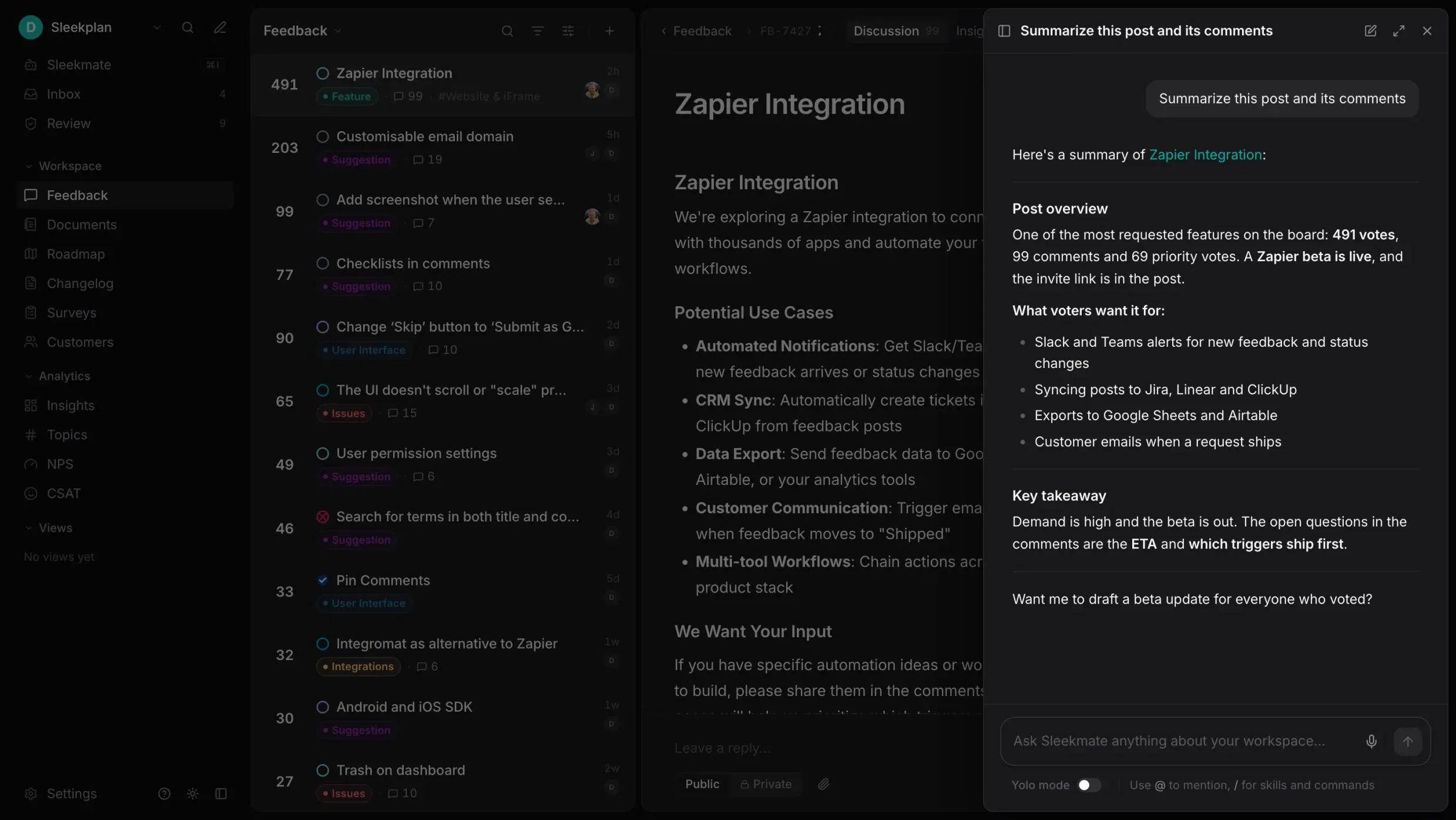
01 · How it thinks
h2. **Built like a PM. **Trained on your workspace.
Every ask routes through three layers: a specialist agent picks up the work, a skill guides the steps, and live workspace context grounds every decision in your real data.
01 · You ask
YOU · ⌘K
"Clean up duplicates in the dashboard board and draft this week's changelog."
02 · Sleekmate routes
AGENT
Feedback Editor
claude-haiku · fast triage
SKILL
duplicate-cleanup
3 steps · approval-gated
AGENT
Changelog Composer
claude-sonnet · drafting
SKILL
changelog-from-shipped
4 steps · template ours
CONTEXT: dashboard board · last 7d
03 · Work, done
6 duplicates merged
votes transferred · authors notified
Changelog draft v4.18
awaiting your approval · 12 items
!
2 needs-review flags
confidence below 0.85 · for you
**Agents**
h3. **Narrow specialists, the right model for each job.**
Feedback editor, changelog composer, deep search, survey author. Each agent runs on the model best suited for its work: fast for triage, deep for drafting.
**Skills**
h3. **Playbooks Sleekmate follows step by step.**
Recurring PM work (weekly reviews, duplicate cleanup, PRD drafting, changelog composition) codified as repeatable workflows. Picked automatically.
**Context**
h3. **Knows your workspace before it answers.**
Current page, selected post, tags, statuses, types, segments, admins, help docs: all available as live context, refreshed every turn.
02 · Specialist agents
h2. One copilot. Many minds.
Sleekmate is a roster of narrow specialists. Each agent owns one job, with the tools and the model best suited for it. You don't choose. Sleekmate routes for you.
More agents land monthly: Roadmap Planner, Voter Outreach, Localizer.
SPECIALIST · LIVE PROFILE
Feedback Editor
Tidies, tags, merges and triages incoming feedback.
MODEL
claude-haiku-4.5
LATENCY
p95 ~600ms
TOOLS WIRED IN
sleekplan.update_postsleekplan.mergesleekplan.tagsleekplan.assignsleekplan.set_status
SAY SOMETHING LIKE
"Tag #142 as enterprise, set priority high, assign to Lena."
03 · Skills · playbooks
h2. **Repeatable PM work, **codified.
Skills are step-by-step workflows for the work product teams do every week. Ask once. Sleekmate picks the right skill, runs each step, and shows you the work before it ships.
SKILL · RUNNING
h3. /weekly-product-review
"Sleekmate, run this week's review." Sleekmate picks the skill, pulls last week's feedback, clusters by theme, scores urgency by voter ARR, and hands you a digest with recommended next steps, in about 45 seconds.
TRIGGERED BY
/weekly-review
AGENT
Deep Search
STEPS
5 · all approval-free
AVG. RUNTIME
42s
STEP TRACE
1
Pull feedback · last 7 days
list_feedback(since: -7d) → 184 posts
2
Cluster by theme
cluster_themes(184) → 7 themes
3
Score by voter ARR + recency
rank_by(arr_weighted) → top 5
4
Recommend next steps
compose(brief) → 3 plays
Hand off digest
publish(digest) ✓ ready
DIGEST · W20MAY 20, 2026
Top theme: enterprise admin controls (+$74k ARR weighted)
- 32 posts about SSO, role granularity, and per-team retention
- 5 enterprise voters · 1 churn-risk account flagged
- Recommended: plan a quarterly Admin Pack epic
**Weekly review**
h3. **Themes, urgency, next steps.**
Pull the last 30 days of feedback, cluster themes, score urgency by ARR and volume, and recommend what to plan next.
**Duplicate cleanup**
h3. **Vector-match, then merge. Gated.**
Find near-duplicates across the entire board. Sleekmate proposes a merge plan; nothing moves without your approval.
**PRD drafting**
h3. **From a cluster to a doc.**
Turn a cluster of related feedback into a PRD outline with the user quotes, vote signal, segments and success metrics already linked.
04 · What it does today
h2. Plain-English asks. Real PM output.
Pick any of these prompts. Sleekmate routes to the right agent, runs the right skill, and respects approval gates for anything destructive.
// sleekmate panel · acme workspace
you ▸ What's the top complaint from our enterprise voters this month?
⏵ sleekplan.semantic_search(segment: enterprise)
✓ 184 posts · 5 themes
⏵ sleekplan.rank_by(arr_weighted)
✓ top 3 themes ready
SLEEKMATE ▸Top three: SSO via Okta ($56k), Audit log export ($42k), per-team retention ($38k). Want me to open a roadmap epic for any?
CALL TRACE
AGENT
Deep Search
TOOLS
2 calls
RUNTIME
0.6s
GATING
auto-applied
Nothing destructive runs without your okay. Merges, publishes and bulk updates always wait for approval.
05 · Coming soon
h2. Sleekmate should act before you ask.
Three pieces, all in flight. So Sleekmate can tag the new post the moment it lands, reply to a comment as it arrives, or stitch together Linear and Notion, without you opening the panel.
AUTOMATIONSOON
h3. React without being asked.
Trigger Sleekmate on workspace events or on a schedule. Tag the new post, reply to the new comment, flag an NPS detractor the moment it happens.
New post
New comment
Post updates
New changelog entry
New CSAT / NPS response
New survey response
On a schedule
DEFINE SKILLSSOON
h3. Add your own playbooks.
Write custom skills so Sleekmate handles your team's workflows in your team's words. Reuse them across boards, share with admins, run on triggers.
// skills/onboarding-feedback-sweep.yml
name: onboarding-feedback-sweep
trigger: every monday 09:00
agent: Feedback Editor
steps:
- list_feedback(tag: onboarding, since: -7d)
- cluster_themes()
- post_digest(channel: #product)
CONNECT MCPSOON
h3. Bring in your stack.
Connect external MCP servers (Linear, Jira, GitHub, Notion, anything MCP-compatible) so Sleekmate can act across your full product stack, not just Sleekplan.
Linear · sync to issues
Jira · push tickets
GitHub · open PR draft
Notion · publish PRD
Slack · post digests
Any MCP-compatible server
[Vote on what ships first ](https://app.sleekplan.com/feedback?board=cowork)·Beta access opens monthly to top voters
Sleekmate's twin · Sleek Intelligence
h3. **Sleekmate rides shotgun. **Intelligence drives**.**
Sleekmate is the agent you talk to. Sleek Intelligence is the autonomous engine that runs the same skills in the background: detecting, triaging, drafting, shipping. Same brain. Different driver.
[**Explore Sleek Intelligence **](https://sleekplan.com/intelligence)
**Sleekmate**
You drive
**Intelligence**
It drives
Trigger
you ask
event / cron
Mode
chat
background
Approval
every write
rules you set
Best for
ad-hoc PM work
always-on hygiene
Trust & security
h2. **An AI agent that **respects the brakes**. **
**Hosted in the EU**
Sleekmate runs on Azure in the EU. GDPR-compliant infrastructure; your workspace data stays within Europe.
**No training on your data**
Strict subprocessor contracts explicitly prevent your feedback, comments and customer data from being used to train models.
**Approval-gated writes**
Sleekmate never auto-merges, auto-publishes or bulk-updates without your okay. Every destructive call waits for your tap.
**Audit every turn**
Every agent run, tool call and skill is logged with timestamp, actor and arguments. Revoke or rotate access from settings any time.
GDPR compliantISO 27001 alignedEU data residency
FAQ
h2. **The fine print.**
Can't find it? Email support →
No. Every feature is opt-in. Sleekplan still runs as a pure feedback portal if you'd rather work on your own. You can also turn Sleekmate on for some admins and off for others.
Never. Every write (merging, publishing, bulk-updating, replying on a public thread) is approval-gated by default. You'll see the proposed change, then tap to commit it.
Sleekmate is the agent you talk to inside Sleekplan. Sleek Intelligence is the autonomous background engine that runs the same skills on events and on a schedule. Both share the same agents and skills: one waits for you, the other doesn't.
Sleekmate routes for you. A short ask about a single post goes to the Feedback Editor on a fast model; a long-form drafting ask goes to the Changelog Composer on a deeper model. You can also @mention a specific agent if you prefer.
Custom skills are coming soon. You'll be able to define a skill in YAML (name, trigger, agent, steps) and use it everywhere Sleekmate is available. Today, only built-in skills run.
Free while in beta. After GA, Sleekmate is included on Business and Enterprise plans, with usage-based credits for heavy automation. No surprise per-token bills.
Yes. Sleekmate runs on Microsoft Azure in the EU, with strict subprocessor contracts that explicitly forbid training on your data. Tokens are scoped per workspace, and every agent run is auditable.
Included on all plans
h2. **The PM on every **post**.**
Every workspace gets Sleekmate. Try a skill on one of your boards. The panel ships open, your data stays put.
[**Get started **](https://app.sleekplan.com/sign-up) [**See pricing **](https://sleekplan.com/pricing)
---
### GitHub Integration | Sleekplan
Source: https://sleekplan.com/integrations/github
Description: Sync GitHub Issues with your Sleekplan widget. Status updates flow back to your users automatically.
h1. Sync GitHub Issues with your Sleekplan widget. Status updates flow back to your users automatically.
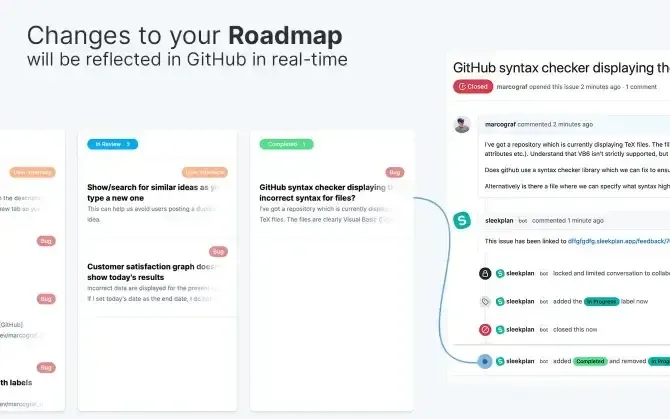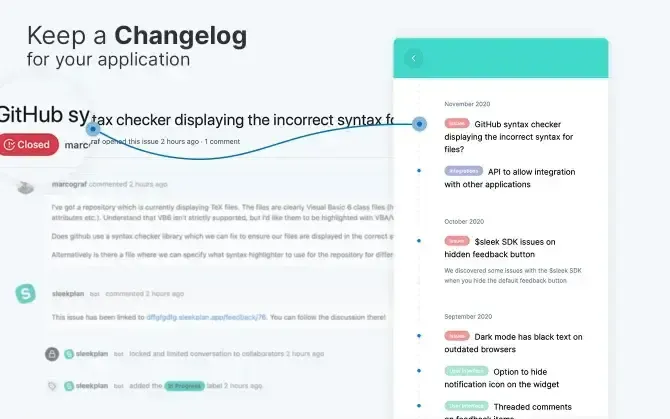
Sleekplan widget rendering GitHub Issues
h2. Overview
Two-way sync between Sleekplan and GitHub Issues. Turn a customer suggestion into an issue your team can plan against, then watch the status flow back: when the PR ships, the original requesters get an email and the post moves to Released automatically.
h2. How it works
Each Sleekplan board maps to one or more GitHub repos. Push a post to GitHub as a new issue with one click: title, description, voter count, and a deep link back are all copied across. Labels and milestones round-trip both ways.
Closing the issue on GitHub flips the Sleekplan post to Released and notifies every subscriber. The field mapping is configurable per repo, so it works for bug tracking, feature requests, or both.
h2. Configure
Workspace admins install the Sleekplan GitHub App from the marketplace, grant access to the repos you want to sync, then map each repo to a Sleekplan board. Private repos work; org-level installs are supported. The OAuth grant is read/write for issues only. We never touch your code.
h2. **Explore other integrations **
[**Browse all **](https://sleekplan.com/integrations)
[**Intercom** Capture feedback inside your Intercom Messenger and surface your roadmap + changelog on the Home screen — with visitors already signed in.](https://sleekplan.com/integrations/intercom) [**Slack** Manage feedback from Slack: create posts, ship changelog updates, and get notified on every CSAT vote.](https://sleekplan.com/integrations/slack) [**Jira** Push feedback into Jira Cloud, link existing tickets, and keep status in sync without leaving your board.](https://sleekplan.com/integrations/jira)
Build your own
h2. **Don't see it? **Build it.
REST API, real-time webhooks, JavaScript SDK and a full MCP server. Everything our own integrations use is yours to call.
[**Read the docs **](https://sleekplan.com/docs) [**Suggest an integration **](https://feedback.sleekplan.com/feedback/add?type=integrations)
POST/v1/posts 200 OK · 84MS
```
$ curl -X POST https://api.sleekplan.com/v1/posts \
-H "Authorization: Bearer $SLEEK_KEY" \
-d '{"title": "Bulk re-categorise", "category": "feature"}'
{
"id": "p_482",
"score": 0.81,
"tags": ["inbox", "feature"]
}
```
---
### Jira Integration | Sleekplan
Source: https://sleekplan.com/integrations/jira
Description: Push feedback into Jira Cloud, link existing tickets, and keep status in sync without leaving your board.
h1. Push feedback into Jira Cloud, link existing tickets, and keep status in sync without leaving your board.
h2. Overview
Pipe Sleekplan posts into Jira Cloud as work items, or link existing Jira tickets back to public posts so customers can follow along. Status transitions on either side mirror automatically.
h2. How it works
From any Sleekplan post, click Push to Jira to create a new Jira issue. Choose the project, issue type, and any required fields up front. Existing Jira tickets can be linked to multiple posts so a single deduped engineering effort feeds back to every requester.
When Jira moves to Done, Sleekplan moves to Released and emails everyone who voted. The release-notes draft is pre-filled from the post body so your changelog entry is one polish-and-publish step away.
h2. Configure
A Jira admin installs the Sleekplan app from the Atlassian Marketplace and authorises the OAuth grant. From Sleekplan, pick which Jira project(s) you want to sync and configure your field mapping once per project. Custom fields are supported.
h2. **Explore other integrations **
[**Browse all **](https://sleekplan.com/integrations)
[**ClickUp** Turn user feedback into ClickUp tasks and notify users when the task ships, without copy-paste.](https://sleekplan.com/integrations/clickup) [**Linear** Sync feedback with Linear issues and keep customers in the loop on every status change.](https://sleekplan.com/integrations/linear) [**Azure DevOps** Push customer feedback into Azure DevOps work items and report progress back automatically.](https://sleekplan.com/integrations/devops)
Build your own
h2. **Don't see it? **Build it.
REST API, real-time webhooks, JavaScript SDK and a full MCP server. Everything our own integrations use is yours to call.
[**Read the docs **](https://sleekplan.com/docs) [**Suggest an integration **](https://feedback.sleekplan.com/feedback/add?type=integrations)
POST/v1/posts 200 OK · 84MS
```
$ curl -X POST https://api.sleekplan.com/v1/posts \
-H "Authorization: Bearer $SLEEK_KEY" \
-d '{"title": "Bulk re-categorise", "category": "feature"}'
{
"id": "p_482",
"score": 0.81,
"tags": ["inbox", "feature"]
}
```
---
### ClickUp Integration | Sleekplan
Source: https://sleekplan.com/integrations/clickup
Description: Turn user feedback into ClickUp tasks and notify users when the task ships, without copy-paste.
h1. Turn user feedback into ClickUp tasks and notify users when the task ships, without copy-paste.
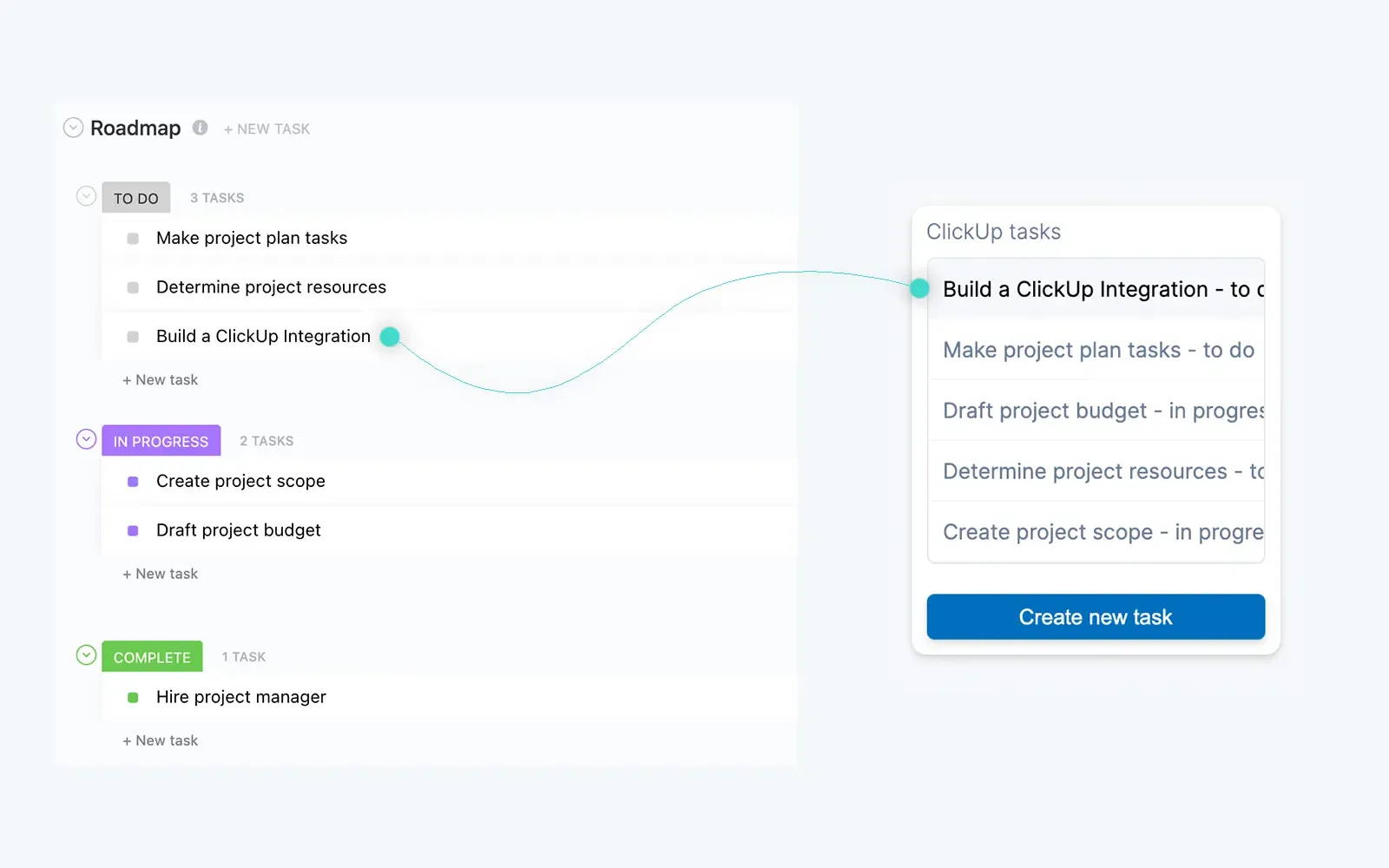
Pushing Sleekplan feedback to ClickUp as tasks
h2. Overview
Convert a Sleekplan post into a ClickUp task in a single click. The task carries the post's title, description, voter count, and a deep link back so engineering always has context. When you close the ClickUp task, Sleekplan posts a changelog entry and emails the original requesters.
h2. How it works
Open any post in Sleekplan and hit Push to ClickUp. Pick the Space, Folder, and List, and the task lands with all the context engineering needs. Custom fields, due dates, and assignees can be mapped from Sleekplan attributes.
Status updates fire both ways, so a ClickUp completion automatically transitions the linked post. Use it standalone or chain it with Slack and Intercom for a full feedback-to-shipped loop without manual triage.
h2. Configure
A Sleekplan admin authorises ClickUp via OAuth, then maps each board to a default ClickUp List. You can override the destination per-post when creating tasks. The integration works on free and paid ClickUp workspaces alike.
h2. **Explore other integrations **
[**Browse all **](https://sleekplan.com/integrations)
[**Jira** Push feedback into Jira Cloud, link existing tickets, and keep status in sync without leaving your board.](https://sleekplan.com/integrations/jira) [**Linear** Sync feedback with Linear issues and keep customers in the loop on every status change.](https://sleekplan.com/integrations/linear) [**Azure DevOps** Push customer feedback into Azure DevOps work items and report progress back automatically.](https://sleekplan.com/integrations/devops)
Build your own
h2. **Don't see it? **Build it.
REST API, real-time webhooks, JavaScript SDK and a full MCP server. Everything our own integrations use is yours to call.
[**Read the docs **](https://sleekplan.com/docs) [**Suggest an integration **](https://feedback.sleekplan.com/feedback/add?type=integrations)
POST/v1/posts 200 OK · 84MS
```
$ curl -X POST https://api.sleekplan.com/v1/posts \
-H "Authorization: Bearer $SLEEK_KEY" \
-d '{"title": "Bulk re-categorise", "category": "feature"}'
{
"id": "p_482",
"score": 0.81,
"tags": ["inbox", "feature"]
}
```
---
### Zapier Integration | Sleekplan
Source: https://sleekplan.com/integrations/zapier
Description: Connect Sleekplan to 6,000+ other apps. Trigger on new feedback, status change, or vote threshold.
h1. Connect Sleekplan to 6,000+ other apps. Trigger on new feedback, status change, or vote threshold.
h2. Overview
If a product has an API, Zapier already speaks to it, and so does Sleekplan. Trigger Zaps on new feedback, comments, votes crossing a threshold, status changes, NPS responses, and more. Push the signal anywhere your team needs it to land.
h2. How it works
The Sleekplan-Zapier app exposes both triggers (new post, new comment, status change, CSAT response, NPS vote) and actions (create post, change status, post comment, send notification).
Build a Zap that listens for new feedback and creates a Salesforce case. Or one that pings your founder Slack channel whenever NPS drops below 30. Or sends a thank-you email via HubSpot the moment a feature ships that a customer originally requested. The shape of the loop is yours.
h2. Configure
Sign in to Zapier, search Sleekplan, and authorise the app with a workspace API key (Sleekplan → Settings → Integrations → API). No developer account needed. The Sleekplan app is publicly listed on Zapier.
h2. **Explore other integrations **
[**Browse all **](https://sleekplan.com/integrations)
[**Intercom** Capture feedback inside your Intercom Messenger and surface your roadmap + changelog on the Home screen — with visitors already signed in.](https://sleekplan.com/integrations/intercom) [**Slack** Manage feedback from Slack: create posts, ship changelog updates, and get notified on every CSAT vote.](https://sleekplan.com/integrations/slack) [**GitHub** Sync GitHub Issues with your Sleekplan widget. Status updates flow back to your users automatically.](https://sleekplan.com/integrations/github)
Build your own
h2. **Don't see it? **Build it.
REST API, real-time webhooks, JavaScript SDK and a full MCP server. Everything our own integrations use is yours to call.
[**Read the docs **](https://sleekplan.com/docs) [**Suggest an integration **](https://feedback.sleekplan.com/feedback/add?type=integrations)
POST/v1/posts 200 OK · 84MS
```
$ curl -X POST https://api.sleekplan.com/v1/posts \
-H "Authorization: Bearer $SLEEK_KEY" \
-d '{"title": "Bulk re-categorise", "category": "feature"}'
{
"id": "p_482",
"score": 0.81,
"tags": ["inbox", "feature"]
}
```
---
### Linear Integration | Sleekplan
Source: https://sleekplan.com/integrations/linear
Description: Sync feedback with Linear issues and keep customers in the loop on every status change.
h1. Sync feedback with Linear issues and keep customers in the loop on every status change.
h2. Overview
Customer-facing posts plug into your Linear cycles. Promote a high-impact suggestion into a Linear issue and we'll keep the status reflected in both places. When Linear flips to Done, the Sleekplan post ships a release-note draft your team can polish and publish.
h2. How it works
Push any Sleekplan post to Linear as a new issue, with team, project, and labels chosen at create time. Linear status updates flow back as state changes on the Sleekplan post. When an issue moves to Done, the linked post moves to Released and emails everyone who voted.
Existing Linear issues can be linked to multiple posts to dedupe customer asks against a single engineering effort. Filter which issues sync back so internal noise stays internal.
h2. Configure
A Linear admin installs Sleekplan from the integrations page in Linear settings. From Sleekplan, pick the default Linear team and project for each board. Personal Linear workspaces, team-grade plans, and enterprise are all supported.
h2. **Explore other integrations **
[**Browse all **](https://sleekplan.com/integrations)
[**Jira** Push feedback into Jira Cloud, link existing tickets, and keep status in sync without leaving your board.](https://sleekplan.com/integrations/jira) [**ClickUp** Turn user feedback into ClickUp tasks and notify users when the task ships, without copy-paste.](https://sleekplan.com/integrations/clickup) [**Azure DevOps** Push customer feedback into Azure DevOps work items and report progress back automatically.](https://sleekplan.com/integrations/devops)
Build your own
h2. **Don't see it? **Build it.
REST API, real-time webhooks, JavaScript SDK and a full MCP server. Everything our own integrations use is yours to call.
[**Read the docs **](https://sleekplan.com/docs) [**Suggest an integration **](https://feedback.sleekplan.com/feedback/add?type=integrations)
POST/v1/posts 200 OK · 84MS
```
$ curl -X POST https://api.sleekplan.com/v1/posts \
-H "Authorization: Bearer $SLEEK_KEY" \
-d '{"title": "Bulk re-categorise", "category": "feature"}'
{
"id": "p_482",
"score": 0.81,
"tags": ["inbox", "feature"]
}
```
---
### Azure DevOps Integration | Sleekplan
Source: https://sleekplan.com/integrations/devops
Description: Push customer feedback into Azure DevOps work items and report progress back automatically.
h1. Push customer feedback into Azure DevOps work items and report progress back automatically.
h2. Overview
Map Sleekplan posts to Azure DevOps work items. Whether your team lives in Boards, Backlogs, or Sprints, the status sync runs both ways: voters hear back when the work moves to Resolved or Closed, and your release-notes draft is ready to go the moment a sprint wraps.
h2. How it works
From a Sleekplan post, click Push to Azure DevOps and pick the project plus work-item type (User Story, Task, Bug). Status changes in Azure DevOps mirror back to Sleekplan automatically.
Field mapping is configurable per project: match Sleekplan priorities and tags to your DevOps area paths and iteration paths. Custom fields and tags round-trip cleanly so your existing reporting doesn't break.
h2. Configure
An Azure DevOps admin installs the Sleekplan connector from the Marketplace and authorises the OAuth grant. From Sleekplan, pick the project(s) you want to sync. Supports Azure DevOps Services; on-prem Server installs route through the Sleekplan API.
h2. **Explore other integrations **
[**Browse all **](https://sleekplan.com/integrations)
[**Jira** Push feedback into Jira Cloud, link existing tickets, and keep status in sync without leaving your board.](https://sleekplan.com/integrations/jira) [**ClickUp** Turn user feedback into ClickUp tasks and notify users when the task ships, without copy-paste.](https://sleekplan.com/integrations/clickup) [**Linear** Sync feedback with Linear issues and keep customers in the loop on every status change.](https://sleekplan.com/integrations/linear)
Build your own
h2. **Don't see it? **Build it.
REST API, real-time webhooks, JavaScript SDK and a full MCP server. Everything our own integrations use is yours to call.
[**Read the docs **](https://sleekplan.com/docs) [**Suggest an integration **](https://feedback.sleekplan.com/feedback/add?type=integrations)
POST/v1/posts 200 OK · 84MS
```
$ curl -X POST https://api.sleekplan.com/v1/posts \
-H "Authorization: Bearer $SLEEK_KEY" \
-d '{"title": "Bulk re-categorise", "category": "feature"}'
{
"id": "p_482",
"score": 0.81,
"tags": ["inbox", "feature"]
}
```
---
### Jira Data Center Integration | Sleekplan
Source: https://sleekplan.com/integrations/jira-dc
Description: Self-hosted Jira? Same workflow as Cloud: push posts, link tickets, sync status.
h1. Self-hosted Jira? Same workflow as Cloud: push posts, link tickets, sync status.
h2. Overview
Everything the Jira Cloud integration does, on your own infrastructure. The Data Center variant supports the same intake-to-release flow, field mapping, and status sync as Cloud, with a self-hosted authentication channel for enterprise teams that can't route data through Atlassian's tenancy.
h2. How it works
Push customer-facing posts into Jira DC as work items with one click: title, description, voter count, and a deep link back are all copied across. Status round-trips both ways.
Use a single intake project for incoming feedback, then let Jira automations route to the right team. Field mapping and custom fields are fully supported, so existing JQL filters and dashboards keep working unchanged.
h2. Configure
A Jira admin installs the Sleekplan app from the Atlassian Marketplace into your Jira DC instance. Sleekplan needs network access to your Jira host; most teams allowlist our static egress IPs. Authentication uses a Jira service account, not user OAuth. Supports Jira DC 9.x and 10.x.
h2. **Explore other integrations **
[**Browse all **](https://sleekplan.com/integrations)
[**Jira** Push feedback into Jira Cloud, link existing tickets, and keep status in sync without leaving your board.](https://sleekplan.com/integrations/jira) [**ClickUp** Turn user feedback into ClickUp tasks and notify users when the task ships, without copy-paste.](https://sleekplan.com/integrations/clickup) [**Linear** Sync feedback with Linear issues and keep customers in the loop on every status change.](https://sleekplan.com/integrations/linear)
Build your own
h2. **Don't see it? **Build it.
REST API, real-time webhooks, JavaScript SDK and a full MCP server. Everything our own integrations use is yours to call.
[**Read the docs **](https://sleekplan.com/docs) [**Suggest an integration **](https://feedback.sleekplan.com/feedback/add?type=integrations)
POST/v1/posts 200 OK · 84MS
```
$ curl -X POST https://api.sleekplan.com/v1/posts \
-H "Authorization: Bearer $SLEEK_KEY" \
-d '{"title": "Bulk re-categorise", "category": "feature"}'
{
"id": "p_482",
"score": 0.81,
"tags": ["inbox", "feature"]
}
```
---
### WordPress Integration | Sleekplan
Source: https://sleekplan.com/integrations/wordpress
Description: Single sign-on into any WordPress-powered site so users post feedback under their identity.
h1. Single sign-on into any WordPress-powered site so users post feedback under their identity.
h2. Overview
Drop the Sleekplan widget into any WordPress theme and let logged-in users post feedback as themselves. No second sign-up, no second password. Their WordPress profile (avatar, display name, role) carries straight through to every Sleekplan post, vote, and comment.
h2. How it works
The plugin renders the Sleekplan widget on any page, with SSO baked in. When a logged-in WordPress user opens the widget, we recognise them via a signed JWT containing their profile and role.
Vote weight, segment filters, and moderation permissions can key off the WP role: admins always trust, subscribers count as one vote each, paid members count as ten. Anonymous visitors fall back to the public widget flow.
h2. Configure
Install the Sleekplan WordPress plugin from the official directory, paste your workspace ID, and pick which pages render the widget. For headless WordPress, the REST API exposes the same SSO grant; see the docs for the JWT signing flow.
h2. **Explore other integrations **
[**Browse all **](https://sleekplan.com/integrations)
[**Cloudflare** One-click install for any Cloudflare-powered app. No DNS changes, no code edits.](https://sleekplan.com/integrations/cloudflare) [**Intercom** Capture feedback inside your Intercom Messenger and surface your roadmap + changelog on the Home screen — with visitors already signed in.](https://sleekplan.com/integrations/intercom) [**Slack** Manage feedback from Slack: create posts, ship changelog updates, and get notified on every CSAT vote.](https://sleekplan.com/integrations/slack)
Build your own
h2. **Don't see it? **Build it.
REST API, real-time webhooks, JavaScript SDK and a full MCP server. Everything our own integrations use is yours to call.
[**Read the docs **](https://sleekplan.com/docs) [**Suggest an integration **](https://feedback.sleekplan.com/feedback/add?type=integrations)
POST/v1/posts 200 OK · 84MS
```
$ curl -X POST https://api.sleekplan.com/v1/posts \
-H "Authorization: Bearer $SLEEK_KEY" \
-d '{"title": "Bulk re-categorise", "category": "feature"}'
{
"id": "p_482",
"score": 0.81,
"tags": ["inbox", "feature"]
}
```
---
### Chrome Extension Integration | Sleekplan
Source: https://sleekplan.com/integrations/chrome
Description: Capture feedback and vote on existing posts from any tab. Install once, use everywhere.
h1. Capture feedback and vote on existing posts from any tab. Install once, use everywhere.
h2. Overview
The Sleekplan Chrome extension turns any browser tab into a feedback capture point. Click the toolbar icon, write the post, hit submit, and it lands on the right board with the source URL attached. Vote on existing posts inline. Triage moderation queues from a popover.
h2. How it works
Pin the extension to your toolbar and sign in once. From any tab, the popover lets you create a new post, search existing ones, vote, comment, or change a post's status. The source URL is attached automatically, which is handy when you're capturing patterns across customer sessions and want them logged the moment they happen.
The extension respects your Sleekplan permissions: agents can moderate, customers can only vote and comment.
h2. Configure
Install from the Chrome Web Store and authorise with your Sleekplan workspace login. Permissions are scoped to active-tab only. We never read your other tabs, and nothing leaves the browser until you hit submit.
h2. **Explore other integrations **
[**Browse all **](https://sleekplan.com/integrations)
[**Intercom** Capture feedback inside your Intercom Messenger and surface your roadmap + changelog on the Home screen — with visitors already signed in.](https://sleekplan.com/integrations/intercom) [**Slack** Manage feedback from Slack: create posts, ship changelog updates, and get notified on every CSAT vote.](https://sleekplan.com/integrations/slack) [**GitHub** Sync GitHub Issues with your Sleekplan widget. Status updates flow back to your users automatically.](https://sleekplan.com/integrations/github)
Build your own
h2. **Don't see it? **Build it.
REST API, real-time webhooks, JavaScript SDK and a full MCP server. Everything our own integrations use is yours to call.
[**Read the docs **](https://sleekplan.com/docs) [**Suggest an integration **](https://feedback.sleekplan.com/feedback/add?type=integrations)
POST/v1/posts 200 OK · 84MS
```
$ curl -X POST https://api.sleekplan.com/v1/posts \
-H "Authorization: Bearer $SLEEK_KEY" \
-d '{"title": "Bulk re-categorise", "category": "feature"}'
{
"id": "p_482",
"score": 0.81,
"tags": ["inbox", "feature"]
}
```
---
### PostHog Integration | Sleekplan
Source: https://sleekplan.com/integrations/posthog
Description: Import Sleekplan feedback, votes, comments, changelog entries and CSAT and NPS responses into PostHog, then query them next to your product analytics.
h1. Import Sleekplan feedback, votes, comments, changelog entries and CSAT and NPS responses into PostHog, then query them next to your product analytics.
h2. Overview
PostHog's data warehouse imports your Sleekplan workspace: feedback posts, votes, comments, changelog entries, end users, and CSAT and NPS responses. With that data sitting next to your product analytics, you can answer questions neither tool answers on its own. Do the customers who voted for a feature actually use it after it ships? Are your most-requested ideas coming from your most active users? How does NPS differ between power users and everyone else?
h2. How it works
PostHog connects with a Sleekplan API key and reads seven tables: Users, Posts, Comments, Votes, Updates (your changelog), Satisfaction (CSAT, rated 1 to 5) and Promoter (NPS, rated 1 to 10). The connection is read-only and runs one way. Nothing is written back to Sleekplan.
Votes arrive as one row per user per post, so you can see exactly who asked for what. The Users table carries the ID you pass to the Sleekplan widget along with the user's email. If you identify users in Sleekplan with the same ID you use in PostHog, you can join every vote, comment and survey response to that person's product events with SQL.
Posts, comments, votes, changelog entries and users reload in full on each sync. CSAT and NPS responses can sync incrementally instead. You choose which tables to import and how often they sync.
h2. Configure
In Sleekplan, create an API key under Settings → Developer. A key has the permissions of the member who created it, so create it from an account that can see every board you want to sync.
In PostHog, open Data pipeline → Sources, click New source, pick Sleekplan and paste the key. Choose the tables, the sync method and the frequency, then click Import. PostHog's setup wizard can also detect Sleekplan in your codebase and connect it for you. PostHog built this source and lists it as alpha, so the available tables may still change.
h2. **Explore other integrations **
[**Browse all **](https://sleekplan.com/integrations)
[**Intercom** Capture feedback inside your Intercom Messenger and surface your roadmap + changelog on the Home screen — with visitors already signed in.](https://sleekplan.com/integrations/intercom) [**Slack** Manage feedback from Slack: create posts, ship changelog updates, and get notified on every CSAT vote.](https://sleekplan.com/integrations/slack) [**GitHub** Sync GitHub Issues with your Sleekplan widget. Status updates flow back to your users automatically.](https://sleekplan.com/integrations/github)
Build your own
h2. **Don't see it? **Build it.
REST API, real-time webhooks, JavaScript SDK and a full MCP server. Everything our own integrations use is yours to call.
[**Read the docs **](https://sleekplan.com/docs) [**Suggest an integration **](https://feedback.sleekplan.com/feedback/add?type=integrations)
POST/v1/posts 200 OK · 84MS
```
$ curl -X POST https://api.sleekplan.com/v1/posts \
-H "Authorization: Bearer $SLEEK_KEY" \
-d '{"title": "Bulk re-categorise", "category": "feature"}'
{
"id": "p_482",
"score": 0.81,
"tags": ["inbox", "feature"]
}
```
---
### Cloudflare Integration | Sleekplan
Source: https://sleekplan.com/integrations/cloudflare
Description: One-click install for any Cloudflare-powered app. No DNS changes, no code edits.
h1. One-click install for any Cloudflare-powered app. No DNS changes, no code edits.
h2. Overview
Deploy the Sleekplan widget to any Cloudflare-fronted property in one click. The Cloudflare Workers app injects the widget script at the edge, so you don't touch the origin codebase or redeploy your app to ship feedback collection.
h2. How it works
Once installed, a Cloudflare Worker sits in front of your origin and injects the Sleekplan script tag into matching responses. Configure which paths get the widget via the Worker dashboard; by default it runs on the whole site.
The injection is content-aware: HTML responses get the script, everything else passes through untouched. There's no measurable latency cost. The Worker runs at the edge in the same datacenter as your CDN cache.
h2. Configure
Install the Sleekplan app from the Cloudflare Apps directory, pick the zone you want it on, and paste your workspace ID. No DNS changes, no code edits, no origin redeploy. Disabling rolls back in seconds: uninstall the app or pause the Worker.
h2. **Explore other integrations **
[**Browse all **](https://sleekplan.com/integrations)
[**WordPress** Single sign-on into any WordPress-powered site so users post feedback under their identity.](https://sleekplan.com/integrations/wordpress) [**Intercom** Capture feedback inside your Intercom Messenger and surface your roadmap + changelog on the Home screen — with visitors already signed in.](https://sleekplan.com/integrations/intercom) [**Slack** Manage feedback from Slack: create posts, ship changelog updates, and get notified on every CSAT vote.](https://sleekplan.com/integrations/slack)
Build your own
h2. **Don't see it? **Build it.
REST API, real-time webhooks, JavaScript SDK and a full MCP server. Everything our own integrations use is yours to call.
[**Read the docs **](https://sleekplan.com/docs) [**Suggest an integration **](https://feedback.sleekplan.com/feedback/add?type=integrations)
POST/v1/posts 200 OK · 84MS
```
$ curl -X POST https://api.sleekplan.com/v1/posts \
-H "Authorization: Bearer $SLEEK_KEY" \
-d '{"title": "Bulk re-categorise", "category": "feature"}'
{
"id": "p_482",
"score": 0.81,
"tags": ["inbox", "feature"]
}
```
---
### Use Cases — Many Ways to Ship | Sleekplan
Source: https://sleekplan.com/use-cases
Description: Feature requests, public roadmaps, changelogs, and CSAT in one product. Find the angle that matches the job in front of you.
h1. One product, a thousand ways to ship.
Feature requests, public roadmaps, changelogs, satisfaction scores: pick the angle that matches the job in front of you. Same product, sharper focus.
[**Track feature requests**
Capture user-submitted ideas, let people vote, and surface the requests worth shipping next.](https://sleekplan.com/use-cases/feature-request-tool) [**Ship a changelog**
Announce every release with in-app updates and email digests that actually get read.](https://sleekplan.com/use-cases/changelog-tool) [**Collect website feedback**
One widget: screen capture with annotation, in-app CSAT, and a votable board with roadmap and changelog.](https://sleekplan.com/use-cases/website-feedback-tool) [**Share a public roadmap**
Show what's planned, in progress, and shipped so customers stop asking and start trusting.](https://sleekplan.com/use-cases/roadmap-tool)
**More use cases**
- [MMeasure customer satisfactionTrack CSAT and NPS in-context and catch drops before they show up in churn.](https://sleekplan.com/use-cases/monitoring-customer-satisfaction)
- [EEmbed a feedback widgetDrop a single JavaScript widget that opens the entire Sleekplan surface inside your app.](https://sleekplan.com/use-cases/feedback-widget)
- [MManage customer feedbackOne board for every request, an impact score on each, and a roadmap and changelog that answer the people who voted.](https://sleekplan.com/use-cases/customer-feedback-tool)
- [IIdea management softwareCollect ideas from customers or your own team, let people vote, and triage by impact. Keep the board public, limited to your email domain, or behind SSO.](https://sleekplan.com/use-cases/idea-management)
Get started in 4 minutes
h2. **Your roadmap,**** on **autopilot**. **
Free for 30 days. No card, no sales call. Cancel anytime.
[**Start free **](https://app.sleekplan.com/sign-up/) [**Book a 20-min demo **](https://sleekplan.com/contact/sales)
---
### Changelog Tool: In-App Widget and Email Digest | Sleekplan
Source: https://sleekplan.com/use-cases/changelog-tool
Description: A changelog tool with an in-app widget, a public page on your own domain and email digests. Schedule posts and collect reactions. Free plan included.
h1. Keep users in the loop with a changelog tool they'll actually read, in your app and in their inbox.
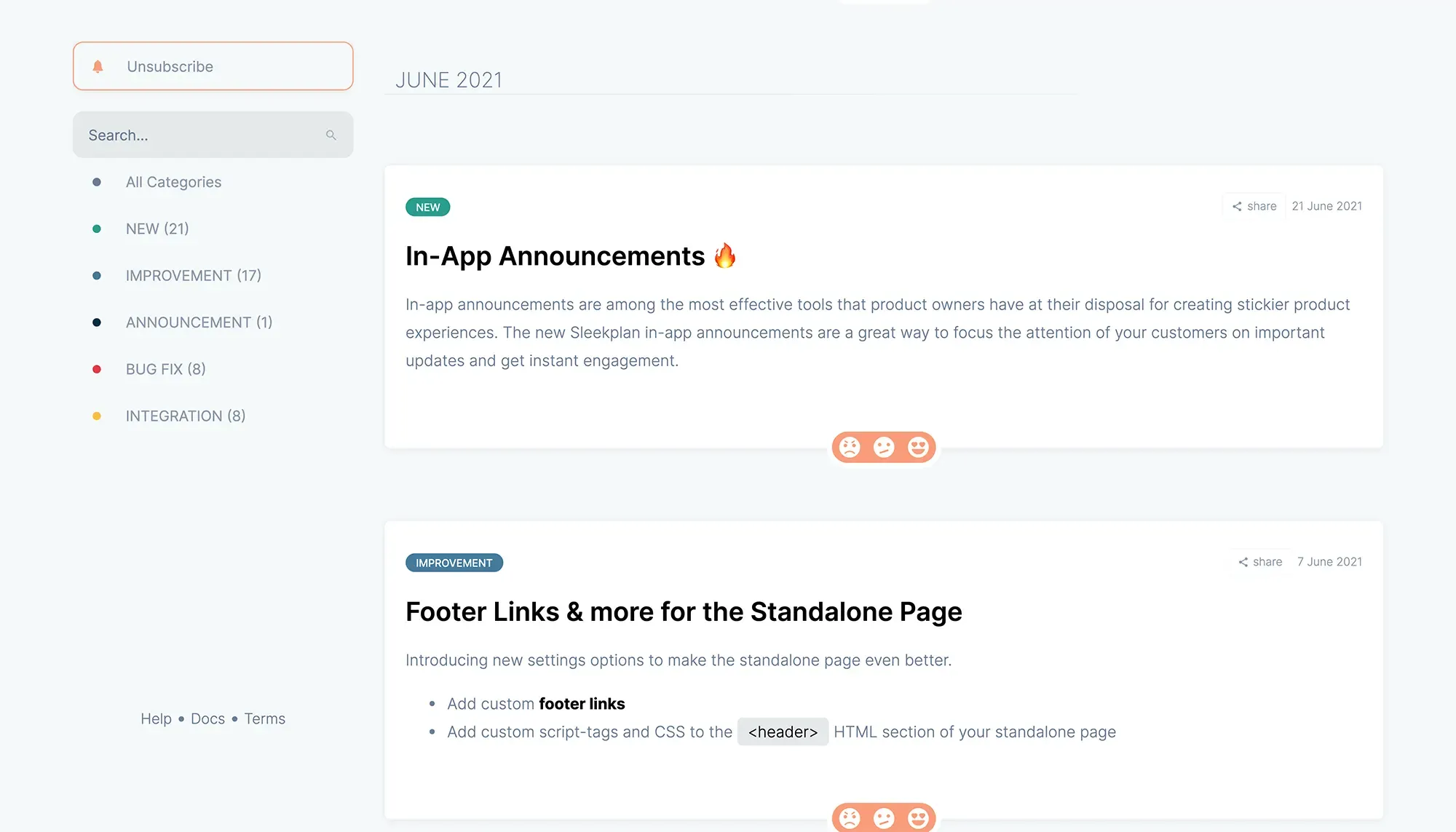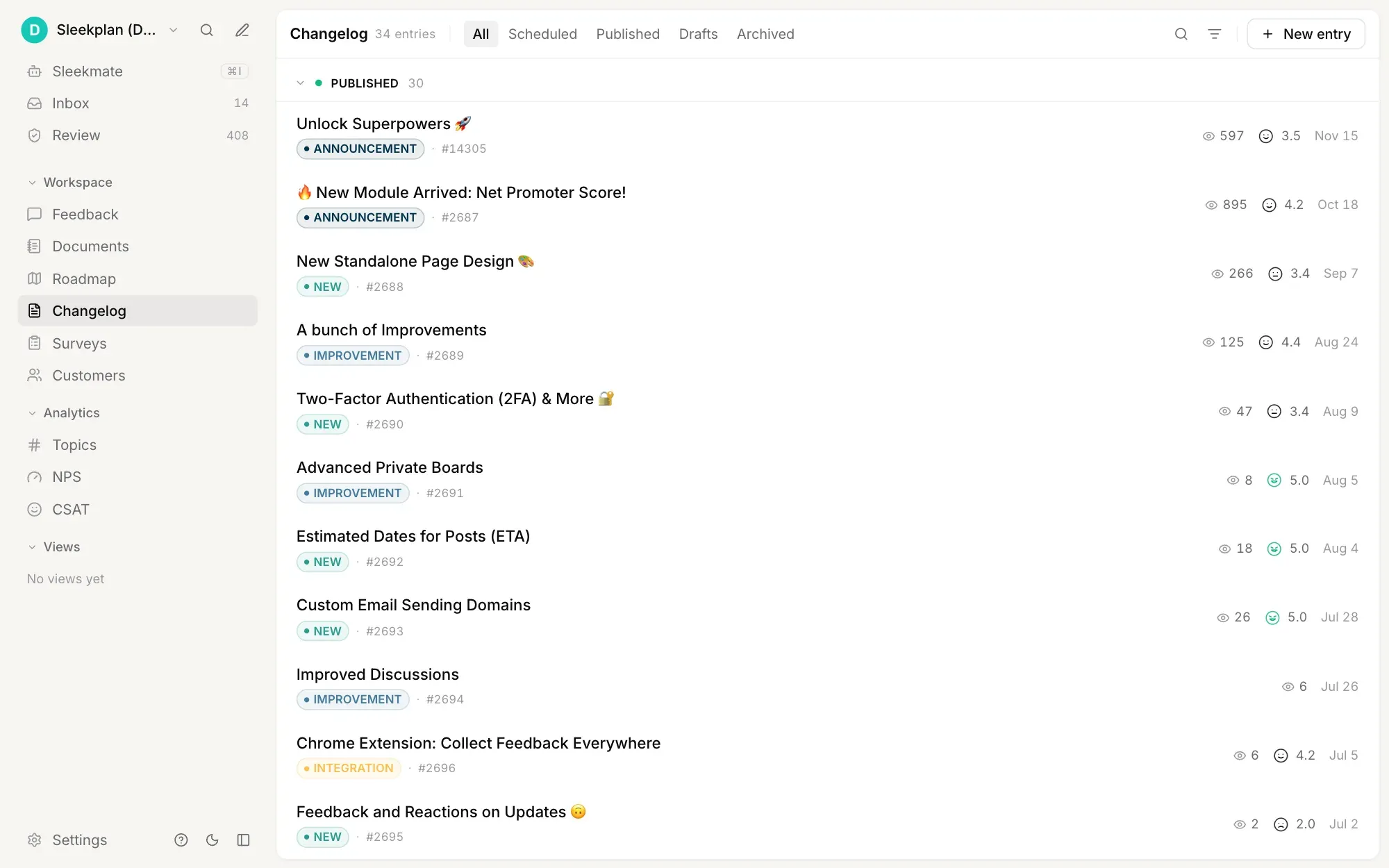
Public changelog page in Sleekplan with dated release entries, category labels, a category filter, search and a subscribe button
h2. Overview
Sleekplan is a changelog tool that turns every shipped release into an event your users notice, without you bothering them. In-app widget, email digest, or both: every changelog post shows up exactly where attention already lives. It works as a changelog app inside your product and as a public page on your own domain, from the same posts.
Schedule posts ahead of release. Make a changelog public or gate it to logged-in users. Customise the appearance to your brand so the announcement looks like part of the product, not a third-party banner.
h2. How it works
Write a post in the Sleekplan editor, set a release time, pick a category (Feature / Improvement / Fix), and we handle the rest. The widget shows an unread badge until each user opens it. Subscribers get an email digest. Inline CTAs let you point users straight to the new feature.
Changelog posts collect their own feedback. Every release becomes a satisfaction signal you can act on next sprint.
How it flows
1. 01 ### Schedule the announcement
Compose the post, pick a release time, and Sleekplan ships it the moment your code does. No more rushed announcements 20 minutes after launch.
2. 02 ### Match your brand
Custom domain, custom colours, custom terms. The changelog stops looking like a bolted-on third-party widget and starts looking like part of your product.
3. 03 ### Notify the right people
In-app widget for active users. Email digest for everyone else. Both for the most important releases. Sleekplan tracks who's seen what.
4. 04 ### Collect feedback on what shipped
Every changelog post is a feedback target. Users reply with reactions or comments, so you learn whether the release landed before the next sprint planning.
Built on
[**Changelog** The release feed itself.](https://sleekplan.com/changelog) [**Feedback** Collect responses on each post.](https://sleekplan.com/feedback) [**Roadmap** Auto-publish when status flips to Released.](https://sleekplan.com/roadmap) [**Satisfaction** Tie release sentiment to CSAT.](https://sleekplan.com/csat-nps)
Learn more
h2. What is a changelog tool, and why use one?
A changelog tool is a system for telling your users what changed: every release, every fix, every announcement. The job sounds simple, but doing it well means scheduled posts, segmented audiences, branded styling, and a way to collect feedback on what you shipped. A spreadsheet or a Notion page falls over the moment you actually need any of that.
h3. Required features for a serious changelog tool
- **Scheduled posts** — write Tuesday, ship Thursday morning, announce Thursday afternoon. No human bottleneck.
- **Email digests** — your users don't live in the widget. Bring the changelog to their inbox on a cadence they pick.
- **Searchable feed** — release notes accumulate fast. A search box and category filters turn the changelog into a self-serve reference.
- **Public or private** — internal teams need a changelog too. Same tool, different access.
- **Brand-matched appearance** — custom domain, colours, copy. The changelog is a touchpoint with your product, not someone else's.
- **Feedback collection** — every release is a hypothesis. Capture whether users liked what you shipped.
h3. Why Sleekplan
Sleekplan ships all six. Plus the changelog is wired into the same workspace as your feedback board and public roadmap, so a request you accepted six months ago auto-publishes to the changelog the moment its status flips to Released. The whole feedback loop closes itself. [Start free](https://app.sleekplan.com/sign-up).
h2. **Explore other use cases **
[**Browse all **](https://sleekplan.com/use-cases)
[**Track feature requests** Capture user-submitted ideas, let people vote, and surface the requests worth shipping next.](https://sleekplan.com/use-cases/feature-request-tool) [**Collect website feedback** One widget: screen capture with annotation, in-app CSAT, and a votable board with roadmap and changelog.](https://sleekplan.com/use-cases/website-feedback-tool) [**Share a public roadmap** Show what's planned, in progress, and shipped so customers stop asking and start trusting.](https://sleekplan.com/use-cases/roadmap-tool)
Get started in 4 minutes
h2. **Your roadmap,**** on **autopilot**. **
Free for 30 days. No card, no sales call. Cancel anytime.
[**Start free **](https://app.sleekplan.com/sign-up/) [**Book a 20-min demo **](https://sleekplan.com/contact/sales)
---
### Track feature requests | Sleekplan
Source: https://sleekplan.com/use-cases/feature-request-tool
Description: Capture user-submitted ideas, let people vote, and surface the requests worth shipping next.
h1. Give your users a voice with an embeddable feature request tool.
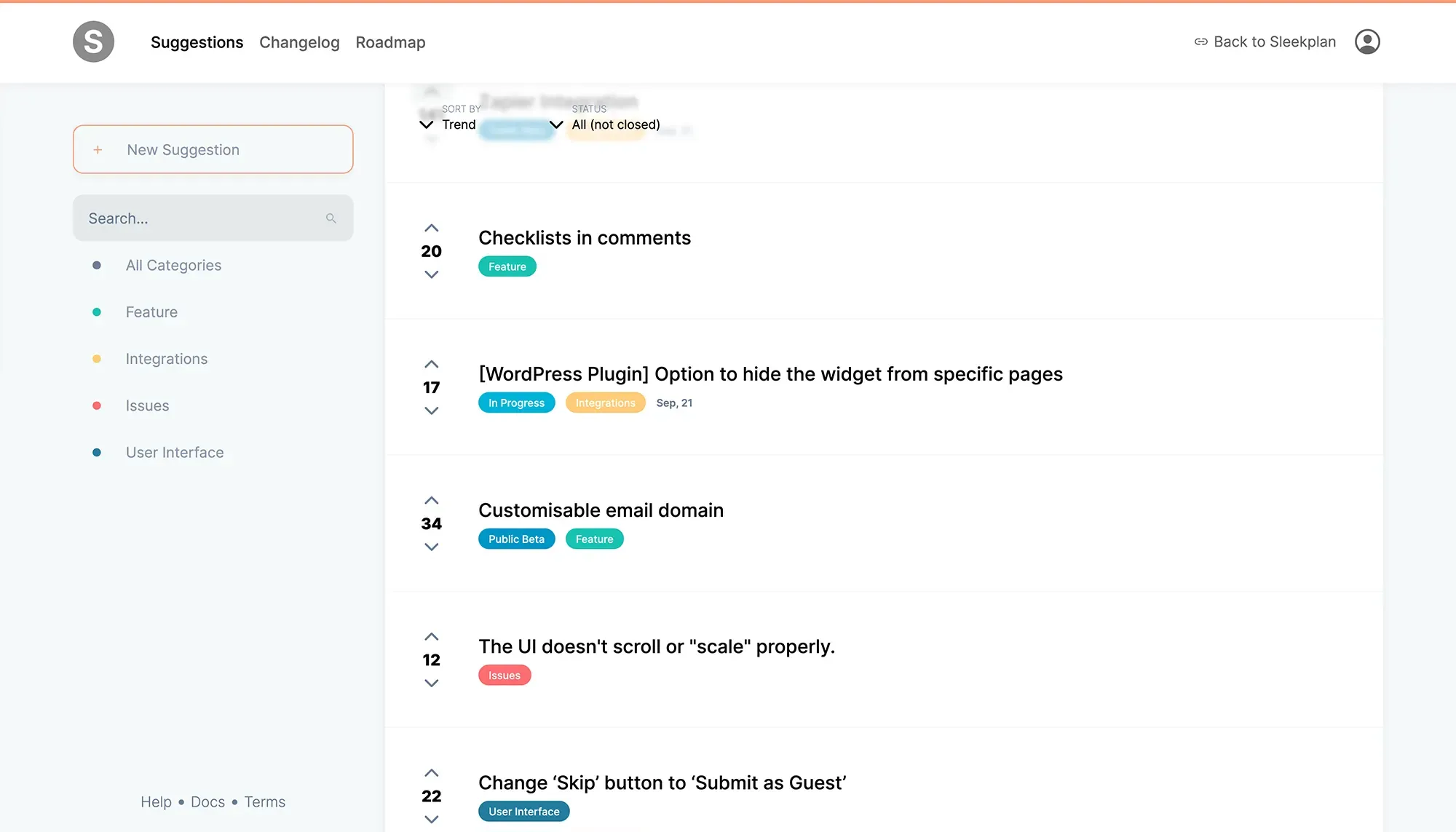
Standalone feature request board with vote counts and categories
h2. Overview
Sleekplan turns every user suggestion into a structured, votable post, recorded inside an embedded widget or a standalone board on your own domain. Customers add their own ideas, vote on existing ones, and discuss the details in line. You get a single inbox of demand that's already weighted, deduplicated and easy to triage.
No more guessing what to build next. No more screenshots of feature requests pasted into Slack threads that never get acted on. Every request lands in one place that the whole team can see.
h2. How it works
Drop one line of JavaScript on your app, or point a CNAME at the standalone board. Users authenticate with their existing session, so we already know who's asking. No second password. Posts are tagged by category and weighted by the customer attributes you care about (MRR, plan tier, internal ID).
Once a request crosses the threshold you set, it can auto-promote to the public roadmap, pushing the requester into a notification loop the moment its status changes.
How it flows
1. 01 ### Collect feature requests
Use the in-app widget or the standalone board on your own subdomain. Capture additional context (MRR, plan, internal ID) so the request lands in your inbox already weighted.
2. 02 ### Prioritise what matters
Sleekplan calculates an impact score from votes, customer weight, and the metrics you care about. Sort by score and the top of the list is the next thing to ship.
3. 03 ### Build a roadmap
Drag posts into Planned, In Progress, Released. The public roadmap renders automatically and the original requester gets pinged the moment status changes.
4. 04 ### Close the loop
Ship the feature, write a one-line changelog entry, and Sleekplan emails every subscriber and ticks the request closed. No tab-switching required.
Built on
[**Feedback** The board that captures every idea.](https://sleekplan.com/feedback) [**Roadmap** Promote requests into a public plan.](https://sleekplan.com/roadmap) [**Changelog** Announce what shipped, automatically.](https://sleekplan.com/changelog) [**Satisfaction** Measure the impact of what you ship.](https://sleekplan.com/csat-nps)
Learn more
h2. What is a feature request tool, and why use one?
A feature request tool is a single inbox for product ideas. Customers, prospects, support agents, and your own team file the things they wish your product did. The good ones go further: they let users vote on each other's posts, dedupe near-duplicates, weight requests by customer context, and route the strongest signals straight into your roadmap. Sleekplan does all of that.
h3. What problem does it actually solve?
Most product teams already have a long tail of feature ideas. They live in Slack threads, Notion docs, sales-call recordings, support tickets, and someone's head. None of those surfaces are searchable or votable, so the same request gets re-asked monthly and the team has no shared view of demand. A feature request tool consolidates the demand signal so prioritisation isn't a guess.
h3. The features to look for
- **Embeddable widget** — capture requests inside the app, where users already are. The further you make them travel to file a request, the fewer requests you get.
- **User voting** — turn passive support tickets into a live signal of demand.
- **Customer weighting** — a request from a $10k/mo customer matters more than one from a free-tier signup. Your tool should know that.
- **Roadmap promotion** — moving a request from "idea" to "in progress" should be one click, and should notify the requester automatically.
- **Status notifications** — every requester gets pinged on status changes. The feedback loop closes itself.
h3. Why Sleekplan
Sleekplan is the only feature request tool that gives you all of the above plus a public roadmap, a changelog, and CSAT. One product, one design language, billed once. You can start free, embed in under five minutes, and have your first prioritised inbox by end of day. [Try it free](https://app.sleekplan.com/sign-up).
h2. **Explore other use cases **
[**Browse all **](https://sleekplan.com/use-cases)
[**Ship a changelog** Announce every release with in-app updates and email digests that actually get read.](https://sleekplan.com/use-cases/changelog-tool) [**Collect website feedback** One widget: screen capture with annotation, in-app CSAT, and a votable board with roadmap and changelog.](https://sleekplan.com/use-cases/website-feedback-tool) [**Share a public roadmap** Show what's planned, in progress, and shipped so customers stop asking and start trusting.](https://sleekplan.com/use-cases/roadmap-tool)
Get started in 4 minutes
h2. **Your roadmap,**** on **autopilot**. **
Free for 30 days. No card, no sales call. Cancel anytime.
[**Start free **](https://app.sleekplan.com/sign-up/) [**Book a 20-min demo **](https://sleekplan.com/contact/sales)
---
### Measure customer satisfaction | Sleekplan
Source: https://sleekplan.com/use-cases/monitoring-customer-satisfaction
Description: Track CSAT and NPS in-context and catch drops before they show up in churn.
h1. Track CSAT and NPS in-context and catch sentiment drops before they show up in churn.
h2. Overview
Sleekplan triggers tiny in-context satisfaction prompts (CSAT, NPS, custom) at the moments that matter: after a key flow, after a release, after a support interaction. You get a continuous sentiment signal instead of a quarterly survey nobody answers.
h2. How it works
Configure when the widget asks (URL match, time delay, post-event). Pick the question template. Sleekplan respects per-user rate limits so you don't burn out the audience.
Responses land in the same dashboard as feedback and roadmap posts. Filter by score, time range, page, or customer segment. Watch the trendline; act before it bends down.
How it flows
1. 01 ### Trigger at the right moment
Set URL rules, time-on-page, or post-event firing. Ask after the user has actually used the feature you're measuring, not on first page-load.
2. 02 ### Track the trendline
Day-over-day, week-over-week, segment-by-segment. The dashboard surfaces drops before they show up in retention metrics.
3. 03 ### Reply to detractors
Negative scores open a reply thread. You hear from unhappy customers before they churn, instead of after.
Built on
[**Satisfaction** The CSAT/NPS engine.](https://sleekplan.com/csat-nps) [**Surveys** Longer multi-question flows.](https://sleekplan.com/surveys) [**Feedback** Where detractor follow-ups land.](https://sleekplan.com/feedback)
Learn more
h2. What is the Customer Satisfaction Score (CSAT)?
CSAT is the simplest customer-sentiment metric in the canon: ask the user how satisfied they were with a specific experience, on a 1-5 or 1-10 scale, and report the percentage who answered favourably. It's not the deepest measure of loyalty, but it's the fastest to collect and the easiest to act on.
h3. When to send CSAT prompts
- After a support interaction closes
- After a key product flow completes (checkout, onboarding, first-value moment)
- After a major release lands
- On a rolling schedule for relationship-level pulse checks
h3. CSAT vs NPS
CSAT measures satisfaction with a specific event. NPS measures willingness to recommend the product overall. Most teams need both. Sleekplan ships both, plus a custom-question mode, plus the threaded-feedback follow-up that lets you actually talk to the customer who answered badly.
[Start free](https://app.sleekplan.com/sign-up). First survey live in five minutes.
h2. **Explore other use cases **
[**Browse all **](https://sleekplan.com/use-cases)
[**Track feature requests** Capture user-submitted ideas, let people vote, and surface the requests worth shipping next.](https://sleekplan.com/use-cases/feature-request-tool) [**Ship a changelog** Announce every release with in-app updates and email digests that actually get read.](https://sleekplan.com/use-cases/changelog-tool) [**Collect website feedback** One widget: screen capture with annotation, in-app CSAT, and a votable board with roadmap and changelog.](https://sleekplan.com/use-cases/website-feedback-tool)
Get started in 4 minutes
h2. **Your roadmap,**** on **autopilot**. **
Free for 30 days. No card, no sales call. Cancel anytime.
[**Start free **](https://app.sleekplan.com/sign-up/) [**Book a 20-min demo **](https://sleekplan.com/contact/sales)
---
### Share a public roadmap | Sleekplan
Source: https://sleekplan.com/use-cases/roadmap-tool
Description: Show what's planned, in progress, and shipped so customers stop asking and start trusting.
h1. Show users what's planned, in progress, and shipped so they stop asking and start trusting.
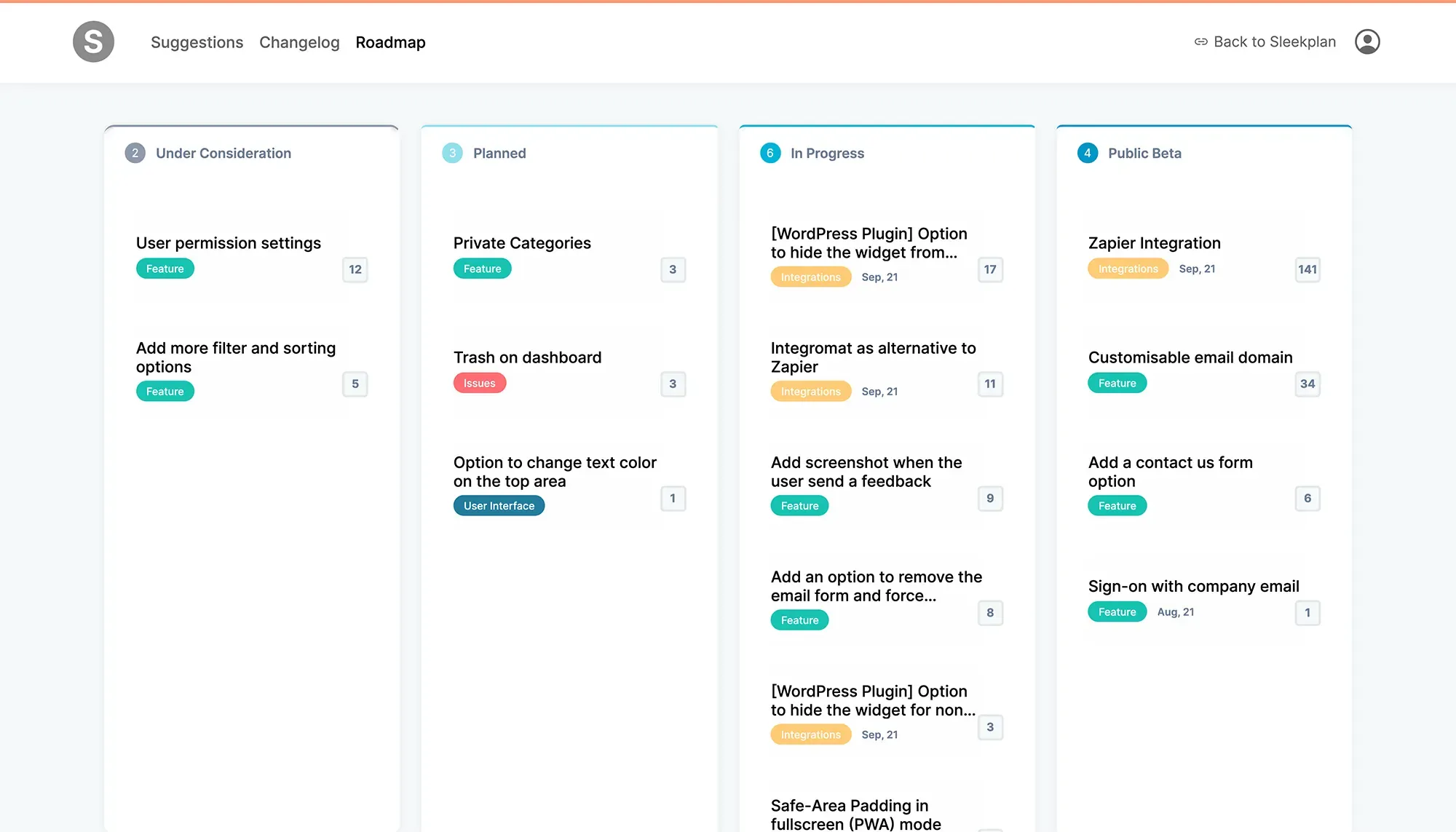
Standalone public roadmap board with Planned / In Progress / Released columns
h2. Overview
A public roadmap is the simplest customer-trust play in product. It tells users what you're working on next without making them ask. Sleekplan's roadmap renders straight from the same posts that power your feedback board, so the people who requested a feature see exactly when it moves from Planned to In Progress to Released.
h2. How it works
Drag posts between columns in the Sleekplan dashboard. The public roadmap updates instantly. Each post links back to its feedback thread so users can see the original discussion, the vote count, and the team's responses.
For sensitive roadmaps, set the board to internal-only or invite-only and use the same workflow with a private audience.
How it flows
1. 01 ### Pick public or private
Public boards build trust with prospects and existing customers. Internal boards work for stakeholder updates without leaking strategy. Same tool, different access.
2. 02 ### Match your brand
Custom domain (e.g. roadmap.yourcompany.com), custom colours, custom terms for columns. The roadmap looks like part of your product, not a third-party page.
3. 03 ### Let users vote on what's next
Roadmap items are votable. Anonymous, registered, or SSO: your choice. The vote count becomes a live demand signal you can act on next sprint.
4. 04 ### Keep requesters in the loop
When a roadmap item changes status, every subscriber gets an email and an in-app notification. The follow-up writes itself.
Built on
[**Roadmap** The plan itself.](https://sleekplan.com/roadmap) [**Feedback** Source of items + discussion.](https://sleekplan.com/feedback) [**Changelog** Auto-publish on Released.](https://sleekplan.com/changelog) [**Satisfaction** Measure reaction post-release.](https://sleekplan.com/csat-nps)
Learn more
h2. What is a public roadmap tool, and why have one?
A public roadmap is a transparent statement of intent: _here's what we're building, here's what we've shipped, here's what we've decided not to do_. Done well, it builds customer trust, defangs the "are you even working on X?" thread, and gives prospects evidence you're alive. Done badly, it leaks strategy and locks you into commitments. A serious roadmap tool helps you do the first without doing the second.
h3. Why bother with a public roadmap?
h4. 1. Customers love it
Transparency builds trust. The moment you share what you're working on, customers stop spamming support with the same five questions.
h4. 2. It's a sales tool
Prospects who see an active roadmap know they're buying into a living product, not a snapshot. Early-stage SaaS companies especially benefit.
h4. 3. It pulls feedback in
"Here's what's planned" almost always provokes "what about X?" — that conversation then happens in your feedback board instead of a 1:1 support thread.
h4. 4. It forces team alignment
Writing the roadmap forces the team to argue about priorities once, in writing, instead of every sprint planning meeting.
h3. Why Sleekplan
The roadmap is the same data as your feedback board, viewed differently. Drag a post; the roadmap updates; the requester gets notified. [Try it free](https://app.sleekplan.com/sign-up).
h2. **Explore other use cases **
[**Browse all **](https://sleekplan.com/use-cases)
[**Track feature requests** Capture user-submitted ideas, let people vote, and surface the requests worth shipping next.](https://sleekplan.com/use-cases/feature-request-tool) [**Ship a changelog** Announce every release with in-app updates and email digests that actually get read.](https://sleekplan.com/use-cases/changelog-tool) [**Collect website feedback** One widget: screen capture with annotation, in-app CSAT, and a votable board with roadmap and changelog.](https://sleekplan.com/use-cases/website-feedback-tool)
Get started in 4 minutes
h2. **Your roadmap,**** on **autopilot**. **
Free for 30 days. No card, no sales call. Cancel anytime.
[**Start free **](https://app.sleekplan.com/sign-up/) [**Book a 20-min demo **](https://sleekplan.com/contact/sales)
---
### Website Feedback Tool: Capture, Annotate, Vote | Sleekplan
Source: https://sleekplan.com/use-cases/website-feedback-tool
Description: Visitors screenshot the page, draw on what is broken and send it. Each post lands on a votable board with a roadmap and changelog, from one script tag.
h1. The website feedback tool where visitors screenshot the page, draw on what is wrong, and see what you do about it.
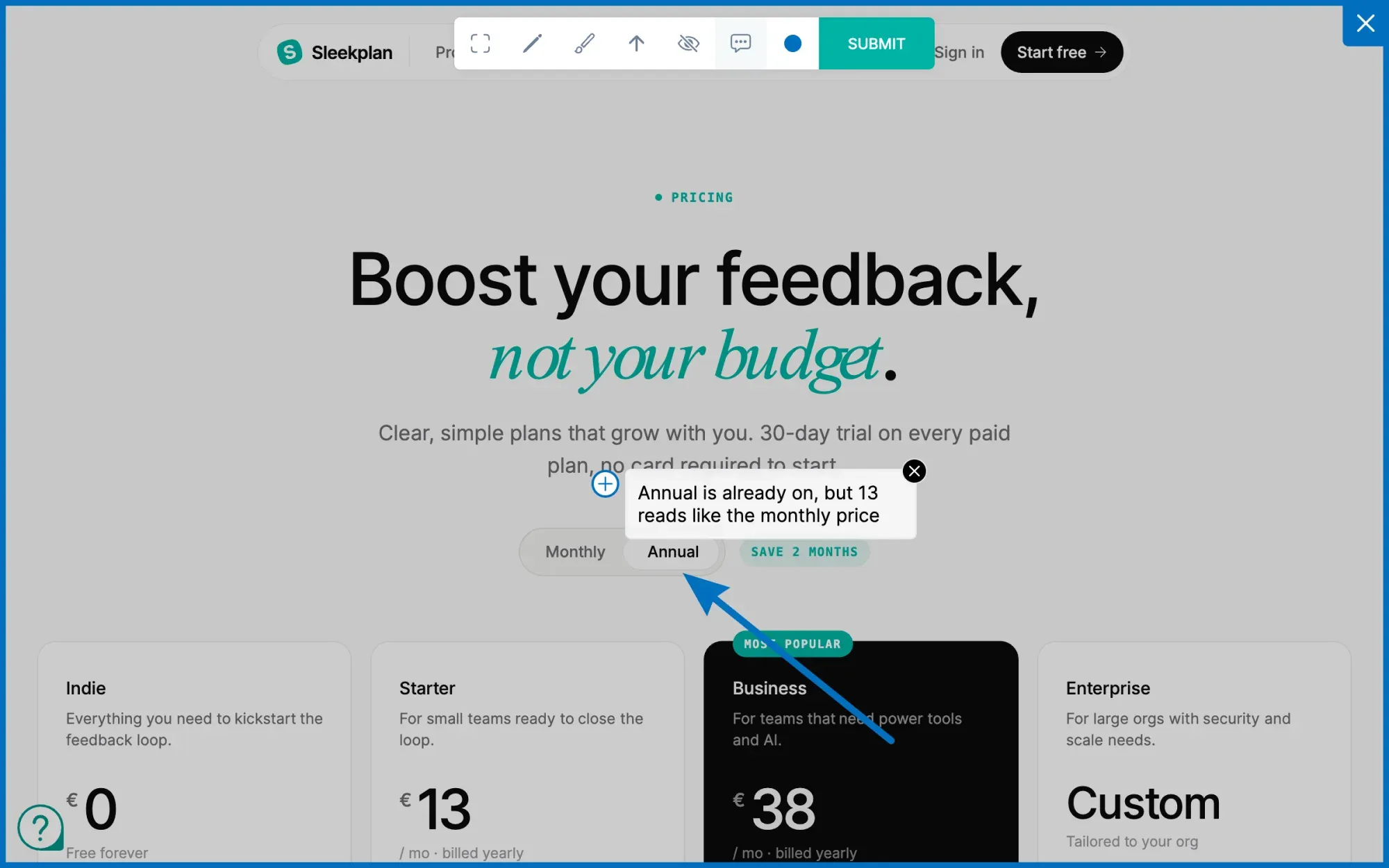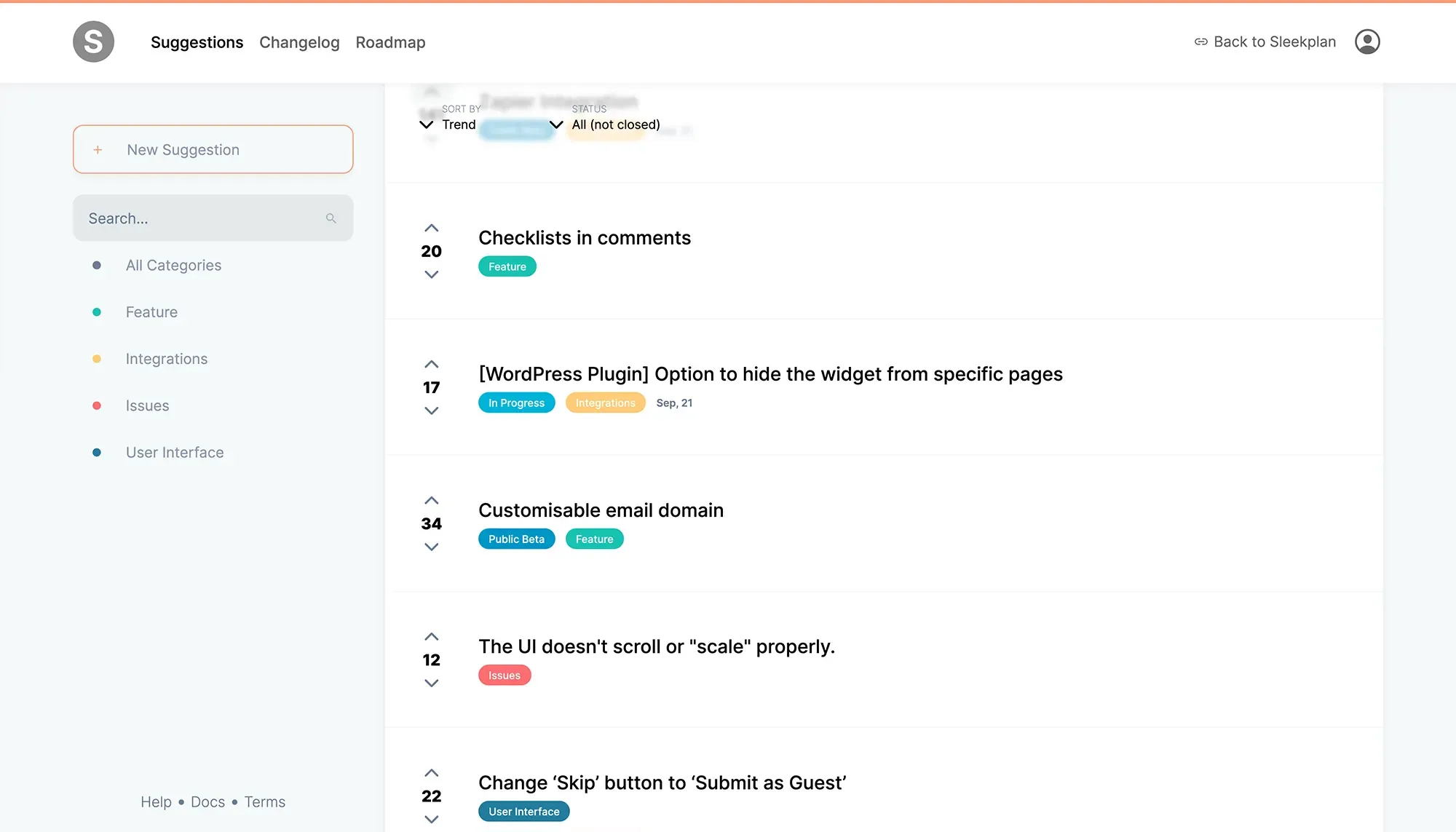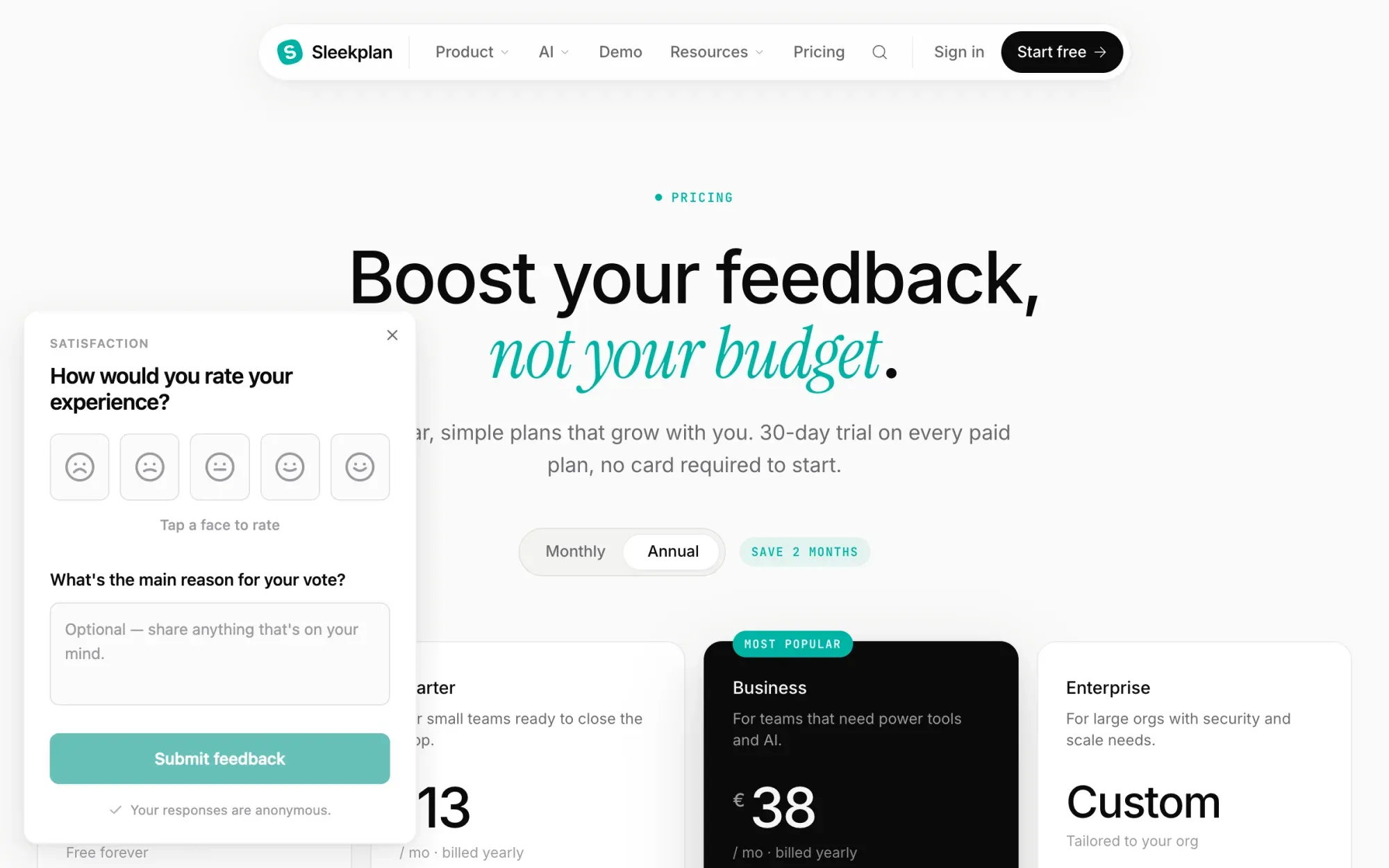
A visitor's screen capture of a live pricing page inside the Sleekplan widget, with a blue arrow drawn at the monthly/annual toggle and a typed note reading "Annual is already on, but 13 reads like the monthly price", above the annotation toolbar of pen, highlighter, arrow, blur, comment and colour
h2. Overview
Sleekplan's widget carries a screen-capture button, called Visual feedback in your settings. A visitor clicks it, the page is captured exactly as they see it, and an editor opens over the top: pen, highlighter, arrow, comment pin, colour picker, and a blur tool for anything private in frame. They mark what is wrong, hit submit, and the annotated image arrives as a post in your workspace.
That is where most website feedback tools stop. A report becomes a ticket, and the person who sent it never hears anything again. Here the annotated screenshot becomes a post other visitors can vote on, it shows up on your public roadmap when you pick it up, and the changelog tells everyone who voted when it ships.
h2. How it works
Paste one script tag into your site. The widget loads asynchronously and puts a launcher in the corner. Behind it sit the feedback board, the roadmap, the changelog and the screen-capture button, plus CSAT, NPS and survey prompts you can trigger on any page.
Visitors can post without an email address if you allow anonymous posting, or you can force single sign-on so every post carries a known user. Turn on system metadata and each post arrives with its context attached, so nobody has to ask "which page, which browser?". Your team triages in one inbox, and replies reach the reporter by in-app notification or email.
How it flows
1. 01 ### One button, the whole page
Visual feedback adds a screen-capture button to the widget. The capture is the page as the visitor sees it: their viewport, their scroll position, their content, not a staging copy.
2. 02 ### Mark it up before sending
Pen, highlighter, arrow, comment pin and a colour picker. A blur tool hides anything private in the frame, and the visitor applies it before the image leaves their browser.
3. 03 ### It becomes a post, not a ticket
Every submission lands on the feedback board where other visitors vote and comment. One annotated screenshot turns into ranked demand you can read at a glance.
4. 04 ### The reporter hears back
Status changes notify the person who sent it, the roadmap shows what you picked up, and the changelog announces the fix to everyone who voted. The loop closes without an inbox.
Built on
[**Feedback** Where every annotated screenshot lands.](https://sleekplan.com/feedback) [**Roadmap** What you picked up, in public.](https://sleekplan.com/roadmap) [**Changelog** The fix, announced in the widget.](https://sleekplan.com/changelog) [**Satisfaction** CSAT and NPS prompts in context.](https://sleekplan.com/csat-nps)
Learn more
h2. What is a website feedback tool?
A website feedback tool lets visitors, clients or teammates report what is wrong with a page without leaving it. They capture the page, draw on the part that is broken, add a note, and send it. The team receives an annotated image with the context attached, instead of an email that says "the pricing page looks weird on my laptop". It replaces the screenshot-plus-explanation round trip that otherwise eats a support thread.
h3. The two kinds of website feedback, and which one this is
Agencies use these tools for client review: pin comments on a staging site until the client approves it, then move on. Product teams use them for visitor feedback: find out what confuses real people on a live site, continuously. Sleekplan is built for the second. The widget stays installed after launch and keeps collecting, which is why what happens _after_ the report matters more here than the drawing tools do.
h3. What a website feedback tool should do
- **Capture in context** — the visitor's own viewport and scroll position, not a staging copy.
- **Let them mark it up** — pen, highlighter, arrow and a comment pin, plus a blur tool for anything private in the frame.
- **Carry the context** — system metadata on the post, so nobody has to ask where it happened.
- **Stay open to everyone** — anonymous posting for visitors, or single sign-on when you need to know who is asking.
- **Answer the person** — a status, a roadmap entry, a changelog note. A report that disappears trains people not to send the next one.
h3. Asking, not just waiting
The same widget runs CSAT and NPS prompts and in-app surveys, so you can ask a question on the page where the behaviour happens instead of waiting for someone annoyed enough to complain. A one-click rating with an optional comment answers "is this page working?" for the ninety-nine visitors who would never open a feedback form.
h3. What it costs
The Indie plan is free forever and runs a feedback board and changelog with unlimited feedback items and subscribers on a single-admin workspace. Roadmap, CSAT and NPS start at $13 per month billed yearly; surveys and topic analytics are on the $38 plan. Every paid plan has a 30-day trial and takes no card. [Try it free](https://app.sleekplan.com/sign-up) on any site in under five minutes.
h2. **Explore other use cases **
[**Browse all **](https://sleekplan.com/use-cases)
[**Track feature requests** Capture user-submitted ideas, let people vote, and surface the requests worth shipping next.](https://sleekplan.com/use-cases/feature-request-tool) [**Ship a changelog** Announce every release with in-app updates and email digests that actually get read.](https://sleekplan.com/use-cases/changelog-tool) [**Share a public roadmap** Show what's planned, in progress, and shipped so customers stop asking and start trusting.](https://sleekplan.com/use-cases/roadmap-tool)
Get started in 4 minutes
h2. **Your roadmap,**** on **autopilot**. **
Free for 30 days. No card, no sales call. Cancel anytime.
[**Start free **](https://app.sleekplan.com/sign-up/) [**Book a 20-min demo **](https://sleekplan.com/contact/sales)
---
### Embed a feedback widget | Sleekplan
Source: https://sleekplan.com/use-cases/feedback-widget
Description: Drop a single JavaScript widget that opens the entire Sleekplan surface inside your app.
h1. Drop a single JavaScript widget that opens the entire Sleekplan surface inside your app.
h2. Overview
The Sleekplan widget is one JavaScript snippet that injects a floating launcher into your app. Click it: full feedback board, public roadmap, changelog, and CSAT prompts, all in a side panel that doesn't take users away from what they were doing.
h2. How it works
Paste the script tag: one line. The widget lazy-loads on first interaction, so it doesn't cost you bundle size or Lighthouse score. Pass through your authenticated user object and we attribute every post and vote automatically.
Customise the launcher position, the panel colour, the labels, the trigger rules. Drive it programmatically (open, close, navigate) from your app's own UI.
How it flows
1. 01 ### One snippet, every surface
Feedback, roadmap, changelog, CSAT: all behind one launcher. Users never have to learn a second tool.
2. 02 ### Lazy-loaded by default
The widget doesn't load until a user opens it. Zero impact on first paint, Lighthouse, or your performance budget.
3. 03 ### Programmatic control
Open it from your own onboarding flow, jump to a specific board, prefill a category. The widget exposes a small JS API so it bends to your UX.
Built on
[**Feedback** The board behind the widget.](https://sleekplan.com/feedback) [**Roadmap** Roadmap tab.](https://sleekplan.com/roadmap) [**Changelog** Changelog tab.](https://sleekplan.com/changelog)
Learn more
h2. Why embed a feedback widget at all?
The further you make a user travel to file feedback, the less feedback you get. A widget that lives inside the product, one click from any page, converts orders of magnitude more passive frustration into actionable input than a "Contact us" page in the footer ever will.
h3. What a good feedback widget needs
- **Non-blocking** — it loads on demand, never on first paint.
- **Attribution** — pass the logged-in user's identity through, no second signup.
- **Context-aware** — capture the URL, the user agent, optionally a screenshot, so the team doesn't have to ask "where?".
- **Bidirectional** — when the team replies, the user hears about it in the same widget, not via a forgotten email thread.
[Try the widget free](https://app.sleekplan.com/sign-up). Embed in under five minutes.
h2. **Explore other use cases **
[**Browse all **](https://sleekplan.com/use-cases)
[**Track feature requests** Capture user-submitted ideas, let people vote, and surface the requests worth shipping next.](https://sleekplan.com/use-cases/feature-request-tool) [**Ship a changelog** Announce every release with in-app updates and email digests that actually get read.](https://sleekplan.com/use-cases/changelog-tool) [**Collect website feedback** One widget: screen capture with annotation, in-app CSAT, and a votable board with roadmap and changelog.](https://sleekplan.com/use-cases/website-feedback-tool)
Get started in 4 minutes
h2. **Your roadmap,**** on **autopilot**. **
Free for 30 days. No card, no sales call. Cancel anytime.
[**Start free **](https://app.sleekplan.com/sign-up/) [**Book a 20-min demo **](https://sleekplan.com/contact/sales)
---
### Customer Feedback Tool: From Vote to Changelog | Sleekplan
Source: https://sleekplan.com/use-cases/customer-feedback-tool
Description: Every request carries an impact score built from votes, revenue and urgency. Board, roadmap and changelog are one tool, free on the Indie plan.
h1. The customer feedback tool that scores every request on votes, revenue and urgency, then tells the people who asked when it ships.
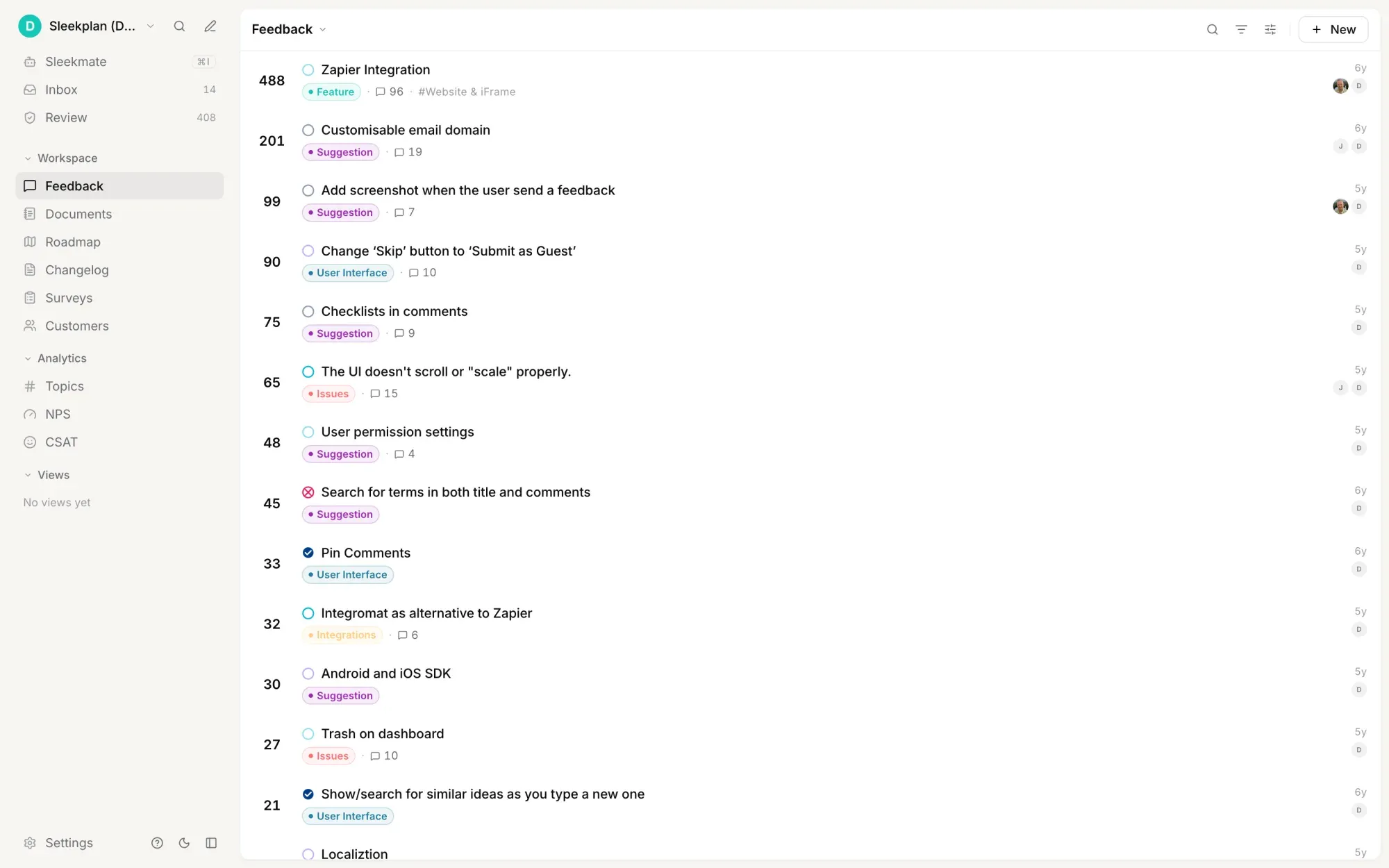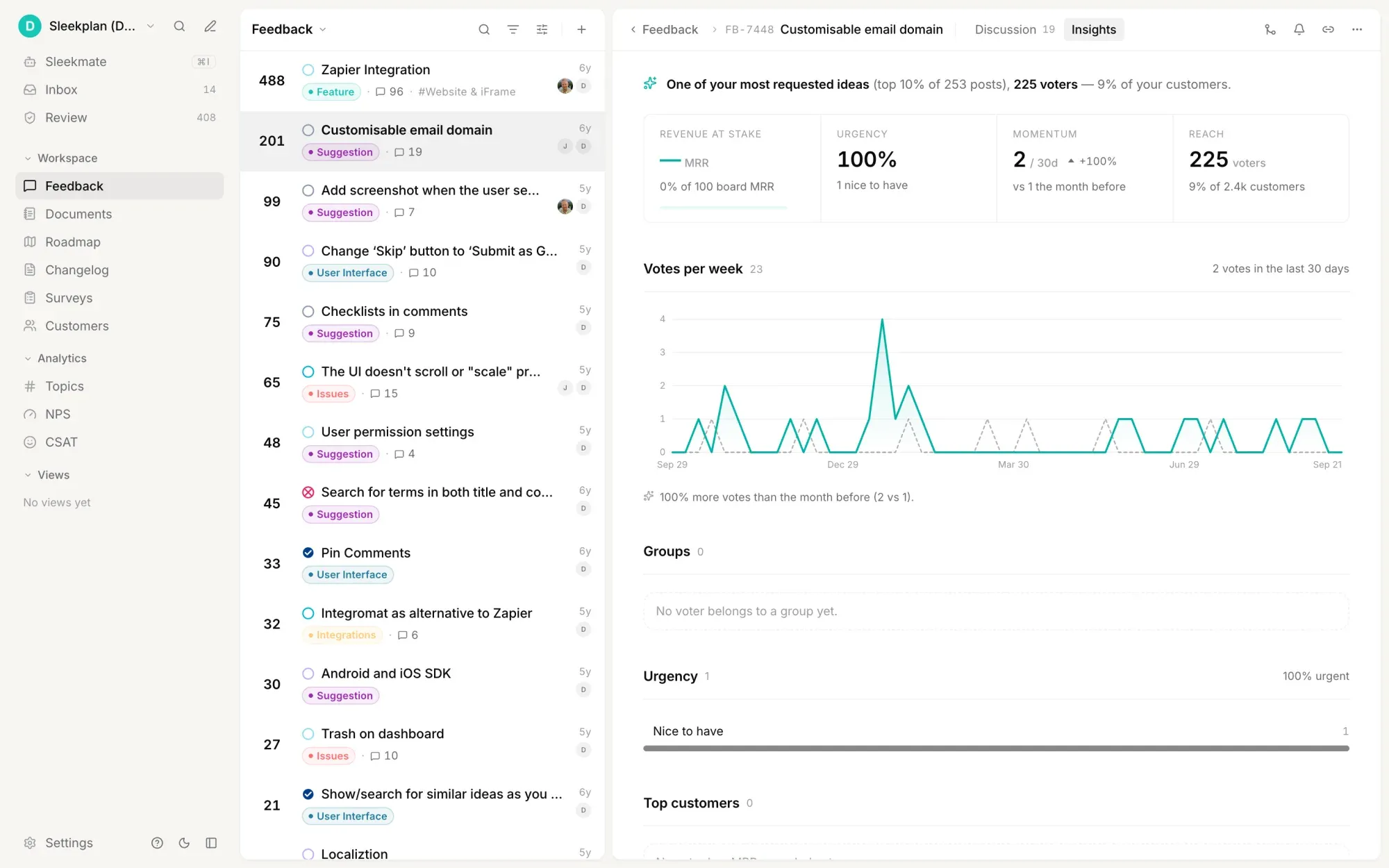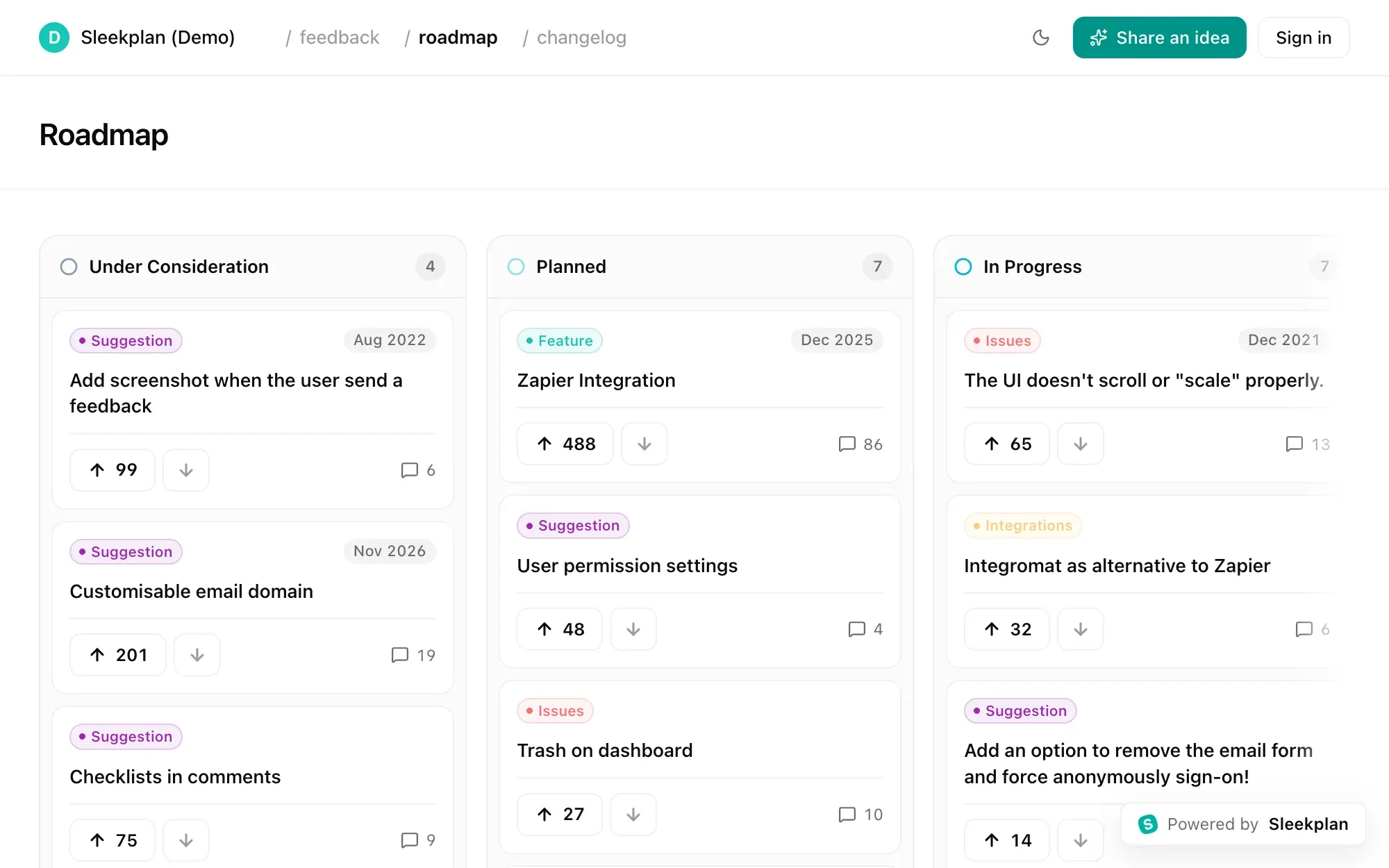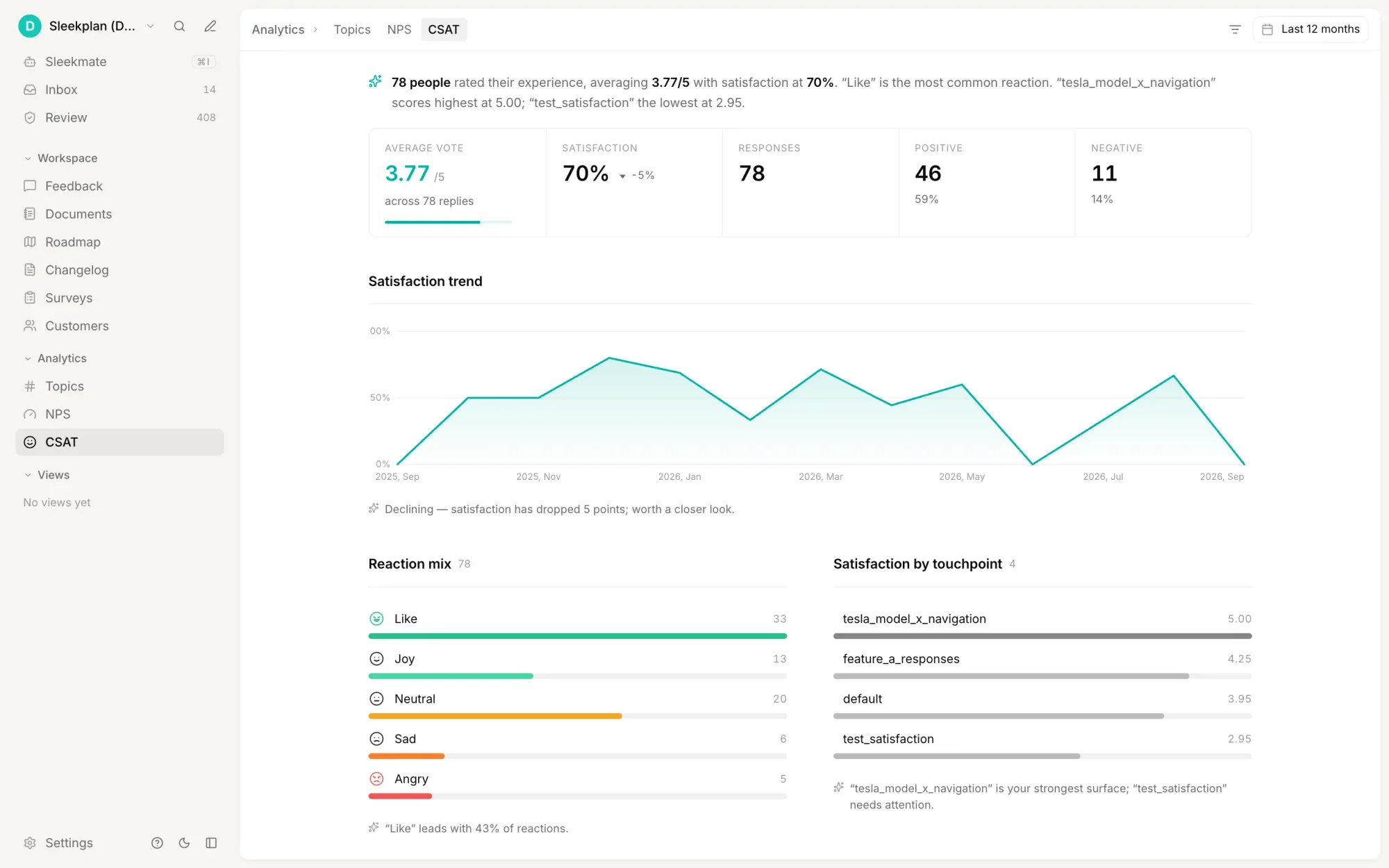
The Sleekplan admin feedback board sorted by votes, showing requests at 488, 201, 99 and 90 votes, each with a status dot, a category such as Feature or Issues, a component tag and a comment count
h2. Overview
Sleekplan puts a number on every piece of customer feedback. Open a post and the rail shows views, upvotes, downvotes, comments, subscribers, the priority its voters set, the MRR behind them and an impact score built from all of it. You can sort the whole board by that score, or by priority, precedence or the month you estimated. Deciding what to build next stops being an argument about who shouted loudest.
That is half of it. The other half is the part most customer feedback tools never do: answer the person. A status change notifies whoever asked, the public roadmap shows what you picked up, and the changelog announces the release to everyone who voted for it. Board, roadmap and changelog are the same product, so nothing gets copied between tools and nothing goes quiet.
h2. How it works
Requests arrive from the widget on your site or app, from the public board, from a teammate posting on behalf of a customer after a sales call, and from the tools where support already lives: Intercom, Slack, Jira, Linear, GitHub, ClickUp, Zapier. New submissions wait in a review queue before they reach the public board, and near-duplicates surface as similar posts while you read one, so you merge them instead of collecting them.
From there a post takes a type, a component, a status, an owner, an estimated month and labels. Attach the spec or the decision behind it as a document, link it to a Linear issue, and keep the team's thinking in a private reply on the same post the customer can see.
How it flows
1. 01 ### Everything lands in one queue
Widget posts, public board submissions, posts your team files on behalf of a customer, and requests forwarded from Intercom, Slack, Jira or Linear. New ones wait in a review queue, and similar posts surface as you read, so duplicates get merged rather than counted twice.
2. 02 ### Every request carries a score
Views, upvotes, downvotes, subscribers, voter priority and the MRR behind them roll up into one impact number on the post. Sort the board by impact, priority, precedence or estimated date and the order is the argument.
3. 03 ### Read the demand behind the votes
Each post has an insights view: how many voters as a share of your customers, whether momentum rose or fell in the last 30 days, how urgent those voters said it was, what revenue sits behind it, and how happy the people asking are on CSAT and NPS.
4. 04 ### The person who asked hears back
Turn on status notifications and everyone subscribed to a post gets told when it moves. The public roadmap shows what you picked up, and the changelog announces the release to the people who voted. Nobody has to open a ticket to find out.
Built on
[**Feedback** The board every request lands on.](https://sleekplan.com/feedback) [**Roadmap** What you picked up, in public.](https://sleekplan.com/roadmap) [**Changelog** The release, announced to the voters.](https://sleekplan.com/changelog) [**Satisfaction** CSAT and NPS on the same customers.](https://sleekplan.com/csat-nps)
Learn more
h2. What is a customer feedback tool?
A customer feedback tool is where every request, complaint and idea from your customers is collected in one place, ranked so the team can agree on what matters, and answered so the person who wrote it finds out what happened. Without one, feedback fragments across support tickets, Slack DMs, sales-call notes and a spreadsheet nobody opens, and no two people in the company have the same picture of what customers actually want.
h3. What one has to do
- **Collect from every channel**: a widget on your product, a public board, your own team posting on behalf of a customer, and the support tools where the rest already arrives.
- **Rank, not just count**: votes alone reward whoever is loudest. Weighting by revenue, segment and stated urgency changes the order.
- **Remove the duplicates**: the same request phrased six ways looks like six small asks and is really one large one.
- **Close the loop**: a status, a roadmap entry, a changelog note. Feedback that disappears teaches people to stop sending it.
- **Stay one tool**: three products for "feedback management" gives the team three places to forget to look.
h3. Scoring, not counting
Each post in Sleekplan carries an engagement panel: views, upvotes, downvotes, comments, subscribers, the priority voters chose, the groups they belong to and the MRR behind them. Those roll into an impact score on the post, and the board can be sorted by it, or by priority, precedence or the estimated month. A post's insights view then breaks the same demand down by reach as a share of your customers, momentum against the previous month, urgency, revenue at stake, and how those voters rate you on CSAT and NPS.
h3. Where the feedback comes from
The widget installs with one script tag and carries the board, the roadmap, the changelog, CSAT and NPS prompts and in-app surveys. Beyond it, Sleekplan connects to Intercom, Slack, Jira, Linear, GitHub, ClickUp, Azure DevOps, WordPress and Zapier, so a request raised in support becomes a post without anyone retyping it, and a post you accept becomes an issue in the tracker your engineers already use.
h3. What it costs
The Indie plan is free forever and runs a feedback board and changelog with unlimited feedback items and subscribers on a single-admin workspace. Roadmap, CSAT and NPS start at $13 per month billed yearly; surveys and topic analytics are on the $38 plan. Every paid plan has a 30-day trial and takes no card. [Start free](https://app.sleekplan.com/sign-up).
h2. **Explore other use cases **
[**Browse all **](https://sleekplan.com/use-cases)
[**Track feature requests** Capture user-submitted ideas, let people vote, and surface the requests worth shipping next.](https://sleekplan.com/use-cases/feature-request-tool) [**Ship a changelog** Announce every release with in-app updates and email digests that actually get read.](https://sleekplan.com/use-cases/changelog-tool) [**Collect website feedback** One widget: screen capture with annotation, in-app CSAT, and a votable board with roadmap and changelog.](https://sleekplan.com/use-cases/website-feedback-tool)
Get started in 4 minutes
h2. **Your roadmap,**** on **autopilot**. **
Free for 30 days. No card, no sales call. Cancel anytime.
[**Start free **](https://app.sleekplan.com/sign-up/) [**Book a 20-min demo **](https://sleekplan.com/contact/sales)
---
### Idea management software | Sleekplan
Source: https://sleekplan.com/use-cases/idea-management
Description: Collect ideas from customers or your own team, let people vote, and triage by impact. Keep the board public, limited to your email domain, or behind SSO.
h1. Give every idea a home — from the first suggestion to the release note.
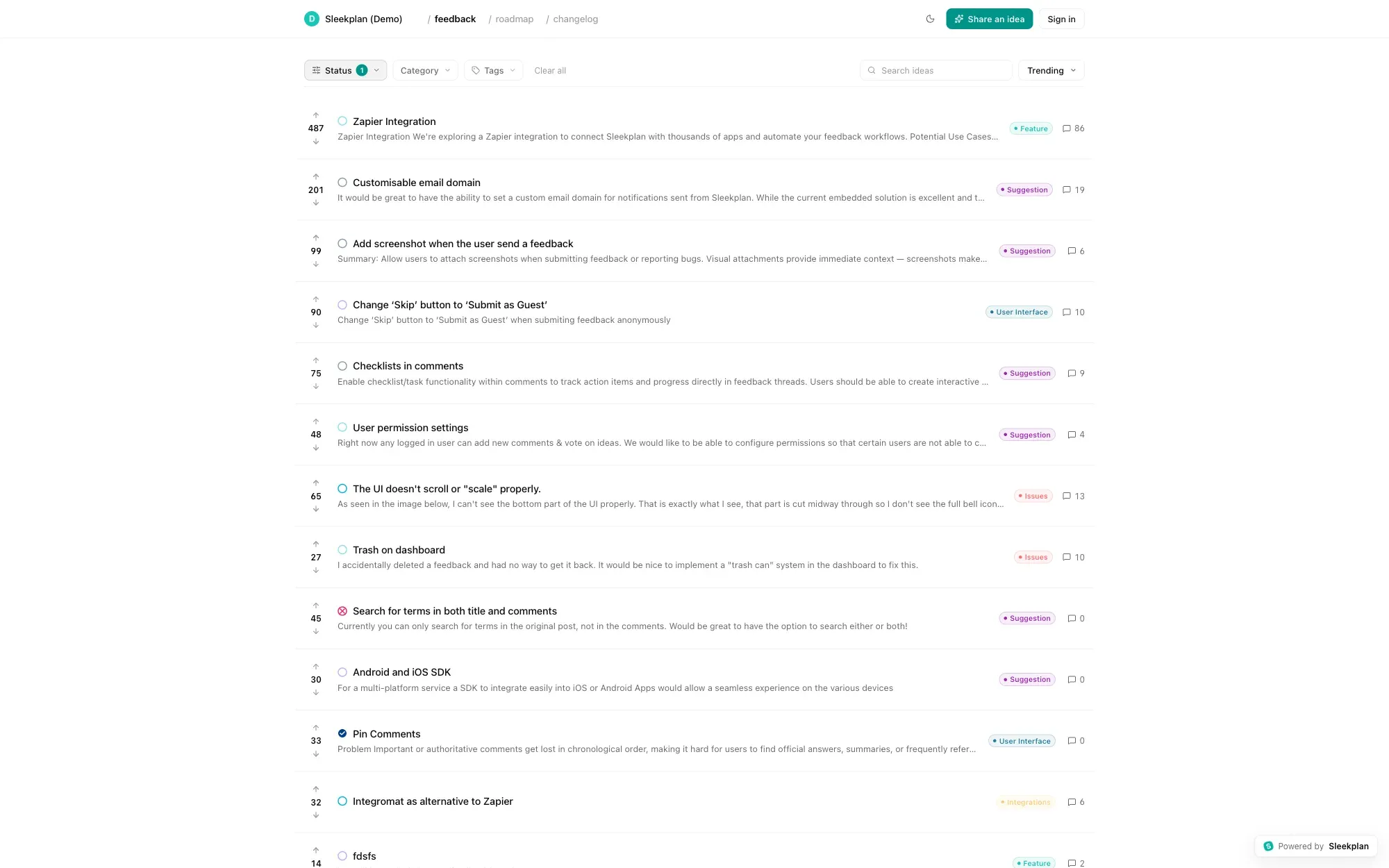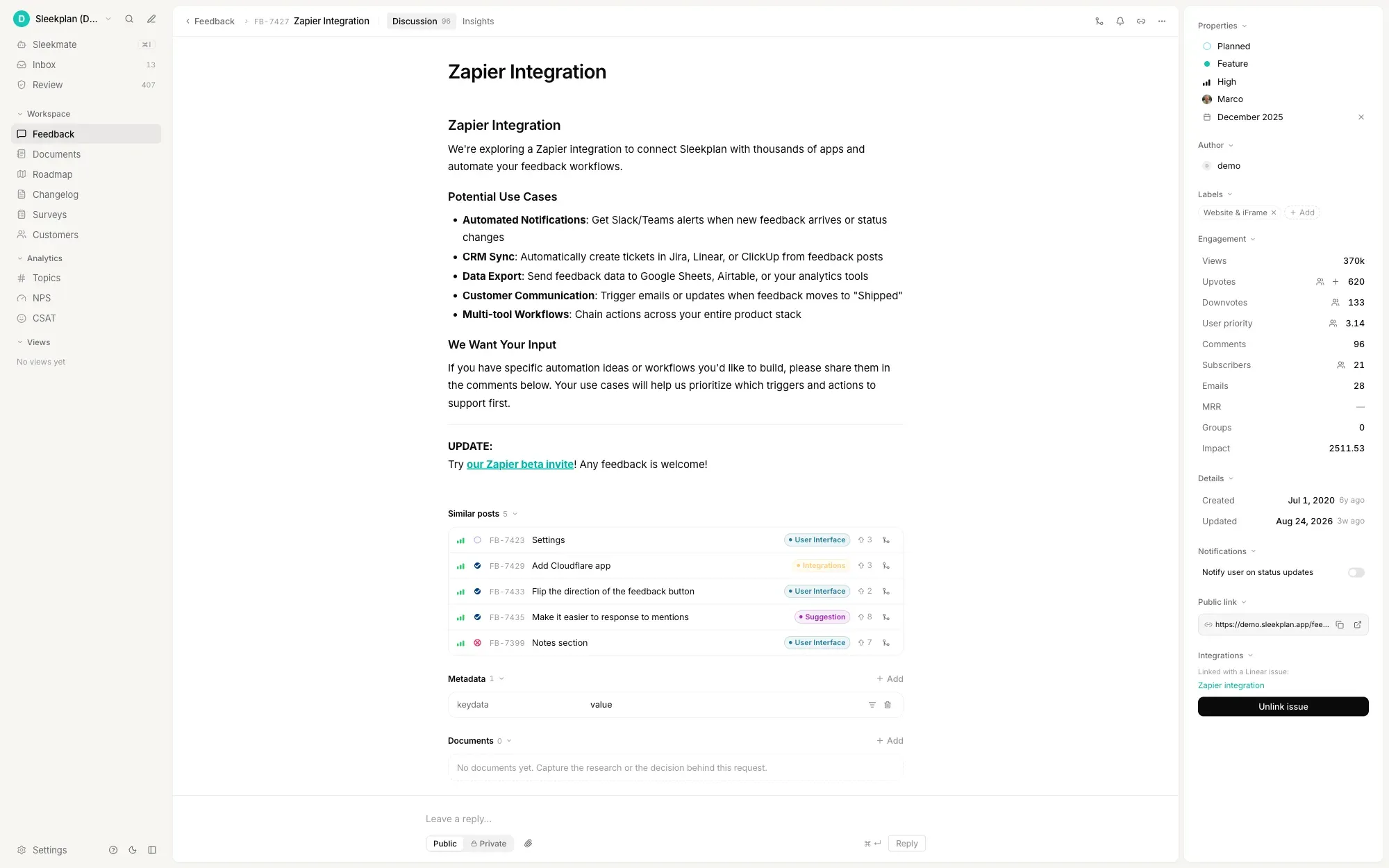
Public idea board with vote counts, categories and comment threads
h2. Overview
Ideas arrive from everywhere: a support ticket, a sales call, a message in Slack, a comment under a release note. Most are never written down anywhere the whole team can see, so the same request gets raised every month and nobody can say how often it has come up.
Sleekplan gives every idea one address. Customers and colleagues post to a board, vote on what already exists, and argue the details in the thread. What comes back is not a list of suggestions but a weighted picture of demand you can prioritise against.
h2. How it works
Ideas come in through an embedded widget, a standalone board on your own domain, or the API. As someone types, Sleekplan surfaces similar posts so duplicates get merged at the door rather than triaged later.
Each idea carries the context you send with it: plan tier, MRR, internal account ID, segment. Sort by impact and the top of the list reflects weighted demand rather than whoever shouted loudest. Promote an idea to the roadmap, ship it, and the changelog entry notifies everyone who voted.
How it flows
1. 01 ### Collect ideas in one place
Embed the widget in your app or run a standalone board on your own subdomain. Ideas can also arrive through the API or the tools your team already works in.
2. 02 ### Catch duplicates at the door
Sleekplan suggests similar posts while someone is still typing, and flags near-duplicates for merging afterwards. One idea, one thread, one vote count.
3. 03 ### Prioritise by impact, not volume
Votes are weighted by the customer attributes you send us. The impact score combines demand, effort and your own priority, so the ranking survives contact with reality.
4. 04 ### Close the loop
Move the idea to Planned, In Progress or Released. Everyone who voted gets notified, and the changelog entry writes the announcement for you.
Built on
[**Feedback** The board every idea lands on.](https://sleekplan.com/feedback) [**Roadmap** Promote the ideas you commit to.](https://sleekplan.com/roadmap) [**Changelog** Tell contributors what shipped.](https://sleekplan.com/changelog) [**Satisfaction** Measure whether the idea landed.](https://sleekplan.com/csat-nps)
Learn more
h2. What is idea management software?
Idea management software is a single place to collect ideas, decide which are worth doing, and tell people what happened. The ideas can come from customers, from your own employees, or from both. The tools worth paying for do four things: capture an idea with enough context to act on it, remove duplicates, rank what is left by something better than loudness, and close the loop when something ships.
h3. Two different markets share one name
Search for idea management software and you will meet two categories wearing the same label. One is enterprise innovation management: stage-gate funnels, innovation portfolios and company-wide campaigns, usually sold to an innovation office. The other is product idea management: customer requests, votes, roadmaps and release notes, owned by a product team. They solve different problems at very different prices. Sleekplan is the second kind.
If you need to run a formal innovation programme with scoring committees and stage gates, the enterprise vendors are a better fit. If you need a place where ideas land, get voted on, and turn into shipped features, read on.
h3. What to look for
- **Frictionless capture** — an embedded widget beats a form behind a login. The further someone has to travel to file an idea, the fewer ideas you hear about.
- **Automatic deduplication** — the same idea arrives many times in different words. Without dedupe, a board becomes noise within a quarter.
- **Weighted prioritisation** — raw vote counts favour the loudest users. An idea from a customer paying thousands a month is not the same as one from a trial account.
- **Access control** — an internal idea board and a public customer board have opposite privacy needs. One tool should cover both.
- **A closing loop** — status changes should notify whoever asked. Without that, people stop contributing.
h3. Running an internal idea board
Not every idea belongs in public. A Sleekplan board can be public, password protected, restricted to a list of email domains, or gated behind single sign-on using JWT or SAML. Restricting to your own domain turns the same board into an employee suggestion box: staff sign in with the identity they already have, vote on each other's ideas, and see what was decided. Nothing leaks to customers, and you are not running a second tool to get it.
h3. Why Sleekplan
Sleekplan gives you the board, the voting, the duplicate detection, the impact scoring, the public roadmap and the changelog in one product, billed once. Ideas are weighted by the customer attributes you send us, near-duplicates get linked instead of piling up, and every contributor hears back when their idea moves. You can start free and have a board collecting ideas the same afternoon. [Try it free](https://app.sleekplan.com/sign-up).
h2. **Explore other use cases **
[**Browse all **](https://sleekplan.com/use-cases)
[**Track feature requests** Capture user-submitted ideas, let people vote, and surface the requests worth shipping next.](https://sleekplan.com/use-cases/feature-request-tool) [**Ship a changelog** Announce every release with in-app updates and email digests that actually get read.](https://sleekplan.com/use-cases/changelog-tool) [**Collect website feedback** One widget: screen capture with annotation, in-app CSAT, and a votable board with roadmap and changelog.](https://sleekplan.com/use-cases/website-feedback-tool)
Get started in 4 minutes
h2. **Your roadmap,**** on **autopilot**. **
Free for 30 days. No card, no sales call. Cancel anytime.
[**Start free **](https://app.sleekplan.com/sign-up/) [**Book a 20-min demo **](https://sleekplan.com/contact/sales)
---
### Feedback Tool Alternatives, Compared | Sleekplan
Source: https://sleekplan.com/alternative
Description: Sleekplan compared against Canny, UserVoice, Upvoty, and other user feedback tools. See where Sleekplan wins on price, features, and onboarding.
h1. Looking for an alternative to your feedback tool?
Sleekplan compared side-by-side against Canny, UserVoice, Upvoty, and other user-feedback tools: pricing, features, and where each one falls short for SaaS teams.
- [1-Click MigrationAlternative to Canny
Canny is a feature-voting board with roadmap and changelog, popular but capped at the basics. Sleekplan adds NPS, CSAT, and unlimited tracked users on every plan in the same workspace.](https://sleekplan.com/alternative/canny-io)
- [1-Click MigrationAlternative to UserVoice
UserVoice is an enterprise feedback platform used by Fortune 500 teams and Microsoft. At $16,000+/year with no free tier, it's priced out of reach for most SaaS teams. Sleekplan delivers the same feedback-to-roadmap workflow at a fraction of the cost.](https://sleekplan.com/alternative/uservoice)
- [1-Click MigrationAlternative to Upvoty
Upvoty is a lightweight feature-voting board for indie makers and small SaaS teams. Sleekplan matches its simplicity while adding NPS, CSAT, a fully featured in-app widget, and AI auto-tagging, all on a comparable price point.](https://sleekplan.com/alternative/upvoty)
- [Alternative to UserEcho
UserEcho bundles a feedback forum, help desk, knowledge base, and live chat into one platform. Sleekplan is the modern UserEcho alternative that trades the support-desk overhead for a focused feedback-to-roadmap workflow with NPS, CSAT, and AI triage built in.](https://sleekplan.com/alternative/userecho)
- [Alternative to Nolt
Nolt is a clean, no-fuss feedback board with a simple roadmap, priced per board at around $25/month. Sleekplan is the natural Nolt alternative when your team needs NPS, CSAT, a changelog, and an in-app widget without paying extra for every additional board.](https://sleekplan.com/alternative/nolt-io)
- [Alternative to Aha!
Aha! is the enterprise product-management suite covering strategy, roadmaps, and goals for large teams. Sleekplan is the lean Aha! alternative that focuses on customer feedback collection, voting, and satisfaction measurement without the per-seat complexity.](https://sleekplan.com/alternative/aha-io)
- [Alternative to Beamer
Beamer (formerly GetBeamer) is a changelog and product announcement tool built around an in-app news feed widget. Sleekplan is the Beamer alternative that adds a real feedback board, roadmap, and NPS surveys alongside the changelog, so you can collect input instead of just broadcasting updates.](https://sleekplan.com/alternative/getbeamer)
- [Alternative to Featurebase
Featurebase runs product feedback and customer support from one platform, billed per admin seat from $29 to $99 a month. Sleekplan is the feedback-focused alternative that bundles ten admin seats into a single $38/month plan.](https://sleekplan.com/alternative/featurebase)
- [Alternative to FeatureOS
FeatureOS (formerly Hellonext) bundles feedback boards, roadmap, release notes, and a knowledge base, but has no free plan at any tier and starts at $60/month. Sleekplan starts free and its cheapest paid plan is $13/month.](https://sleekplan.com/alternative/featureos)
- [Alternative to Userback
Userback is a visual feedback and bug-reporting tool: annotated screenshots, session replay and console logs. Its Feature Portal, the voting board and public roadmap, is a $31/month add-on. In Sleekplan the board and changelog are on the free plan.](https://sleekplan.com/alternative/userback)
**Make the switch**
h2. **Ready to find your new feedback home?**
If you're ready to make the switch, we'll handle the migration from your current tool for free. The Sleekplan team is here to answer questions and help you go live without losing a single vote or comment.
[**Make the switch **](https://app.sleekplan.com/sign-up/) [**Talk to us **](https://sleekplan.com/contact/sales)
---
### Best Alternative to Nolt.io — Alternatives & Competitors | Sleekplan
Source: https://sleekplan.com/alternative/nolt-io
Description: Nolt alternative? Sleekplan adds NPS, CSAT, changelog, and an in-app widget to the simple feedback board you already love, with no per-board pricing. See how the two compare.
h1. Outgrown Nolt? Here's what comes next.
Nolt is beautifully simple, right up until you need NPS, CSAT, a real changelog, or an in-app widget. Sleekplan picks up exactly where Nolt leaves off, with all the breadth and none of the per-board fees.
[Start free, no card ](https://app.sleekplan.com/sign-up/)
★★★★★4.9 / 5 on G2·4.8 on Capterra·GDPR aligned
Overview
h2. Nolt Alternatives
Nolt is one of the most direct positional competitors in the feedback space: a clean, minimal feedback board with a roadmap view, designed for teams that want to ship fast and keep complexity low. Its pricing is approachable and its setup is genuinely quick. But Nolt's minimalism is also its ceiling. The moment you need to measure customer satisfaction with NPS or CSAT, send changelog updates to users, embed a feedback prompt inside your app's UI, or manage more than one board without paying per board, you're looking for a Nolt alternative.
h3. What Nolt does well — and where you'll hit the wall
Nolt excels at getting a public feedback board live in minutes. The roadmap tab is functional, and the interface is uncluttered. Where it stalls: no native NPS or CSAT surveys, no proper changelog (the "new" tab is announcement-only with no rich formatting or email distribution), no embedded in-app widget that captures feedback without leaving your product's UI, and no AI features for duplicate detection or theme clustering. For early-stage products, Nolt is a perfectly valid choice. For products with an active user base that demands a closed feedback loop, a Nolt.io alternative with those capabilities built in becomes the pragmatic next step.
h3. Nolt Pricing
Nolt charges per board; legacy pricing was $25/month per board (page not crawlable, nolt.io/pricing returned 403 during research). The per-board model is consistently reported across G2 and Capterra reviews as of 2025–2026. Teams running feedback boards for multiple products or customer segments pay a multiple of the base rate. Sleekplan's pricing is feature-based rather than board-based, so adding a second or third feedback board doesn't change your bill.
Jump to 1. Sleekplan as Nolt alternative· 2. Canny as Nolt alternative· 3. Upvoty as Nolt alternative· 4. UserEcho as Nolt alternative· 5. UserVoice as Nolt alternative· More Nolt alternatives..
The verdict
h2. **Best-in-class Nolt Alternative: Sleekplan!**
Sleekplan is an alternative customer feedback management tool to Nolt that helps you cover the whole feedback loop: from the collection of feedback, through prioritization and ongoing development of features, to the notification of your customers. With Sleekplan you get a fully integrated feedback solution made specifically for the needs of SaaS companies.
Sleekplan compared with Nolt: features and pricing
| **Feature ** | **S****Sleekplan ** | **N****Nolt** |
| --- | --- | --- |
| Feedback Board | Yes | Yes |
| Roadmap | Yes | Yes |
| Custom domain | Yes | Yes |
| Changelog | Yes | —No |
| NPS & CSAT surveys | Yes | —No |
| Fully featured in-app widget | Yes | —No |
| AI features | Yes | —No |
| Unlimited boards | Yes | —No |
| **Pricing & fit** |
| Starts at | **$0 / month** | from $25/month |
| Free tier | **Yes, forever** | —No |
| Billing model | **Set of features** | per board |
| Ease of use | **Easy** | easy |
| Target | **Any size team** | small teams |
Why teams switch
h2. **That's just the ***tip of the iceberg.*
Designed for product managers, Sleekplan is an all-in-one feedback platform, not a single-purpose voting board glued to a changelog.
Integration
h3. One line of code, anywhere.
In-app widget, standalone hub, or iframe. Drop in a single script and Sleekplan adapts to your stack: React, Vue, Rails, Wordpress, it doesn't matter.
[See integrations ](https://sleekplan.com/integrations)
AI prioritization
h3. Prioritize beyond up / down votes.
Sleek Intelligence weighs votes by deal size, MRR, plan, and recency. The loudest customer doesn't always win.
[How prioritization works ](https://sleekplan.com/feedback)
Modules
h3. Roadmap, board and changelog, together.
Move a card to Shipped and the changelog post writes itself. No copy-paste between three tools.
[Browse the modules ](https://sleekplan.com/roadmap)
CSAT & NPS
h3. Measure satisfaction, not just ideas.
NPS and CSAT live in the same product as your feedback board. See exactly which features moved the score.
[About CSAT & NPS ](https://sleekplan.com/csat-nps)
Sleek Intelligence
h3. Built-in AI triage.
Every new post is auto-tagged, summarized, and merged with duplicates the moment it lands. No more manual janitorial work.
[How Intelligence works ](https://sleekplan.com/intelligence)
Developer
h3. MCP, REST, webhooks, SDK.
Expose Sleekplan to your IDE, your terminal, your agents, your pipeline. Nolt stops at the REST endpoint.
[Developer surfaces ](https://sleekplan.com/docs)
14 options
h2. **Nolt.io alternatives worth a look**
Sleekplan comes first, since you are on our site. The others are here because a fair comparison needs them.
- **01****Sleekplan**
Feedback board, roadmap, changelog, NPS and CSAT in one workspace. Unlimited tracked users on every plan, a free plan, and paid plans from $13 a month billed yearly. ~~Sleekplan as Nolt alternative~~ [~~Start free~~](https://app.sleekplan.com/sign-up/)
- **02**Canny **+ alternatives**
Canny is a feature-voting board with roadmap and changelog, popular but capped at the basics. Sleekplan adds NPS, CSAT, and unlimited tracked users on every plan in the same workspace. [~~Alternatives to Canny~~](https://sleekplan.com/alternative/canny-io) [~~Canny as Nolt alternative~~](https://bit.ly/3gidovV)
- **03**Upvoty **+ alternatives**
Upvoty is a lightweight feature-voting board for indie makers and small SaaS teams. Sleekplan matches its simplicity while adding NPS, CSAT, a fully featured in-app widget, and AI auto-tagging, all on a comparable price point. [~~Alternatives to Upvoty~~](https://sleekplan.com/alternative/upvoty) [~~Upvoty as Nolt alternative~~](https://bit.ly/2M0qy2p)
- **04**UserEcho **+ alternatives**
UserEcho bundles a feedback forum, help desk, knowledge base, and live chat into one platform. Sleekplan is the modern UserEcho alternative that trades the support-desk overhead for a focused feedback-to-roadmap workflow with NPS, CSAT, and AI triage built in. [~~Alternatives to UserEcho~~](https://sleekplan.com/alternative/userecho) [~~UserEcho as Nolt alternative~~](https://bit.ly/3eph1hV)
- **05**UserVoice **+ alternatives**
UserVoice is an enterprise feedback platform used by Fortune 500 teams and Microsoft. At $16,000+/year with no free tier, it's priced out of reach for most SaaS teams. Sleekplan delivers the same feedback-to-roadmap workflow at a fraction of the cost. [~~Alternatives to UserVoice~~](https://sleekplan.com/alternative/uservoice) [~~UserVoice as Nolt alternative~~](https://bit.ly/36pR6DL)
- **06**Beamer **+ alternatives**
Beamer (formerly GetBeamer) is a changelog and product announcement tool built around an in-app news feed widget. Sleekplan is the Beamer alternative that adds a real feedback board, roadmap, and NPS surveys alongside the changelog, so you can collect input instead of just broadcasting updates. [~~Alternatives to Beamer~~](https://sleekplan.com/alternative/getbeamer) [~~Beamer as Nolt alternative~~](https://www.getbeamer.com)
- **07**Aha! **+ alternatives**
Aha! is the enterprise product-management suite covering strategy, roadmaps, and goals for large teams. Sleekplan is the lean Aha! alternative that focuses on customer feedback collection, voting, and satisfaction measurement without the per-seat complexity. [~~Alternatives to Aha!~~](https://sleekplan.com/alternative/aha-io) [~~Aha! as Nolt alternative~~](https://bit.ly/2TyBbO6)
- **08**FeatureOS **+ alternatives**
FeatureOS (formerly Hellonext) bundles feedback boards, roadmap, release notes, and a knowledge base, but has no free plan at any tier and starts at $60/month. Sleekplan starts free and its cheapest paid plan is $13/month. [~~Alternatives to FeatureOS~~](https://sleekplan.com/alternative/featureos) [~~FeatureOS as Nolt alternative~~](https://featureos.com)
- **09**Featurebase **+ alternatives**
Featurebase runs product feedback and customer support from one platform, billed per admin seat from $29 to $99 a month. Sleekplan is the feedback-focused alternative that bundles ten admin seats into a single $38/month plan. [~~Alternatives to Featurebase~~](https://sleekplan.com/alternative/featurebase) [~~Featurebase as Nolt alternative~~](https://www.featurebase.app)
- **10**Fider
Let your customers share, vote and discuss on suggestions they have to make your product even better. Fider is an open source tool that can help you to collect feedback and prioritize so that you can focus on developing the right product. [~~Fider as Nolt alternative~~](https://bit.ly/3epjEjN)
- **11**Pendo.io
Pendo enables users to provide insight, user guidance and user communication for digital product teams. The service enables understanding product usage, gathering feedback, measuring NPS and onboarding users and announcing new features within the application. [~~Pendo.io as Nolt alternative~~](https://bit.ly/3c0yZW2)
- **12**Mopinion
Mopinion is an all-in-one user feedback platform that helps digital businesses listen, understand and act across the Internet. The Feedback tool lets you create polls for your users, ask open-ended questions, set up feedback categories and allows for A/B testing of designs or versions of pages/features. [~~Mopinion as Nolt alternative~~](https://bit.ly/2TA5oN0)
- **13**Hotjar
Hotjar offers two main tools: analysis and feedback. These include Heatmaps, Conversion Funnels, Form Analytics, and Visitor Recording. With these analysis tools, companies can monitor and measure user behavior. Hotjar provides visual representations of website visitors and their usage behavior. [~~Hotjar as Nolt alternative~~](https://bit.ly/2Txbbmq)
- **14**UseResponse
UseResponse is an integrated customer support application that combines support ticketing, feedback communities, live chat, and a knowledge database in a single package. It's geared toward companies that want to consolidate community feedback alongside their helpdesk workflows. [~~UseResponse as Nolt alternative~~](https://bit.ly/2ZCwG94)
FAQ
h2. **Nolt vs Sleekplan**
Still curious? [**Talk to us →**](https://sleekplan.com/contact/sales)
Nolt receives updates, but the feature set has remained relatively stable. If you need NPS, CSAT, changelog, or an in-app widget, Nolt doesn't offer those. Sleekplan includes all of them.
Yes. Export your Nolt posts and votes, then import them into Sleekplan. Our support team can help with the migration at no extra cost on any paid plan.
No. Sleekplan pricing is per workspace with unlimited boards, categories, and tracked users. Nolt charges per board, which gets expensive fast if you run multiple products.
**Make the switch**
h2. **Ready to move beyond Nolt?**
If you're ready to make the switch, we'll handle the migration from Nolt for free. The Sleekplan team is here to answer questions and help you go live without losing a single vote or comment.
[**Make the switch **](https://app.sleekplan.com/sign-up/) [**Talk to us **](https://sleekplan.com/contact/sales)
---
### Canny Alternative: No Tracked-User Pricing | Sleekplan
Source: https://sleekplan.com/alternative/canny-io
Description: Canny Pro costs $79/month for 100 tracked users. Sleekplan has unlimited tracked users on every plan, from $13/month billed yearly, with NPS and CSAT.
h1. The best alternative to Canny is here.
Canny gets you a feedback board. Sleekplan adds the satisfaction layer and unlimited tracked users on every plan, without the per-tracked-user tax.
[Start free, no card ](https://app.sleekplan.com/sign-up/) 1-click migration from Canny
★★★★★4.9 / 5 on G2·4.8 on Capterra·GDPR aligned
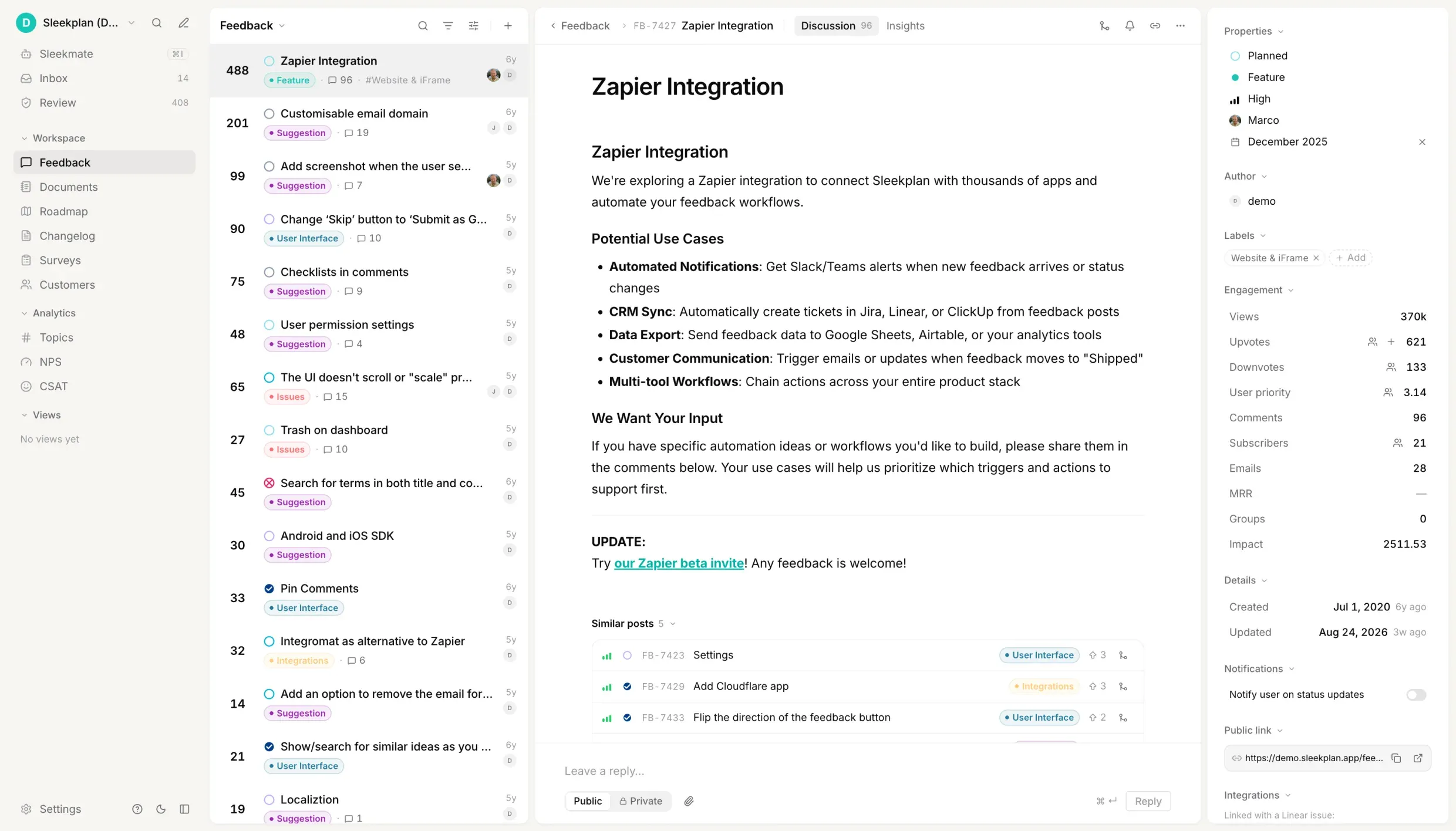
Overview
h2. Canny Alternatives
Canny's free plan stops at 25 tracked users, and its first paid plan, Pro, costs $79/month billed yearly for 100 tracked users, with the bill growing as more people post, vote or comment. Sleekplan's free plan has unlimited tracked users, and paid plans start at $13/month billed yearly. Prices checked 2026-09-20.
Canny is one of the most well-known product feedback tools. It does feature voting, roadmap, and changelog in a clean package. The per-tracked-user pricing and Canny not listing NPS and CSAT surveys mean a lot of teams quickly outgrow it. This page covers the strongest Canny alternatives and exactly where Sleekplan goes further.
h3. Who should switch from Canny, and who should stay
Stay on Canny if a voting board, a roadmap and a changelog are all you need and your user count is small and stable. Look for a Canny alternative when the bill starts tracking your growth instead of your usage, when you want NPS and CSAT surveys that Canny does not list, or when you need unlimited tracked users without moving to a sales-quoted plan. The list further down covers the other tools teams compare with Canny, with the reason each one comes up.
h3. Canny Pricing
Canny has three plans. Free covers 25 tracked users. Pro costs $79/month billed yearly, or $99 billed monthly, and starts at 100 tracked users. Business is quoted by sales and is the only plan with unlimited tracked users. A tracked user is anyone who posts, votes or comments, so the more your customers engage, the more you pay: when you pass your limit, Canny moves you up automatically unless you set a spend limit. Checked 2026-09-20.
Jump to 1. Sleekplan as Canny alternative· 2. UserEcho as Canny alternative· 3. Hotjar as Canny alternative· 4. UserVoice as Canny alternative· 5. Upvoty as Canny alternative· More Canny alternatives..
The verdict
h2. **Best-in-class Canny Alternative: Sleekplan!**
Both tools give you a voting board, a roadmap, a changelog and an in-app widget. The difference is what happens as you grow: Canny's price follows your tracked-user count, unlimited tracked users need its custom-quoted Business plan, and NPS and CSAT surveys are not on its feature list. The table starts with what both do, then lists what Sleekplan adds. Prices checked 2026-09-20.
Sleekplan compared with Canny: features and pricing, checked 2026-09-20
| **Feature ** | **S****Sleekplan ** | **C****Canny** |
| --- | --- | --- |
| Feedback board with voting | Yes | Yes |
| Roadmap and changelog | Yes | Yes |
| In-app widget | Yes | Yes |
| NPS and CSAT surveys | Yes | —No |
| Custom surveys | Yes | —No |
| Documents for PRDs and specs | Yes | —No |
| Unlimited tracked users on every plan | Yes | —No |
| White-labeling without add-on fees | Yes | —No |
| **Pricing** |
| Free plan, tracked users included | **Unlimited** | 25 |
| First paid plan, billed yearly | **$13/month** | $79/month |
| Business plan, billed yearly | **$38/month** | Quoted by sales |
| Price scales with | **Features** | Tracked users |
Why teams switch
h2. **That's just the ***tip of the iceberg.*
Designed for product managers, Sleekplan is an all-in-one feedback platform, not a single-purpose voting board glued to a changelog.
Pricing
h3. A bill that ignores your user count.
Canny counts everyone who posts, votes or comments. Sleekplan charges per workspace, so a popular board does not raise the invoice.
[See pricing ](https://sleekplan.com/pricing)
CSAT & NPS
h3. Scores next to the feedback that explains them.
Canny does not list NPS or CSAT surveys. In Sleekplan they live in the same workspace as your feedback board, and you can slice the scores by plan, MRR or segment.
[About CSAT & NPS ](https://sleekplan.com/csat-nps)
Published prices
h3. Business features without a sales call.
Canny's Business plan is quoted by sales. Sleekplan's Business plan is $38/month billed yearly, with ten seats and your own email sending domain included.
[See pricing ](https://sleekplan.com/pricing)
Sleek Intelligence
h3. Duplicates matched on arrival.
New posts are tagged, summarized and matched against existing ones as they land, so the board you import from Canny stays clean.
[How Intelligence works ](https://sleekplan.com/intelligence)
Migration
h3. Bring every vote with you.
Posts, votes, comments and statuses import from Canny in one step on any paid plan. No CSV work.
How migration works
Changelog
h3. Shipped means announced.
Move a card to Shipped and the changelog entry drafts itself, then notifies everyone who voted.
[See the changelog ](https://sleekplan.com/changelog)
1-Click migration
h2. Bring Canny with you. _Not a single vote lost._
Hand us your Canny export and we'll import every post, status, comment, voter and category, preserving original timestamps. Free, done in under an hour, and a real human walks you through it.
- Posts, comments, votes & voters
- Statuses, categories & tags
- Original timestamps & URLs preserved
- Public roadmap & changelog history
[Start the migration ](https://app.sleekplan.com/sign-up/) [Talk to us](https://sleekplan.com/contact/sales)
~/sleekplan/migrate● Done in 47s
$sleek migrate --from canny ./canny-export.json
→Reading export…ok
→Mapping statuses → Sleekplan5 → 5
→Importing posts1,284
→Importing comments3,901
→Importing votes12,447
→Linking voters2,803
→Preserving timestamps & URLsok
✓Migration complete.0 errors
Open the new workspace →https://feedback.acme.com
14 options
h2. **Canny alternatives worth a look**
Sleekplan comes first, since you are on our site. The others are here because a fair comparison needs them.
- **01****Sleekplan**
Feedback board, roadmap, changelog, NPS and CSAT in one workspace. Unlimited tracked users on every plan, a free plan, and paid plans from $13 a month billed yearly. ~~Sleekplan as Canny alternative~~ [~~Start free~~](https://app.sleekplan.com/sign-up/)
- **02**UserEcho **+ alternatives**from $19/month per agent, billed yearly
UserEcho bundles the voting board into a full help desk with tickets and live chat, so if the appeal of Canny was a lean, focused board, UserEcho asks you to run a bigger platform, not a smaller one. It bills per support agent instead of per tracked user, which can cost less than Canny for a team with many voters and few agents. [~~Alternatives to UserEcho~~](https://sleekplan.com/alternative/userecho) [~~UserEcho as Canny alternative~~](https://bit.ly/3eph1hV)
- **03**Hotjar
Hotjar turns up on Canny alternative lists from an older, broader reading of "feedback tool", but since Contentsquare absorbed the brand, hotjar.com/pricing redirects straight to Contentsquare's own plans, and neither plan lists a voting board, a public roadmap or a changelog. Pick it if you actually want heatmaps and session replay instead of what Canny does, not as a smaller Canny. [~~Hotjar as Canny alternative~~](https://bit.ly/2Txbbmq)
- **04**UserVoice **+ alternatives**
Teams rarely move from Canny to UserVoice to save money: UserVoice publishes no prices and is sold through a demo, scaled to your feedback volume. It comes up when a larger B2B team wants requests ranked by CRM-connected revenue data out of the box, a step beyond the MRR-impact sort and voter segments Canny offers on its own board. [~~Alternatives to UserVoice~~](https://sleekplan.com/alternative/uservoice) [~~UserVoice as Canny alternative~~](https://bit.ly/36pR6DL)
- **05**Upvoty **+ alternatives**from $15/month, billed monthly
Upvoty is the closest like-for-like swap for Canny's voting board, and it starts cheaper: its entry Power plan is $15/month with unlimited tracked users included from day one, against Canny's 25-tracked-user cap on its free plan. What you give up is the same gap: like Canny, Upvoty does not list NPS or CSAT surveys. [~~Alternatives to Upvoty~~](https://sleekplan.com/alternative/upvoty) [~~Upvoty as Canny alternative~~](https://bit.ly/2M0qy2p)
- **06**FeatureOS **+ alternatives**from $60/month
FeatureOS is the fuller-featured jump from Canny, adding a knowledge base Canny doesn't have, but there is no free plan at any tier, only a 30-day trial, where Canny's Free plan runs indefinitely up to 25 tracked users. It also meters seats and boards separately, so the bill grows on two axes instead of Canny's one. [~~Alternatives to FeatureOS~~](https://sleekplan.com/alternative/featureos) [~~FeatureOS as Canny alternative~~](https://featureos.com)
- **07**Featurebase **+ alternatives**from $29/seat/month, billed yearly
Featurebase looks like Canny's feature set plus a full support inbox, and its Free plan is more generous than Canny's: one seat gets the whole board, roadmap and changelog. Past that seat it bills per admin rather than per tracked user, the opposite axis from Canny's pricing. [~~Alternatives to Featurebase~~](https://sleekplan.com/alternative/featurebase) [~~Featurebase as Canny alternative~~](https://www.featurebase.app)
- **08**Nolt **+ alternatives**from $29/month, billed yearly
Nolt is Canny's closest rival for pure simplicity: a board and a roadmap are the whole product, and neither its features page nor its pricing page lists NPS or CSAT surveys. It has no free plan at all, unlike Canny's free tier for up to 25 tracked users, and it charges per board rather than per tracked user: one board is $29/month billed yearly, a second board means the next tier. [~~Alternatives to Nolt~~](https://sleekplan.com/alternative/nolt-io) [~~Nolt as Canny alternative~~](https://bit.ly/2ysEhfm)
- **09**Mopinionfrom €279/month
Mopinion isn't really a Canny alternative in the way the others on this list are: it's a survey and CX feedback platform (in-app polls, NPS-style forms) whose feature list doesn't include a voting board, roadmap or changelog, the opposite gap from Canny not listing NPS and CSAT. It's priced by a channel-and-volume calculator starting from €279/month, nothing like Canny's flat tracked-user tiers. [~~Mopinion as Canny alternative~~](https://bit.ly/2TA5oN0)
- **10**Pendo.io
Pendo already ships a roadmap and NPS surveys branded as its own, the two things Canny's page doesn't list, but you won't find a published price to compare: only the free tier (500 monthly active users) has a number, and every paid tier above it is a custom quote. [~~Pendo.io as Canny alternative~~](https://bit.ly/3c0yZW2)
- **11**Fiderfree, self-hosted
Fider is the usual answer when the objection to Canny is paying per tracked user at all: it is open source and you host it yourself, so tracked users cost nothing beyond your own server. You trade the bill for running and updating that server, and Fider's feature list does not include a roadmap, changelog or survey module, so it is a straight swap for Canny's board alone. [~~Fider as Canny alternative~~](https://bit.ly/3epjEjN)
- **12**Aha! **+ alternatives**from $39/user/month, billed yearly, 3-user minimum
Aha! Ideas is the enterprise step up from Canny: its Advanced tier adds proxy voting for large B2B teams, but it prices per user with a 3-seat minimum, so a small team pays more than it would tracking the same users on Canny's free plan. Ideas Essentials starts at $39/user/month billed yearly, Advanced at $59. [~~Alternatives to Aha!~~](https://sleekplan.com/alternative/aha-io) [~~Aha! as Canny alternative~~](https://bit.ly/2TyBbO6)
- **13**Beamer **+ alternatives**from $49/month, billed yearly
Beamer is built around the changelog widget, the one piece Canny treats as equal to the board and roadmap rather than the whole product. Its free plan's NPS is capped at 500 in-app surveys a month with 90-day history; going further, or adding email and link delivery, needs a $99/month add-on, where Canny does not list NPS or CSAT surveys at all. [~~Alternatives to Beamer~~](https://sleekplan.com/alternative/getbeamer) [~~Beamer as Canny alternative~~](https://www.getbeamer.com)
- **14**UseResponsefrom $49/agent/month
UseResponse folds the voting board into a support suite with ticketing, live chat and a knowledge base, so it competes with a bigger stack than Canny is. There's no lasting free plan, cloud starts at $49/agent/month, and self-hosting (the option Canny customers usually ask for) costs more, not less: $120/agent/month with a 5-agent minimum. [~~UseResponse as Canny alternative~~](https://bit.ly/2ZCwG94)
FAQ
h2. **Canny vs Sleekplan**
Still curious? [**Talk to us →**](https://sleekplan.com/contact/sales)
Canny charges per tracked user and does not list NPS or CSAT surveys. Sleekplan bundles feedback board, roadmap, changelog, NPS & CSAT, and AI triage in one workspace with unlimited tracked users.
No, and that's the point. Sleekplan charges per workspace, not per tracked user. Your costs stay flat as your product grows, instead of scaling with every customer who votes or comments.
Yes. Sleekplan offers a free 1-click migration from Canny on any paid plan. Posts, votes, comments, and statuses transfer automatically. No CSV wrangling.
**Make the switch**
h2. **Ready to retire your Canny account?**
If you're ready to make the switch, we'll handle the migration from Canny for free. The Sleekplan team is here to answer questions and help you go live without losing a single vote or comment.
[**Make the switch **](https://app.sleekplan.com/sign-up/) [**Talk to us **](https://sleekplan.com/contact/sales)
---
### The Best UserEcho Alternatives and similar User Feedback Tools | Sleekplan
Source: https://sleekplan.com/alternative/userecho
Description: Looking for a UserEcho alternative? Sleekplan offers a modern feedback board, roadmap, changelog, NPS & CSAT, and an in-app widget, without the outdated UI or per-agent pricing.
h1. A modern, focused alternative to UserEcho for product teams.
UserEcho bundles a feedback forum with a full help desk. Great in theory, but product teams need clarity, not complexity. Sleekplan is purpose-built for feedback, roadmap, and customer satisfaction without the support-portal overhead.
[Start free, no card ](https://app.sleekplan.com/sign-up/)
★★★★★4.9 / 5 on G2·4.8 on Capterra·GDPR aligned
Overview
h2. UserEcho Alternatives
UserEcho has been a reliable choice for small businesses that want to combine a customer feedback forum with support ticketing and live chat in one place. Its strength is breadth: a single platform handles idea submission, help desk routing, and community discussion. But that breadth comes with a trade-off. The interface feels dated compared to newer feedback tools, the pricing model charges per agent rather than per feature set, and core product-team capabilities like a public roadmap, a changelog, NPS surveys, or an in-app widget require workarounds or separate tools. Teams looking for a UserEcho alternative are usually ready to trade the bundled support-desk for a tighter, more modern workflow.
h3. Where UserEcho falls short for product teams
UserEcho's core modules (Forum, Helpdesk, Knowledge Base, and Live Chat) serve a customer-support use case first. Product managers who land on it find that the roadmap and changelog capabilities are limited or absent, NPS and CSAT surveys aren't built in, and the in-app widget routes users to a support portal rather than a lightweight embedded feedback panel. If your goal is to close the loop between customer ideas and your public roadmap while measuring satisfaction along the way, a UserEcho alternative with those capabilities already integrated will save you significant time and cost.
h3. UserEcho Pricing
UserEcho offers a single Universal plan at $19/month per agent (billed annually) or $25/month per agent (billed monthly). A free plan is available but limited to 1 agent and 1 forum. White-label removal is an additional $100/month, and each extra subdomain costs $15/month more. The per-agent billing model means costs scale with your support team headcount rather than your customer base: a 10-person support team pays $190–$250/month before add-ons, regardless of how many customers are submitting feedback.
Jump to 1. Sleekplan as UserEcho alternative· 2. Canny as UserEcho alternative· 3. UserVoice as UserEcho alternative· 4. Upvoty as UserEcho alternative· 5. Nolt as UserEcho alternative· More UserEcho alternatives..
The verdict
h2. **Best-in-class UserEcho Alternative: Sleekplan!**
Sleekplan is an alternative customer feedback management tool to UserEcho that helps you cover the whole feedback loop: from the collection of feedback, through prioritization and ongoing development of features, to the notification of your customers. With Sleekplan you get a fully integrated feedback solution made specifically for the needs of SaaS companies.
Sleekplan compared with UserEcho: features and pricing
| **Feature ** | **S****Sleekplan ** | **U****UserEcho** |
| --- | --- | --- |
| Feedback Board | Yes | Yes |
| Roadmap | Yes | —No |
| Changelog | Yes | —No |
| NPS & CSAT surveys | Yes | —No |
| Fully featured in-app widget | Yes | —No |
| AI triage & auto-tagging | Yes | —No |
| Modern UI / UX | Yes | —No |
| Help desk / support ticketing | —No | Yes |
| **Pricing & fit** |
| Starts at | **$0 / month** | from $19/month |
| Free tier | **Yes, forever** | —No |
| Billing model | **Set of features** | agent seats |
| Ease of use | **Easy** | medium |
| Target | **Any size team** | SMBs to mid-market |
Why teams switch
h2. **That's just the ***tip of the iceberg.*
Designed for product managers, Sleekplan is an all-in-one feedback platform, not a single-purpose voting board glued to a changelog.
Integration
h3. One line of code, anywhere.
In-app widget, standalone hub, or iframe. Drop in a single script and Sleekplan adapts to your stack: React, Vue, Rails, Wordpress, it doesn't matter.
[See integrations ](https://sleekplan.com/integrations)
AI prioritization
h3. Prioritize beyond up / down votes.
Sleek Intelligence weighs votes by deal size, MRR, plan, and recency. The loudest customer doesn't always win.
[How prioritization works ](https://sleekplan.com/feedback)
Modules
h3. Roadmap, board and changelog, together.
Move a card to Shipped and the changelog post writes itself. No copy-paste between three tools.
[Browse the modules ](https://sleekplan.com/roadmap)
CSAT & NPS
h3. Measure satisfaction, not just ideas.
NPS and CSAT live in the same product as your feedback board. See exactly which features moved the score.
[About CSAT & NPS ](https://sleekplan.com/csat-nps)
Sleek Intelligence
h3. Built-in AI triage.
Every new post is auto-tagged, summarized, and merged with duplicates the moment it lands. No more manual janitorial work.
[How Intelligence works ](https://sleekplan.com/intelligence)
Developer
h3. MCP, REST, webhooks, SDK.
Expose Sleekplan to your IDE, your terminal, your agents, your pipeline. UserEcho stops at the REST endpoint.
[Developer surfaces ](https://sleekplan.com/docs)
14 options
h2. **UserEcho alternatives to explore**
Sleekplan comes first, since you are on our site. The others are here because a fair comparison needs them.
- **01****Sleekplan**
Feedback board, roadmap, changelog, NPS and CSAT in one workspace. Unlimited tracked users on every plan, a free plan, and paid plans from $13 a month billed yearly. ~~Sleekplan as UserEcho alternative~~ [~~Start free~~](https://app.sleekplan.com/sign-up/)
- **02**Canny **+ alternatives**
Canny is a feature-voting board with roadmap and changelog, popular but capped at the basics. Sleekplan adds NPS, CSAT, and unlimited tracked users on every plan in the same workspace. [~~Alternatives to Canny~~](https://sleekplan.com/alternative/canny-io) [~~Canny as UserEcho alternative~~](https://bit.ly/3gidovV)
- **03**UserVoice **+ alternatives**
UserVoice is an enterprise feedback platform used by Fortune 500 teams and Microsoft. At $16,000+/year with no free tier, it's priced out of reach for most SaaS teams. Sleekplan delivers the same feedback-to-roadmap workflow at a fraction of the cost. [~~Alternatives to UserVoice~~](https://sleekplan.com/alternative/uservoice) [~~UserVoice as UserEcho alternative~~](https://bit.ly/36pR6DL)
- **04**Upvoty **+ alternatives**
Upvoty is a lightweight feature-voting board for indie makers and small SaaS teams. Sleekplan matches its simplicity while adding NPS, CSAT, a fully featured in-app widget, and AI auto-tagging, all on a comparable price point. [~~Alternatives to Upvoty~~](https://sleekplan.com/alternative/upvoty) [~~Upvoty as UserEcho alternative~~](https://bit.ly/2M0qy2p)
- **05**Nolt **+ alternatives**
Nolt is a clean, no-fuss feedback board with a simple roadmap, priced per board at around $25/month. Sleekplan is the natural Nolt alternative when your team needs NPS, CSAT, a changelog, and an in-app widget without paying extra for every additional board. [~~Alternatives to Nolt~~](https://sleekplan.com/alternative/nolt-io) [~~Nolt as UserEcho alternative~~](https://bit.ly/2ysEhfm)
- **06**Aha! **+ alternatives**
Aha! is the enterprise product-management suite covering strategy, roadmaps, and goals for large teams. Sleekplan is the lean Aha! alternative that focuses on customer feedback collection, voting, and satisfaction measurement without the per-seat complexity. [~~Alternatives to Aha!~~](https://sleekplan.com/alternative/aha-io) [~~Aha! as UserEcho alternative~~](https://bit.ly/2TyBbO6)
- **07**Beamer **+ alternatives**
Beamer (formerly GetBeamer) is a changelog and product announcement tool built around an in-app news feed widget. Sleekplan is the Beamer alternative that adds a real feedback board, roadmap, and NPS surveys alongside the changelog, so you can collect input instead of just broadcasting updates. [~~Alternatives to Beamer~~](https://sleekplan.com/alternative/getbeamer) [~~Beamer as UserEcho alternative~~](https://www.getbeamer.com)
- **08**FeatureOS **+ alternatives**
FeatureOS (formerly Hellonext) bundles feedback boards, roadmap, release notes, and a knowledge base, but has no free plan at any tier and starts at $60/month. Sleekplan starts free and its cheapest paid plan is $13/month. [~~Alternatives to FeatureOS~~](https://sleekplan.com/alternative/featureos) [~~FeatureOS as UserEcho alternative~~](https://featureos.com)
- **09**Featurebase **+ alternatives**
Featurebase runs product feedback and customer support from one platform, billed per admin seat from $29 to $99 a month. Sleekplan is the feedback-focused alternative that bundles ten admin seats into a single $38/month plan. [~~Alternatives to Featurebase~~](https://sleekplan.com/alternative/featurebase) [~~Featurebase as UserEcho alternative~~](https://www.featurebase.app)
- **10**Pendo.io
Pendo enables users to provide insight, user guidance and user communication for digital product teams. The service enables understanding product usage, gathering feedback, measuring NPS and onboarding users and announcing new features within the application. [~~Pendo.io as UserEcho alternative~~](https://bit.ly/3c0yZW2)
- **11**Fider
Let your customers share, vote and discuss on suggestions they have to make your product even better. Fider is an open source tool that can help you to collect feedback and prioritize so that you can focus on developing the right product. [~~Fider as UserEcho alternative~~](https://bit.ly/3epjEjN)
- **12**Hotjar
Hotjar offers two main tools: analysis and feedback. These include Heatmaps, Conversion Funnels, Form Analytics, and Visitor Recording. With these analysis tools, companies can monitor and measure user behavior. Hotjar provides visual representations of website visitors and their usage behavior. [~~Hotjar as UserEcho alternative~~](https://bit.ly/2Txbbmq)
- **13**Mopinion
Mopinion is an all-in-one user feedback platform that helps digital businesses listen, understand and act across the Internet. The Feedback tool lets you create polls for your users, ask open-ended questions, set up feedback categories and allows for A/B testing of designs or versions of pages/features. [~~Mopinion as UserEcho alternative~~](https://bit.ly/2TA5oN0)
- **14**UseResponse
UseResponse is an integrated customer support application that combines support ticketing, feedback communities, live chat, and a knowledge database in a single package. It's geared toward companies that want to consolidate community feedback alongside their helpdesk workflows. [~~UseResponse as UserEcho alternative~~](https://bit.ly/2ZCwG94)
FAQ
h2. **UserEcho vs Sleekplan**
Still curious? [**Talk to us →**](https://sleekplan.com/contact/sales)
UserEcho's pace of updates has slowed significantly. The interface dates from the early 2010s and hasn't been modernised. If you're looking for a modern feedback tool with AI triage and a polished UI, Sleekplan is a stronger bet.
Sleekplan focuses on the feedback loop: boards, roadmap, changelog, and NPS. It doesn't include a helpdesk or knowledge base. If you need both, you can pair Sleekplan with a dedicated support tool like Intercom.
Yes. Export your UserEcho community data and import it into Sleekplan. We'll help with the migration on any paid plan.
**Make the switch**
h2. **Ready to switch from UserEcho?**
If you're ready to make the switch, we'll handle the migration from UserEcho for free. The Sleekplan team is here to answer questions and help you go live without losing a single vote or comment.
[**Make the switch **](https://app.sleekplan.com/sign-up/) [**Talk to us **](https://sleekplan.com/contact/sales)
---
### Best Aha! Alternatives | Feedback with feature voting, Roadmap, and Changelog | Sleekplan
Source: https://sleekplan.com/alternative/aha-io
Description: Aha! alternative? Sleekplan brings customer feedback collection, feature voting, public roadmap, changelog, and NPS surveys to one affordable workspace, with no per-seat pricing.
h1. All the feedback, none of the complexity: the lean Aha! alternative.
Aha! is a full product management suite with per-user pricing that compounds as your team grows. Sleekplan focuses on what customers need: a place to submit ideas, a roadmap to follow, and satisfaction surveys that tell you how you're doing.
[Start free, no card ](https://app.sleekplan.com/sign-up/)
★★★★★4.9 / 5 on G2·4.8 on Capterra·GDPR aligned
Overview
h2. Aha! Alternatives
Aha! is the category leader in strategic product management. Its roadmapping, goal-setting, and release-planning capabilities are genuinely impressive for large enterprise product organisations. But that comprehensiveness comes at a price: $39/user/month for Aha! Ideas, plus $20/user/month for the Ideas Advanced add-on, billed annually. For a 10-person product team, that's $4,680–$7,080 per year before you've added a single integration. Teams looking for an Aha! alternative usually have a specific, narrower need: a customer-facing feedback portal with voting, a roadmap users can see, and satisfaction metrics, without the full strategic-planning apparatus.
h3. The Aha! scope problem for smaller product teams
Aha! was built to manage entire product portfolios across multiple product lines, with strategy layers, capacity planning, and enterprise reporting. That depth is valuable at scale, but it means teams with simpler needs pay for a large surface area they don't use and must navigate around it. Customer-facing feedback specifically requires Aha! Ideas, which is a separate module from the main roadmapping product. Adding NPS surveys, an in-app widget, or a changelog that sends email notifications to subscribed users means layering additional tools. An Aha! alternative like Sleekplan ships all of that in a single workspace, with pricing calibrated to feature access rather than team headcount.
h3. Aha! Pricing
Aha! Ideas is priced at $39/user/month (annual billing). The Ideas Advanced add-on, which unlocks AI-assisted analysis, custom workflows, and advanced portal customisation, costs an additional $20/user/month (annual) or $25/user/month (monthly). There is no free tier for the Ideas product, though a free trial is available. Annual price increases of 3% are applied automatically. For the full Aha! Roadmaps suite, pricing starts higher and scales further, making Aha! one of the most expensive per-seat tools in the feedback and roadmapping category.
Jump to 1. Sleekplan as Aha! alternative· 2. Canny as Aha! alternative· 3. UserVoice as Aha! alternative· 4. Nolt as Aha! alternative· 5. UserEcho as Aha! alternative· More Aha! alternatives..
The verdict
h2. **Best-in-class Aha! Alternative: Sleekplan!**
Sleekplan is an alternative customer feedback management tool to Aha! that helps you cover the whole feedback loop: from the collection of feedback, through prioritization and ongoing development of features, to the notification of your customers. With Sleekplan you get a fully integrated feedback solution made specifically for the needs of SaaS companies.
Sleekplan compared with Aha!: features and pricing
| **Feature ** | **S****Sleekplan ** | **A****Aha!** |
| --- | --- | --- |
| Roadmap | Yes | Yes |
| Feedback Board & voting | Yes | Yes |
| Customer voting portal | Yes | Yes |
| Changelog | Yes | —No |
| NPS & CSAT surveys | Yes | —No |
| Fully featured in-app widget | Yes | —No |
| Free tier available | Yes | —No |
| Feature-based pricing (not per user) | Yes | —No |
| **Pricing & fit** |
| Starts at | **$0 / month** | from $39/user/month |
| Free tier | **Yes, forever** | —No |
| Billing model | **Set of features** | per user seat |
| Ease of use | **Easy** | complex |
| Target | **Any size team** | enterprise teams |
Why teams switch
h2. **That's just the ***tip of the iceberg.*
Designed for product managers, Sleekplan is an all-in-one feedback platform, not a single-purpose voting board glued to a changelog.
Integration
h3. One line of code, anywhere.
In-app widget, standalone hub, or iframe. Drop in a single script and Sleekplan adapts to your stack: React, Vue, Rails, Wordpress, it doesn't matter.
[See integrations ](https://sleekplan.com/integrations)
AI prioritization
h3. Prioritize beyond up / down votes.
Sleek Intelligence weighs votes by deal size, MRR, plan, and recency. The loudest customer doesn't always win.
[How prioritization works ](https://sleekplan.com/feedback)
Modules
h3. Roadmap, board and changelog, together.
Move a card to Shipped and the changelog post writes itself. No copy-paste between three tools.
[Browse the modules ](https://sleekplan.com/roadmap)
CSAT & NPS
h3. Measure satisfaction, not just ideas.
NPS and CSAT live in the same product as your feedback board. See exactly which features moved the score.
[About CSAT & NPS ](https://sleekplan.com/csat-nps)
Sleek Intelligence
h3. Built-in AI triage.
Every new post is auto-tagged, summarized, and merged with duplicates the moment it lands. No more manual janitorial work.
[How Intelligence works ](https://sleekplan.com/intelligence)
Developer
h3. MCP, REST, webhooks, SDK.
Expose Sleekplan to your IDE, your terminal, your agents, your pipeline. Aha! stops at the REST endpoint.
[Developer surfaces ](https://sleekplan.com/docs)
14 options
h2. **Aha! alternatives to evaluate**
Sleekplan comes first, since you are on our site. The others are here because a fair comparison needs them.
- **01****Sleekplan**
Feedback board, roadmap, changelog, NPS and CSAT in one workspace. Unlimited tracked users on every plan, a free plan, and paid plans from $13 a month billed yearly. ~~Sleekplan as Aha! alternative~~ [~~Start free~~](https://app.sleekplan.com/sign-up/)
- **02**Canny **+ alternatives**
Canny is a feature-voting board with roadmap and changelog, popular but capped at the basics. Sleekplan adds NPS, CSAT, and unlimited tracked users on every plan in the same workspace. [~~Alternatives to Canny~~](https://sleekplan.com/alternative/canny-io) [~~Canny as Aha! alternative~~](https://bit.ly/3gidovV)
- **03**UserVoice **+ alternatives**
UserVoice is an enterprise feedback platform used by Fortune 500 teams and Microsoft. At $16,000+/year with no free tier, it's priced out of reach for most SaaS teams. Sleekplan delivers the same feedback-to-roadmap workflow at a fraction of the cost. [~~Alternatives to UserVoice~~](https://sleekplan.com/alternative/uservoice) [~~UserVoice as Aha! alternative~~](https://bit.ly/36pR6DL)
- **04**Nolt **+ alternatives**
Nolt is a clean, no-fuss feedback board with a simple roadmap, priced per board at around $25/month. Sleekplan is the natural Nolt alternative when your team needs NPS, CSAT, a changelog, and an in-app widget without paying extra for every additional board. [~~Alternatives to Nolt~~](https://sleekplan.com/alternative/nolt-io) [~~Nolt as Aha! alternative~~](https://bit.ly/2ysEhfm)
- **05**UserEcho **+ alternatives**
UserEcho bundles a feedback forum, help desk, knowledge base, and live chat into one platform. Sleekplan is the modern UserEcho alternative that trades the support-desk overhead for a focused feedback-to-roadmap workflow with NPS, CSAT, and AI triage built in. [~~Alternatives to UserEcho~~](https://sleekplan.com/alternative/userecho) [~~UserEcho as Aha! alternative~~](https://bit.ly/3eph1hV)
- **06**Upvoty **+ alternatives**
Upvoty is a lightweight feature-voting board for indie makers and small SaaS teams. Sleekplan matches its simplicity while adding NPS, CSAT, a fully featured in-app widget, and AI auto-tagging, all on a comparable price point. [~~Alternatives to Upvoty~~](https://sleekplan.com/alternative/upvoty) [~~Upvoty as Aha! alternative~~](https://bit.ly/2M0qy2p)
- **07**Beamer **+ alternatives**
Beamer (formerly GetBeamer) is a changelog and product announcement tool built around an in-app news feed widget. Sleekplan is the Beamer alternative that adds a real feedback board, roadmap, and NPS surveys alongside the changelog, so you can collect input instead of just broadcasting updates. [~~Alternatives to Beamer~~](https://sleekplan.com/alternative/getbeamer) [~~Beamer as Aha! alternative~~](https://www.getbeamer.com)
- **08**FeatureOS **+ alternatives**
FeatureOS (formerly Hellonext) bundles feedback boards, roadmap, release notes, and a knowledge base, but has no free plan at any tier and starts at $60/month. Sleekplan starts free and its cheapest paid plan is $13/month. [~~Alternatives to FeatureOS~~](https://sleekplan.com/alternative/featureos) [~~FeatureOS as Aha! alternative~~](https://featureos.com)
- **09**Featurebase **+ alternatives**
Featurebase runs product feedback and customer support from one platform, billed per admin seat from $29 to $99 a month. Sleekplan is the feedback-focused alternative that bundles ten admin seats into a single $38/month plan. [~~Alternatives to Featurebase~~](https://sleekplan.com/alternative/featurebase) [~~Featurebase as Aha! alternative~~](https://www.featurebase.app)
- **10**Pendo.io
Pendo enables users to provide insight, user guidance and user communication for digital product teams. The service enables understanding product usage, gathering feedback, measuring NPS and onboarding users and announcing new features within the application. [~~Pendo.io as Aha! alternative~~](https://bit.ly/3c0yZW2)
- **11**Fider
Let your customers share, vote and discuss on suggestions they have to make your product even better. Fider is an open source tool that can help you to collect feedback and prioritize so that you can focus on developing the right product. [~~Fider as Aha! alternative~~](https://bit.ly/3epjEjN)
- **12**Mopinion
Mopinion is an all-in-one user feedback platform that helps digital businesses listen, understand and act across the Internet. The Feedback tool lets you create polls for your users, ask open-ended questions, set up feedback categories and allows for A/B testing of designs or versions of pages/features. [~~Mopinion as Aha! alternative~~](https://bit.ly/2TA5oN0)
- **13**Hotjar
Hotjar offers two main tools: analysis and feedback. These include Heatmaps, Conversion Funnels, Form Analytics, and Visitor Recording. With these analysis tools, companies can monitor and measure user behavior. Hotjar provides visual representations of website visitors and their usage behavior. [~~Hotjar as Aha! alternative~~](https://bit.ly/2Txbbmq)
- **14**UseResponse
UseResponse is an integrated customer support application that combines support ticketing, feedback communities, live chat, and a knowledge database in a single package. It's geared toward companies that want to consolidate community feedback alongside their helpdesk workflows. [~~UseResponse as Aha! alternative~~](https://bit.ly/2ZCwG94)
FAQ
h2. **Aha! vs Sleekplan**
Still curious? [**Talk to us →**](https://sleekplan.com/contact/sales)
Aha! starts at $59/user/month and is designed for enterprise product management. Sleekplan starts free and doesn't charge per seat. You get feedback, roadmap, changelog, and NPS in one workspace.
Sleekplan replaces the customer-facing side: feedback collection, public roadmap, changelog, and satisfaction surveys. If you need deep strategic planning features like capacity modelling or initiative scoring, Aha! is purpose-built for that.
Yes. Many teams use Sleekplan for customer-facing feedback and Aha! for internal strategic planning. The two don't overlap much: Sleekplan handles the intake loop, Aha! handles the portfolio view.
**Make the switch**
h2. **Ready for a leaner alternative to Aha!?**
If you're ready to make the switch, we'll handle the migration from Aha! for free. The Sleekplan team is here to answer questions and help you go live without losing a single vote or comment.
[**Make the switch **](https://app.sleekplan.com/sign-up/) [**Talk to us **](https://sleekplan.com/contact/sales)
---
### 16 Top GetBeamer (Beamer) Alternatives: Changelog with Customer Feedback | Sleekplan
Source: https://sleekplan.com/alternative/getbeamer
Description: Beamer alternative? Sleekplan combines changelog announcements with a feedback board, roadmap, and NPS & CSAT surveys, so your users can vote, not just read. See how they compare.
h1. Collect feedback, not just kudos — the Beamer alternative built for two-way dialogue.
Beamer is great at pushing announcements. But customers want to talk back. Sleekplan adds a feedback board, roadmap, and NPS surveys alongside the changelog, turning a one-way broadcast into a genuine product conversation.
[Start free, no card ](https://app.sleekplan.com/sign-up/)
★★★★★4.9 / 5 on G2·4.8 on Capterra·GDPR aligned
Overview
h2. Beamer Alternatives
Beamer (rebranded from GetBeamer) made its name as the in-app news feed for SaaS products: a lightweight changelog widget that lets you announce new features, bug fixes, and updates directly inside your app without sending yet another email. It's genuinely good at that job. The gap appears when you want customers to do more than read — vote on what to build next, submit ideas, see where their request sits on the roadmap, or respond to an NPS survey. For those workflows, you're looking for a GetBeamer alternative that treats the changelog as one module in a broader feedback loop, not the whole product.
h3. Beamer's one-way street problem
Beamer's in-app widget is polished and easy to embed: it delivers announcements, tracks views, and lets users react with emojis or a thumbs up. But emoji reactions and a "feedback" tab that collects unstructured comments are a long way from a structured voting board where users can submit ideas, upvote existing ones, and see the team's response on a roadmap. Beamer's NPS is available only as a paid add-on ($99/month on top of the base plan), and there is no public roadmap module. A Beamer alternative like Sleekplan ships the changelog widget, feedback board, roadmap, and NPS/CSAT surveys in a single product, with no add-on fees required.
h3. Beamer Pricing
Beamer offers a free tier capped at 1,000 monthly active users with Beamer branding. Paid plans start at $49/month (annual) for the Starter tier (5,000 MAUs), rising to $99/month (annual) for Pro (10,000 MAUs) and $249/month (annual) for Scale (50,000 MAUs). The Feedback add-on and NPS add-on each cost $99/month extra. A team wanting changelog + feedback + NPS on the Pro plan therefore pays $99 + $99 + $99 = $297/month annually, significantly more than Sleekplan's all-in pricing for the same feature set.
Jump to 1. Sleekplan as Beamer alternative· 2. Canny as Beamer alternative· 3. Nolt as Beamer alternative· 4. UserEcho as Beamer alternative· 5. Aha! as Beamer alternative· More Beamer alternatives..
The verdict
h2. **Best-in-class Beamer Alternative: Sleekplan!**
Sleekplan is an alternative customer feedback management tool to Beamer that helps you cover the whole feedback loop: from the collection of feedback, through prioritization and ongoing development of features, to the notification of your customers. With Sleekplan you get a fully integrated feedback solution made specifically for the needs of SaaS companies.
Sleekplan compared with Beamer: features and pricing
| **Feature ** | **S****Sleekplan ** | **B****Beamer** |
| --- | --- | --- |
| Changelog & announcements | Yes | Yes |
| In-app announcement widget | Yes | Yes |
| User segmentation | Yes | Yes |
| Feedback Board | Yes | —No |
| Roadmap | Yes | —No |
| NPS & CSAT surveys (included) | Yes | —No |
| Custom domain | Yes | —No |
| **Pricing & fit** |
| Starts at | **$0 / month** | from $49/month |
| Free tier | **Yes, forever** | —No |
| Billing model | **Set of features** | monthly active users |
| Ease of use | **Easy** | easy |
| Target | **Any size team** | all sizes |
Why teams switch
h2. **That's just the ***tip of the iceberg.*
Designed for product managers, Sleekplan is an all-in-one feedback platform, not a single-purpose voting board glued to a changelog.
Integration
h3. One line of code, anywhere.
In-app widget, standalone hub, or iframe. Drop in a single script and Sleekplan adapts to your stack: React, Vue, Rails, Wordpress, it doesn't matter.
[See integrations ](https://sleekplan.com/integrations)
AI prioritization
h3. Prioritize beyond up / down votes.
Sleek Intelligence weighs votes by deal size, MRR, plan, and recency. The loudest customer doesn't always win.
[How prioritization works ](https://sleekplan.com/feedback)
Modules
h3. Roadmap, board and changelog, together.
Move a card to Shipped and the changelog post writes itself. No copy-paste between three tools.
[Browse the modules ](https://sleekplan.com/roadmap)
CSAT & NPS
h3. Measure satisfaction, not just ideas.
NPS and CSAT live in the same product as your feedback board. See exactly which features moved the score.
[About CSAT & NPS ](https://sleekplan.com/csat-nps)
Sleek Intelligence
h3. Built-in AI triage.
Every new post is auto-tagged, summarized, and merged with duplicates the moment it lands. No more manual janitorial work.
[How Intelligence works ](https://sleekplan.com/intelligence)
Developer
h3. MCP, REST, webhooks, SDK.
Expose Sleekplan to your IDE, your terminal, your agents, your pipeline. Beamer stops at the REST endpoint.
[Developer surfaces ](https://sleekplan.com/docs)
14 options
h2. **GetBeamer alternatives to consider**
Sleekplan comes first, since you are on our site. The others are here because a fair comparison needs them.
- **01****Sleekplan**
Feedback board, roadmap, changelog, NPS and CSAT in one workspace. Unlimited tracked users on every plan, a free plan, and paid plans from $13 a month billed yearly. ~~Sleekplan as Beamer alternative~~ [~~Start free~~](https://app.sleekplan.com/sign-up/)
- **02**Canny **+ alternatives**
Canny is a feature-voting board with roadmap and changelog, popular but capped at the basics. Sleekplan adds NPS, CSAT, and unlimited tracked users on every plan in the same workspace. [~~Alternatives to Canny~~](https://sleekplan.com/alternative/canny-io) [~~Canny as Beamer alternative~~](https://bit.ly/3gidovV)
- **03**Nolt **+ alternatives**
Nolt is a clean, no-fuss feedback board with a simple roadmap, priced per board at around $25/month. Sleekplan is the natural Nolt alternative when your team needs NPS, CSAT, a changelog, and an in-app widget without paying extra for every additional board. [~~Alternatives to Nolt~~](https://sleekplan.com/alternative/nolt-io) [~~Nolt as Beamer alternative~~](https://bit.ly/2ysEhfm)
- **04**UserEcho **+ alternatives**
UserEcho bundles a feedback forum, help desk, knowledge base, and live chat into one platform. Sleekplan is the modern UserEcho alternative that trades the support-desk overhead for a focused feedback-to-roadmap workflow with NPS, CSAT, and AI triage built in. [~~Alternatives to UserEcho~~](https://sleekplan.com/alternative/userecho) [~~UserEcho as Beamer alternative~~](https://bit.ly/3eph1hV)
- **05**Aha! **+ alternatives**
Aha! is the enterprise product-management suite covering strategy, roadmaps, and goals for large teams. Sleekplan is the lean Aha! alternative that focuses on customer feedback collection, voting, and satisfaction measurement without the per-seat complexity. [~~Alternatives to Aha!~~](https://sleekplan.com/alternative/aha-io) [~~Aha! as Beamer alternative~~](https://bit.ly/2TyBbO6)
- **06**UserVoice **+ alternatives**
UserVoice is an enterprise feedback platform used by Fortune 500 teams and Microsoft. At $16,000+/year with no free tier, it's priced out of reach for most SaaS teams. Sleekplan delivers the same feedback-to-roadmap workflow at a fraction of the cost. [~~Alternatives to UserVoice~~](https://sleekplan.com/alternative/uservoice) [~~UserVoice as Beamer alternative~~](https://bit.ly/36pR6DL)
- **07**Upvoty **+ alternatives**
Upvoty is a lightweight feature-voting board for indie makers and small SaaS teams. Sleekplan matches its simplicity while adding NPS, CSAT, a fully featured in-app widget, and AI auto-tagging, all on a comparable price point. [~~Alternatives to Upvoty~~](https://sleekplan.com/alternative/upvoty) [~~Upvoty as Beamer alternative~~](https://bit.ly/2M0qy2p)
- **08**FeatureOS **+ alternatives**
FeatureOS (formerly Hellonext) bundles feedback boards, roadmap, release notes, and a knowledge base, but has no free plan at any tier and starts at $60/month. Sleekplan starts free and its cheapest paid plan is $13/month. [~~Alternatives to FeatureOS~~](https://sleekplan.com/alternative/featureos) [~~FeatureOS as Beamer alternative~~](https://featureos.com)
- **09**Featurebase **+ alternatives**
Featurebase runs product feedback and customer support from one platform, billed per admin seat from $29 to $99 a month. Sleekplan is the feedback-focused alternative that bundles ten admin seats into a single $38/month plan. [~~Alternatives to Featurebase~~](https://sleekplan.com/alternative/featurebase) [~~Featurebase as Beamer alternative~~](https://www.featurebase.app)
- **10**Fider
Let your customers share, vote and discuss on suggestions they have to make your product even better. Fider is an open source tool that can help you to collect feedback and prioritize so that you can focus on developing the right product. [~~Fider as Beamer alternative~~](https://bit.ly/3epjEjN)
- **11**Pendo.io
Pendo enables users to provide insight, user guidance and user communication for digital product teams. The service enables understanding product usage, gathering feedback, measuring NPS and onboarding users and announcing new features within the application. [~~Pendo.io as Beamer alternative~~](https://bit.ly/3c0yZW2)
- **12**Mopinion
Mopinion is an all-in-one user feedback platform that helps digital businesses listen, understand and act across the Internet. The Feedback tool lets you create polls for your users, ask open-ended questions, set up feedback categories and allows for A/B testing of designs or versions of pages/features. [~~Mopinion as Beamer alternative~~](https://bit.ly/2TA5oN0)
- **13**Hotjar
Hotjar offers two main tools: analysis and feedback. These include Heatmaps, Conversion Funnels, Form Analytics, and Visitor Recording. With these analysis tools, companies can monitor and measure user behavior. Hotjar provides visual representations of website visitors and their usage behavior. [~~Hotjar as Beamer alternative~~](https://bit.ly/2Txbbmq)
- **14**UseResponse
UseResponse is an integrated customer support application that combines support ticketing, feedback communities, live chat, and a knowledge database in a single package. It's geared toward companies that want to consolidate community feedback alongside their helpdesk workflows. [~~UseResponse as Beamer alternative~~](https://bit.ly/2ZCwG94)
FAQ
h2. **Beamer vs Sleekplan**
Still curious? [**Talk to us →**](https://sleekplan.com/contact/sales)
Both cover the same modules: changelog, feedback, roadmap, and NPS. The real difference is AI. Sleek Intelligence auto-merges duplicate posts, scrubs PII, drafts changelog entries from shipped work, and clusters comments into themes. Our hosted MCP server lets Claude, Cursor, or any MCP-aware editor read and write directly into your roadmap and changelog. If you want a feedback platform that runs the loop semi-automatically instead of one you operate by hand, Sleekplan is the closer fit.
Yes. Sleekplan supports importing your existing changelog entries and subscriber lists. The migration is free on any paid plan. Reach out to support and we'll handle it.
Yes, plus a feedback board, public roadmap, NPS & CSAT surveys, and an in-app widget that combines all four. Beamer focuses on announcements; Sleekplan closes the full feedback loop.
**Make the switch**
h2. **Ready to go beyond announcements with a Beamer alternative?**
If you're ready to make the switch, we'll handle the migration from Beamer for free. The Sleekplan team is here to answer questions and help you go live without losing a single vote or comment.
[**Make the switch **](https://app.sleekplan.com/sign-up/) [**Talk to us **](https://sleekplan.com/contact/sales)
---
### Best UserVoice Alternatives for Customer Feedback | Sleekplan
Source: https://sleekplan.com/alternative/uservoice
Description: UserVoice starts at $16,000/year with no free tier and no small-team pricing. Sleekplan is the affordable UserVoice alternative with feedback board, roadmap, changelog, NPS, and in-app widget.
h1. Looking for an affordable UserVoice alternative?
UserVoice targets enterprise budgets, starting at $16,000 per year with no free tier. Sleekplan gives growing SaaS teams the same feedback-to-roadmap pipeline, plus NPS, CSAT, and an in-app widget, for a price that doesn't require a procurement team.
[Start free, no card ](https://app.sleekplan.com/sign-up/) 1-click migration from UserVoice
★★★★★4.9 / 5 on G2·4.8 on Capterra·GDPR aligned
Overview
h2. UserVoice Alternatives
UserVoice pioneered the product feedback category when it launched in 2008. Microsoft adopted it to collect ideas across its product portfolio, which cemented its reputation as the enterprise standard for gathering customer input at scale. But that enterprise focus is precisely why so many growing SaaS teams search for a UserVoice alternative: the pricing, the sales-led procurement process, and the complexity of setup are all calibrated for large organisations, not the agile teams that actually ship product every week.
h3. Why teams outgrow UserVoice
UserVoice's strength (deep enterprise integrations, high-volume feedback routing, and compliance tooling) becomes a liability for smaller teams that just need customers to vote on feature ideas, see a public roadmap, and receive changelog updates. The platform bundles capabilities most SaaS teams never use, while omitting ones they want daily: an in-app feedback widget that doesn't require a support agent to action, a built-in NPS & CSAT layer, and a changelog customers actually read. If you're evaluating a UserVoice alternative, the comparison table below shows exactly where the gaps are.
h3. UserVoice Pricing
UserVoice no longer publishes public pricing tiers. As of 2026 the company quotes a starting price of $16,000 per year, positioning itself firmly in the enterprise segment. Packages are customised based on monthly feedback volume and the integrations you connect, which means you'll negotiate with a sales team before you see a number. There is no free plan and no self-serve trial. For the majority of SaaS teams under 200 seats, the UserVoice budget alone could fund a full Sleekplan subscription for several years.
Jump to 1. Sleekplan as UserVoice alternative· 2. Canny as UserVoice alternative· 3. Nolt as UserVoice alternative· 4. UserEcho as UserVoice alternative· 5. Upvoty as UserVoice alternative· More UserVoice alternatives..
The verdict
h2. **Best-in-class UserVoice Alternative: Sleekplan!**
Sleekplan is an alternative customer feedback management tool to UserVoice that helps you cover the whole feedback loop: from the collection of feedback, through prioritization and ongoing development of features, to the notification of your customers. With Sleekplan you get a fully integrated feedback solution made specifically for the needs of SaaS companies.
Sleekplan compared with UserVoice: features and pricing
| **Feature ** | **S****Sleekplan ** | **U****UserVoice** |
| --- | --- | --- |
| Feedback Board | Yes | Yes |
| Roadmap | Yes | Yes |
| Changelog | Yes | —No |
| NPS & CSAT surveys | Yes | —No |
| Fully featured in-app widget | Yes | —No |
| Custom sender email domain | Yes | —No |
| Free tier available | Yes | —No |
| Unlimited tracked users | Yes | —No |
| **Pricing & fit** |
| Starts at | **$0 / month** | from $16,000/year |
| Free tier | **Yes, forever** | —No |
| Billing model | **Set of features** | custom contract |
| Ease of use | **Easy** | complex |
| Target | **Any size team** | enterprise |
Why teams switch
h2. **That's just the ***tip of the iceberg.*
Designed for product managers, Sleekplan is an all-in-one feedback platform, not a single-purpose voting board glued to a changelog.
Integration
h3. One line of code, anywhere.
In-app widget, standalone hub, or iframe. Drop in a single script and Sleekplan adapts to your stack: React, Vue, Rails, Wordpress, it doesn't matter.
[See integrations ](https://sleekplan.com/integrations)
AI prioritization
h3. Prioritize beyond up / down votes.
Sleek Intelligence weighs votes by deal size, MRR, plan, and recency. The loudest customer doesn't always win.
[How prioritization works ](https://sleekplan.com/feedback)
Modules
h3. Roadmap, board and changelog, together.
Move a card to Shipped and the changelog post writes itself. No copy-paste between three tools.
[Browse the modules ](https://sleekplan.com/roadmap)
CSAT & NPS
h3. Measure satisfaction, not just ideas.
NPS and CSAT live in the same product as your feedback board. See exactly which features moved the score.
[About CSAT & NPS ](https://sleekplan.com/csat-nps)
Sleek Intelligence
h3. Built-in AI triage.
Every new post is auto-tagged, summarized, and merged with duplicates the moment it lands. No more manual janitorial work.
[How Intelligence works ](https://sleekplan.com/intelligence)
Developer
h3. MCP, REST, webhooks, SDK.
Expose Sleekplan to your IDE, your terminal, your agents, your pipeline. UserVoice stops at the REST endpoint.
[Developer surfaces ](https://sleekplan.com/docs)
1-Click migration
h2. Bring UserVoice with you. _Not a single vote lost._
Hand us your UserVoice export and we'll import every post, status, comment, voter and category, preserving original timestamps. Free, done in under an hour, and a real human walks you through it.
- Posts, comments, votes & voters
- Statuses, categories & tags
- Original timestamps & URLs preserved
- Public roadmap & changelog history
[Start the migration ](https://app.sleekplan.com/sign-up/) [Talk to us](https://sleekplan.com/contact/sales)
~/sleekplan/migrate● Done in 47s
$sleek migrate --from uservoice ./uservoice-export.json
→Reading export…ok
→Mapping statuses → Sleekplan5 → 5
→Importing posts1,284
→Importing comments3,901
→Importing votes12,447
→Linking voters2,803
→Preserving timestamps & URLsok
✓Migration complete.0 errors
Open the new workspace →https://feedback.acme.com
14 options
h2. **UserVoice alternatives worth comparing**
Sleekplan comes first, since you are on our site. The others are here because a fair comparison needs them.
- **01****Sleekplan**
Feedback board, roadmap, changelog, NPS and CSAT in one workspace. Unlimited tracked users on every plan, a free plan, and paid plans from $13 a month billed yearly. ~~Sleekplan as UserVoice alternative~~ [~~Start free~~](https://app.sleekplan.com/sign-up/)
- **02**Canny **+ alternatives**
Canny is a feature-voting board with roadmap and changelog, popular but capped at the basics. Sleekplan adds NPS, CSAT, and unlimited tracked users on every plan in the same workspace. [~~Alternatives to Canny~~](https://sleekplan.com/alternative/canny-io) [~~Canny as UserVoice alternative~~](https://bit.ly/3gidovV)
- **03**Nolt **+ alternatives**
Nolt is a clean, no-fuss feedback board with a simple roadmap, priced per board at around $25/month. Sleekplan is the natural Nolt alternative when your team needs NPS, CSAT, a changelog, and an in-app widget without paying extra for every additional board. [~~Alternatives to Nolt~~](https://sleekplan.com/alternative/nolt-io) [~~Nolt as UserVoice alternative~~](https://bit.ly/2ysEhfm)
- **04**UserEcho **+ alternatives**
UserEcho bundles a feedback forum, help desk, knowledge base, and live chat into one platform. Sleekplan is the modern UserEcho alternative that trades the support-desk overhead for a focused feedback-to-roadmap workflow with NPS, CSAT, and AI triage built in. [~~Alternatives to UserEcho~~](https://sleekplan.com/alternative/userecho) [~~UserEcho as UserVoice alternative~~](https://bit.ly/3eph1hV)
- **05**Upvoty **+ alternatives**
Upvoty is a lightweight feature-voting board for indie makers and small SaaS teams. Sleekplan matches its simplicity while adding NPS, CSAT, a fully featured in-app widget, and AI auto-tagging, all on a comparable price point. [~~Alternatives to Upvoty~~](https://sleekplan.com/alternative/upvoty) [~~Upvoty as UserVoice alternative~~](https://bit.ly/2M0qy2p)
- **06**Aha! **+ alternatives**
Aha! is the enterprise product-management suite covering strategy, roadmaps, and goals for large teams. Sleekplan is the lean Aha! alternative that focuses on customer feedback collection, voting, and satisfaction measurement without the per-seat complexity. [~~Alternatives to Aha!~~](https://sleekplan.com/alternative/aha-io) [~~Aha! as UserVoice alternative~~](https://bit.ly/2TyBbO6)
- **07**Beamer **+ alternatives**
Beamer (formerly GetBeamer) is a changelog and product announcement tool built around an in-app news feed widget. Sleekplan is the Beamer alternative that adds a real feedback board, roadmap, and NPS surveys alongside the changelog, so you can collect input instead of just broadcasting updates. [~~Alternatives to Beamer~~](https://sleekplan.com/alternative/getbeamer) [~~Beamer as UserVoice alternative~~](https://www.getbeamer.com)
- **08**FeatureOS **+ alternatives**
FeatureOS (formerly Hellonext) bundles feedback boards, roadmap, release notes, and a knowledge base, but has no free plan at any tier and starts at $60/month. Sleekplan starts free and its cheapest paid plan is $13/month. [~~Alternatives to FeatureOS~~](https://sleekplan.com/alternative/featureos) [~~FeatureOS as UserVoice alternative~~](https://featureos.com)
- **09**Featurebase **+ alternatives**
Featurebase runs product feedback and customer support from one platform, billed per admin seat from $29 to $99 a month. Sleekplan is the feedback-focused alternative that bundles ten admin seats into a single $38/month plan. [~~Alternatives to Featurebase~~](https://sleekplan.com/alternative/featurebase) [~~Featurebase as UserVoice alternative~~](https://www.featurebase.app)
- **10**Pendo.io
Pendo enables users to provide insight, user guidance and user communication for digital product teams. The service enables understanding product usage, gathering feedback, measuring NPS and onboarding users and announcing new features within the application. [~~Pendo.io as UserVoice alternative~~](https://bit.ly/3c0yZW2)
- **11**Fider
Let your customers share, vote and discuss on suggestions they have to make your product even better. Fider is an open source tool that can help you to collect feedback and prioritize so that you can focus on developing the right product. [~~Fider as UserVoice alternative~~](https://bit.ly/3epjEjN)
- **12**Hotjar
Hotjar offers two main tools: analysis and feedback. These include Heatmaps, Conversion Funnels, Form Analytics, and Visitor Recording. With these analysis tools, companies can monitor and measure user behavior. Hotjar provides visual representations of website visitors and their usage behavior. [~~Hotjar as UserVoice alternative~~](https://bit.ly/2Txbbmq)
- **13**Mopinion
Mopinion is an all-in-one user feedback platform that helps digital businesses listen, understand and act across the Internet. The Feedback tool lets you create polls for your users, ask open-ended questions, set up feedback categories and allows for A/B testing of designs or versions of pages/features. [~~Mopinion as UserVoice alternative~~](https://bit.ly/2TA5oN0)
- **14**UseResponse
UseResponse is an integrated customer support application that combines support ticketing, feedback communities, live chat, and a knowledge database in a single package. It's geared toward companies that want to consolidate community feedback alongside their helpdesk workflows. [~~UseResponse as UserVoice alternative~~](https://bit.ly/2ZCwG94)
FAQ
h2. **UserVoice vs Sleekplan**
Still curious? [**Talk to us →**](https://sleekplan.com/contact/sales)
UserVoice is an enterprise product: pricing starts at $16,000/year with no self-serve option. It's designed for large organisations with dedicated product ops teams. Sleekplan starts free and covers the same feedback-to-roadmap loop at a fraction of the cost.
Sleekplan uses impact scoring instead of SmartVote. It combines vote count, voter plan tier, and MRR weighting to surface the feedback that matters most. The result is the same data-driven prioritisation, without the enterprise price tag.
Yes. Export your UserVoice forums and import the posts, votes, and statuses into Sleekplan. The migration is free on any paid plan.
**Make the switch**
h2. **Time to move on from UserVoice?**
If you're ready to make the switch, we'll handle the migration from UserVoice for free. The Sleekplan team is here to answer questions and help you go live without losing a single vote or comment.
[**Make the switch **](https://app.sleekplan.com/sign-up/) [**Talk to us **](https://sleekplan.com/contact/sales)
---
### Top Alternatives to Upvoty: Best tools for Feedback and Changelog | Sleekplan
Source: https://sleekplan.com/alternative/upvoty
Description: Upvoty alternative? Sleekplan delivers feedback boards, roadmap, changelog, NPS, CSAT, and a real in-app widget at a price indie SaaS teams can justify. No per-user fees.
h1. More features, same price: the smarter Upvoty alternative.
Upvoty keeps it simple, but simple has limits. Sleekplan adds NPS, CSAT, an in-app feedback widget, and AI auto-tagging, without charging more than Upvoty's entry plan.
[Start free, no card ](https://app.sleekplan.com/sign-up/) 1-click migration from Upvoty
★★★★★4.9 / 5 on G2·4.8 on Capterra·GDPR aligned
Overview
h2. Upvoty Alternatives
Upvoty carved out a loyal user base among bootstrapped founders and indie SaaS makers by offering a clean feature-voting board without the enterprise overhead of larger players. If you've been using Upvoty (or you're evaluating it), you've probably noticed it does one thing very well: letting customers vote on ideas. What it doesn't do is give you a satisfaction measurement layer, a proper in-app widget that embeds seamlessly inside your app, or AI-assisted triage to catch duplicates before they pile up. Those gaps are why many teams eventually search for an Upvoty alternative.
h3. What Upvoty does well — and where it stops
Upvoty's appeal is its no-fuss setup: create a board, share the link, watch votes roll in. But as soon as you need to measure how happy your users actually are (NPS, CSAT), embed a feedback prompt inside your product's UI without redirecting users to an external page, or automatically categorise incoming feedback with AI, you've hit the edge of Upvoty's feature set. An Upvoty alternative like Sleekplan covers the same voting-board core and goes further: feedback collection, satisfaction surveys, roadmap, changelog, and AI tagging all live in the same workspace, so you're not stitching together multiple tools.
h3. Upvoty Pricing
Upvoty's pricing has evolved since its early days. Current plans start at $25/month (Power) for a single project with unlimited boards and users, rising to $49/month (Super) and $99/month (Hyper) for unlimited projects. All tiers include custom domain, SSO, and integrations; the main differentiator between tiers is the project cap. There is no free plan, but a 14-day free trial is available. The per-project model means teams managing multiple products or client accounts need the $99/month Hyper tier to avoid hitting the single-project ceiling.
Jump to 1. Sleekplan as Upvoty alternative· 2. Canny as Upvoty alternative· 3. Nolt as Upvoty alternative· 4. UserEcho as Upvoty alternative· 5. UserVoice as Upvoty alternative· More Upvoty alternatives..
The verdict
h2. **Best-in-class Upvoty Alternative: Sleekplan!**
Sleekplan is an alternative customer feedback management tool to Upvoty that helps you cover the whole feedback loop: from the collection of feedback, through prioritization and ongoing development of features, to the notification of your customers. With Sleekplan you get a fully integrated feedback solution made specifically for the needs of SaaS companies.
Sleekplan compared with Upvoty: features and pricing
| **Feature ** | **S****Sleekplan ** | **U****Upvoty** |
| --- | --- | --- |
| Feedback Board | Yes | Yes |
| Roadmap | Yes | Yes |
| Changelog | Yes | Yes |
| Custom domain | Yes | Yes |
| NPS & CSAT surveys | Yes | —No |
| Fully featured in-app widget | Yes | —No |
| Unlimited projects | Yes | —No |
| AI auto-tagging | Yes | —No |
| **Pricing & fit** |
| Starts at | **$0 / month** | from $25/month |
| Free tier | **Yes, forever** | —No |
| Billing model | **Set of features** | set of features |
| Ease of use | **Easy** | easy |
| Target | **Any size team** | small SaaS teams |
Why teams switch
h2. **That's just the ***tip of the iceberg.*
Designed for product managers, Sleekplan is an all-in-one feedback platform, not a single-purpose voting board glued to a changelog.
Integration
h3. One line of code, anywhere.
In-app widget, standalone hub, or iframe. Drop in a single script and Sleekplan adapts to your stack: React, Vue, Rails, Wordpress, it doesn't matter.
[See integrations ](https://sleekplan.com/integrations)
AI prioritization
h3. Prioritize beyond up / down votes.
Sleek Intelligence weighs votes by deal size, MRR, plan, and recency. The loudest customer doesn't always win.
[How prioritization works ](https://sleekplan.com/feedback)
Modules
h3. Roadmap, board and changelog, together.
Move a card to Shipped and the changelog post writes itself. No copy-paste between three tools.
[Browse the modules ](https://sleekplan.com/roadmap)
CSAT & NPS
h3. Measure satisfaction, not just ideas.
NPS and CSAT live in the same product as your feedback board. See exactly which features moved the score.
[About CSAT & NPS ](https://sleekplan.com/csat-nps)
Sleek Intelligence
h3. Built-in AI triage.
Every new post is auto-tagged, summarized, and merged with duplicates the moment it lands. No more manual janitorial work.
[How Intelligence works ](https://sleekplan.com/intelligence)
Developer
h3. MCP, REST, webhooks, SDK.
Expose Sleekplan to your IDE, your terminal, your agents, your pipeline. Upvoty stops at the REST endpoint.
[Developer surfaces ](https://sleekplan.com/docs)
1-Click migration
h2. Bring Upvoty with you. _Not a single vote lost._
Hand us your Upvoty export and we'll import every post, status, comment, voter and category, preserving original timestamps. Free, done in under an hour, and a real human walks you through it.
- Posts, comments, votes & voters
- Statuses, categories & tags
- Original timestamps & URLs preserved
- Public roadmap & changelog history
[Start the migration ](https://app.sleekplan.com/sign-up/) [Talk to us](https://sleekplan.com/contact/sales)
~/sleekplan/migrate● Done in 47s
$sleek migrate --from upvoty ./upvoty-export.json
→Reading export…ok
→Mapping statuses → Sleekplan5 → 5
→Importing posts1,284
→Importing comments3,901
→Importing votes12,447
→Linking voters2,803
→Preserving timestamps & URLsok
✓Migration complete.0 errors
Open the new workspace →https://feedback.acme.com
14 options
h2. **Upvoty alternatives to consider**
Sleekplan comes first, since you are on our site. The others are here because a fair comparison needs them.
- **01****Sleekplan**
Feedback board, roadmap, changelog, NPS and CSAT in one workspace. Unlimited tracked users on every plan, a free plan, and paid plans from $13 a month billed yearly. ~~Sleekplan as Upvoty alternative~~ [~~Start free~~](https://app.sleekplan.com/sign-up/)
- **02**Canny **+ alternatives**
Canny is a feature-voting board with roadmap and changelog, popular but capped at the basics. Sleekplan adds NPS, CSAT, and unlimited tracked users on every plan in the same workspace. [~~Alternatives to Canny~~](https://sleekplan.com/alternative/canny-io) [~~Canny as Upvoty alternative~~](https://bit.ly/3gidovV)
- **03**Nolt **+ alternatives**
Nolt is a clean, no-fuss feedback board with a simple roadmap, priced per board at around $25/month. Sleekplan is the natural Nolt alternative when your team needs NPS, CSAT, a changelog, and an in-app widget without paying extra for every additional board. [~~Alternatives to Nolt~~](https://sleekplan.com/alternative/nolt-io) [~~Nolt as Upvoty alternative~~](https://bit.ly/2ysEhfm)
- **04**UserEcho **+ alternatives**
UserEcho bundles a feedback forum, help desk, knowledge base, and live chat into one platform. Sleekplan is the modern UserEcho alternative that trades the support-desk overhead for a focused feedback-to-roadmap workflow with NPS, CSAT, and AI triage built in. [~~Alternatives to UserEcho~~](https://sleekplan.com/alternative/userecho) [~~UserEcho as Upvoty alternative~~](https://bit.ly/3eph1hV)
- **05**UserVoice **+ alternatives**
UserVoice is an enterprise feedback platform used by Fortune 500 teams and Microsoft. At $16,000+/year with no free tier, it's priced out of reach for most SaaS teams. Sleekplan delivers the same feedback-to-roadmap workflow at a fraction of the cost. [~~Alternatives to UserVoice~~](https://sleekplan.com/alternative/uservoice) [~~UserVoice as Upvoty alternative~~](https://bit.ly/36pR6DL)
- **06**FeatureOS **+ alternatives**
FeatureOS (formerly Hellonext) bundles feedback boards, roadmap, release notes, and a knowledge base, but has no free plan at any tier and starts at $60/month. Sleekplan starts free and its cheapest paid plan is $13/month. [~~Alternatives to FeatureOS~~](https://sleekplan.com/alternative/featureos) [~~FeatureOS as Upvoty alternative~~](https://featureos.com)
- **07**Featurebase **+ alternatives**
Featurebase runs product feedback and customer support from one platform, billed per admin seat from $29 to $99 a month. Sleekplan is the feedback-focused alternative that bundles ten admin seats into a single $38/month plan. [~~Alternatives to Featurebase~~](https://sleekplan.com/alternative/featurebase) [~~Featurebase as Upvoty alternative~~](https://www.featurebase.app)
- **08**Aha! **+ alternatives**
Aha! is the enterprise product-management suite covering strategy, roadmaps, and goals for large teams. Sleekplan is the lean Aha! alternative that focuses on customer feedback collection, voting, and satisfaction measurement without the per-seat complexity. [~~Alternatives to Aha!~~](https://sleekplan.com/alternative/aha-io) [~~Aha! as Upvoty alternative~~](https://bit.ly/2TyBbO6)
- **09**Beamer **+ alternatives**
Beamer (formerly GetBeamer) is a changelog and product announcement tool built around an in-app news feed widget. Sleekplan is the Beamer alternative that adds a real feedback board, roadmap, and NPS surveys alongside the changelog, so you can collect input instead of just broadcasting updates. [~~Alternatives to Beamer~~](https://sleekplan.com/alternative/getbeamer) [~~Beamer as Upvoty alternative~~](https://www.getbeamer.com)
- **10**Fider
Let your customers share, vote and discuss on suggestions they have to make your product even better. Fider is an open source tool that can help you to collect feedback and prioritize so that you can focus on developing the right product. [~~Fider as Upvoty alternative~~](https://bit.ly/3epjEjN)
- **11**Pendo.io
Pendo enables users to provide insight, user guidance and user communication for digital product teams. The service enables understanding product usage, gathering feedback, measuring NPS and onboarding users and announcing new features within the application. [~~Pendo.io as Upvoty alternative~~](https://bit.ly/3c0yZW2)
- **12**Mopinion
Mopinion is an all-in-one user feedback platform that helps digital businesses listen, understand and act across the Internet. The Feedback tool lets you create polls for your users, ask open-ended questions, set up feedback categories and allows for A/B testing of designs or versions of pages/features. [~~Mopinion as Upvoty alternative~~](https://bit.ly/2TA5oN0)
- **13**Hotjar
Hotjar offers two main tools: analysis and feedback. These include Heatmaps, Conversion Funnels, Form Analytics, and Visitor Recording. With these analysis tools, companies can monitor and measure user behavior. Hotjar provides visual representations of website visitors and their usage behavior. [~~Hotjar as Upvoty alternative~~](https://bit.ly/2Txbbmq)
- **14**UseResponse
UseResponse is an integrated customer support application that combines support ticketing, feedback communities, live chat, and a knowledge database in a single package. It's geared toward companies that want to consolidate community feedback alongside their helpdesk workflows. [~~UseResponse as Upvoty alternative~~](https://bit.ly/2ZCwG94)
FAQ
h2. **Upvoty vs Sleekplan**
Still curious? [**Talk to us →**](https://sleekplan.com/contact/sales)
Upvoty is a clean voting board. That's its strength. Sleekplan adds a public roadmap, auto-generated changelog, NPS & CSAT surveys, an embeddable in-app widget, and AI-powered triage on top of the voting board. One workspace instead of three tools.
Sleekplan's Indie plan is free forever. Paid plans start at $13/month with unlimited tracked users. Upvoty charges per board, which adds up quickly if you run multiple products.
Yes. Export your Upvoty boards and import the posts and votes into Sleekplan. Our support team handles the migration free on any paid plan.
**Make the switch**
h2. **Ready to get more than a voting board?**
If you're ready to make the switch, we'll handle the migration from Upvoty for free. The Sleekplan team is here to answer questions and help you go live without losing a single vote or comment.
[**Make the switch **](https://app.sleekplan.com/sign-up/) [**Talk to us **](https://sleekplan.com/contact/sales)
---
### Featurebase Alternative: 10 Seats, One Price | Sleekplan
Source: https://sleekplan.com/alternative/featurebase
Description: Featurebase bills $29–$99 per admin seat, so ten admins cost $290/month. Sleekplan Business bundles ten seats into $38/month flat.
h1. Ten admins, one price. The Featurebase alternative that bundles the team.
Featurebase charges for every admin who opens the dashboard, from the second seat onward. Sleekplan's Business plan puts ten of them behind one $38/month price, so adding a teammate doesn't reprice the tool.
[Start free, no card ](https://app.sleekplan.com/sign-up/)
★★★★★4.9 / 5 on G2·4.8 on Capterra·GDPR aligned
Overview
h2. Featurebase Alternatives
Featurebase covers a lot of ground. A feedback board, roadmap, changelog, and NPS and CSAT surveys sit alongside a support inbox, live chat, a help centre, and an AI support agent called Fibi, making it one platform for both product feedback and customer support. If you want both jobs handled in one place, that breadth is a real advantage and this page won't pretend otherwise. The question worth asking is what it costs to staff. Featurebase prices by admin seat: everyone who opens the dashboard needs one, and the meter starts at the second person. Sleekplan does one job, the product feedback loop, and bundles ten admin seats into a single plan price. That is where the two tools separate most sharply as a team grows.
h3. Where the seat maths bites
Seat pricing is fair when every seat does comparable work, which is why it suits support teams: another agent means another queue cleared. It fits awkwardly around product feedback, where the people who need dashboard access are often occasional visitors: a designer checking what users asked for, an engineer closing the loop on a shipped request, a founder reading the board on a Friday. On Featurebase each of those costs a full seat. Ten admins on Growth is $290/month, and $590/month on Professional if you need workflows, SLAs, or user segmentation. The same ten admins sit inside Sleekplan's $38/month Business plan. To be straight about our own limits: past ten seats Sleekplan charges an add-on too, and Sleek Intelligence ships as a monthly credit allowance rather than unlimited AI. The difference is where the meter starts: seat eleven versus seat two.
h3. Featurebase Pricing
Featurebase has a free tier limited to one seat, which still includes the feedback board, roadmap, changelog, surveys, help centre, and inbox. Paid plans bill per admin seat per month on annual terms: Growth at $29/seat, Professional at $59/seat, and Enterprise at $99/seat (checked August 2026). End users who post, vote, or comment are unlimited on every plan and never count as seats, the same model Sleekplan uses for tracked users. On top of the seat fee, every paid plan charges $0.49 for each resolution the Fibi AI agent handles, so AI cost tracks support volume rather than being capped in advance. Sleekplan's comparable plan is Business at $38/month billed annually, covering ten admin seats and 5,000 Sleek Intelligence credits per month, with extra seats and credits available as add-ons beyond that.
Jump to 1. Sleekplan as Featurebase alternative· 2. FeatureOS as Featurebase alternative· 3. Canny as Featurebase alternative· 4. Nolt as Featurebase alternative· 5. UserVoice as Featurebase alternative· More Featurebase alternatives..
The verdict
h2. **Best-in-class Featurebase Alternative: Sleekplan!**
Sleekplan is an alternative customer feedback management tool to Featurebase that helps you cover the whole feedback loop: from the collection of feedback, through prioritization and ongoing development of features, to the notification of your customers. With Sleekplan you get a fully integrated feedback solution made specifically for the needs of SaaS companies.
Sleekplan compared with Featurebase: features and pricing
| **Feature ** | **S****Sleekplan ** | **F****Featurebase** |
| --- | --- | --- |
| Feedback Board | Yes | Yes |
| Roadmap | Yes | Yes |
| Changelog | Yes | Yes |
| NPS & CSAT surveys | Yes | Yes |
| In-app widget | Yes | Yes |
| Support inbox, live chat & helpdesk | —No | Yes |
| Ten admin seats in the plan price | Yes | —No |
| AI credits included in the plan price | Yes | —No |
| **Pricing & fit** |
| Starts at | **$0 / month** | from $29/seat/month |
| Free tier | **Yes, forever** | —No |
| Billing model | **Set of features** | per admin seat |
| Ease of use | **Easy** | easy |
| Target | **Any size team** | support + product teams |
Why teams switch
h2. **That's just the ***tip of the iceberg.*
Designed for product managers, Sleekplan is an all-in-one feedback platform, not a single-purpose voting board glued to a changelog.
Integration
h3. One line of code, anywhere.
In-app widget, standalone hub, or iframe. Drop in a single script and Sleekplan adapts to your stack: React, Vue, Rails, Wordpress, it doesn't matter.
[See integrations ](https://sleekplan.com/integrations)
AI prioritization
h3. Prioritize beyond up / down votes.
Sleek Intelligence weighs votes by deal size, MRR, plan, and recency. The loudest customer doesn't always win.
[How prioritization works ](https://sleekplan.com/feedback)
Modules
h3. Roadmap, board and changelog, together.
Move a card to Shipped and the changelog post writes itself. No copy-paste between three tools.
[Browse the modules ](https://sleekplan.com/roadmap)
CSAT & NPS
h3. Measure satisfaction, not just ideas.
NPS and CSAT live in the same product as your feedback board. See exactly which features moved the score.
[About CSAT & NPS ](https://sleekplan.com/csat-nps)
Sleek Intelligence
h3. Built-in AI triage.
Every new post is auto-tagged, summarized, and merged with duplicates the moment it lands. No more manual janitorial work.
[How Intelligence works ](https://sleekplan.com/intelligence)
Developer
h3. MCP, REST, webhooks, SDK.
Expose Sleekplan to your IDE, your terminal, your agents, your pipeline. Featurebase stops at the REST endpoint.
[Developer surfaces ](https://sleekplan.com/docs)
14 options
h2. **Featurebase alternatives worth comparing**
Sleekplan comes first, since you are on our site. The others are here because a fair comparison needs them.
- **01****Sleekplan**
Feedback board, roadmap, changelog, NPS and CSAT in one workspace. Unlimited tracked users on every plan, a free plan, and paid plans from $13 a month billed yearly. ~~Sleekplan as Featurebase alternative~~ [~~Start free~~](https://app.sleekplan.com/sign-up/)
- **02**FeatureOS **+ alternatives**
FeatureOS (formerly Hellonext) bundles feedback boards, roadmap, release notes, and a knowledge base, but has no free plan at any tier and starts at $60/month. Sleekplan starts free and its cheapest paid plan is $13/month. [~~Alternatives to FeatureOS~~](https://sleekplan.com/alternative/featureos) [~~FeatureOS as Featurebase alternative~~](https://featureos.com)
- **03**Canny **+ alternatives**
Canny is a feature-voting board with roadmap and changelog, popular but capped at the basics. Sleekplan adds NPS, CSAT, and unlimited tracked users on every plan in the same workspace. [~~Alternatives to Canny~~](https://sleekplan.com/alternative/canny-io) [~~Canny as Featurebase alternative~~](https://bit.ly/3gidovV)
- **04**Nolt **+ alternatives**
Nolt is a clean, no-fuss feedback board with a simple roadmap, priced per board at around $25/month. Sleekplan is the natural Nolt alternative when your team needs NPS, CSAT, a changelog, and an in-app widget without paying extra for every additional board. [~~Alternatives to Nolt~~](https://sleekplan.com/alternative/nolt-io) [~~Nolt as Featurebase alternative~~](https://bit.ly/2ysEhfm)
- **05**UserVoice **+ alternatives**
UserVoice is an enterprise feedback platform used by Fortune 500 teams and Microsoft. At $16,000+/year with no free tier, it's priced out of reach for most SaaS teams. Sleekplan delivers the same feedback-to-roadmap workflow at a fraction of the cost. [~~Alternatives to UserVoice~~](https://sleekplan.com/alternative/uservoice) [~~UserVoice as Featurebase alternative~~](https://bit.ly/36pR6DL)
- **06**Upvoty **+ alternatives**
Upvoty is a lightweight feature-voting board for indie makers and small SaaS teams. Sleekplan matches its simplicity while adding NPS, CSAT, a fully featured in-app widget, and AI auto-tagging, all on a comparable price point. [~~Alternatives to Upvoty~~](https://sleekplan.com/alternative/upvoty) [~~Upvoty as Featurebase alternative~~](https://bit.ly/2M0qy2p)
- **07**UserEcho **+ alternatives**
UserEcho bundles a feedback forum, help desk, knowledge base, and live chat into one platform. Sleekplan is the modern UserEcho alternative that trades the support-desk overhead for a focused feedback-to-roadmap workflow with NPS, CSAT, and AI triage built in. [~~Alternatives to UserEcho~~](https://sleekplan.com/alternative/userecho) [~~UserEcho as Featurebase alternative~~](https://bit.ly/3eph1hV)
- **08**Aha! **+ alternatives**
Aha! is the enterprise product-management suite covering strategy, roadmaps, and goals for large teams. Sleekplan is the lean Aha! alternative that focuses on customer feedback collection, voting, and satisfaction measurement without the per-seat complexity. [~~Alternatives to Aha!~~](https://sleekplan.com/alternative/aha-io) [~~Aha! as Featurebase alternative~~](https://bit.ly/2TyBbO6)
- **09**Beamer **+ alternatives**
Beamer (formerly GetBeamer) is a changelog and product announcement tool built around an in-app news feed widget. Sleekplan is the Beamer alternative that adds a real feedback board, roadmap, and NPS surveys alongside the changelog, so you can collect input instead of just broadcasting updates. [~~Alternatives to Beamer~~](https://sleekplan.com/alternative/getbeamer) [~~Beamer as Featurebase alternative~~](https://www.getbeamer.com)
- **10**Pendo.io
Pendo enables users to provide insight, user guidance and user communication for digital product teams. The service enables understanding product usage, gathering feedback, measuring NPS and onboarding users and announcing new features within the application. [~~Pendo.io as Featurebase alternative~~](https://bit.ly/3c0yZW2)
- **11**Fider
Let your customers share, vote and discuss on suggestions they have to make your product even better. Fider is an open source tool that can help you to collect feedback and prioritize so that you can focus on developing the right product. [~~Fider as Featurebase alternative~~](https://bit.ly/3epjEjN)
- **12**Hotjar
Hotjar offers two main tools: analysis and feedback. These include Heatmaps, Conversion Funnels, Form Analytics, and Visitor Recording. With these analysis tools, companies can monitor and measure user behavior. Hotjar provides visual representations of website visitors and their usage behavior. [~~Hotjar as Featurebase alternative~~](https://bit.ly/2Txbbmq)
- **13**Mopinion
Mopinion is an all-in-one user feedback platform that helps digital businesses listen, understand and act across the Internet. The Feedback tool lets you create polls for your users, ask open-ended questions, set up feedback categories and allows for A/B testing of designs or versions of pages/features. [~~Mopinion as Featurebase alternative~~](https://bit.ly/2TA5oN0)
- **14**UseResponse
UseResponse is an integrated customer support application that combines support ticketing, feedback communities, live chat, and a knowledge database in a single package. It's geared toward companies that want to consolidate community feedback alongside their helpdesk workflows. [~~UseResponse as Featurebase alternative~~](https://bit.ly/2ZCwG94)
FAQ
h2. **Featurebase vs Sleekplan**
Still curious? [**Talk to us →**](https://sleekplan.com/contact/sales)
At one or two admins the two are close, and Featurebase's free single-seat tier is genuinely generous. The gap opens with team size, because Featurebase bills per admin seat: $29/seat/month on Growth annually, $59 on Professional, $99 on Enterprise. Ten admins is $290/month on Growth. Sleekplan's Business plan covers ten admin seats for $38/month billed annually, with an add-on beyond ten.
Yes. Featurebase runs targeted in-app NPS and CSAT surveys and routes the responses alongside the rest of your feedback, and survey responses are unlimited on every plan including the free tier. Sleekplan also ships NPS and CSAT. They start on the Starter plan, with the broader survey builder on Business. This is a genuine tie rather than a gap in either product.
Customer support. Featurebase has a real shared inbox, live chat, ticketing, SLAs, an AI support agent, and an AI-native help centre. If your goal is to replace a helpdesk and a feedback board with one subscription, Featurebase does something Sleekplan does not attempt. Sleekplan is deliberately narrower. It covers the product feedback loop of board, roadmap, changelog, surveys, and analytics, then integrates with whatever helpdesk you already run.
As an allowance rather than per event. Sleek Intelligence credits are included in the plan, 1,000 a month on Starter and 5,000 on Business, and you can add more as an add-on if you run out. Featurebase charges $0.49 for every resolution its Fibi agent handles, on top of the seat fee, so the AI line scales with support volume. Neither model is unlimited; the difference is whether the cost is known in advance.
Yes. Sleekplan imports feedback posts, votes, comments, statuses, and changelog entries so your board arrives with its history intact rather than as an empty page. Migration support is free on any paid plan. Contact support and the team will handle the transfer.
**Make the switch**
h2. **Ready to stop paying by the admin?**
If you're ready to make the switch, we'll handle the migration from Featurebase for free. The Sleekplan team is here to answer questions and help you go live without losing a single vote or comment.
[**Make the switch **](https://app.sleekplan.com/sign-up/) [**Talk to us **](https://sleekplan.com/contact/sales)
---
### All customer stories | Sleekplan
Source: https://sleekplan.com/customers/archive
Description: Every customer story shipped on Sleekplan: feedback boards, roadmaps, changelogs, and NPS programs running on the same platform across industries.
h1. All customer stories.
Every team featured below runs their feedback, roadmap or changelog on Sleekplan. Pick one to dig into.
**All customer stories**
---
### FeatureOS Alternative: Free, Not $60 a Month | Sleekplan
Source: https://sleekplan.com/alternative/featureos
Description: FeatureOS has no free plan. Every tier is paid, from $60/month for 5 seats. Sleekplan starts free, and Business covers ten admin seats for $38/month.
h1. Start free instead of $60 a month. The FeatureOS alternative with a real free tier.
FeatureOS has no free plan. Every tier is paid, and the cheapest is $60/month for five seats. Sleekplan gives you a public feedback board, roadmap, and changelog at no cost, and its first paid tier is $13/month.
[Start free, no card ](https://app.sleekplan.com/sign-up/)
★★★★★4.9 / 5 on G2·4.8 on Capterra·GDPR aligned
Overview
h2. FeatureOS Alternatives
FeatureOS is the product formerly known as Hellonext, rebranded in 2023 as it grew from a single feedback tool into a suite covering voting boards, a public roadmap, release notes, forms and surveys, and a knowledge base. It's a capable platform with a clear point of view about how product teams should work, and the knowledge base in particular is something Sleekplan doesn't try to match. The friction shows up at the pricing page. There is no free plan at any tier. The entry point is $60/month for five seats, with seats and boards both metered at $15/month beyond your tier's allowance. For a team that wants to publish a roadmap before it has revenue, that floor is the reason to start comparing FeatureOS alternatives.
h3. No free tier at any price
FeatureOS offers a 30-day trial, and after that every path leads to a paid plan starting at $60/month. That's a defensible choice for a product aimed at funded teams, and it filters out tyre-kickers. It also rules out a whole category of user: the solo founder validating an idea, the open-source maintainer collecting issues, the side project that isn't charging anyone yet. Sleekplan's Indie plan is free forever and runs a public feedback board, roadmap, and changelog with unlimited feedback items and subscribers. It is genuinely limited, with a single admin, no additional team seats, and no CSAT, NPS, or AI credits until you reach a paid tier. But it is a working public board at zero cost, which FeatureOS does not offer at any tier.
h3. Boards versus categories
The two products organise feedback differently, and it's worth understanding that before comparing line items. FeatureOS separates feedback into boards, with each tier including a fixed number (five on Starter, ten on Growth, unlimited on Business) and $15/month for each board beyond the allowance. Sleekplan doesn't split feedback across multiple boards at all: it runs one board and organises submissions with categories, so the equivalent structure isn't a billable unit. Which model suits you depends on how separate your product lines really are. Teams that need genuinely isolated boards with distinct audiences and separate vote pools may prefer the FeatureOS approach; teams that want one destination customers visit, subdivided internally, will find categories simpler.
h3. FeatureOS Pricing
FeatureOS publishes three tiers with no free plan, only a 30-day trial (checked August 2026). Starter is $60/month for 5 seats, 5 boards, and 3 integrations. Growth is $120/month for 10 seats, 10 boards, 5 integrations, user segmentation, API access, and SSO. Business is $250/month for 15 seats with unlimited boards and integrations, a dedicated customer success manager, and Salesforce support. Annual billing takes roughly 17% off, and extra seats or boards cost $15/month each. The nearest Sleekplan equivalent to Growth is Business at $38/month billed annually, which also covers ten admin seats. That is an $82/month difference at the same team size, and Sleekplan's Starter plan is $13/month for three seats.
Jump to 1. Sleekplan as FeatureOS alternative· 2. Featurebase as FeatureOS alternative· 3. Canny as FeatureOS alternative· 4. Nolt as FeatureOS alternative· 5. UserVoice as FeatureOS alternative· More FeatureOS alternatives..
The verdict
h2. **Best-in-class FeatureOS Alternative: Sleekplan!**
Sleekplan is an alternative customer feedback management tool to FeatureOS that helps you cover the whole feedback loop: from the collection of feedback, through prioritization and ongoing development of features, to the notification of your customers. With Sleekplan you get a fully integrated feedback solution made specifically for the needs of SaaS companies.
Sleekplan compared with FeatureOS: features and pricing
| **Feature ** | **S****Sleekplan ** | **F****FeatureOS** |
| --- | --- | --- |
| Feedback Board | Yes | Yes |
| Roadmap | Yes | Yes |
| Changelog / release notes | Yes | Yes |
| In-app feedback widget | Yes | Yes |
| Knowledge base | —No | Yes |
| Free forever plan | Yes | —No |
| Paid plans starting under $15/month | Yes | —No |
| **Pricing & fit** |
| Starts at | **$0 / month** | from $60/month |
| Free tier | **Yes, forever** | —No |
| Billing model | **Set of features** | per seat + per board |
| Ease of use | **Easy** | easy |
| Target | **Any size team** | funded product teams |
Why teams switch
h2. **That's just the ***tip of the iceberg.*
Designed for product managers, Sleekplan is an all-in-one feedback platform, not a single-purpose voting board glued to a changelog.
Integration
h3. One line of code, anywhere.
In-app widget, standalone hub, or iframe. Drop in a single script and Sleekplan adapts to your stack: React, Vue, Rails, Wordpress, it doesn't matter.
[See integrations ](https://sleekplan.com/integrations)
AI prioritization
h3. Prioritize beyond up / down votes.
Sleek Intelligence weighs votes by deal size, MRR, plan, and recency. The loudest customer doesn't always win.
[How prioritization works ](https://sleekplan.com/feedback)
Modules
h3. Roadmap, board and changelog, together.
Move a card to Shipped and the changelog post writes itself. No copy-paste between three tools.
[Browse the modules ](https://sleekplan.com/roadmap)
CSAT & NPS
h3. Measure satisfaction, not just ideas.
NPS and CSAT live in the same product as your feedback board. See exactly which features moved the score.
[About CSAT & NPS ](https://sleekplan.com/csat-nps)
Sleek Intelligence
h3. Built-in AI triage.
Every new post is auto-tagged, summarized, and merged with duplicates the moment it lands. No more manual janitorial work.
[How Intelligence works ](https://sleekplan.com/intelligence)
Developer
h3. MCP, REST, webhooks, SDK.
Expose Sleekplan to your IDE, your terminal, your agents, your pipeline. FeatureOS stops at the REST endpoint.
[Developer surfaces ](https://sleekplan.com/docs)
14 options
h2. **FeatureOS alternatives worth comparing**
Sleekplan comes first, since you are on our site. The others are here because a fair comparison needs them.
- **01****Sleekplan**
Feedback board, roadmap, changelog, NPS and CSAT in one workspace. Unlimited tracked users on every plan, a free plan, and paid plans from $13 a month billed yearly. ~~Sleekplan as FeatureOS alternative~~ [~~Start free~~](https://app.sleekplan.com/sign-up/)
- **02**Featurebase **+ alternatives**
Featurebase runs product feedback and customer support from one platform, billed per admin seat from $29 to $99 a month. Sleekplan is the feedback-focused alternative that bundles ten admin seats into a single $38/month plan. [~~Alternatives to Featurebase~~](https://sleekplan.com/alternative/featurebase) [~~Featurebase as FeatureOS alternative~~](https://www.featurebase.app)
- **03**Canny **+ alternatives**
Canny is a feature-voting board with roadmap and changelog, popular but capped at the basics. Sleekplan adds NPS, CSAT, and unlimited tracked users on every plan in the same workspace. [~~Alternatives to Canny~~](https://sleekplan.com/alternative/canny-io) [~~Canny as FeatureOS alternative~~](https://bit.ly/3gidovV)
- **04**Nolt **+ alternatives**
Nolt is a clean, no-fuss feedback board with a simple roadmap, priced per board at around $25/month. Sleekplan is the natural Nolt alternative when your team needs NPS, CSAT, a changelog, and an in-app widget without paying extra for every additional board. [~~Alternatives to Nolt~~](https://sleekplan.com/alternative/nolt-io) [~~Nolt as FeatureOS alternative~~](https://bit.ly/2ysEhfm)
- **05**UserVoice **+ alternatives**
UserVoice is an enterprise feedback platform used by Fortune 500 teams and Microsoft. At $16,000+/year with no free tier, it's priced out of reach for most SaaS teams. Sleekplan delivers the same feedback-to-roadmap workflow at a fraction of the cost. [~~Alternatives to UserVoice~~](https://sleekplan.com/alternative/uservoice) [~~UserVoice as FeatureOS alternative~~](https://bit.ly/36pR6DL)
- **06**Upvoty **+ alternatives**
Upvoty is a lightweight feature-voting board for indie makers and small SaaS teams. Sleekplan matches its simplicity while adding NPS, CSAT, a fully featured in-app widget, and AI auto-tagging, all on a comparable price point. [~~Alternatives to Upvoty~~](https://sleekplan.com/alternative/upvoty) [~~Upvoty as FeatureOS alternative~~](https://bit.ly/2M0qy2p)
- **07**UserEcho **+ alternatives**
UserEcho bundles a feedback forum, help desk, knowledge base, and live chat into one platform. Sleekplan is the modern UserEcho alternative that trades the support-desk overhead for a focused feedback-to-roadmap workflow with NPS, CSAT, and AI triage built in. [~~Alternatives to UserEcho~~](https://sleekplan.com/alternative/userecho) [~~UserEcho as FeatureOS alternative~~](https://bit.ly/3eph1hV)
- **08**Aha! **+ alternatives**
Aha! is the enterprise product-management suite covering strategy, roadmaps, and goals for large teams. Sleekplan is the lean Aha! alternative that focuses on customer feedback collection, voting, and satisfaction measurement without the per-seat complexity. [~~Alternatives to Aha!~~](https://sleekplan.com/alternative/aha-io) [~~Aha! as FeatureOS alternative~~](https://bit.ly/2TyBbO6)
- **09**Beamer **+ alternatives**
Beamer (formerly GetBeamer) is a changelog and product announcement tool built around an in-app news feed widget. Sleekplan is the Beamer alternative that adds a real feedback board, roadmap, and NPS surveys alongside the changelog, so you can collect input instead of just broadcasting updates. [~~Alternatives to Beamer~~](https://sleekplan.com/alternative/getbeamer) [~~Beamer as FeatureOS alternative~~](https://www.getbeamer.com)
- **10**Pendo.io
Pendo enables users to provide insight, user guidance and user communication for digital product teams. The service enables understanding product usage, gathering feedback, measuring NPS and onboarding users and announcing new features within the application. [~~Pendo.io as FeatureOS alternative~~](https://bit.ly/3c0yZW2)
- **11**Fider
Let your customers share, vote and discuss on suggestions they have to make your product even better. Fider is an open source tool that can help you to collect feedback and prioritize so that you can focus on developing the right product. [~~Fider as FeatureOS alternative~~](https://bit.ly/3epjEjN)
- **12**Hotjar
Hotjar offers two main tools: analysis and feedback. These include Heatmaps, Conversion Funnels, Form Analytics, and Visitor Recording. With these analysis tools, companies can monitor and measure user behavior. Hotjar provides visual representations of website visitors and their usage behavior. [~~Hotjar as FeatureOS alternative~~](https://bit.ly/2Txbbmq)
- **13**Mopinion
Mopinion is an all-in-one user feedback platform that helps digital businesses listen, understand and act across the Internet. The Feedback tool lets you create polls for your users, ask open-ended questions, set up feedback categories and allows for A/B testing of designs or versions of pages/features. [~~Mopinion as FeatureOS alternative~~](https://bit.ly/2TA5oN0)
- **14**UseResponse
UseResponse is an integrated customer support application that combines support ticketing, feedback communities, live chat, and a knowledge database in a single package. It's geared toward companies that want to consolidate community feedback alongside their helpdesk workflows. [~~UseResponse as FeatureOS alternative~~](https://bit.ly/2ZCwG94)
FAQ
h2. **FeatureOS vs Sleekplan**
Still curious? [**Talk to us →**](https://sleekplan.com/contact/sales)
Yes. Hellonext rebranded to FeatureOS in 2023 as the product expanded from a single feedback board into a suite covering boards, roadmap, release notes, forms and surveys, and a knowledge base. Existing Hellonext accounts carried over unchanged, so documentation and reviews written under either name describe the same platform.
No. FeatureOS offers a 30-day free trial with no credit card required, but every tier is paid, starting at $60/month. Sleekplan's Indie plan is free forever and includes unlimited feedback and subscribers, a feedback board, roadmap, and changelog on a single-admin workspace.
Differently, and it's worth knowing before you compare prices. FeatureOS splits feedback into separate boards and meters them: 5 included on Starter, 10 on Growth, unlimited on the $250/month Business tier, and $15/month for each one beyond that. Sleekplan runs a single board and organises submissions into categories instead, so there is no per-board line on the bill. If you need genuinely isolated boards with separate audiences, FeatureOS models that more directly.
Yes. Sleekplan imports posts, votes, comments, statuses, and changelog entries from FeatureOS, so your board arrives with its voting history rather than starting empty. Migration support is free on any paid plan. Contact support and the team will run the transfer for you.
**Make the switch**
h2. **Ready to start free instead of at $60?**
If you're ready to make the switch, we'll handle the migration from FeatureOS for free. The Sleekplan team is here to answer questions and help you go live without losing a single vote or comment.
[**Make the switch **](https://app.sleekplan.com/sign-up/) [**Talk to us **](https://sleekplan.com/contact/sales)
---
### Userback Alternative: Feature Portal Included | Sleekplan
Source: https://sleekplan.com/alternative/userback
Description: At Userback the Feature Portal costs $31/month on top of a plan. Sleekplan includes the board and changelog on its free plan, roadmap from $13/month.
h1. Skip the add-on. The Userback alternative.
Userback sells its Feature Portal, the voting board and public roadmap, as a $31/month add-on on top of a plan. In Sleekplan the feedback board and changelog are on the free plan, and the roadmap comes with Starter at $13/month.
[Start free, no card ](https://app.sleekplan.com/sign-up/)
★★★★★4.9 / 5 on G2·4.8 on Capterra·GDPR aligned

Overview
h2. Userback Alternatives
Userback bills its Feature Portal, the voting board and public roadmap, as a $31/month add-on billed annually on top of a plan that starts at $29/month, and the portal is not available on its free plan at all. Sleekplan includes the feedback board and changelog on its free plan, and paid plans start at $13/month billed yearly with the roadmap, NPS and CSAT. Prices checked 2026-09-21.
Userback is a visual feedback tool. Its core is bug reporting with context: annotated screenshots, video recordings, session replay, console logs and network requests, captured from a widget or a browser extension. The public feedback board, the roadmap and the release announcements sit outside that core, in an add-on called the Feature Portal. Teams that came for the bug reports and stayed for the feature requests are the ones who end up looking for a Userback alternative, because the part they now use most is the part they pay extra for.
h3. Who should switch from Userback, and who should stay
Stay on Userback if your main job is catching bugs. Sleekplan has no session replay, no console-log or network-request capture, no screenshot annotation and no mobile SDK, and those are the reasons Userback is good at what it does. Look for a Userback alternative when the feedback loop has become the point: when the voting board, the public roadmap and the release notes are what your customers actually touch, and you would rather they came with the plan than as a line item on top of it. The same applies if you want NPS and CSAT without moving up to Userback's $79/month Business plan, or a REST API and webhooks without its $159/month Business Plus plan. The list further down covers the other tools teams compare with Userback, with the reason each one comes up.
h3. Userback Pricing
Userback has four published plans and an Enterprise tier. Free Forever covers 2 seats and 2 projects, with unlimited feedback collection but only 7-day feedback availability, so anything older than a week leaves your account. Team is $29/month billed annually ($39 monthly) for 5 seats and lifts that time limit. Business is $79/month billed annually ($99 monthly) and is the first plan with user surveys, NPS and CSAT templates, session replay and AI insights. Business Plus is $159/month billed annually ($199 monthly) and is the first plan with a REST API, webhooks and the option to remove the Userback logo. The Feature Portal is separate from all of this: $31/month billed annually ($39 monthly) on top of whichever plan you are on, and it is not offered on the free plan. Checked 2026-09-21.
Jump to 1. Sleekplan as Userback alternative· 2. Canny as Userback alternative· 3. Featurebase as Userback alternative· 4. Upvoty as Userback alternative· 5. Hotjar as Userback alternative· More Userback alternatives..
The verdict
h2. **Best-in-class Userback Alternative: Sleekplan!**
Both tools give you a voting board, a public roadmap, an in-app widget and NPS and CSAT surveys. The difference is packaging. On Userback the board and roadmap are one add-on, the Feature Portal, at $31/month on top of a plan and not offered on the free plan, while surveys wait for the $79/month Business plan and the API for the $159/month Business Plus plan. Sleekplan puts the board and changelog on the free plan and the rest on a $13/month plan. Userback keeps what Sleekplan has no answer to: session replay, console logs and screenshot annotation. Prices checked 2026-09-21.
Sleekplan compared with Userback: features and pricing, checked 2026-09-21
| **Feature ** | **S****Sleekplan ** | **U****Userback** |
| --- | --- | --- |
| Feedback board with voting | Yes | Yes |
| Public roadmap | Yes | Yes |
| NPS and CSAT surveys | Yes | Yes |
| In-app widget | Yes | Yes |
| Voting board included, not a paid add-on | Yes | —No |
| Feedback board on the free plan | Yes | —No |
| No time limit on feedback history | Yes | —No |
| NPS and CSAT on the first paid plan | Yes | —No |
| REST API and webhooks below the top plan | Yes | —No |
| Documents for PRDs and specs | Yes | —No |
| **Pricing** |
| Voting board on the free plan | **Included** | Not offered |
| Voting board and roadmap | **Included** | +$31/month add-on |
| First paid plan, billed yearly | **$13/month** | $29/month |
| Plan that unlocks NPS and CSAT | **$13/month** | $79/month |
| Plan that unlocks REST API and webhooks | **$13/month** | $159/month |
| Free plan feedback history | **Unlimited** | 7 days |
Why teams switch
h2. **That's just the ***tip of the iceberg.*
Designed for product managers, Sleekplan is an all-in-one feedback platform, not a single-purpose voting board glued to a changelog.
No add-ons
h3. The board is the product, not an extra.
Userback charges $31/month for the Feature Portal on top of your plan. In Sleekplan the feedback board and changelog are on the free plan and the roadmap is included from $13/month.
[See pricing ](https://sleekplan.com/pricing)
Free plan
h3. Feedback that does not expire in a week.
Userback's free plan keeps collected feedback for 7 days and does not offer the portal. Sleekplan's free plan keeps unlimited feedback with no time limit, on a public board with a changelog.
[About the feedback board ](https://sleekplan.com/feedback)
CSAT & NPS
h3. Scores without the Business plan.
Userback puts user surveys and its NPS and CSAT templates on the $79/month Business plan. Sleekplan includes both from $13/month, in the same workspace as the feedback that explains them.
[About CSAT & NPS ](https://sleekplan.com/csat-nps)
Developers
h3. An API on the entry plan.
Userback's REST API and webhooks are Business Plus only, at $159/month billed annually. Sleekplan ships the REST API, webhooks and the JavaScript SDK from $13/month.
[See integrations ](https://sleekplan.com/integrations)
Sleek Intelligence
h3. Duplicates matched on arrival.
Userback's AI insights start on its $79/month Business plan. Sleekplan tags, summarizes and matches new posts against existing ones from $13/month, so a public board stays readable as it fills.
[How Intelligence works ](https://sleekplan.com/intelligence)
Changelog
h3. Shipped means announced.
Move a card to Shipped and the changelog entry drafts itself, then notifies everyone who voted. No add-on, and it is there on the free plan.
[See the changelog ](https://sleekplan.com/changelog)
14 options
h2. **Userback alternatives, compared**
Sleekplan comes first, since you are on our site. The others are here because a fair comparison needs them.
- **01****Sleekplan**
Feedback board, roadmap, changelog, NPS and CSAT in one workspace. Unlimited tracked users on every plan, a free plan, and paid plans from $13 a month billed yearly. ~~Sleekplan as Userback alternative~~ [~~Start free~~](https://app.sleekplan.com/sign-up/)
- **02**Canny **+ alternatives**from $79/month, billed yearly
Canny is the straight answer to the add-on question: the voting board, roadmap and changelog that Userback sells as its $31/month Feature Portal are Canny's entire product, included in the plan. The trade is a different meter. Userback never charges for the people who submit feedback, while Canny counts every tracked user who posts, votes or comments, and its free plan stops at 25 of them. [~~Alternatives to Canny~~](https://sleekplan.com/alternative/canny-io) [~~Canny as Userback alternative~~](https://bit.ly/3gidovV)
- **03**Featurebase **+ alternatives**from $29/seat/month, billed yearly
Featurebase is the closest thing to both halves of Userback in one plan: board, roadmap and changelog, plus a real survey module whose own page names NPS and CSAT templates, so you are not choosing between the portal and the satisfaction scores the way Userback's tiers make you. It bills per seat rather than per add-on, and its free plan gives one seat the whole board against Userback's two seats without any portal. [~~Alternatives to Featurebase~~](https://sleekplan.com/alternative/featurebase) [~~Featurebase as Userback alternative~~](https://www.featurebase.app)
- **04**Upvoty **+ alternatives**from $15/month, billed monthly
Upvoty is the cheapest like-for-like replacement for the Feature Portal on its own: $15/month for a board with unlimited tracked users, against $29 plus $31 to get a portal on Userback. It replaces only that half. Upvoty's own features and pricing pages list no NPS or CSAT, so the surveys you would get on Userback's Business plan are not there. [~~Alternatives to Upvoty~~](https://sleekplan.com/alternative/upvoty) [~~Upvoty as Userback alternative~~](https://bit.ly/2M0qy2p)
- **05**Hotjar
Hotjar is the tool to look at if the part of Userback you would miss is the session replay rather than the portal. Since Contentsquare absorbed the brand, hotjar.com/pricing redirects to Contentsquare's plans, which list session replay, heatmaps and surveys, and no voting board, roadmap or changelog. It is the mirror image of this page: keep the recordings, lose the feedback loop. [~~Hotjar as Userback alternative~~](https://bit.ly/2Txbbmq)
- **06**Nolt **+ alternatives**from $29/month, billed yearly
Nolt is the opposite of Userback's packaging: a board and a roadmap are the whole product rather than an add-on to one. It charges per board, one board at $29/month billed yearly, and there is no free plan at all, where Userback's free plan exists but excludes the portal entirely. Neither its features nor its pricing page lists NPS or CSAT. [~~Alternatives to Nolt~~](https://sleekplan.com/alternative/nolt-io) [~~Nolt as Userback alternative~~](https://bit.ly/2ysEhfm)
- **07**Beamer **+ alternatives**from $49/month, billed yearly
Beamer is built around the announcement widget, which is the piece of Userback's Feature Portal that most teams actually reach for after shipping. Its free plan includes NPS capped at 500 in-app surveys a month with 90-day history, a closer echo of Userback's 7-day free-plan retention than the others here, and email or link delivery needs a $99/month add-on. [~~Alternatives to Beamer~~](https://sleekplan.com/alternative/getbeamer) [~~Beamer as Userback alternative~~](https://www.getbeamer.com)
- **08**UserEcho **+ alternatives**from $19/month per agent, billed yearly
UserEcho answers a different question than Userback does: it wraps the voting board in a help desk with tickets, live chat and a knowledge base, so inbound feedback becomes support conversations rather than annotated bug reports. It bills per support agent instead of per seat, which suits a team with many voters and few agents. [~~Alternatives to UserEcho~~](https://sleekplan.com/alternative/userecho) [~~UserEcho as Userback alternative~~](https://bit.ly/3eph1hV)
- **09**FeatureOS **+ alternatives**from $60/month
FeatureOS is the fuller board suite, adding a knowledge base, and it makes the portal the product instead of an add-on. What you give up is the free tier: there is none at any price, only a 30-day trial, where Userback's free plan runs indefinitely for bug capture. It also meters seats and boards separately, at $15/month for each extra one. [~~Alternatives to FeatureOS~~](https://sleekplan.com/alternative/featureos) [~~FeatureOS as Userback alternative~~](https://featureos.com)
- **10**Mopinionfrom €279/month
Mopinion covers Userback's survey side and not its portal: in-app forms, NPS-style questions and CX feedback across web, app and email, with no voting board, roadmap or changelog in its feature list. It is priced by a channel-and-volume calculator from €279/month, an order of magnitude above Userback's Business plan. [~~Mopinion as Userback alternative~~](https://bit.ly/2TA5oN0)
- **11**Pendo.io
Pendo already ships roadmaps and NPS surveys under its own brand and adds the product analytics Userback does not have, so it is the step towards understanding behaviour rather than capturing reports. Only its free tier carries a number, 500 monthly active users; every paid tier is a custom quote, unlike Userback's four published prices. [~~Pendo.io as Userback alternative~~](https://bit.ly/3c0yZW2)
- **12**UserVoice **+ alternatives**
UserVoice is where a larger B2B team goes when requests need to be ranked by CRM-connected revenue data rather than raw votes. It publishes no price and is sold through a demo scaled to your feedback volume, so it is the opposite end of the buying process from signing up for Userback and adding the portal in the billing screen. [~~Alternatives to UserVoice~~](https://sleekplan.com/alternative/uservoice) [~~UserVoice as Userback alternative~~](https://bit.ly/36pR6DL)
- **13**Aha! **+ alternatives**from $39/user/month, billed yearly, 3-user minimum
Aha! Ideas is the enterprise step up, with proxy voting for teams collecting requests on customers' behalf. It prices per user with a three-seat minimum, so a small team pays more than Userback's Team plan and the Feature Portal add-on combined. Ideas Essentials starts at $39/user/month billed yearly, Advanced at $59. [~~Alternatives to Aha!~~](https://sleekplan.com/alternative/aha-io) [~~Aha! as Userback alternative~~](https://bit.ly/2TyBbO6)
- **14**Fiderfree, self-hosted
Fider is the answer when the objection is paying an add-on fee for a voting board at all: it is open source and you host it yourself, so the board costs nothing beyond your own server. Its feature list covers requests, voting and discussion, with no roadmap, changelog or survey module, and the hosted free tier caps at 250 feedback items. [~~Fider as Userback alternative~~](https://bit.ly/3epjEjN)
FAQ
h2. **Userback vs Sleekplan**
Still curious? [**Talk to us →**](https://sleekplan.com/contact/sales)
Because of how the feedback loop is packaged. Userback sells its Feature Portal, the voting board and public roadmap, as a $31/month add-on on top of a plan, and does not offer it on the free plan. Sleekplan includes the feedback board and changelog on its free plan, with the roadmap, NPS and CSAT from $13/month billed yearly.
Not entirely, and it is worth being clear about it. Sleekplan takes bug reports as a feedback type, but it has no session replay, no console-log or network-request capture, no screenshot annotation and no mobile SDK. If visual bug reporting is your main job, Userback is better at it. Sleekplan is the better tool when the public board, roadmap and changelog are what you use every day.
Yes. On Userback's own pricing table the Feature Portal row reads "+Add-on" on the Team, Business and Business Plus plans, and is not available on Free Forever. The listed price is $31/month billed annually, or $39 billed monthly, on top of your plan. Checked 2026-09-21.
There is no one-click importer for Userback today. Export your feature requests and votes from Userback and our support team will help you load them into Sleekplan, free on any paid plan.
**Make the switch**
h2. **Ready to move off Userback?**
If you're ready to make the switch, we'll handle the migration from Userback for free. The Sleekplan team is here to answer questions and help you go live without losing a single vote or comment.
[**Make the switch **](https://app.sleekplan.com/sign-up/) [**Talk to us **](https://sleekplan.com/contact/sales)
---
### Archive — Every Post, Newest First | Sleekplan
Source: https://sleekplan.com/blog/archive
Description: Every essay we've published, grouped by year. Filter by topic.
h1. Archive
h2. 2026
- [Sep 20SaaS GrowthCancellation Survey: Questions That Get a Real Answer](https://sleekplan.com/blog/cancellation-survey)
- [Sep 20Product ManagementAha Pricing: What Each Product and Tier Costs](https://sleekplan.com/blog/aha-pricing)
- [Sep 20Product ManagementJira Product Discovery Pricing: Creators, Not Users](https://sleekplan.com/blog/jira-product-discovery-pricing)
- [Sep 20Feedback ManagementHow to Say No to Feature Requests Without Losing Users](https://sleekplan.com/blog/how-to-say-no-to-feature-requests)
- [Sep 20Product ManagementProductboard Pricing: Maker Seats and What You Pay](https://sleekplan.com/blog/productboard-pricing)
- [Sep 20Product CommunicationBeamer Pricing: Plans, MAU Limits and Add-On Costs](https://sleekplan.com/blog/beamer-pricing)
- [Aug 7Product CommunicationChangelog Examples: Real Entries and a Format to Copy](https://sleekplan.com/blog/changelog-examples-and-format-a-copy-paste-guide-8651)
- [Aug 5Feedback ManagementHow to Organize Customer Feedback: A System for SaaS Teams](https://sleekplan.com/blog/how-to-organize-customer-feedback-a-system-for-saas-teams-5298)
- [Aug 1Product ManagementThe New Era of Product Management and How SaaS Teams Can Win](https://sleekplan.com/blog/the-new-era-of-product-management-and-how-saas-teams-can-win-6992)
- [Jul 29Feedback ManagementMulti-Channel Customer Feedback for SaaS Teams](https://sleekplan.com/blog/multi-channel-customer-feedback-for-saas-teams-6352)
- [Jul 27Feedback ManagementIntercom User Feedback Tool Guide for SaaS Teams](https://sleekplan.com/blog/intercom-user-feedback-tool-guide-for-saas-teams-8947)
- [Jul 25Product ManagementChatGPT for Product Managers in 2026: Workflows, Guardrails, and Specialized Copilots](https://sleekplan.com/blog/chatgpt-for-product-managers-in-2026-workflows-guardrails-and-specialized-copilots-9490)
- [Jul 22Customer FeedbackBest Survey Tool in 2026: A Practical Guide for Product and CX Teams](https://sleekplan.com/blog/best-survey-tool-in-2026-a-practical-guide-for-product-and-cx-teams-7059)
- [Jul 21Feedback ManagementHow to Automate Customer Feedback Into Product Changes](https://sleekplan.com/blog/how-to-automate-customer-feedback-into-product-changes-9755)
- [Jul 21Feedback ManagementBest User Feedback Tools in 2026 for Product-Led SaaS Teams](https://sleekplan.com/blog/best-user-feedback-tools-in-2026-for-product-led-saas-teams-5965)
- [Jul 9Product ManagementYour AI Product Manager: How Sleekmate Turns Feedback Into Decisions](https://sleekplan.com/blog/your-ai-product-manager-how-sleekmate-turns-feedback-into-decisions)
- [Jul 6Feedback ManagementCustomer Feedback in Product Development for SaaS Teams](https://sleekplan.com/blog/customer-feedback-in-product-development-for-saas-teams-8741)
- [Jun 28Feedback ManagementAI Survey Generator Workflows for Product Managers](https://sleekplan.com/blog/ai-survey-generator-workflows-for-product-managers-1456)
- [Jun 11Feature PrioritizationClaude feature prioritization with Sleekplan, Sleek Intelligence, and MCP](https://sleekplan.com/blog/claude-feature-prioritization-with-sleekplan-sleek-intelligence-and-mcp-5537)
- [May 28Feature PrioritizationHow to Prioritize Feature Requests With AI Without Handing Over Your Roadmap](https://sleekplan.com/blog/how-to-prioritize-feature-requests-with-ai-without-handing-over-your-roadmap-7887)
- [May 27Feature PrioritizationFeature Prioritization Matrix in 2026: Still Useful if You Redesign It](https://sleekplan.com/blog/feature-prioritization-matrix-in-2026-still-useful-if-you-redesign-it-343)
- [May 13Product CommunicationHow to Use AI to Write Changelog Updates: Workflows, Standards, and the Changelog Skill Playbook](https://sleekplan.com/blog/how-to-use-ai-to-write-changelog-updates-workflows-standards-and-the-changelog-skill-playbook-6675)
- [May 11Feedback ManagementAI Customer Feedback Analysis in 2026: Tools, Techniques, and a Practical Playbook with Sleek Intelligence](https://sleekplan.com/blog/ai-customer-feedback-analysis-in-2026-tools-techniques-and-a-practical-playbook-with-sleek-intelligence-4335)
- [May 9Product ManagementTop AI Tools for Product Managers in 2026: What Belongs in Your Stack](https://sleekplan.com/blog/top-ai-tools-for-product-managers-in-2026-what-belongs-in-your-stack-2303)
- [May 6Product Management5 Essential MCP Servers for Product Managers, from User feedback to Analytics and Rollouts](https://sleekplan.com/blog/5-essential-mcp-servers-for-product-managers-from-user-feedback-to-analytics-and-rollouts-8976)
- [May 4Product ManagementBest 10 AI Agents for the Product Manager in 2026: Tools, Use Cases, and ROI](https://sleekplan.com/blog/best-10-ai-agents-for-the-product-manager-in-2026-tools-use-cases-and-roi-8615)
- [Apr 11Product ManagementWill AI Replace Product Managers? No: How AI Elevates Strategic PM Work](https://sleekplan.com/blog/will-ai-replace-product-managers-no-how-ai-elevates-strategic-pm-work-6120)
- [Apr 8Feedback ManagementAlternatives to Dovetail in 2026: Clear choices for AI research, feedback ops, and CX](https://sleekplan.com/blog/alternatives-to-dovetail-in-2026-clear-choices-for-ai-research-feedback-ops-and-cx-1155)
- [Apr 6Feedback ManagementFrom User Feedback to Claude Code: A Clear Framework for Writing an Effective Claude Code Prompt](https://sleekplan.com/blog/from-user-feedback-to-claude-code-a-clear-framework-for-writing-an-effective-claude-code-prompt-898)
- [Apr 4Feedback ManagementCustomer Feedback Tools in 2026: A Practical Guide for Product Managers and SaaS Leaders](https://sleekplan.com/blog/customer-feedback-tools-in-2026-a-practical-guide-for-product-managers-and-saas-leaders-7637)
- [Apr 1Feedback ManagementOlvy alternatives in 2026: smarter choices for feedback, AI synthesis, and product momentum](https://sleekplan.com/blog/olvy-alternatives-in-2026-smarter-choices-for-feedback-ai-synthesis-and-product-momentum-5018)
- [Mar 31Feedback ManagementKraftful alternatives in 2026: smarter feedback, tighter workflow, clearer ROI](https://sleekplan.com/blog/kraftful-alternatives-in-2026-smarter-feedback-tighter-workflow-clearer-roi-7002)
- [Mar 31Product CommunicationClaude release notes at scale: automate with Claude Skills, Claude Code, and Cowork](https://sleekplan.com/blog/claude-release-notes-at-scale-automate-with-claude-skills-claude-code-and-cowork-5573)
- [Mar 31Product ManagementTop 10 Productboard Alternatives in 2026: Smarter Picks with AI, Pricing, and UX](https://sleekplan.com/blog/top-10-productboard-alternatives-in-2026-smarter-picks-with-ai-pricing-and-ux-4646)
- [Mar 25Feedback ManagementUsersnap Alternatives: 7 Tools Compared by Job](https://sleekplan.com/blog/best-usersnap-alternatives-in-2026-10-tools-compared-and-why-sleekplan-leads-5841)
- [Mar 23Feedback ManagementCanny.io alternatives in 2026: market map, pricing tradeoffs, and the best alternative to Canny.io](https://sleekplan.com/blog/canny-io-alternatives-in-2026-market-map-pricing-tradeoffs-and-the-best-alternative-to-canny-io-2425)
- [Mar 19Feedback ManagementFeature Voting Boards in 2026: A Weighted Prioritization Playbook](https://sleekplan.com/blog/feature-voting-in-2026-the-board-tool-and-system-playbook-for-your-saas-app-8802)
- [Mar 19Feedback ManagementAI Coding Assistant Survey Creator: How Claude and ChatGPT skills build, deploy, and analyze surveys](https://sleekplan.com/blog/ai-coding-assistant-survey-creator-how-claude-and-chatgpt-skills-build-deploy-and-analyze-surveys-3571)
- [Mar 19Feedback ManagementAI Feedback Tools That Scale: How Sleekplan Sleek Intelligence Turns Noise Into Product Decisions](https://sleekplan.com/blog/ai-feedback-tools-that-scale-how-sleekplan-sleek-intelligence-turns-noise-into-product-decisions-4807)
- [Mar 16Product StrategyHow Product Leaders Prove Value: A Practical System for ROI, Evidence, and Stakeholder Trust](https://sleekplan.com/blog/how-product-leaders-prove-value-a-practical-system-for-roi-evidence-and-stakeholder-trust-5103)
- [Mar 9Product StrategyPlatform Teams vs Revenue Teams: How RevOps Creates Alignment Without Diluting Either Role](https://sleekplan.com/blog/platform-teams-vs-revenue-teams-how-revops-creates-alignment-without-diluting-either-role-5716)
- [Mar 4Feedback ManagementAI Tools for Customer Feedback Analysis: Practical Automation Playbook for Product Teams](https://sleekplan.com/blog/ai-tools-for-customer-feedback-analysis-practical-automation-playbook-for-product-teams-7134)
- [Mar 3GuidesSkip Sleekplan widget login for anonymous surveys](https://sleekplan.com/blog/skip-sleekplan-widget-login-for-anonymous-surveys-4167)
- [Mar 3Product ManagementClaude.ai for Product Managers: A Practical Guide to Better Daily Workflows, Smarter Prompts, and Stronger Output](https://sleekplan.com/blog/claude-ai-for-product-managers-a-practical-guide-to-better-daily-workflows-124)
- [Jan 5Product StrategyThe Product Operating Model: How Modern Teams Ship Outcomes, Not Just Output](https://sleekplan.com/blog/the-product-operating-model-how-modern-teams-ship-outcomes-not-just-output-9236)
h2. 2025
- [Dec 29Product ManagementThe Essential 2025 Product Management Library: Books for Customer Centric, AI Ready Teams](https://sleekplan.com/blog/the-essential-2025-product-management-library-books-for-customer-centric-ai-ready-teams-7327)
- [Dec 22Feedback ManagementCustomer Feedback Management That Works: A Practical Loop for Triage, Prioritization, and Closure](https://sleekplan.com/blog/customer-feedback-management-that-works-a-practical-loop-for-triage-prioritization-and-closure-8762)
- [Dec 15Product ManagementProduct Lifecycle Management: Strategies for the Introduction, Growth, Maturity, and Decline Stages](https://sleekplan.com/blog/product-lifecycle-management-strategies-for-the-introduction-growth-maturity-and-decline-stages-7219)
- [Dec 8Product StrategyProduct Vision Framework: Define Your North Star, Align Strategy, and Deliver Measurable Outcomes](https://sleekplan.com/blog/product-vision-framework-define-your-north-star-align-strategy-and-deliver-measurable-outcomes-727)
- [Dec 1Product ManagementFour Product Discovery Models: How Modern Teams Balance Autonomy, Evidence, and Speed](https://sleekplan.com/blog/four-product-discovery-models-how-modern-teams-balance-autonomy-evidence-and-speed-983)
- [Nov 17Product StrategyAI for Product Strategy in 2025: A Practical Framework for Market Intelligence, Feedback, and Roadmap Decisions](https://sleekplan.com/blog/ai-for-product-strategy-in-2025-a-practical-framework-for-market-intelligence-feedback-and-roadmap-decisions-2066)
- [Nov 10Product StrategyOvercoming Agile Transformation Challenges: A 90‑Day Playbook for Leaders and Teams](https://sleekplan.com/blog/overcoming-agile-transformation-challenges-a-90-day-playbook-for-leaders-and-teams-9387)
- [Nov 3Customer FeedbackWhat September 2025 Taught Us About Community-Led UGC: Turning Engagement Into Product Insight](https://sleekplan.com/blog/what-september-2025-taught-us-about-community-led-ugc-turning-engagement-into-product-insight-2686)
- [Oct 27Product ManagementTechnical Feasibility in Product Management: Methods, Pitfalls, and a Clear Assessment Playbook](https://sleekplan.com/blog/technical-feasibility-in-product-management-methods-pitfalls-and-a-clear-assessment-playbook-5109)
- [Oct 20Product ManagementEffective Stakeholder Management: 5 Practical Steps to Align Interests, Communicate Clearly, and Deliver Projects](https://sleekplan.com/blog/effective-stakeholder-management-5-practical-steps-to-align-interests-communicate-clearly-and-deliver-projects-6389)
- [Oct 13Roadmap PlanningBuild a Strategic Product Roadmap that Drives Outcomes, Earns Buy-in, and Stays Flexible](https://sleekplan.com/blog/build-a-strategic-product-roadmap-that-drives-outcomes-earns-buy-in-and-stays-flexible-5408)
- [Oct 6Product StrategyBeyond Vanity Metrics: Product KPIs That Drive Retention, CLV, and Sustainable Growth](https://sleekplan.com/blog/beyond-vanity-metrics-product-kpis-that-drive-retention-clv-and-sustainable-growth-6136)
- [Sep 29Product ManagementAI in Product Management: Practical Ways to Make Faster, Smarter Product Decisions](https://sleekplan.com/blog/ai-in-product-management-practical-ways-to-make-faster-smarter-product-decisions-4706)
- [Sep 22Feedback ManagementProduct-Market Fit Survey Questions: Use the 40% Rule, JTBD, and NPS to validate real demand](https://sleekplan.com/blog/product-market-fit-survey-questions-use-the-40-rule-jtbd-and-nps-to-validate-real-demand-8575)
- [Sep 15Product ManagementChoosing a Product Management Research Topic: A Practical Scorecard for Clear, Confident Decisions](https://sleekplan.com/blog/choosing-a-product-management-research-topic-a-practical-scorecard-for-clear-confident-decisions-4938)
- [Sep 8Customer FeedbackEffective Customer Satisfaction Survey Questions: Templates, Best Practices, and Mobile‑First Design](https://sleekplan.com/blog/effective-customer-satisfaction-survey-questions-templates-best-practices-and-mobile-first-design-9262)
- [Aug 30Product ManagementChatGPT for Product Managers: Practical PM Prompts, Workflows, and Playbooks for Real Impact](https://sleekplan.com/blog/chatgpt-for-product-managers-practical-pm-prompts-workflows-and-playbooks-for-real-impact-9320)
- [Aug 26GuidesHow to add CSS to the Sleekplan widget: safely access iframe CSS and style it cleanly](https://sleekplan.com/blog/how-to-add-css-to-the-sleekplan-widget-safely-access-iframe-css-and-style-it)
- [Aug 25Feedback ManagementHow to Build a Bulletproof Product Operations Feedback Loop that Scales](https://sleekplan.com/blog/how-to-build-a-bulletproof-product-operations-feedback-loop-that-scales-1856)
- [Aug 23Feature PrioritizationStrategic Feature Prioritization: A Practical System for Confident, Aligned Roadmaps](https://sleekplan.com/blog/strategic-feature-prioritization-a-practical-system-for-confident-aligned-roadmaps-7325)
- [Aug 23Product ManagementAI in Product Management: Use Cases, Tools, and a Practical Playbook for PMs](https://sleekplan.com/blog/ai-in-product-management-use-cases-tools-and-a-practical-playbook-for-pms-8853)
- [Aug 23Feedback ManagementBuild a Customer Feedback Loop That Actually Closes: Collect, Acknowledge, Analyze, Act, Close](https://sleekplan.com/blog/build-a-customer-feedback-loop-that-actually-closes-collect-acknowledge-analyze-act-close-6201)
- [May 27SaaS GrowthBuilding a Winning Free-To-Paid Conversion Strategy: 12 Proven Tactics for Product Management](https://sleekplan.com/blog/building-a-winning-free-to-paid-conversion-strategy-12-proven-tactics-for-product-management-3320)
h2. 2023
- [Oct 17Guides Streamlining SSO Authentication with Sleekplan Widget: A Browser-Based Approach](https://sleekplan.com/blog/streamlining-sso-authentication-with-sleekplan-widget-a-browser-based)
- [Jul 22Guides How to Make the Native Sleekplan Feedback Button Movable](https://sleekplan.com/blog/how-to-make-the-native-sleekplan-feedback-button-movable)
- [Jul 18GuidesHow to Use the Sleekplan In-App Widget with Action Screen on Mobile Apps](https://sleekplan.com/blog/how-to-use-the-sleekplan-in-app-widget-with-action-screen-on-mobile-apps)
- [Jul 10GuidesHow to Manage Feedback from Internal and External Audiences](https://sleekplan.com/blog/how-to-manage-feedback-from-internal-and-external-audiences)
h2. 2022
- [Feb 25Inside SleekplanUser Feedback Tools - The ultimate list for 2022](https://sleekplan.com/blog/user-feedback-tools-2022)
h2. 2021
- [Nov 15Inside SleekplanNPS: What is the Net Promoter Score?](https://sleekplan.com/blog/nps-what-is-net-promoter-score)
- [Nov 13Inside SleekplanUser Feedback Tools: Become a customer-centric business!](https://sleekplan.com/blog/user-feedback-tools)
- [Nov 12Feedback ManagementBest Website Feedback Tools: A Practical Shortlist](https://sleekplan.com/blog/best-website-feedback-tools)
- [Oct 10Feedback ManagementKeep Track Of Feature Requests and Feedback with JIRA](https://sleekplan.com/blog/keep-track-of-feature-requests-and-feedback-with-jira)
- [Oct 8Feedback ManagementHow an Anonymous Feedback Tool can help you to collect valuable feedback?](https://sleekplan.com/blog/how-an-anonymous-feedback-tool-can-help-you-to-collect-valuable-feedback)
- [Oct 6Feedback ManagementFeature Request Template: How to Collect User Requests, Upvotes, and Feedback](https://sleekplan.com/blog/feature-request-template-how-to-collect-user-requests)
- [Oct 5Product CommunicationHow to Write Release Notes for Two Audiences](https://sleekplan.com/blog/great-ways-to-improve-your-release-notes-with-free-template)
- [Sep 16Product ManagementHow to use Notion for Project Management: Templates, Tools and more](https://sleekplan.com/blog/notion-for-project-management-templates-tools)
- [Sep 12Inside SleekplanBest Issue Tracking Systems: 9 Tools for Issue Tracking](https://sleekplan.com/blog/best-issue-tracking-systems)
- [Sep 1Inside SleekplanA Roadmap Template for Google Sheets!](https://sleekplan.com/blog/roadmap-template-for-google-sheets)
- [Aug 6Inside SleekplanThe Best Public Roadmap Tools: The Ultimate List](https://sleekplan.com/blog/the-best-public-roadmap-tools)
- [Aug 5Inside SleekplanThe Best SaaS Affiliate Programs for Recurring Revenue](https://sleekplan.com/blog/the-best-saas-affiliate-programs-for-recurring-revenue)
- [Aug 5Inside SleekplanThe Best Feedback Widgets for your Website](https://sleekplan.com/blog/the-best-website-feedback-widgets)
- [Aug 4Inside SleekplanThe 5 Best Feature Voting Tools: The Complete List](https://sleekplan.com/blog/the-5-best-feature-voting-tools)
- [Aug 4Inside SleekplanWhat is the Customer Satisfaction Score (CSAT)?](https://sleekplan.com/blog/what-is-customer-satisfaction-score)
- [Jul 1Inside SleekplanHow To Manage Product Announcements](https://sleekplan.com/blog/how-to-manage-product-announcements)
- [Apr 3GuidesWebsite Feedback Button: HTML, CSS and Placement](https://sleekplan.com/blog/feedback-buttons-for-websites)
- [Mar 20Inside SleekplanHow to achieve customer satisfaction?](https://sleekplan.com/blog/how-to-achieve-customer-satisfaction)
h2. 2020
- [Oct 6Inside SleekplanDo you already keep a changelog?](https://sleekplan.com/blog/do-you-already-keep-a-changelog)
- [Aug 18Inside SleekplanThe best tools for online surveys](https://sleekplan.com/blog/best-tools-for-online-surveys)
- [Aug 3Inside SleekplanHow to improve customer satisfaction](https://sleekplan.com/blog/how-to-improve-customer-satisfaction)
- [Aug 3Inside SleekplanHow to recover customer satisfaction](https://sleekplan.com/blog/recover-customer-satisfaction)
- [Aug 2Inside SleekplanPrioritising the Product Backlog: 7 Pitfalls and the bad consequences](https://sleekplan.com/blog/prioritising-the-product-backlog)
- [Aug 1Inside SleekplanWhat are the factors affecting the page load speed?](https://sleekplan.com/blog/what-are-the-factors-affecting-the-page-load-speed)
- [Jul 30Inside SleekplanHow we deal with Customer Feedback](https://sleekplan.com/blog/how-we-handle-customer-feedback)
- [Jul 1Inside SleekplanWhat is Software as a Service?](https://sleekplan.com/blog/what-is-software-as-service)
- [May 26Inside SleekplanBest bug tracking tools: Identify and fix bugs](https://sleekplan.com/blog/bug-tracking-tools)
---
### Customers — Product Teams Who Ship | Sleekplan
Source: https://sleekplan.com/customers
Description: How Fender, LambdaTest, Yodeck, Ooma and thousands of other product teams use Sleekplan to turn user feedback into shipped product, with case studies and real customer quotes.
h1. Built with the teams who actually ship.
From scrappy startups to public-company product orgs: thousands of teams run their feedback, roadmap and changelog on Sleekplan.
3×
More user engagement
on average, for customers switching to Sleekplan
5×
More context
captured automatically for every new feature spec
>80%
Stopped misprioritizing
of teams admit they were betting on the wrong features before
>70%
Early NPS lift
of customers see gains within their first 3 months
In good company
h2. Teams who closed the loop on Sleekplan.
Wall of love
h2. What people say, unedited.
Pulled straight from G2, Capterra and customer DMs. We don't curate.
★★★★★Capterra
Overall:Set up was very easy - thanks to the automated product tour. Great work Sleekplan! :Sleekplan enables me to collect all of my customer suggestions in one place. The feedback is prioritized by popularity through upvoting. This information is very valuable for me to improve my product. Giving my customers a place to provide feedback makes them feel heard. :It is a young software (at the time of writing this), but it seems quite robust. Honestly, my use case is fairly simple and I'm really enjoying Sleekplan so far.
A
Alex M.Sleekplan is a powerful feedback platform
★★★★★Capterra
:Multiple ways to use the software (widget on website, standalone site, ...). :Survey and User-Satisfaction Feedback is nice at this time, but it would be possible to improve :)
O
Oliver F.Great solution with a lot of features
★★★★★Capterra
Overall:Really lovely user experience and customer support. :Easy implementation, nice visuals, custom domain integration. Very good. :Perhaps some additional tools around what notices to show as a popup to a user and when, but it's really good as it currently is!
L
Luke R.Great user feedback tool
★★★★★Capterra
Overall:Really impressed. Superb UI/UX makes this a really phenomenal tool for those that need these kind of engagement / interaction tools for their businesses. :Love that it provides multiple tools in one place (feedback, roadmap and changelog) :The survey aspects of this tool are limited - though I have to be honest and say that I have other specialist tools for this particular function. I don't necessarily need Sleekplan to do everything :)
V
Verified ReviewerPowerful and flexible system to engage with customers
★★★★★Capterra
"Overall:I felt in love immediately after trying this app and now after several months the heart is still beating. :Simplicity, features like visual analytics or user segmentation, allo very good price a first class support from the Sleekplan team. :Some UX patterns need improvement, but it is fast evolving app listening to its users. I believe its only matter of time to have them incorporated.
T
Tomas S.Simple and affordable app providing all we need
★★★★★Capterra
:Ease of deployment. I just had to enter my company details and colors and I could right away share the feedback board with my users. :Deactivate specific settings like "Remove branding" was a bit tricky to find. But it is no harm.
B
Baptiste A.Perfect product feedback tool
★★★★★Capterra
Overall:- Awesome customizable tool available, which will help me get user's input very smoothly. - Option to use verified user is excellent. Just an otp on email and you are good to go. - I was able to capture feedback in just 5 mins. [SENSITIVE CONTENT] :- Quick Customization - Ease of use - cname option - Flexible :- I want some more color options and some what more show hide kind of functionality. - I want user can add custom header / footer and even integrate chat option of 3rd party on this page.
K
Kumar M.One of the most details implementation of Feature feedback system
★★★★★Capterra
:Sold at first sight!. Really amazing product with good UI/UX and fulfil all my needs. I really enjoy using this product. Would love to spread love and share about it to my friends. :Need more functionality. Like NPS, product showcasing, etc
U
Utsav C.Well defined. Great UI/UX
★★★★★Capterra
:I've been needing a simple change log for a couple of companies, with the option of adding on a feedback tool. I was set on having to hack together something with Zapier. But Sleekplan does everything I need, perfectly. And I have the option of adding in more things (Roadmap, user satisfaction). Sleekplan has done a fantastic job of having a wide variety of options to customize, and still have the interface not feel overwhelming. Robust dashboard to get analytics of how users are interacting with the widget. I appreciate them adding the option to let users vote on feedback without needing to log in, and if they want to create an account, the password creation is handled by email. A nice touch that makes the experience feel high end for users. Getting users to quickly add feedback and not get tangled up in account creation is A+. :My only feedback - and it's small - is allowing us a little more customization on the widget for the web page. And on Wordpress, it's a little difficult to add as an attribute tag to a menu item to open the widget on click. I had to add some custom php. Other companies use CSS, and that was much easier for me. BUT - this is something that is custom. If you want to use the widget, you can just set it and forget it and it works wonderfully.
V
Verified ReviewerPacked features set in this niche.
★★★★★Capterra
Overall:We gather product feedback, feature requests, and sentiment from our clients as well we are able to communicate our roadmap and product updates. Very happy to have found this app. :I really like how it can be embedded within your app or website. We have one workspace embedded on our client website for one of our products and another workspace embedded within one of our other products which is an online app. I also like how the app not only collects product feedback, such as feature requests or bugs (you can self-define categories), but it also prompts users within your app/website to rate your product/customer experience. Very valuable that this is integrated into the platform. I also really like how the app is fully custom branded with our own domain. :The one thing I would improve is being able to add users from the backend - not currently possible at the time of writing this - because some clients reach out to us directly with a feature request and we input it but then it is attributed to us not them.
T
Tyler J.The best customer feedback and sentiment app currently on the market
★★★★★Capterra
:I used to have to login into a bunch of different tools to get all the feedback from my users. It makes my feedback workflow easier. :You can't put the roadmap as the main page by default.
I
Igor S.Awesome tool
★★★★★Capterra
Overall:Seemless. Can't really say much more than that. Interface is clear and clean and support is outstanding. :It's just so easy to configure it and deploy it. The options are extensive and you'll start collecting information right away. No-brainer type of platform. :It lacks a few features that I believe are going to be considered such as integrated context capture for bug reporting and an SDK to consolidate exceptions and other errors directly from the codebase at execution.
J
Jean F. Q.Possibly the best feedback loops & review platform out there.
★★★★★4.9 / 5 on G24.8 on Capterra98% would recommend
Enterprise & Startups
h2. For one-person teams, and hundred-person ones.
Sleekplan helps startups and enterprises manage thousands of pieces of feedback from internal and external audiences.
1 person
h3. Indie
Solo founders running their own SaaS. Free forever.
2–10 people
h3. Scale-up
Series A through C product teams shipping weekly.
100+ people
h3. Enterprise
Public companies, multi-workspace, SSO, SAML.
Get started in 4 minutes
h2. **Your roadmap,**** on **autopilot**. **
Free for 30 days. No card, no sales call. Cancel anytime.
[**Start free **](https://app.sleekplan.com/sign-up/) [**Book a 20-min demo **](https://sleekplan.com/contact/sales)
---
### Journal | Sleekplan
Source: https://sleekplan.com/blog
Description: Essays on product, engineering, and the long game of making software people don't have to ask for. Written by the Sleekplan team.
h1. Notes from a team building feedback on autopilot.
Essays on product, engineering, and the long game of making software people don't have to ask for. Written by the team. New posts every Tuesday.
[All](https://sleekplan.com/blog) [Feedback Management](https://sleekplan.com/blog/topic/feedback-management) [Product Management](https://sleekplan.com/blog/topic/product-management) [Product Strategy](https://sleekplan.com/blog/topic/product-strategy) [Guides](https://sleekplan.com/blog/topic/guides) [Product Communication](https://sleekplan.com/blog/topic/product-communication) [Customer Feedback](https://sleekplan.com/blog/topic/customer-feedback) [Roadmap Planning](https://sleekplan.com/blog/topic/roadmap-planning) [Feature Prioritization](https://sleekplan.com/blog/topic/feature-prioritization) [SaaS Growth](https://sleekplan.com/blog/topic/saas-growth)
[SaaS GrowthSep 20, 20269 minCancellation Survey: Questions That Get a Real Answer
Most cancellation surveys measure comfort, not cause. What to ask when a customer ends a plan, when to ask it, and why the exit stays one click away.Mmarco](https://sleekplan.com/blog/cancellation-survey)
Latest
[Product ManagementSep 20, 20267 minAha Pricing: What Each Product and Tier Costs
Aha sells Roadmaps, Ideas, Knowledge and Develop as separate per-user products. Roadmaps lists at $59 to $149 per user per month. By marco](https://sleekplan.com/blog/aha-pricing) [Product ManagementSep 20, 20267 minJira Product Discovery Pricing: Creators, Not Users
Jira Product Discovery bills per creator: $0 for three, then $10 or $25 each per month. Published views are read-only, so customers cannot vote. By marco](https://sleekplan.com/blog/jira-product-discovery-pricing) [Feedback ManagementSep 20, 20269 minHow to Say No to Feature Requests Without Losing Users
Rust closes an RFC it will never accept and postpones one it might. Separating those two answers is what makes a declined feature request land well. By marco](https://sleekplan.com/blog/how-to-say-no-to-feature-requests) [Product ManagementSep 20, 20268 minProductboard Pricing: Maker Seats and What You Pay
Productboard bills per maker seat: $19 a maker on Plus, $59 on Business with a two-maker minimum, and contributors are capped at 25 until Enterprise. By marco](https://sleekplan.com/blog/productboard-pricing) [Product CommunicationSep 20, 20269 minBeamer Pricing: Plans, MAU Limits and Add-On Costs
Beamer bills by monthly active users: $49 to $249 a month on annual billing, with Feedback and NPS as separate $99 add-ons. By marco](https://sleekplan.com/blog/beamer-pricing) [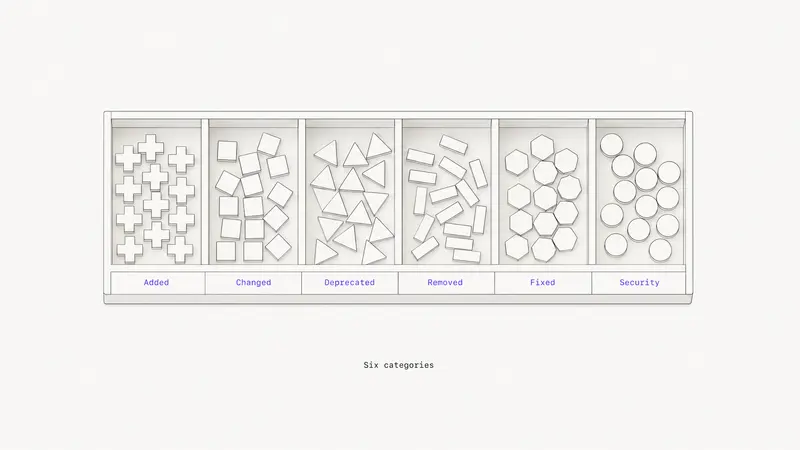Product CommunicationAug 7, 202612 minChangelog Examples: Real Entries and a Format to Copy
Ten real changelog entries from Tailwind CSS, GitHub, Stripe and Elixir, the six Keep a Changelog categories, and a CHANGELOG.md you can paste. By marco](https://sleekplan.com/blog/changelog-examples-and-format-a-copy-paste-guide-8651) [Feedback ManagementAug 5, 20268 minHow to Organize Customer Feedback: A System for SaaS Teams
A practical system to organize customer feedback: centralize every channel, build a small taxonomy, dedupe demand, and run a weekly triage that feeds your roadmap. By marco](https://sleekplan.com/blog/how-to-organize-customer-feedback-a-system-for-saas-teams-5298) [Product ManagementAug 1, 20266 minThe New Era of Product Management and How SaaS Teams Can Win
Learn what defines the new era of product management and how SaaS teams can adapt with outcome-based roadmaps, continuous discovery, feedback systems, and AI-assisted workflows. By marco](https://sleekplan.com/blog/the-new-era-of-product-management-and-how-saas-teams-can-win-6992) [Feedback ManagementJul 29, 20267 minMulti-Channel Customer Feedback for SaaS Teams
Learn how SaaS teams build multi-channel customer feedback systems across email, in-app, web, and support, then centralize, prioritize, and close the loop. By lauren](https://sleekplan.com/blog/multi-channel-customer-feedback-for-saas-teams-6352)
[See all 100 essays ](https://sleekplan.com/blog/archive)
Keep up
h2. New essays land on LinkedIn every Tuesday.
Follow Sleekplan on LinkedIn — we post every new piece there, plus the shorter notes that never make it to the journal.
[Follow on LinkedIn](https://www.linkedin.com/company/sleekplan/)
Done reading? [Try Sleekplan free ](https://app.sleekplan.com/sign-up/)
---
### Product Communication — Articles & Guides | Sleekplan
Source: https://sleekplan.com/blog/topic/product-communication
Description: Changelogs, release notes, and the craft of telling customers what's new in a way they'll actually read.
h1. Notes from a team building feedback on autopilot.
Changelogs, release notes, and the craft of telling customers what's new in a way they'll actually read.
[All](https://sleekplan.com/blog) [Feedback Management](https://sleekplan.com/blog/topic/feedback-management) [Product Management](https://sleekplan.com/blog/topic/product-management) [Product Strategy](https://sleekplan.com/blog/topic/product-strategy) [Guides](https://sleekplan.com/blog/topic/guides) [Product Communication](https://sleekplan.com/blog/topic/product-communication) [Customer Feedback](https://sleekplan.com/blog/topic/customer-feedback) [Roadmap Planning](https://sleekplan.com/blog/topic/roadmap-planning) [Feature Prioritization](https://sleekplan.com/blog/topic/feature-prioritization) [SaaS Growth](https://sleekplan.com/blog/topic/saas-growth)
[Product CommunicationSep 20, 20269 minBeamer Pricing: Plans, MAU Limits and Add-On Costs
Beamer bills by monthly active users: $49 to $249 a month on annual billing, with Feedback and NPS as separate $99 add-ons.Mmarco](https://sleekplan.com/blog/beamer-pricing)
More in Product Communication
[Product CommunicationAug 7, 202612 minChangelog Examples: Real Entries and a Format to Copy
Ten real changelog entries from Tailwind CSS, GitHub, Stripe and Elixir, the six Keep a Changelog categories, and a CHANGELOG.md you can paste. By marco](https://sleekplan.com/blog/changelog-examples-and-format-a-copy-paste-guide-8651) [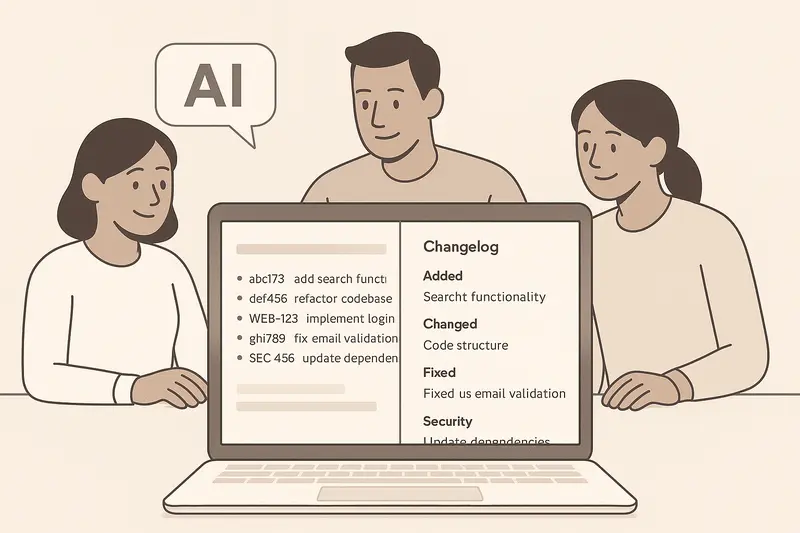Product CommunicationMay 13, 20265 minHow to Use AI to Write Changelog Updates: Workflows, Standards, and the Changelog Skill Playbook
A practical guide to using AI to write changelog updates. Learn standards, workflows, and a lightweight changelog skill, then ship clear multi-channel updates that users actually read. By lauren](https://sleekplan.com/blog/how-to-use-ai-to-write-changelog-updates-workflows-standards-and-the-changelog-skill-playbook-6675) [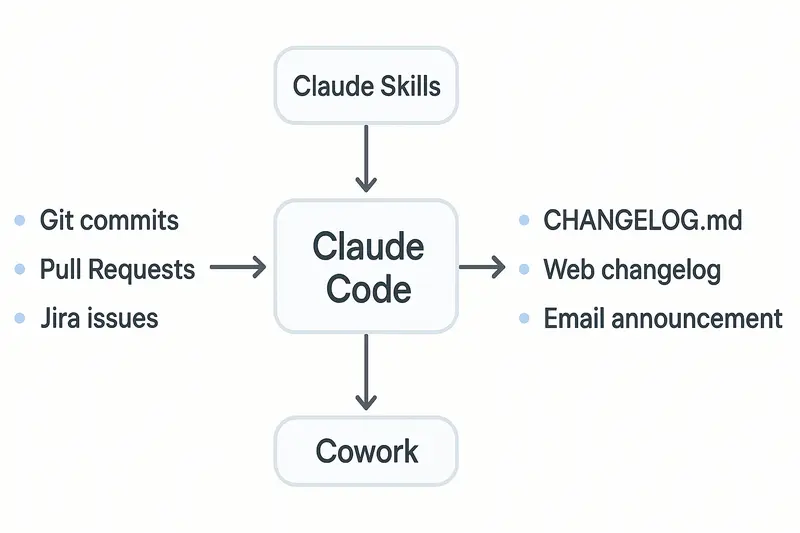Product CommunicationMar 31, 20266 minClaude release notes at scale: automate with Claude Skills, Claude Code, and Cowork
A practical guide to automating Claude release notes with Skills, Claude Code, and Cowork. Learn setup, structure, scheduling, and how to publish clean updates to your changelog. By lauren](https://sleekplan.com/blog/claude-release-notes-at-scale-automate-with-claude-skills-claude-code-and-cowork-5573) [Product CommunicationOct 5, 20219 minHow to Write Release Notes for Two Audiences
Release notes serve two audiences with opposite needs. Split one change list into a developer version and a customer version, and publish both. By marco](https://sleekplan.com/blog/great-ways-to-improve-your-release-notes-with-free-template)
Keep up
h2. New essays land on LinkedIn every Tuesday.
Follow Sleekplan on LinkedIn — we post every new piece there, plus the shorter notes that never make it to the journal.
[Follow on LinkedIn](https://www.linkedin.com/company/sleekplan/)
Done reading? [Try Sleekplan free ](https://app.sleekplan.com/sign-up/)
---
### Product Management — Articles & Guides | Sleekplan
Source: https://sleekplan.com/blog/topic/product-management
Description: The work of leading product teams, from roadmaps to releases, plus the operating rhythms in between.
h1. Notes from a team building feedback on autopilot.
The work of leading product teams, from roadmaps to releases, plus the operating rhythms in between.
[All](https://sleekplan.com/blog) [Feedback Management](https://sleekplan.com/blog/topic/feedback-management) [Product Management](https://sleekplan.com/blog/topic/product-management) [Product Strategy](https://sleekplan.com/blog/topic/product-strategy) [Guides](https://sleekplan.com/blog/topic/guides) [Product Communication](https://sleekplan.com/blog/topic/product-communication) [Customer Feedback](https://sleekplan.com/blog/topic/customer-feedback) [Roadmap Planning](https://sleekplan.com/blog/topic/roadmap-planning) [Feature Prioritization](https://sleekplan.com/blog/topic/feature-prioritization) [SaaS Growth](https://sleekplan.com/blog/topic/saas-growth)
[Product ManagementSep 20, 20267 minAha Pricing: What Each Product and Tier Costs
Aha sells Roadmaps, Ideas, Knowledge and Develop as separate per-user products. Roadmaps lists at $59 to $149 per user per month.Mmarco](https://sleekplan.com/blog/aha-pricing)
More in Product Management
[Product ManagementSep 20, 20267 minJira Product Discovery Pricing: Creators, Not Users
Jira Product Discovery bills per creator: $0 for three, then $10 or $25 each per month. Published views are read-only, so customers cannot vote. By marco](https://sleekplan.com/blog/jira-product-discovery-pricing) [Product ManagementSep 20, 20268 minProductboard Pricing: Maker Seats and What You Pay
Productboard bills per maker seat: $19 a maker on Plus, $59 on Business with a two-maker minimum, and contributors are capped at 25 until Enterprise. By marco](https://sleekplan.com/blog/productboard-pricing) [Product ManagementAug 1, 20266 minThe New Era of Product Management and How SaaS Teams Can Win
Learn what defines the new era of product management and how SaaS teams can adapt with outcome-based roadmaps, continuous discovery, feedback systems, and AI-assisted workflows. By marco](https://sleekplan.com/blog/the-new-era-of-product-management-and-how-saas-teams-can-win-6992) [Product ManagementJul 25, 20268 minChatGPT for Product Managers in 2026: Workflows, Guardrails, and Specialized Copilots
Learn how to use ChatGPT for product managers across discovery, strategy, roadmapping, PRDs, and analysis, with practical guardrails and guidance on when to use specialized copilots. By lauren](https://sleekplan.com/blog/chatgpt-for-product-managers-in-2026-workflows-guardrails-and-specialized-copilots-9490) [fig. — product managementProduct ManagementJul 9, 202611 minYour AI Product Manager: How Sleekmate Turns Feedback Into Decisions
Every product team drowns in the same thing: signal. Feature requests pile up in the feedback board. Comments stack under posts nobody has had time to read. The roadmap drifts out of date. Votes climb on ideas you haven't looked at in three weeks. By marco](https://sleekplan.com/blog/your-ai-product-manager-how-sleekmate-turns-feedback-into-decisions) [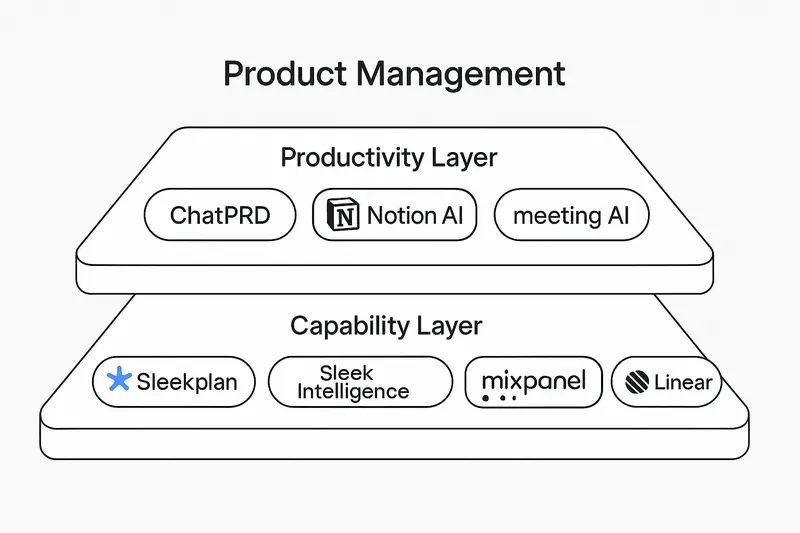Product ManagementMay 9, 20264 minTop AI Tools for Product Managers in 2026: What Belongs in Your Stack
A crisp 2026 guide to the top AI tools for product managers, from Sleekplan’s Sleek Intelligence to Mixpanel and ChatPRD, with a practical two-layer model and stack recommendations. By lauren](https://sleekplan.com/blog/top-ai-tools-for-product-managers-in-2026-what-belongs-in-your-stack-2303) [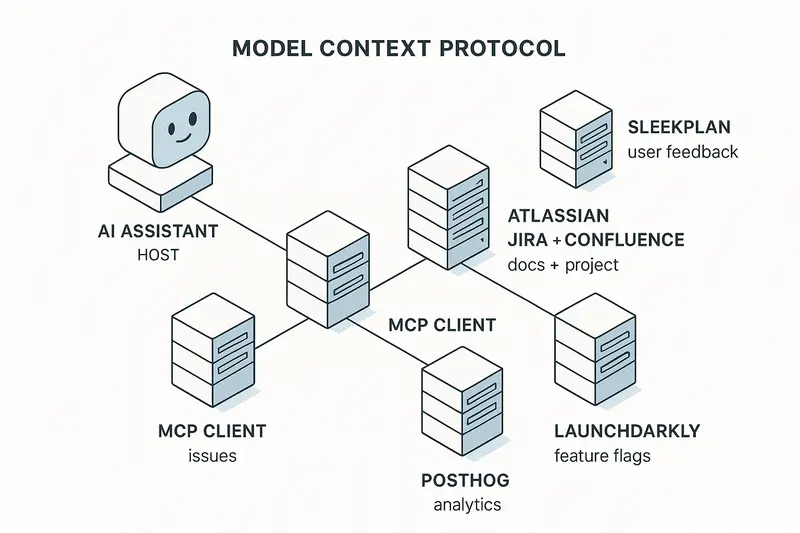Product ManagementMay 6, 20265 min5 Essential MCP Servers for Product Managers, from User feedback to Analytics and Rollouts
Five MCP servers for product managers: Sleekplan for user feedback, Linear or Jira for issues, PostHog for analytics and LaunchDarkly for rollouts. By lauren](https://sleekplan.com/blog/5-essential-mcp-servers-for-product-managers-from-user-feedback-to-analytics-and-rollouts-8976) [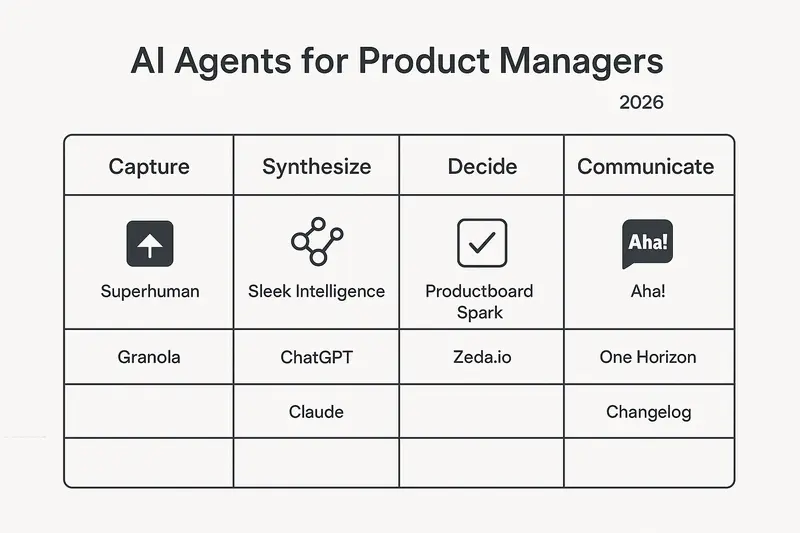Product ManagementMay 4, 20265 minBest 10 AI Agents for the Product Manager in 2026: Tools, Use Cases, and ROI
A clear, practical guide to the 10 AI agents Product Managers should use in 2026, with use cases, links, and examples. Learn how Sleek Intelligence elevates feedback into decisions and saves time. By lauren](https://sleekplan.com/blog/best-10-ai-agents-for-the-product-manager-in-2026-tools-use-cases-and-roi-8615) [Product ManagementApr 11, 20265 minWill AI Replace Product Managers? No: How AI Elevates Strategic PM Work
AI will not replace product managers. It removes busywork and elevates PMs to strategy, empathy, and alignment. See how Sleekplan’s AI turns feedback into clear, actionable roadmaps. By lauren](https://sleekplan.com/blog/will-ai-replace-product-managers-no-how-ai-elevates-strategic-pm-work-6120)
[See all 22 product management essays ](https://sleekplan.com/blog/archive?tag=product-management)
Keep up
h2. New essays land on LinkedIn every Tuesday.
Follow Sleekplan on LinkedIn — we post every new piece there, plus the shorter notes that never make it to the journal.
[Follow on LinkedIn](https://www.linkedin.com/company/sleekplan/)
Done reading? [Try Sleekplan free ](https://app.sleekplan.com/sign-up/)
---
### Feedback Management — Articles & Guides | Sleekplan
Source: https://sleekplan.com/blog/topic/feedback-management
Description: How to collect, prioritize, and act on user feedback: tools, frameworks, and workflows for product teams.
h1. Notes from a team building feedback on autopilot.
How to collect, prioritize, and act on user feedback: tools, frameworks, and workflows for product teams.
[All](https://sleekplan.com/blog) [Feedback Management](https://sleekplan.com/blog/topic/feedback-management) [Product Management](https://sleekplan.com/blog/topic/product-management) [Product Strategy](https://sleekplan.com/blog/topic/product-strategy) [Guides](https://sleekplan.com/blog/topic/guides) [Product Communication](https://sleekplan.com/blog/topic/product-communication) [Customer Feedback](https://sleekplan.com/blog/topic/customer-feedback) [Roadmap Planning](https://sleekplan.com/blog/topic/roadmap-planning) [Feature Prioritization](https://sleekplan.com/blog/topic/feature-prioritization) [SaaS Growth](https://sleekplan.com/blog/topic/saas-growth)
[Feedback ManagementSep 20, 20269 minHow to Say No to Feature Requests Without Losing Users
Rust closes an RFC it will never accept and postpones one it might. Separating those two answers is what makes a declined feature request land well.Mmarco](https://sleekplan.com/blog/how-to-say-no-to-feature-requests)
More in Feedback Management
[Feedback ManagementAug 5, 20268 minHow to Organize Customer Feedback: A System for SaaS Teams
A practical system to organize customer feedback: centralize every channel, build a small taxonomy, dedupe demand, and run a weekly triage that feeds your roadmap. By marco](https://sleekplan.com/blog/how-to-organize-customer-feedback-a-system-for-saas-teams-5298) [Feedback ManagementJul 29, 20267 minMulti-Channel Customer Feedback for SaaS Teams
Learn how SaaS teams build multi-channel customer feedback systems across email, in-app, web, and support, then centralize, prioritize, and close the loop. By lauren](https://sleekplan.com/blog/multi-channel-customer-feedback-for-saas-teams-6352) [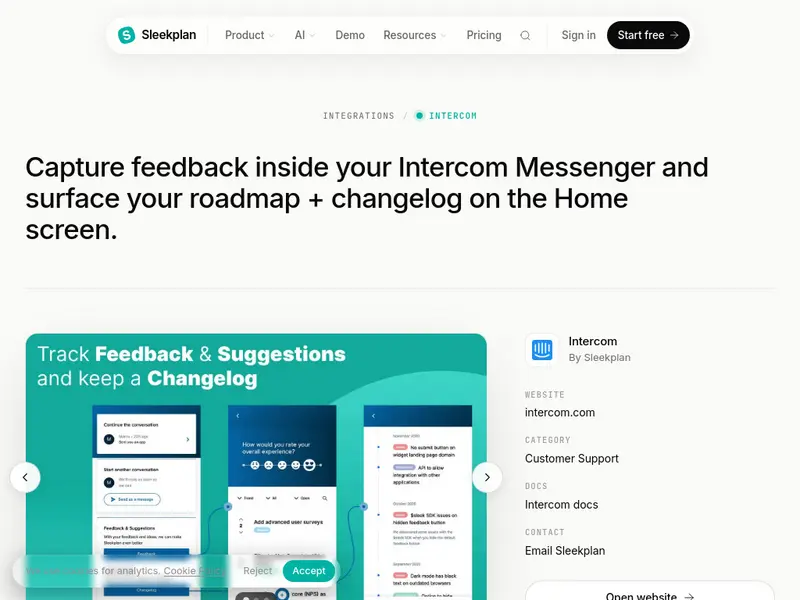Feedback ManagementJul 27, 20266 minIntercom User Feedback Tool Guide for SaaS Teams
Learn how an Intercom user feedback tool helps SaaS teams capture requests in chat, reduce duplicates, prioritize with context, and close the loop with roadmap updates. By marco](https://sleekplan.com/blog/intercom-user-feedback-tool-guide-for-saas-teams-8947) [Feedback ManagementJul 21, 20266 minHow to Automate Customer Feedback Into Product Changes
Learn how to automate customer feedback into roadmap decisions, releases, and customer updates with AI workflows, governance rules, and a practical 30-day rollout plan. By anna](https://sleekplan.com/blog/how-to-automate-customer-feedback-into-product-changes-9755) [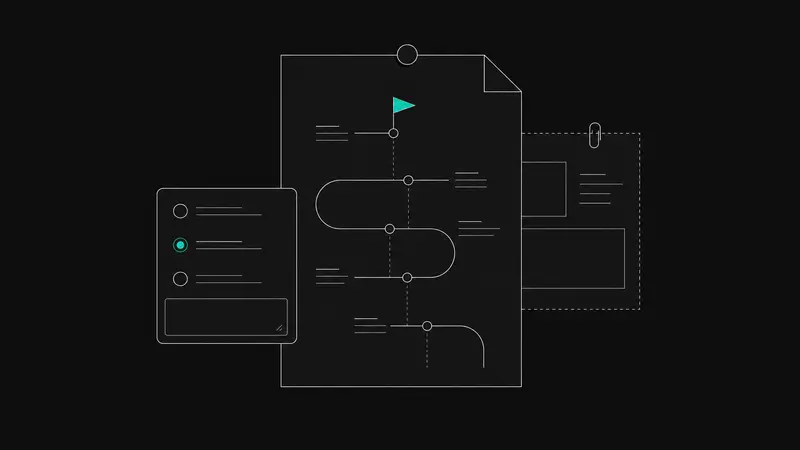Feedback ManagementJul 21, 20267 minBest User Feedback Tools in 2026 for Product-Led SaaS Teams
Best user feedback tools in 2026 work as a connected SaaS stack. Learn how to combine a feedback hub, surveys, bug reporting, replay, and research into one practical workflow. By lauren](https://sleekplan.com/blog/best-user-feedback-tools-in-2026-for-product-led-saas-teams-5965) [Feedback ManagementJul 6, 20266 minCustomer Feedback in Product Development for SaaS Teams
Learn how to use customer feedback in product development with a practical SaaS workflow for collection, prioritization, validation, and closing the loop. By marco](https://sleekplan.com/blog/customer-feedback-in-product-development-for-saas-teams-8741) [Feedback ManagementJun 28, 20268 minAI Survey Generator Workflows for Product Managers
Learn how to use an AI survey generator for SaaS research with practical workflows for ChatGPT, Claude, and Sleekmate, from drafting questions to targeting, analysis, and follow-up. By anna](https://sleekplan.com/blog/ai-survey-generator-workflows-for-product-managers-1456) [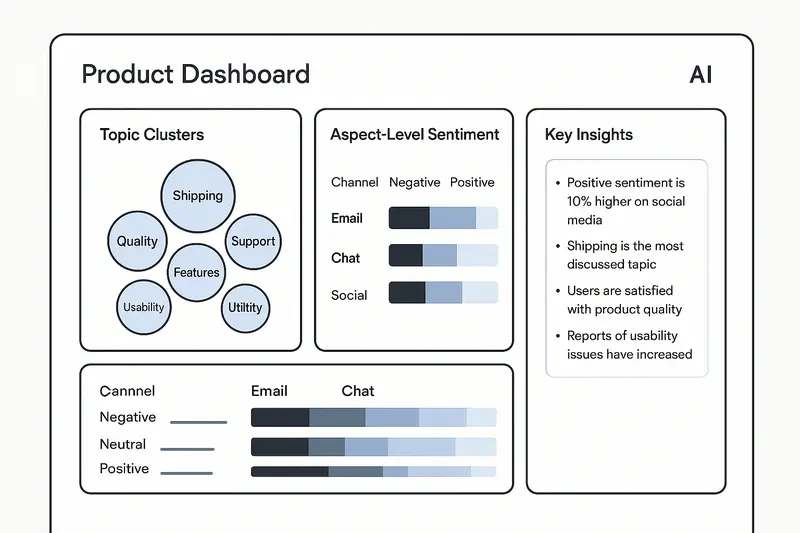Feedback ManagementMay 11, 20266 minAI Customer Feedback Analysis in 2026: Tools, Techniques, and a Practical Playbook with Sleek Intelligence
A concise, practical playbook for AI-powered customer feedback analysis. Learn the tech, tools, and steps to move from reactive triage to proactive insight with Sleek Intelligence. By lauren](https://sleekplan.com/blog/ai-customer-feedback-analysis-in-2026-tools-techniques-and-a-practical-playbook-with-sleek-intelligence-4335) [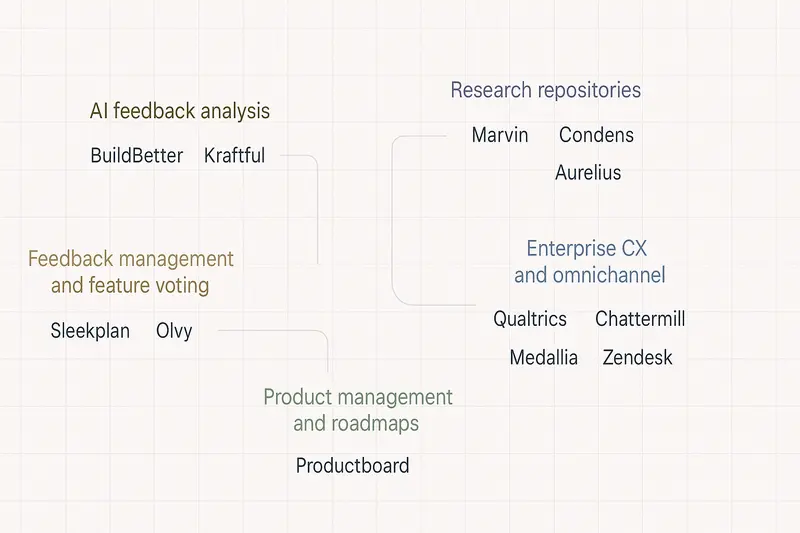Feedback ManagementApr 8, 20269 minAlternatives to Dovetail in 2026: Clear choices for AI research, feedback ops, and CX
Dovetail's pricing page showed only a free plan and custom Enterprise pricing in September 2026. What that means when you compare Dovetail alternatives. By lauren](https://sleekplan.com/blog/alternatives-to-dovetail-in-2026-clear-choices-for-ai-research-feedback-ops-and-cx-1155)
[See all 28 feedback management essays ](https://sleekplan.com/blog/archive?tag=feedback-management)
Keep up
h2. New essays land on LinkedIn every Tuesday.
Follow Sleekplan on LinkedIn — we post every new piece there, plus the shorter notes that never make it to the journal.
[Follow on LinkedIn](https://www.linkedin.com/company/sleekplan/)
Done reading? [Try Sleekplan free ](https://app.sleekplan.com/sign-up/)
---
### Product Strategy — Articles & Guides | Sleekplan
Source: https://sleekplan.com/blog/topic/product-strategy
Description: Strategic frameworks for product leaders: vision, positioning, and the long game of building software people want.
h1. Notes from a team building feedback on autopilot.
Strategic frameworks for product leaders: vision, positioning, and the long game of building software people want.
[All](https://sleekplan.com/blog) [Feedback Management](https://sleekplan.com/blog/topic/feedback-management) [Product Management](https://sleekplan.com/blog/topic/product-management) [Product Strategy](https://sleekplan.com/blog/topic/product-strategy) [Guides](https://sleekplan.com/blog/topic/guides) [Product Communication](https://sleekplan.com/blog/topic/product-communication) [Customer Feedback](https://sleekplan.com/blog/topic/customer-feedback) [Roadmap Planning](https://sleekplan.com/blog/topic/roadmap-planning) [Feature Prioritization](https://sleekplan.com/blog/topic/feature-prioritization) [SaaS Growth](https://sleekplan.com/blog/topic/saas-growth)
[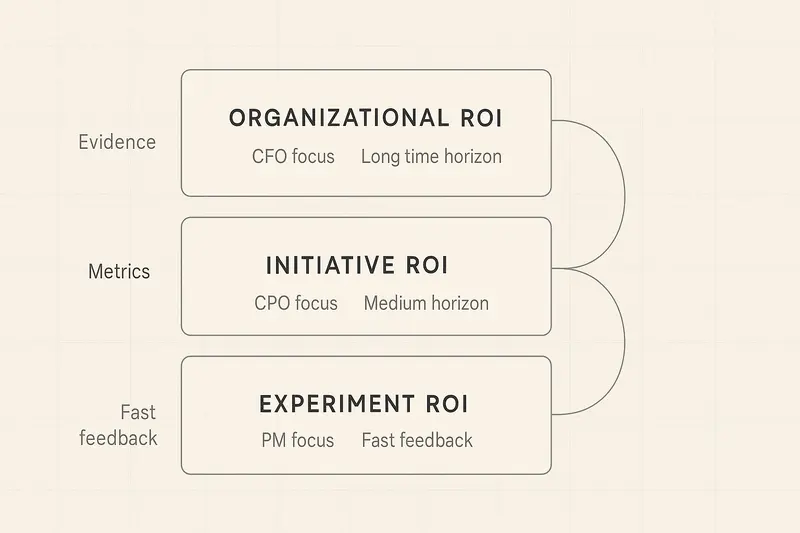Product StrategyMar 16, 20265 minHow Product Leaders Prove Value: A Practical System for ROI, Evidence, and Stakeholder Trust
A practical guide for product leaders to prove value: define it clearly, build a connected evidence trail, pair leading and lagging metrics, and translate outcomes into revenue terms.Llauren](https://sleekplan.com/blog/how-product-leaders-prove-value-a-practical-system-for-roi-evidence-and-stakeholder-trust-5103)
More in Product Strategy
[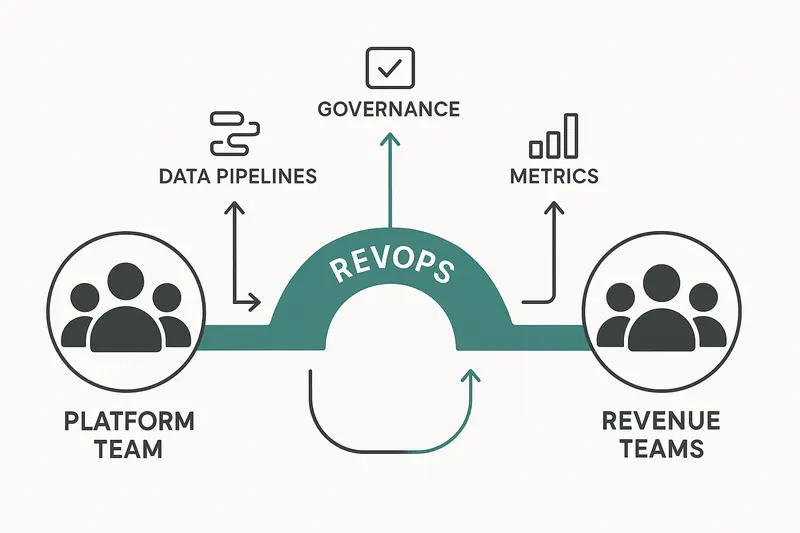Product StrategyMar 9, 20266 minPlatform Teams vs Revenue Teams: How RevOps Creates Alignment Without Diluting Either Role
Platform and revenue teams create value differently. Keep roles distinct, connect them with RevOps, measure what each controls, and use shared rhythms to deliver compounding speed and clarity. By lauren](https://sleekplan.com/blog/platform-teams-vs-revenue-teams-how-revops-creates-alignment-without-diluting-either-role-5716) [Product StrategyJan 5, 20265 minThe Product Operating Model: How Modern Teams Ship Outcomes, Not Just Output
A practical guide to the product operating model: why outcomes beat outputs, how to structure teams and flow, what to measure, common pitfalls, and how feedback closes the loop. By lauren](https://sleekplan.com/blog/the-product-operating-model-how-modern-teams-ship-outcomes-not-just-output-9236) [Product StrategyDec 8, 20255 minProduct Vision Framework: Define Your North Star, Align Strategy, and Deliver Measurable Outcomes
A clear product vision framework aligns teams, filters decisions, and links strategy to measurable outcomes. Learn components, steps, metrics, and pitfalls, plus a simple template. By lauren](https://sleekplan.com/blog/product-vision-framework-define-your-north-star-align-strategy-and-deliver-measurable-outcomes-727) [Product StrategyNov 17, 20256 minAI for Product Strategy in 2025: A Practical Framework for Market Intelligence, Feedback, and Roadmap Decisions
A crisp framework for using AI in product strategy: live market intelligence, feedback synthesis, predictive roadmap ranking, GTM planning, and measurement, with clear guardrails. By lauren](https://sleekplan.com/blog/ai-for-product-strategy-in-2025-a-practical-framework-for-market-intelligence-feedback-and-roadmap-decisions-2066) [Product StrategyNov 10, 20255 minOvercoming Agile Transformation Challenges: A 90‑Day Playbook for Leaders and Teams
Most Agile transformations fail from shallow adoption and weak leadership. Use this 90‑day playbook to align executives, reshape culture, build capability, and prove progress with clear metrics. By lauren](https://sleekplan.com/blog/overcoming-agile-transformation-challenges-a-90-day-playbook-for-leaders-and-teams-9387) [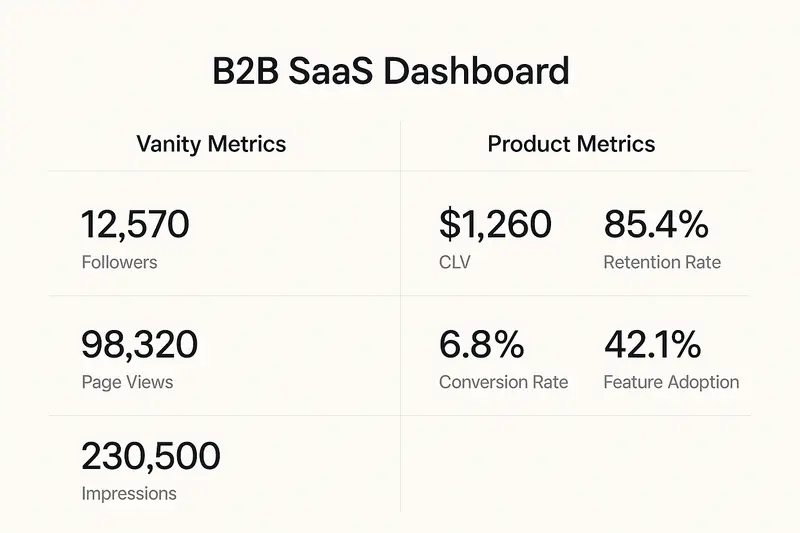Product StrategyOct 6, 20255 minBeyond Vanity Metrics: Product KPIs That Drive Retention, CLV, and Sustainable Growth
Stop chasing page views. This guide shows how to choose product metrics that drive retention, CLV, and conversion, with practical frameworks, examples, and links to get started. By lauren](https://sleekplan.com/blog/beyond-vanity-metrics-product-kpis-that-drive-retention-clv-and-sustainable-growth-6136)
Keep up
h2. New essays land on LinkedIn every Tuesday.
Follow Sleekplan on LinkedIn — we post every new piece there, plus the shorter notes that never make it to the journal.
[Follow on LinkedIn](https://www.linkedin.com/company/sleekplan/)
Done reading? [Try Sleekplan free ](https://app.sleekplan.com/sign-up/)
---
### Guides — Articles & Guides | Sleekplan
Source: https://sleekplan.com/blog/topic/guides
Description: Step-by-step guides for getting the most out of Sleekplan: widget setup, embeds, integrations, and customizations.
h1. Notes from a team building feedback on autopilot.
Step-by-step guides for getting the most out of Sleekplan: widget setup, embeds, integrations, and customizations.
[All](https://sleekplan.com/blog) [Feedback Management](https://sleekplan.com/blog/topic/feedback-management) [Product Management](https://sleekplan.com/blog/topic/product-management) [Product Strategy](https://sleekplan.com/blog/topic/product-strategy) [Guides](https://sleekplan.com/blog/topic/guides) [Product Communication](https://sleekplan.com/blog/topic/product-communication) [Customer Feedback](https://sleekplan.com/blog/topic/customer-feedback) [Roadmap Planning](https://sleekplan.com/blog/topic/roadmap-planning) [Feature Prioritization](https://sleekplan.com/blog/topic/feature-prioritization) [SaaS Growth](https://sleekplan.com/blog/topic/saas-growth)
[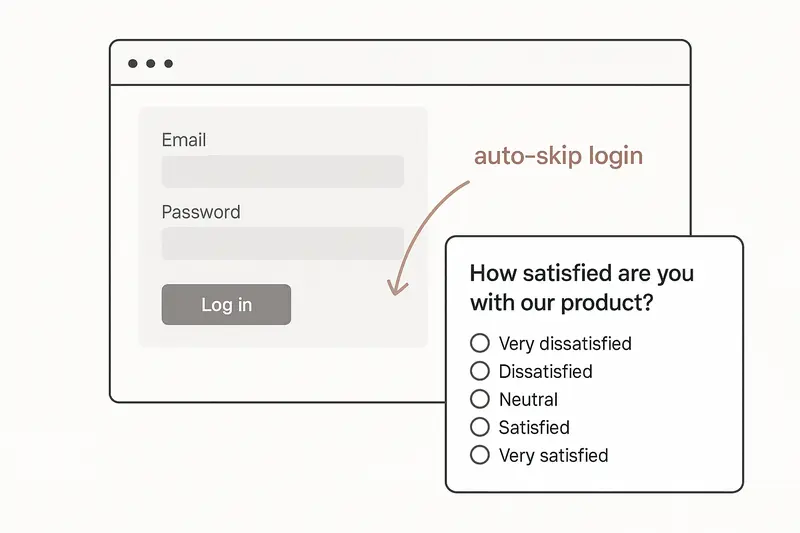GuidesMar 3, 20261 minSkip Sleekplan widget login for anonymous surveys
Auto-skip the Sleekplan widget login for anonymous surveys by listening for an auth-required event and clicking the skip link inside the iframe.Llauren](https://sleekplan.com/blog/skip-sleekplan-widget-login-for-anonymous-surveys-4167)
More in Guides
[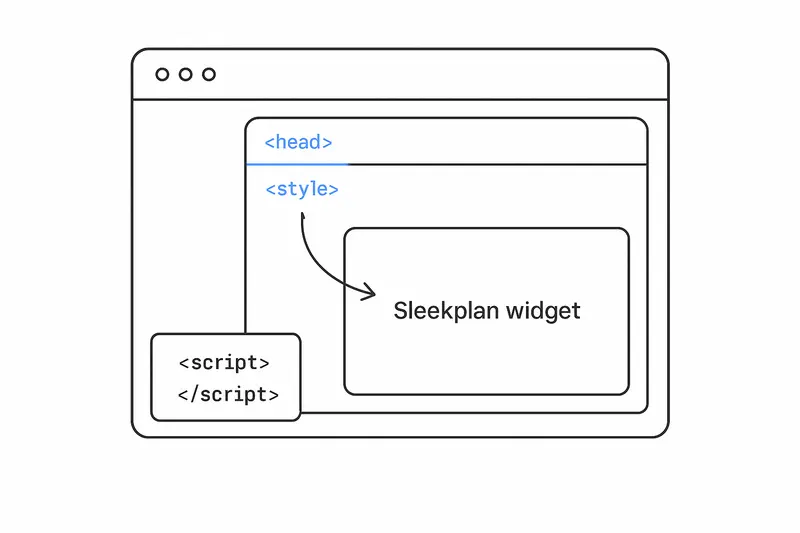GuidesAug 26, 20255 minHow to add CSS to the Sleekplan widget: safely access iframe CSS and style it cleanly
A focused guide on how to access iframe CSS and add custom styles to the Sleekplan widget. Learn safe injection on open, robust patterns, examples, and FAQs. By Marco](https://sleekplan.com/blog/how-to-add-css-to-the-sleekplan-widget-safely-access-iframe-css-and-style-it) [fig. — guidesGuidesOct 17, 20233 minStreamlining SSO Authentication with Sleekplan Widget: A Browser-Based Approach
This blog post explores a method for implementing Single Sign-On (SSO) with the Sleekplan widget without generating the SSO key on the server. Instead, we create an SSO key directly on the client side using a JavaScript-based approach. While this technique offers speed and simplicity, it's important to note that it may not be the most secure SSO implementation. By marco](https://sleekplan.com/blog/streamlining-sso-authentication-with-sleekplan-widget-a-browser-based) [fig. — guidesGuidesJul 22, 20232 minHow to Make the Native Sleekplan Feedback Button Movable
If you want to enhance the user experience, you can make the feedback button movable, allowing users to position it according to their preference. In this blog post, we will walk you through the process of making the Sleekplan feedback button draggable using a simple HTML snippet and JavaScript code. By Lara](https://sleekplan.com/blog/how-to-make-the-native-sleekplan-feedback-button-movable) [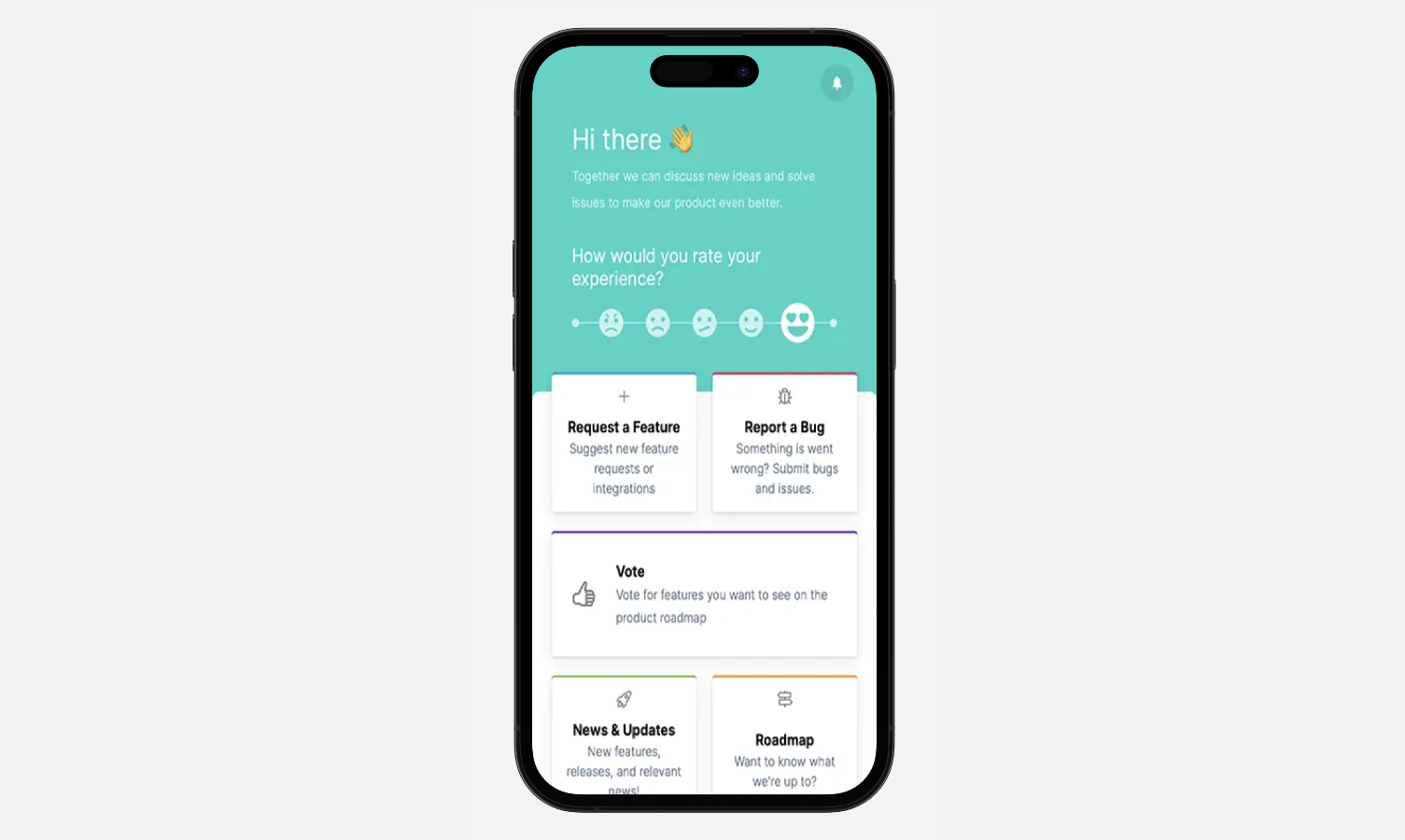GuidesJul 18, 20232 minHow to Use the Sleekplan In-App Widget with Action Screen on Mobile Apps
While the action screen feature is currently limited to the widget version, we provide a step-by-step guide to seamlessly integrate it into mobile apps. By creating a blank HTML page and embedding the widget code, developers can now offer users an interactive platform for sharing their thoughts and suggestions. By Lara](https://sleekplan.com/blog/how-to-use-the-sleekplan-in-app-widget-with-action-screen-on-mobile-apps) [GuidesJul 10, 20232 minHow to Manage Feedback from Internal and External Audiences
Managing feedback from both internal team members and external clients with finesse. With a focus on using a public feedback board, we present two efficient methods to segregate internal and external posts. By Laura](https://sleekplan.com/blog/how-to-manage-feedback-from-internal-and-external-audiences) [GuidesApr 3, 202110 minWebsite Feedback Button: HTML, CSS and Placement
Working HTML and CSS for a website feedback button, plus the placement rules. WCAG 2.2 sets the minimum target at 24 by 24 CSS pixels. By marco](https://sleekplan.com/blog/feedback-buttons-for-websites)
Keep up
h2. New essays land on LinkedIn every Tuesday.
Follow Sleekplan on LinkedIn — we post every new piece there, plus the shorter notes that never make it to the journal.
[Follow on LinkedIn](https://www.linkedin.com/company/sleekplan/)
Done reading? [Try Sleekplan free ](https://app.sleekplan.com/sign-up/)
---
### Customer Feedback — Articles & Guides | Sleekplan
Source: https://sleekplan.com/blog/topic/customer-feedback
Description: Survey design, satisfaction measurement, and the science of asking customers what they actually think.
h1. Notes from a team building feedback on autopilot.
Survey design, satisfaction measurement, and the science of asking customers what they actually think.
[All](https://sleekplan.com/blog) [Feedback Management](https://sleekplan.com/blog/topic/feedback-management) [Product Management](https://sleekplan.com/blog/topic/product-management) [Product Strategy](https://sleekplan.com/blog/topic/product-strategy) [Guides](https://sleekplan.com/blog/topic/guides) [Product Communication](https://sleekplan.com/blog/topic/product-communication) [Customer Feedback](https://sleekplan.com/blog/topic/customer-feedback) [Roadmap Planning](https://sleekplan.com/blog/topic/roadmap-planning) [Feature Prioritization](https://sleekplan.com/blog/topic/feature-prioritization) [SaaS Growth](https://sleekplan.com/blog/topic/saas-growth)
[Customer FeedbackJul 22, 20267 minBest Survey Tool in 2026: A Practical Guide for Product and CX Teams
Looking for the best survey tool in 2026? This guide helps product and CX teams compare in-app, AI, and self-hosted options and choose a survey stack that fits real SaaS workflows.Llauren](https://sleekplan.com/blog/best-survey-tool-in-2026-a-practical-guide-for-product-and-cx-teams-7059)
More in Customer Feedback
[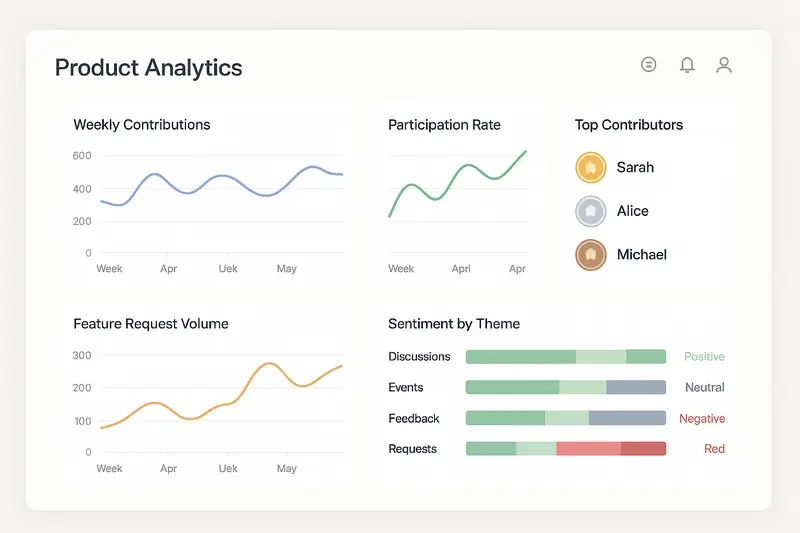Customer FeedbackNov 3, 20255 minWhat September 2025 Taught Us About Community-Led UGC: Turning Engagement Into Product Insight
September 2025 was a live lab for user-generated content and engagement. Here’s how product teams can capture signals, turn them into roadmap decisions, and close the loop with clarity. By lauren](https://sleekplan.com/blog/what-september-2025-taught-us-about-community-led-ugc-turning-engagement-into-product-insight-2686) [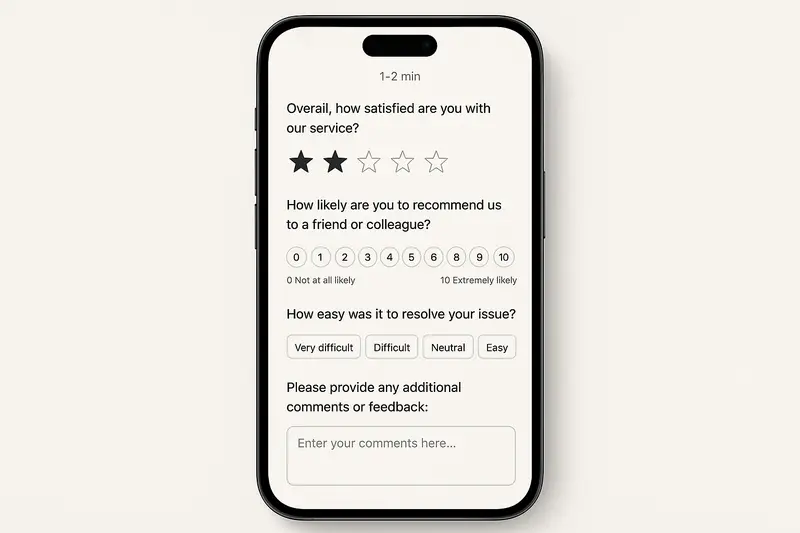Customer FeedbackSep 8, 20256 minEffective Customer Satisfaction Survey Questions: Templates, Best Practices, and Mobile‑First Design
A practical guide to customer satisfaction survey questions: proven question types, crisp wording, mobile-first design, and analytics. Includes templates, pitfalls to avoid, and a quick checklist. By lauren](https://sleekplan.com/blog/effective-customer-satisfaction-survey-questions-templates-best-practices-and-mobile-first-design-9262)
Keep up
h2. New essays land on LinkedIn every Tuesday.
Follow Sleekplan on LinkedIn — we post every new piece there, plus the shorter notes that never make it to the journal.
[Follow on LinkedIn](https://www.linkedin.com/company/sleekplan/)
Done reading? [Try Sleekplan free ](https://app.sleekplan.com/sign-up/)
---
### Roadmap Planning — Articles & Guides | Sleekplan
Source: https://sleekplan.com/blog/topic/roadmap-planning
Description: How to build, maintain, and communicate roadmaps that drive outcomes, not just feature lists.
h1. Notes from a team building feedback on autopilot.
How to build, maintain, and communicate roadmaps that drive outcomes, not just feature lists.
[All](https://sleekplan.com/blog) [Feedback Management](https://sleekplan.com/blog/topic/feedback-management) [Product Management](https://sleekplan.com/blog/topic/product-management) [Product Strategy](https://sleekplan.com/blog/topic/product-strategy) [Guides](https://sleekplan.com/blog/topic/guides) [Product Communication](https://sleekplan.com/blog/topic/product-communication) [Customer Feedback](https://sleekplan.com/blog/topic/customer-feedback) [Roadmap Planning](https://sleekplan.com/blog/topic/roadmap-planning) [Feature Prioritization](https://sleekplan.com/blog/topic/feature-prioritization) [SaaS Growth](https://sleekplan.com/blog/topic/saas-growth)
[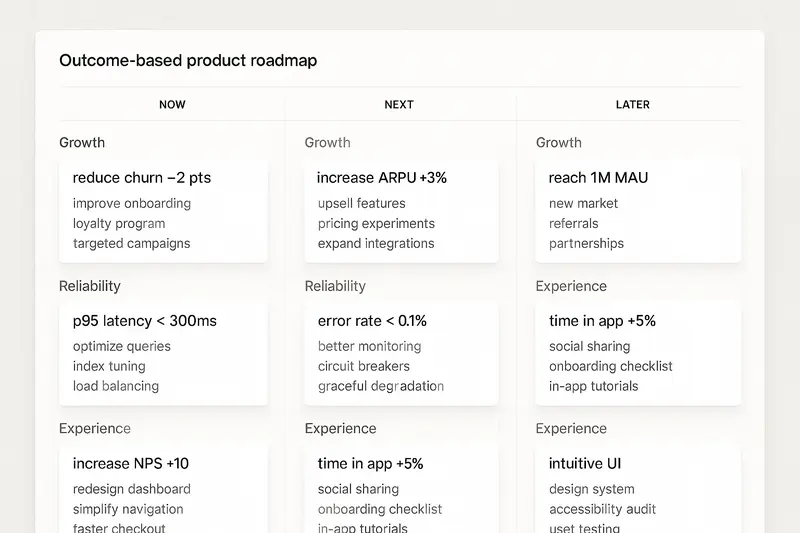Roadmap PlanningOct 13, 20255 minBuild a Strategic Product Roadmap that Drives Outcomes, Earns Buy-in, and Stays Flexible
Stop shipping feature calendars. Build a strategic product roadmap that aligns goals, earns executive buy-in, and adapts fast with outcome-first planning, clear cadence, and focused prioritization.Llauren](https://sleekplan.com/blog/build-a-strategic-product-roadmap-that-drives-outcomes-earns-buy-in-and-stays-flexible-5408)
Keep up
h2. New essays land on LinkedIn every Tuesday.
Follow Sleekplan on LinkedIn — we post every new piece there, plus the shorter notes that never make it to the journal.
[Follow on LinkedIn](https://www.linkedin.com/company/sleekplan/)
Done reading? [Try Sleekplan free ](https://app.sleekplan.com/sign-up/)
---
### Feature Prioritization — Articles & Guides | Sleekplan
Source: https://sleekplan.com/blog/topic/feature-prioritization
Description: Frameworks and rituals for deciding what to build next, beyond the loudest customer or the squeakiest wheel.
h1. Notes from a team building feedback on autopilot.
Frameworks and rituals for deciding what to build next, beyond the loudest customer or the squeakiest wheel.
[All](https://sleekplan.com/blog) [Feedback Management](https://sleekplan.com/blog/topic/feedback-management) [Product Management](https://sleekplan.com/blog/topic/product-management) [Product Strategy](https://sleekplan.com/blog/topic/product-strategy) [Guides](https://sleekplan.com/blog/topic/guides) [Product Communication](https://sleekplan.com/blog/topic/product-communication) [Customer Feedback](https://sleekplan.com/blog/topic/customer-feedback) [Roadmap Planning](https://sleekplan.com/blog/topic/roadmap-planning) [Feature Prioritization](https://sleekplan.com/blog/topic/feature-prioritization) [SaaS Growth](https://sleekplan.com/blog/topic/saas-growth)
[Feature PrioritizationJun 11, 20265 minClaude feature prioritization with Sleekplan, Sleek Intelligence, and MCP
Learn a practical Claude feature prioritization workflow using Sleekplan, Sleek Intelligence, and MCP to score feedback, rank roadmap options, and keep decisions traceable.Llauren](https://sleekplan.com/blog/claude-feature-prioritization-with-sleekplan-sleek-intelligence-and-mcp-5537)
More in Feature Prioritization
[Feature PrioritizationMay 28, 20267 minHow to Prioritize Feature Requests With AI Without Handing Over Your Roadmap
Learn how to prioritize feature requests with AI using RICE, value-effort, and governance guardrails. Use AI for structure and speed, while keeping roadmap decisions with your team. By anna](https://sleekplan.com/blog/how-to-prioritize-feature-requests-with-ai-without-handing-over-your-roadmap-7887) [Feature PrioritizationMay 27, 202610 minFeature Prioritization Matrix in 2026: Still Useful if You Redesign It
A feature prioritization matrix still works in 2026, but only with updated inputs like outcome lift, eligible reach, run cost, and governance gates for better roadmap decisions. By anna](https://sleekplan.com/blog/feature-prioritization-matrix-in-2026-still-useful-if-you-redesign-it-343) [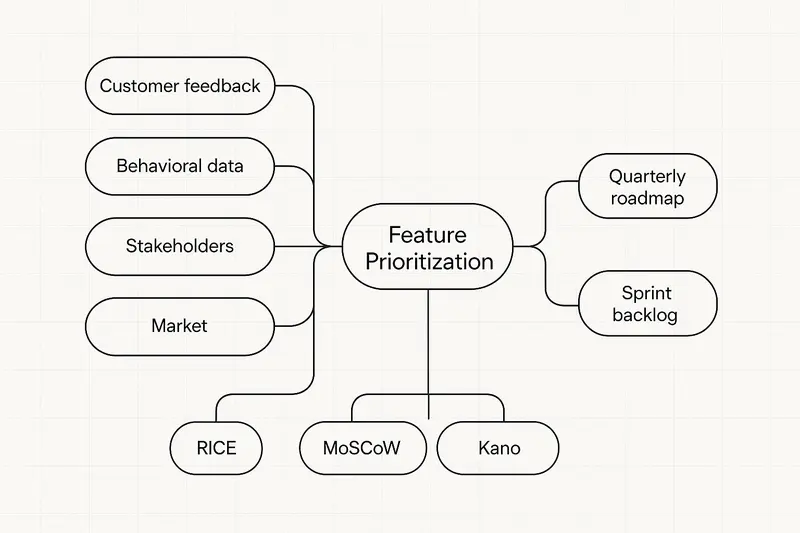Feature PrioritizationAug 23, 20254 minStrategic Feature Prioritization: A Practical System for Confident, Aligned Roadmaps
A practical system for feature prioritization: gather the right inputs, mix RICE and MoSCoW with a value vs effort view, align stakeholders, and iterate quarterly for a calm, focused roadmap. By lauren](https://sleekplan.com/blog/strategic-feature-prioritization-a-practical-system-for-confident-aligned-roadmaps-7325)
Keep up
h2. New essays land on LinkedIn every Tuesday.
Follow Sleekplan on LinkedIn — we post every new piece there, plus the shorter notes that never make it to the journal.
[Follow on LinkedIn](https://www.linkedin.com/company/sleekplan/)
Done reading? [Try Sleekplan free ](https://app.sleekplan.com/sign-up/)
---
### SaaS Growth — Articles & Guides | Sleekplan
Source: https://sleekplan.com/blog/topic/saas-growth
Description: Growth tactics, conversion playbooks, and operating lessons for SaaS teams scaling product-led motions.
h1. Notes from a team building feedback on autopilot.
Growth tactics, conversion playbooks, and operating lessons for SaaS teams scaling product-led motions.
[All](https://sleekplan.com/blog) [Feedback Management](https://sleekplan.com/blog/topic/feedback-management) [Product Management](https://sleekplan.com/blog/topic/product-management) [Product Strategy](https://sleekplan.com/blog/topic/product-strategy) [Guides](https://sleekplan.com/blog/topic/guides) [Product Communication](https://sleekplan.com/blog/topic/product-communication) [Customer Feedback](https://sleekplan.com/blog/topic/customer-feedback) [Roadmap Planning](https://sleekplan.com/blog/topic/roadmap-planning) [Feature Prioritization](https://sleekplan.com/blog/topic/feature-prioritization) [SaaS Growth](https://sleekplan.com/blog/topic/saas-growth)
[SaaS GrowthSep 20, 20269 minCancellation Survey: Questions That Get a Real Answer
Most cancellation surveys measure comfort, not cause. What to ask when a customer ends a plan, when to ask it, and why the exit stays one click away.Mmarco](https://sleekplan.com/blog/cancellation-survey)
More in SaaS Growth
[fig. — saas growthSaaS GrowthMay 27, 20252 minBuilding a Winning Free-To-Paid Conversion Strategy: 12 Proven Tactics for Product Management
Master free-to-paid SaaS conversions with 12 proven tactics. Leverage onboarding, feedback, and feature voting to unlock more upgrades. Essential strategies for product managers. By lauren](https://sleekplan.com/blog/building-a-winning-free-to-paid-conversion-strategy-12-proven-tactics-for-product-management-3320)
Keep up
h2. New essays land on LinkedIn every Tuesday.
Follow Sleekplan on LinkedIn — we post every new piece there, plus the shorter notes that never make it to the journal.
[Follow on LinkedIn](https://www.linkedin.com/company/sleekplan/)
Done reading? [Try Sleekplan free ](https://app.sleekplan.com/sign-up/)
---
### Aha Pricing: What Each Product and Tier Costs | Sleekplan
Source: https://sleekplan.com/blog/aha-pricing
Description: Aha sells Roadmaps, Ideas, Knowledge and Develop as separate per-user products. Roadmaps lists at $59 to $149 per user per month.
h2. What does Aha pricing actually cost?
Aha Roadmaps, the core product, lists at $59 per user per month on annual billing, rising to $99 for Enterprise and $149 for Enterprise+, and each of the other Aha products carries its own separate per-user ladder. Annual billing is cheaper than monthly on every tier that offers both, by roughly a quarter.
| Product | Tier | Annual, per user / month | Monthly, per user / month |
| --- | --- | --- | --- |
| Aha Roadmaps | Premium | $59 | $74 |
| Aha Roadmaps | Enterprise | $99 | $124 |
| Aha Roadmaps | Enterprise+ | $149 | annual only |
| Aha Ideas | Essentials | $39 | $49 |
| Aha Ideas | Advanced | $59 | $74 |
| Aha Knowledge | Essentials | $18 | $23 |
| Aha Knowledge | Advanced | $59 | $74 |
| Aha Develop | Essentials | $9 | $11 |
| Aha Develop | Advanced | $18 | $23 |
Those figures come from Aha’s own pricing pages for Roadmaps, Ideas, Knowledge and Develop, each read on 20 September 2026. The independent listing on [Capterra’s Aha profile](https://www.capterra.com/p/144020/Aha/) matches every entry point: Roadmaps from $59, Ideas from $39, Knowledge from $18 and Develop from $9, alongside a free trial and, in Capterra’s wording, “Free version not included”. There is no free plan of any kind. The trial runs 30 days, gives you Enterprise features, and takes no credit card.
Two minimums catch small teams out. Aha Ideas and Aha Knowledge each require at least three paid seats, so the smallest possible Ideas Essentials contract is three seats at $39, or $1,404 a year.
h2. Why does Aha sell four ladders instead of one price?
Aha Roadmaps is the base product, and the Essentials tier of three other products is already bundled into it, which is the single most useful fact for reading a quote. Every Roadmaps plan includes Aha Ideas Essentials, Aha Whiteboards Essentials and Aha Knowledge Essentials at no extra charge. You start paying separately only when you want the Advanced version of one of them.
The price of that Advanced version then depends on how you buy it. Added as an upgrade to an existing Roadmaps account, Aha Ideas Advanced is $20 per user per month on annual billing. Bought on its own, the same Advanced tier of Aha Ideas is $59. Knowledge behaves the same way.
| Advanced tier | As an upgrade on a Roadmaps account | Bought standalone |
| --- | --- | --- |
| Aha Ideas Advanced | $20 | $59 |
| Aha Knowledge Advanced | $20 | $59 |
Both columns are annual list prices per user per month, read on 20 September 2026. The practical consequence is worth stating plainly: if Roadmaps is already in the contract, never price a second Aha product as a standalone subscription. The gap is close to three times.
h2. The line item most teams miss: read-only seats
Aha charges for every user on its entry tier and stops charging for read-only users one tier up, which can make the more expensive plan the cheaper contract. Aha’s Roadmaps pricing page, read on 20 September 2026, states that on Premium you pay for all users regardless of role, while Enterprise and Enterprise+ include “unlimited free reviewers” and “unlimited free viewers” and bill only for the people who set strategy, build roadmaps and manage work.

A reviewer can see permitted workspaces, edit notes and whiteboards, comment, complete to-dos and build reports. A viewer can do the same without the editing. For most organisations, that covers what the majority of internal stakeholders actually need from a product tool.
So work the arithmetic for a team of eight people building and a number of colleagues reading:
- Premium at $59 charges for all of them. Eight builders plus six stakeholders is fourteen paid seats, or $9,912 a year.
- Enterprise at $99 charges for the eight builders only: $9,504 a year, with the six stakeholders free.
The crossover for an eight-person core sits at roughly six read-only stakeholders. Past that point the $99 tier is cheaper than the $59 tier and carries more product. Count your read-only population before you pick a tier, not after the renewal.
h2. Is the customer ideas portal included in Aha pricing?
Yes at the Essentials level: every Aha Roadmaps plan includes Aha Ideas Essentials, which covers unlimited ideas portals and unlimited portal users. The customers who submit and vote are never billed. You pay only for the internal people who review and manage what comes in, subject to that three-seat minimum.
What Essentials leaves out is the Advanced layer: dynamic forms, proxy voting for sales and support, and the Salesforce, HubSpot, Zendesk and Jira capture integrations. That is the $20 upgrade on a Roadmaps account, or the $59 standalone plan. If a public board with voting and a visible status per idea is the whole job you are hiring a tool for, size that job on its own before buying a suite around it. Our [idea management use case](https://sleekplan.com/use-cases/idea-management) describes the same workflow without a per-user line item.
h2. What do companies actually pay for Aha?
Vendr’s marketplace data puts the median Aha buyer at $70,581 a year, drawn from 49 recorded purchases, with individual contracts ranging from $12,029 to $318,003. The same page reports negotiated discounts of 15 to 25 percent off list for multi-year commitments at 15 or more users, 10 to 20 percent for small teams on multi-year deals, and 20 to 30 percent on larger deployments. [Vendr’s Aha pricing page](https://www.vendr.com/marketplace/aha-faa15), last updated February 2026, publishes the underlying per-product list prices as well.
Read that median carefully. It describes companies buying through a procurement platform, which skews much larger than a ten-person product team pricing Roadmaps Premium. The transferable part is the discount band: list price is an opening position, and a multi-year commitment is what moves it.
h2. How to build your own Aha number
1. Count the people who will create and edit. Workspace owners and contributors are paid seats on every tier.
2. Count the people who will only read and comment. On Premium they are paid seats too. On Enterprise and Enterprise+ they are free.
3. Pick the ladder for the product you need. Roadmaps if the job is planning, Ideas on its own if the job is a customer-facing portal.
4. Add the Advanced upgrades, at the upgrade price if Roadmaps is in the contract and the standalone price if it is not.
5. Multiply by 12 for annual billing, and check the three-seat minimums on Ideas and Knowledge.
6. Treat the result as your ceiling, then negotiate against the discount bands above.
h2. When the suite is more tool than the job needs
Aha is a strategic product management platform and it is priced like one. If you need strategy documents, capacity planning, portfolio reporting and a portal, the per-seat cost buys something real. If what you need is a place for customers to submit ideas, vote, follow a [public roadmap](https://sleekplan.com/use-cases/roadmap-tool) and read release notes, you are paying a suite price for a slice of the suite.
That split is worth testing before anyone signs. We set out the detail on our [Aha alternative page](https://sleekplan.com/alternative/aha-io), including which parts of Aha a lighter feedback tool genuinely replaces and which parts it does not.
Sleekplan prices per workspace with team seats included rather than per user, and feedback subscribers are unlimited on every plan including the free one. The Business plan is $38 per month billed yearly with 10 team seats, and the Indie tier is free forever. The [Sleekplan pricing page](https://sleekplan.com/pricing) has the full breakdown. Build your Aha number first, then compare the two against the job you are actually hiring for.
Mmarco·Sep 20, 2026
More from the Journal
[Product ManagementSep 20, 20267 min Jira Product Discovery Pricing: Creators, Not Users→](https://sleekplan.com/blog/jira-product-discovery-pricing) [Product ManagementSep 20, 20268 min Productboard Pricing: Maker Seats and What You Pay→](https://sleekplan.com/blog/productboard-pricing) [Product ManagementAug 1, 20266 min The New Era of Product Management and How SaaS Teams Can Win→](https://sleekplan.com/blog/the-new-era-of-product-management-and-how-saas-teams-can-win-6992)
Keep up
h2. New essays land on LinkedIn every Tuesday.
Follow Sleekplan on LinkedIn — we post every new piece there, plus the shorter notes that never make it to the journal.
[Follow on LinkedIn](https://www.linkedin.com/company/sleekplan/)
Done reading? [Try Sleekplan free ](https://app.sleekplan.com/sign-up/)
---
### Cancellation Survey: Questions That Get a Real Answer | Sleekplan
Source: https://sleekplan.com/blog/cancellation-survey
Description: Most cancellation surveys measure comfort, not cause. What to ask when a customer ends a plan, when to ask it, and why the exit stays one click away.
h2. What is a cancellation survey?
**Cancellation survey**: the short set of questions a subscription business shows a customer at the point they end a paid plan, or shortly after, to record why they left.
It has three honest jobs. It sorts leavers into countable buckets so you can watch the mix change over quarters. It captures language you did not anticipate, in the customer’s own words. And it separates a pause from a stop, which is the difference between a win-back email and a roadmap item.
It has one job it cannot do, and this is where most teams go wrong: it cannot tell you why churn happened. It tells you what the customer was willing to say on the way out.
h2. Why does the reason people give not match the reason they left?
Because people reconstruct a plausible explanation rather than retrieving a real one. This is not cynicism about customers, it is one of the most replicated findings in psychology. In [Telling More Than We Can Know](https://home.csulb.edu/~cwallis/382/readings/482/nisbett%20saying%20more.pdf), published in Psychological Review in May 1977, Richard Nisbett and Timothy Wilson reviewed the evidence and concluded that when people report on their own mental processes “they do not do so on the basis of any true introspection”. Instead, their reports rest on “a priori, implicit causal theories” about what would plausibly have caused the behaviour.
The same paper gives you the rule for when a self-report can be trusted. Accurate reports occur, Nisbett and Wilson write, “when influential stimuli are salient and are plausible causes of the responses they produce”. Read that as a filter on your own data.
A price increase three weeks ago is salient and is an obvious candidate cause, so “too expensive” from that cohort is probably close to true. A confusing first week six months ago is neither salient nor an obvious cause to the person answering, so it will never appear in your results, no matter how many people it quietly churned. The answers you collect are systematically biased toward recent, nameable events.
The practical consequence: never read a cancellation survey on its own. Put the stated reason next to what the account actually did. Seats that went unused from week two, a feature never activated, a support thread that went quiet. Where the story and the behaviour agree, you have a finding. Where they disagree, the behaviour is the better witness.
h2. When should you ask, at cancellation or after?
Ask during the cancel flow to learn what triggered the decision, and follow up after the subscription ends to learn what shaped it. They are different questions and they need different moments.
| Moment | Captures well | Misses | Best used for |
| --- | --- | --- | --- |
| During the cancel flow | The trigger, the mood, and a countable reason from nearly everyone who leaves | Anything the customer has not consciously connected to the decision | Bucket counts you can trend month over month |
| A few days after the plan ends | Calmer, longer answers, and what they switched to | Volume, because the audience has already left and has no reason to reply | Verbatim language, competitor intelligence, win-back signals |
| Before anyone cancels | The slide, while it is still reversible | Nothing about the people who never respond to anything | Catching the drop early, which is the only version that saves revenue |
That third row is the one worth building toward. By the time the cancel button is clicked the decision is made, and a survey at that point is documentation rather than retention. Teams that [track satisfaction in context and catch drops before churn](https://sleekplan.com/use-cases/monitoring-customer-satisfaction) get the same information while it can still change something.

h2. Which questions produce an answer you can use
Keep the required part to one question and earn every question after it. Here is a set that works, with the reason each one is there.
1. **“Which of these is closest to why you are cancelling?”** Single choice, six to eight options, plus “something else”. This is the only required question. Forced choice is what makes the result countable across months, and the count is the whole point of the exercise.
2. **A follow-up conditional on the bucket they picked.** Someone who chose “missing a feature” gets “which one”. Someone who chose price gets “what would the right price have been”. A generic follow-up gets generic answers.
3. **“What were you trying to get done when you signed up?”** Free text, optional. This catches the mismatch that never shows up in a reason list: the product worked fine and was bought for the wrong job.
4. **“What would have had to be true for you to stay?”** Free text, optional. The counterfactual pulls better answers than “why did you leave”, because it asks for a specific change rather than a verdict, and it is the question most likely to name something you can build.
5. **“Is this a stop or a pause?”** Yes or no. It costs one click and it routes the account: win-back sequence, or roadmap evidence.
6. **“Can we email you in a month to ask how it is going?”** Yes or no. This is how you get the honest version later, once the decision has stopped being defended.
Question five and six are the ones most teams leave out, and they are the two that decide what happens next. For wording on the open questions, our [product survey questions bank](https://sleekplan.com/tools/product-survey-questions) has 100 of them sorted by what each one measures.
h2. Which question type tells you what
Every type buys you something and costs you something. Mixing them on purpose beats defaulting to a radio list.
| Question type | What it actually tells you | Where it misleads |
| --- | --- | --- |
| Single choice, fixed list | The share of leavers per bucket, comparable month to month | Every reason outside the list gets forced into the nearest wrong box |
| Multiple choice | That reasons stack, which most of them do | Nothing is ranked, so you cannot tell the trigger from the background |
| Free text only | Language you did not anticipate, in their words | Most people skip it, so you hear the angriest and the fondest |
| Rating scale at the exit | Intensity, and a number that trends | A score on the way out is a mood, not a diagnosis |
| Conditional follow-up | Real detail behind a bucket they already committed to | It can only ever explain the reason they were willing to state |
| Stop or pause | Whether to spend on win-back or on roadmap | People overstate how likely they are to return |
Our post on [customer satisfaction survey questions](https://sleekplan.com/blog/effective-customer-satisfaction-survey-questions-templates-best-practices-and-mobile-first-design-9262) goes deeper on wording and scale choice if you are building the question bank rather than just the exit form.
h2. Keep it short enough to be finished
Length is the single biggest lever on whether you get data at all. SurveyMonkey analysed 100,000 surveys, sampling 2,000 for each question count from one to fifty, and found that [the sharpest rise in abandonment happens inside the first fifteen questions](https://www.surveymonkey.com/curiosity/survey_questions_and_completion_rates/) rather than at some far-off limit. Drop-off is front-loaded, so the fifth question costs you more respondents than the thirty-fifth.
At the exit, that curve is steeper still, because the person answering has already decided you are no longer worth their time. Baremetrics, writing from their own subscription analytics practice, [recommends a single required question](https://baremetrics.com/blog/cancellation-survey) for the cancellation reason with any additional detail collected by email afterwards. That is the right shape: one required question, everything else optional and skippable in one click.
h2. A cancellation survey must never block the exit
A cancellation survey is never a condition of cancelling, and the legal position on this is sharper than most teams assume.
The FTC’s amended Negative Option Rule, the one the press called click to cancel, was [vacated by the Eighth Circuit on 8 July 2025](https://ecf.ca8.uscourts.gov/opndir/25/07/243137P.pdf) in Custom Communications, Inc. v. Federal Trade Commission, No. 24-3137. The court struck it on procedure, not on principle: the Commission had skipped the preliminary regulatory analysis the FTC Act requires. The opinion is explicit that this was a process failure, saying “we certainly do not endorse the use of unfair and deceptive practices in negative option marketing” before concluding “we grant the petitions for review and vacate the Rule”.
So the federal rule is gone and the reasoning behind it is not. State law did not move at all. California’s Automatic Renewal Law requires that a customer who signed up online can end the subscription “exclusively online, at will, and without engaging any further steps”, and where a business shows a retention offer during cancellation it must keep a [click to cancel link continuously and proximately displayed](https://leginfo.legislature.ca.gov/faces/codes_displayText.xhtml?lawCode=BPC&division=7.&title=&part=3.&chapter=1.&article=9.) throughout. If you sell to consumers in California, a survey that sits in front of the exit is not a growth tactic, it is exposure.
Design for it directly. The survey sits beside the cancellation confirmation, not in front of it. Every question is skippable. The cancel button stays visible and active on the same screen the whole time. You will lose some responses. You will also stop collecting the kind of answer a trapped person gives, which was never worth having.
h2. What to do with the answers
Answers that stay in a survey tool are a reporting exercise. The two moves that make them matter are routing and repetition.
Routing means each response leaves the survey with the account attached and lands where the owning team already works: the churn reason on the account record, the feature request in your feedback backlog, the pricing complaint in front of whoever owns pricing. [Sleekplan surveys](https://sleekplan.com/surveys) can trigger by URL, segment, plan, action, or anything in your CRM, so a cancellation-shaped audience is a targeting rule rather than a separate tool, and responses can be piped onward by webhook when they come in.
Repetition means treating a single answer as an anecdote and the same answer forty times as evidence. One person saying the reporting was too thin is noise. Forty of them across a quarter, concentrated in accounts on one plan, is a roadmap item with a revenue number attached. That is the only form in which cancellation data has ever changed a product.
h2. Start with three questions
Cut whatever you have to one required single-choice reason, one conditional follow-up, and the stop-or-pause toggle. Ship that this week. Read the buckets next to usage data rather than on their own, and watch the mix rather than any single month’s winner.
Then build the earlier version, the one that asks before the cancel button gets clicked. The exit survey tells you how you lost. Only the earlier one gives you a chance to not lose.
Mmarco·Sep 20, 2026
More from the Journal
[SaaS GrowthMay 27, 20252 min Building a Winning Free-To-Paid Conversion Strategy: 12 Proven Tactics for Product Management→](https://sleekplan.com/blog/building-a-winning-free-to-paid-conversion-strategy-12-proven-tactics-for-product-management-3320)
Keep up
h2. New essays land on LinkedIn every Tuesday.
Follow Sleekplan on LinkedIn — we post every new piece there, plus the shorter notes that never make it to the journal.
[Follow on LinkedIn](https://www.linkedin.com/company/sleekplan/)
Done reading? [Try Sleekplan free ](https://app.sleekplan.com/sign-up/)
---
### How to Say No to Feature Requests Without Losing Users | Sleekplan
Source: https://sleekplan.com/blog/how-to-say-no-to-feature-requests
Description: Rust closes an RFC it will never accept and postpones one it might. Separating those two answers is what makes a declined feature request land well.
h2. Why an unanswered feature request costs more than a declined one
Ignoring a request is the most common way to say no, and it is the only version that reliably does damage. It teaches the person that writing to you is a waste of an afternoon, and it teaches everyone watching the same thing.
The best evidence I know of for how this actually plays out is an [Ask HN thread from August 2022](https://news.ycombinator.com/item?id=32366248) titled “How to say no to a GitHub issue feature request?”, which collected 261 points and 232 comments. It is an open source maintainer asking, not a SaaS team, but the pressure is recognisable: someone wants a feature, will not pay for it, and behaves as though the answer is negotiable.
One commenter, politelemon, lays out the silent option plainly: “You are perfectly entitled to completely ignore the request. Don’t comment any more, just stay silent for ages and ages. The issue can languish for years.” It is an accurate description of what most backlogs already do, which is the uncomfortable part.
The thread then splits over what to say instead, and the split is the useful bit. nicbou argues that “‘No’ is a full sentence. You do not owe anyone an explanation beyond ‘I do not feel like working on this feature’.” sanjayio pushes back: “This can come off as rude if you’re trying to make a collaborative project. I’d link to a roadmap or be honest and say this doesn’t pique your interest.” Both are right about different situations. A maintainer with no commercial relationship can end the conversation. A SaaS team with a renewal date cannot, and the roadmap link is the cheapest way to make a no feel like a position rather than a brush-off.
h2. How to say no to feature requests in public
A decline should be visible to everyone, not sent as a one-to-one email, because most of the value of the answer goes to people who never wrote in. For every customer who files a request, several more had the same thought and searched for it first. A public decision answers all of them at once and stops the same request arriving eight more times.
Python’s PEP process has been doing this for decades. [PEP 1](https://peps.python.org/pep-0001/) says a proposal “can also be ‘Rejected’. Perhaps after all is said and done it was not a good idea. It is still important to have a record of this fact.” A rejected PEP is not deleted. It keeps its number, its text and its rationale, and anyone who proposes the same thing in two years lands on it.
Your board works the same way if you let it. The declined request stays up with its votes intact, carrying the reason underneath, and it becomes the answer to a question nobody has asked yet. A [public roadmap](https://sleekplan.com/roadmap) does the other half of that job: it shows what the no was in service of, which is the single thing that makes a decline read as a choice rather than as indifference.
The private reply has one legitimate use, and it is worth keeping: an enterprise account whose request is tangled up in their contract gets a call as well as the public decision. Not instead of it.
h2. No, not now, and not unless are three different answers
Conflating the three is what makes a no feel arbitrary. “We are not doing this” and “we would like to and cannot this quarter” and “we would build this if you could show us it is not just you” are different commitments, and a requester who cannot tell which one they received will read the vaguest possible version and come back in six weeks.
The Rust project formalised exactly this distinction. Its [RFC process](https://github.com/rust-lang/rfcs#rfc-postponement) has a “postponed” label for proposals it is deferring, and the README is careful about when not to use it: a postponed RFC “has already passed an informal first round of evaluation, namely the round of ‘do we think we would ever possibly consider making this change, as outlined in the RFC pull request, or some semi-obvious variation of it.’ When the answer to the latter question is ‘no’, then the appropriate response is to close the RFC, not postpone it.” That is the whole discipline in two sentences. Do not reach for the softer label because the harder one is uncomfortable to type.
| Answer | What it actually means | The status it needs | What the requester should do |
| --- | --- | --- | --- |
| No | It conflicts with what the product is for, and more votes will not change that | A closed or declined status the request keeps, with the reason attached | Stop waiting. Consider the workaround or another tool |
| Not now | We agree, it is below the line this quarter | An open backlog status that is visibly not the roadmap | Vote, subscribe, add context that might move it up |
| Not unless | We will build it if a specific condition is met, usually more demand or a clearer problem | Open, with the condition written down | Bring the missing evidence, or accept it will not happen |
The failure mode on the last row is promising a condition you have no intention of honouring. The same HN thread has a sharp version of this, from masklinn: “If you don’t intend to merge the feature, you should not say that patches are welcome.” Swap “patches” for “votes” and it is the standard SaaS sin. A request parked at “not unless 50 people ask” that would still be declined at 500 is a lie with a number in it.
Deciding which requests deserve which answer is a separate discipline, and we have written about [prioritising feature requests](https://sleekplan.com/blog/how-to-prioritize-feature-requests-with-ai-without-handing-over-your-roadmap-7887) elsewhere. This piece is about what happens once you have decided.
h2. How do you say no when twenty people asked for the same thing?
You merge the duplicates into one thread first, decide once, and let the decision notify everyone who voted, so that twenty conversations collapse into a single published answer. Doing it the other way round, twenty individual replies, is what makes teams avoid declining anything: the cost scales with the number of people who asked, so the request with the most demand behind it becomes the one you are least willing to answer.
This is the mechanical part, and it is the part a [feature request tool](https://sleekplan.com/use-cases/feature-request-tool) should carry rather than you. In Sleekplan, near-duplicates get flagged and merged without losing their votes or comments, so one idea keeps one thread and one vote count. When the status on that thread changes, every subscriber gets an email and an in-app notification. The decline reaches all twenty people in the time it takes to write one paragraph.
The same insight shows up from the other direction on our own board. In September 2026 a user filed a request asking to reject an idea with a specific reason, keep it recorded internally with a rejected status, and notify the submitter automatically. The request is not “let me say no more often”. It is “let me say no properly, once, and have the system carry it”. That is a feature request about feature requests, and it is a fair description of what most teams are missing.
One detail worth getting right: the internal reason and the public reason are not always the same sentence. Internal statuses let the team track “blocked on the billing rewrite” while customers see the one public status you map it to. Keep the public text honest and short. “Not planned: this is a reporting problem and we are solving it in analytics instead” is a real reason. “Thanks for the feedback, we will consider it” is not.
h2. Feature creep is the bill for every no you did not say
Every request you neither build nor decline stays alive as a small obligation, and the ones you do build to avoid a difficult conversation are the expensive kind. Pendo’s 2019 Feature Adoption Report, which analysed feature usage across 615 Pendo subscriptions, found that 80 percent of features in the average software product are rarely or never used. The report does not say which of those were built to close a conversation, but anyone who has shipped a feature for one loud account can guess.
Des Traynor made the structural case for this in [Product strategy means saying no](https://www.intercom.com/blog/product-strategy-means-saying-no/), published in 2013 and still the clearest version of the argument. His line about scope is the one I keep returning to: “even the tiniest additions add hidden complexity that isn’t accounted for in the ‘but it’s just 5 minutes’ estimate.” He also names the pattern behind most reluctant yeses, “this customer is about to quit”, as feature blackmail.
I do not fully agree with his framing that the only word is no, and neither does the Rust RFC process. “Not now” is a real answer when the condition is honest and written down. But the direction is right: the default should be a decline you can defend, not a yes you can avoid an argument with. A product that has said no to the right things is easier to describe, easier to onboard into, and cheaper to maintain, and none of those show up on the ticket you closed.
h2. Start with the requests that already went quiet
Open your board, sort by oldest, and find every request that has been sitting without a status change for more than three months. That list is your actual backlog of unsaid noes, and working through it is a better use of an afternoon than any new prioritisation framework.
For each one, pick no, not now or not unless, write one sentence of reason in the requester’s language, set the status, and let the notification go out. Expect a few unhappy replies on the first pass and very few after that. Then make it a habit: nothing sits in the queue past a week without an answer, which is the same rhythm a working [feedback management loop](https://sleekplan.com/blog/customer-feedback-management-that-works-a-practical-loop-for-triage-prioritization-and-closure-8762) runs on. The queue stops being a place where requests go to be ignored, and the next time you decline something, the person reading it already knows you were going to answer.
Mmarco·Sep 20, 2026
More from the Journal
[Feedback ManagementAug 5, 20268 min How to Organize Customer Feedback: A System for SaaS Teams→](https://sleekplan.com/blog/how-to-organize-customer-feedback-a-system-for-saas-teams-5298) [Feedback ManagementJul 29, 20267 min Multi-Channel Customer Feedback for SaaS Teams→](https://sleekplan.com/blog/multi-channel-customer-feedback-for-saas-teams-6352) [Feedback ManagementJul 27, 20266 min Intercom User Feedback Tool Guide for SaaS Teams→](https://sleekplan.com/blog/intercom-user-feedback-tool-guide-for-saas-teams-8947)
Keep up
h2. New essays land on LinkedIn every Tuesday.
Follow Sleekplan on LinkedIn — we post every new piece there, plus the shorter notes that never make it to the journal.
[Follow on LinkedIn](https://www.linkedin.com/company/sleekplan/)
Done reading? [Try Sleekplan free ](https://app.sleekplan.com/sign-up/)
---
### Productboard Pricing: Maker Seats and What You Pay | Sleekplan
Source: https://sleekplan.com/blog/productboard-pricing
Description: Productboard bills per maker seat: $19 a maker on Plus, $59 on Business with a two-maker minimum, and contributors are capped at 25 until Enterprise.
h2. How does Productboard pricing work in 2026?
Productboard pricing is charged per maker seat across four plans: Free at $0, Plus at $19 per maker per month billed annually, Business at $59 per maker per month billed annually, and Enterprise on a custom quote. Billed monthly instead of annually, Plus is $25 and Business is $75. Business carries a two-maker minimum and Enterprise a five-maker minimum.
| Plan | Annual, per maker / month | Monthly, per maker / month | Maker minimum | Contributors |
| --- | --- | --- | --- | --- |
| Free | $0 | $0 | None stated | 25 |
| Plus | $19 | $25 | 1 | 25 |
| Business | $59 | $75 | 2 | 25 |
| Enterprise | Custom | Custom | 5 | Unlimited |
The independent listings agree on the shape and disagree on the labels. [G2’s pricing listing](https://www.g2.com/products/productboard/pricing) shows the same four plans at $0, $19 and $59 with the two-maker and five-maker minimums attached. [Capterra](https://www.capterra.com/p/160651/productboard/pricing/) quotes the monthly side, starting at $25 per user per month with a free plan available. [Vendr](https://www.vendr.com/marketplace/productboard) still uses the older tier names Essentials and Pro, at $20 to $25 and $60 to $80 per maker per month. If a comparison article names a plan you cannot find in the app, that is why: the tier names have moved and the listings lag behind them.

h2. What is a maker seat in Productboard?
A maker seat is the paid seat, and it belongs to whoever owns product strategy inside the workspace. Productboard’s pricing page, checked on 20 September 2026, describes makers as the product managers and leads who create roadmaps, prioritize features and manage insights, and states that pricing is based on the number of makers in your workspace. Contributors are the colleagues who submit feedback, tag insights and collaborate through documents and comments, and they do not count toward the maker limit.
That distinction is the pricing model, and it is genuinely good news for a company with a wide stakeholder base. A support lead who forwards customer quotes, a designer who comments on a spec and an account executive who wants to see what ships next quarter can all be contributors. None of them moves the bill.
The trap runs the other way. Anyone who needs to change a status, reorder a roadmap or run prioritization needs a maker seat. Teams who work inside the tool together, rather than reading it, tend to find this out in month two, when the second and third PM both need edit rights and the line item doubles.
h2. The contributor cap is the part buyers miss
Contributors avoid the maker charge, but they are not unlimited until Enterprise. Productboard’s pricing page lists 25 contributors on Free, on Plus and on Business, and unlimited contributors only on Enterprise. The “you only pay for makers” story holds cleanly up to 25 non-maker colleagues, and past that it becomes a sales conversation.
At a 40-person company where most of customer success and sales want visibility, that ceiling arrives long before the maker count does. Work out both numbers before you choose a tier: how many people need to edit, and how many need an account at all. If the second number clears 25 while the first stays small, you are being routed to a custom quote by the cheaper seat type, which is an odd reason to end up in procurement. Tools that keep [feature request collection](https://sleekplan.com/use-cases/feature-request-tool) open to everyone price that side differently.
h2. What a team of 5, 15 and 50 actually pays
Your row in the table below is your maker count, not your headcount. Count the people who will create roadmaps, prioritize features and manage insights; everyone else is a contributor, up to the cap.
| Maker seats | Plus, billed annually | Business, billed annually | Business, billed monthly |
| --- | --- | --- | --- |
| 2 | $456 / year | $1,416 / year | $1,800 / year |
| 5 | $1,140 / year | $3,540 / year | $4,500 / year |
| 15 | $3,420 / year | $10,620 / year | $13,500 / year |
| 50 | $11,400 / year | $35,400 / year | $45,000 / year |
Those are the list prices multiplied out, and they carry two caveats. Productboard prints the two-maker minimum on Business next to the words “billed annually”, so confirm in writing that a monthly Business subscription is open to you before you plan around the monthly column. And at 50 makers you are almost certainly in a negotiated contract rather than paying list.
Procurement data backs that up. Vendr reports a median Productboard buyer paying $24,280 a year across 235 purchases, with a range from $7,728 to $78,666 and an average saving of 21 percent off list. Set that median against the $59 to $80 per maker band the listings show and the typical Productboard customer is carrying somewhere between 25 and 34 maker seats. That is a real product organization, not a startup with two PMs.
h2. What the annual commitment actually does
Annual billing takes 24 percent off Plus and 21 percent off Business, and it makes shrinking slow. The $19 annual rate against the $25 monthly rate on Plus saves $6 per maker per month, and $59 against $75 on Business saves $16. Across 10 makers on Business that is $1,920 a year, which is a real number rather than a rounding difference.
The cost is flexibility in one direction only. Productboard’s billing documentation, checked on 20 September 2026, says that on a yearly subscription you can add seats at any time and are charged a prorated amount, while seats you remove do not take effect until your renewal date and are not refunded for the remaining days. Growing is instant, shrinking is annual. If your maker count is about to move because a team is forming or being folded in, that asymmetry matters more than the 21 percent.

h2. Which capability sits behind which tier?
The three gates that move a buyer up a tier are feedback volume at Plus, the customer portal at Business, and security plus Salesforce at Enterprise. Most of the rest follows from those three.
| Tier | What it adds over the tier below |
| --- | --- |
| Free | 500 feedback notes, 25 contributors, 50 AI credits a month |
| Plus | 500 feedback items, manual and dynamic customer segments, product usage integrations with Amplitude and Mixpanel, 250 AI credits per maker per month |
| Business | Unlimited feedback notes, unlimited teamspaces, 2 product portals with customization, moderation, embedding and portal SSO, custom voting questions and scale, dependency tracking, customizable feature statuses, board access controls, 500 AI credits per maker per month |
| Enterprise | Unlimited contributors, SAML SSO and SCIM provisioning, custom roles and permissions, Salesforce integration, AI Themes, a whitelabeled portal, 800 AI credits per maker per month |
Two of those gates catch people out. The product portal, the part your customers actually see, arrives at Business, so the tier you need is decided by whether you want a [public roadmap and voting board](https://sleekplan.com/use-cases/roadmap-tool) at all, not by the size of your team. SAML SSO sits at Enterprise, which is where a security review will land you regardless of how many makers you have.
AI credits are metered per maker per month rather than pooled across the workspace, so an upgrade raises the allowance for every maker at once. Watch that row if your team leans on Spark, Productboard’s built-in AI, for summarizing feedback.
h2. Who is Productboard actually right for?
Productboard fits a product organization with several full-time PMs, a large body of customer feedback to sort, and a stakeholder group that is wide but under 25 people. That is the shape the pricing is built around: the maker model rewards you for having many readers and few editors, and the Business feature set assumes you are running real prioritization rather than collecting requests in a list.
It is oversized in three cases. When everyone on a small team needs edit rights, per-maker pricing loses its advantage and you pay close to a per-seat rate anyway. When more than 25 people need an account, contributor count alone pushes you into a custom quote. And when the job is collecting requests, showing a roadmap and publishing a changelog, a portfolio management platform is a heavy way to do it.
None of that makes Productboard a bad tool. The Vendr spread, $7,728 at the bottom and $78,666 at the top, is the range of a product that scales into large organizations, and scaling into large organizations is what it does well. The only question is whether your job is the one it is priced for.
h2. How to price it before you call sales
Write three numbers down before you book the demo: makers, contributors, and the date your current contract ends. Makers set the line item, contributors decide whether you clear the 25-person ceiling, and the renewal date is your real negotiating position, given that the buyers in Vendr’s dataset average 21 percent off list.
Then price the alternative honestly. If the quote lands at Enterprise for reasons that have nothing to do with the size of the product team, compare it against flat-plan tools before you sign: [Sleekplan’s pricing](https://sleekplan.com/pricing) puts Starter at $13 a month billed yearly with three team seats included and Business at $38 a month with ten, so the seat math runs in the opposite direction.
For the wider field, our roundup of [Productboard alternatives](https://sleekplan.com/blog/top-10-productboard-alternatives-in-2026-smarter-picks-with-ai-pricing-and-ux-4646) sorts the options by scenario rather than by feature count.
Mmarco·Sep 20, 2026
More from the Journal
[Product ManagementSep 20, 20267 min Aha Pricing: What Each Product and Tier Costs→](https://sleekplan.com/blog/aha-pricing) [Product ManagementSep 20, 20267 min Jira Product Discovery Pricing: Creators, Not Users→](https://sleekplan.com/blog/jira-product-discovery-pricing) [Product ManagementAug 1, 20266 min The New Era of Product Management and How SaaS Teams Can Win→](https://sleekplan.com/blog/the-new-era-of-product-management-and-how-saas-teams-can-win-6992)
Keep up
h2. New essays land on LinkedIn every Tuesday.
Follow Sleekplan on LinkedIn — we post every new piece there, plus the shorter notes that never make it to the journal.
[Follow on LinkedIn](https://www.linkedin.com/company/sleekplan/)
Done reading? [Try Sleekplan free ](https://app.sleekplan.com/sign-up/)
---
### Jira Product Discovery Pricing: Creators, Not Users | Sleekplan
Source: https://sleekplan.com/blog/jira-product-discovery-pricing
Description: Jira Product Discovery bills per creator: $0 for three, then $10 or $25 each per month. Published views are read-only, so customers cannot vote.
h2. How does Jira Product Discovery pricing work?
Jira Product Discovery is billed per creator per month: $0 for up to three creators, $10 per creator on Standard, and $25 per creator on Premium, with Enterprise quoted by sales. Atlassian’s own Jira Product Discovery pricing page carried those three figures when we checked it on 20 September 2026, and it advertises up to 17% off for annual billing. [G2’s listing for Jira Product Discovery](https://www.g2.com/products/jira-product-discovery/reviews) shows the same three plans and the same two prices.
| Plan | List price | Creators | What Atlassian’s page says |
| --- | --- | --- | --- |
| Free | $0 | Up to 3 | “Free forever for 3 creators”, 2 GB of storage and Community Support |
| Standard | $10 per creator / month | Billed per creator | “For individual teams to get started” |
| Premium | $25 per creator / month | Billed per creator | “More visibility and control across teams” |
| Enterprise | Quoted by sales | Billed per creator | “Advanced compliance, scale and security”, billed annually |
One detail in the small print is worth planning around. Atlassian’s pricing page states that if you are on the Free plan and exceed the user limit, the site is automatically moved to a 14-day free trial of the Standard plan. A fourth product manager joining the space is enough to trigger it.
h2. What is a creator, and who is free?
A creator is a billable Jira Product Discovery user who creates and manages projects, ideas, fields and views, and a contributor is a free user who only needs an Atlassian account. Atlassian’s pricing page states it in those words, and adds the part that matters for budgeting: users are contributors by default if they already have product access to Jira or Jira Service Management.
**Creator**: the licensed seat. Product managers who own the idea backlog, define fields and build views.
**Contributor**: free, unlimited in practical terms, and the default role for anyone who already holds a Jira licence. Contributors comment, add insights and vote inside the space.
So the budget question is not how many people will look at your ideas. It is how many people will own them. For most teams that is the product management group and nobody else, which is why a company of 400 can run Jira Product Discovery on four paid seats.
h2. Is Jira Product Discovery included with Jira Software?
No, a Jira Software licence does not make someone a Jira Product Discovery creator. It makes them a contributor by default, which is free but read-and-react only. Creators are described on Atlassian’s own pricing page as billable, paid users of Jira Product Discovery specifically, so adding the product adds a new per-creator line to your Atlassian bill rather than absorbing into the seats you already pay for.
h2. What does a real bill look like?
Four product managers on Standard is $40 a month, and the same four on Premium is $100 a month, before any annual discount or negotiated rate. Nothing in those numbers moves when engineering, support or sales grows, because none of those people need a creator licence.
List price is also not what larger buyers pay. [Vendr’s Atlassian buyer guide](https://www.vendr.com/buyer-guides/atlassian), built on 834 purchases, puts the median annual Atlassian contract at $91,357 and reports buyers saving 11% on average, across a range from $11,705 to $293,246. That figure covers a whole Atlassian estate rather than Jira Product Discovery alone, but it tells you something useful: if you are already a meaningful Atlassian customer, a new per-creator SKU is a negotiation at renewal, not a checkout page.
h2. Can customers submit and vote on ideas in Jira Product Discovery?
No: a published Jira Product Discovery view is read-only, so customers can see the ideas and the roadmap but cannot add an idea or cast a vote. Atlassian’s frequently asked questions article for the product says a published view can be shared with internal stakeholders, partners, customers and end users, and that the view “is accessible in read-only mode”. Asked directly whether people can comment and vote in a published view, the same article answers “Not yet but it’s on the roadmap”, and points to the workaround: give each person an Atlassian account and add them to your site with the free Contributor role.
That workaround is fine for twenty colleagues. It does not survive two thousand customers, because every one of them needs an Atlassian account and a place on your site before they can register an opinion. The practical shape of Jira Product Discovery is therefore an internal discovery workspace with a shop window: customers can look through the glass, and the door is bolted.
h2. Why the read-only limit matters more than the price
A vote count is not a roadmap, and nobody serious argues otherwise. Marty Cagan has spent years making the case that [customers are not the source of true value creation](https://www.svpg.com/customer-inspired-technology-enabled), because they do not know what is technically possible and often do not know what they want until they see it. Teresa Torres frames the same split cleanly in [her history of modern product discovery](https://www.producttalk.org/rise-modern-product-discovery), quoting Cagan’s definition of discovery as figuring out what to build and delivery as then building it.
Both are right, and neither is an argument for collecting nothing. Customer requests are evidence, not instructions. What a public board gives you is the raw material discovery runs on: how many accounts want a thing, which plan tiers they sit on, what they were trying to do when they asked, and who to call when you want a real conversation. Without an open intake, that evidence arrives filtered through whoever shouted in the last sales call.
The gap in Jira Product Discovery is not the $10. It is that the cheapest, highest-volume source of discovery input, your own users, is the one group the product will not let in.
h2. What a public idea board adds on top
An idea board that customers reach without creating an account closes the gap that a read-only published view leaves open. [Sleekplan’s idea management](https://sleekplan.com/use-cases/idea-management) runs that board as a widget in your app or a standalone site on your own subdomain, with no Atlassian account and no seat on your site required from the person posting. Ideas can also arrive through the API.
Three things about that board change what you get back:
- **Duplicates are caught at the door.** Similar posts are suggested while someone is still typing, so one idea stays one thread with one vote count instead of splitting into six.
- **Votes are weighted by who cast them.** Each idea carries the customer attributes you send, such as plan tier, MRR, account ID and segment, and the impact score combines demand, effort and your own priority. The ranking survives a loud trial user.
- **The board can be private.** It can be public, password protected, restricted to a list of email domains, or gated behind single sign-on with JWT or SAML, so the same product covers a customer board and an internal staff board.
h2. How the two fit together
Sleekplan sits in front of Jira rather than replacing it, and the integration creates Jira issues, not Jira Product Discovery ideas. From any Sleekplan post you click Push to Jira to create a new Jira issue, choosing the project, issue type and any required fields up front, and existing Jira tickets can be linked to multiple posts so one engineering effort reports back to everyone who asked. When the Jira issue moves to Done, the Sleekplan post moves to Released and everyone who voted gets an email. The [Jira integration page](https://sleekplan.com/integrations/jira) covers the setup, which is a Marketplace install and a field mapping per project.
If you are already doing this work by hand, our walkthrough on [tracking feature requests and bugs with Jira](https://sleekplan.com/blog/keep-track-of-feature-requests-and-feedback-with-jira) shows the same flow step by step.
h2. Deciding whether to add it
Start by counting creators, not users, and price Jira Product Discovery at $10 or $25 times that number. Three or fewer and it costs nothing today, which makes the Free plan an easy experiment for a single product team.
Then ask the second question separately, because Atlassian’s price list does not answer it: where will customer ideas actually be collected, and what happens to the person who submitted one. If the answer is a read-only link, you have bought a better internal backlog and changed nothing about intake. A public board in front of Jira costs less than most teams expect, and [Sleekplan’s plans](https://sleekplan.com/pricing) start at $0 for a board and changelog, with the Jira integration included from the Starter plan at $13 a month billed yearly.
Mmarco·Sep 20, 2026
More from the Journal
[Product ManagementSep 20, 20267 min Aha Pricing: What Each Product and Tier Costs→](https://sleekplan.com/blog/aha-pricing) [Product ManagementSep 20, 20268 min Productboard Pricing: Maker Seats and What You Pay→](https://sleekplan.com/blog/productboard-pricing) [Product ManagementAug 1, 20266 min The New Era of Product Management and How SaaS Teams Can Win→](https://sleekplan.com/blog/the-new-era-of-product-management-and-how-saas-teams-can-win-6992)
Keep up
h2. New essays land on LinkedIn every Tuesday.
Follow Sleekplan on LinkedIn — we post every new piece there, plus the shorter notes that never make it to the journal.
[Follow on LinkedIn](https://www.linkedin.com/company/sleekplan/)
Done reading? [Try Sleekplan free ](https://app.sleekplan.com/sign-up/)
---
### Beamer Pricing: Plans, MAU Limits and Add-On Costs | Sleekplan
Source: https://sleekplan.com/blog/beamer-pricing
Description: Beamer bills by monthly active users: $49 to $249 a month on annual billing, with Feedback and NPS as separate $99 add-ons.
h2. What does Beamer cost?
Beamer costs $59 a month for Starter, $119 for Pro and $299 for Scale on monthly billing, plus a free plan capped at 1,000 monthly active users. Annual billing brings the same three plans down to $49, $99 and $249 a month. Beamer’s own pricing page carried those figures when we checked it on 20 September 2026, alongside a 14-day free trial.
The two sets of numbers explain why third-party directories disagree about what Beamer costs. A listing quoting $49, $99 and $249 is quoting the annual rate. One quoting $59, $119 and $299 is quoting the monthly rate. Both are accurate, and neither is the whole bill.
| Plan | Monthly | Annual, per month | MAUs included | What the tier adds |
| --- | --- | --- | --- | --- |
| Free | $0 | $0 | 1,000 | Unlimited changelog posts, basic analytics, pinned posts, post scheduling, filter by URL |
| Starter | $59 | $49 | 5,000 | In-app and standalone changelog, boosted announcements, appearance customization, analytics |
| Pro | $119 | $99 | 10,000 | Dedicated inbox, comments and reactions, basic segmentation |
| Scale | $299 | $249 | 50,000 | Advanced segmentation, user activities, staging account |
| Custom | Contact sales | Contact sales | Negotiated | Negotiated |
Above a tier’s ceiling, the published route is to buy capacity in blocks of 5,000 monthly active users at $50 a month each, listed on that same pricing page.
h2. What counts as a monthly active user in Beamer?
A Beamer monthly active user is any unique person who loads a page where the Beamer script is embedded, or who opens the standalone changelog page, counted once in a given month. It is not a seat and it is not a subscriber. It is reach, and reach is the thing a product team has the least control over month to month.
Two details decide how fast that number climbs. The first is identity. Pass a user ID with the embed and one person on a laptop and a phone counts once. Leave it out and every new browser or device counts again, and so does anyone who clears their cookies. The second is placement. A widget on your marketing site counts visitors; a widget behind your login counts customers.
Beamer’s own help documentation, which we read on 20 September 2026, tells customers to avoid embedding on public-facing pages or pages reachable before login, so they track actual users rather than casual visitors. The advice is correct and it is also the tension in the model. An announcement widget is most useful where people already are, and the pricing quietly argues for putting it somewhere narrower. If you want the changelog on a public page as well as in the app, price that decision before you make it, because it lands in the invoice. That tradeoff is the core of what a [changelog tool](https://sleekplan.com/use-cases/changelog-tool) has to get right.
h2. What do the Beamer add-ons cost?
Beamer’s Feedback and NPS modules cost $99 a month each, charged on top of the plan price, and neither is included in any tier. Both were listed at that same price against Starter, Pro and Scale alike on the pricing page we checked on 20 September 2026. The plan price is a floor, not a total.
The add-on structure matters because three modules together, changelog, feedback and NPS, are usually the reason a team looks at Beamer at all: announce the release, collect the replies, measure how people feel about it. Put all three on Pro and you pay $99 for the plan, $99 for Feedback and $99 for NPS. That is $297 a month on annual billing, or $3,564 a year, for 10,000 monthly active users.
| What you want | Plan | Add-ons | Annual billing, per month |
| --- | --- | --- | --- |
| Changelog, 5,000 MAUs | Starter | none | $49 |
| Changelog, 10,000 MAUs | Pro | none | $99 |
| Changelog and feedback, 10,000 MAUs | Pro | Feedback | $198 |
| Changelog, feedback and NPS, 10,000 MAUs | Pro | Feedback and NPS | $297 |
| Changelog, feedback and NPS, 50,000 MAUs | Scale | Feedback and NPS | $447 |
h2. Where Beamer pricing stops making sense
Beamer pricing stops making sense at two points: when your audience passes roughly 20,000 monthly active users, and when you want more than announcements.
The first is arithmetic you can do yourself. Pro covers 10,000 MAUs at $99 a month on annual billing, and extra capacity costs $50 a month per 5,000. At 20,000 MAUs you are on $199, still under Scale. At 25,000 you are on $249, which is exactly Scale’s price, except you are getting half of Scale’s 50,000 ceiling and none of its advanced segmentation. Past 20,000 MAUs, topping up Pro is the wrong move, and the crossover arrives sooner than most people expect because MAUs count visitors rather than customers.

The second point is structural. Above 50,000 MAUs the published ladder simply ends, so 100,000 users means Scale plus ten blocks of capacity, or a conversation with sales about a custom plan. And if what you want next is a public roadmap where customers can see what is planned and vote on it, there is nothing on the price list to buy: no tier on the pricing page we checked listed a roadmap module.
h2. What do teams actually pay for Beamer?
Teams that negotiate pay around $1,500 a year for Beamer, materially less than the published tiers suggest. [Vendr’s buyer guide for Beamer](https://www.vendr.com/buyer-guides/beamer) puts the average annual cost at about $1,500 and the average contract value at $1,453, with a maximum near $3,600, drawn from more than five completed deals and five unique purchasers. That is a small sample, so read it as a range rather than a quote.
Two things stand out in that range. The average sits close to Pro on annual billing with no add-ons, which suggests most buyers take the changelog and stop there. And the top of the range, near $3,600, is within a rounding error of the $3,564 a year that Pro plus Feedback plus NPS costs at list price. Whatever negotiating room exists does not appear to come from the add-ons.
It is also worth knowing who you are buying from. Beamer acquired the onboarding tool Userflow in February 2024, a deal [TechCrunch reported at $60 million](https://techcrunch.com/2024/02/07/beamer-buys-userflow-to-build-a-consolidated-user-experience-platform/) and backed by Arsenal Growth Equity and lead investor Camber Partners, and Beamer’s help documentation now lives on the Userflow domain. A company consolidating into a broader product-adoption suite is a company whose price list tends to move. Meanwhile [Capterra](https://www.capterra.com/p/230781/Beamer/) still shows Beamer’s starting price as “contact vendor”, with no free trial and no free version, against a 4.8 rating from 35 reviews. The directories are not keeping up, which is the practical argument for checking the vendor page yourself on the day you buy.
h2. Beamer pricing next to a seat-priced alternative
The useful comparison is not feature against feature, it is what the bill is attached to. Beamer prices on audience size, so growth in traffic raises the cost of announcing to it. Sleekplan prices on team size: tracked users, feedback items and subscribers are unlimited on every plan, including the free one, and what you pay for is seats and modules. There is an allowance on announcement views, 1,000 a month on the free Indie plan and 10,000 on Starter, but the account itself is not metered on how many people visit.
| | Beamer | Sleekplan |
| --- | --- | --- |
| Billing unit | Monthly active users | Team seats |
| Free plan | $0, 1,000 MAUs | Free forever, single-admin workspace, unlimited feedback and subscribers |
| Entry paid plan | $49 a month annually, 5,000 MAUs | $13 a month annually, 3 seats |
| Changelog | Included | Included on every plan |
| Feedback board | $99 a month add-on | Included on every plan |
| NPS and CSAT | $99 a month add-on | Included from Starter |
| Public roadmap | Not on the price list | Included from Starter |
| Trial | 14 days | 30 days, no card |
Read across that table and the difference is about which number you can forecast. A seat count is something you decide in a planning meeting. A monthly active user count is something your marketing team changes without telling you.
If Beamer is the shape of tool you want but the metering is the problem, the [Beamer alternative comparison](https://sleekplan.com/alternative/getbeamer) goes through the modules one by one.
The full plan ladder, including what the free tier covers and where the seat count stops being enough, sits on our [pricing page](https://sleekplan.com/pricing).
h2. What to work out before you start the trial
Get your real monthly active user number first, then price only the modules you will actually turn on.
1. Measure reach, not users. Count the unique people who would load any page carrying the widget over a full month, logged-out visitors included. That is the figure Beamer bills against.
2. Decide the embed placement before day one of the trial. Marketing site or post-login only is a choice that can move you a whole tier.
3. Add the modules to the headline price. Feedback at $99 and NPS at $99 each cost more than the Pro plan they sit on.
4. Check yourself against the 20,000 MAU line. Past it, Scale beats topping up Pro with capacity blocks.
5. Ask what renewal looks like. The published tiers and what buyers actually pay are not the same number.
Do those five and you will know within an hour whether Beamer is the $1,188 a year that Pro alone costs or the $3,564 that Pro plus both add-ons costs, which is the question you came here with.
Mmarco·Sep 20, 2026
More from the Journal
[Product CommunicationAug 7, 202612 min Changelog Examples: Real Entries and a Format to Copy→](https://sleekplan.com/blog/changelog-examples-and-format-a-copy-paste-guide-8651) [Product CommunicationMay 13, 20265 min How to Use AI to Write Changelog Updates: Workflows, Standards, and the Changelog Skill Playbook→](https://sleekplan.com/blog/how-to-use-ai-to-write-changelog-updates-workflows-standards-and-the-changelog-skill-playbook-6675) [Product CommunicationMar 31, 20266 min Claude release notes at scale: automate with Claude Skills, Claude Code, and Cowork→](https://sleekplan.com/blog/claude-release-notes-at-scale-automate-with-claude-skills-claude-code-and-cowork-5573)
Keep up
h2. New essays land on LinkedIn every Tuesday.
Follow Sleekplan on LinkedIn — we post every new piece there, plus the shorter notes that never make it to the journal.
[Follow on LinkedIn](https://www.linkedin.com/company/sleekplan/)
Done reading? [Try Sleekplan free ](https://app.sleekplan.com/sign-up/)
---
### Changelog Examples: Real Entries and a Format to Copy | Sleekplan
Source: https://sleekplan.com/blog/changelog-examples-and-format-a-copy-paste-guide-8651
Description: Ten real changelog entries from Tailwind CSS, GitHub, Stripe and Elixir, the six Keep a Changelog categories, and a CHANGELOG.md you can paste.
h2. Who is a changelog actually for?
A changelog is for the person who did not build the software and has to decide whether to upgrade. That single sentence settles most formatting arguments, because it rules out anything that only makes sense if you already know the codebase.
The clearest statement of this comes from Aurélien Gâteau, in [an essay on why a git log is not a changelog](https://agateau.com/2022/your-git-log-is-not-a-changelog/) published in July 2022: “Git commit messages and changelogs do not have the same target audience.” The changelog targets users, and has to answer questions like “Is this annoying bug fixed?” and “Is it safe to upgrade, or do I need to adjust my code/workflow to this new version?”. Commit messages target contributors, and the question they answer is why a change was made. Generating one from the other, he argues, means you “optimize your commit messages for your users, but the target audience for your commit messages are contributors”.
[Keep a Changelog](https://keepachangelog.com/en/1.1.0/), the convention maintained by Olivier Lacan and now at version 1.1.0 in 28 languages, opens with the same idea in four words: “Changelogs are for humans, not machines.” Asked who needs one, it answers: “People do. Whether consumers or developers, the end users of software are human beings who care about what’s in the software.”
The failure mode has a name, and it is the phrase every app store update screen is full of. In January 2021 Remy van Elst published [a rant about “bugfixes and performance improvements”](https://raymii.org/s/blog/Rant_Lets_talk_about_changelogs.html) that collected 241 points and 120 comments on Hacker News. His objection is not aesthetic, it is practical: “For me as a technical user it’s not actionable, and your non technical users are not going to read that page anyway.” He describes disabling auto updates and reading the changelog to decide whether to update now or later, and ends with a line worth pinning above the release checklist: “Not all change is progress, but please, please tell me what changed.”
A commenter in [that thread](https://news.ycombinator.com/item?id=25612176) names the cost exactly: “The worst changelogs are the ones that say ‘Performance improvements and bugfixes’ only to find out the entire user interface has changed after updating.” A vague entry does not save the reader time. It transfers the work to them, after the upgrade, when it is expensive. If you are still deciding whether the file is worth keeping at all, we made that case in [do you already keep a changelog](https://sleekplan.com/blog/do-you-already-keep-a-changelog).
h2. What is the standard changelog format?
There is no official standard changelog format, and the most widely used convention says so itself. Keep a Changelog’s own FAQ answers the question “Is there a standard changelog format?” with “Not really”, noting that the GNU changelog style guide and the two-paragraph GNU NEWS guideline are “both inadequate or insufficient”, and describing itself as a convention gathered from open source practice rather than a specification.
What exists instead is a convention that won by adoption. Six categories are the whole of it.

| Category | Use it for | Example entry |
| --- | --- | --- |
| Added | New features | Added SSO support for Okta and OneLogin. |
| Changed | Changes in existing functionality | Changed the default export format from CSV to XLSX. |
| Deprecated | Soon-to-be removed features | Deprecated the v1 webhook payload. It will be removed in 3.0.0. |
| Removed | Now removed features | Removed the legacy dashboard and its routes. |
| Fixed | Any bug fixes | Fixed a crash when a project name contained an emoji. |
| Security | Vulnerabilities | Patched a path traversal issue in file uploads. |
Four rules carry the rest of the value.
1. **Newest first.** The top of the file is the most recent release. Nobody scrolls to find out what just shipped.
2. **Date every version in ISO 8601.** Write 2026-09-20, not 09/20/2026. Keep a Changelog recommends it because the ordering runs largest unit to smallest and does not collide with regional formats that swap month and day.
3. **Pair it with [Semantic Versioning](https://semver.org/spec/v2.0.0.html).** Major for breaking changes, minor for backwards compatible additions, patch for fixes. The version number then tells the reader how carefully to read the entry.
4. **Keep an Unreleased section at the top.** Changes accumulate there between releases, so writing the changelog stops being a release day scramble and becomes a line added with each merge. This is the single habit that keeps changelogs alive.
Two more conventions are worth knowing. A release pulled for a serious bug or security issue gets a loud `[YANKED]` tag on its heading, written as `## [0.0.5] - 2014-12-13 [YANKED]`, so nobody installs it by accident. And if you do nothing else on this list, do the deprecations: “If you do nothing else, list deprecations, removals, and any breaking changes in your changelog.” Inconsistency is the quieter failure. A changelog that records only some changes, the convention warns, “can be as dangerous as not having a changelog”, because readers treat it as the source of truth while it quietly is not one.
h2. A CHANGELOG.md template you can copy
Save this as `CHANGELOG.md` in your repository root and add lines to Unreleased as you merge.
```
h1. Changelog
All notable changes to this project will be documented in this file.
The format is based on Keep a Changelog,
and this project adheres to Semantic Versioning.
h2. [Unreleased]
h3. Added
h2. [2.1.0] - 2026-08-07
h3. Added
- Bulk import for CSV files up to 50 MB.
- Keyboard shortcut for the command palette.
h3. Changed
- Search now matches on tags as well as titles.
h3. Fixed
- Fixed timezone drift on scheduled exports.
h2. [2.0.1] - 2026-07-22
h3. Security
- Patched an authorisation gap on shared board links.
h2. [2.0.0] - 2026-07-15
h3. Removed
- Removed the v1 API. See the migration guide.
h3. Deprecated
- The legacy webhook payload will be removed in 3.0.0.
```
That file is the record for developers. If you also publish a customer-facing version, write it second and keep it shorter: most releases deserve one sentence and a screenshot. Our [five release notes templates, each with a worked example](https://sleekplan.com/tools/release-notes-template), cover the product, in-app, API breaking change and enterprise variants of that second document.
h2. 10 changelog examples from real products
These are quoted verbatim from public changelogs, chosen because the wording does the work, not the page design.
| Entry, verbatim | Where it is from | Why it works |
| --- | --- | --- |
| Use explicit platform fonts instead of `system-ui` and `ui-sans-serif` so CJK text respects the page’s `lang` attribute on Windows | Tailwind CSS 4.3.3, 2026-07-16 | Names the platform, the language and the symptom, so you know in one read whether it was your bug |
| Prevent Preflight from overriding Firefox’s native `iframe:focus-visible` outline styles | Tailwind CSS 4.3.3, 2026-07-16 | Browser and component named. No ticket to open, no diff to read |
| Support `--watch --poll[=ms]` in `@tailwindcss/cli` when filesystem events are unreliable or unavailable | Tailwind CSS 4.3.3, 2026-07-16 | States the condition under which you would want the new flag, not just that it exists |
| Block pull requests with exposed secrets from merging | GitHub Changelog, 2026-09-09 | Verb first, outcome only, seven words. Nothing about how it was built |
| Profiles now show your highest achievement badge tier | GitHub Changelog, 2026-09-11 | “Now” plus what the reader will see the next time they look |
| Upcoming deprecation of selected GitHub Copilot models in mid-October | GitHub Changelog, 2026-09-18 | Announces the removal before it happens and says roughly when |
| SHA-1 in HTTPS on GitHub sunset | GitHub Changelog, 2026-09-15 | A removal stated plainly, with the thing removed named precisely enough to check your own client |
| SCIM user responses now include a profileUrl attribute | GitHub Changelog, 2026-09-16 | Additive API change with the exact field named, which is what an integrator needs to grep for |
| Warn on binary patterns with segments that are not byte-aligned | Elixir v1.21 CHANGELOG, under Kernel | The module prefix acts as a filter: readers skip whole sections that do not touch them |
| Adds new account requirement error codes to the Accounts API | Stripe API changelog | Verb first, API surface named, one change per entry |
Stripe is worth studying for its filing rather than its prose. Every API change gets its own dated URL and page, and every title starts with one of a small set of verbs: Adds, Removes, Renames, Deprecates. That makes a single change linkable from a support reply three years later, which is the property most changelogs lack.
What the good entries share is not design. It is a permanent address per entry, a date on everything, consistent categories, and a sentence that survives being read alone by someone who was not in the standup.
h2. How do you write a changelog entry?
Write it as verb, object, consequence: what you did, what it touched, and what the reader now has to do about it. Most entries need only the first two; breaking changes, removals and anything that alters a default always need the third.
The fastest way to see the difference is to put the version your team would write next to the version that shipped.
| Written for the team that built it | Written for the reader, verbatim from a real changelog |
| --- | --- |
| Updated the default font stack. | Use explicit platform fonts instead of `system-ui` and `ui-sans-serif` so CJK text respects the page’s `lang` attribute on Windows. |
| Bug fixes and performance improvements. | Block pull requests with exposed secrets from merging. |
| Deprecated some models. | Upcoming deprecation of selected GitHub Copilot models in mid-October. |
| See PR #20297 for details. | Support `--watch --poll[=ms]` in `@tailwindcss/cli` when filesystem events are unreliable or unavailable. |
Three habits produce the right-hand column. Start with the change in past or present tense, because the category heading already says which kind it is and the verb keeps the line scannable when it gets quoted out of context. Name the thing in the user’s vocabulary, not the class name: if a reader cannot search your docs for the noun you used, you used the wrong noun. And state the consequence when there is one, which is the clause Keep a Changelog cares about most.
Skip ticket numbers unless your readers can actually open them. A private issue ID in a public changelog is a closed door with a label on it.
h2. Changelog versus release notes: what is the difference?
A changelog is the complete, cumulative record of every notable change; release notes are a selective announcement of one release. Teams use the words interchangeably, but the two documents fail in opposite directions, so it helps to keep them apart.
| | Changelog | Release notes |
| --- | --- | --- |
| Audience | Users and developers tracking every version | Users deciding whether to care about this release |
| Scope | Every notable change, complete and cumulative | Selected highlights of one release |
| Format | Terse, categorised, one line per change | Narrative, with context, screenshots and links |
| Cadence | Every version, without exception | Per release, sometimes only for significant ones |
| Lives in | `CHANGELOG.md` or a public feed | A post, an email, an in-app announcement |
The record must be complete or it is worthless. The announcement must be selective or nobody reads it. We covered the announcement side separately in a guide to [improving your release notes](https://sleekplan.com/blog/great-ways-to-improve-your-release-notes-with-free-template).
h2. Can AI write your changelog?
It can write the draft. It should not decide the contents.
A model reads the merged pull requests and commit messages since the last release, groups them into the six categories, drops the internal noise and drafts them in your house voice. A human then decides what is notable and checks that every breaking change is flagged.
That middle judgement is the whole game. A model has no way of knowing that a one line config change quietly alters a default for every customer on an old plan, while the 400 line refactor above it changes nothing anyone will notice. Notability is a product decision wearing an engineering costume. We wrote up the workflow, including how to codify a house style, in [how to use AI to write changelog updates](https://sleekplan.com/blog/how-to-use-ai-to-write-changelog-updates-workflows-standards-and-the-changelog-skill-playbook-6675).
My honest take: the format was never the hard part. Teams do not have bad changelogs because they picked the wrong headings. They have bad changelogs because writing one is the last task before a release ships and the first task to get cut.
h2. What to do next
Open your last three releases and read the entries as someone who did not build them. If a line does not tell that person what changed and whether to act, rewrite it using verb, object, consequence, then add an Unreleased section so the next one gets written at merge time instead of on release day.
If the entries also need somewhere to live, Sleekplan works as a [changelog tool with an in-app widget and email digests](https://sleekplan.com/use-cases/changelog-tool): write the post, pick a category, set a release time, and subscribers get the digest while the widget shows an unread badge until they open it. Because it sits in the same workspace as the feedback board, a request whose status flips to Released publishes to the changelog on its own, so the people who asked for the feature hear that it landed.
h2. FAQ
h3. What should a changelog entry include?
One line per change, naming the feature in the words your users use, plus a consequence clause when the reader has to do something. Breaking changes, removals and changed defaults always need that clause. Skip internal refactors that no user can observe.
h3. How often should you publish a changelog?
Every release, without exceptions. The mechanism that makes this sustainable is an Unreleased section at the top of the file: contributors add a line as part of the change itself, so at release time you rename a heading instead of reconstructing history. Teams that write the changelog after the fact are the teams whose changelogs eventually stop.
h3. What should the changelog file be called?
Call it `CHANGELOG.md`, in the root of the repository. Keep a Changelog notes that some projects use `HISTORY`, `NEWS` or `RELEASES`, then asks the obvious question: why make it harder for your end users to find notable changes? The uppercase convention exists so the file sits next to `README` where people already look.
Mmarco·Aug 7, 2026
More from the Journal
[Product CommunicationSep 20, 20269 min Beamer Pricing: Plans, MAU Limits and Add-On Costs→](https://sleekplan.com/blog/beamer-pricing) [Product CommunicationMay 13, 20265 min How to Use AI to Write Changelog Updates: Workflows, Standards, and the Changelog Skill Playbook→](https://sleekplan.com/blog/how-to-use-ai-to-write-changelog-updates-workflows-standards-and-the-changelog-skill-playbook-6675) [Product CommunicationMar 31, 20266 min Claude release notes at scale: automate with Claude Skills, Claude Code, and Cowork→](https://sleekplan.com/blog/claude-release-notes-at-scale-automate-with-claude-skills-claude-code-and-cowork-5573)
Keep up
h2. New essays land on LinkedIn every Tuesday.
Follow Sleekplan on LinkedIn — we post every new piece there, plus the shorter notes that never make it to the journal.
[Follow on LinkedIn](https://www.linkedin.com/company/sleekplan/)
Done reading? [Try Sleekplan free ](https://app.sleekplan.com/sign-up/)
---
### How to Organize Customer Feedback: A System for SaaS Teams | Sleekplan
Source: https://sleekplan.com/blog/how-to-organize-customer-feedback-a-system-for-saas-teams-5298
Description: A practical system to organize customer feedback: centralize every channel, build a small taxonomy, dedupe demand, and run a weekly triage that feeds your roadmap.
**
h2. Why is customer feedback so hard to organize?
Customer feedback is hard to organize because it arrives fragmented, unlabeled, and without an owner. Support sees bugs, sales hears objections, surveys collect scores, and every channel stores its slice in a different tool. Nobody sees the whole picture, so nobody files it.
The pain is common enough to be the category’s main entry point. In Sleekplan’s ongoing signup survey, 66 of 239 responding teams (28 percent) named organizing customer feedback as the challenge that brought them to a feedback tool, the most common answer recorded through August 2026, ahead of prioritizing feature requests at 35.
Silence raises the stakes. The [Qualtrics 2025 Consumer Experience Trends study](https://www.prnewswire.com/news-releases/increased-expectations-declining-loyalty-qualtrics-announces-2025-consumer-experience-trends-302276253.html), based on nearly 24,000 consumers in 23 countries, found only 32 percent send feedback directly to a company after a bad experience, down 8 points since 2021. The same study found 24 percent tell no one at all. What reaches you is a shrinking sample of what users think, so losing it in a Slack scroll is doubly expensive.
h2. What does organized customer feedback look like?
**Organized customer feedback**: a single repository where every item carries its source, customer, segment, product area, and theme, so demand can be counted, compared, and traced back to real accounts.
That definition hides a standard worth naming. Organized does not mean tidy. A beautifully formatted spreadsheet that only one person understands is decoration. The test is operational: can anyone on the team answer “what are the top three onboarding complaints from paying customers this quarter” in under five minutes, with links to the original quotes? If yes, your feedback is organized. If the answer lives in someone’s head, it is not.
h2. How do you centralize feedback from every channel?
Pick one repository, route everything into it, and record where each item came from. The channels themselves stay as they are: support inbox, sales calls, in-app widget, surveys, community threads. What changes is that each of them forwards into a single place instead of becoming its own archive.
We covered the intake side in detail in our guide to [multi-channel customer feedback](https://sleekplan.com/blog/multi-channel-customer-feedback-for-saas-teams-6352/), so here is the short version: capture at the source, keep the customer’s exact words, and never make the reporter re-file their own request.
Context is the part teams skip. An item without a customer, plan, and segment attached cannot be weighted later. Capture four fields at minimum: who said it, the verbatim quote, which product area it touches, and which channel delivered it. Ten seconds of filing at intake saves an hour of archaeology at roadmap time.
h2. How do you build a taxonomy your team will use?
Start with layers, not a tag pile. A workable feedback taxonomy answers a specific question at each layer, and every layer stays small enough to hold in your head.
| Layer | Example values | Question it answers |
| --- | --- | --- |
| Type | bug, feature request, UX friction, pricing, docs gap | What kind of item is this? |
| Product area | onboarding, reporting, integrations, billing | Where does it live? |
| Segment | free, pro, enterprise, churned | Who is asking? |
| Severity | blocker, painful, cosmetic | How much does it hurt? |
| Revenue signal | churn risk, expansion blocker, deal objection | Why should we care now? |
Write a one line definition for every tag, with one real example. Untagged categories breed duplicates: if “slow dashboard” can be filed under performance, reporting, or UX, it will be filed under all three by three different people. Prune quarterly. A tag nobody applied in 90 days is a tag you do not need.
h2. What is the fastest way to organize customer feedback you already have?
Work backlog first, newest first, and follow five steps:
1. **Collect** the last 90 days of feedback from every channel into your repository. Older material has usually expired; start recent and expand only if a theme demands history.
2. **Normalize** each item: verbatim quote, customer, segment, product area, type. Skip severity on the first pass, speed matters more than precision here.
3. **Cluster** duplicates and near duplicates into one theme per underlying need. Fifteen phrasings of “let me export to CSV” is one theme with fifteen voters, and counting it as fifteen items inflates demand.
4. **Score** each theme with frequency plus weight: how many asked, and who they are. A blocker for five enterprise accounts outranks a nice-to-have from fifty free users on most roadmaps.
5. **Decide** the state of every theme: act, monitor, or decline. Declining explicitly is what keeps the repository from becoming a graveyard where everything is logged and nothing concludes.

h2. Should you organize feedback in a spreadsheet or a dedicated tool?
A spreadsheet organizes low volumes fine; once several people tag, route, and follow up on feedback weekly, a dedicated feedback tool pays for itself.
Spreadsheets fail socially before they fail technically. Tag discipline erodes with every new contributor, duplicates pile up because search is manual, and nothing tells the customer their request shipped. Tool sprawl is the other quiet killer: the [State of Product Management Report 2026](https://www.productledalliance.com/product-management-statistics/) from Product-Led Alliance and ProductPlan found 40.2 percent of product teams keep strategy and discovery work spread across barely integrated tools, and 40.5 percent are actively consolidating their stack.
This is the consolidation case Sleekplan was built for. Sleekplan is an all-in-one product feedback tool for SaaS teams: [feedback boards](https://sleekplan.com/feedback), roadmap, changelog, and surveys in one widget, so intake, organization, and closing the loop share one system. Its [Sleek Intelligence](https://sleekplan.com/intelligence) layer auto-classifies incoming feedback into topics, flags likely duplicates with merge suggestions, and scores sentiment, which removes most of the manual tagging burden described above.
My honest take: a team collecting under 20 items a month should stay in a spreadsheet, which is an odd thing for a feedback tool maker to admit. Past that volume, manual filing is the first habit that quietly dies. The tradeoff with any tool is setup discipline, because auto-classification still needs a human-designed taxonomy and an occasional cleanup pass to stay trustworthy.
h2. How do you keep feedback organized week after week?
Organization decays without a cadence, so put triage on the calendar. The same State of Product Management Report 2026 found only 34 percent of product teams regularly collect customer insights and use them to guide prioritization. The gap between collecting feedback and using it is where most systems die. A 30 minute weekly session is enough for most teams: process new items, merge duplicates into themes, re-score anything that moved, and pick what feeds the roadmap.
And close the loop. Acknowledge new feedback quickly, post status changes where voters can see them, and announce shipped requests in your changelog. Our walkthrough of a [feedback management loop built around triage, prioritization, and closure](https://sleekplan.com/blog/customer-feedback-management-that-works-a-practical-loop-for-triage-prioritization-and-closure-8762/) covers the full routine. Teams that show visible outcomes keep receiving feedback. Teams that file requests into silence train users to stop reporting, and the Qualtrics numbers above show how little margin you have.
h2. FAQ: organizing customer feedback
h3. How do you organize customer feedback in a spreadsheet?
Use one row per item with columns for date, verbatim quote, customer, segment, product area, type, and status. Add a theme column to group duplicates, and count themes rather than rows. Agree on tag definitions in a shared doc, and assign one owner for a weekly cleanup pass.
h3. How many tags does a feedback taxonomy need?
As few as your decisions require. Start with five to eight values per layer for type and product area, and expand only when a real decision needed a distinction you could not make. A quarterly prune keeps the set honest: retire any tag that has not been applied in 90 days.
h3. Who should own organizing customer feedback?
One named person, usually a product manager, owns the repository, the taxonomy, and the triage cadence. Everyone contributes items, but shared ownership of the system itself reliably becomes no ownership. The owner’s job is consistency and closure, deciding what each theme means and making sure every item reaches a state.
h3. How often should you review customer feedback?
Weekly triage suits most SaaS teams: 30 minutes to file new items, merge duplicates, and update statuses. High-volume teams add a short daily pass for routing. A deeper quarterly review then checks theme trends against the roadmap and prunes tags, which keeps the taxonomy aligned with what the product has become.
Start smaller than feels productive. Pick one repository this week, route two channels into it, and tag the last 90 days using the five layers above. A month of consistent filing will tell you more about your product’s real priorities than a year of scattered screenshots ever did.
Mmarco·Aug 5, 2026
More from the Journal
[Feedback ManagementSep 20, 20269 min How to Say No to Feature Requests Without Losing Users→](https://sleekplan.com/blog/how-to-say-no-to-feature-requests) [Feedback ManagementJul 29, 20267 min Multi-Channel Customer Feedback for SaaS Teams→](https://sleekplan.com/blog/multi-channel-customer-feedback-for-saas-teams-6352) [Feedback ManagementJul 27, 20266 min Intercom User Feedback Tool Guide for SaaS Teams→](https://sleekplan.com/blog/intercom-user-feedback-tool-guide-for-saas-teams-8947)
Keep up
h2. New essays land on LinkedIn every Tuesday.
Follow Sleekplan on LinkedIn — we post every new piece there, plus the shorter notes that never make it to the journal.
[Follow on LinkedIn](https://www.linkedin.com/company/sleekplan/)
Done reading? [Try Sleekplan free ](https://app.sleekplan.com/sign-up/)
---
### The New Era of Product Management and How SaaS Teams Can Win | Sleekplan
Source: https://sleekplan.com/blog/the-new-era-of-product-management-and-how-saas-teams-can-win-6992
Description: Learn what defines the new era of product management and how SaaS teams can adapt with outcome-based roadmaps, continuous discovery, feedback systems, and AI-assisted workflows.
**
h2. What is the new era of product management?
The new era of product management is a shift from feature delivery to outcome ownership. Product teams are expected to learn continuously, work across functions, and stay accountable after launch, not just until a feature ships.
Three definitions help make that shift concrete:
- **Product operating model**: an approach where persistent cross-functional teams own customer problems and outcomes instead of fixed feature lists. [SVPG](https://www.svpg.com/the-product-operating-model-an-introduction/) offers a useful overview.
- **Continuous discovery**: an ongoing habit of talking to customers, mapping opportunities, and testing assumptions alongside delivery. [Product Talk](https://www.producttalk.org/getting-started-with-discovery/) explains the core practices.
- **Outcome-based roadmap**: a roadmap organized around measurable goals and the bets that may achieve them. Initiatives can change when evidence changes.
For SaaS teams, this matters because recurring revenue depends on adoption, retention, and expansion. Those are outcome problems, not output problems.
h2. What is changing right now?
Several shifts are happening at once:
- Success is measured by activation, retention, revenue, satisfaction, and time-to-value, not just shipped features.
- Roadmaps are becoming living systems that update as teams learn.
- Discovery is moving from occasional research to a weekly operating habit.
- AI is speeding up research synthesis, drafting, and execution, which puts more weight on product judgment.
- PM roles are becoming more specialized, while core PM work demands stronger data, UX, and communication skills.
A quick comparison makes the change easier to see:
| Dimension | Earlier model | New model |
| --- | --- | --- |
| Success signal | Features shipped on time | Customer and business outcomes improved |
| Team structure | Temporary project teams | Persistent product teams |
| Roadmap style | Static, timeline-led | Outcome-led, evidence-updated |
| Discovery cadence | Upfront or skipped | Continuous |
| PM value | Process and artifacts | Judgment, prioritization, influence |
h2. Why is this shift happening now?
Three forces are driving it:
- **Technology**: AI and analytics shorten research, writing, and prototyping cycles.
- **Market pressure**: SaaS buyers expect products to improve quickly and reduce time-to-value.
- **Organizational change**: More companies are adopting product-oriented team structures. [McKinsey](https://www.mckinsey.com/capabilities/tech-and-ai/our-insights/the-bottom-line-benefit-of-the-product-operating-model) has documented the business impact of product and platform operating models.
The result is simple: shipping is faster, so choosing the right problems matters more.
h2. How SaaS product teams can adapt
The most practical response is to build a product operating rhythm around outcomes, discovery, and feedback.
h3. 1. Reframe your role around outcomes
For each initiative, define the behavior you need to change and how you will measure it.
A simple checklist:
- Define the target user behavior and the metric tied to it.
- Write a one-page intent doc with the problem, stakes, constraints, outcome, and current bets.
- Make sure backlog items connect to an opportunity, assumption, or experiment.
- Stay accountable through rollout, adoption, and iteration.
Example: instead of aiming to ship a new onboarding checklist, aim to increase first-value completion within 48 hours for a defined segment.
h3. 2. Run a weekly continuous discovery loop
High-performing teams do not treat discovery as a phase. They make it routine.
A lightweight weekly loop:
1. Run one customer touchpoint, such as an interview, usability session, or prototype test.
2. Synthesize what you learned and update your opportunity map or decision notes.
3. Test one key assumption around value, usability, feasibility, or viability.
4. Adjust roadmap bets based on the new evidence.
5. Share a short stakeholder update with the outcome, signal, decision, and next step.
This rhythm works well for SaaS teams because it fits real product work. You can keep shipping while still learning.
h3. 3. Use AI to remove low-value PM work
AI is most helpful when it reduces manual overhead without replacing product judgment.
Useful applications include:
- Synthesizing themes from interviews, support tickets, and survey responses
- Drafting product briefs or specs from structured inputs
- Summarizing meetings and extracting decisions or risks
- Creating first-pass market or competitor briefs that you then validate
- Helping teams query behavior data in plain language before deeper analysis
A few guardrails matter:
- Treat AI output as a draft, not a conclusion.
- Prefer proprietary product data over generic patterns.
- Review assumptions, missing context, and edge cases before acting.
Teams using [Sleekplan’s product feedback tool](https://sleekplan.com/feedback) and [Sleek Intelligence](https://sleekplan.com/intelligence) can centralize feedback, cluster themes, and turn signals into clearer product decisions and customer updates.
h3. 4. Make the roadmap a decision system
A useful roadmap should help teams decide what to keep backing, what to revisit, and what to stop.
A practical structure:
- Organize the roadmap around outcomes and bets
- Assign an owner, leading indicator, lagging indicator, and review date to each bet
- Show confidence levels and dependencies where helpful
- Update the roadmap when evidence changes, not just when timelines slip
This prevents the roadmap from becoming a promise list detached from customer reality.
h3. 5. Operationalize the feedback loop
Feedback only matters if it changes decisions and customers hear what happened.
A simple workflow:
1. Centralize feedback from portals, support, sales, and in-app prompts.
2. Tag it by segment, use case, or opportunity area.
3. Review themes regularly and connect them to outcomes, not just requests.
4. Ship small changes and measure leading indicators.
5. Close the loop with customers when you start, ship, pause, or decline work.
If you want a deeper workflow, see [How to Automate Customer Feedback Into Product Changes](https://sleekplan.com/blog/how-to-automate-customer-feedback-into-product-changes-9755).
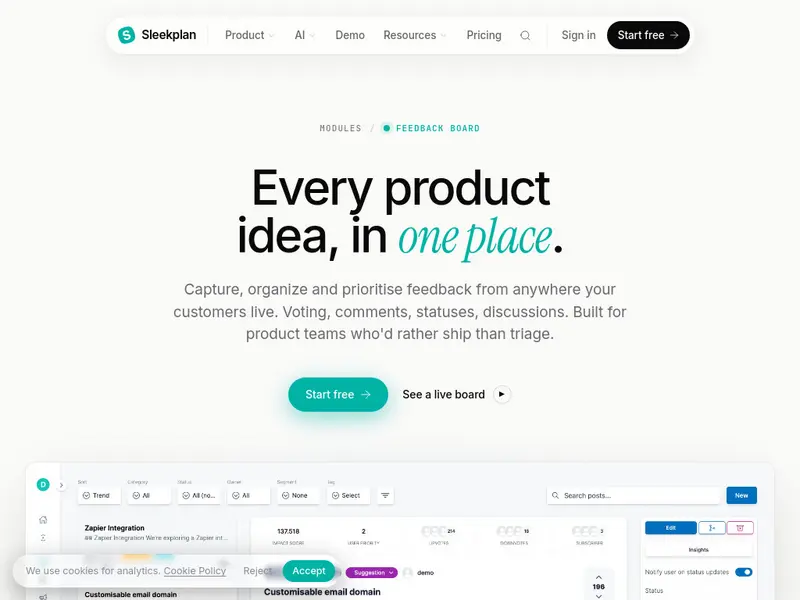
h3. 6. Strengthen the human skills that matter more now
As AI handles more drafting and synthesis, the human part of product work becomes more visible.
The skills that matter most are:
- **Judgment**: deciding what matters and what does not
- **Storytelling**: explaining evidence, tradeoffs, and decisions clearly
- **Influence**: aligning stakeholders without relying on authority alone
- **Ethics and governance**: protecting customer trust when data and AI are involved
h2. Common mistakes to avoid
Teams adopting this model often run into the same problems:
- Relying too heavily on AI summaries without direct customer contact
- Treating the roadmap like a contract instead of a learning tool
- Jumping from requests to solutions without clarifying the opportunity
- Shipping faster without improving measurement discipline
- Expecting continuous discovery to work without time, coaching, or role clarity
These are not reasons to avoid the shift. They are signs that the operating model needs support.
h2. A 90-day plan to upgrade your product practice
If your team wants to move from feature delivery to outcome-led product work, start small and make the new habits visible.
**Weeks 1 to 2**
- Write a one-page intent for each team or product area
- Define one leading indicator and one lagging indicator per outcome
**Weeks 3 to 6**
- Schedule weekly customer touchpoints
- Create an opportunity map for each active outcome
- Centralize feedback intake and agree on a shared tagging system
**Weeks 7 to 10**
- Rebuild the roadmap around outcomes and bets
- Add review dates, confidence levels, and evidence links
**Weeks 11 to 13**
- Choose a few AI use cases, such as feedback synthesis, spec drafting, or meeting summaries
- Define review steps and ownership for AI-assisted work
- Document what worked and refine the workflow
h2. What to do next
Start with one team, one outcome, and one weekly discovery habit. Then connect feedback, decisions, and roadmap changes in a visible system your team can maintain.
That is the practical core of the new era of product management. Faster shipping matters, but better judgment, tighter feedback loops, and clearer outcome ownership matter more.
Mmarco·Aug 1, 2026
More from the Journal
[Product ManagementSep 20, 20267 min Aha Pricing: What Each Product and Tier Costs→](https://sleekplan.com/blog/aha-pricing) [Product ManagementSep 20, 20267 min Jira Product Discovery Pricing: Creators, Not Users→](https://sleekplan.com/blog/jira-product-discovery-pricing) [Product ManagementSep 20, 20268 min Productboard Pricing: Maker Seats and What You Pay→](https://sleekplan.com/blog/productboard-pricing)
Keep up
h2. New essays land on LinkedIn every Tuesday.
Follow Sleekplan on LinkedIn — we post every new piece there, plus the shorter notes that never make it to the journal.
[Follow on LinkedIn](https://www.linkedin.com/company/sleekplan/)
Done reading? [Try Sleekplan free ](https://app.sleekplan.com/sign-up/)
---
### Intercom User Feedback Tool Guide for SaaS Teams | Sleekplan
Source: https://sleekplan.com/blog/intercom-user-feedback-tool-guide-for-saas-teams-8947
Description: Learn how an Intercom user feedback tool helps SaaS teams capture requests in chat, reduce duplicates, prioritize with context, and close the loop with roadmap updates.
**
h2. What is an Intercom user feedback tool?
An Intercom user feedback tool brings feedback capture and discovery into the Intercom messenger. Instead of leaving chat to file a request or check a roadmap, customers can submit ideas, search existing items, vote, and follow updates in the same place where they already talk to support.
Sleekplan’s Intercom integration adds that workflow directly to Intercom. Customers can browse the feedback board, vote on requests, view the roadmap, and read the changelog. Agents see useful context in the sidebar, including prior votes, CSAT, and NPS.
If you want implementation details, see the [Canvas examples in our docs](https://sleekplan.com/docs/canvas/examples).
h2. Why use an Intercom user feedback tool inside support conversations?
Support is often where product demand shows up first. If teams collect requests in ad hoc notes or scattered conversations, they lose detail, create duplicates, and make prioritization harder.
Keeping feedback inside Intercom helps teams:
- capture feedback when the need is fresh
- reduce duplicate requests through search and voting
- give support and product teams shared context
- prioritize with visible demand, not isolated anecdotes
- close the loop through roadmap and changelog updates
This matters most for SaaS teams that want support, product, and customer success working from the same signal instead of separate systems.
h2. What customers and agents can do inside Intercom
Sleekplan supports several views that can be shown in Intercom:
- Feedback board for browsing, searching, voting, and creating items
- Roadmap for planned, in progress, and shipped work
- Changelog for release notes and updates
- Home screen that links customers to the views you want to expose
Customers can search before submitting a request, which helps them find related items and vote instead of creating another duplicate. If no relevant item exists, they can create feedback directly from the conversation.
Agents can use the sidebar to understand the customer behind the message. Useful context includes:
- total upvotes by that customer
- recent CSAT score
- current NPS
- items the customer has already voted on
That context makes it easier to route requests, explain current plans, and spot accounts that need careful follow-up.
h2. How feedback submission works
Customers can create feedback from inside Intercom using a simple form with a title and description. Depending on your product setup, submissions can be categorized as feature requests, bug reports, or improvements.
The integration also preserves useful context. Metadata can include:
- Intercom user ID
- name and email
- conversation ID
- vote history tied to the user
That makes product triage more useful because the team can review the request together with the conversation that triggered it.
h2. How the Intercom integration works behind the scenes
Sleekplan uses OAuth to connect the Intercom workspace to the correct product. Once installed, the integration renders views for the home experience, conversation workflows, and sidebar context.
At a high level, the setup includes:
1. Admin starts installation in Sleekplan.
2. Intercom OAuth permissions are approved.
3. The workspace is linked to the right Sleekplan product.
4. Home, conversation, and sidebar views become available.
5. Customer data and vote activity sync to the feedback system.
The integration also keeps data scoped correctly. Workspace linking, user authentication, permission checks, and duplicate prevention help ensure one Intercom workspace maps to one Sleekplan product.
For API-level work, the [API overview](https://sleekplan.com/docs/api/overview) is the best starting point.
h2. How to set up Sleekplan’s Intercom integration
Before installation, make sure you have:
- admin access in Sleekplan
- admin permissions in Intercom
- an active Intercom subscription
Then follow these steps:
1. In Sleekplan, go to Settings and open Integrations.
2. Select Intercom and start the installation.
3. Approve the OAuth connection in Intercom.
4. Choose which modules to display: feedback board, roadmap, and changelog.
5. Customize labels and descriptions.
6. Save the configuration and enable the integration.
You can also review the [Intercom integration page](https://sleekplan.com/integrations/intercom) before installing.
h2. A practical workflow for support and product teams
The integration works best when teams agree on a simple operating model.
h3. During the conversation
- Search the feedback board from the conversation view.
- If a relevant item exists, ask the customer to vote on it.
- If nothing relevant exists, create a new item using the customer’s wording.
h3. After the conversation
- Keep the Intercom conversation linked to the feedback item.
- Review CSAT or NPS context if urgency or risk seems high.
- Add any details that make the request easier to evaluate later.
h3. During product triage
- Review new items and requests gaining votes quickly.
- Merge duplicates.
- Update statuses such as planned, in progress, or completed.
- Keep the original customer problem visible, not just the proposed feature.
h3. When you ship
- Update the item status.
- Publish a changelog entry.
- notify voters or relevant customers so the loop is actually closed.
If you want a broader system for that process, see [Build a customer feedback loop that actually closes](https://sleekplan.com/blog/build-a-customer-feedback-loop-that-actually-closes-collect-acknowledge-analyze-act-close-6201).
h2. Best practices for Intercom feedback management
A few habits make the integration more useful over time:
- Set expectations clearly. Tell customers what belongs in the feedback board and what should stay in support.
- Encourage search before submission. This improves discoverability and keeps demand consolidated.
- Use votes as one signal, not the only signal. High vote count matters, but so do revenue impact, urgency, and strategic fit.
- Keep statuses current. A stale board reduces trust quickly.
- Use roadmap and changelog updates to explain decisions, not only shipped work.
This is where many teams improve. The goal is not just collecting more feedback. It is creating a reliable path from conversation to decision to communication.
h2. Common use cases
This workflow is useful in several product environments:
- SaaS support teams that need a structured way to turn chat requests into roadmap input
- startups that want to reduce duplicate requests while showing a public roadmap
- larger product teams that need account-level context, shared demand signals, and clearer communication back to customers
h2. Troubleshooting checklist
If the integration is not working as expected, check the basics first:
- OAuth completed successfully
- the Intercom workspace is not already linked elsewhere
- the customer record includes the required fields, such as email when needed
- feedback types are enabled in your configuration
- the item is open for voting
- matching user data exists across both systems when search or voting appears inconsistent
h2. Definitions that help teams stay aligned
- **Customer feedback loop**: collecting feedback, deciding what to do with it, acting on it, and communicating back to customers
- **Feedback board**: a searchable place where users can submit, discuss, and vote on requests
- **Roadmap**: a high-level view of planned, active, and completed work
- **Changelog**: a record of shipped updates and release notes
h2. Next step
Start with one product and one support team. Enable feedback, roadmap, and changelog views in Intercom, train agents to search before creating new items, and review new requests in a weekly product triage. If you want to connect this workflow with the rest of your stack, visit the [integrations page](https://sleekplan.com/integrations).
Mmarco·Jul 27, 2026
More from the Journal
[Feedback ManagementSep 20, 20269 min How to Say No to Feature Requests Without Losing Users→](https://sleekplan.com/blog/how-to-say-no-to-feature-requests) [Feedback ManagementAug 5, 20268 min How to Organize Customer Feedback: A System for SaaS Teams→](https://sleekplan.com/blog/how-to-organize-customer-feedback-a-system-for-saas-teams-5298) [Feedback ManagementJul 29, 20267 min Multi-Channel Customer Feedback for SaaS Teams→](https://sleekplan.com/blog/multi-channel-customer-feedback-for-saas-teams-6352)
Keep up
h2. New essays land on LinkedIn every Tuesday.
Follow Sleekplan on LinkedIn — we post every new piece there, plus the shorter notes that never make it to the journal.
[Follow on LinkedIn](https://www.linkedin.com/company/sleekplan/)
Done reading? [Try Sleekplan free ](https://app.sleekplan.com/sign-up/)
---
### Multi-Channel Customer Feedback for SaaS Teams | Sleekplan
Source: https://sleekplan.com/blog/multi-channel-customer-feedback-for-saas-teams-6352
Description: Learn how SaaS teams build multi-channel customer feedback systems across email, in-app, web, and support, then centralize, prioritize, and close the loop.
h2. What multi-channel customer feedback is
Multi-channel customer feedback is the structured collection of customer input from several touchpoints instead of relying on one source, such as email surveys alone. In practice, that can include websites, mobile and web apps, email, social media, live chat, support tickets, phone calls, and in-person surveys. Sogolytics gives a useful overview of [multi-channel feedback](https://www.sogolytics.com/blog/what-is-multi-channel-customer-feedback/).
h2. Multi-channel vs. omnichannel
The terms are related, but they are not the same.
- Multi-channel feedback means you collect feedback from multiple places.
- Omnichannel feedback means those channels are connected, so the context follows the customer.
If someone submits a survey, contacts support, and later leaves feedback in-app, an omnichannel setup helps your team see those interactions together instead of as separate records. Sprinklr’s explanation of [omnichannel experience](https://www.sprinklr.com/products/customer-service/omnichannel-experience/) shows how service teams unify channel context into a single view.
h2. Why it matters for SaaS teams
For SaaS companies, the value is not just broader coverage. It is better product decisions.
- It reduces sampling bias. Email surveys often over-represent some users, while in-app and support channels capture feedback closer to the moment of use.
- It improves prioritization. Feature requests from support, sales, and active users can be compared in one place.
- It aligns teams. Product, support, success, and CX can work from shared signals instead of isolated inboxes.
- It helps close the loop. When feedback is centralized, teams can update status, publish releases, and communicate outcomes more consistently.
h2. Which channels organizations use most
Most organizations do not rely on one channel. They combine a small set of reliable sources based on customer behavior.
- Email surveys. Still a common B2B channel because they are easy to send, structured, and tied to known contacts and accounts. CustomerGauge explains why [email as a primary channel](https://customergauge.com/blog/what-is-the-best-channel-to-collect-customer-feedback) remains effective.
- Website prompts. Good for capturing feedback from prospects, evaluators, or users browsing help content.
- In-app microsurveys. Useful for contextual input after onboarding steps, feature use, or friction points.
- Live chat and support tickets. Often the richest source of qualitative feedback because customers explain the problem in their own words.
- Social and review sites. Useful for unsolicited sentiment, especially around launches, outages, and pricing changes.
- Offline touchpoints. Relevant for companies with physical locations, events, or field operations.
h2. The tool categories teams combine
Most teams use a stack, not a single tool.
- Survey and VoC platforms capture structured responses across email, web, in-app, SMS, and sometimes offline channels.
- Product feedback systems collect requests, merge duplicates, support voting, and connect ideas to roadmap and release updates.
- Website and in-app widgets capture contextual feedback directly inside the product experience.
- Omnichannel service platforms consolidate chat, email, social, and phone conversations, which often contain high-value feedback.
h2. Where Sleekplan fits in a multi-channel setup
Sleekplan works best as the hub for product feedback and follow-up. Teams can collect requests from widgets, boards, in-app prompts, email, Slack, Intercom, and APIs, then organize that signal in one place. From there, they can review duplicates, tag themes, update statuses, plan work, and publish roadmap and changelog updates.
If you want to see how that works in practice, the [product feedback tool](https://sleekplan.com/feedback) shows how teams centralize requests, and [Sleek Intelligence](https://sleekplan.com/intelligence) covers AI-assisted clustering and synthesis.
h2. Definitions that keep teams aligned
A few clear definitions prevent confusion once multiple teams join the process.
- Customer feedback loop: collect input, decide what to do, act on it, then communicate back to customers.
- Multi-channel collection: gathering feedback through several channels that match customer habits.
- Omnichannel service: connecting channels and customer context so interactions contribute to one shared view.
h2. A practical workflow for implementing multi-channel customer feedback
h3. 1. Map journeys and choose channels by behavior
Start with where customers already respond.
- B2B buyers often answer email surveys.
- Active users respond better in-app.
- Prospects may use website prompts.
- Existing customers often share the most detail through support chat and tickets.
Do not try to cover every channel at once. Start with the channels that already carry real customer conversations.
h3. 2. Standardize your survey instruments
If you use NPS, CSAT, or CES across channels, keep wording and scales consistent. Otherwise, you will not be able to compare results cleanly.
Also standardize taxonomies, question IDs, and response labels where possible.
h3. 3. Instrument the product and website
Add feedback prompts at meaningful moments, such as:
- after onboarding completion
- after first use of a new feature
- on high-friction screens
- on help center or pricing pages
Use triggers tied to URLs, events, lifecycle stage, or segments.
h3. 4. Connect support and messaging systems
Support conversations contain valuable product signals, but only if your team captures them in a structured way. Connect chat and ticketing workflows so agents can link requests, create feedback posts, or attach relevant context while handling the conversation.
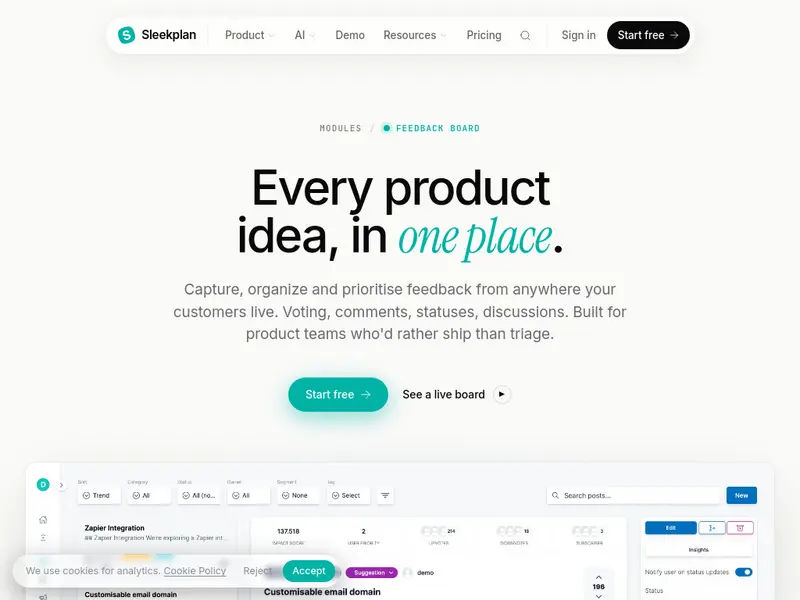
h3. 5. Centralize the signal
Route surveys, widgets, tickets, chats, and reviews into one system of record. Keep the metadata that makes feedback usable later:
- channel
- customer
- account
- segment
- product area
- version
- URL or screen
- timestamp
Without attribution and context, feedback becomes much harder to prioritize.
h3. 6. Organize feedback for decisions
A simple model works well:
- Statuses show progress, such as Under Review, Planned, In Progress, or Complete.
- Categories group feedback into clear public themes or product areas.
- Tags add internal context, such as segment, urgency, source channel, or strategic theme.
Keep public categories limited. Let tags carry the complexity behind the scenes. For the full filing system, taxonomy layers and a weekly triage cadence included, see our guide on [how to organize customer feedback](https://sleekplan.com/blog/how-to-organize-customer-feedback-a-system-for-saas-teams-5298/).
h3. 7. Use AI carefully
AI can help cluster duplicates, detect themes, and summarize large volumes of input. It should not replace human review.
Product managers, support leads, and CX owners still need to validate themes, merge edge cases correctly, and judge strategic importance.
h3. 8. Prioritize against real criteria
Use a small set of decision factors consistently:
- demand volume
- customer segment impact
- strategic fit
- effort
- churn or revenue relevance
A weekly review of new themes and a monthly prioritization cadence is often enough for mid-sized SaaS teams.
h3. 9. Close the loop visibly
Customers should not have to wonder what happened after they shared feedback. Update statuses, publish changelogs, and announce releases in visible places.
That is where a public board, roadmap, and changelog become useful. They reduce duplicate requests and show that customer input is being reviewed and acted on.
h2. A simple operating model for organizing feedback
Once collection is working, consistency matters more than complexity.
- Statuses: one per item, representing progress only
- Categories: one primary grouping, usually public-facing
- Tags: multiple internal labels for source, urgency, segment, or theme
- Ownership: a clear DRI for each category or product area
- Triage SLA: a defined window, such as five business days, for initial review
This model is simple enough for support and success teams to follow, but structured enough for product planning.
h2. Example: bringing chat into the loop
One common gap is chat. Teams handle valuable conversations there, but the product signal disappears unless agents manually copy it elsewhere.
With the [Intercom integration](https://sleekplan.com/integrations/intercom), customers can browse feedback, roadmap items, and changelogs from Messenger, while agents can search, link, or create feedback posts without leaving the conversation. That keeps context attached to the customer record and makes follow-up easier.
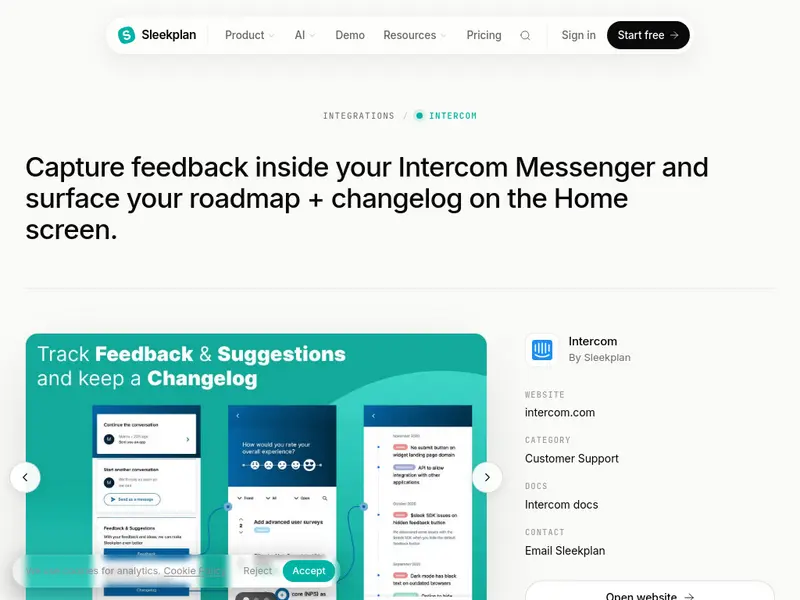
h2. Selection criteria for your tool stack
When choosing tools, evaluate them against the basics first.
- Channel coverage. Does it support the channels your customers actually use?
- Integration depth. Can it connect to your CRM, helpdesk, analytics, and collaboration tools?
- Feedback organization. Can you manage categories, tags, statuses, ownership, and duplicates cleanly?
- Analytics quality. Does it offer useful theme detection and summaries, or only dashboards?
- Closed-loop support. Can your team publish updates, roadmaps, or changelogs from the same workflow?
- Ease of use. Can support, success, and product teams all contribute without heavy process overhead?
- Pricing fit. Does the model match your expected volume, seats, and AI usage?
h2. Common mistakes to avoid
- Using different scales or wording across channels, which makes comparison unreliable
- Over-relying on one channel and mistaking a vocal minority for broad demand
- Collecting feedback without customer or account attribution
- Letting requests disappear into hidden backlogs with no visible updates
- Treating AI summaries as final truth without PM or CX review
h2. The practical next step
Pick three channels you already trust, usually email, in-app, and support. Standardize how you collect feedback, centralize it with attribution, and run a lightweight operating model with statuses, categories, tags, and visible updates.
That is enough to build a reliable multi-channel customer feedback process. Once the foundation is working, you can expand coverage without losing clarity.
Llauren·Jul 29, 2026
More from the Journal
[Feedback ManagementSep 20, 20269 min How to Say No to Feature Requests Without Losing Users→](https://sleekplan.com/blog/how-to-say-no-to-feature-requests) [Feedback ManagementAug 5, 20268 min How to Organize Customer Feedback: A System for SaaS Teams→](https://sleekplan.com/blog/how-to-organize-customer-feedback-a-system-for-saas-teams-5298) [Feedback ManagementJul 27, 20266 min Intercom User Feedback Tool Guide for SaaS Teams→](https://sleekplan.com/blog/intercom-user-feedback-tool-guide-for-saas-teams-8947)
Keep up
h2. New essays land on LinkedIn every Tuesday.
Follow Sleekplan on LinkedIn — we post every new piece there, plus the shorter notes that never make it to the journal.
[Follow on LinkedIn](https://www.linkedin.com/company/sleekplan/)
Done reading? [Try Sleekplan free ](https://app.sleekplan.com/sign-up/)
---
### ChatGPT for Product Managers in 2026: Workflows, Guardrails, and Specialized Copilots | Sleekplan
Source: https://sleekplan.com/blog/chatgpt-for-product-managers-in-2026-workflows-guardrails-and-specialized-copilots-9490
Description: Learn how to use ChatGPT for product managers across discovery, strategy, roadmapping, PRDs, and analysis, with practical guardrails and guidance on when to use specialized copilots.
h2. What is ChatGPT for product managers?
ChatGPT for product managers means using a large language model to turn messy inputs into structured outputs. In practice, that includes summarizing research, clustering feedback, drafting product documents, exploring trade-offs, and rewriting communication for different audiences.
It is useful because PM work is full of unstructured information. Notes, tickets, survey responses, stakeholder requests, and roadmap debates rarely arrive in a clean format. ChatGPT helps organize that material, but the PM still owns discovery quality, judgment, and decisions.
OpenAI shows common product management use cases such as strategy clarification, documentation support, and feedback synthesis in its guide to [OpenAI for product management](https://chatgpt.com/business/ai-for-product-management/).
If your team wants an in-app copilot that works directly inside a feedback system, [Sleekmate](https://sleekplan.com/sleekmate) is the more practical setup. It operates in your workspace and can surface themes or draft changelog copy from existing feedback data.
h2. Why SaaS teams use it
Three use cases come up repeatedly in product teams:
- Feedback volume is high, and PMs need a faster way to spot themes without losing the original user language.
- Roadmap decisions need clearer reasoning, especially when teams have competing priorities and limited capacity.
- Product documentation often gets delayed because drafting takes time, even when the thinking is already done.
ChatGPT reduces the cost of first drafts and early synthesis. That gives PMs more time for customer conversations, cross-functional alignment, and harder product decisions.
h2. Core workflows where ChatGPT helps most
h3. Discovery and user understanding
Use ChatGPT to cluster survey responses, support tickets, app reviews, and interview notes into themes. It is especially useful when you want a first pass at organizing large amounts of qualitative input.
A practical workflow:
1. Paste the raw inputs or a representative sample.
2. Ask for 5 to 7 themes, a short description of each, counts per theme, and exact supporting quotes.
3. Ask for product implications, open questions, and what should be validated in future interviews.
Lenny Rachitsky’s guide on [How PMs use ChatGPT](https://www.lennysnewsletter.com/p/how-to-use-chatgpt-in-your-pm-work) includes examples of this kind of synthesis.
The main guardrail is simple: do not replace discovery with AI output. Teresa Torres argues that AI should not fabricate users, interviews, or personas, and that real customer discovery still matters most. Her piece on [Generative AI in discovery](https://www.producttalk.org/generative-ai-discovery/) is useful here.
If you already centralize user input, [Sleek Intelligence](https://sleekplan.com/intelligence) can reduce manual triage before you ever open ChatGPT. Grouped topics and cleaned inputs make downstream analysis more grounded.
h3. Strategy and planning
ChatGPT is good at structured strategic thinking when you provide constraints. It can outline options, identify risks, compare alternatives, and simulate stakeholder objections.
Useful prompts include:
- Give it your goals, target segment, constraints, and non-goals, then ask for three strategic options with trade-offs.
- Paste public competitor messaging or release notes and ask for a comparison table with explicit assumptions.
- Ask what a CFO, VP Sales, or Head of Customer Success would challenge in your plan.
This is not a substitute for strategy. It is a faster way to pressure-test strategy before you put it in front of other people.
Teams that want to pull data into custom workflows can use the [Sleekplan REST API](https://sleekplan.com/docs/api/overview) to read and write feedback, changelogs, surveys, and related records.
h3. Roadmapping and prioritization
ChatGPT can turn a list of initiatives into a more explainable priority order. It works best when you provide impact, effort, confidence, dependencies, and any business constraints.
Use it to:
- Apply a framework such as RICE or MoSCoW
- Draft one-paragraph rationales for why items moved up or down
- Generate different summaries for executives, engineering, or customer-facing teams
- Surface sequencing risks and hidden assumptions
This is where specialized copilots often become more valuable. A general model can reason about prioritization, but it does not know your live feedback backlog unless you connect that data. If your team publishes a public roadmap, [Sleekplan’s roadmap product](https://sleekplan.com/roadmap) keeps roadmap communication tied to the same system as customer input and shipped work.
h3. PRDs, user stories, and acceptance criteria
ChatGPT is very effective as a drafting engine. If you supply a clear problem statement, audience, constraints, non-goals, and expected structure, it can produce a usable first draft quickly.
For PRDs, ask for sections such as:
- Problem
- Goals and guardrails
- User scenarios
- Success metrics
- Risks and dependencies
- Rollout plan
- Open questions
For acceptance criteria, ask for clear and testable statements, then review them with engineering and QA. The value is speed and completeness, not final authority.
h3. Analytics and experimentation
ChatGPT can help draft SQL, define metrics, outline experiment designs, and create rough impact models. This is most useful when the PM knows what decision the analysis needs to support.
A simple pattern:
1. Provide the schema or data structure.
2. State the business question.
3. Ask for the query and a plain-language explanation.
4. Review for logic, joins, definitions, and edge cases.
For experimentation, ask it to propose a hypothesis, success metric, guardrail metric, segment logic, and likely risks. Then validate the design with your analyst, data scientist, or growth counterpart.
h2. Prompting patterns that improve quality
The difference between a generic answer and a useful one is usually context.
h3. Start with role, audience, and goal
Say who the model is, who the output is for, and what job it needs to do.
Example:
- Role: Staff PM at a B2B SaaS company
- Audience: Engineering and design leads
- Goal: Draft a PRD for a self-serve onboarding improvement
h3. Add context and constraints
Include your ideal customer profile, product area, market, team capacity, technical limits, and non-goals. Without these, answers drift toward generic software advice.
h3. Ask for critique, not just output
Strong PMs do not only ask for drafts. They ask for weaknesses.
Try prompts like:
- What assumptions am I making?
- What would a skeptical stakeholder question?
- Which edge cases are missing?
- What evidence would strengthen this recommendation?
h3. Preserve the user’s voice
When summarizing feedback, ask for exact quotes and counts per theme. Summaries without source language can flatten nuance and overstate confidence.
h2. ChatGPT vs specialized copilots
General assistants and specialized copilots serve different jobs.
| Option | Best for | Main strength | Main limitation |
| --- | --- | --- | --- |
| ChatGPT | Cross-tool reasoning, drafting, synthesis, critique | Flexible across many PM tasks | Not grounded in live product data by default |
| Specialized copilot inside a feedback or roadmap tool | Feedback triage, evidence-grounded summaries, changelogs, roadmap context | Works on live domain data and can link back to sources | Limited to the systems it is connected to |
Most mature teams use both. ChatGPT helps across tools and artifacts. Specialized copilots help inside the systems where product evidence already lives.
h2. Risks and guardrails
h3. Do not replace real discovery
AI can summarize interviews. It cannot substitute for interviewing real customers, observing behavior, or hearing uncertainty in their words.
h3. Do not outsource judgment
A good draft is still a draft. PMs need to challenge recommendations, inspect assumptions, and take responsibility for the final call.
h3. Watch for hallucinations
Keep prompts grounded in your own material whenever possible. Ask the model to stay within provided documents and clearly separate facts from assumptions.
h3. Protect private data
Be clear about what customer, product, or internal data is allowed in which tool. Enterprise controls and internal guidance matter here.
h2. A practical implementation plan
Start with one recurring task that already slows your team down.
h3. 1. Pick a narrow use case
Good first options include:
- A PRD first draft for a well-scoped feature
- Thematic analysis of survey or NPS comments
- Acceptance criteria for a release candidate
h3. 2. Build a persistent context thread
Reuse the same conversation with your product context, target user, roadmap constraints, and recent decisions. The outputs improve when the model has continuity.
h3. 3. Connect it to existing rituals
Use AI before product reviews, sprint planning, roadmap updates, and release communication. The goal is not to create a separate AI workflow, but to shorten the slow parts of the workflows you already have.
h3. 4. Standardize prompts and review checklists
Create a small internal library for common tasks such as discovery synthesis, prioritization, PRD drafting, and stakeholder simulations. Add review checks for assumptions, evidence, privacy, and missing edge cases.
h3. 5. Keep the human work central
Make customer conversations, strategic judgment, and cross-functional alignment the fixed points. AI should support those activities, not replace them.
h2. Reusable prompt templates
h3. Discovery synthesis
- Role: Senior PM at a B2B SaaS company
- Goal: Cluster NPS verbatims for the product team
- Input: 150 comments
- Ask: Identify 5 to 7 themes. For each theme, provide a label, description, count, and 5 exact quotes. End with product implications and open questions.
h3. Prioritization
- Role: Staff PM
- Goal: Prepare a RICE-based recommendation for next quarter
- Input: Initiative table with reach, impact, confidence, effort, constraints
- Ask: Compute the framework, propose an order, and write a short justification for each item using customer evidence and risks.
h3. PRD drafting
- Role: Expert product writer
- Goal: Create a first-draft PRD for engineering and design review
- Input: Problem statement, target user, constraints, non-goals, initial flow
- Ask: Draft the problem, goals and guardrails, success metrics, user scenarios, solution outline, dependencies, rollout plan, and open questions.
h2. Where human judgment matters most
Three areas remain firmly human:
- Discovery quality, including who you talk to and what you notice
- Strategy, especially choosing bets under uncertainty
- Alignment, because trust and credibility still depend on clear human communication
h2. What to do next
Choose one product task this week and run it through ChatGPT with a tight prompt and real source material. Review the output with your team, note where it helped and where it failed, then decide whether a general assistant is enough or whether you need a specialized copilot connected to your product data.
Llauren·Jul 25, 2026
More from the Journal
[Product ManagementSep 20, 20267 min Aha Pricing: What Each Product and Tier Costs→](https://sleekplan.com/blog/aha-pricing) [Product ManagementSep 20, 20267 min Jira Product Discovery Pricing: Creators, Not Users→](https://sleekplan.com/blog/jira-product-discovery-pricing) [Product ManagementSep 20, 20268 min Productboard Pricing: Maker Seats and What You Pay→](https://sleekplan.com/blog/productboard-pricing)
Keep up
h2. New essays land on LinkedIn every Tuesday.
Follow Sleekplan on LinkedIn — we post every new piece there, plus the shorter notes that never make it to the journal.
[Follow on LinkedIn](https://www.linkedin.com/company/sleekplan/)
Done reading? [Try Sleekplan free ](https://app.sleekplan.com/sign-up/)
---
### Best Survey Tool in 2026: A Practical Guide for Product and CX Teams | Sleekplan
Source: https://sleekplan.com/blog/best-survey-tool-in-2026-a-practical-guide-for-product-and-cx-teams-7059
Description: Looking for the best survey tool in 2026? This guide helps product and CX teams compare in-app, AI, and self-hosted options and choose a survey stack that fits real SaaS workflows.
**
h2. What is the best survey tool in 2026?
There is no universal best survey tool. The best choice depends on your use case, delivery context, AI needs, and data governance requirements.
For most SaaS teams, the strongest setup includes:
- A core product feedback hub
- An in-app survey layer for contextual feedback
- A general-purpose survey tool for broader research
- A privacy-first or self-hosted option when compliance matters

h2. Definitions that help teams stay aligned
- Customer feedback loop: collect, organize, prioritize, act, and communicate outcomes to customers
- In-app survey: a short survey shown inside the product, triggered by user behavior or milestones
- AI survey tools: tools that help generate questions, summarize open text, detect sentiment or themes, and support follow-up actions
h2. Why survey tools matter for SaaS teams
Survey tools are only useful when they support real product decisions.
In SaaS, that usually means three things:
- Feedback arrives in context, not days later when users forget the moment
- Responses connect to roadmap decisions, feature adoption, or support patterns
- Teams can act on feedback and communicate what changed
Context matters. In-app surveys often produce stronger signal than email because they appear close to the experience being evaluated. This [in-app surveys overview](https://userpilot.com/blog/in-app-surveys/) shows common trigger patterns and practical examples.
h2. A practical framework to evaluate survey tools
Use these five dimensions to evaluate any tool or stack.
h3. 1. Use-case fit
Different tools are built for different jobs:
- Product feedback and continuous discovery
- General research and broad questionnaires
- In-app sentiment collection
- Enterprise research with advanced analysis
- Privacy-sensitive or self-hosted studies
h3. 2. Delivery context
Ask where the survey needs to appear:
- In-app widgets with behavior-based triggers
- Link and email distribution
- Both, depending on audience and workflow
h3. 3. AI support
AI is most useful in three areas:
- Drafting questions
- Summarizing open-ended responses
- Grouping responses by sentiment, topic, or urgency
It can save time, but it does not replace product judgment.
h3. 4. Data governance
Some teams are fine with cloud software. Others need:
- Self-hosting
- Data residency control
- More oversight for regulated or sensitive studies
h3. 5. Economic and organizational fit
The best tool also needs to match your operating model:
- Licensing cost
- Setup complexity
- Admin overhead
- Developer involvement
- Team capacity to review and act on feedback
h2. How to build a practical survey stack
For most product-led teams, a balanced stack looks like this:
1. Core feedback hub A platform that connects surveys with ideas, roadmap decisions, and changelogs. This keeps feedback tied to action instead of trapped in a reporting tool. For that role, a [product feedback tool](https://sleekplan.com/feedback) can help centralize incoming signals.
2. In-app sentiment layer A lightweight survey system for NPS, CSAT, CES, and feature feedback, triggered at the right moment inside the product. The [Sleekplan surveys feature page](https://sleekplan.com/surveys) shows how this works in practice.
3. General-purpose survey utility A flexible tool for longer questionnaires, internal polls, or research that works best through link or email distribution.
4. Privacy-first research option An open-source or self-hosted tool for regulated environments or teams with strict infrastructure requirements.
h2. Tool roles across the market
Instead of treating the category as a single ranking, it is more useful to map tools to roles.
| Option | Best for | Key strength | Main limitation | Typical use case |
| --- | --- | --- | --- | --- |
| Sleekplan | Product feedback loop | Connects surveys to ideas, roadmap, and changelog with AI support | Not built for academic or panel-based research | Continuous discovery in SaaS |
| Qualaroo | In-app contextual feedback | Behavior-based targeting with sentiment support | Better for micro-surveys than long studies | UX feedback after key actions |
| ProProfs Survey Maker | Fast AI-assisted surveys | Quick setup and accessible analytics | Not an enterprise research suite | NPS, CSAT, internal surveys |
| Zonka Feedback | CX programs with follow-up | Emotion and urgency detection | More CX-focused than research-focused | Post-transaction feedback triage |
| Typeform | Branded conversational surveys | Strong form experience and presentation | Less focused on deep in-app targeting | Onboarding and lead capture |
| SurveyMonkey | General-purpose surveys | Broad template library and distribution options | Limited native in-app context | Team-wide surveys and research |
| Qualtrics | Enterprise experience management | Advanced analytics and text analysis | High cost and complexity | Large-scale enterprise research |
| Google Forms | Basic survey collection | Free and familiar | Limited logic and analysis | Internal polls and simple feedback |
| LimeSurvey | Self-hosted open source | Strong control over infrastructure and data | Setup and maintenance effort | Regulated or academic research |
| Formbricks | Open-source in-app surveys | Privacy-first deployment with modern targeting | Lighter AI support | Self-hosted product surveys |
h2. In-app survey best practices
If you want better response quality, focus on timing and scope.
- Keep surveys short, usually 3 to 4 questions
- Pair one rating question with one open text field
- Put open text last and make it optional
- Use conditional logic for follow-up questions
- Trigger surveys after meaningful product moments
- Add throttling and re-show rules to avoid fatigue
- Review responses regularly and communicate what changed
For teams running satisfaction surveys inside the product, an [NPS & CSAT Survey Tool](https://sleekplan.com/csat-nps) should support targeting, follow-up rules, and response review in one workflow.
h2. Where AI survey tools help, and where they do not
AI survey tools are useful in three parts of the workflow.
h3. Design assistance
AI can suggest question wording, reduce ambiguity, and speed up survey creation. For a practical look at this workflow, see [AI Survey Generator Workflows for Product Managers](https://sleekplan.com/blog/ai-survey-generator-workflows-for-product-managers-1456).
h3. Analysis support
AI can summarize comments, flag sentiment, and group responses into themes. This is especially helpful when teams receive large volumes of open-text feedback.
h3. Action support
Some tools can draft summaries or highlight likely priorities. A layer like [Sleek Intelligence](https://sleekplan.com/intelligence) can help teams move faster from raw feedback to decision-ready insights.
This overview of [best AI survey makers](https://thecxlead.com/tools/best-ai-survey-makers/) is useful if you want to compare how vendors package these capabilities.
Human review still matters. Teams should verify AI output when:
- Comments contain sarcasm or mixed sentiment
- Popularity is being confused with strategic priority
- Recommendations affect roadmap decisions
- Summaries need to be checked against raw responses
h2. Privacy, compliance, and open-source options
Some teams need tighter control over survey infrastructure and data.
Open-source tools can make sense when:
- You need self-hosting
- Data residency is non-negotiable
- Security review is part of procurement
- Survey data includes sensitive internal or regulated information
[Formbricks surveys overview](https://formbricks.com/docs/surveys/overview) is a good example of a privacy-first option that supports in-app, website, email, and link-based surveys.
LimeSurvey fills a similar role for teams that want a mature self-hosted survey engine, but it usually requires more manual setup and maintenance.
The tradeoff is straightforward: you gain control, but you take on more operational responsibility.
h2. A simple selection workflow for product teams
Use this process to choose your stack.
h3. 1. Define the job to be done
Be specific about what you need surveys to support:
- Product discovery
- Customer satisfaction tracking
- Feature feedback
- Market or brand research
- Compliance-driven research needs
h3. 2. Match the job to the channel
- Use in-app surveys for product and UX moments
- Use email or links for broader, longer studies
h3. 3. Decide your AI posture
Choose whether your team needs:
- Manual workflows and templates
- AI help with drafting and tagging
- More advanced summarization and prioritization support
h3. 4. Pick one tool per role
Avoid overlapping subscriptions unless they serve a real operational need.
h3. 5. Add operating guardrails
Set rules for:
- Trigger timing
- Survey frequency
- Ownership of response review
- How outcomes are shared back with customers
h3. 6. Measure and simplify
Track:
- Response rates
- Completion rates
- Dismissal rates
- Impact on product decisions
- Whether tools are duplicating each other
h2. Common mistakes to avoid
- Over-surveying active users
- Asking for feedback before users reach value
- Forcing users into rigid answer choices
- Collecting open text without a plan to review it
- Keeping survey data separate from prioritization and release communication
h2. What to do next
If you are choosing the best survey tool for a SaaS team, start by listing the roles you actually need to fill: in-app feedback, broader survey distribution, product feedback management, and privacy-sensitive research. Then pick one tool for each role, define clear survey triggers, and make sure responses feed into prioritization and customer communication.
A survey tool creates value when it improves decisions, not when it simply collects more responses.
Llauren·Jul 22, 2026
More from the Journal
[Customer FeedbackNov 3, 20255 min What September 2025 Taught Us About Community-Led UGC: Turning Engagement Into Product Insight→](https://sleekplan.com/blog/what-september-2025-taught-us-about-community-led-ugc-turning-engagement-into-product-insight-2686) [Customer FeedbackSep 8, 20256 min Effective Customer Satisfaction Survey Questions: Templates, Best Practices, and Mobile‑First Design→](https://sleekplan.com/blog/effective-customer-satisfaction-survey-questions-templates-best-practices-and-mobile-first-design-9262)
Keep up
h2. New essays land on LinkedIn every Tuesday.
Follow Sleekplan on LinkedIn — we post every new piece there, plus the shorter notes that never make it to the journal.
[Follow on LinkedIn](https://www.linkedin.com/company/sleekplan/)
Done reading? [Try Sleekplan free ](https://app.sleekplan.com/sign-up/)
---
### How to Automate Customer Feedback Into Product Changes | Sleekplan
Source: https://sleekplan.com/blog/how-to-automate-customer-feedback-into-product-changes-9755
Description: Learn how to automate customer feedback into roadmap decisions, releases, and customer updates with AI workflows, governance rules, and a practical 30-day rollout plan.
h2. What it means to automate customer feedback
Automating customer feedback means using AI-driven systems to collect, organize, prioritize, and route feedback into product planning and delivery with minimal manual work. In practice, that includes omnichannel collection, automated triage, topic clustering, impact-based prioritization, roadmap linking, and loop-closing communication.
A customer feedback loop is the process of collecting feedback, deciding what to do with it, acting on it, and telling customers what changed.
Agentic product management is a way of working where AI agents use product context to complete multi-step tasks across tools, with humans approving important decisions.
This matters because better feedback loops improve product decisions. When feedback is delayed, fragmented, or manually summarized, teams miss patterns and respond too slowly. The Deming Institute’s overview of [systems thinking and feedback loops](https://deming.org/systems-thinking-feedback-loops/) is a useful reference for why tight loops matter.
h2. How SaaS teams automate customer feedback end to end
A practical workflow usually has seven parts.
h3. 1. Centralize signals
Bring feedback from your widget, portal, support tools, Slack, email, review sites, and APIs into one workspace. The goal is one system of record where customers can submit ideas, vote, comment, and follow updates. A shared [feedback workspace](https://sleekplan.com/feedback) reduces copying, exports, and duplicate discussions.
h3. 2. Automate triage
Use AI to filter spam, detect duplicates by meaning, estimate sentiment, and flag confidential information as feedback arrives. This removes a large amount of repetitive review work and keeps the backlog cleaner.
h3. 3. Cluster topics and quantify demand
Group related feedback into themes automatically, then track volume, votes, and sentiment for each theme. Dynamic topic grouping is more useful than maintaining a manual taxonomy that quickly gets out of date.
h3. 4. Prioritize with impact scores
Raw vote counts rarely tell the full story. Strong prioritization weighs factors like customer impact, B2B revenue, engagement, and customer happiness. This helps teams separate loud requests from important problems.
h3. 5. Turn insights into roadmap items
For high-impact themes, create planned items and link the most representative feedback to them. Then sync those items to engineering tools so status changes do not have to be updated twice. A connected [roadmap tool](https://sleekplan.com/roadmap) helps keep public plans and internal execution aligned.
h3. 6. Ship and close the loop
When work ships, notify subscribers and draft release notes automatically, then review before publishing. Good loop closing shows customers that their input led to action. That improves trust and often leads to better future feedback. [Changelog tools](https://sleekplan.com/changelog) can help standardize this step.
h3. 7. Learn and refine
After release, look at topic trends and sentiment changes. Adjust your impact weights, review rules, and routing logic as the product and customer base change.
h2. Why this changed recently
Older voice-of-customer programs centralized feedback, but analysis was still manual. Teams read posts one by one, tagged them by hand, and summarized them in slides or spreadsheets. That introduced delay and often favored the loudest customers.
AI-native systems reduce that burden by discovering themes automatically and updating those themes as language changes. Enterpret’s guide to [AI-driven customer feedback analysis](https://www.enterpret.com/guides/ai-driven-customer-feedback-analysis-tools) explains the difference between AI-assisted tagging and AI-native analysis clearly.
h2. How Sleekplan handles the workflow
Sleekplan combines feedback, roadmap, changelog, and surveys in one workspace. [Sleek Intelligence](https://sleekplan.com/intelligence) is the AI layer behind the workflow.
It supports:
- Continuous imports from widgets, portals, support tools, Slack, review sites, email, and APIs
- Automated spam filtering, semantic deduplication, sentiment analysis, confidential data detection, and follow-up suggestions
- AI-clustered topics with trend tracking across volume, votes, and sentiment
- Traceable links between feedback, roadmap items, and shipped work
- Review controls so AI actions can be approved before they affect statuses or customer-visible content
Sleekmate adds an in-app copilot layer. It can answer questions across the workspace, highlight gaps between demand and roadmap coverage, and help create posts or draft release notes. The [Sleekmate product page](https://sleekplan.com/sleekmate) shows how it fits into day-to-day product work.
h2. What MCP changes for engineering teams
MCP connects product context to coding environments. With [Sleekplan MCP](https://sleekplan.com/mcp), MCP-compatible clients can query feedback, votes, users, roadmaps, and changelogs directly from the development workflow.
That enables practical flows such as:
- Pulling planned items by topic and impact before generating implementation work
- Linking shipped work back to the roadmap and relevant feedback
- Drafting customer-facing changelog entries after code is merged
This shortens the path between customer input, product planning, engineering execution, and communication. Human approval still belongs at the points where customer messaging or roadmap commitments change.
h2. What should stay manual
Customer feedback is no longer fully manual for teams that adopt AI-native workflows, but some work should remain human-led.
Keep these decisions manual:
- Strategy, including market positioning and differentiation
- Solution design and tradeoff decisions
- Sensitive customer communication
- Governance, approval rules, and success metrics
Automation is best for repetitive work. Product judgment is still best handled by people.
h2. A 30-day plan to automate customer feedback
If you want to stand up a working system quickly, use this sequence.
h3. Week 1: Centralize and connect
- Choose one workspace as the system of record
- Enable the in-app widget and public portal
- Connect support tools, Slack, email, and review imports
- Turn on AI processing for spam, duplicates, sentiment, and confidentiality
h3. Week 2: Set topics and impact rules
- Review the initial topic clusters and trends
- Define impact weights for your business model
- Identify the themes with high impact and low roadmap coverage
h3. Week 3: Plan and route work
- Create or approve planned items for the strongest themes
- Link representative feedback to each item
- Sync with engineering tools and assign owners
- Require review for public communication and status changes
h3. Week 4: Ship and close the loop
- Review AI-drafted changelog entries and subscriber notifications
- Watch topic and sentiment changes after release
- Set a weekly review cadence and a monthly prioritization recalibration
h2. Governance checklist for agentic workflows
- Require review for AI actions that change statuses or customer-visible content
- Allow low-risk actions, such as duplicate merging, to run automatically when confidence is high
- Log agent actions and reasoning for auditability
- Define an escalation path for sensitive communications and high-impact roadmap moves
- Measure outcomes such as triage time saved, backlog age, and the share of shipped items linked to feedback
h2. Common mistakes
Teams usually struggle for the same reasons.
- They treat the platform like a passive inbox instead of configuring routing, rules, and ownership
- They rely on raw votes without weighting for customer value, revenue, or sentiment
- They fail to close the loop after shipping
- They automate customer-visible actions without review guardrails
- They leave support, sales, or review data disconnected, which weakens analysis
h2. A simple maturity model for feedback automation
You can think about progress in three stages.
- Level 1: Centralized but manual. Feedback lives in one place, but triage and prioritization are still done by hand.
- Level 2: AI-assisted. Triage and sentiment are partially automated, but humans still maintain categories and do most interpretation.
- Level 3: AI-native and agentic. Ingestion, clustering, impact scoring, roadmap linking, and changelog drafting are automated, with humans reviewing key decisions.
h2. What to do next
Start by choosing one place to manage feedback, then automate triage before you automate decisions. Once the data is clean and connected, add impact scoring, roadmap linking, and changelog workflows. That sequence gives product teams the speed benefits of automation without losing judgment, context, or trust.
Aanna·Jul 21, 2026
More from the Journal
[Feedback ManagementSep 20, 20269 min How to Say No to Feature Requests Without Losing Users→](https://sleekplan.com/blog/how-to-say-no-to-feature-requests) [Feedback ManagementAug 5, 20268 min How to Organize Customer Feedback: A System for SaaS Teams→](https://sleekplan.com/blog/how-to-organize-customer-feedback-a-system-for-saas-teams-5298) [Feedback ManagementJul 29, 20267 min Multi-Channel Customer Feedback for SaaS Teams→](https://sleekplan.com/blog/multi-channel-customer-feedback-for-saas-teams-6352)
Keep up
h2. New essays land on LinkedIn every Tuesday.
Follow Sleekplan on LinkedIn — we post every new piece there, plus the shorter notes that never make it to the journal.
[Follow on LinkedIn](https://www.linkedin.com/company/sleekplan/)
Done reading? [Try Sleekplan free ](https://app.sleekplan.com/sign-up/)
---
### Best User Feedback Tools in 2026 for Product-Led SaaS Teams | Sleekplan
Source: https://sleekplan.com/blog/best-user-feedback-tools-in-2026-for-product-led-saas-teams-5965
Description: Best user feedback tools in 2026 work as a connected SaaS stack. Learn how to combine a feedback hub, surveys, bug reporting, replay, and research into one practical workflow.
h2. Quick answer
The best user feedback tools in 2026 help teams do four things well: capture feedback in context, add user and technical context, analyze patterns, and turn insight into shipped work and clear communication. If your stack cannot support all four, it will create noise faster than insight.

h2. What are user feedback tools?
User feedback tools collect, organize, analyze, and help teams act on customer input. That can include feature request boards, in-app surveys, NPS and CSAT, bug reporting, session replay, behavior analytics, and qualitative research platforms.
For SaaS teams, the goal is not just collection. It is to connect feedback to product decisions, roadmap priorities, and customer communication.
h2. Why SaaS teams need a stack, not a single tool
Feedback shows up everywhere: support tickets, sales calls, onboarding friction, roadmap requests, churn reasons, and post-release reactions. A single tool rarely handles all of that well.
A better approach is to center feedback inside the product, then connect specialized tools around it. That gives teams one place to triage requests and communicate progress, while still collecting deeper evidence when needed.
In practice, that usually means:
- a hub for requests, voting, roadmap updates, changelog posts, and basic satisfaction surveys
- in-app microsurveys for specific product moments
- bug reporting and session replay for reproduction and UX diagnosis
- analytics for patterns and validation
- qualitative research for the why behind the signal
h2. A simple framework: capture, context, analysis, action
Use this framework to evaluate any feedback stack.
h3. 1. Capture
Collect signals where they happen. That can include in-app widgets, email, support conversations, surveys, interviews, and usability tests.
h3. 2. Context
Raw feedback is weak without context. Useful context includes user segment, account type, device, app version, recent steps, and journey stage.
h3. 3. Analysis
Look for patterns across qualitative and quantitative inputs. That can include NPS, CSAT, retention, repeated themes, sentiment, and clustered requests.
h3. 4. Action
Good stacks make action visible. Teams should be able to prioritize requests, link them to roadmap items, publish updates, and notify affected users.
If one layer is missing, feedback tends to pile up without improving decisions.
h2. The role of a product-embedded feedback hub
For many SaaS teams, the center of the stack is a product-embedded hub. It gives customers a place to submit ideas, vote, comment, and follow progress without leaving the app. Internally, it gives product teams one place to triage feedback, merge duplicates, assign statuses, and connect requests to roadmap work.
That setup becomes more useful when it also includes a shareable roadmap and a customer-facing changelog. Once a feature ships, teams can update the request, publish the release note, and notify the people who asked for it.
Useful capabilities include:
- public and private boards
- voting, comments, moderation, and duplicate handling
- statuses such as under review, planned, in progress, and completed
- a linked [roadmap](https://sleekplan.com/roadmap) with ownership and timeline visibility
- a [changelog](https://sleekplan.com/changelog) tied to shipped work and customer notifications
- built-in [NPS and CSAT](https://sleekplan.com/csat-nps) surveys with open-text follow-ups
- integrations with support, chat, and engineering workflows
If your current process spreads requests, survey comments, and release communication across disconnected tools, a central [feedback board and roadmap](https://sleekplan.com/feedback) can reduce that fragmentation.
h2. In-app surveys and Voice of Customer programs
Microsurveys are useful because they capture sentiment close to the moment. A one-tap CSAT prompt after support, onboarding completion, or a key workflow can reveal friction while the experience is still fresh.
NPS is also useful when treated as more than a scoreboard. The score matters less than the follow-up comment and the segment behind it. A drop in promoter score for a specific cohort is often the signal to investigate further.
For broader programs, some teams extend feedback collection across chat, email, social, and contact center channels. The key is still the same: connect scores and comments back to product decisions.
For research methods and when to use moderated or unmoderated feedback collection, this guide from [UserTesting](https://www.usertesting.com/blog/how-to-get-customer-feedback) is a useful reference.
h2. Bug reporting, session replay, and analytics add needed evidence
Feature requests tell you what users want. Bugs and friction reports need stronger evidence.
Visual bug reporting helps users and internal teams capture screenshots, annotations, environment details, and short recordings. Session replay helps teams see the path users actually took. Behavior analytics helps validate whether the issue is isolated or part of a larger pattern.
Look for these context layers on bug and friction reports:
- visual evidence such as screenshots or short recordings
- technical data such as browser, OS, app version, and console details
- behavioral context such as recent steps and affected page or screen
- workflow fields such as severity, owner, duplicate status, and tracker links
For a practical overview of replay and heatmap use cases, see Userpilot’s guide to [session replay and heatmaps](https://userpilot.com/blog/category/session-replay-heatmaps/).
Privacy still matters. Sensitive fields should be redacted, protected views excluded from capture, and replay access limited to the right roles.
h2. Qualitative research explains the why
Scores, votes, and analytics can show that a problem exists. Interviews and usability tests explain why it exists.
This matters when teams see a pattern but do not yet understand the user’s mental model. For example, if NPS drops after a workflow change or survey comments cluster around onboarding friction, a handful of targeted research sessions can reveal the cause faster than another dashboard review.
Qualitative research is especially useful for:
- validating themes behind survey comments
- testing new concepts before they reach the roadmap
- understanding objections behind repeated feature requests
- adding quotes and evidence to product briefs
h2. A practical feedback stack for 2026
A common setup for product-led SaaS teams looks like this:
h3. 1. Product-embedded hub
Use this as the system of record for feature requests, voting, roadmap visibility, changelog communication, and lightweight satisfaction surveys.
h3. 2. In-app microsurveys
Trigger CSAT, feature satisfaction, or short open-text prompts at specific moments in the product journey.
h3. 3. Visual bug reporting and session replay
Collect evidence-rich reports and reproduce issues without long back-and-forth.
h3. 4. Behavior analytics
Use path analysis, heatmaps, and adoption metrics to validate whether feedback reflects a wider product pattern.
h3. 5. Qualitative research
Run interviews or unmoderated tests when product questions need deeper explanation.
h3. 6. Closed-loop communication
Notify users when requests change status, publish release notes tied to shipped work, and watch whether satisfaction improves afterward.
h2. How to choose the best user feedback tools
Use a checklist based on how your team actually works.
h3. Capture
- Does the tool support your key channels, such as in-app, email, web, or API?
- Can it handle requests, bugs, ratings, open text, and attachments?
h3. Context
- Does it attach user, account, and environment data?
- Can it connect to support, CRM, and analytics systems?
h3. Analysis
- Does it support tagging, duplicate handling, theme grouping, and segment analysis?
- Can you relate feedback themes to product adoption, retention, or conversion?
h3. Action
- Can teams assign ownership, update statuses, publish roadmap changes, and notify customers?
- Does it support changelog communication as part of the workflow?
h3. Security and governance
- Does it support access controls, retention settings, and redaction of sensitive information?
The best tool is rarely the one with the longest feature list. It is the one that strengthens the weakest part of your current process without creating more fragmentation.
h2. Common mistakes to avoid
- collecting feedback without user or journey context
- treating NPS and CSAT as metrics to report, not signals to investigate
- relying on AI output without human review
- publishing product updates without linking them back to customer requests
- adding more tools without defining a system of record
h2. A rollout plan you can run this quarter
h3. Weeks 1 to 2
Set up your hub, define tags and themes, publish a simple roadmap, and start collecting requests and basic satisfaction signals.
h3. Weeks 3 to 4
Add in-app microsurveys for one important workflow. Connect support and internal team notifications so feedback reaches the right owners.
h3. Weeks 5 to 6
Introduce bug reporting and replay for high-friction areas. Define privacy settings and issue-tracker workflows.
h3. Weeks 7 and beyond
Run a small round of qualitative research on a known problem area. Refine tagging, review repeat themes, and publish changelog updates that show which requests were addressed.
h2. Next step
Audit your current process against the four-layer framework: capture, context, analysis, and action. If requests, surveys, roadmap updates, and release communication still live in separate systems, consolidate the center first. Once the hub is in place, add the specialized tools that fill real gaps.
Llauren·Jul 21, 2026
More from the Journal
[Feedback ManagementSep 20, 20269 min How to Say No to Feature Requests Without Losing Users→](https://sleekplan.com/blog/how-to-say-no-to-feature-requests) [Feedback ManagementAug 5, 20268 min How to Organize Customer Feedback: A System for SaaS Teams→](https://sleekplan.com/blog/how-to-organize-customer-feedback-a-system-for-saas-teams-5298) [Feedback ManagementJul 29, 20267 min Multi-Channel Customer Feedback for SaaS Teams→](https://sleekplan.com/blog/multi-channel-customer-feedback-for-saas-teams-6352)
Keep up
h2. New essays land on LinkedIn every Tuesday.
Follow Sleekplan on LinkedIn — we post every new piece there, plus the shorter notes that never make it to the journal.
[Follow on LinkedIn](https://www.linkedin.com/company/sleekplan/)
Done reading? [Try Sleekplan free ](https://app.sleekplan.com/sign-up/)
---
### Your AI Product Manager: How Sleekmate Turns Feedback Into Decisions | Sleekplan
Source: https://sleekplan.com/blog/your-ai-product-manager-how-sleekmate-turns-feedback-into-decisions
Description: Every product team drowns in the same thing: signal. Feature requests pile up in the feedback board. Comments stack under posts nobody has had time to read. The roadmap drifts out of date. Votes climb on ideas you haven't looked at in three weeks.
_
****
h2. What is an AI product manager?
The phrase “AI product manager” gets used two ways, and it’s worth separating them.
The first meaning is a **job title**: a specialized product manager who ships AI-powered products — someone working at the intersection of data science, machine learning, and business strategy, managing model uncertainty, data quality, and probabilistic user experiences. That’s a real and growing career path.
The second meaning — the one this article is about — is **AI _as_ a product manager**: software that performs product-management work for you. An AI copilot that reads your customer feedback, spots patterns across thousands of posts, summarizes what matters, drafts the changelog, and keeps your roadmap honest. This is the fastest-growing category of tooling for product teams in 2026, because it attacks the single biggest tax on a PM’s time — turning raw feedback into decisions.
Both definitions share the same DNA: an AI product manager exists to reduce the distance between _what users are telling you_ and _what you decide to do about it_. Sleekmate is built for exactly that.
h2. Meet Sleekmate: an AI product manager inside your feedback tool
**Sleekmate is the AI assistant built into Sleekplan**, a customer-feedback and product-management platform. It’s a conversational copilot that lives in your admin dashboard and reads your live workspace — feedback, roadmap, changelog, users, and surveys — so you don’t have to dig through it manually.
Its own description sums up the philosophy nicely:
> _“Ask Sleekmate about your feedback, roadmap and changelog. It reads your workspace so you don’t have to.”_
The critical word there is **your**. Generic chatbots hallucinate because they have no idea what’s in your product. Sleekmate is grounded in your actual data: your posts, your vote counts, your comments, your shipped features. Every answer links back to the real source, and it’s explicitly built to never invent data it can’t find. That grounding is what separates an _AI product manager_ from a chatbot that happens to talk about product management.
And unlike a static analytics dashboard, Sleekmate doesn’t just _tell_ you what to do — it can do it. It updates posts, merges duplicates, writes changelog entries, and builds surveys on your behalf, with a safety step we’ll cover below.
h2. Why an AI product manager actually helps
Before the feature list, it’s worth being clear about the pain this removes. An AI product manager earns its place on your stack when it does the following:
- **It reads your workspace so you don’t have to.** The single most expensive PM activity is reading — scanning hundreds of posts and comment threads to build a mental model of what users want. Sleekmate does that scan in seconds and hands you the summary.
- **It acts, it doesn’t just advise.** Most “AI insight” tools stop at a recommendation. Sleekmate closes the loop: it can retag a post, merge duplicates, or publish a changelog draft, turning “here’s what you should do” into “done.”
- **It’s grounded and auditable.** Answers cite the posts they came from. You watch its plan and reasoning stream live. There’s no black box — you can always trace a conclusion back to the votes and quotes behind it.
- **It’s safe by design.** Any action that changes your data pauses for your approval first. The AI can’t silently mutate your board.
- **It encodes product-management best practice.** Behind the friendly chat are proven playbooks — weekly reviews, duplicate cleanup, PRD drafting, changelog composition — with quality criteria baked in, so the output reads like a good PM wrote it.
In short: it removes the grind of triaging, deduping, summarizing, prioritizing, and writing up feedback across a busy board — the work that eats a PM’s week but rarely moves the strategy forward.
h2. What Sleekmate can do: core capabilities
Here’s what your AI product manager handles day to day.
h3. Chat over your feedback database
Ask a natural-language question about your workspace and get a grounded answer with links back to the source posts. _“What are users asking for most this month?”_ or _“Show me feedback about our mobile app”_ returns a real answer built from semantic search across your feedback, comments, and changelog — not a guess.
h3. Summarize feedback and comments
Turn a pile of recent feedback, or a long comment thread on a single post, into a tight set of bullets plus one actionable recommendation. Perfect for the _“what happened this week”_ catch-up without opening forty tabs.
h3. Find and de-duplicate feedback
Duplicate posts fragment your vote counts and hide your true priorities. Sleekmate detects near-duplicate feedback using semantic similarity, clusters the matches, picks a canonical post per cluster, and proposes a merge plan — always gated behind your confirmation. It never auto-merges.
h3. Draft changelog entries from shipped work
When you ship, Sleekmate composes a polished changelog from the feedback completed in a time window — matching your workspace’s existing voice, structured as a title, a one-line summary, a few highlight bullets, and a “what’s next,” with links back to the requests it fulfilled. _“Create a changelog from everything we completed in the last 30 days”_ becomes a first draft in one message.
h3. Create, update, tag, and prioritize posts
Change any field on a post — title, description, status, type, tags, owner, effort, estimate — just by asking. Create new posts, apply or invent tags, and get the _why_ behind a priority framed in terms of impact versus effort, with assumptions stated when effort is unknown.
h3. Draft PRDs and specs from feedback
Point Sleekmate at a theme and it clusters the related posts into a structured PRD: problem, users and scenarios, proposed solution, success metrics, and open questions — grounded in real user quotes and vote counts, with an appendix of the source posts. It turns a cluster of raw requests into a one-pager a stakeholder can actually read.
h3. Run and analyze surveys
Draft or revise survey questions (rating, NPS, text, or multiple-choice), pick the right question type for each goal, and save them straight to a survey. Once responses arrive, Sleekmate summarizes them, surfaces trends, and highlights the key findings.
h3. Weekly and monthly product reviews
Ask for a digest of the last ~30 days and Sleekmate distills your feedback into a handful of themes, scores each by urgency using vote momentum and recency, and recommends concrete next steps — the standing product review, done in seconds.
h3. Keep your roadmap honest
_“Summarize the current roadmap status”_ or _“Which items are overdue?”_ gives you an instant read on where things stand and what deserves attention.
h3. Answer “how do I use Sleekplan?”
It also searches Sleekplan’s own help docs, so onboarding questions get answered in the same chat window.
h2. Real use cases for product managers
Capabilities are abstract. Here’s what a week with an AI product manager actually looks like.
**Monday morning triage.** You open Sleekmate and ask, _“What needs my attention today?”_ It hands you the three feedback themes that gained the most votes over the weekend, flags a spike in comments on a bug post, and suggests which items to move into the current sprint. Ten minutes instead of an hour.
**Cleaning up a messy board.** Six months of feedback has left you with duplicate requests everywhere. You ask, _“Find duplicate feedback posts.”_ Sleekmate clusters them, proposes a canonical post for each group, and shows you a merge plan. You approve the ones you agree with, and your vote counts consolidate into an honest priority ranking.
**Shipping and announcing.** You just released three features. Instead of writing release notes from scratch, you ask, _“Create a changelog from posts completed in the last 30 days.”_ Sleekmate drafts it in your voice, links each item to the users who requested it, and you publish after a light edit — closing the loop with the customers who asked.
**Turning a theme into a spec.** Fifteen posts are circling the same idea. You ask Sleekmate to draft a PRD from them. It clusters the posts, pulls the strongest quotes, tallies the votes, and produces a structured one-pager you can drop into your planning doc.
**Continuous discovery.** You spin up an evaluation survey for a new feature idea in one message, ship it to a segment, and later ask Sleekmate to summarize what came back — trends, standout responses, and a recommendation.
Each of these is real product-management work that used to require an afternoon. With an AI copilot, it’s a sentence.
h2. How Sleekmate works (and why you can trust it)
An AI product manager only earns its title if it’s reliable and safe. Here’s what’s under the hood.
**It’s grounded in your data.** Sleekmate runs on a modern AI agent architecture and pulls your workspace data through Sleekplan’s own tooling, with semantic search over your feedback so it finds the _relevant_ posts, not just keyword matches. It’s built with an explicit rule to never fabricate data — if it can’t find something, it says so.
**It’s transparent in real time.** Responses stream to your browser token by token. You watch Sleekmate write its plan, call its tools, delegate to specialized sub-agents, and reason through the problem live. For anything beyond a couple of steps, it writes a visible to-do list you can follow. There’s no black box.
**It’s context-aware.** Sleekmate knows what page you’re on and what item you have selected, so _“summarize this post”_ or _“what shipped this week”_ resolves correctly without you spelling out every detail.
**It’s safe by construction.** This is the part that matters most for anyone nervous about handing an AI write access. Every action that changes your data — creating a post, updating a status, merging duplicates, publishing a changelog — pauses and shows an **“Approval required”** card. You Approve, Reject, or Reject-with-feedback before anything executes. The guardrail is enforced at the framework level, not just requested in a prompt, so the AI genuinely cannot silently change your board. Teams that want speed over caution can opt into an autonomous mode per workspace, but the default keeps a human in the loop.
**Where you’ll find it.** Sleekmate has a dedicated page in the admin sidebar, plus a global popup you can summon from anywhere with a keyboard shortcut. Conversations are threaded, searchable, and persist, so you can pick up where you left off.
h2. AI copilot vs. replacing the product manager
A fair question: if AI can summarize feedback, write PRDs, and draft changelogs, does it replace the PM?
No — and the design of Sleekmate makes the answer clear. It doesn’t set your strategy, decide your bets, or own the tradeoffs. It handles the **reading, sorting, and drafting**; you keep the **judgment, prioritization, and decisions**. The approval step is a feature, not a limitation: it keeps a human accountable for every change while offloading the mechanical work that never should have needed a human in the first place.
The best product managers in 2026 aren’t the ones who resist AI. They’re the ones who let an AI copilot absorb the grind so they can spend their time where it actually compounds — talking to customers, making calls, and shaping the roadmap. An AI product manager like Sleekmate makes that shift practical.
h2. Getting started with your AI product manager
If your feedback board is growing faster than you can read it, that’s the signal to bring in help. Sleekmate is built into Sleekplan, so there’s nothing to integrate — turn it on in your workspace settings and start asking questions about the feedback you already have.
Start simple. Open the chat and ask:
- _“Summarize the feedback from the last two weeks.”_
- _“Find duplicate posts and suggest merges.”_
- _“What are my most-requested features right now?”_
- _“Draft a changelog from what we shipped this month.”_
You’ll see the grind disappear from the first message.
**[Try Sleekmate free in Sleekplan →](https://sleekplan.com)**
h2. Frequently asked questions
h3. What is an AI product manager?
An AI product manager is either a specialized human PM who builds AI-powered products, or — the sense used here — software that performs product-management work for you: reading customer feedback, spotting patterns, summarizing, prioritizing, and drafting artifacts like changelogs and PRDs. Sleekmate is an example of the second: an AI copilot that acts as a product manager inside your feedback tool.
h3. Can AI replace a product manager?
No. AI copilots like Sleekmate handle the reading, sorting, and drafting, but the human keeps the judgment, prioritization, and final decisions. Sleekmate requires your approval before it changes any data, keeping a person accountable for every call.
h3. How does Sleekmate analyze customer feedback?
Sleekmate reads your live Sleekplan workspace and uses semantic search to find the feedback relevant to your question — not just keyword matches. It summarizes threads, clusters duplicates, scores urgency by vote momentum and recency, and links every answer back to the source posts, so nothing is invented.
h3. Is it safe to let AI change my feedback board?
Yes. Every write action — updating a post, merging duplicates, publishing a changelog — pauses for your approval first, and that guardrail is enforced at the system level. You can review, approve, or reject each action before it runs.
h3. What can Sleekmate actually do for me?
It can summarize feedback and comments, find and merge duplicate posts, draft changelogs from shipped work, update and tag posts, draft PRDs from feedback themes, build and analyze surveys, run weekly product reviews, and answer questions about your roadmap — all grounded in your real data.
---
_Sleekmate is the AI assistant built into [Sleekplan](https://sleekplan.com), the customer feedback and product management platform trusted by product teams to collect feedback, plan roadmaps, and announce releases._
Mmarco·Jul 9, 2026
More from the Journal
[Product ManagementSep 20, 20267 min Aha Pricing: What Each Product and Tier Costs→](https://sleekplan.com/blog/aha-pricing) [Product ManagementSep 20, 20267 min Jira Product Discovery Pricing: Creators, Not Users→](https://sleekplan.com/blog/jira-product-discovery-pricing) [Product ManagementSep 20, 20268 min Productboard Pricing: Maker Seats and What You Pay→](https://sleekplan.com/blog/productboard-pricing)
Keep up
h2. New essays land on LinkedIn every Tuesday.
Follow Sleekplan on LinkedIn — we post every new piece there, plus the shorter notes that never make it to the journal.
[Follow on LinkedIn](https://www.linkedin.com/company/sleekplan/)
Done reading? [Try Sleekplan free ](https://app.sleekplan.com/sign-up/)
---
### Customer Feedback in Product Development for SaaS Teams | Sleekplan
Source: https://sleekplan.com/blog/customer-feedback-in-product-development-for-saas-teams-8741
Description: Learn how to use customer feedback in product development with a practical SaaS workflow for collection, prioritization, validation, and closing the loop.
h2. What is customer feedback in product development?
Customer feedback in product development is the process of collecting user input, analyzing it alongside product data, using it to guide decisions, and closing the loop with customers after action is taken.
It includes solicited feedback, such as surveys, interviews, and beta programs, and unsolicited signals, such as support tickets, churn reasons, and usage patterns. The goal is not to react to every request. It is to understand user problems well enough to make better product decisions.
A simple feedback loop has four steps:
- Collect input
- Decide what it means
- Act on it
- Communicate the outcome
This is closely related to voice of the customer programs and Lean Startup-style validated learning. Productboard’s guidance on building a [voice-of-the-customer system](https://www.productboard.com/blog/informing-product-with-voice-of-customer/) is useful if you are formalizing that process across teams.
h2. Why customer feedback matters in SaaS product development
For SaaS teams, feedback is most useful when it lowers product risk and improves decision quality.
Used well, it helps teams:
- Test assumptions before committing engineering time
- Spot friction in onboarding, core workflows, and billing
- Prioritize issues affecting retention and expansion
- Connect roadmap choices to real customer needs
- Build trust by showing users their input led to action
It also creates alignment across product, support, success, and engineering. Instead of debating based on anecdotes, teams can work from a shared view of what users are saying and where it appears in the product experience.
h2. A practical system for customer feedback in product development
A strong system is simple, repeatable, and shared across teams.
h3. 1. Collect feedback at the right moments
Use different channels for different types of insight:
- In-app micro-surveys after task completion or milestone moments
- Post-support CSAT or NPS with open-text follow-ups
- Customer interviews for depth, especially with strategic accounts
- Advisory sessions for roadmap direction
- Passive signals such as search logs, usage analytics, and churn reasons
Context matters. A short prompt right after a meaningful action usually produces better feedback than a generic survey sent days later.
h3. 2. Centralize everything in one place
Feedback loses value when it is spread across tools and teams. Route inputs into a shared system linked to accounts, segments, and product areas. A dedicated [product feedback tool](https://sleekplan.com/feedback) can help centralize posts, votes, and related discussions.
Use tags that make the data usable later, for example:
- Source, such as NPS, support, interview, analytics
- Journey stage, such as onboarding, activation, billing
- Product area
- Severity or urgency
The point is traceability. Teams should be able to connect a feedback item to a backlog issue, roadmap theme, or shipped change.
h3. 3. Analyze both patterns and specifics
Quantitative and qualitative inputs should support each other.
Look at:
- Trend data, such as NPS by segment or feature adoption changes
- Open-text themes from surveys and support tickets
- Interview notes grouped by recurring problems
- Behavioral signals that explain where friction occurs
If a funnel step drops, ask affected users why. If support volume spikes around one workflow, review both ticket themes and usage data. A [survey tool](https://sleekplan.com/surveys) can help trigger in-product questions and roll responses into the same workflow.
h3. 4. Segment before you prioritize
Raw volume can be misleading. Ten requests from a high-fit customer segment may matter more than fifty from edge cases.
Useful segmentation includes:
- Company size or industry
- Plan type
- New users versus power users
- Region
- Strategic account value
Segmentation helps teams avoid overreacting to the loudest voices.
h3. 5. Prioritize the problem, not just the request
A feature request is often a proposed solution, not the actual need. Start by identifying the underlying problem, then weigh:
- Impact on important customer segments
- Strategic fit with product direction
- Effort, dependencies, and delivery risk
- Strength of supporting evidence across channels
This is where judgment matters. A popular request may still be the wrong choice if it adds complexity, weakens positioning, or serves only a narrow use case.
h3. 6. Validate before full rollout
Before building broadly, test the change in a lower-risk way:
- Prototype the workflow
- Run a beta with representative users
- Use experiments where outcomes are measurable
- Pair quantitative results with direct user feedback
Lean Startup’s [principles](https://theleanstartup.com/principles) are still useful here. Build, measure, learn is a practical discipline for deciding whether to continue, adjust, or stop.
h3. 7. Close the loop with customers
Closing the loop is what turns feedback collection into trust.
That usually means:
- Acknowledging that the feedback was received
- Updating contributors when a change is shipped
- Explaining tradeoffs when a request is declined
- Sharing outcomes internally so teams learn what changed
Release notes matter here. A clear update should explain the problem, the change, and who it helps. Sleekplan’s [changelog tools](https://sleekplan.com/changelog) can support that communication.
For practical tactics on follow-up messaging, Formbricks has a good overview of [closing the feedback loop](https://formbricks.com/blog/closing-the-feedback-loop).
h2. Which feedback channels should SaaS teams use?
The best channel depends on the moment in the user journey.
- **Onboarding:** Ask short questions about clarity, setup friction, and time to value
- **Core workflows:** Use task-based prompts, error-triggered questions, and behavior data
- **After support interactions:** Capture CSAT and ask what could be improved in the product
- **Periodic relationship checks:** Run NPS and review comments by segment
- **Strategic planning:** Use customer interviews or advisory groups for directional input
Keep prompts concise and contextual. Long surveys tend to produce weaker data unless the user has a strong reason to respond.
h2. How SaaS teams should prioritize feature requests
Prioritize feature requests by combining customer evidence, business impact, strategic fit, and delivery effort.
A practical scoring discussion should answer four questions:
- Who is affected?
- How serious is the problem?
- What product or business metric could improve?
- How costly is the change to build and maintain?
This creates better decisions than a simple vote count. It also gives teams a clear way to explain why some requests move forward and others do not.
h2. Governance, data quality, and team workflow
Even good feedback programs break down without basic operating rules.
Focus on:
- **Taxonomy:** Use consistent tags for source, product area, and journey stage
- **Deduplication:** Merge similar requests so one opportunity reflects many voices
- **Access:** Let product, support, success, and engineering work from the same source of truth
- **Privacy:** Minimize personal data, control access, and log changes where needed
These details are not glamorous, but they determine whether feedback stays useful at scale.
h2. Integrating feedback into delivery
Feedback should shape day-to-day product work, not sit in a separate repository.
A simple operating rhythm looks like this:
- **Weekly:** Review new feedback, tag it, and link it to existing opportunities
- **Biweekly:** Use evidence from feedback during sprint planning and prioritization
- **Monthly:** Publish product updates and notify relevant contributors
- **Quarterly:** Review trends by segment and adjust roadmap themes
If you maintain a public roadmap, keep it aligned with actual delivery. A [product roadmap tool](https://sleekplan.com/roadmap) can help connect opportunities, priorities, and communication.
h2. Common mistakes to avoid
Teams usually struggle in predictable ways:
- Treating feedback as a popularity contest
- Sending too many surveys and causing fatigue
- Splitting signals across too many disconnected tools
- Chasing every request instead of protecting product direction
- Ignoring support and behavioral data in favor of only explicit requests
The fix is usually structural, not motivational. Better tagging, centralization, and prioritization rules solve more than collecting more comments ever will.
h2. A lightweight checklist for closing the loop
Use this five-step checklist:
- Acknowledge the feedback
- Tag and segment it properly
- Decide whether to build, test, defer, or decline
- Communicate the outcome clearly
- Record what was learned
This keeps the loop visible and repeatable across teams.
h2. Practical next step
Audit one part of your current product journey, such as onboarding or a high-friction workflow. Add one short feedback prompt, route responses into a shared system, tag them by segment, and ship one small improvement based on what you learn. Then notify the people who helped surface the issue.
That small cycle is usually the fastest way to turn customer feedback from scattered input into a working product development system.
Mmarco·Jul 6, 2026
More from the Journal
[Feedback ManagementSep 20, 20269 min How to Say No to Feature Requests Without Losing Users→](https://sleekplan.com/blog/how-to-say-no-to-feature-requests) [Feedback ManagementAug 5, 20268 min How to Organize Customer Feedback: A System for SaaS Teams→](https://sleekplan.com/blog/how-to-organize-customer-feedback-a-system-for-saas-teams-5298) [Feedback ManagementJul 29, 20267 min Multi-Channel Customer Feedback for SaaS Teams→](https://sleekplan.com/blog/multi-channel-customer-feedback-for-saas-teams-6352)
Keep up
h2. New essays land on LinkedIn every Tuesday.
Follow Sleekplan on LinkedIn — we post every new piece there, plus the shorter notes that never make it to the journal.
[Follow on LinkedIn](https://www.linkedin.com/company/sleekplan/)
Done reading? [Try Sleekplan free ](https://app.sleekplan.com/sign-up/)
---
### AI Survey Generator Workflows for Product Managers | Sleekplan
Source: https://sleekplan.com/blog/ai-survey-generator-workflows-for-product-managers-1456
Description: Learn how to use an AI survey generator for SaaS research with practical workflows for ChatGPT, Claude, and Sleekmate, from drafting questions to targeting, analysis, and follow-up.
h2. What is an AI survey generator?
An AI survey generator uses large language models to turn a prompt, document, or product context into a survey draft. That usually includes question wording, recommended question types, scale labels, and a suggested order.
For product teams, the main benefit is speed. Instead of starting from a blank page, you start from a usable draft and spend your time improving targeting, logic, and clarity.
h2. Why AI survey generators matter for SaaS teams
Most SaaS teams do not struggle to collect feedback. They struggle to ask focused questions at the right time and turn responses into decisions.
AI helps in three places:
- Drafting, by turning a goal into a first version quickly
- Review, by spotting leading, double-barreled, or vague wording
- Analysis, by summarizing free-text responses into themes you can act on
That matters most when surveys are tied to real product moments, such as onboarding drop-off, trial non-conversion, support friction, or adoption of a newly released feature.
h2. How AI survey generators work
Modern AI survey tools rely on large language models that are good at instruction following, text transformation, and summarization. If you ask for five Likert-scale questions about onboarding clarity, the model can usually produce a sensible first draft. It can also critique wording, suggest skip logic, and summarize survey responses later.
For technical background on these capabilities and their limits, see this [recent survey of large language models](https://arxiv.org/html/2402.06196v3).
Key strengths:
- Turning a short brief into structured questions
- Rewriting unclear or biased wording
- Suggesting useful question types and scale anchors
- Grouping free-text responses into themes
Key limits:
- AI can present weak ideas with too much confidence
- It can invent justifications or refer to unverified “validated scales”
- It can still produce biased or redundant questions
That is why human review is still required before publishing anything customer-facing.
h2. How to use ChatGPT for survey design
ChatGPT is best used as a drafting and critique partner. It is especially useful when you know what decision you need to make, but do not want to spend an hour structuring the survey from scratch.
A practical workflow:
1. Write the research goal in one or two sentences.
2. Name the target audience and the exact product moment.
3. Ask for 8 to 12 questions tied directly to that goal.
4. Request a mix of multiple choice, rating questions, and two or three open-ended questions.
5. Ask ChatGPT to identify and rewrite any leading, ambiguous, or double-barreled items.
6. Ask for a recommended order, scale labels, and possible skip logic.
7. Trim anything that does not support a decision.
Prompt patterns that work well:
- “We need to learn why 14-day trial users stop after creating one project. Draft 10 questions for non-converters.”
- “Recommend the best question type for each item and propose 5-point scale labels.”
- “Review this draft for bias, ambiguity, and redundant questions, then rewrite it.”
h2. How Claude fits into survey workflows
Claude is useful when your survey work depends on longer context. If your team keeps product briefs, persona notes, past research, and support themes in structured files, Claude can use that context to draft more targeted surveys.
It is a strong fit for:
- Multi-document research synthesis
- Recurring survey workflows
- Teams that want AI to summarize feedback first, then draft the next survey
A common setup is to compile recent product feedback, ask Claude to summarize the main unresolved themes, and then ask it to draft a short follow-up survey for one specific segment.
h2. Which AI survey generator tools should product managers consider?
The right tool depends on where you want the work to happen.
- **ChatGPT** is useful for ideation, rewrites, and fast comparisons between different question sets.
- **Claude** is useful when context depth matters and your workflow includes documents, summaries, or structured inputs.
- **Jotform** is useful when you want a quick draft from a prompt, file, or URL, then refine it in a builder. See [Jotform’s AI Survey Generator](https://www.jotform.com/ai/survey-generator/).
- **SurveyMonkey** is useful when you want help with question structure, bias checks, and branding in a survey platform. See [SurveyMonkey’s AI survey generator](https://www.surveymonkey.com/product/features/ai-survey-generator/).
- **Sleekplan with Sleekmate** is useful when you want survey drafting, feedback context, in-app targeting, and follow-up communication in one workspace. You can see how it works on the [Sleekmate page](https://sleekplan.com/sleekmate).
h2. A practical AI survey workflow inside a feedback workspace
For product teams, the strongest use of an AI survey generator is not just writing questions. It is connecting survey work to live feedback, targeting, roadmap decisions, and follow-up communication.
A repeatable workflow looks like this:
1. **Start with signals** Pull recent feedback around one theme, such as onboarding friction, pricing confusion, or feature discoverability. If you already use [Sleek Intelligence](https://sleekplan.com/intelligence), cluster and size those themes first.
2. **Summarize the problem** Ask your AI assistant to condense the main themes and representative user language.
3. **Define the learning goal** Write one sentence that names the segment, moment, and decision. Example: “Understand first-session friction for new workspace owners after step two of onboarding.”
4. **Generate a first draft** Ask for 8 to 10 questions, including a small rating set and at least two open-ended questions tied to the themes you found.
5. **Review for quality** Ask the assistant to flag leading, repetitive, or vague wording. Shorten long items and confirm that scale anchors are consistent.
6. **Add logic and targeting** Use follow-up text questions only when ratings are low or when a user picks a specific answer. Confirm the audience, trigger, and display timing.
7. **Publish the survey** Move the final version into your survey workflow and ship it in-app or by link. Sleekplan supports this on its [survey tool page](https://sleekplan.com/surveys).
8. **Analyze and act** Summarize responses, group them into themes, and map the findings to product decisions, roadmap changes, or support improvements.
9. **Close the loop** If customer feedback leads to a change, communicate it clearly. That can include roadmap updates, direct follow-up, or a short entry in your [changelog](https://sleekplan.com/changelog).
h2. Definitions that help teams align
h3. Customer feedback loop
A customer feedback loop is the process of collecting input, deciding what to do with it, acting on it, and communicating back to customers.
h3. Conditional logic
Conditional logic shows follow-up questions only when earlier answers meet specific conditions. It keeps surveys shorter while still capturing detail where needed.
h3. Triggered in-app survey
A triggered in-app survey appears based on behavior, segment, or product state, such as finishing onboarding or using a feature several times.
h2. Prompt templates product teams can adapt
h3. Non-conversion diagnosis
- Goal: Understand why trial users did not convert within 14 days
- Segment: Trials that created one project but did not invite teammates
- Ask: Draft 10 questions covering perceived value, pricing, missing capabilities, trust, and switching risk. Recommend question types, scale labels, and two open-ended questions. Then review for bias.
h3. Feature evaluation
- Goal: Measure usefulness and clarity of a newly released dashboard
- Segment: Users who viewed the dashboard three times in the last week
- Ask: Draft 8 questions with rating items on usefulness, speed, and clarity, one multiple-choice question on most-used widgets, and one open-ended question on what is missing. Suggest a follow-up only for users who rate usefulness below 3.
h3. Post-support CSAT follow-up
- Goal: Identify drivers of low satisfaction after support interactions
- Segment: Users who opened a ticket in the last 7 days
- Ask: Draft 6 questions with a CSAT item, one channel question, rating items on clarity and timeliness, and an open-ended follow-up for low scores. Recommend the best question order.
h2. Quality checklist for AI-assisted surveys
Use this checklist before publishing:
- The goal names the segment, moment, and decision
- Every question maps to that goal
- Leading, vague, and double-barreled wording has been removed
- Scale labels are consistent
- The survey is short enough for the channel
- Skip logic is used where it improves response quality
- Triggers and audience rules have been checked
- The survey does not ask for unnecessary personal data
- The survey has been tested on desktop and mobile
- There is a plan to use the results in product decisions and customer communication
h2. Common mistakes to avoid
h3. Vague goals
“Learn about satisfaction” usually leads to generic questions. Write the decision first, then design the survey around it.
h3. Too many rating questions
Long rating batteries create fatigue. Keep them tight and use open-ended follow-ups only where they add value.
h3. Publishing without a critique pass
If the AI flags leading or ambiguous wording, fix it before the survey goes live.
h3. Poor timing
A good survey shown at the wrong moment still performs badly. Tie it to a real usage event or customer state.
h3. No follow-up process
Survey data is only useful if it feeds into action. Plan how findings will affect the roadmap, support process, or release communication.
h2. Practical next steps
Choose one narrow learning goal tied to a product decision you need to make soon. Draft the survey with ChatGPT or Claude, run one critique pass for bias and clarity, then publish it to a small segment first. Review early responses within 48 hours, refine the survey if needed, and make sure the findings feed into your roadmap, release notes, or follow-up customer communication.
That is where an AI survey generator is most useful, not as a replacement for product judgment, but as a faster way to run focused research inside a real feedback workflow.
Aanna·Jun 28, 2026
More from the Journal
[Feedback ManagementSep 20, 20269 min How to Say No to Feature Requests Without Losing Users→](https://sleekplan.com/blog/how-to-say-no-to-feature-requests) [Feedback ManagementAug 5, 20268 min How to Organize Customer Feedback: A System for SaaS Teams→](https://sleekplan.com/blog/how-to-organize-customer-feedback-a-system-for-saas-teams-5298) [Feedback ManagementJul 29, 20267 min Multi-Channel Customer Feedback for SaaS Teams→](https://sleekplan.com/blog/multi-channel-customer-feedback-for-saas-teams-6352)
Keep up
h2. New essays land on LinkedIn every Tuesday.
Follow Sleekplan on LinkedIn — we post every new piece there, plus the shorter notes that never make it to the journal.
[Follow on LinkedIn](https://www.linkedin.com/company/sleekplan/)
Done reading? [Try Sleekplan free ](https://app.sleekplan.com/sign-up/)
---
### Claude feature prioritization with Sleekplan, Sleek Intelligence, and MCP | Sleekplan
Source: https://sleekplan.com/blog/claude-feature-prioritization-with-sleekplan-sleek-intelligence-and-mcp-5537
Description: Learn a practical Claude feature prioritization workflow using Sleekplan, Sleek Intelligence, and MCP to score feedback, rank roadmap options, and keep decisions traceable.
h2. What Claude feature prioritization means in practice
Claude feature prioritization is the use of Claude to analyze structured product feedback, apply prioritization frameworks, and generate ranked options with reasoning. In a strong setup, Claude does not decide the roadmap alone. It reads approved data, applies a defined model such as RICE, ICE, or WSJF, and returns recommendations that humans can review.
That distinction matters. AI can speed up analysis, identify patterns across large feedback sets, and make tradeoffs easier to compare. Product judgment is still needed for strategy, sequencing, and risk.
h2. Start with a reliable data foundation
AI scoring is only as good as the input behind it. Before asking Claude to rank anything, make sure feedback is centralized and attributable.
A solid foundation includes:
- ideas, votes, comments, and subscriptions in one place
- customer or account identity attached to each signal
- feedback from multiple channels mapped into the same system
- tags or product areas that keep requests organized
- a shared source of truth that product, design, and engineering can inspect
This is where Sleekplan is useful. It gives teams one place to collect demand signals and preserve context around each request. Sleek Intelligence can then reduce noise by grouping similar requests, surfacing common problem statements, and deduplicating repeated ideas.
If your team serves very different customer segments, scoring should reflect that. Votes alone can distort demand. A request from a strategic enterprise account and a request from several free users may not carry the same business weight. Segment inputs such as ARR tier, region, role, or product line can make prioritization more realistic without turning it into politics.
h2. Use structured scoring before asking Claude for rankings
Claude is most helpful when the model is explicit. Instead of asking for a vague priority order, define the fields it should use.
Common frameworks include:
h3. RICE
RICE scores items based on reach, impact, confidence, and effort. In this workflow:
- Reach can come from distinct accounts, users, or affected segments
- Impact can come from a chosen business impact score
- Confidence can reflect feedback consistency and signal diversity
- Effort can come from engineering estimates
h3. ICE
ICE uses impact, confidence, and ease. It is simpler than RICE and works well when reach is hard to estimate.
h3. WSJF
WSJF compares cost of delay against job size. It is useful when teams need to weigh urgency against delivery capacity.
The key is consistency. Use the same definitions across all candidates in a review cycle. That makes Claude’s output easier to compare and defend.
h2. How MCP keeps the workflow controlled
MCP matters because it creates a bounded interface between Claude and your product data. Instead of broad access, Claude works through scoped permissions and approved queries.
That allows teams to let Claude:
- fetch top candidates from Sleekplan
- read the fields needed for scoring
- compute ranked lists using agreed frameworks
- draft short rationales and tradeoff notes
- reference the feedback items behind each recommendation
At the same time, teams keep control over what Claude can access and what actions still require human approval. That is important for security, governance, and trust.
h2. A practical workflow for AI-powered feature prioritization
Here is a defensible workflow product teams can reuse.
h3. 1. Collect feedback and attach identity
Bring feedback from your in-app board, support conversations, sales notes, and customer success into one system. Keep the original context where possible. Attach customer or account identity so you can distinguish broad demand from high-value demand.
h3. 2. Clean and structure the signal
Use Sleek Intelligence to group similar requests, remove duplicates, and surface the underlying problem statements. This prevents Claude from overvaluing repeated phrasing of the same issue.
h3. 3. Define the scoring inputs
Set the fields Claude should use for each candidate. For example:
- number of distinct accounts affected
- segment-weighted impact score
- signal coherence across channels
- engineering effort estimate
- urgency or cost of delay
If the team cannot define an input clearly, it should not pretend the score is precise.
h3. 4. Run Claude within a bounded scope
Use MCP to expose only the data needed for the analysis. Ask Claude to produce ranked options, scoring tables, and short explanations for each recommendation. Good prompts ask for assumptions, confidence levels, and cases where rankings would change.
h3. 5. Review tradeoffs before roadmap commitment
The output should be reviewed by product, engineering, and other relevant stakeholders. Teams should challenge edge cases, test assumptions, and compare strategic fit. A recommendation is stronger when people can inspect the evidence behind it.
h3. 6. Publish the outcome clearly
Once decisions are approved, move items into your [Product Roadmap](https://sleekplan.com/roadmap) and communicate changes through your [Changelog tool](https://sleekplan.com/changelog). Prioritization is only useful if customers and internal teams understand what changed and why.
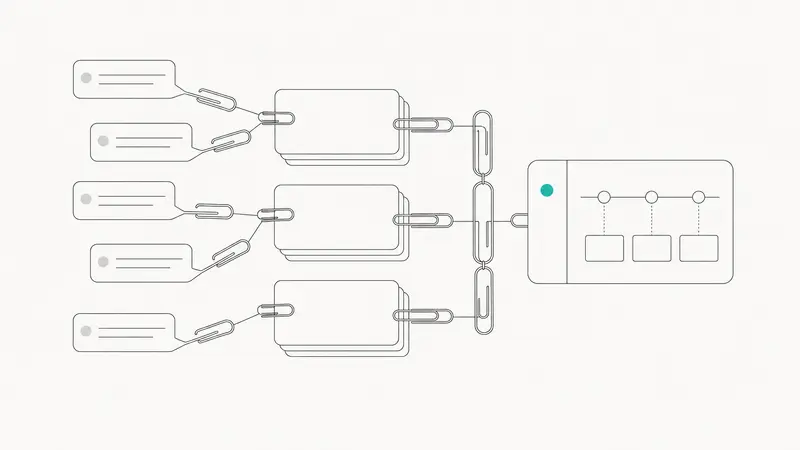
h3. 7. Monitor outcomes and re-prioritize
After release, track adoption, customer response, and any new incoming signals. Prioritization should be iterative. If usage or customer sentiment changes, the ranking should be revisited.
h2. What makes the process defensible
A defensible prioritization process is one that another team member can inspect and understand. In practice, that means:
- each recommendation links back to underlying feedback IDs or records
- scoring criteria are defined before review begins
- AI-generated rationales are readable and specific
- humans approve roadmap changes
- access is governed through scopes and revocation policies
This does not remove disagreement, but it makes disagreement productive. Teams can debate assumptions instead of arguing over opaque decisions.
h2. Where AI helps, and where it does not
AI is useful for pattern detection, deduplication support, scoring support, and summarizing large feedback sets. It is less reliable when strategy is unclear, inputs are inconsistent, or the team expects the model to replace product judgment.
If your feedback data is fragmented or poorly labeled, fix that first. If effort estimates are rough, treat the output as directional. If strategic constraints matter more than demand volume, make those constraints explicit in the review.
h2. The practical next step
If you want to implement Claude feature prioritization, start with one review cycle instead of a full process overhaul. Centralize a limited set of feedback in Sleekplan, structure it with Sleek Intelligence, define one scoring framework, and run Claude through MCP on a shortlist of candidates. Review the results as a team, compare them with your existing priorities, and refine the model before scaling it across the roadmap.
Llauren·Jun 11, 2026
More from the Journal
[Feature PrioritizationMay 28, 20267 min How to Prioritize Feature Requests With AI Without Handing Over Your Roadmap→](https://sleekplan.com/blog/how-to-prioritize-feature-requests-with-ai-without-handing-over-your-roadmap-7887) [Feature PrioritizationMay 27, 202610 min Feature Prioritization Matrix in 2026: Still Useful if You Redesign It→](https://sleekplan.com/blog/feature-prioritization-matrix-in-2026-still-useful-if-you-redesign-it-343) [Feature PrioritizationAug 23, 20254 min Strategic Feature Prioritization: A Practical System for Confident, Aligned Roadmaps→](https://sleekplan.com/blog/strategic-feature-prioritization-a-practical-system-for-confident-aligned-roadmaps-7325)
Keep up
h2. New essays land on LinkedIn every Tuesday.
Follow Sleekplan on LinkedIn — we post every new piece there, plus the shorter notes that never make it to the journal.
[Follow on LinkedIn](https://www.linkedin.com/company/sleekplan/)
Done reading? [Try Sleekplan free ](https://app.sleekplan.com/sign-up/)
---
### How to Prioritize Feature Requests With AI Without Handing Over Your Roadmap | Sleekplan
Source: https://sleekplan.com/blog/how-to-prioritize-feature-requests-with-ai-without-handing-over-your-roadmap-7887
Description: Learn how to prioritize feature requests with AI using RICE, value-effort, and governance guardrails. Use AI for structure and speed, while keeping roadmap decisions with your team.
**
h2. What AI-assisted feature request prioritization means
AI-assisted feature request prioritization is the use of AI to collect, cluster, summarize, and score feedback before it enters a human decision framework.
In practice, AI can:
- centralize feedback from multiple channels
- deduplicate similar requests
- group requests by theme, segment, or product area
- estimate value and effort inputs
- surface patterns a team would miss manually
What AI should not do is replace product judgment. Roadmap decisions still depend on strategy, timing, technical constraints, risk, and opportunity cost.
h2. Why SaaS teams use AI in prioritization
Most SaaS teams receive more feedback than they can review manually. Support tickets, sales notes, interviews, reviews, and community posts create a constant stream of requests.
AI helps teams process that volume faster. It can turn scattered feedback into a structured view of demand, sentiment, and affected segments. That makes frameworks like value-effort, RICE, WSJF, and cost of delay easier to use consistently.
The risk is over-trusting the score. If a team treats AI output as the roadmap, it can end up optimizing for what is easiest to measure instead of what matters most to the business.
h2. How to prioritize feature requests with AI, not by AI
A reliable workflow keeps AI in an advisory role.
h3. 1. Start with strategy and decision boundaries
Define the outcomes for the planning cycle before AI touches the data.
Set:
- product goals and OKRs
- KPI targets for the cycle
- the criteria AI may inform
- the decisions that remain strictly human
- the person or group that approves final prioritization
This prevents the team from mistaking pattern detection for product strategy.
h3. 2. Centralize feedback, then let AI structure it
Bring feedback into one system of record. That includes tickets, interviews, CRM notes, reviews, and internal requests. A dedicated [feature request tool use case](https://sleekplan.com/use-case/feature-request-tool/) or [feedback features](https://sleekplan.com/features/feedback/) setup makes this much easier.
Then use AI to:
- merge duplicates
- tag requests by theme
- identify affected customer segments
- summarize pain points
- connect feedback volume with account context
The goal is not a perfect score. It is a cleaner input set for prioritization.
h3. 3. Use AI to prefill framework inputs
AI is most useful when it fills in draft inputs for a framework your team already trusts.
h4. Value-effort
AI can estimate likely value signals, such as affected users, complaint frequency, or sentiment intensity. It can also suggest rough effort bands based on similar historical work.
h4. RICE
AI can help draft:
- **Reach**: how many users or accounts are affected
- **Impact**: likely effect on the target KPI
- **Confidence**: uncertainty based on evidence quality
- **Effort**: a rough implementation range
Your team still needs to validate those inputs.
h4. WSJF and cost of delay
AI can support estimates of urgency or economic impact, then pair them with job size. This is useful when sequencing work across competing requests.
For customer visibility, connect these decisions to a shared [roadmap](https://sleekplan.com/features/roadmap/) and explain outcomes through a [changelog](https://sleekplan.com/features/changelog/).
h3. 4. Review and adjust scores as a cross-functional team
Once AI has prepared draft inputs, product should review them with engineering, design, and customer-facing teams.
This is where teams adjust for factors AI tends to underweight, including:
- strategic alignment
- platform health
- compliance or regulatory risk
- technical debt
- long-term differentiation
- opportunity cost
If the team accepts or overrides an AI-generated input, record why. That audit trail improves consistency and trust.
h3. 5. Stress-test the shortlist
AI can help model scenarios such as:
- what happens to activation if request A ships before request B
- how support volume may change after a workflow improvement
- whether a broadly requested feature matters less than a smaller enterprise blocker
These are decision aids, not evidence on their own. Use them to challenge assumptions, not to settle debate.
h3. 6. Publish decisions and learn from outcomes
Prioritization is not finished when the ranking is done. Teams need to explain the decision, ship the work, and compare results against expectations.
A solid loop looks like this:
- publish the decision and the reasoning
- tie the decision to goals, not just popularity
- monitor rollout metrics
- feed outcomes back into future weighting and scoring
This is where roadmap discipline becomes visible to customers and internal stakeholders.
h2. Which prioritization frameworks work best with AI
AI works best with frameworks that make tradeoffs explicit.
h3. Value-effort matrix
A value-effort matrix is useful when you need a quick view of likely wins versus implementation cost. AI can improve the first pass by grouping similar requests and estimating relative value signals. Atlassian has a helpful overview of common [prioritization frameworks](https://www.atlassian.com/agile/product-management/prioritization-framework).
h3. RICE
RICE is a good fit when you want more structure around impact and uncertainty. AI can help with early estimates, but confidence should stay under human review because evidence quality varies widely across requests.
h3. WSJF and cost of delay
These are useful when timing matters. AI can support economic estimates, but human judgment is still needed for platform investments, risk reduction, and work that protects future speed rather than immediate revenue.
h3. Kano
Kano can help teams distinguish must-haves from delighters. AI can summarize survey and feedback patterns, while humans decide the right portfolio balance.
h2. Governance that keeps AI in an advisory role
Without guardrails, AI scoring can drift into decision ownership. Good governance keeps that from happening.
h3. Check for bias and data imbalance
If the source data over-represents certain regions, account sizes, or customer types, the output will reflect that.
Review:
- whether high-volume segments dominate the model
- whether revenue weighting hides important smaller cohorts
- whether certain product areas are consistently over-prioritized
- whether underrepresented users are being ignored
Brookings outlines practical issues in [algorithmic bias](https://www.brookings.edu/articles/algorithmic-bias-detection-and-mitigation-best-practices-and-policies-to-reduce-consumer-harms/) that apply directly to AI-assisted prioritization.
h3. Require explainability
Every scored item should have a readable explanation. Teams should be able to see the main drivers behind an AI suggestion, such as volume of requests, affected accounts, sentiment, or risk indicators.
That makes review faster and reduces blind trust in opaque scoring.
h3. Assign ownership for AI risk
Someone should own the governance model, including access controls, monitoring, and escalation. Splunk’s guidance on [AI risk management](https://www.splunk.com/en_us/blog/learn/ai-risk-management.html) is useful here, especially around ongoing oversight after deployment.
h2. Example: two popular requests, one roadmap slot
Imagine a team is comparing two requests:
- richer notification controls requested by many users
- immutable audit logs requested by fewer enterprise accounts
AI may show that notification controls have broader reach and solid satisfaction impact. It may also show that audit logs have lower reach but stronger ties to enterprise churn risk, compliance needs, or blocked deals.
A sensible decision process would:
1. use AI to draft Reach, Impact, and urgency inputs
2. ask engineering to refine effort and delivery risk
3. apply the quarter’s strategic weighting
4. choose based on business context, not popularity alone
5. document the tradeoff clearly
If enterprise growth is a current priority, audit logs may reasonably win even if the other request is more popular.
h2. Common mistakes to avoid
Teams usually run into trouble when they let convenience replace judgment.
Watch for these mistakes:
- treating AI rankings as the roadmap
- confusing popularity with strategic importance
- over-weighting revenue without guardrails
- ignoring confidence and uncertainty
- skipping documentation of overrides
- under-valuing technical debt or platform health
h2. A quarterly checklist for AI-assisted prioritization
h3. Strategy and scope
- Are current OKRs and KPI targets clear?
- What is AI allowed to inform?
- Which decisions require human approval?
h3. Data quality
- Is feedback centralized across channels?
- Are duplicates removed?
- Is segment context attached where possible?
- Are confidence and limitations visible?
h3. Scoring and frameworks
- Which framework is guiding this cycle?
- Are weighting rules documented?
- Where did humans override AI inputs?
- Is capacity reserved for infrastructure or debt work?
h3. Governance
- Did the team review bias across segments and request types?
- Is there a named owner for AI oversight?
- Are access and documentation current?
h3. Communication and learning
- Can the team explain each major decision clearly?
- Are outcomes being measured after launch?
- Are those results changing future scoring rules?
h2. What to do next
If you want to prioritize feature requests with AI effectively, start small. Centralize feedback, pick one framework, let AI prefill draft inputs, and require human review on every final call.
That approach gives you the speed of AI without giving up product judgment. It also makes your roadmap easier to defend, easier to communicate, and easier to improve over time.
Aanna·May 28, 2026
More from the Journal
[Feature PrioritizationJun 11, 20265 min Claude feature prioritization with Sleekplan, Sleek Intelligence, and MCP→](https://sleekplan.com/blog/claude-feature-prioritization-with-sleekplan-sleek-intelligence-and-mcp-5537) [Feature PrioritizationMay 27, 202610 min Feature Prioritization Matrix in 2026: Still Useful if You Redesign It→](https://sleekplan.com/blog/feature-prioritization-matrix-in-2026-still-useful-if-you-redesign-it-343) [Feature PrioritizationAug 23, 20254 min Strategic Feature Prioritization: A Practical System for Confident, Aligned Roadmaps→](https://sleekplan.com/blog/strategic-feature-prioritization-a-practical-system-for-confident-aligned-roadmaps-7325)
Keep up
h2. New essays land on LinkedIn every Tuesday.
Follow Sleekplan on LinkedIn — we post every new piece there, plus the shorter notes that never make it to the journal.
[Follow on LinkedIn](https://www.linkedin.com/company/sleekplan/)
Done reading? [Try Sleekplan free ](https://app.sleekplan.com/sign-up/)
---
### Feature Prioritization Matrix in 2026: Still Useful if You Redesign It | Sleekplan
Source: https://sleekplan.com/blog/feature-prioritization-matrix-in-2026-still-useful-if-you-redesign-it-343
Description: A feature prioritization matrix still works in 2026, but only with updated inputs like outcome lift, eligible reach, run cost, and governance gates for better roadmap decisions.
**
**
h2. What is a feature prioritization matrix?
A feature prioritization matrix is a structured way to compare product ideas, feature requests, technical improvements, and experiments against shared criteria. Historically, those criteria were simple: value, impact, urgency, and effort.
That simplicity is why the matrix became common in product management. It gives product, engineering, design, support, and leadership a shared language for deciding what belongs on the [product roadmap](https://sleekplan.com/features/roadmap/) and what should wait.
As Atlassian explains in its guide to [prioritization frameworks](https://www.atlassian.com/agile/product-management/prioritization-framework), matrices help teams make tradeoffs explicit instead of defaulting to the loudest opinion. That part still holds up.
h2. Why the classic matrix breaks in 2026
The old matrix assumed build effort was the main constraint. In many SaaS teams, that is no longer true.
AI-assisted development has reduced the time it takes to prototype or ship a first version of a feature. Airfocus points out in its article on [vibe coding for product managers](https://airfocus.com/blog/vibe-coding-for-product-managers/) that the bottleneck is shifting away from pure implementation and toward evaluation, production hardening, and decision quality.
h3. Build effort is no longer the full cost
A feature may be easy to prototype and still expensive to run well. AI features often carry ongoing costs that older matrices ignore, including inference spend, monitoring, moderation, rollback planning, and compliance review.
CloudZero’s explanation of [inference economics](https://www.cloudzero.com/blog/inference-economics/) makes the point clearly: the cost of an AI feature is not just what it takes to build, but what it costs every time customers use it.
For product teams, this means effort is too narrow. You need a fuller view of cost.
h3. Humans are not the only users
In many products, AI agents now consume APIs, trigger workflows, and complete tasks on behalf of people. That changes how teams should think about impact.
A feature with low visible impact for human users may still be valuable for agent-driven usage. The reverse is also true. A polished UI improvement may matter a lot to people and not at all to agent workflows.
h3. Data readiness is now a prioritization input
Many AI and automation features are blocked less by code than by missing, messy, or poorly governed data. If the required product data is incomplete, inaccessible, or hard to evaluate, the feature is not actually ready.
Classic value versus effort grids rarely surface that problem early. The work shows up later as delays, quality issues, or launches that never close the [customer feedback loop](https://sleekplan.com/blog/build-a-customer-feedback-loop-that-actually-closes-collect-acknowledge-analyze-act-close-6201/) because the team cannot measure what happened.
h3. Safety and compliance should be gates, not just scores
For AI-heavy features, some criteria should not be soft inputs. They should be gates.
If a feature cannot meet basic privacy, safety, or compliance requirements, it should not move forward because it scored well elsewhere. Treating serious risk as just another weighted row creates a false sense of rigor.
h2. Is the feature prioritization matrix still valid?
Yes, but not as a standalone decision engine.
The matrix is still useful when it does three things well:
1. Makes assumptions explicit
2. Compares options against shared criteria
3. Supports repeatable roadmap decisions across functions
It stops being useful when teams treat it as a formula that replaces discovery, feedback analysis, or judgment.
In practice, the modern matrix works best as one layer in a larger system:
- Discovery identifies real customer problems and opportunities
- The matrix compares candidate solutions at portfolio level
- Sequencing frameworks rank work within a chosen area
- Delivery frameworks protect scope and contingency
- Adoption and outcome metrics feed learning back into the system
h2. What to put in a feature prioritization matrix in 2026
The most useful shift is to stop thinking in terms of value versus effort and start thinking in terms of **outcome lift versus total cost to deliver and learn**.
That framing forces better questions.
Instead of asking, “Is this high value?” teams ask, “Which outcome should this move, for which eligible users, and by how much?”
Instead of asking, “How hard is it to build?” teams ask, “What will it cost to build, evaluate, run, monitor, support, and, if needed, roll back?”
h3. A practical scoring structure
A useful 2026 matrix has four parts: metadata, benefits, costs, and hard gates.
h4. Metadata
- Target outcome
- Primary user stream, human, agent, or both
- Target segment and eligibility
- Success metric
- Kill condition
h4. Benefits
- Problem severity
- Eligible reach or task volume
- Expected outcome lift
- Strategic differentiation
- Value capture probability
- Adoption readiness
h4. Costs
- Data readiness
- Evalability and observability
- Ongoing run cost
- Delivery effort
- Reversibility
h4. Hard gates
- Safety
- Privacy
- Compliance
This structure does not remove judgment. It gives judgment a better frame.
h2. Why eligible reach is better than raw reach
One of the most common prioritization mistakes is overstating how many users a feature will affect.
Raw reach often means all active users, which is rarely true. In SaaS, actual adoption depends on plan limits, user role, onboarding state, integrations, permissions, and discovery.
Eligible reach is a better input. It counts only the users, or agent tasks, that can realistically use the feature now.
That matters for feature requests in particular. A request may have loud demand from a small segment, but the real addressable audience could still be narrow. That does not make the feature unimportant, but it changes how you compare it to broader work on the roadmap.
h2. Why outcome lift matters more than vague value
Value is often too abstract to be useful. Product teams say a feature is valuable when they mean very different things: revenue potential, reduced support load, better activation, lower churn risk, stronger differentiation, or less manual work.
Outcome lift is more precise. It asks which measurable change the feature is meant to create.
For a SaaS product team, that could be:
- Higher trial-to-paid conversion
- Faster time to first value
- Improved retention in a key segment
- Fewer repetitive support tickets
- More successful workflow completion
- Lower cost per support resolution
This also improves customer communication. When you know the intended outcome, roadmap planning and release notes become clearer because teams can explain why something shipped, not just what changed.
h2. Why total cost to deliver and learn is the right cost lens
A feature that is cheap to build can still be expensive to own.
That is especially true for AI capabilities, but it also applies to ordinary SaaS work. Some features introduce support burden, edge cases, data maintenance, migration work, or operational complexity that lasts far longer than the initial sprint estimate.
A better cost lens includes:
- Implementation effort
- Instrumentation work
- Evaluation setup
- Support and maintenance load
- Ongoing run cost
- Rollback complexity
- Compliance review
This framing helps teams avoid false quick wins.
h2. A layered workflow that actually works
The best use of a feature prioritization matrix in 2026 is not to throw every idea into one giant scoring spreadsheet. It is to narrow the job of each framework.
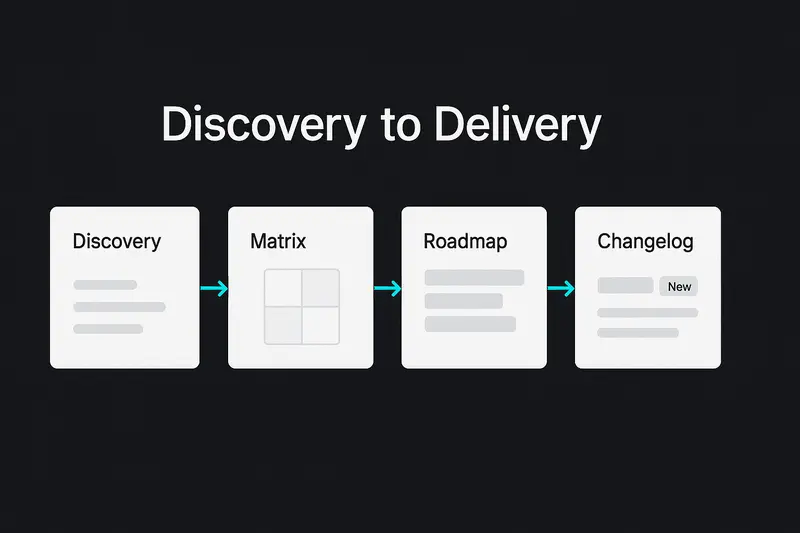
h3. 1. Start with discovery
Before a feature reaches the matrix, it should be tied to a real opportunity, customer problem, or strategic outcome. That can come from interviews, product usage, [customer feedback management](https://sleekplan.com/blog/customer-feedback-management-that-works-a-practical-loop-for-triage-prioritization-and-closure-8762/), support trends, sales context, or product discovery work.
This is where feature requests need careful handling. A request is a signal, not a specification. The team still has to understand the underlying job, pain point, and segment.
h3. 2. Use the matrix for portfolio decisions
Once you have credible options, use the matrix to compare them across shared criteria. This is the level where you decide which bets belong in the next planning horizon.
The matrix is good at comparing unlike things: a reliability improvement, an API enhancement, a reporting feature, and an AI workflow assistant.
h3. 3. Use RICE for sequencing within a chosen area
RICE still works when the options are relatively similar. It is most useful after the portfolio decision, not before.
If a team has already chosen to invest in onboarding, for example, RICE can help sequence onboarding experiments. It is much less reliable when used to compare unrelated bets across the whole roadmap.
h3. 4. Use MoSCoW for release scope
MoSCoW is not a portfolio framework. It is a delivery scoping tool.
Once a feature is chosen, MoSCoW helps define what is truly required for the next release and what should stay out. That matters for [changelog tools](https://sleekplan.com/features/changelog/) and launch trust. Teams that mark everything as must-have usually end up with bloated releases, weak contingency, and messy customer communication.
h3. 5. Feed adoption and outcome data back in
After launch, the matrix should not be forgotten. Feature adoption, outcome movement, support load, and customer response should update future scoring.
If a feature repeatedly underperforms despite strong initial scores, the scoring model needs recalibration. If a supposedly niche workflow turns out to drive strong adoption in a high-value segment, that should improve how similar requests are prioritized later.
h2. Common mistakes product teams still make
h3. Using the matrix to justify decisions already made
If leadership has already decided the answer, the matrix becomes decoration. Teams can usually tell when scores are being reverse-engineered to support a preselected roadmap item.
The fix is simple: score options before commitment, not after.
h3. Scoring weak ideas too early
A matrix cannot rescue poor discovery. If teams score vague feature ideas without enough customer context, the numbers will look precise and still be wrong.
The matrix should compare plausible solutions, not raw suggestions from a backlog dump.
h3. Treating all users as one audience
This is more costly now than it used to be. Human users, admins, buyers, and AI agents can each have different usage patterns and value models.
If your scoring ignores that, reach and impact estimates will drift fast.
h3. Ignoring reversibility
Some bets are easy to test and easy to remove. Others become deeply embedded in workflows, pricing, or customer expectations.
That difference should shape prioritization. Low-reversibility work needs stronger evidence before it gets roadmap priority.
h3. Never defining a kill condition
Without a kill condition, features accumulate. Teams keep maintaining them because removing them feels harder than owning them.
A healthier approach is to define, before launch, what would count as failure or what result would trigger rework, pause, or sunsetting.
h2. A simple decision checklist for SaaS teams
Before a feature enters your roadmap, ask:
- Which product outcome should this improve?
- Which eligible users, or agent tasks, can actually use it?
- What customer problem does it solve?
- What evidence supports the expected outcome lift?
- What data dependencies must be in place first?
- Can we evaluate quality and monitor behavior after launch?
- What is the ongoing run cost, not just build cost?
- How easy is it to roll back or sunset?
- Does it pass safety, privacy, and compliance requirements?
- What would make us stop, reshape, or remove it?
If those answers are weak, the feature is not ready for prioritization. It is still in discovery.
h2. What this means for feedback-driven SaaS teams
For teams working close to customer feedback, this updated matrix is especially useful.
Feedback portals, feature requests, support conversations, churn reasons, and roadmap comments all create pressure to build. A matrix helps turn that pressure into a repeatable system, but only if the inputs are grounded in outcomes and evidence.
This is where [feature request software](https://sleekplan.com/use-case/feature-request-tool/) and prioritization meet. Feedback tells you where the friction is. The matrix helps decide which response belongs on the roadmap now, which needs more discovery, and which should be clearly declined.
That clarity improves product communication. It makes roadmap decisions easier to explain internally, and it gives customer-facing teams better language for closing the feedback loop.
h2. Next step: update your scoring model before the next planning cycle
If your team still uses a value versus effort grid, do not throw it out. Update it.
Start by replacing vague value with outcome lift, replacing effort with total cost to deliver and learn, and separating safety, privacy, and compliance into hard gates. Then review your last few shipped features and compare predicted impact with actual adoption, support load, and outcome movement.
That simple audit will show whether your current feature prioritization matrix still reflects how your product team really works.
Aanna·May 27, 2026
More from the Journal
[Feature PrioritizationJun 11, 20265 min Claude feature prioritization with Sleekplan, Sleek Intelligence, and MCP→](https://sleekplan.com/blog/claude-feature-prioritization-with-sleekplan-sleek-intelligence-and-mcp-5537) [Feature PrioritizationMay 28, 20267 min How to Prioritize Feature Requests With AI Without Handing Over Your Roadmap→](https://sleekplan.com/blog/how-to-prioritize-feature-requests-with-ai-without-handing-over-your-roadmap-7887) [Feature PrioritizationAug 23, 20254 min Strategic Feature Prioritization: A Practical System for Confident, Aligned Roadmaps→](https://sleekplan.com/blog/strategic-feature-prioritization-a-practical-system-for-confident-aligned-roadmaps-7325)
Keep up
h2. New essays land on LinkedIn every Tuesday.
Follow Sleekplan on LinkedIn — we post every new piece there, plus the shorter notes that never make it to the journal.
[Follow on LinkedIn](https://www.linkedin.com/company/sleekplan/)
Done reading? [Try Sleekplan free ](https://app.sleekplan.com/sign-up/)
---
### How to Use AI to Write Changelog Updates: Workflows, Standards, and the Changelog Skill Playbook | Sleekplan
Source: https://sleekplan.com/blog/how-to-use-ai-to-write-changelog-updates-workflows-standards-and-the-changelog-skill-playbook-6675
Description: A practical guide to using AI to write changelog updates. Learn standards, workflows, and a lightweight changelog skill, then ship clear multi-channel updates that users actually read.
h2. The quiet power of better product updates
Rapid shipping without clear communication erodes trust. Using AI to write changelog updates fixes that gap. Start with a solid changelog skill, then build a workflow that respects users, editors, and release cadence.

h2. Ground rules: standards before automation
AI works best on top of structure. The widely used [Keep a Changelog standard](https://keepachangelog.com/en/1.1.0/) defines simple sections: Added, Changed, Deprecated, Removed, Fixed, Security. Humans first, machines second. Treat this as your baseline template.
- Group by type, not by team
- Show release date and version
- Call out breaking changes clearly
- Link to issues or PRs where it helps context
Principle: constrain the format so AI can focus on clarity and tone.
h2. Why manual changelogs break
Most teams still stitch updates from commits, tickets, and slack threads. It is slow, inconsistent, and often too technical. The result, users skim or skip. Editors drown in details, then publish late.
AI reverses the effort curve: it drafts in seconds, humans refine. You keep judgment and voice, the model handles extraction and grouping.
h2. What “good” looks like in 2026
Good changelog updates are concise, scannable, and tied to user value. They show progress without noise. Leading teams use AI to scale transparency and build credibility, a pattern echoed in [Evil Martians on developer trust](https://evilmartians.com/chronicles/how-ai-startups-use-changelogs-to-win-developer-trust).
Tell a short story: what changed, why it matters, who benefits. Ship consistently. Respect attention.
h2. A unified path with Sleekplan
We designed Sleekplan to connect feedback, roadmap, and changelog in one place, so context is never lost.
- Draft AI updates from shipped items, then edit in your voice
- Publish to web, email, and in‑app announcements
- Target segments, schedule send, and batch multiple posts into one email to avoid fatigue
Explore the workflow in our [Changelog tool](https://sleekplan.com/use-case/changelog-tool/), or go deeper into [Changelog features](https://sleekplan.com/features/changelog/) and the broader [Features overview](https://sleekplan.com/features/).
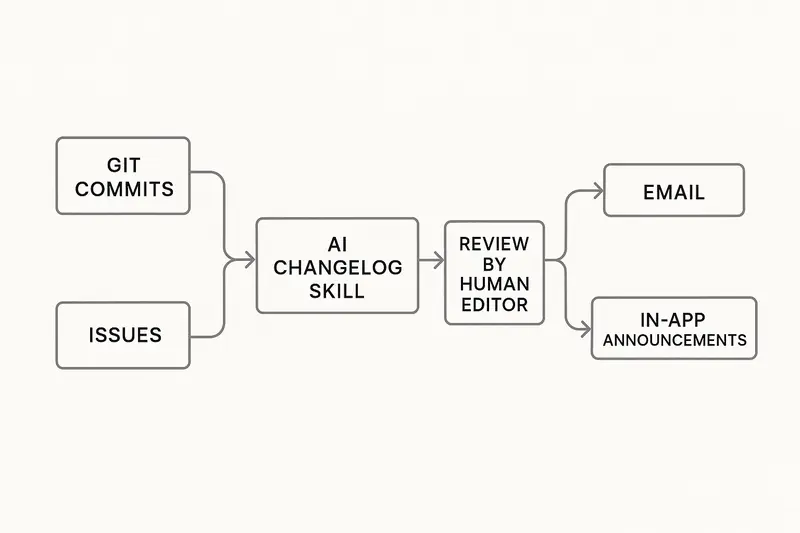
h2. From git history to readable updates
There are two reliable inputs for AI: clean commit messages and actual code diffs.
- Conventional Commits make parsing predictable
- Diff analysis helps catch reality when messages are vague
If you are deep in GitHub, the long‑standing [GitHub Changelog Generator](https://github.com/github-changelog-generator/github-changelog-generator) can auto-group issues and PRs. Pair it with an AI prompt to rewrite technical notes into user‑facing language.
Tip: teach your model the Keep a Changelog sections and your brand voice, then feed it structured inputs. You will get sharper drafts and fewer edits.
h2. Multi‑channel communication, not just a file
A changelog no one sees does not help. Mix channels.
- In‑product announcement for instant context
- Email for subscribers, queued into one daily digest when you ship a lot
- Public page for search and shareability
Use restraint. Intercom’s work on announcements shows that relevance beats volume. See their guidance in [Intercom’s research on scaling product announcements](https://www.intercom.com/blog/the-secret-to-scaling-product-announcements/).
h2. Editorial guardrails that matter
AI is fast, your standards keep it honest.
- Audience lens: developer notes differ from customer notes
- Benefits first, then the how
- One sentence summary up top
- Max 5 bullets per section, short verbs
- Visuals when the feature is learnable at a glance
Quality shows in small choices, like consistent tense and crisp labels.
h2. A practical setup, step by step
1. Define your template: sections, order, required fields.
2. Adopt Conventional Commits, or map your current tags to sections.
3. Connect your repository and feedback source.
4. Configure filters: ignore refactors, dependency bumps, and bot commits.
5. Generate a draft, edit for clarity and tone, ship within 24 hours of release.
6. Schedule notifications, batch daily if shipping many small fixes.
7. Track engagement and feature adoption, then adjust.
h2. FAQ: fast answers for busy teams
- What is an AI changelog skill? A focused capability that turns commits, diffs, and tickets into structured changelog updates using a fixed template and brand voice.
- How do I use AI to write changelog updates from Git commits? Enforce a commit convention, point the model at tags or a compare range, generate sections, then edit. Tools like the [GitHub Changelog Generator](https://github.com/github-changelog-generator/github-changelog-generator) help with sourcing.
- What should not go into changelog updates? Internal maintenance, test-only changes, or noisy dependency bumps. If users cannot act on it or learn from it, leave it out or roll it into a periodic technical recap.
- How often should we publish? Aim for consistency. Weekly works for most products. During heavy release periods, batch small changes into a daily digest. Intercom’s guidance supports relevance over volume.
h2. Metrics that prove it works
Track more than opens.
- Subscriber growth on your changelog page
- Read rate by channel, and time on page
- Feature adoption within 7 to 14 days post‑announcement
- Support ticket deltas after bugfix notices
- NPS or satisfaction shifts tied to major releases
When an update includes a short video or GIF, we often see higher activation. Test it.
h2. Example editorial rubric
- Lead with outcome: “You can export CSVs up to 200k rows”
- Then context: where to find it, who gets it
- One line of the how: settings, roles, or limits
- Link to docs if setup is nontrivial
If a change is complex or risky, add a “Breaking” callout and a short migration note.
h2. Rollout plan you can run this month
- Week 1: finalize template, commit rules, and voice guide. Turn on AI drafting in Sleekplan. Dry run on last two releases.
- Week 2: connect email and in‑app channels, ship two edited AI updates, start batching daily.
- Week 3: add visuals to feature launches, tag segments, measure read rate and adoption.
- Week 4: refine filters, tune prompts, publish a style guide for editors.
h2. Where to start
- Standardize on the [Keep a Changelog standard](https://keepachangelog.com/en/1.1.0/)
- Pick your generator and reviewer loop
- Centralize publishing with Sleekplan’s [Changelog features](https://sleekplan.com/features/changelog/)
- Use research like [Evil Martians’ guide to trust](https://evilmartians.com/chronicles/how-ai-startups-use-changelogs-to-win-developer-trust) and [Intercom’s announcement playbook](https://www.intercom.com/blog/the-secret-to-scaling-product-announcements/) to shape cadence and tone
Clear updates signal craft and care. AI handles the heavy lifting, we own the judgment.
Llauren·May 13, 2026
More from the Journal
[Product CommunicationSep 20, 20269 min Beamer Pricing: Plans, MAU Limits and Add-On Costs→](https://sleekplan.com/blog/beamer-pricing) [Product CommunicationAug 7, 202612 min Changelog Examples: Real Entries and a Format to Copy→](https://sleekplan.com/blog/changelog-examples-and-format-a-copy-paste-guide-8651) [Product CommunicationMar 31, 20266 min Claude release notes at scale: automate with Claude Skills, Claude Code, and Cowork→](https://sleekplan.com/blog/claude-release-notes-at-scale-automate-with-claude-skills-claude-code-and-cowork-5573)
Keep up
h2. New essays land on LinkedIn every Tuesday.
Follow Sleekplan on LinkedIn — we post every new piece there, plus the shorter notes that never make it to the journal.
[Follow on LinkedIn](https://www.linkedin.com/company/sleekplan/)
Done reading? [Try Sleekplan free ](https://app.sleekplan.com/sign-up/)
---
### AI Customer Feedback Analysis in 2026: Tools, Techniques, and a Practical Playbook with Sleek Intelligence | Sleekplan
Source: https://sleekplan.com/blog/ai-customer-feedback-analysis-in-2026-tools-techniques-and-a-practical-playbook-with-sleek-intelligence-4335
Description: A concise, practical playbook for AI-powered customer feedback analysis. Learn the tech, tools, and steps to move from reactive triage to proactive insight with Sleek Intelligence.
h2. The signal inside the noise
Customer conversations are everywhere, yet teams still drown in them. AI-powered customer feedback analysis changes that. With the right ai tools, you can centralize feedback, perform feedback analysis in real time, and turn raw comments into clear action.
AI customer feedback analysis uses NLP, machine learning, and predictive analytics to collect, categorize, and interpret feedback across channels like support tickets, surveys, social, and reviews. Done well, it upgrades feedback from reactive triage to a proactive system that improves retention and revenue.

h2. What AI customer feedback analysis really means
At its core, AI reviews unstructured text at scale, detects topics, reads sentiment by aspect, and surfaces patterns you would otherwise miss. The edge is consistency and coverage. Every ticket, post, and review gets the same careful parse, no shortcuts.
- Definition: automated collection, categorization, and interpretation of customer feedback using NLP and ML.
- Beyond sentiment: detect themes, root causes, and segment differences, then link insights to outcomes.
- Why now: volumes are too large for manual work, and leaders need faster, clearer signals.
For a primer on conversation-level sentiment and why context matters, see Observe.ai’s glossary on sentiment analysis (https://www.observe.ai/contact-center-glossary/sentiment-analysis).
h2. From reactive to proactive
Most teams used to react after scores dipped or churn rose. AI flips the model. Predictive analytics spots subtle changes in tone and behavior before they snowball. Teams intervene earlier, with targeted support and fixes.
- Early warning: models flag patterns that precede churn or repeat contacts.
- Faster motion: organizations act sooner and retain more accounts, improving revenue efficiency.
See a simple breakdown of churn modeling benefits at Phoenix Strategy Group (https://www.phoenixstrategy.group/blog/predictive-analytics-reduces-customer-churn).
h2. Tooling landscape in 2026
There is no one-size platform, only tradeoffs.
- Enterprise platforms: broad ingestion, deep analytics, tight governance. Great for large VOC programs.
- Specialized solutions: focus on theme discovery, research repositories, or in-product capture.
- Integrated product analytics: connect what users say with what they actually do.
Where Sleekplan fits: a focused, approachable toolkit for product teams that want automated triage, theme detection, and clear workflows without heavy implementation.
If you want a quick view of autopilot-style parsing from support and calls, review Harvestr’s AI feedback analysis overview (https://harvestr.io/product/ai-feedback-analysis).
h2. Core technologies, briefly
h3. NLP and aspect-level sentiment
Modern NLP reads intent and emotion, not just keywords. It handles mixed signals in one comment, like praise for UX but frustration with billing. Real-time analysis also unlocks live coaching and immediate remediation when needed.
h3. Machine learning models
From simple classifiers to deep nets, the model choice depends on data volume, complexity, and the need for explainability. The goal is stable classification across channels and time periods.
h3. Data preparation and quality
Clean input, better output. Standardize casing, handle emojis and negations, deduplicate, and fix typos. Consistency across channels is non-negotiable if you want comparable insights.
h3. Generative AI
Use domain-tuned models to summarize, cluster, and extract reasons behind sentiment shifts. Vertical models trained on CX data will outperform generic LLMs. For a view on the predictive layer and verticalization, read Sprinklr’s guidance on customer feedback and predictive analytics (https://www.sprinklr.com/blog/customer-feedback-management-and-predictive-analytics/).
h2. A practical framework you can run this quarter
1. Set sharp objectives Decide what you will improve and how you will measure it. Reduce churn in self-serve by 3 percent, cut bug-related tickets by 20 percent, or ship top-5 themes to roadmap within 60 days. Vague goals stall programs.
2. Capture feedback across channels Email, in-product prompts, support tickets, reviews, and social. Centralize collection so nothing gets lost. Right survey for the job: transactional near the moment, relationship on a cadence.
3. Prepare your data Normalize text, fix obvious noise, unify taxonomies. Build privacy into the pipeline with clear consent, retention, and deletion paths.
4. Apply AI analysis Detect themes, aspect sentiment, and intent. Let discovery surface new topics, then pressure-test with humans. Distill root causes, not just labels.
5. Prioritize by impact and urgency Score by sentiment severity, frequency, ARR at risk, and strategic fit. Make tradeoffs explicit so the team understands why one fix beats another.
6. Close the loop Tell customers what changed and why. Share updates in product and publicly. A short, specific note beats a generic thanks.
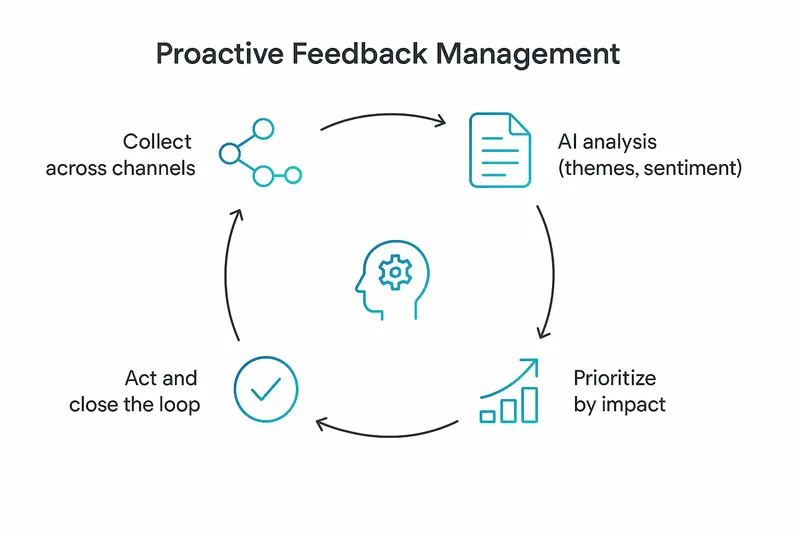
h2. Where Sleek Intelligence shines
We built Sleek Intelligence to make analysis and triage simple, then keep humans in charge of decisions.
- Topic theme detection: automatic clustering of recurring ideas that maps to how customers actually speak.
- Automation rules: apply filters, then act at scale. Example: close posts with fewer than five votes created in the last 365 days, add a short explanation, and keep the thread available for future interest.
- Flexible workflows: tag by segment, route to owners, or update status in bulk. Consistency without busywork.
Turn insights into communication with Sleekplan’s public-facing tools. Capture structured input in one place, where votes, comments and statuses stay attached to the theme they belong to: [feedback](https://sleekplan.com/feedback).
Align stakeholders with a living plan on the Roadmap (https://sleekplan.com/features/roadmap/), so the themes you prioritised stay visible while the work is still in flight.
Then tell people what shipped. [Changelog software](https://sleekplan.com/changelog) publishes the release note and pops the in-app announcement from the same entry, so improvements land where users already read.
h2. Advanced analytics for churn prevention
Blend qualitative signals with product usage to spot risk early. Look for:
- Sentiment drift from promoters to neutral over two release cycles.
- Ticket clusters tied to a critical workflow step.
- Drop in weekly active usage among accounts with recent negative comments.
Move fast on the high-risk segment with targeted outreach, education, or product fixes. The compounding effect is retention first, then expansion.
h2. Privacy, compliance, and trust
Design for consent, explain how feedback is used, and make deletion simple. Map retention windows and access controls to each data source. For a deeper look at GDPR and feedback programs, see Pisano’s overview (https://www.pisano.com/en/academy/how-gdpr-compliance-affects-customer-feedback-collection).
h2. How to prove ROI
Start with the math, not the tool count.
- Tie initiatives to KPIs: churn, NRR, time to resolution, CSAT, adoption.
- Track before and after, use control groups where possible.
- Report specific wins, for example, “reduced bug-related tickets 23 percent in 60 days” or “moved 4 top themes from idea to shipped in one quarter.”
Qualtrics offers a straightforward framing for CX ROI calculation if you need a refresher (https://www.qualtrics.com/articles/customer-experience/customer-experience-roi/).
h2. Quick answers
- What is AI customer feedback analysis? Automated analysis of multi-channel feedback using NLP and ML to surface themes, sentiment, and actions.
- Which ai tools are best? Pick based on data sources, governance needs, and team size. Ensure domain-tuned models and clear workflows.
- How fast can we see value? In weeks, if you start narrow. Begin with one or two channels, automate triage, and ship improvements. Expand from there.
- Do we still need humans? Yes. AI handles scale and consistency, humans handle judgment and tradeoffs.
h2. Final take
Quality beats volume. When analysis is precise, priorities get sharper, roadmaps get cleaner, and customers feel heard. AI is not the strategy, it is the amplifier. Pair strong product judgment with clear loops for collection, analysis, prioritization, and communication, and your feedback system becomes an engine for retention and growth.
Llauren·May 11, 2026
More from the Journal
[Feedback ManagementSep 20, 20269 min How to Say No to Feature Requests Without Losing Users→](https://sleekplan.com/blog/how-to-say-no-to-feature-requests) [Feedback ManagementAug 5, 20268 min How to Organize Customer Feedback: A System for SaaS Teams→](https://sleekplan.com/blog/how-to-organize-customer-feedback-a-system-for-saas-teams-5298) [Feedback ManagementJul 29, 20267 min Multi-Channel Customer Feedback for SaaS Teams→](https://sleekplan.com/blog/multi-channel-customer-feedback-for-saas-teams-6352)
Keep up
h2. New essays land on LinkedIn every Tuesday.
Follow Sleekplan on LinkedIn — we post every new piece there, plus the shorter notes that never make it to the journal.
[Follow on LinkedIn](https://www.linkedin.com/company/sleekplan/)
Done reading? [Try Sleekplan free ](https://app.sleekplan.com/sign-up/)
---
### Top AI Tools for Product Managers in 2026: What Belongs in Your Stack | Sleekplan
Source: https://sleekplan.com/blog/top-ai-tools-for-product-managers-in-2026-what-belongs-in-your-stack-2303
Description: A crisp 2026 guide to the top AI tools for product managers, from Sleekplan’s Sleek Intelligence to Mixpanel and ChatPRD, with a practical two-layer model and stack recommendations.
h2. Two layers, one goal: better product decisions
AI is no longer a novelty in product work. In 2026, the Top AI Tools for Product Managers sort into two layers: a productivity layer that cuts busywork, and a capability layer that reveals patterns at scale. This guide maps both, starting with Sleekplan’s Sleek Intelligence, then nine more tools that earn a place in a modern PM stack.

h2. The two-layer model for AI in product management
- Productivity layer: drafting PRDs, summarizing meetings, synthesizing notes.
- Capability layer: feedback analysis, behavior analytics, timeline prediction.
Great teams use both. Save hours on docs, then invest that time in higher signal analysis.
h2. Sleek Intelligence: integrated AI for feedback that scales
Sleek Intelligence sits inside Sleekplan, not bolted on. It supports the full loop, from multi-source collection to analysis and action. Explore what ships today on Sleekplan’s [Sleek Intelligence](https://sleekplan.com/intelligence/) page.
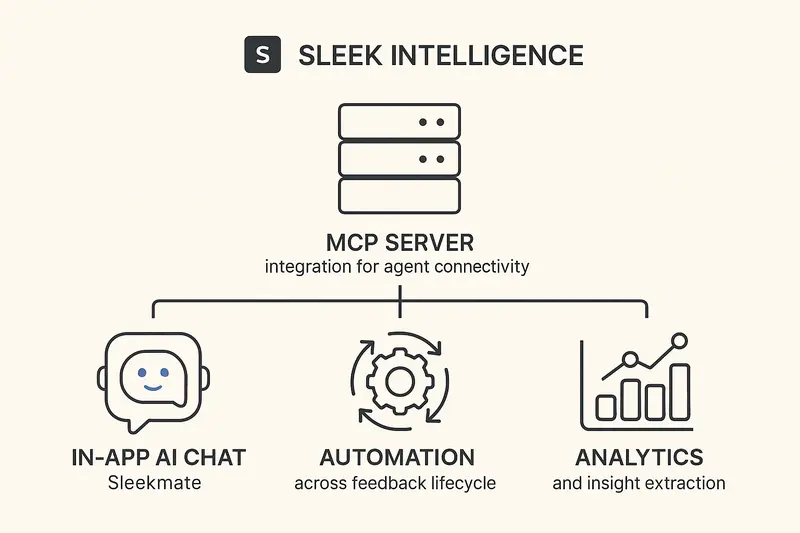
h3. 1) MCP Server for standards-based agent connectivity
An MCP Server exposes feedback APIs through a common protocol, so new AI agents plug in without custom work. As your stack evolves, the interface stays stable and secure. Fewer fragile point-to-point integrations, faster discovery of new agent use cases.
h3. 2) In-app AI agent, Sleekmate
Sleekmate answers questions directly in Sleekplan. Ask for themes across this quarter’s feedback, or how to configure NPS, without hopping tools. Embedded context means better answers, less time lost to switching.
h3. 3) Automation across the feedback lifecycle
Collection from reviews, social, and support, auto-merge of duplicates, and moderation rules keep the portal tidy. The result, a single source of truth instead of fragmented signals.
h3. 4) Analytics and insight extraction
AI surfaces themes, sentiment shifts, and outliers worth a closer look. Think “pricing friction spiking in EMEA” or “onboarding confusion tied to one flow.” Pattern recognition at team scale, not intern scale.
- Communicate outcomes with a clean [Changelog](https://sleekplan.com/features/changelog/).
- Align plans on a public [Roadmap](https://sleekplan.com/features/roadmap/).
- Capture structured input via in-app [Surveys](https://sleekplan.com/features/surveys/).
- Connect your stack with native [Integrations](https://sleekplan.com/integration/).
h2. Top AI Tools for Product Managers in 2026
Below is the short list we would trust in production. Each tool plays a clear role.
h3. 1) Sleek Intelligence, for feedback management and analysis
Integrated MCP connectivity, in-app agent, automation, and analytics inside Sleekplan. Best for teams who want feedback to drive the roadmap without drowning in noise.
h3. 2) ChatPRD, for fast, consistent PRDs
Generates structured PRDs with user stories and edge cases from rough notes. Templates raise the floor for new PMs, while integrations push drafts to Jira or Confluence. Learn more at [ChatPRD](https://www.chatprd.ai/learn/best-ai-tools-for-product-managers).
h3. 3) Productboard, for AI-enhanced centralization
Clustering, theme detection, and executive-ready summaries turn a feedback inbox into prioritization input. See an overview of its AI direction on this analysis from [Replit’s PM tools roundup](https://blog.replit.com/best-ai-tools-for-product-managers).
h3. 4) Aha!, for strategy and portfolio roadmaps
All-in-one strategy, ideas, docs, and roadmaps with AI-assisted summaries. Powerful for multi-product portfolios, though heavier to implement.
h3. 5) Linear, for execution visibility
AI triage and timeline hints based on team history reduce status churn. Useful when stakeholders want dates grounded in data, not guesswork.
h3. 6) Dovetail, for qualitative research at scale
Transcribes interviews, tags themes, and produces reports that move faster than manual coding. Start with their overview of AI analysis in research at [Dovetail](https://dovetail.com/ux/ai-for-qualitative-data-analysis/).
h3. 7) Notion AI, for workspace synthesis
Summarize meetings, draft specs, and query your knowledge base in plain language. Ideal if your team already lives in Notion.
h3. 8) Mixpanel, for AI-driven product analytics
Conversational queries, AI Metric Trees, and session highlights translate behavior into decisions. Details on their AI suite at [Mixpanel AI](https://mixpanel.com/ai/info-page).
h3. 9) Figma AI plus v0, for fast concept-to-mockup
Generate UI from prompts, iterate on layout and accessibility, then validate direction before pulling engineers in.
h3. 10) Zeda.io, for focused feedback trend detection
Auto-categorizes feedback and flags emerging themes. Strong fit for PLG teams with high volume and constant requests.
h2. How we assemble a modern PM stack
- Feedback and insight: Sleek Intelligence for collection, deduping, and analysis.
- Prioritization: Productboard or Linear scores plus customer impact.
- Specs: ChatPRD for first drafts, human edits for clarity.
- Build and track: Linear for execution, with simple weekly rollups.
- Measure impact: Mixpanel for usage shifts, Dovetail for why behind the numbers.
- Communicate: ship notes in a tight [Changelog](https://sleekplan.com/features/changelog/) within 24 hours of release.
Principle: let each tool do one job exceptionally well, then stitch them together. Human judgment sits in the middle.
h2. Fast answers to common questions
- What are the best AI tools for product managers in 2026? Sleek Intelligence, ChatPRD, Productboard, Aha!, Linear, Dovetail, Notion AI, Mixpanel, Figma AI, and Zeda.io.
- How do I choose the right stack? Start with your bottleneck. If feedback is messy, fix that first. If specs lag, add ChatPRD. If execution dates slip, pair Linear with historical velocity.
- Will AI replace product managers? No. AI removes toil and reveals patterns. PMs still set goals, weigh tradeoffs, and own outcomes.
h2. What good looks like
- Consolidate feedback sources within a week, enable dedupe, set moderation rules.
- Publish a public roadmap with clear statuses and estimated months, then update weekly.
- Timebox PRD drafting to 60 minutes with AI, spend the next 60 on edge cases and risks.
- After each release, post a changelog entry the same day, then survey targeted cohorts one week later.
The result, fewer meetings about what to build, more clarity about why, and fewer surprises at launch.
Llauren·May 9, 2026
More from the Journal
[Product ManagementSep 20, 20267 min Aha Pricing: What Each Product and Tier Costs→](https://sleekplan.com/blog/aha-pricing) [Product ManagementSep 20, 20267 min Jira Product Discovery Pricing: Creators, Not Users→](https://sleekplan.com/blog/jira-product-discovery-pricing) [Product ManagementSep 20, 20268 min Productboard Pricing: Maker Seats and What You Pay→](https://sleekplan.com/blog/productboard-pricing)
Keep up
h2. New essays land on LinkedIn every Tuesday.
Follow Sleekplan on LinkedIn — we post every new piece there, plus the shorter notes that never make it to the journal.
[Follow on LinkedIn](https://www.linkedin.com/company/sleekplan/)
Done reading? [Try Sleekplan free ](https://app.sleekplan.com/sign-up/)
---
### 5 Essential MCP Servers for Product Managers, from User feedback to Analytics and Rollouts | Sleekplan
Source: https://sleekplan.com/blog/5-essential-mcp-servers-for-product-managers-from-user-feedback-to-analytics-and-rollouts-8976
Description: Five MCP servers for product managers: Sleekplan for user feedback, Linear or Jira for issues, PostHog for analytics and LaunchDarkly for rollouts.
h2. Why MCP servers for product managers matter now
Product managers live in tabs. MCP servers for product managers cut through that noise: they let you ask one question and get context from user feedback, roadmaps, issues, analytics, and releases in one place. Sleekplan runs its own [MCP server for product managers](https://sleekplan.com/mcp), which connects Claude, Cursor or ChatGPT to your feedback, roadmap and changelog. If you care about user feedback and a clear product management flow, MCP is your new backbone.

h2. What does the Model Context Protocol actually do?
MCP gives AI assistants a safe, standardized way to talk to your tools. Instead of custom connectors for each pair of apps, MCP exposes capabilities through a universal interface. That means your assistant can search docs, create issues, check analytics, or tweak flags without brittle glue code. Read the core design here: [MCP server concepts](https://modelcontextprotocol.io/docs/learn/server-concepts) and a practical overview in [Snyk’s guide for product managers](https://snyk.io/articles/7-mcp-servers-for-product-managers/).
The value is simple: less context switching, more judgment. You keep steering, the assistant pulls the threads together.
h2. Sleekplan, the feedback source of truth
Great Product Management starts with user feedback that is easy to capture and harder to ignore. Sleekplan centralizes it, turns noise into patterns, then closes the loop with roadmaps and updates.
- Collect feedback where it happens with the in‑product widget: see the [feedback widget](https://sleekplan.com/use-cases/feedback-widget).
- Structure the backlog with voting and themes: use the [feature request tool](https://sleekplan.com/use-cases/feature-request-tool).
- Share what’s next and what shipped: publish a roadmap and a [changelog](https://sleekplan.com/changelog).
- Bring signals into your stack: promote a request into an issue with the [Linear integration](https://sleekplan.com/integrations/linear).
A crisp workflow we like: auto-tag enterprise requests, auto-link duplicates, create an issue when a request passes a vote threshold, ship, then post a changelog entry within 24 hours.
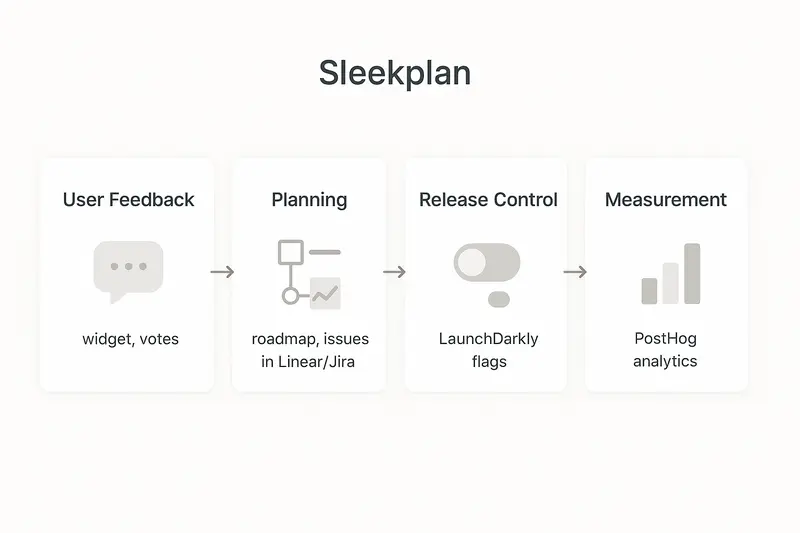
Principle: keep feedback close to the product, then keep promises visible. That is how you build trust.
h2. Linear MCP Server, conversational issue tracking
Linear is fast. The MCP Server makes it conversational. Ask for blockers, create issues, change priority, or summarize a project without touching the UI.
Practical prompts we use:
- “Create an issue in Growth, title ‘Reduce checkout latency’, label performance, priority high.”
- “List high priority bugs not updated in 3 days, assigned to backend.”
- “Summarize Q2 epics with risks and proposal for scope cuts.”
Result: fewer meeting detours, better hygiene, fewer lost notes.
h2. MCP Atlassian, Jira + Confluence without the maze
For teams all-in on Atlassian, the MCP server bridges Jira’s work data with Confluence’s knowledge. You can fetch a spec, inspect linked issues, and check sprint health in one thread. Installation paths and scopes are well documented in Atlassian’s remote server guide.
Use cases we see land fast:
- Retrieve the latest API versioning decision from Confluence, then open Jira tasks to align clients.
- Ask for sprint capacity, velocity trend, and at-risk stories across two teams.
- Generate a release note draft from linked stories, then push to your public changelog.
Principle: one narrative from spec to shipped work, not two disconnected systems.
h2. PostHog MCP, ask analytics like a human
Data should answer plain questions. With PostHog MCP you can ask them directly, then tie what you learn to experiments and feature flags.
- “Where do power users drop in onboarding, and what does session replay show at that step?”
- “What changed after enabling the new pricing page for 20 percent of traffic?”
- “Which segments would benefit most from faster search, based on query time vs. churn?”
See setup patterns and examples in PostHog’s tutorial: [MCP analytics](https://posthog.com/tutorials/mcp-analytics).
Principle: measure what users do, not what we hope they do.
h2. LaunchDarkly MCP, precise rollouts without the scramble
Decouple deploy from release. LaunchDarkly MCP lets a Product Manager define flags, target cohorts, and expand safely.
- “Create flag checkout_new, enable for 5 percent of users, ramp to 25 percent if error rate stays flat for 48 hours.”
- “Show current targeting for enterprise tier in EU and APAC.”
- “Pause rollout if conversion dips below last week’s baseline.”
Get the official overview here: [LaunchDarkly MCP getting started](https://launchdarkly.com/docs/home/getting-started/mcp).
Principle: control exposure, watch signals, move forward with intent.
h2. Orchestrating the five, an end to tab-chasing
The real win shows up when these MCP Servers work together.
- Start with Sleekplan: find the highest impact user feedback by votes and sentiment.
- Pull relevant specs from Confluence, and the status from Jira or Linear.
- Create or adjust a LaunchDarkly flag for the rollout plan.
- Track adoption and outcomes with PostHog, then close the feedback loop with a public update.
Ask one question and get a narrative: what customers asked for, what we built, how we released it, and what changed in real usage.
h2. Setup guardrails that scale
Quality beats speed. A few practices we recommend:
- Least privilege: limit MCP scopes and use SSO where possible.
- Naming discipline: standard flag, issue, and label conventions, automated checks where you can.
- Audit trails: log MCP actions that change work items or flags.
- Human judgment: verify high-stakes insights before committing roadmap or budget.
- Start small: pilot with one server and one workflow, expand after 2 to 3 clean wins.
h2. Quick answers
- What is an MCP Server in Product Management? A secure interface that lets an AI assistant read and act in tools like feedback, issues, analytics, and feature flags.
- Which MCP Servers should a Product Manager start with? Sleekplan for user feedback plus either Linear or Jira, then PostHog and LaunchDarkly.
- How does MCP improve user feedback workflows? It centralizes Sleekplan signals, then connects them to issues, rollout rules, and impact metrics.
- Is this safe for enterprise? Yes if you enforce scopes, SSO, audit logs, and approvals for high-impact actions.
h2. Craft matters
MCP does not replace product sense. It removes the grind so we can spend more time with customers, make cleaner tradeoffs, and ship work we are proud to sign. Tie every release back to user feedback, keep the loop visible, and let the protocol do the heavy lifting.
Llauren·May 6, 2026
More from the Journal
[Product ManagementSep 20, 20267 min Aha Pricing: What Each Product and Tier Costs→](https://sleekplan.com/blog/aha-pricing) [Product ManagementSep 20, 20267 min Jira Product Discovery Pricing: Creators, Not Users→](https://sleekplan.com/blog/jira-product-discovery-pricing) [Product ManagementSep 20, 20268 min Productboard Pricing: Maker Seats and What You Pay→](https://sleekplan.com/blog/productboard-pricing)
Keep up
h2. New essays land on LinkedIn every Tuesday.
Follow Sleekplan on LinkedIn — we post every new piece there, plus the shorter notes that never make it to the journal.
[Follow on LinkedIn](https://www.linkedin.com/company/sleekplan/)
Done reading? [Try Sleekplan free ](https://app.sleekplan.com/sign-up/)
---
### Best 10 AI Agents for the Product Manager in 2026: Tools, Use Cases, and ROI | Sleekplan
Source: https://sleekplan.com/blog/best-10-ai-agents-for-the-product-manager-in-2026-tools-use-cases-and-roi-8615
Description: A clear, practical guide to the 10 AI agents Product Managers should use in 2026, with use cases, links, and examples. Learn how Sleek Intelligence elevates feedback into decisions and saves time.
h2. A new baseline for product work
AI Agents are no longer sidekicks, they are collaborators. If you are a Product Manager in 2026, your edge comes from delegating multi‑step workflows to agents, not just asking for summaries. The shift is simple to state, hard to fake: move busywork to autonomy, keep judgment human.

h2. The shortlist: 10 AI agents product teams actually use
- Sleek Intelligence (Sleekplan)
- Superhuman
- Granola
- ChatGPT
- Claude
- Perplexity
- Productboard Spark
- ChatPRD
- Aha! AI
- One Horizon
Each one solves a different choke point. Together, they form a quiet, continuous system that captures, synthesizes, decides, and communicates.
h2. 1) Sleek Intelligence: the autonomous product manager that reads your feedback
Sleek Intelligence, powered by Sleek Mate, acts on your entire feedback corpus with persistent context. It integrates via MCP, routes work, deduplicates requests by meaning, and explains its reasoning. You ask, it investigates. Examples we see daily:
- “Cluster the last 200 requests by theme and rank by vote weight.”
- “What are enterprise customers asking for this quarter that we have not shipped?”
- “Draft a customer‑facing note for the OAuth rollout in our voice.”
Why it matters: teams analyze more than 23 percent of feedback only when assisted by agents. With autonomy, you work from the whole signal, not just the loudest voices.
- Explore Sleekplan’s AI: [Sleek Intelligence](https://sleekplan.com/intelligence/)
- Share progress with context: [Public Roadmap](https://sleekplan.com/features/roadmap/)
- Close the loop cleanly: [Changelog features](https://sleekplan.com/features/changelog/)
- See what else ships with it: [All features](https://sleekplan.com/features/)
- Connect your stack: [Integrations](https://sleekplan.com/integration/)
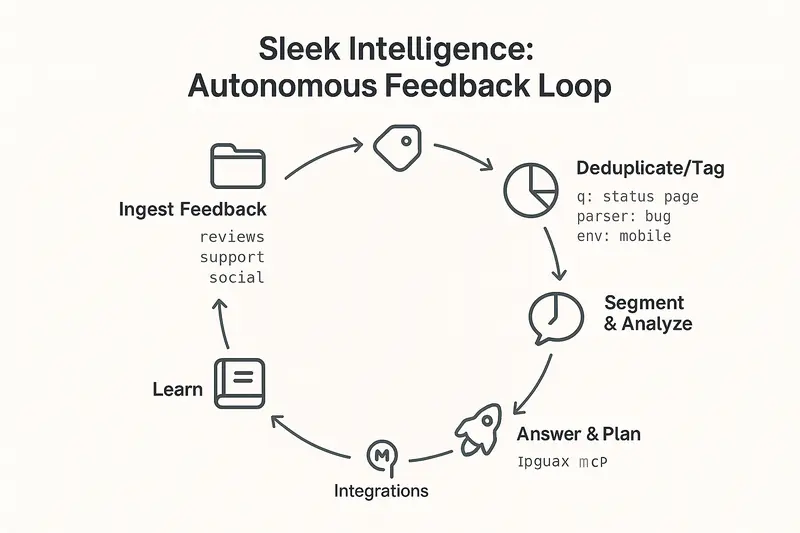
How it works behind the curtain: a multi‑model orchestration layer delegates routine classification to efficient models, then switches to deep reasoning for strategic questions. You can watch the chain of thought as it executes, redirect mid‑task, or take over. Human judgment stays in the loop, deliberately.
h2. 2) Superhuman: write faster, sound like yourself
Email still moves the needle. Superhuman helps you reach more customers with less editing. It rewrites for clarity without sanding off your voice and keeps the inbox focused on real feedback threads. Follow‑up reminders lift response rates, which means more user signal to act on.
Reference: a useful overview of PM tooling includes Superhuman in the modern stack at [Builder.io](https://www.builder.io/blog/best-ai-tools-for-product-managers).
h2. 3) Granola: never miss a research insight again
Granola joins calls, transcribes with high fidelity, and produces structured summaries with quotes, pain points, and highlights. Templates vary by call type, so onboarding interviews and win‑loss reviews are not flattened into the same format. Fewer replays, more signal. Learn more at [Granola](https://www.granola.ai).
h2. 4) ChatGPT: fast categorization and first‑pass synthesis
When you export a fortnight of Slack threads, survey comments, and support notes, ChatGPT is a strong first sorter. It clusters themes and flags top‑mentioned issues. Use it for speed when you need volume‑based prioritization.
h2. 5) Claude: deeper reasoning for PRDs and trade‑offs
Claude shines when you ask why, not just what. It drafts PRDs with stronger structure and more strategic depth, and it probes second‑order effects. In independent tests, teams found Claude’s first drafts needed lighter edits than alternatives, especially for leadership‑facing docs. Summary of findings at [MindStudio’s analysis](https://www.mindstudio.ai/blog/ai-agents-for-product-managers/).
h2. 6) Perplexity: quick, source‑grounded market research
For competitive scans and market validation, Perplexity aggregates credible sources with citations. Ask how top SaaS products design onboarding flows, then branch to adjacent questions in Research mode. It shortens the path from hunch to externally grounded signal.
h2. 7) Productboard Spark: continuous pattern detection
Spark reads unstructured feedback across channels, groups it by theme, and updates patterns continuously. Since it sits inside Productboard’s feature hierarchy, insights connect directly to planned work, not just to a dashboard. Deep dive from Productboard’s team is here: [Spark AI feedback analysis](https://www.productboard.com/blog/productboard-spark-ai-customer-feedback-analysis/).
h2. 8) ChatPRD: idea to structured requirements in minutes
Give it a sketch or a rough problem statement, get a PRD with user stories, acceptance criteria, and edge cases. It is a fast way to explore options and iterate before pulling in engineering. For high‑stakes docs, many PMs still favor Claude for nuance, then refine together.
h2. 9) Aha! AI: strategy and roadmapping in one place
Aha! combines strategy, planning, and releases, then uses AI to propose roadmap structures and draft narrative. It is most valuable when your team wants documents that tie work back to objectives without context‑switching across tools.
h2. 10) One Horizon: unified view from roadmap to repo
One Horizon aims to collapse roadmap, requirements, and execution into one model. Natural‑language queries like “What slipped last week and why?” return answers tied to commits, PRs, and issues. When visibility beats ceremony, this design pays for itself.
h2. Quick picks by job to be done
- Capture more, with less effort: Superhuman, Granola
- Synthesize and reason: Sleek Intelligence, Claude, ChatGPT
- Decide what to build: Productboard Spark, Sleek Intelligence
- Communicate with clarity: Aha!, Sleekplan [Changelog](https://sleekplan.com/features/changelog/)
h2. How Sleek Intelligence changes the feedback loop
What makes Sleek Intelligence different is not just analysis, it is autonomous execution:
- Triage at scale: tag, categorize, and route hundreds of items without manual review
- Smart deduplication: merge near‑identical requests by meaning, consolidate votes
- Segment‑aware answers: evidence pulled by cohort, plan, region, or spend
- Human‑ready outputs: PRDs, changelog entries, and stakeholder notes in your voice
We built it to respect ownership. You see the source, reasoning, and trade‑offs before acting.
h2. Also worth watching
These are strong complements if you are building a broader agent stack:
- Zeda.io for auto‑tagging and trend detection across Slack, tickets, and interviews
- Jira Rovo AI for natural‑language queries on project status
- Mixpanel Spark for conversational analytics
- Amplitude predictions for churn and conversion likelihood
- Notion AI for workspace‑aware summaries and connected context
- GravityDoc for turning UI screenshots into structured docs
- Kraftful for feedback analysis with hallucination controls
h2. FAQs
- What is an AI agent for product management? An AI agent observes context, reasons about goals, and takes actions across tools to complete multi‑step PM workflows, not just answer prompts.
- Where should a Product Manager start? Start where the pain is measurable. If feedback analysis lags, deploy [Sleek Intelligence](https://sleekplan.com/intelligence/). If research notes pile up, use Granola. If PRDs stall, draft in Claude or ChatPRD.
- How does Sleekplan fit my stack? Through MCP and native integrations. See available [Integrations](https://sleekplan.com/integration/) and pair with your roadmap and comms via [Public Roadmap](https://sleekplan.com/features/roadmap/) and [Changelog](https://sleekplan.com/features/changelog/).
- How much time can AI Agents save a PM? Teams report cutting repetitive work by half and reclaiming hours per sprint. Independent overviews point to similar gains at [Builder.io](https://www.builder.io/blog/best-ai-tools-for-product-managers).
h2. Principles for adopting AI agents with taste
- Quality over speed: only ship outputs you would sign with your name
- Keep humans in control: transparency, interruption, and override are non‑negotiable
- Connect the loop end to end: capture, synthesize, decide, communicate
- Measure impact: time saved, decision quality, and downstream outcomes
h2. A closing note on craft
The best Product Manager uses AI Agents to hear more customers, think with more context, and communicate with more precision. Agents do the heavy lifting. You keep the taste, the trade‑offs, and the trust.
Llauren·May 4, 2026
More from the Journal
[Product ManagementSep 20, 20267 min Aha Pricing: What Each Product and Tier Costs→](https://sleekplan.com/blog/aha-pricing) [Product ManagementSep 20, 20267 min Jira Product Discovery Pricing: Creators, Not Users→](https://sleekplan.com/blog/jira-product-discovery-pricing) [Product ManagementSep 20, 20268 min Productboard Pricing: Maker Seats and What You Pay→](https://sleekplan.com/blog/productboard-pricing)
Keep up
h2. New essays land on LinkedIn every Tuesday.
Follow Sleekplan on LinkedIn — we post every new piece there, plus the shorter notes that never make it to the journal.
[Follow on LinkedIn](https://www.linkedin.com/company/sleekplan/)
Done reading? [Try Sleekplan free ](https://app.sleekplan.com/sign-up/)
---
### Will AI Replace Product Managers? No: How AI Elevates Strategic PM Work | Sleekplan
Source: https://sleekplan.com/blog/will-ai-replace-product-managers-no-how-ai-elevates-strategic-pm-work-6120
Description: AI will not replace product managers. It removes busywork and elevates PMs to strategy, empathy, and alignment. See how Sleekplan’s AI turns feedback into clear, actionable roadmaps.
h2. What AI is changing, not replacing
AI now handles the busywork: synthesis, first drafts, and data wrangling. Industry surveys show 65% of PMs already use AI in their workflow, and adoption is rising. That is not replacement, it is reallocation of time toward higher leverage work. McKinsey’s findings show a productivity bump without universal ROI at scale yet, which means we are still learning how to deploy AI well. The lesson is simple: pair automation with human judgment to unlock real value.
- Reference reading: Product School’s overview on AI and PM adoption makes the trend plain and practical: [AI will not replace product managers](https://productschool.com/blog/artificial-intelligence/will-ai-replace-product-managers).
h2. What AI can actually do for product managers
AI excels at heavy lifting across routine tasks:
- Turn multichannel customer feedback into concise summaries and themes
- Draft PRDs, user stories, and release notes from notes or transcripts
- Flag anomalies in product metrics and surface insight candidates
- Propose A/B test variants and compile experiment readouts
If you want a practical walkthrough, we shared a hands-on playbook that covers real prompts, workflows, and gotchas: [AI in product management use cases and playbook](https://sleekplan.com/blog/ai-in-product-management-use-cases-tools-and-a-practical-playbook-for-pms-8853/).
h2. The human work AI cannot touch
Great product management is still human at its core.
- Empathy and field context: You do not learn the customer’s real job-to-be-done from a dashboard alone. Sitting with users reveals what surveys miss. Harvard Business School’s research shows AI suggestions only create value when humans apply sound judgment, not by default: [human judgment drives innovation](https://www.hbs.edu/bigs/artificial-intelligence-human-jugment-drives-innovation).
- Strategy under uncertainty: AI can rank options, it cannot choose your focus or say no to good but distracting ideas. Strategy is creative, not just analytical. A useful lens on this: [why AI will not save a bad strategy](https://antonov.com.au/ai-product-strategy-why-ai-wont-save-a-bad-one).
- Translation and alignment: PMs broker clarity across engineering, design, sales, and leadership. That is negotiation, trust, and timing. No model runs that meeting for you.
- Craft and context: Knowing when a 1 percent usability lift beats a 10 percent feature bet is product sense built over years. Skills for this future are expanding, not shrinking, as outlined here: [AI skills PMs need](https://www.ironhack.com/us/blog/ai-skills-every-product-manager-needs-in-2024).
h2. A practical model: PMs plus Sleekplan AI
The fastest wins appear in feedback operations. Modern teams collect input from support, interviews, surveys, social, and in-product widgets. Manually, this becomes a swamp. With Sleekplan, all of that funnels into one place, ready for analysis: [centralize product feedback](https://sleekplan.com/features/feedback/).
Here is what changes:
- Instant summaries: Click to get the gist of long threads, then drill into verbatims when nuance matters. Real workflows, prompts, and examples live in our guide: [AI PM playbook](https://sleekplan.com/blog/ai-in-product-management-use-cases-tools-and-a-practical-playbook-for-pms-8853/).
- Theme and sentiment detection: Spot emerging issues like “2FA login failures on mobile” early and quantify frustration vs delight.
- Impact scoring: Convert raw votes into weighted signals, so prioritization reflects customer segment, recency, and business context, not a popularity contest.
- Feedback-to-roadmap handoff: Move prioritized ideas straight into delivery plans and keep progress visible with statuses and dates: [build and share a product roadmap](https://sleekplan.com/features/roadmap/).
- Clear release communication: Turn updates into concise notes, schedule announcements, and collect feedback on what shipped: [Changelog features](https://sleekplan.com/features/changelog/).
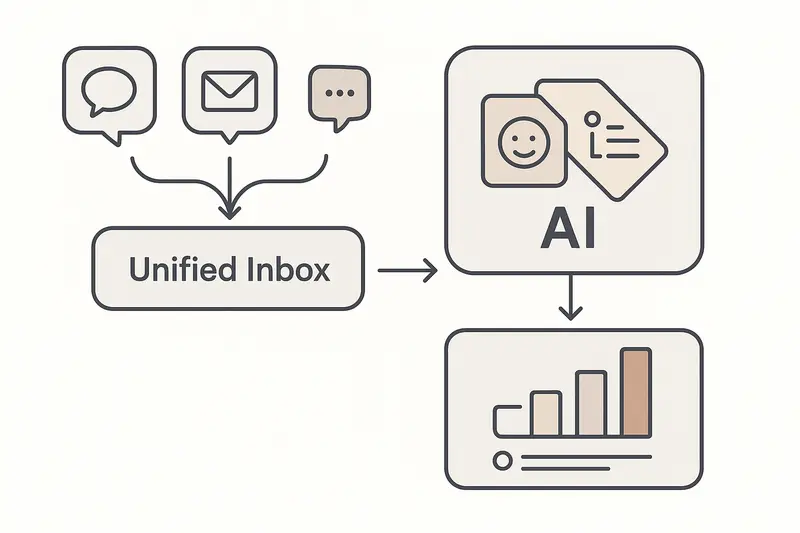
h2. Fast answers to common questions
- Will AI replace product managers? No. AI automates routine work, while PMs own empathy, strategy, and alignment.
- Which PM tasks can AI automate? Feedback synthesis, draft documents, trend detection, and experiment summaries.
- Which PM skills stay human? Problem framing, prioritization under uncertainty, negotiation, and product storytelling.
- How do I start? Pilot one workflow end to end: centralize feedback, auto-summarize themes, review impact, then map to the roadmap. For prompts and daily patterns, use our guide on [Claude for PMs](https://sleekplan.com/blog/claude-ai-for-product-managers-a-practical-guide-to-better-daily-workflows-124/).
h2. Skills to level up in an AI-first workflow
- Field time: Conduct interviews, watch sessions, read verbatims before the summaries
- Diagnosis: Practice writing crisp problem statements before proposing features
- Decision hygiene: Define criteria, log tradeoffs, and revisit decisions post-launch
- Prompt craft: Give models clear context, examples, and constraints, then critique the output
- Communication: Share not just what changed, but why it matters and what you learned
h2. A simple weekly playbook we use
- Monday: Review fresh themes and sentiment from centralized feedback, tag unknowns to investigate
- Tuesday: Draft PRDs or briefs from notes, then rewrite for clarity in two passes
- Wednesday: Sync with design and engineering, confirm scope, risks, and acceptance criteria
- Thursday: Update roadmap statuses and changelog entries, queue a customer-friendly note
- Friday: Re-read one interview end to end, add a personal takeaway, adjust priorities if warranted
The point is not speed for its own sake. It is clarity. AI clears noise so we can hear signal and then make better calls.
h2. The outcome we are after
When AI does the heavy lifting, product managers earn back time for the hard, human work: understanding customers deeply, setting a sharp strategy, and building alignment that lasts beyond a single release. That is where outcomes move.
If you want the short version, here it is: AI will not replace product managers. It will replace the hours we waste on mechanical tasks. Our job is to use that time to think better and ship with intent.
Llauren·Apr 11, 2026
More from the Journal
[Product ManagementSep 20, 20267 min Aha Pricing: What Each Product and Tier Costs→](https://sleekplan.com/blog/aha-pricing) [Product ManagementSep 20, 20267 min Jira Product Discovery Pricing: Creators, Not Users→](https://sleekplan.com/blog/jira-product-discovery-pricing) [Product ManagementSep 20, 20268 min Productboard Pricing: Maker Seats and What You Pay→](https://sleekplan.com/blog/productboard-pricing)
Keep up
h2. New essays land on LinkedIn every Tuesday.
Follow Sleekplan on LinkedIn — we post every new piece there, plus the shorter notes that never make it to the journal.
[Follow on LinkedIn](https://www.linkedin.com/company/sleekplan/)
Done reading? [Try Sleekplan free ](https://app.sleekplan.com/sign-up/)
---
### Alternatives to Dovetail in 2026: Clear choices for AI research, feedback ops, and CX | Sleekplan
Source: https://sleekplan.com/blog/alternatives-to-dovetail-in-2026-clear-choices-for-ai-research-feedback-ops-and-cx-1155
Description: Dovetail's pricing page showed only a free plan and custom Enterprise pricing in September 2026. What that means when you compare Dovetail alternatives.
h2. The landscape at a glance
Dovetail alternatives are usually evaluated for one of two reasons: the tool stopped fitting the workflow, or the bill stopped making sense. Teams searching for alternatives to Dovetail are not just swapping tools, they are rethinking how research and feedback flow through the product stack. AI is strong, repos are smarter, Dovetail pricing is now quote-led, and workflows matter more than ever.

h2. Why alternatives to Dovetail matter now
Dovetail is a mature insights platform used by large companies, but recent changes and new pricing dynamics have teams exploring options. Its Sun’s Out launch on 14 July 2026 pushed the product further toward AI: Digital Twins that answer questions as a customer segment, Agents moved to general availability, Channels 2.0, and first-party MCP connectors. That is a different product from the research repository many teams originally bought, and it arrives with a different bill.
Principle: pick tools that reinforce your workflows, not the other way around.
h2. How much does Dovetail cost in 2026?
Dovetail publishes no paid price. When we checked Dovetail’s own pricing page on 20 September 2026 it listed exactly two options, a Free plan at $0 per user per month and an Enterprise plan marked “Custom pricing available”, with nothing in between. There is no public per-seat rate card and no published middle tier, so every paid Dovetail deal starts with a sales conversation.
That matters more than a sticker price would. A published rate lets you model what happens when six more people need access next quarter. A quote does not, and that gap is where research budgets get surprised at renewal.
| | Free | Enterprise |
| --- | --- | --- |
| Price | $0 per user per month | Custom, contact sales |
| Channels | One | Unlimited |
| Projects | One | Unlimited |
| AI chat | Scoped to a single project | Unlimited queries, from Slack and Teams |
| AI Agents | Not included | Unlimited |
| Dashboards | Not included | Included |
| Governance | Not included | Redaction, compliance, access control |
Both columns were read off Dovetail’s pricing page on 20 September 2026 and can change without notice, which is rather the point.
h3. Which plan gates Dovetail’s AI analysis?
Dovetail gates its AI by volume rather than by capability. The Free plan does include AI chat and automatic summaries, but both are confined to one project and one channel, so the AI reasons over a slice of your data instead of the whole repository. Enterprise removes the counting limits: unlimited projects, unlimited channels, unlimited Docs, unlimited Agents, plus semantic search and structured summaries.
Dovetail’s Sun’s Out launch post states that Digital Twins and AI Agents are available on all paid plans. Because the public ladder has exactly one paid plan, that sentence resolves to a sales call rather than an upgrade button.
The shape is common enough to have a name. a16z’s guidance on [pricing and packaging generative AI features](https://a16z.com/pricing-packaging-ai-b2b-prosumer/), published in March 2024, describes companies that “include basic genAI features in a core or lower-paid tier and gate better-performing genAI features or more genAI usage in a higher tier”. Working out which half you are being sold is most of the evaluation.
If AI analysis of research and feedback is the job you are hiring for, compare that shape against a published one. [Sleek Intelligence](https://sleekplan.com/intelligence) meters the same kind of work in credits you can count before you buy: 1,000 on Starter, 5,000 a month on Business.
h3. What per-seat pricing does when non-researchers need access
Dovetail prices per user, and the people who cost money are the ones who build and analyse, not the ones who read. The Free plan is labelled per user per month, so the model is seat-based, yet Dovetail publishes no seat rate, no seat minimum and no separate viewer price. The one public concession sits on the Enterprise plan, which lists unlimited free chat queries and describes them as anyone in your organisation querying Dovetail data directly from Slack or Teams.
That distinction decides whether the tool stays with the research team or spreads across product, design and support, so price it out before you sign. a16z’s August 2026 essay [You are not a model. Don’t price per token.](https://a16z.com/you-are-not-a-model-dont-price-per-token/) makes the general case: “Copilots may begin with seats, then add usage-based pricing as agentic work creates greater variation in cost and value.” In a survey of 50 technical AI buyers reported in that essay, 27 preferred credits tied to recognizable work and only 14 preferred raw token pricing.
h3. Questions to ask before you sign
Dovetail’s annual terms are not published anywhere we could verify, so these have to be asked rather than looked up:
- What is the per-seat rate, and does it differ for editors, admins and read-only users?
- Is there a seat minimum, and what does the eleventh seat cost mid-term?
- What is the annual discount against monthly, and is monthly billing offered at all?
- Are Digital Twins, Agents and semantic search inside the quoted price, or metered separately?
- What happens to your projects, Docs and transcripts if you do not renew?
We could not verify Dovetail’s annual discount, contract minimum or seat taxonomy from any public source in September 2026. Treat all three as negotiation items, not as published facts.
h2. AI feedback analysis: BuildBetter and the new wave
BuildBetter leans into automation. Its universal AI search and chat turn messy calls, tickets, and surveys into direct answers in minutes.
Kraftful advanced accuracy with hallucination detection, then was acquired by Amplitude in July 2025. Its standalone platform shut down on 11 August 2025 and customers were migrated across, so Voice of Customer analysis now lives inside Amplitude’s analytics suite rather than as a separate product you can buy. Read the acquisition details: [Amplitude acquires Kraftful](https://amplitude.com/blog/amplitude-acquires-kraftful).
Signals to look for:
- Speed to first insight with minimal prompting
- Pattern accuracy on unstructured data, not just keywords
- Integrations that reduce copy-paste work
Takeaway: AI should accelerate your judgment, not replace it.
h2. Research repositories: Marvin and Condens set the tone
Marvin is purpose-built for fast tagging, transcript accuracy, and low-edit AI workflows.
Condens focuses on clarity. Split-screen tagging keeps you close to source material and themes at the same time. Large teams have even migrated overnight with hands-on help, showing that switching costs can be managed with the right partner.
Aurelius keeps pricing simple with unlimited users, which scales smoothly for growing teams. It centralizes notes, tags, and insights, then keeps retrieval fast, even if report customization is lighter than some.
Principle: your repo is a memory system. Speed, structure, and retrieval beat bells and whistles.
h2. Feedback management and product comms: lean, visible, continuous
Olvy helps product teams centralize feedback and surface insights fast, keeping a tight pulse on user needs.
Sleekplan emphasizes feedback ops plus communication in one flow:
- Capture requests on a public or private board with sorting and merging
- Turn decisions into a visible plan with a shareable roadmap
- Close the loop with a clean changelog and targeted surveys
Useful links if you are evaluating Sleekplan:
- Bring requests in from every channel with a [customer feedback tool](https://sleekplan.com/use-cases/customer-feedback-tool)
- Turn decisions into a visible plan with a [roadmap tool](https://sleekplan.com/use-cases/roadmap-tool)
- Close the loop using a [changelog tool](https://sleekplan.com/use-cases/changelog-tool)
Reality check: teams pick tools they can actually maintain. A tight feedback-to-communication loop keeps momentum.
h2. Product strategy and roadmaps
If your pain is prioritization and alignment, Productboard stands out. It maps feedback to strategy and delivery, though it can feel heavier at first. The tradeoff is power where roadmaps meet reality.
h2. Digital analytics and behavior-rich context
If you need journey analytics and mobile depth, platforms like Glassbox add session replay, funnels, and performance context. Pairing behavioral data with qualitative feedback brings sharper answers to why-and-how questions.
h2. Enterprise-grade and omnichannel
Qualtrics, Chattermill, and Medallia handle complex VOC at scale, across surveys and unstructured channels. Zendesk captures feedback where service happens, then routes insights across teams. These tools shine when your feedback sources span the entire customer experience.
Principle: omnichannel only pays off if insights reach owners who can act.
h2. Pricing signals to watch
Cost is not just price. Look at how the model scales with seats, data volume, and collaboration, because those three lines are what move a number between renewal years.
- Per seat: cheap at five people, painful once support and design want in
- Per credit or usage: forecastable when the unit is something you already count
- Quote only: no public rate card, so budget from your own last invoice
- Free tier: check what it is scoped to, not only what it is called
Sleekplan publishes its numbers instead of quoting them. Indie is free forever, Starter is $15 a month or $13 billed yearly with 3 team seats, and Business is $45 a month or $38 billed yearly with 10, each paid plan carrying a 30-day trial with no card. The full grid sits on the [pricing page](https://sleekplan.com/pricing).
h2. A simple selection framework
Pick by the job to be done, not by the loudest feature list.
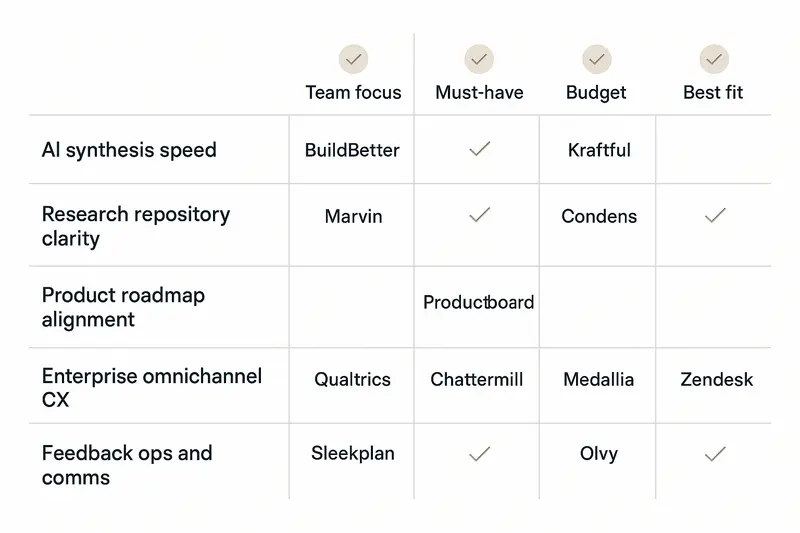
- Need fast AI synthesis: BuildBetter, Kraftful inside Amplitude
- Need a modern research repo: Marvin, Condens, Aurelius
- Need roadmap execution: Productboard
- Need omnichannel CX insights: Qualtrics, Chattermill, Medallia, Zendesk
- Need feedback ops and comms: Sleekplan, Olvy
Heuristic: choose the tool that cleans your signal path from user input to shipped change with the least friction.
h2. Real-world patterns we see
- AI earns trust when edits are low and repeatability is high
- Repos win when search is instant and tags are consistent
- Product comms work when roadmaps and changelogs are living, not static
- Enterprise value shows up when insights route to owners automatically
h2. Quick answers
- What are the best alternatives to Dovetail? For AI speed, BuildBetter. For repos, Marvin or Condens. For product strategy, Productboard. For integrated feedback ops, Sleekplan.
- What does Dovetail cost? Its pricing page showed only a free plan and a custom-priced Enterprise plan on 20 September 2026, so the paid number comes from a quote.
- Which options are most affordable? Sleekplan’s free Indie plan and $13 Starter are the lowest published entry points here. Dovetail does not publish a paid price at all, so its floor cannot be compared on paper.
- How do I choose the right fit? Rank your top two jobs: synthesize insights, store research, plan roadmaps, or manage omnichannel VOC. Then pick the leader in that lane.
- What if I just need feedback to roadmap to changelog? A lean stack like Sleekplan keeps the loop tight and visible.
h2. Craft over speed
We believe quality research and clear communication win. Pick tools that respect your process and help your team ship with confidence. If feedback-to-roadmap-to-changelog is your backbone, keep it simple and owned end to end.
Llauren·Apr 8, 2026
More from the Journal
[Feedback ManagementSep 20, 20269 min How to Say No to Feature Requests Without Losing Users→](https://sleekplan.com/blog/how-to-say-no-to-feature-requests) [Feedback ManagementAug 5, 20268 min How to Organize Customer Feedback: A System for SaaS Teams→](https://sleekplan.com/blog/how-to-organize-customer-feedback-a-system-for-saas-teams-5298) [Feedback ManagementJul 29, 20267 min Multi-Channel Customer Feedback for SaaS Teams→](https://sleekplan.com/blog/multi-channel-customer-feedback-for-saas-teams-6352)
Keep up
h2. New essays land on LinkedIn every Tuesday.
Follow Sleekplan on LinkedIn — we post every new piece there, plus the shorter notes that never make it to the journal.
[Follow on LinkedIn](https://www.linkedin.com/company/sleekplan/)
Done reading? [Try Sleekplan free ](https://app.sleekplan.com/sign-up/)
---
### From User Feedback to Claude Code: A Clear Framework for Writing an Effective Claude Code Prompt | Sleekplan
Source: https://sleekplan.com/blog/from-user-feedback-to-claude-code-a-clear-framework-for-writing-an-effective-claude-code-prompt-898
Description: Turn raw feedback into production code fast. Learn a clear framework to structure input, write an effective Claude Code prompt, iterate with proof, and keep customer context from board to PR.
h2. The messy truth: raw feedback does not write code
Most teams drown in unstructured requests, then expect clean output from an AI. The trick is deliberate translation. We turn user feedback to Claude Code by writing a precise Claude Code prompt that preserves customer intent, adds structure, and sets firm boundaries.
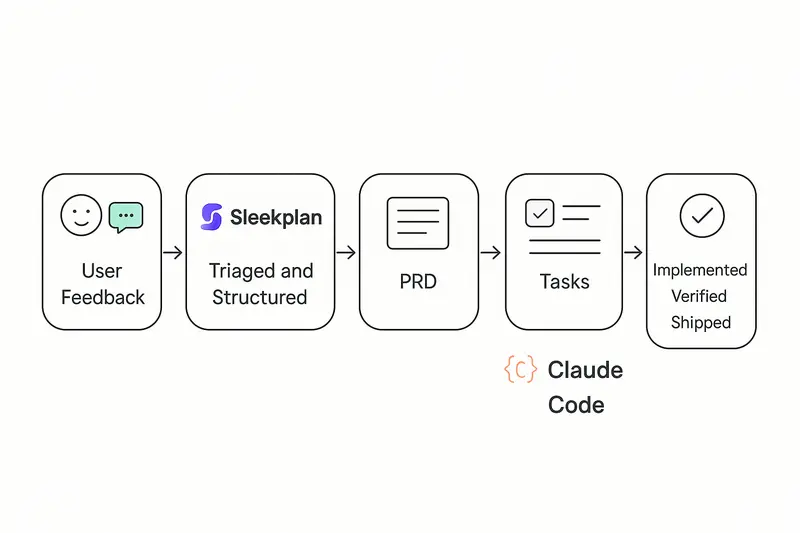
h2. Build a feedback river, not a ticket swamp
High velocity starts upstream. Centralize signals and attach context at capture.
- Channels: in‑app widget, support, sales notes, interviews, NPS, analytics
- Structure: product area, segment, severity, ARR or tier, region
- Evidence: screenshots, logs, quotes
If you need a model for the ops side, read our breakdown of a scalable loop in Sleekplan’s blog on product ops feedback flow, then copy the cadence and tags that fit your org. See the framing here: [How to build a bulletproof product ops feedback loop](https://sleekplan.com/blog/how-to-build-a-bulletproof-product-operations-feedback-loop-that-scales-1856/).
Useful building blocks inside Sleekplan:
- Capture and deduplicate with the [Feedback Board](https://sleekplan.com/features/feedback)
- Prioritize with impact scoring on the [Public Roadmap](https://sleekplan.com/features/roadmap/)
- Close the loop with a public [Changelog](https://sleekplan.com/features/changelog/)
Takeaway: speed later depends on quality now. Treat intake like craft.
h2. From feedback to a lean PRD
Skipping a PRD sounds fast, but clear specs make AI faster and safer. Good PRDs state the problem, the users, success metrics, and constraints in plain language. If you want a crisp primer on spec quality, Addy Osmani’s guidance on writing a good spec is a strong reference: [Good specs for shipping software](https://addyosmani.com/blog/good-spec/).
What we include before any prompt:
- Problem statement and who it affects
- Current and desired workflows
- Success signals: metrics and observable UI states
- Constraints: security, performance, a11y, test coverage
Principle: context before instructions. Let the spec set intent, then ask the AI to plan work.
h2. Break big asks into verifiable slices
Claude is excellent at focused tasks and weak at “do everything at once.” Decompose work into small, reviewable units with explicit outcomes.
An example we like: improving language selection. The first attempt tried a full implementation in one pass and produced noisy code. The second pass split work into phases: research supported languages, design the selector entry point, implement minimal UI, add modal, polish and performance. That run shipped in roughly 4.5 hours with 18 tight iterations, as documented here: [From feedback to production in 4 hours with Claude Code](https://yagudaev.com/posts/from-customer-feedback-to-production-in-4-hours-with-claude-code/).
Checklist for good decomposition:
- Each step has a clear Definition of Done
- Unit or visual verification per step
- No step silently expands scope
- Dependencies are explicit
Takeaway: smaller slices, faster reviews, fewer surprises.
h2. The three‑question Claude Code prompt framework
A reliable Claude Code prompt answers three things up front.
1. What does done look like?
- Example: “Users see the language selector on first screen, 80 percent interact within 60 seconds, selection persists across sessions.”
1. What context does Claude need?
- Stack and versions, architecture patterns, naming, error handling, tests, deployment.
1. What constraints can’t it guess?
- Performance under 200 ms for open/close, WCAG 2.1 AA, 80 percent+ test coverage, GDPR compliance for stored prefs.
Here is a compact template you can adapt:
- Done: concrete behaviors and success metrics
- Context: stack, folder map, patterns to reuse, relevant files
- Constraints: performance, security, a11y, coding standards, tests
- Verification: how to check, what screenshots or tests to run
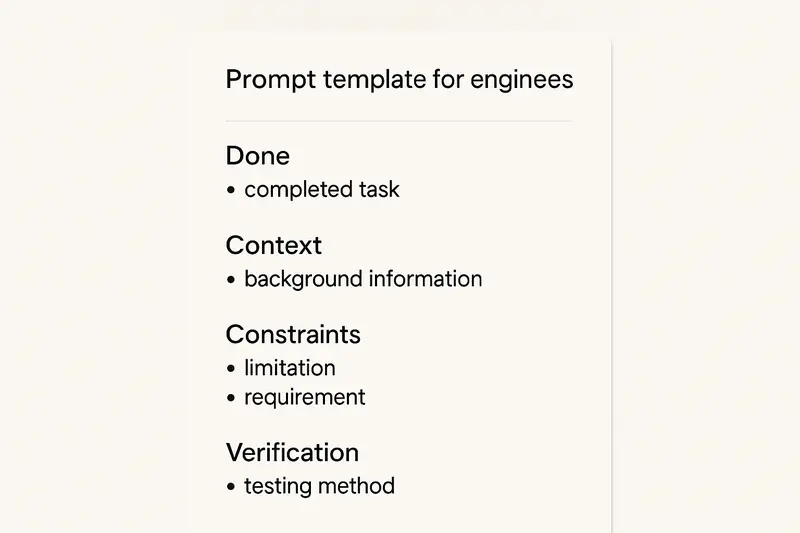
Pro tip: keep a CLAUDE.md in the repo with stable rules and references. Claude should read it first, then your task. See agent guidance in Claude’s best practices: [Claude Code best practices](https://code.claude.com/docs/en/best-practices).
h2. Plan first, then implement
Use a plan step to separate exploration from edits. Ask Claude to:
- Read the codebase, outline an approach, list changed files
- Call out risks, ambiguities, and test points
- Propose a minimal slice to ship first
Approve the plan, then let it execute. A minute of planning saves ten minutes of refactor. The pattern aligns with the agent guidance above.
h2. Verification inside the prompt
Tell Claude how to prove the work:
- Unit tests to run and thresholds to meet
- UI screenshots at key states for visual compare
- Manual steps to click, with expected results
Claude can report artifacts with each iteration. You review against evidence, not guesses.
h2. Tie feedback to delivery systems
Keep customer context alive from board to PR.
- Push prioritized items from Sleekplan to Linear or GitHub using your preferred automation
- Include request counts, ARR impact, and top quotes in the ticket
- Ask Claude to echo this context in the PR description
For a simple pattern that auto‑creates GitHub issues from AI plans and links them through to PRs, see this write‑up: [Automating GitHub issue creation with Claude Code](https://sixfeetup.com/blog/automating-github-issue-creation-with-claude-code).
Teams that wire context through the stack ship what customers actually asked for, not what the ticket title implied.
h2. A concrete mini‑spec to show the level of detail
- Objective: Make language selection obvious and fast on first run
- Users: New and returning users on desktop and mobile
- Done:
- Entry point visible on main screen without scroll
- Alphabetical list of 15 supported languages
- Modal view for the full list, ESC to close
- Persist choice to app state and local storage
- Telemetry: impression, open, select, confirm
- Constraints: AA contrast, 200 ms open, unit tests for state logic, e2e test for persistence
- Verification: run tests, provide 3 screenshots (entry, modal, after select), post telemetry event IDs
This is the level of clarity that keeps iterations short and reviews clean.
h2. Common pitfalls and how we avoid them
- Letting AI code set future patterns: require human acceptance on every PR
- Over‑ or under‑specifying: start broader, then tighten as the plan surfaces risks
- Context overload: summarize older chat turns to keep the current task clear
- Silent scope creep: freeze scope per slice, queue follow‑ups explicitly
Craft principle: human judgment owns acceptance and scope, AI accelerates execution.
h2. A fast, repeatable workflow you can adopt
- Capture and structure feedback in Sleekplan, then prioritize with the [Roadmap impact score](https://sleekplan.com/features/roadmap/)
- Draft a lean PRD and spec, sanity‑check with Addy Osmani’s spec criteria above
- Ask Claude to plan, not code, then confirm the smallest shippable slice
- Write a tight Claude Code prompt with Done, Context, Constraints, Verification
- Ship in short loops, verify with tests and screenshots, announce in your [Changelog](https://sleekplan.com/features/changelog/)
- Document steady rules in your repo and point folks to Sleekplan [Developer Docs](https://sleekplan.com/docs/)
h2. Quick FAQ
- How do I move from a vague idea to a Claude Code prompt? Start with a one‑page PRD that states problem, users, desired behaviors, and constraints, then convert each behavior into a small, verifiable task.
- How many steps per session? Aim for 1 to 3 changesets that you can review in under 30 minutes each.
- What if Claude proposes 40 subtasks? Re‑scope. Your slice is too big or under‑defined. Merge tasks only where verification remains obvious.
- Where can I learn the iteration rhythm? Study this case study of 18 focused iterations in 4.5 hours: [From feedback to production in 4 hours](https://yagudaev.com/posts/from-customer-feedback-to-production-in-4-hours-with-claude-code/).
h2. Why this works
Teams that master this flow report tighter alignment to customer needs, fewer rewrites, and faster cycle time. Not because they move recklessly, but because they respect the craft: structure the signal, write a thoughtful Claude Code prompt, plan before edits, verify at each step, and keep the customer thread visible from intake to release.
Llauren·Apr 6, 2026
More from the Journal
[Feedback ManagementSep 20, 20269 min How to Say No to Feature Requests Without Losing Users→](https://sleekplan.com/blog/how-to-say-no-to-feature-requests) [Feedback ManagementAug 5, 20268 min How to Organize Customer Feedback: A System for SaaS Teams→](https://sleekplan.com/blog/how-to-organize-customer-feedback-a-system-for-saas-teams-5298) [Feedback ManagementJul 29, 20267 min Multi-Channel Customer Feedback for SaaS Teams→](https://sleekplan.com/blog/multi-channel-customer-feedback-for-saas-teams-6352)
Keep up
h2. New essays land on LinkedIn every Tuesday.
Follow Sleekplan on LinkedIn — we post every new piece there, plus the shorter notes that never make it to the journal.
[Follow on LinkedIn](https://www.linkedin.com/company/sleekplan/)
Done reading? [Try Sleekplan free ](https://app.sleekplan.com/sign-up/)
---
### Customer Feedback Tools in 2026: A Practical Guide for Product Managers and SaaS Leaders | Sleekplan
Source: https://sleekplan.com/blog/customer-feedback-tools-in-2026-a-practical-guide-for-product-managers-and-saas-leaders-7637
Description: A clear, no‑fluff guide to customer feedback tools for SaaS: what to use, how to stack, where AI fits, and how to close the loop fast. Practical steps, metrics, and Sleekplan links.
h2. Start with the signal, not the noise
Your product ships weekly, but your users ship opinions daily. Customer feedback tools are the system that turns scattered comments into clear direction. For SaaS teams, the right stack tightens the loop from insight to release. Done well, it improves retention, roadmap clarity, and revenue quality.
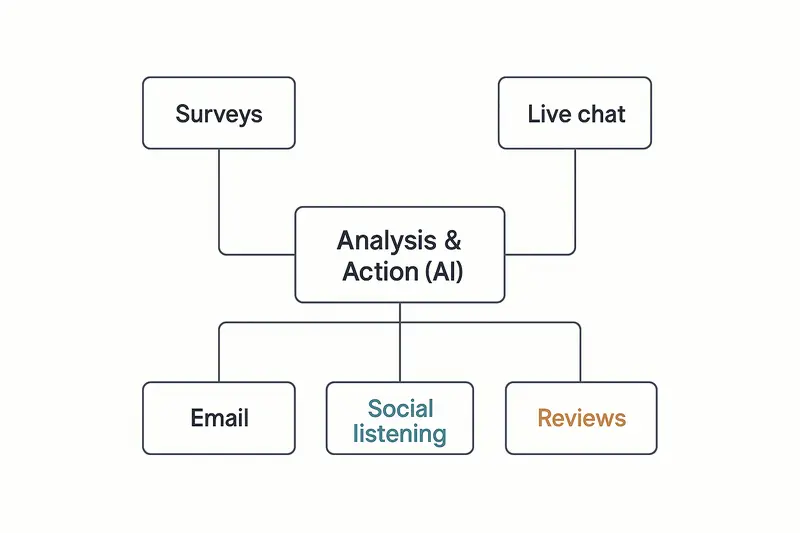
h2. What customer feedback tools are, and why they matter
Customer feedback tools collect, organize, and analyze what customers say across surveys, in‑app prompts, chat, email, social, and reviews. They push beyond complaint handling into experience design. A clear definition and strategic framing can be found in SmartSurvey’s overview of customer feedback tools, a useful primer on scope and impact: https://www.smartsurvey.com/blog/customer-feedback-tools.
The principle: consistent listening creates compounding clarity. Small fixes add up, like reducing onboarding confusion or speeding up support handoffs. Over time, that compounding edge shows up in lower churn and cleaner product decisions.
h2. A practical taxonomy of customer feedback tools
- Surveys: NPS, CSAT, CES, post‑event, and research studies. Strong for structured, comparable data.
- In‑app feedback: contextual prompts at key moments. High intent, high response rates.
- Live chat and messaging: real‑time conversations that surface urgent friction.
- Email feedback: longer‑form thoughts from customers who prefer async.
- Social listening: unsolicited sentiment and trend detection.
- Reviews and ratings: public proof, plus real qualitative detail.
- AI analysis layers: unify, tag, and score insights across channels.
Takeaway: combine methods. Each channel sees a different part of the truth.
h2. Key selection criteria for customer feedback tools
- Customization: brand control, conditional logic, targeted follow‑ups.
- Automation: event triggers, lifecycle cadences, alerts, and routing.
- Integrations: CRM, product analytics, issue tracking, and chat.
- Reporting: segmentation, trends, and role‑based dashboards.
- Multichannel: web, app, email, social, reviews, support data.
Working rule: if insights cannot reach owners within minutes, they will not move the roadmap.
h2. The SaaS feedback stack that actually works
A lean, durable setup looks like this:
1. Surveys for relationship and transactional signals.
2. In‑app feedback for context, right at the moment of delight or confusion.
3. A central board where customers can suggest and upvote ideas.
4. A public roadmap for clarity, and a changelog that shows progress.
5. An AI layer that auto‑tags themes and sentiment, then routes next actions.
Where Sleekplan helps:
- Capture ideas and prioritize them in one place, with votes, comments and statuses on every request: [feedback](https://sleekplan.com/feedback)
- Turn signal into delivery with a transparent Roadmap: https://sleekplan.com/features/roadmap/
- Close the loop publicly with a clean, lightweight Changelog: https://sleekplan.com/features/changelog/
- Track loyalty and satisfaction with built‑in surveys: [NPS and CSAT](https://sleekplan.com/csat-nps)
Example rhythm:
- Post‑ticket CSAT within 1 hour of resolution.
- NPS quarterly to active users, segmented by plan.
- In‑app microsurveys when a user completes onboarding or tries a new feature.
- Changelog updates shipped weekly, bugfixes within 7 days.
Reflective note: fewer, well‑timed prompts beat a wall of popups.
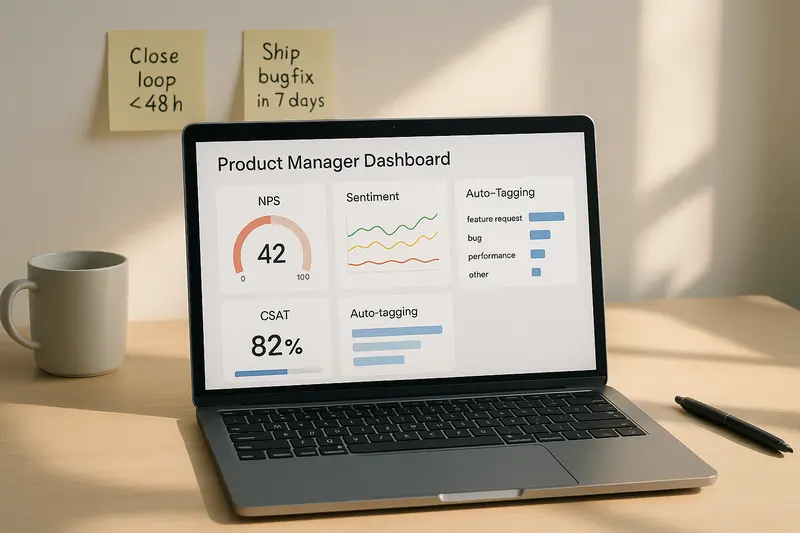
h2. How AI reshapes customer feedback analysis
AI turns a mountain of comments into themes, sentiment, and suggested actions. Zendesk outlines how modern platforms ingest tickets, chats, and surveys, then score urgency and tone in real time: https://www.zendesk.com/blog/ai-customer-feedback/.
Useful truths:
- Sentiment has moved past positive or negative. Modern models detect frustration, confusion, or delight with practical accuracy, as covered by Glean’s research on AI for customer feedback cycles: https://www.glean.com/perspectives/ai-for-improving-customer-feedback-cycles.
- Auto‑tagging eliminates manual triage. Themes route to the right owner, fast.
- Predictive signals flag churn risk early, so success teams can act before renewal.
We use a simple test: can an analyst answer “What changed last week, by segment?” in under 2 minutes using dashboards and tags. If not, the stack is missing pieces.
h2. Implementation playbook
Set goals first
- Decide what you will change: feature fit, onboarding clarity, support quality, or pricing confusion.
- Pick 3 metrics that tie to revenue or retention. Ignore the rest for 90 days.
Design your cadence
- Transactional: trigger within minutes of the event.
- Relationship: run on a regular pulse, then segment by plan, region, and role.
- Protect attention: one meaningful ask per user per month is a good guardrail.
Close the loop
- Acknowledge within 48 hours. Customergauge details the retention lift when teams close feedback fast: https://customergauge.com/blog/close-the-loop.
- Publicly mark what shipped in your changelog. Link back to the original request when you can.
- Internally, record the decision, owner, and due date. No orphaned insights.
Make it visible
- Post live feeds of detractor comments to the product team’s channel.
- Share weekly wins from promoters with engineering. Morale matters.
- Keep a one‑page summary for leadership that shows trend lines and actions taken.
h2. Measuring ROI without hand‑waving
Tie inputs to outcomes. Start simple:
- Experience metrics: NPS, CSAT, CES by segment and time.
- Operational metrics: first response time, resolution time, reopen rate.
- Product metrics: activation, time‑to‑value, feature adoption, churn.
- Dollar metrics: retention, expansion, and lifetime value by cohort.
A clean habit: when a change ships, tag it to the feedback themes it addresses. Recheck the same metrics 30 and 90 days later. If nothing moves, adjust.
h2. Common questions about customer feedback tools
- What are customer feedback tools? Software that captures and analyzes customer input across surveys, in‑app, chat, email, social, and reviews to guide product and experience decisions. See SmartSurvey’s concise definition: https://www.smartsurvey.com/blog/customer-feedback-tools.
- Which channels work best for SaaS? Combine in‑app prompts for context, post‑event surveys for speed, and a public board plus roadmap for transparency.
- How many tools do I need? Usually three to five, if they integrate well and share tags, IDs, and owners.
- How do I prevent survey fatigue? Ask fewer questions, at the right moments, and always close the loop with visible changes.
- Where should I start? Stand up NPS and post‑ticket CSAT, then add in‑app microsurveys and a public changelog.
h2. Craft principles to keep
- Quality over volume. One sharp insight beats a thousand vague comments.
- Detail is leverage. Precise tags, clear owners, tight SLAs.
- Human judgment first. Let data inform, let people decide.
- Never ship half‑finished. Communicate, then deliver.
- Clarity scales. In design, in writing, in roadmaps.
h2. Next step
If you want a compact, integrated way to collect ideas, prioritize with customers, publish a clear roadmap, and close the loop with a changelog, Sleekplan’s product stack does all four in one place. The board, the roadmap, the changelog and the score surveys share the same tags, owners and statuses, so nothing has to be re‑entered between them. The links above open each piece.
Llauren·Apr 4, 2026
More from the Journal
[Feedback ManagementSep 20, 20269 min How to Say No to Feature Requests Without Losing Users→](https://sleekplan.com/blog/how-to-say-no-to-feature-requests) [Feedback ManagementAug 5, 20268 min How to Organize Customer Feedback: A System for SaaS Teams→](https://sleekplan.com/blog/how-to-organize-customer-feedback-a-system-for-saas-teams-5298) [Feedback ManagementJul 29, 20267 min Multi-Channel Customer Feedback for SaaS Teams→](https://sleekplan.com/blog/multi-channel-customer-feedback-for-saas-teams-6352)
Keep up
h2. New essays land on LinkedIn every Tuesday.
Follow Sleekplan on LinkedIn — we post every new piece there, plus the shorter notes that never make it to the journal.
[Follow on LinkedIn](https://www.linkedin.com/company/sleekplan/)
Done reading? [Try Sleekplan free ](https://app.sleekplan.com/sign-up/)
---
### Olvy alternatives in 2026: smarter choices for feedback, AI synthesis, and product momentum | Sleekplan
Source: https://sleekplan.com/blog/olvy-alternatives-in-2026-smarter-choices-for-feedback-ai-synthesis-and-product-momentum-5018
Description: A clear 2026 buyer’s guide to Olvy alternatives. Compare hybrid, analytics, and community tools, see where Olvy fits, and learn when Sleekplan’s AI helps you ship with confidence.
h2. Why teams are rethinking Olvy alternatives in 2026
The center of gravity has shifted. Product teams want fewer inboxes and more insight. If you are comparing Olvy alternatives, you are likely feeling the tension between community-driven feedback and AI-driven analysis. The right tool should convert noise into clear, accountable work, then close the loop for users.
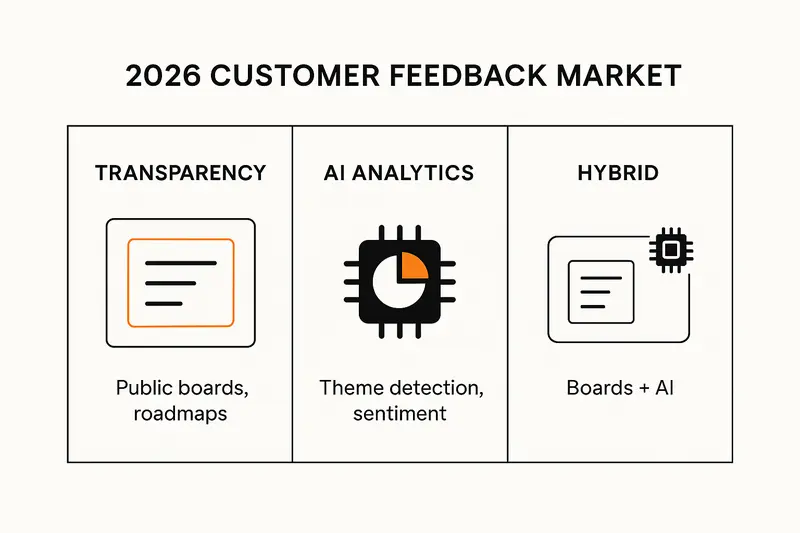
h2. The market split: three workable philosophies
Feedback tooling now follows three paths. All valid, each with tradeoffs.
- Transparency: public boards, voting, and a visible roadmap. High trust, clear expectations.
- AI analytics: unify tickets, chats, surveys, and reviews, then extract themes and sentiment. High depth, less public ceremony.
- Hybrid: combine boards and roadmap clarity with AI that synthesizes patterns. Balanced, faster learning.
The takeaway: choose the path that fits how your customers talk to you and how your team makes decisions.
h2. Where Olvy fits, and where gaps appear
Olvy shines when your community lives in Slack or Discord. It pulls scattered comments into organized tasks and keeps the conversation in the channel. Pricing starts around $30 per user per month, which suits many mid‑market teams.
Limits show up when feedback sits outside community tools. If key signals live in support tickets, emails, or call notes, you will need deeper ingestion and analysis. If you want outcome validation, not just deduped requests, you will want stronger analytics.
Useful background:
- Overview of the 2026 landscape: [Quickhunt on Olvy alternatives](https://quickhunt.app/blog/olvy-alternatives)
- Olvy capabilities and pricing context: [GetApp on Olvy](https://www.getapp.com/customer-management-software/a/olvy/)
h2. The standout hybrid: Sleekplan with Sleek Intelligence
Sleekplan covers the full feedback loop, from capture to communication, and adds an AI assistant that reduces manual triage.
What it looks like in practice:
- Collect feedback in-app or on a standalone board, then merge duplicates automatically.
- Detect themes across posts, votes, and comments to surface the real problem, not just the loudest request.
- Plan with a public roadmap, then close the loop with targeted updates.
Start here if you want craft and clarity, not busywork:
- Explore Sleekplan’s [Sleek Intelligence](https://sleekplan.com/intelligence/)
- Set up a [Feedback Board](https://sleekplan.com/features/feedback)
- Share a [Public Roadmap](https://sleekplan.com/features/roadmap)
- Announce with [Changelog features](https://sleekplan.com/features/changelog)
- Connect your stack with [Integrations](https://sleekplan.com/integration/)
The principle: quality and ownership. Automate the grunt work, keep the judgment human.
h2. Direct Olvy alternatives, at a glance
Many tools mirror Olvy’s public boards, roadmaps, and release notes. Differences show up in cost models, admin burden, and AI depth.
- Canny: strong public boards and roadmaps, channel agnostic, often embedded in-product. Simple to run, limited analysis depth without add-ons.
- UserJot: flat pricing with unlimited users, AI deduping, low admin overhead. Good for fast‑growing teams that hate tracked-user pricing.
- FeatureOS and Frill: clean UI, straightforward boards, roadmaps, and changelogs. Light, tidy, lower lift, less advanced analytics.
- Rapidr: budget friendly, lean feature set, fewer enterprise controls, fine for early stages.
If your priority is minimal curation with modern AI help and a polished public surface, the hybrid lane fits best.
h2. AI‑first feedback intelligence platforms
If your main problem is volume and fragmentation, start with analysis depth. These platforms favor unification and thematic clarity over public boards.
- Kraftful: deep LLM‑native analysis, survey generation in seconds, multilingual support, and safeguards against hallucinations. Great when you already collect feedback but need sharper insight. See [Kraftful](https://www.kraftful.com).
- Thematic: targeted text analytics across tickets, surveys, and reviews, with themes and sentiment tuned for different teams. See [Thematic](https://getthematic.com).
- Chattermill and Unwrap: enterprise‑grade unification, granular topics, emotion drivers, and outcome tracking. High signal for mature orgs with complex data flows.
These can complement a public board tool, or replace it entirely if your focus is internal decision support.
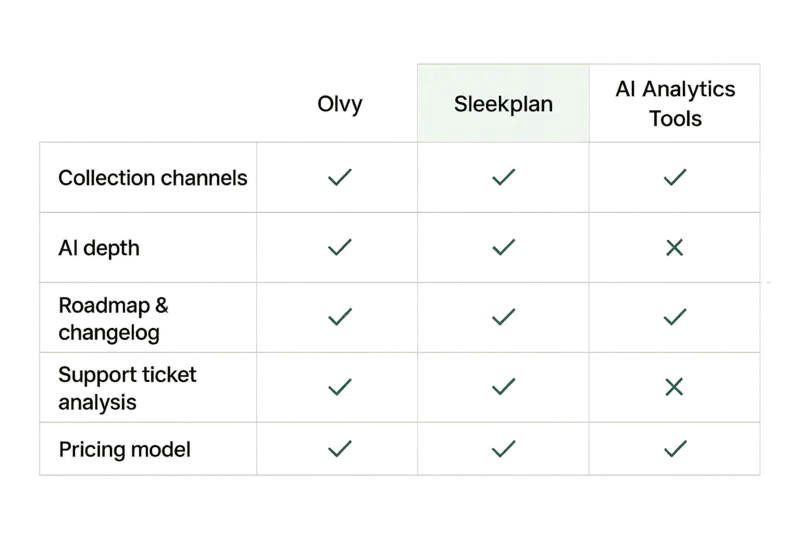
h2. Pricing reality and integration depth
Pricing has stratified, which mirrors real use cases.
- Free or freemium: good for early validation, limited scale.
- Per user or tracked user: predictable revenue, can sting during growth spurts.
- Flat team pricing: easier budgeting, good for fast‑growing teams.
- Usage based: common for analytics and support ingestion.
Integrations are no longer nice to have. Map your stack first: Jira or Linear, Slack or Teams, Salesforce or HubSpot, Zendesk or Intercom, Amplitude or Pendo. If the tool does not meet you where you work, you will import CSVs forever.
h2. Workflow fit matters more than feature lists
Tools that match your process save hours each week.
- Community led: Olvy or a hybrid like Sleekplan.
- Feature request led: public boards with voting and a clear roadmap.
- Support led: AI analytics that mine tickets and chats for patterns.
- Research led: qualitative synthesis across interviews and studies.
Ask: where does 70 percent of our feedback actually live today, and who acts on it?
h2. Quick recommendations by use case
- You run active Slack or Discord communities: start with Sleekplan or Olvy. If you want AI synthesis and lighter admin, lean to Sleekplan. For pricing and capability context, see [GetApp on Olvy](https://www.getapp.com/customer-management-software/a/olvy/).
- You want in‑product voting and a public roadmap: tools like Canny or UserJot are safe bets. If you outgrow manual triage, add AI or move to a hybrid.
- You need thematic analysis across support: Thematic or similar AI platforms deliver fast clarity. See [Thematic](https://getthematic.com).
- You need LLM‑native insights and multilingual workflow: consider [Kraftful](https://www.kraftful.com).
- You want a single loop from capture to ship to announce: try Sleekplan’s hybrid setup with [Sleek Intelligence](https://sleekplan.com/intelligence/).
For a wider market scan with 2026 context, read [Quickhunt’s guide](https://quickhunt.app/blog/olvy-alternatives).
h2. FAQ: fast answers for buyers comparing Olvy alternatives
- What is the best Olvy alternative for AI analysis?
- For end‑to‑end feedback with AI synthesis, Sleekplan. For pure analytics depth that ingests many channels, Thematic or Kraftful.
- Which Olvy alternatives support public boards, roadmaps, and changelogs?
- Sleekplan, Canny, UserJot, Frill, FeatureOS. If you also need AI to cut noise and detect themes, pick a hybrid like Sleekplan.
- How should I choose among Olvy alternatives?
- Start with your primary source of truth. Community channels, in‑app boards, support tickets, or research. Then score tools on integration fit, AI depth, and how they help you close the loop.
- Does Olvy work best with Slack and Discord?
- Yes. That is its sweet spot, especially if you prefer straightforward deduping and task creation within those channels.
- What pricing model is safest as we scale?
- If headcount or tracked users grow quickly, flat team pricing avoids surprises. If data volume grows faster than seats, usage based can be smarter.
h2. The quiet craft that wins
We have learned to value the small edges: merging a duplicate before it becomes noise, shipping a fix and measuring whether complaints drop, sending the right changelog to the right users. Quality is cumulative. Tools should help you earn it, not distract from it.
For teams that care about detail and accountability, hybrid systems are the calm path. Automate the busywork, keep your roadmap honest, and tell customers what changed.
Further reading on market shifts and AI depth:
- 2026 landscape overview: [Quickhunt](https://quickhunt.app/blog/olvy-alternatives)
- AI text analytics for feedback: [Thematic](https://getthematic.com)
- LLM‑native feedback insight: [Kraftful](https://www.kraftful.com)
- Product fit and pricing context: [GetApp on Olvy](https://www.getapp.com/customer-management-software/a/olvy/)
Llauren·Apr 1, 2026
More from the Journal
[Feedback ManagementSep 20, 20269 min How to Say No to Feature Requests Without Losing Users→](https://sleekplan.com/blog/how-to-say-no-to-feature-requests) [Feedback ManagementAug 5, 20268 min How to Organize Customer Feedback: A System for SaaS Teams→](https://sleekplan.com/blog/how-to-organize-customer-feedback-a-system-for-saas-teams-5298) [Feedback ManagementJul 29, 20267 min Multi-Channel Customer Feedback for SaaS Teams→](https://sleekplan.com/blog/multi-channel-customer-feedback-for-saas-teams-6352)
Keep up
h2. New essays land on LinkedIn every Tuesday.
Follow Sleekplan on LinkedIn — we post every new piece there, plus the shorter notes that never make it to the journal.
[Follow on LinkedIn](https://www.linkedin.com/company/sleekplan/)
Done reading? [Try Sleekplan free ](https://app.sleekplan.com/sign-up/)
---
### Kraftful alternatives in 2026: smarter feedback, tighter workflow, clearer ROI | Sleekplan
Source: https://sleekplan.com/blog/kraftful-alternatives-in-2026-smarter-feedback-tighter-workflow-clearer-roi-7002
Description: A clear, practical guide to the best Kraftful alternatives in 2026. Compare AI depth, integrations, pricing, and workflow fit, with Sleekplan’s full-loop approach as the standout.
h2. Quick answer: the best Kraftful alternatives in 2026
Looking for kraftful alternatives that turn unstructured feedback into shipped outcomes, not just dashboards? Start with Sleekplan and Sleek Intelligence, then consider BuildBetter, Unwrap, Pendo, and Dovetail. Each fits a different job. Pick by AI depth, multi‑channel coverage, workflow breadth, and cost predictability.
- Best all‑in‑one: Sleekplan with Sleek Intelligence
- Deep integrations hub: BuildBetter
- Semantic clustering with outcome tracking: Unwrap
- Feedback with behavioral context: Pendo
- Qual research synthesis: Dovetail
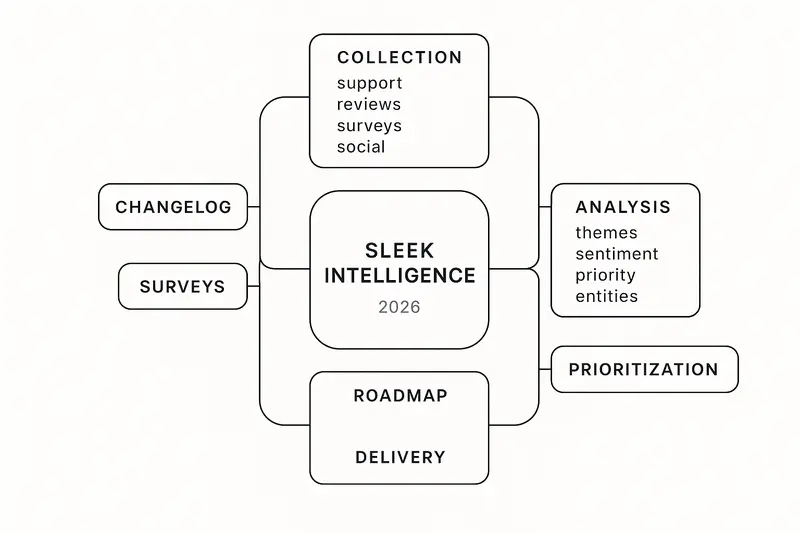
h2. Why teams are moving beyond Kraftful
Kraftful analyzes feedback well, but many teams need more. Collection, prioritization, roadmaps, changelogs, and surveys usually live elsewhere. That gap slows the loop and hides impact. In 2026, the bar moved to continuous intelligence, real‑time routing, and direct handoff into Jira or Linear. AI is the engine, but workflow is the vehicle.
h2. Sleekplan + Sleek Intelligence: from signal to shipped
We built Sleekplan to cover the full loop: collect, analyze, prioritize, plan, announce, learn. Sleek Intelligence is the AI copilot that keeps the system clean and moving.
What it does in practice:
- Auto‑ingests feedback from support, community, social, and email, no copy‑paste
- Clusters themes across phrasing, scores sentiment and urgency, ranks by account value and usage
- Drafts PRDs from discovery notes, updates status summaries as work progresses
- Merges duplicates, routes feedback to owners, flags delivery risks early
Product modules that work together:
- Feedback Board with voting, discussion, and internal notes
- Roadmap in list or Kanban, linked to real feedback
- Changelog that syncs with shipped items
- Surveys for NPS, CSAT, and custom polls, results flow back into analysis
Pricing that stays predictable:
- Indie: free, unlimited end users and feedback for 1 seat
- Starter: 13 USD per month billed annually for 3 seats
- Business: 38 USD per month with 10 seats and 5,000 AI credits
- Enterprise: SOC 2 Type II, unlimited seats and AI credits, multi‑workspace
See how the pieces connect in our overview: [Why Sleekplan leads](https://sleekplan.com/blog/best-usersnap-alternatives-in-2026-10-tools-compared-and-why-sleekplan-leads-5841).
h2. BuildBetter: unify internal and external signals
BuildBetter treats internal knowledge as a first‑class data source. It pulls Zoom calls, Slack, Jira, Salesforce, Zendesk, HubSpot, and Intercom into one hub, then analyzes everything together. The five‑step method is simple: Collect, Centralize, Analyze, Extract Insights, Close the Loop. Useful if you want fewer exports and a single surface for insights.
- Read their 2026 framework: [How to analyze customer feedback with AI](https://blog.buildbetter.ai/how-to-analyze-customer-feedback-with-ai-step-by-step-guide-2026/)
h2. Dovetail: qualitative research that pairs with ops
Dovetail shines in discovery work. Interviews, usability tests, transcripts, highlights. It turns messy research artifacts into shareable insight. Less about high‑volume tickets and reviews, more about depth. Many teams pair Dovetail for research with an operational feedback system.
- Tooling overview: [Customer feedback management for product development](https://dovetail.com/product-development/customer-feedback-management/)
h2. Unwrap: semantic clustering and outcome tracking
Unwrap focuses on grouping similar problems across channels even when phrasing differs. It emphasizes outcome validation: link themes to initiatives, watch if complaint volume and sentiment shift after shipping. When you want proof that a fix worked, this matters.
- Landscape view: [Best product feedback tools for 2026](https://www.unwrap.ai/post/best-product-feedback-tools-for-2026)
h2. Pendo: feedback in behavioral context
Pendo’s strength is context. You get what users say and what they did minutes before. Feedback ties to session behavior, which reduces guesswork. Useful when teams need to see friction in the flow, not just in the inbox.
- Product details: [Pendo Feedback](https://www.pendo.io/product/feedback/)
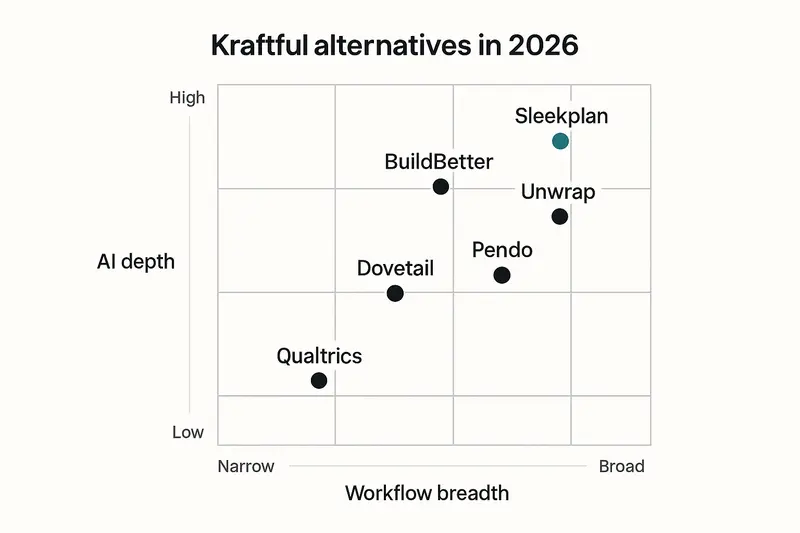
h2. The AI that matters in 2026
Four techniques separate strong platforms from slideware: sentiment analysis, theme extraction, priority scoring, and entity mapping. Accuracy and update speed drive trust. Weighting by account value and churn risk drives impact.
- Practical primer: [How AI is changing product feedback analysis](https://www.zonkafeedback.com/blog/how-ai-is-changing-product-feedback-analysis)
Signals to look for:
- Phrase‑level sentiment, not single scores per item
- Clustering that merges synonyms into one theme
- Priority that includes value and risk, not just volume
- Entity mapping that pins issues to features or flows
h2. Multi‑channel integration: questions to ask
Real multi‑channel means one dataset across support, reviews, surveys, social, community, and sales notes. Vet connectors, setup speed, metadata preservation, and who maintains the pipes.
- Integration checklist: [Evaluate multi‑channel integration](https://getthematic.com/insights/evaluate-multi-channel-integration-feedback-analytics)
Short list for vendor calls:
- Do you have native connectors for our top five sources? How long to add new ones?
- Can you preserve channel, customer, and timestamp on import?
- What happens when an upstream API changes? Who fixes it, how fast?
- How quickly does new feedback show up in dashboards?
h2. Pricing and TCO: predictability wins
Volume pricing looks cheap until a launch spikes your intake. Seat‑based tiers with known AI credits are easier to forecast. Map three‑year cost, including implementation, training, and integration maintenance. The cheapest license often hides the highest ops tax.
Sleekplan’s model stays simple, from free Indie to Business at 38 USD per month with 10 seats. Kraftful’s per‑credit model fits some teams, but can surprise during peak seasons. Enterprise tools like UserVoice trend high. Mid‑market tools vary, often trading depth for price.
h2. Closing the loop: from reply to retention
The fastest retention gains often come from better follow‑through. Route feedback to owners within minutes. Respond within 48 hours. Announce fixes, then measure if volume and sentiment move.
- Why speed and coverage matter: [Close the loop guide](https://customergauge.com/blog/close-the-loop)
How we run it in practice:
- Auto‑route feedback to product or support based on theme
- Public roadmap entries when we commit, private notes when we need discovery
- Changelog on release, then a targeted NPS or micro‑survey
- Review impact weekly, not quarterly
h2. Predictive alerts and churn prevention
Predictive sentiment watches the trajectory of tone and engagement, not just single messages. Done well, it flags risk 2 to 4 weeks before churn. Intercept rates improve when alerts are precise and outreach is personal.
- What to monitor: [Predictive sentiment and churn](https://www.eclincher.com/articles/predictive-sentiment-analytics-how-to-predict-customer-churn-before-it-happens-2026-guide)
h2. Real‑time operational intelligence
Modern teams expect live intent shifts and anomaly alerts. Voice, chat, and email analyzed together. Faster root‑cause, fewer surprises. This is where continuous monitoring beats the quarterly readout.
- Trend overview: [Customer analytics and intelligence in 2026](https://www.cxtoday.com/customer-analytics-intelligence/customer-analytics-intelligence-trends-2026/)
h2. Jira, Linear, and the last mile
Insights unused are cost. The last mile is clean ticket creation and status sync. Create a Jira issue from a theme with one action. Link feedback to tickets. Let customers see progress.
- Roadmaps in Jira Product Discovery: [Create and manage roadmaps](https://support.atlassian.com/jira-product-discovery/docs/create-and-manage-roadmaps/)
- In‑tool PM assist: [Product Copilot](https://product-copilot.ai)
Sleek Intelligence helps by drafting PRDs, keeping status summaries fresh, and routing work to the right team. Fewer tabs, less copy‑paste, more delivery.
h2. Selection framework: pick by job, not hype
Use this checklist to narrow options quickly.
- Sources: list your top channels and monthly volumes
- Maturity: weekly theme reviews or real‑time alerts, which do you need now
- Workflow: do you need roadmap, changelog, and surveys in the same tool
- Seats: model cost at 5, 15, and 30 users
- Integrations: native connectors vs custom APIs, who maintains what
- Governance: SOC 2, roles, SSO, data residency
- Time to value: hours, days, or months to first insight
If you want full‑loop coverage with predictable cost, start here: [Why Sleekplan leads](https://sleekplan.com/blog/best-usersnap-alternatives-in-2026-10-tools-compared-and-why-sleekplan-leads-5841).
h2. FAQ: Kraftful alternatives
- What is the best Kraftful alternative in 2026? For most product teams, Sleekplan covers collection, AI analysis, prioritization, roadmap, changelog, and surveys in one place.
- Which tool fits small teams? Sleekplan’s Indie tier is free with unlimited end users and feedback for one seat. Good for founders and lean teams.
- Need deep internal data integration? Pick BuildBetter for the 100+ connectors and unified analysis across calls, Slack, CRM, and support.
- How do these tools compare on pricing? Seat‑based tiers like Sleekplan are easier to forecast than per‑credit models. Model three years, not three months.
- What about research‑heavy teams? Pair Dovetail for interviews and usability studies with an operational feedback platform.
h2. The short take
Quality beats speed. Clarity beats volume. AI should remove the janitorial work, not the judgment. The best kraftful alternatives turn noise into decisions, then into shipped outcomes customers notice. We design Sleekplan for exactly that.
Llauren·Mar 31, 2026
More from the Journal
[Feedback ManagementSep 20, 20269 min How to Say No to Feature Requests Without Losing Users→](https://sleekplan.com/blog/how-to-say-no-to-feature-requests) [Feedback ManagementAug 5, 20268 min How to Organize Customer Feedback: A System for SaaS Teams→](https://sleekplan.com/blog/how-to-organize-customer-feedback-a-system-for-saas-teams-5298) [Feedback ManagementJul 29, 20267 min Multi-Channel Customer Feedback for SaaS Teams→](https://sleekplan.com/blog/multi-channel-customer-feedback-for-saas-teams-6352)
Keep up
h2. New essays land on LinkedIn every Tuesday.
Follow Sleekplan on LinkedIn — we post every new piece there, plus the shorter notes that never make it to the journal.
[Follow on LinkedIn](https://www.linkedin.com/company/sleekplan/)
Done reading? [Try Sleekplan free ](https://app.sleekplan.com/sign-up/)
---
### Claude release notes at scale: automate with Claude Skills, Claude Code, and Cowork | Sleekplan
Source: https://sleekplan.com/blog/claude-release-notes-at-scale-automate-with-claude-skills-claude-code-and-cowork-5573
Description: A practical guide to automating Claude release notes with Skills, Claude Code, and Cowork. Learn setup, structure, scheduling, and how to publish clean updates to your changelog.
h2. Why release notes deserve better automation
Most teams treat release notes as an afterthought. Then Friday hits, the build ships, and someone scrambles to write them. Claude release notes flip that script. With Claude Skills, Claude Code, and Cowork, you can turn scattered commits and PRs into clear, human‑readable notes that publish on time, every time.
We have one simple goal: consistent, accurate release notes that reflect what actually shipped, not what we remember. Quality first, automation second.

h2. The core idea
Claude is strong at narrative and synthesis, Claude Code executes multi‑step workflows, and Cowork schedules the work. Together, they pull from git, PRs, and issues, then output a clean changelog, website post, and announcement draft.
- Inputs: git history, pull requests, Jira issues
- Processing: Claude Code orchestrates, calls your Skills for rules, defers to you for review when needed
- Outputs: CHANGELOG.md, web changelog, email or in‑app announcement
Principle: automate the plumbing, keep humans on the hook for judgment.
h2. What makes Claude different
Template engines list changes. Claude explains impact. It reads code context, commit history, and PR discussion, then writes for the right audience, from API consumers to end users. See the model’s own guidance on release notes and capabilities in the official article at support.claude.com.
- Claude’s release notes guidance: https://support.claude.com/en/articles/12138966-release-notes
- Keep a Changelog structure: https://keepachangelog.com/en/1.1.0/
- Conventional tooling that pairs well: https://github.com/semantic-release/semantic-release and https://github.com/conventional-changelog/conventional-changelog
Takeaway: structure comes from standards, voice comes from your team, execution comes from automation.
h2. Claude Skills: teach your rules once
A Skill is a folder with a SKILL.md that encodes how your team writes release notes. Keep it short, clear, and close to reality.
What to include in SKILL.md:
- Scope: when to use the Skill, inputs it expects
- Format: sections, tone, examples
- Rules: mapping of commit types and labels to categories
- Checks: validation before final output
Helpful supporting files:
- PATTERNS.md with 3 to 5 great past releases
- CATEGORIES.md that maps Conventional Commits types to Keep a Changelog buckets
- VALIDATION.md with a preflight checklist, for example breaking changes always top, dates included, version matches tag
Principle: progressive disclosure. Claude only loads detail when it matters, which preserves context for the actual notes.
h2. Claude Code: agentic execution that reads and runs
Claude Code lives in your terminal. It reads, writes, runs, and iterates with guardrails. For release notes, it shines when the work spans many steps.
A practical flow:
1. Ask: Generate release notes for 2.1.0 since the last tag.
2. Fetch: git log between tags, pull PR metadata, link issues.
3. Parse: Conventional Commits, map to categories.
4. Compose: create a Markdown section with Added, Changed, Fixed, Security.
5. Save: write to CHANGELOG.md and a web‑ready version.
6. Open PR: commit and propose for review.
We write a CLAUDE.md at the repo root to set expectations, for example we follow Keep a Changelog and Semantic Versioning, highlight breaking changes, avoid internal refactors unless they affect users.
Tip: define a simple command alias like /release 2.1.0 that kicks off the workflow without re‑explaining it.
h2. Cowork: make it recurring, with review baked in
Cowork runs Claude as a background coworker on your machine. Schedule weekly drafts or trigger on new tags. It produces a draft, pings you for review, then publishes when you approve.
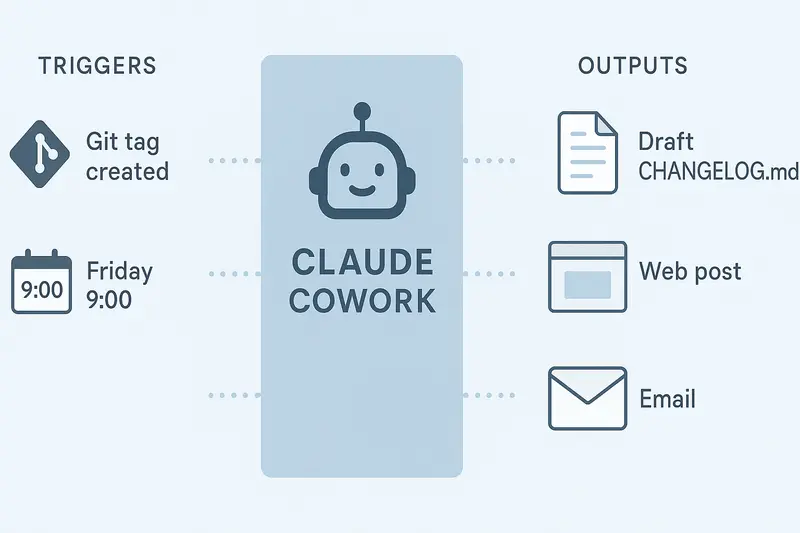
Example schedules:
- Every Friday 09:00, generate a weekly draft from merged PRs
- On tag push, prepare a versioned entry, open a PR, wait for approval
Principle: ship on time, never blindly.
h2. Structure that works: Keep a Changelog + SemVer
Release notes that scale follow a stable frame.
- Keep a Changelog: sections for Added, Changed, Deprecated, Removed, Fixed, Security. Latest first. Publication date included.
- Semantic Versioning: major for breaking changes, minor for new features, patch for fixes. The version tells readers what to expect.
- Conventional Commits: `feat:`, `fix:`, `perf:`, `docs:` map cleanly to categories.
Claude can combine these signals and still write like a human. Use clear impact statements, for example Users can now save dashboard presets, not Implemented IndexedDB persistence.
h2. Setup checklist
- Create SKILL.md with format, mapping, validation
- Add PATTERNS.md with 3 exemplar releases
- Write CLAUDE.md that documents your philosophy and style
- Define a /release command for Claude Code
- Configure Cowork schedule and approval stops
- Adopt Conventional Commits in your repos
- Connect CI to auto‑open a release notes PR
Useful docs:
- GitHub auto notes config: https://docs.github.com/en/repositories/releasing-projects-on-github/automatically-generated-release-notes
- semantic-release for automated versioning: https://github.com/semantic-release/semantic-release
h2. Example outputs that respect both humans and machines
- CHANGELOG.md for your repo history
- Web changelog post for customers
- Short in‑app announcement and email summary
If you use Sleekplan to communicate updates, publish to your public changelog and in‑app widget so customers see changes where they work. Try the [changelog feature](https://sleekplan.com/features/changelog). You can also map larger upgrades to a public roadmap item at [the roadmap](https://sleekplan.com/features/roadmap) and close the loop with feedback.
h2. Advanced patterns we like
- Multi‑stage review: Claude drafts, PM edits, Claude applies edits, engineering signs off, then publish
- Channel fan‑out: one source of truth, multiple formats, consistent wording
- Context stacking: grow a PATTERNS.md with strong examples, and Claude improves release by release
- Monorepo rollups: component changelogs roll into a platform‑level summary with links to details
These patterns favor craft over speed, but they compound. Each iteration makes the next release cleaner.
h2. Quality bar and evaluation
We treat release notes like code. Define tests.
- Breaking change handling: flagged at the top, with migration notes
- Ambiguous commits: ask for human clarification instead of guessing
- User‑facing filter: exclude internal refactors unless impact is explicit
- Attribution: include contributors when appropriate
- Consistency: naming, tense, punctuation
Claude can run a preflight based on VALIDATION.md, fail gracefully, and request edits.
h2. Connect automation to product comms
Great release notes are only useful if people see them.
- Publish to your public changelog, then nudge users in‑app with a short highlight. See [Changelog](https://sleekplan.com/features/changelog).
- Tie releases to roadmap progress so customers see momentum. See [Roadmap](https://sleekplan.com/features/roadmap).
- Route feedback from announcements back into your feedback board to inform the next cycle. Start at [Feedback](https://sleekplan.com/features/feedback).
Small detail, big effect: link each note to the relevant help doc or migration guide when the change is non‑trivial.
h2. Frequently asked questions
- What are Claude release notes? A release notes workflow powered by Claude models, Claude Code, and Cowork that turns commits and PRs into clear, versioned updates.
- How long does it take to set up? A focused team can pilot in a week, with a solid SKILL.md, CLAUDE.md, and a basic /release command.
- Do we still review? Yes. Cowork pauses for human approval before publishing. Automation prepares, humans decide.
- Do we need Conventional Commits? Strongly recommended. It makes parsing and categorization reliable.
h2. A short example
Version: 2.1.0, 2026‑03‑31
Added
- Save dashboard presets for teams, includes role‑based defaults
Changed
- Refreshed project navigation for faster access to Updates and Roadmap
Fixed
- Resolved issue where SSO users could not edit notification rules
Security
- Bumped OpenSSL to 3.0.15, rotated staging credentials
This is the level of clarity we aim for, every time.
h2. Final take
Automate the mechanics, protect the message. Claude handles the heavy lifting, you keep the voice. Set clear rules, keep examples close, and wire outputs straight into your changelog and product updates. The result is simple, repeatable, and genuinely helpful for users.
Llauren·Mar 31, 2026
More from the Journal
[Product CommunicationSep 20, 20269 min Beamer Pricing: Plans, MAU Limits and Add-On Costs→](https://sleekplan.com/blog/beamer-pricing) [Product CommunicationAug 7, 202612 min Changelog Examples: Real Entries and a Format to Copy→](https://sleekplan.com/blog/changelog-examples-and-format-a-copy-paste-guide-8651) [Product CommunicationMay 13, 20265 min How to Use AI to Write Changelog Updates: Workflows, Standards, and the Changelog Skill Playbook→](https://sleekplan.com/blog/how-to-use-ai-to-write-changelog-updates-workflows-standards-and-the-changelog-skill-playbook-6675)
Keep up
h2. New essays land on LinkedIn every Tuesday.
Follow Sleekplan on LinkedIn — we post every new piece there, plus the shorter notes that never make it to the journal.
[Follow on LinkedIn](https://www.linkedin.com/company/sleekplan/)
Done reading? [Try Sleekplan free ](https://app.sleekplan.com/sign-up/)
---
### Top 10 Productboard Alternatives in 2026: Smarter Picks with AI, Pricing, and UX | Sleekplan
Source: https://sleekplan.com/blog/top-10-productboard-alternatives-in-2026-smarter-picks-with-ai-pricing-and-ux-4646
Description: The 10 best Productboard alternatives in 2026, compared on AI depth, pricing and UX. Productboard bills $19 to $59 per maker; Sleekplan is $13 a month flat.
h2. The best Productboard alternatives in 2026, in short
The best Productboard alternatives in 2026 are Sleekplan, UserJot, Canny, FeatureOS, Aha!, ProdPad, Nolt, Airfocus, ProductLift and Unwrap. [Sleekplan](https://sleekplan.com) is the all-in-one pick with flat pricing: Productboard bills per maker, $19 a month on Plus and $59 on Business when billed yearly, so ten makers on Business cost $590 a month, while Sleekplan Business includes ten seats for $38 a month. Prices checked 2026-09-20.
1. **Sleekplan**: best for an all-in-one feedback suite at a flat price, with boards, roadmap, changelog, NPS and CSAT from $13 a month and unlimited tracked users
2. **UserJot**: best for a design-first experience
3. **Canny**: best for community boards plus automation
4. **FeatureOS**: best for docs plus feedback under one roof
5. **Aha!**: best for enterprise strategy and capacity planning
6. **ProdPad**: best for lean, pragmatic workflows
7. **Nolt**: best for radical simplicity and the fastest setup
8. **Airfocus**: best for flexible prioritization frameworks
9. **ProductLift**: best for tiny budgets
10. **Unwrap**: best for problem detection and outcome validation
h2. The new bar for product tools in 2026
If you are evaluating Productboard Alternatives today, the checklist looks different than it did three years ago. Teams want AI that reduces busywork, pricing that scales fairly, and interfaces that people love to use. Feature votes alone are not enough. Real value comes from multi‑channel feedback, theme detection, and business‑aware prioritization.
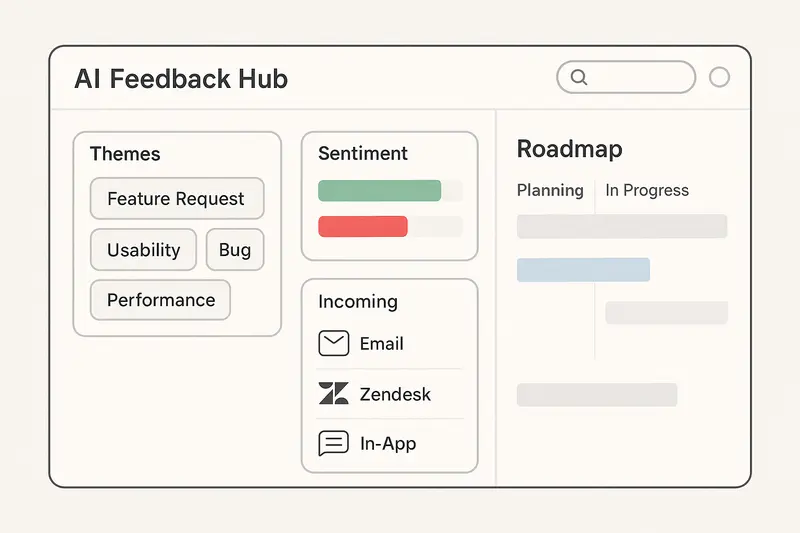
h2. How we evaluated each Productboard Alternative
- AI depth: ingestion, clustering, sentiment, and business impact, not just keyword tags
- UX quality: frictionless for both customers and internal teams
- Time to value: setup in hours or days, not weeks
- Pricing clarity: flat or per seat over per maker, honest free tiers
- Integrations: Jira or Linear, Slack, CRM, and reliable sync
The pattern is clear: quality and craft over checkbox features. Small choices compound, like accurate deduplication or a changelog that closes the loop.
h2. 1. Sleekplan: the AI‑powered Productboard Alternative with Sleek Intelligence
Sleekplan brings feedback boards, roadmaps, changelogs, and surveys into one calm workspace, with Sleek Intelligence as the engine. It automatically collects signals from email, support tools, and social, then clusters themes, scores sentiment, and ranks by business impact. That saves hours of triage and lets PMs focus on judgment.
- Auto collection: pulls from helpdesk, inbox, and in‑app sources
- Theme clustering: semantic grouping across different phrasings
- Sentiment layers: understands frustration vs enthusiasm, not only positive or negative
- Business impact: weights by account value and churn risk
- PRD drafts: turns discovery notes into a structured first draft in minutes
See the principles behind it in our guide: [AI in product management](https://sleekplan.com/blog/ai-in-product-management-practical-ways-to-make-faster-smarter-product-decisions-4706).
Pricing is straightforward. A real free plan for unlimited end users, then flat workspace tiers: Starter at $13 a month with three seats and Business at $38 with ten, both billed yearly. Details live on [pricing](https://sleekplan.com/pricing). Predictable, fair, and accessible for growing teams.
Takeaway: automate the grind, keep the judgment human.
h2. 2. UserJot: modern design meets complete basics
UserJot focuses on contemporary UI, intuitive navigation, and solid feedback boards with roadmaps and changelogs. No pageview caps on the free plan removes an artificial nudge to upgrade. AI adds auto‑categorization and duplicate detection for smoother board hygiene.
- One‑click migration from Productboard preserves history
- Customizable widget that matches your brand fast
Read more context on design and pricing in this overview from UserJot: [Top Productboard alternatives](https://userjot.com/blog/top-9-productboard-alternatives).
h2. 3. Canny: community‑driven with smart automation
Canny pairs polished UX with automated board governance. Autopilot handles semantic duplicate detection and comment summarization, and it suggests reply drafts for common threads. Integrations cover Slack, Jira or Linear, GitHub, and Salesforce for cross‑team visibility.
- Consolidates related posts to avoid vote inflation
- Realistic team permissions with manager and contributor roles
Note: Canny’s polish and integrations are strong, though pricing skews higher for small teams.
h2. 4. FeatureOS: complete all‑in‑one, plus knowledge base
FeatureOS includes boards, roadmap, changelog, and surveys, then goes further with built‑in docs and knowledge base. Kal AI highlights patterns and recommends priorities. Revenue‑weighted scoring keeps focus on accounts that matter most.
- Transparent per‑seat pricing with AI included on paid tiers
- Strong fit if you want documentation and feedback in one place
Helpful context on pricing and comparisons: [Productboard vs Sleekplan on FeatureOS](https://featureos.com/compare/productboard-vs-sleekplan).
h2. 5. Aha!: strategy, capacity, and portfolio rigor
Aha! connects feedback to company goals, initiatives, and capacity planning. It shines for organizations juggling multiple product lines and strict resourcing. You trade simplicity for depth, but if you need roadmap realism and OKR alignment, it delivers.
- Visualizes how features support goals and budgets
- Forces credible plans by tying scope to capacity
Market context and alternatives: [Productboard alternatives on monday.com](https://monday.com/blog/rnd/productboard-alternatives/).
h2. 6. ProdPad: lean and pragmatic
ProdPad trims to the essentials for small teams. Idea capture, feedback, and roadmaps without heavy configuration. Editor‑based pricing stays reasonable, and implementation is quick.
- Practical for early‑stage PMs who want less ceremony
- Keeps process light so teams can learn fast
h2. 7. Nolt: radical simplicity
Nolt embraces the minimum required to run a healthy feedback flow. Flat pricing, austere UI, and deployment in under an hour. If you have tool fatigue, this reset can feel refreshing.
- Launch a functional board same day
- Less to configure, less to maintain
h2. 8. Airfocus: flexible prioritization frameworks
Airfocus is modular. You can tailor workflows and use a multidimensional prioritization matrix that balances effort, strategy, value, and revenue impact. Great for teams with established methods that need better tooling.
- Strong for custom scoring and trade‑off visibility
- Per‑user pricing fits mid‑market teams with clear ROI targets
More context on Airfocus vs peers: insights from CPO Club’s comparison guide are useful for framing options.
h2. 9. ProductLift: indie value with a personal touch
ProductLift is built and supported by a founder who stays close to customers. You get boards, roadmap, changelog, white‑labeling, and sensible AI like auto‑tagging at a very low price point.
- Excellent for contractors, tiny teams, and side projects
- Focused feature set keeps the surface area small
For background on indie tools and pricing ranges, see UserJot’s roundup of alternatives which highlights ProductLift’s value.
h2. 10. Unwrap: problem detection and outcome validation
Unwrap is purpose‑built for learning. It clusters feedback semantically to reveal underlying problems, then tracks whether releases actually reduce related complaints and improve sentiment. It shifts the conversation from features to outcomes.
- Great when you already collect feedback and want deeper signals
- Useful for measuring real impact after launch
Explore their approach to problem‑first analysis: [Best product feedback tools for 2026](https://www.unwrap.ai/post/best-product-feedback-tools-for-2026).
h2. Fast setup, better adoption
Teams favor tools that launch in hours, not weeks. Modern UI reduces training, and clear workflows encourage participation across support, success, and engineering. The result is more signal, less ceremony.
h2. Advanced analytics without losing judgment
AI should compress discovery time, not replace judgment. The strongest platforms turn messy text into clear patterns, then expose trade‑offs using revenue, churn risk, and effort. We still decide, but with sharper evidence.
For the craft behind evidence‑based prioritization, start here: [Feature voting in 2026](https://sleekplan.com/blog/feature-voting-in-2026-the-board-tool-and-system-playbook-for-your-saas-app-8802).
h2. FAQs about Productboard Alternatives
- What is the best Productboard Alternative in 2026?
- For most SaaS teams, Sleekplan pairs an all‑in‑one suite with Sleek Intelligence for auto‑collection, clustering, sentiment, and business‑aware ranking. It balances power and clarity.
- Which options are cheaper than Productboard for small teams?
- Sleekplan’s flat workspace tiers, ProductLift’s entry pricing, and UserJot’s free plan offer strong value.
- Which tools have AI theme detection and deduplication?
- Sleekplan, UserJot, Canny, and FeatureOS all support semantic clustering or duplicate detection, with different depths and controls.
- What if I need enterprise strategy and capacity planning?
- Aha! is the right pick when you must link work to goals and resourcing with portfolio‑level control.
h2. Final take
You have credible choices. If you want a Productboard Alternative that centralizes feedback and applies AI with restraint, choose Sleekplan. If design is the hill you die on, pick UserJot. If you need enterprise strategy, Aha! fits. The right call matches your team’s maturity, not a feature checklist.
Llauren·Mar 31, 2026
More from the Journal
[Product ManagementSep 20, 20267 min Aha Pricing: What Each Product and Tier Costs→](https://sleekplan.com/blog/aha-pricing) [Product ManagementSep 20, 20267 min Jira Product Discovery Pricing: Creators, Not Users→](https://sleekplan.com/blog/jira-product-discovery-pricing) [Product ManagementSep 20, 20268 min Productboard Pricing: Maker Seats and What You Pay→](https://sleekplan.com/blog/productboard-pricing)
Keep up
h2. New essays land on LinkedIn every Tuesday.
Follow Sleekplan on LinkedIn — we post every new piece there, plus the shorter notes that never make it to the journal.
[Follow on LinkedIn](https://www.linkedin.com/company/sleekplan/)
Done reading? [Try Sleekplan free ](https://app.sleekplan.com/sign-up/)
---
### Usersnap Alternatives: 7 Tools Compared by Job | Sleekplan
Source: https://sleekplan.com/blog/best-usersnap-alternatives-in-2026-10-tools-compared-and-why-sleekplan-leads-5841
Description: Usersnap lists its customer request portal on the Professional plan at 159 euros a month. Seven alternatives, compared by the job you are replacing.
h2. Usersnap does two jobs, and that decides your alternative
The Usersnap alternatives worth shortlisting in 2026 are Sleekplan, BugHerd, Marker.io, Userback, Feedbucket, Ruttl and Gleap, and choosing between them starts with one question: which half of Usersnap are you paying for? Usersnap bundles visual website feedback, meaning annotated screenshots with browser and console data attached, together with user feedback collection, meaning surveys, NPS and a customer request portal. Very few tools do both, so most teams replace one half and drop the other. [Sleekplan](https://sleekplan.com/) replaces the second half: Usersnap lists its customer request portal on the Professional plan at 159 euros a month, checked on 21 September 2026, while a Sleekplan feedback board with unlimited feedback runs on the free plan.
1. **Sleekplan**: best for replacing the request portal, surveys and changelog side. Feedback board on the free plan, NPS and CSAT from $13 a month.
2. **BugHerd**: best for agencies collecting client comments on a live site, $42 a month on annual billing for 5 members with unlimited guest clients.
3. **Marker.io**: best for sending annotated bug reports straight into Jira or Linear, $39 a month on annual billing for 3 users.
4. **Userback**: best if you want screenshots and a feature portal from one vendor, $29 a month for 5 seats, with the portal as a separate $31 add-on.
5. **Feedbucket**: best for a small agency that wants one review tool and no configuration, $39 a month on annual billing for 2 members.
6. **Ruttl**: best for design and website review billed per person, $18 per user a month.
7. **Gleap**: best if bug reports and support conversations belong in the same inbox, $49 a month on annual billing for one seat.

h2. How much does Usersnap cost?
Usersnap publishes four plans in euros, not dollars, priced on yearly billing: Starter at 39 euros a month for 5 seats, Growth at 89 euros for 10 seats, Professional at 159 euros for 20 seats, and Premium from 319 euros for 50 seats, with a custom Enterprise tier above that. All figures read from the [Usersnap pricing page](https://usersnap.com/pricing) on 21 September 2026.
Two details on that page explain most switching decisions. Error console logs, the thing that makes a bug report useful to a developer, first appear on Professional at 159 euros a month. The customer request portal, the thing that makes Usersnap a product feedback tool rather than a QA tool, appears on the same tier. A team on Starter has screen capture widgets and not much else, and the two features people quote Usersnap for both sit two tiers up.
There is also no free plan. Usersnap runs a free trial, and collecting your first 20 feedback items earns one month of Premium access.
h2. The seven Usersnap alternatives at a glance
| Tool | Replaces which job | Cheapest paid plan | What you get on it |
| --- | --- | --- | --- |
| Sleekplan | Request portal, surveys, changelog | Free, then $13/month | Unlimited feedback on free; 3 seats, NPS and CSAT on Starter |
| BugHerd | Visual QA feedback | $42/month annual | 5 members, unlimited projects and guest clients |
| Marker.io | Visual QA feedback | $39/month annual | 3 users, 15-day trial without a card |
| Userback | Both, partly | $29/month annual | 5 seats, 5 projects; feature portal costs $31 extra |
| Feedbucket | Visual QA feedback | $39/month annual | 2 team members, unlimited projects |
| Ruttl | Website and design review | $18/user/month | 1 admin plus up to 50 users |
| Gleap | Bug reports plus support | $49/month annual | 1 seat, 1 project |
Prices were read from each vendor’s own pricing page on 21 September 2026. Where a vendor shows both billing cycles, the annual figure is quoted, because that is the one being compared against Usersnap’s yearly pricing above.
h2. 1. Sleekplan: for the request portal half
Sleekplan is a customer feedback platform: a public [feedback board with voting](https://sleekplan.com/use-cases/website-feedback-tool), a roadmap, a changelog and NPS, CSAT and custom surveys. It is the right replacement when what you used Usersnap for was hearing what users want, not reproducing what broke.
The comparison that matters is the tier. Usersnap puts its customer request portal on Professional at 159 euros a month for 20 seats. Sleekplan puts a feedback board with unlimited feedback and unlimited subscribers on the free Indie plan, and NPS and CSAT on Starter at $13 a month on yearly billing for 3 seats. Surveys and topic analytics arrive on Business at $38 a month for 10 seats. The full breakdown is on the [pricing page](https://sleekplan.com/pricing).
What Sleekplan does not do is the other half. There is no screenshot annotation, no console log capture and no session replay. If your QA team files bugs through Usersnap’s widget, keep reading: one of the next three tools is your answer, and running it alongside a feedback board is the normal setup.
h2. 2. BugHerd: for client feedback on a live site
BugHerd pins comments directly onto elements of a page and turns them into tasks on a kanban board, which is why agencies use it to collect approvals and change requests from clients. The Standard plan is $50 a month billed monthly or $42 on annual billing, for 5 members, with unlimited projects and unlimited guest clients, per the [BugHerd pricing page](https://bugherd.com/pricing).
That guest allowance is the reason to pick it over Usersnap for agency work. The people filing feedback are usually clients, not staff, and BugHerd does not charge for them. Extra members cost $8 a month monthly, or $6.60 on annual billing.
h2. 3. Marker.io: for bug reports that land in your tracker
Marker.io captures an annotated screenshot together with the environment details a developer needs, then creates the issue in Jira, Linear, Trello or GitHub so nobody retypes it. It is the closest like-for-like swap for the QA half of Usersnap.
Starter is $59 a month billed monthly, or $39 on annual billing, for 3 users, with extra users at $6 or $4 a month depending on billing. Every plan comes with a 15-day trial that does not ask for a card, according to the [Marker.io pricing page](https://marker.io/pricing). Compared against Usersnap, where console logs start at 159 euros, a small team gets the developer-facing half of the product for a quarter of the price.
h2. 4. Userback: the closest thing to both halves
Userback is the one alternative that tries to cover both jobs: annotated screenshots and video on one side, a feature portal with voting and a public roadmap on the other. Its Team plan is $39 a month billed monthly, or $29 on annual billing, for 5 seats and 5 projects, and there is a Free Forever plan with 2 seats and 2 projects where feedback stays available for 7 days.
Read the [Userback pricing page](https://userback.io/pricing) carefully before you compare that $29 against anything, because the Feature Portal is a paid add-on at $39 a month, or $31 on annual billing, and not part of the plan price. A team wanting both halves is at $60 a month on annual billing, which is a fair price, just not the one on the card.
h2. 5. Feedbucket: the small agency option
Feedbucket is a lightweight visual feedback tool for websites: a widget, annotated screenshots, and a handoff into Jira or Trello. Pro is $49 a month billed monthly or $39 on annual billing for 2 team members with unlimited projects, and Business is $89 or $72 for 25 members.
It does the least of anything on this list, which is the point. If Usersnap felt like a platform when you wanted a button on a staging site, this is the shape you were after. There is no survey or NPS side to it at all.
h2. 6. Ruttl: priced per person, not per plan
Ruttl is a website and design review tool aimed at agencies and designers, with a free Basic plan and a Pro plan at $18 per user a month covering one admin plus up to 50 users. The pricing shape is the thing to notice: everyone else on this list charges for a bundle of seats, so Ruttl is cheapest for one or two people and stops being cheapest at about three.
h2. 7. Gleap: bugs and support in one place
Gleap combines in-app bug reporting with a support inbox, and in 2026 it leads with Kai, an AI support agent. Starter is $59 a month billed monthly or $49 on annual billing, for one seat and one project. It fits teams where the same person answers the support conversation and files the bug, and it fits badly if you wanted only the QA widget, because you are paying for the support product too.
h2. Which job are you replacing?
You are replacing the job that most of your Usersnap items belong to, and your own account already says which one that is. Open Usersnap and look at where the volume is. If most items are reproducible defects with a screenshot attached, you are replacing QA tooling, and Marker.io or BugHerd will feel like the same product for less. If most items are requests, ideas and survey responses, you are replacing a feedback platform, and a QA widget will not hold them.
Teams that genuinely use both halves have two honest options: pay Usersnap’s Professional tier, or run two focused tools. Two tools at $39 and $13 a month is less than 159 euros, and each does more in its lane, at the cost of one more integration to maintain. There is no rule that a feedback stack has to be one vendor.
If you are weighing the QA side on its own, our roundup of [website feedback tools](https://sleekplan.com/blog/best-website-feedback-tools) compares the widgets in more detail.
For the developer-facing end, where the report has to arrive in a tracker with the console output attached, start from our list of [bug tracking tools](https://sleekplan.com/blog/bug-tracking-tools) instead.
h2. Three things to check before you migrate
Check where your existing feedback goes. Most of these tools import nothing, so decide whether the archive matters or whether you are starting clean on a date.
Check who is allowed to submit. Guest and client reporters are free on BugHerd and Marker.io, counted as seats elsewhere, and this single difference moves the real price more than the headline number does.
Check which tier holds the feature you are switching for. It is the mistake Usersnap’s own pricing table punishes: a team signs up on Starter for a request portal that does not appear until Professional. Read the tier list, not the plan name, on whichever tool you pick.
Pick the half you are actually replacing, price both tools on annual billing with your real seat count, and run the trial with one week of genuine feedback rather than test entries. If it is the request portal half, you can have a board collecting votes on the free plan this afternoon.
Llauren·Mar 25, 2026
More from the Journal
[Feedback ManagementSep 20, 20269 min How to Say No to Feature Requests Without Losing Users→](https://sleekplan.com/blog/how-to-say-no-to-feature-requests) [Feedback ManagementAug 5, 20268 min How to Organize Customer Feedback: A System for SaaS Teams→](https://sleekplan.com/blog/how-to-organize-customer-feedback-a-system-for-saas-teams-5298) [Feedback ManagementJul 29, 20267 min Multi-Channel Customer Feedback for SaaS Teams→](https://sleekplan.com/blog/multi-channel-customer-feedback-for-saas-teams-6352)
Keep up
h2. New essays land on LinkedIn every Tuesday.
Follow Sleekplan on LinkedIn — we post every new piece there, plus the shorter notes that never make it to the journal.
[Follow on LinkedIn](https://www.linkedin.com/company/sleekplan/)
Done reading? [Try Sleekplan free ](https://app.sleekplan.com/sign-up/)
---
### Canny.io alternatives in 2026: market map, pricing tradeoffs, and the best alternative to Canny.io | Sleekplan
Source: https://sleekplan.com/blog/canny-io-alternatives-in-2026-market-map-pricing-tradeoffs-and-the-best-alternative-to-canny-io-2425
Description: A 2026 guide to Canny.io alternatives: pricing tradeoffs, when Sleekplan fits best, how voting evolved, and picks for boards and broader PM stacks.
h2. The best Canny alternatives in 2026, in short
The best Canny alternatives in 2026 are Sleekplan, Upvoty, Feature Upvote, Airfocus, Productboard and Pendo. [Sleekplan as a Canny alternative](https://sleekplan.com/alternative/canny-io) is the closest like-for-like swap at a flat price: Canny’s free plan stops at 25 tracked users and its Pro plan costs $79 a month billed yearly for 100, while Sleekplan has unlimited tracked users on every plan and starts at $13 a month. Prices checked 2026-09-20.
1. **[Sleekplan](https://sleekplan.com)**: best for a like-for-like board at a flat price, with roadmap, changelog, NPS and CSAT from $13 a month and unlimited tracked users
2. **Upvoty**: best for a lean, affordable voting board
3. **Feature Upvote**: best for accountless voting with the least friction
4. **Airfocus**: best for custom scoring and two-way Jira sync
5. **Productboard**: best for a research repository with RICE and Kano frameworks
6. **Pendo**: best for in-product feedback tied to analytics
h2. The 2026 landscape: more real choices, clearer tradeoffs
Canny alternatives are everywhere in 2026. Teams can now pick a focused voting board, an all-in-one product platform, or an analytics-first stack. The catch is fit: pricing models, integration depth, and feedback sophistication vary a lot. If you want an alternative to Canny.io that balances value and craft, you have options.
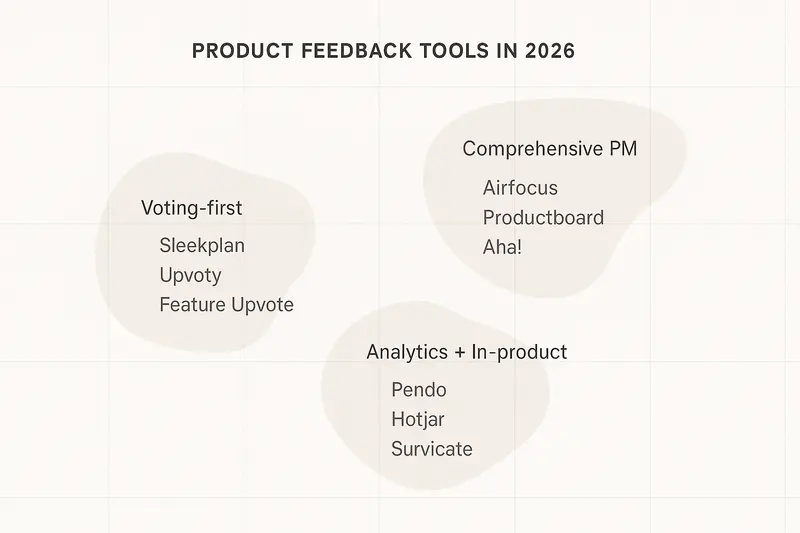
h2. What Canny gets right, and where it stretches
Canny.io built a clean, feedback-first flow. Public boards, votes, and changelogs make it easy to collect input and close the loop. Support is solid, and the UX stays out of the way. The gaps appear when you scale. Tracked-user pricing climbs with your audience, and advanced prioritization or analytics require other tools. If your team depends on richer frameworks or deep lifecycle integration, you will feel the edges.
Takeaway: simplicity is great, but costs and context matter as your footprint grows.
h2. Sleekplan: the direct, budget-conscious alternative
If you want a like-for-like board with modern polish, clear pricing, and surveys in the box, Sleekplan is the straight path. We built it for teams that care about customer signals and steady craft, not bloat.
- Core modules: feedback boards, voting, public roadmap, and a simple changelog
- **Built-in CSAT and NPS** so you track sentiment, not only requests
- Visual analytics and light segmentation to see who is asking, not just what
- **Fast setup**, widget embeds, custom domain, and brand control
Explore the board itself: [the Sleekplan feedback board](https://sleekplan.com/feedback).
h3. Pricing clarity that scales with you
Sleekplan uses workspace-based pricing, not tracked users. That keeps cost predictable as you grow.
- Free plan with core feedback, unlimited end-users, and unlimited submissions
- Starter from roughly $13 per month annual, Business from about $38 per month annual
- One seat on Free to start, then add what you need as you mature
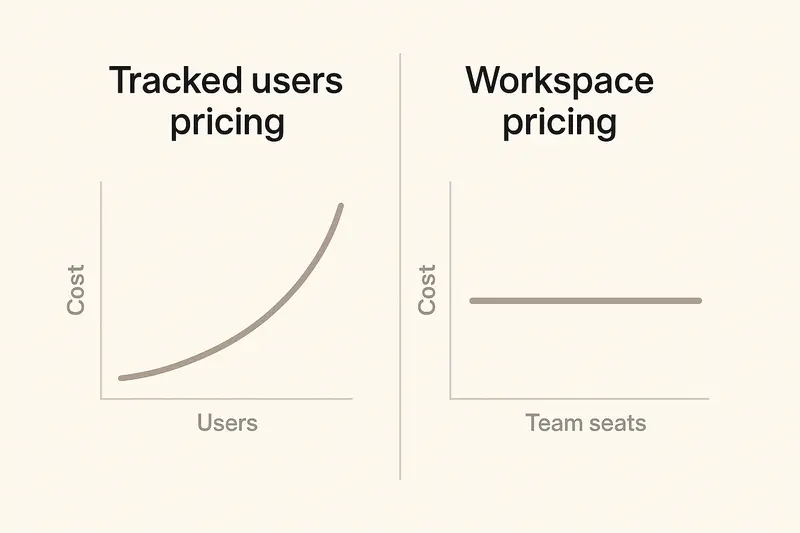
Takeaway: when your user base doubles, your software cost should not.
h3. Sleekplan the AI-powered Feedback powerhouse
Sleekplan is the AI-powered feedback powerhouse built for modern product teams. At its core is [**Sleek Intelligence**](https://help.sleekplan.com/en/collections/12236557-sleek-intelligence "Sleek Intelligence Help Docs and Information"), a suite of AI capabilities that supercharges how you manage feedback. It automatically collects feedback from external sources so nothing slips through the cracks, detects recurring themes across submissions to surface what truly matters, and automates board administration with custom rules that handle the repetitive work for you. Need a thought partner? The built-in AI agent acts as your product management copilot, helping you prioritize, categorize, and make smarter decisions faster. Combined with Sleekplan’s feedback boards, roadmaps, changelogs, and satisfaction surveys, Sleek Intelligence transforms raw user input into clear, actionable product strategy, so you can spend less time organizing and more time building what your customers actually want.
h2. Focused voting platforms: when you just need the board
Some teams want a tight, voting-first tool without a full product suite.
- [Upvoty](https://sleekplan.com/alternative/upvoty "Upvoty alternatives"): lean, affordable, and easy to run, with solid filtering and simple polls. A good fit for small teams that value speed over breadth. See this overview on modern alternatives: [Canny alternatives breakdown](https://aazarshad.com/resources/cannyio-alternatives/).
- Feature Upvote: ultra-simple, accountless voting to reduce friction, plus private boards for internal input. Their design philosophy explains the appeal of simplicity well.
Takeaway: if you already have your process, simplicity can be a feature.
h2. Broader product platforms: when feedback must tie to strategy
If you want prioritization frameworks, portfolio roadmaps, and deep integrations, look at comprehensive platforms.
- **Airfocus**: modular, flexible, with two-way Jira sync and custom scoring. Strong value for mid to large teams that want structure without rigid constraints. Compare capabilities here: [Airfocus vs Productboard](https://airfocus.com/airfocus-vs-productboard/).
- **Productboard**: deep research repository and frameworks like RICE and Kano. Suits complex orgs that need a system of record and can invest in rollout.
- **Pendo**: in-product feedback tied to analytics, useful when you already use Pendo for guides and behavior data. Their roundup of tools is a good primer: [top user feedback tools](https://www.pendo.io/pendo-blog/the-top-10-user-feedback-tools-in-2025/).
Takeaway: breadth brings power, and also process overhead. Pick it when you will use it.
h2. How feature voting evolved in 2026
Raw upvotes mislead if you ignore who votes and why. Mature teams weight signals, de-duplicate noise, and validate problems before solutions.
- **Weighted signals**: use revenue, plan tier, or segment to weight votes
- **Segmentation**: enterprise vs SMB, power users vs casuals, industry differences
- **Hygiene**: merge duplicates, cap votes per user, reduce recency bias
- **Problem-first**: read the need behind the ask before scoping work
Teams that do this see higher adoption and clearer intent. Votes become a lens, not a verdict.
h2. Quick answers
- What is the best **alternative to Canny.io** for budget-conscious teams? Sleekplan, thanks to workspace pricing, built-in CSAT and NPS, and fast setup.
- Which Canny.io alternatives offer deeper prioritization? Sleekplan, Airfocus and Productboard with custom scoring and framework support.
- Which option fits in-product research and analytics? Pendo, since it blends in-app surveys with behavior data.
h2. Decision criteria you can trust
Anchor your evaluation in four areas. Write it down, then test each tool against the list.
- Team size and maturity: under 10 stakeholders, start light. Over 20, consider a broader platform.
- Integration needs: Jira, Intercom, Zendesk, and your data warehouse are non-negotiable connectors.
- Prioritization style: simple voting vs RICE, Kano, or custom scoring. Choose a tool that matches your cadence.
- Total cost of ownership: include onboarding, admin time, and training, not only the list price.
Principle: pay for what you will use, not for logos.
h2. A practical path forward
If you need a clean alternative to Canny.io with room to grow, try Sleekplan for boards, roadmap, changelog, and surveys all integrated with AI - in one place. If your next step is portfolio-level planning or outcome mapping, shortlist Airfocus or Productboard. If you are already invested in in-product analytics, evaluate Pendo for embedded surveys.
Quality over speed. Clear signals over vanity metrics. Human judgment over blind vote counts. Pick the tool that helps your team ship work you are proud of, then measure the outcomes that prove it.
Llauren·Mar 23, 2026
More from the Journal
[Feedback ManagementSep 20, 20269 min How to Say No to Feature Requests Without Losing Users→](https://sleekplan.com/blog/how-to-say-no-to-feature-requests) [Feedback ManagementAug 5, 20268 min How to Organize Customer Feedback: A System for SaaS Teams→](https://sleekplan.com/blog/how-to-organize-customer-feedback-a-system-for-saas-teams-5298) [Feedback ManagementJul 29, 20267 min Multi-Channel Customer Feedback for SaaS Teams→](https://sleekplan.com/blog/multi-channel-customer-feedback-for-saas-teams-6352)
Keep up
h2. New essays land on LinkedIn every Tuesday.
Follow Sleekplan on LinkedIn — we post every new piece there, plus the shorter notes that never make it to the journal.
[Follow on LinkedIn](https://www.linkedin.com/company/sleekplan/)
Done reading? [Try Sleekplan free ](https://app.sleekplan.com/sign-up/)
---
### Feature Voting Boards in 2026: A Weighted Prioritization Playbook | Sleekplan
Source: https://sleekplan.com/blog/feature-voting-in-2026-the-board-tool-and-system-playbook-for-your-saas-app-8802
Description: How to run a feature voting board that ranks by revenue, not popularity: ARR weighting (Enterprise x4, Mid-market x2), segmentation, and closed-loop updates.
h2. Why feature voting still matters
Feature Voting is no longer a vanity poll. In 2026, the best product teams treat a voting Board as part of a disciplined System, not a popularity contest. The right Software and Tool stack turns raw signals into clear decisions across your App.
- Weighted input beats raw counts.
- Segmentation shows who wants what and why.
- Closed-loop communication reduces churn and builds trust.
h2. What modern feature voting looks like
At its core, customers submit ideas and vote. The difference now is identity, value, and context. Votes are tied to accounts, segments, and revenue, then routed into a repeatable workflow. Teams combine voting data with product judgment, not replace it.
- Simple upvotes for clarity, or up and down for sentiment.
- Weighted voting for economic impact, like ARR-based multipliers.
- Status workflows for Under Review, Planned, In Progress, Released.
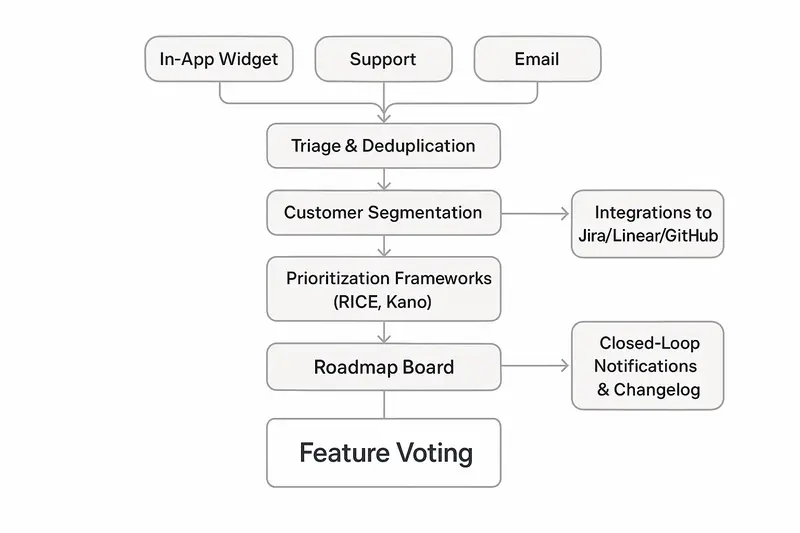
h2. The business case that holds up in 2026
Feature voting Software aligns roadmaps with real demand, not internal debate.
- Reduce waste: ship what users ask for, skip the 64 percent of features that sit unused.
- Faster prioritization: replace opinion standoffs with quantified signals.
- Loyalty impact: public Boards and visible progress lift NPS and reduce silent churn. Practical steps in [Prodcamp’s breakdown](https://www.prodcamp.com/blog/feature-voting-how-to-make-the-most-of-it).
Takeaway: engagement is not a side effect, it is a retention strategy.
h2. The architecture of a modern System
A robust feature voting System behaves like a pipeline from insight to shipment.
1. Collection, capture from multiple inputs
- In-app widget, email, support desk, public portal.
- Auto merge suggestions to avoid duplicate clutter.
1. Triage, problem before solution
- Normalize titles, merge overlaps, clarify scope.
- Ask for problems, not just solutions.
1. Segmentation, context that changes everything
- Plan tier, company size, ARR, industry, region, role.
- Spot patterns like enterprise demand versus SMB noise.
1. Weighting, influence with intent
- Apply ARR or tier multipliers with transparent rules.
- Keep low-tier voices visible, just not decisive.
1. Roadmap sync, work meets workflow
- Link requests to Jira, Linear, or GitHub issues.
- Auto update statuses and notify voters when work moves.
1. Communication, close the loop
- Notify on In Progress, Shipped, or Not Planned.
- Publish a changelog and link back to the original request.
h2. Visualizing weighted votes on a Board
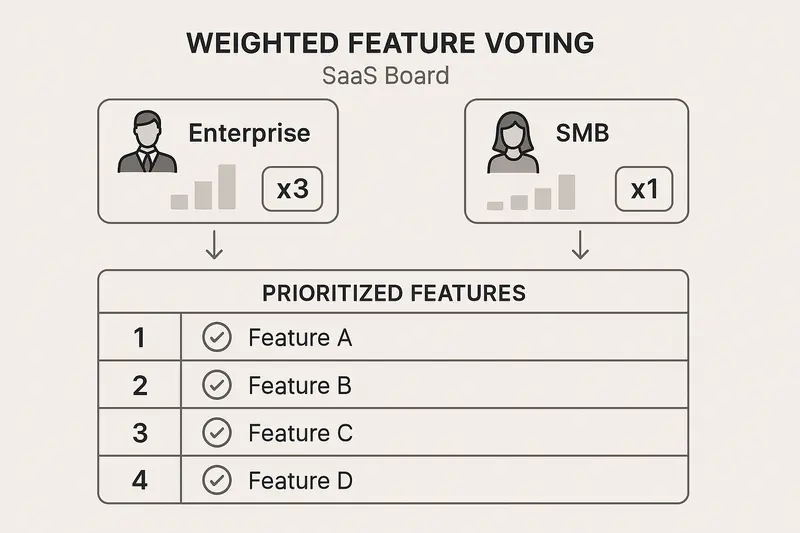
- Enterprise votes x4, Mid-market x2, Standard x1.
- A 40-vote SMB request may rank below a 12-vote Enterprise need when revenue impact is clear.
- Keep the policy public to maintain trust.
h2. Implementation playbook, from setup to steady state
- Access and auth: use SSO to cut friction. You will get more signal with less noise.
- Voting rules: decide on anonymous versus authenticated. If you weight by revenue, you need identity.
- Segmentation design: mirror your GTM segments. Start with plan tier, ARR, industry, role.
- Cadence: weekly triage for new ideas, monthly prioritization forum across PM, design, and engineering.
- Tool integration: wire your Board to issue tracking so status is always current.
h2. Avoid the usual traps
- Problem vs solution confusion, customers ask for CSV export, the real need is shareable data. Interrogate the why. See the critique by [Jason Evanish](https://jasonevanish.com/2021/04/23/why-feature-voting-creates-poor-products-and-what-to-do-instead/).
- Vote dilution, users upvote tangents. Merge duplicates, cap votes per user, tighten categories.
- Recency bias, fresh posts collect momentum. Rotate board sorting, highlight canonical requests.
- Power user bias, a few experts drown out the base. Use segmentation and weighting to balance.
- Strategy drift, totals are inputs, not orders. Keep product vision in the room.
h2. Frameworks that turn signals into choices
Voting does not replace prioritization, it feeds it.
- RICE, blend voting Reach with Impact, Confidence, and Effort. Quick primer in this short [video](https://www.youtube.com/watch?v=UXgOOCy95EA).
- Kano, spot Basics versus Performance versus Delighters. Broad, cross segment votes often point to Basics that prevent churn.
- MoSCoW, Must, Should, Could, Will not. Use votes to fill buckets, then apply strategy.
- Value versus Effort, map revenue-weighted value on one axis and build cost on the other.
Rule of thumb: when RICE, Kano, and your weighted Board agree, ship it.
h2. Close the feedback loop like you mean it
Silence kills engagement. Automate updates to everyone who voted or commented. Explain decisions, even when the answer is Not Planned.
What to include in updates
- Status change, where the work sits now.
- Why now, how prioritization was decided.
- What shipped, scope, docs, and a link to your changelog.
h2. Segmentation, the real leverage
The same vote count can tell opposite stories based on who voted.
- By plan, Enterprise-heavy votes often indicate expansion revenue.
- By industry, regulated verticals signal compliance features early.
- By behavior, power users push advanced controls, casual users need defaults.
h2. Measuring ROI of your feature voting Tool
Treat your Board like any other product investment, measure it.
- Contribution to roadmap, percent of shipped items sourced from the Board.
- Retention lift, churn among voters versus non voters.
- Adoption, percent of voters who use the shipped feature. Quick definition in [Saber’s glossary](https://www.saber.app/glossary/feature-adoption-rate).
- Expansion, ARR growth for accounts whose asks shipped.
- Support deflection, fewer tickets after release.
- Engagement, session frequency and time in product before versus after, measurement ideas in this [metrics explainer](https://www.zigpoll.com/content/what-are-the-key-metrics-or-data-points-you-focus-on-when-evaluating-the-success-of-a-new-feature-integration).
h2. Where Sleekplan fits
If you want one place to collect feedback, run a voting Board, share a public roadmap, and close the loop, Sleekplan brings those pieces together. See how voting, changelog, and integrations work on the [Sleekplan feedback board](https://sleekplan.com/feedback).
Our stance is simple
- Quality over speed. No half finished work shipped.
- Detail matters. Clear statuses, precise wording, helpful updates.
- Human judgment first. Data informs, people decide.
h2. Quick answers
- What is a Feature Voting Tool, a Software layer that lets customers submit ideas, vote, and track progress in your App.
- How do I prevent a popularity contest, use segmentation, revenue weighting, and a clear strategy gate.
- What metrics prove ROI, retention lift, feature adoption, support deflection, expansion revenue.
- Do I need downvotes, not required, but they surface risk and objections early.
Principle to leave with, clarity in design and clarity in writing. If the Board is clear, the roadmap becomes obvious.
Llauren·Mar 19, 2026
More from the Journal
[Feedback ManagementSep 20, 20269 min How to Say No to Feature Requests Without Losing Users→](https://sleekplan.com/blog/how-to-say-no-to-feature-requests) [Feedback ManagementAug 5, 20268 min How to Organize Customer Feedback: A System for SaaS Teams→](https://sleekplan.com/blog/how-to-organize-customer-feedback-a-system-for-saas-teams-5298) [Feedback ManagementJul 29, 20267 min Multi-Channel Customer Feedback for SaaS Teams→](https://sleekplan.com/blog/multi-channel-customer-feedback-for-saas-teams-6352)
Keep up
h2. New essays land on LinkedIn every Tuesday.
Follow Sleekplan on LinkedIn — we post every new piece there, plus the shorter notes that never make it to the journal.
[Follow on LinkedIn](https://www.linkedin.com/company/sleekplan/)
Done reading? [Try Sleekplan free ](https://app.sleekplan.com/sign-up/)
---
### AI Coding Assistant Survey Creator: How Claude and ChatGPT skills build, deploy, and analyze surveys | Sleekplan
Source: https://sleekplan.com/blog/ai-coding-assistant-survey-creator-how-claude-and-chatgpt-skills-build-deploy-and-analyze-surveys-3571
Description: A clear, practical guide to using AI Coding Assistant Survey Creator skills with Claude or ChatGPT to design, validate, publish, and analyze surveys, plus best practices and closed-loop workflows.
h2. The shift to skills-built surveys
AI Coding Assistant Survey Creator skill usage is changing how teams capture feedback. Instead of hand-crafting forms, product managers describe intent, and Claude or ChatGPT turns it into a validated survey, branching logic, and a spec you can ship.
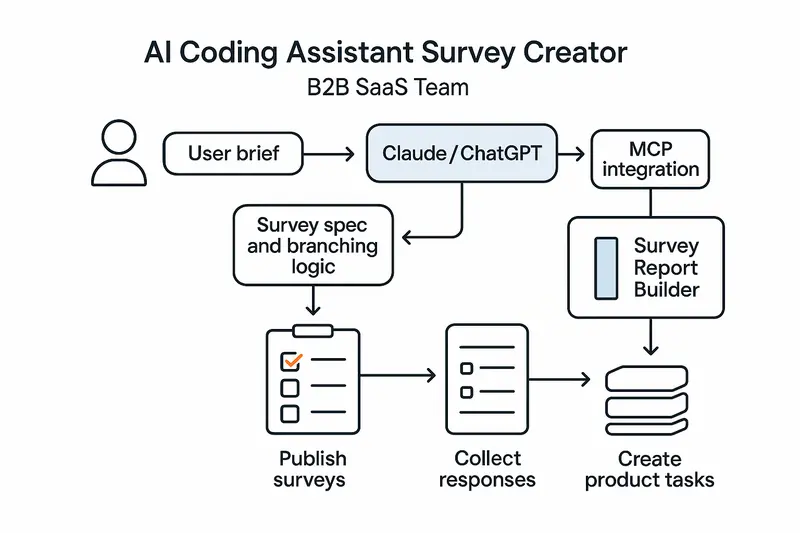
Speed is only half the story. The real win is consistency. Skills encode method, so every survey follows the same high bar, not the whim of whoever wrote the last prompt.
h2. From prompting to repeatable Claude skills
Traditional prompting is a one-off. Skills are a system. Anthropic’s model formalizes this with frontmatter, triggers, and step-by-step instructions you can test and version. See the full overview in Anthropic’s guide to building skills for Claude: https://resources.anthropic.com/hubfs/The-Complete-Guide-to-Building-Skill-for-Claude.pdf.
Principle: put the workflow in the skill, not in a human’s memory.
h2. Inside the Survey Creator skill
The Survey Creator skill activates on natural language, then moves through a defined flow:
- Clarify objectives, audience, constraints, and success criteria.
- Propose question pool, types, and scales mapped to objectives.
- Design order, branching rules, and survey length targets.
- Run validation checks for clarity, bias, double-barrels, and scale balance.
- Output a production-ready spec and config.
For a reference implementation, explore the Survey Creator listing: https://awesomeskill.ai/skill/claude-code-plugins-plus-skills-survey-creator. For wording and scale guidance, lean on established survey best practices from Qualtrics: https://www.qualtrics.com/articles/strategy-research/how-to-create-a-survey/.
h2. The SKILL.md blueprint
A good skill reads like a standard operating procedure. Frontmatter sets name, description, and triggers. Instructions define the flow and checks. Keep scope tight and test for false triggers.
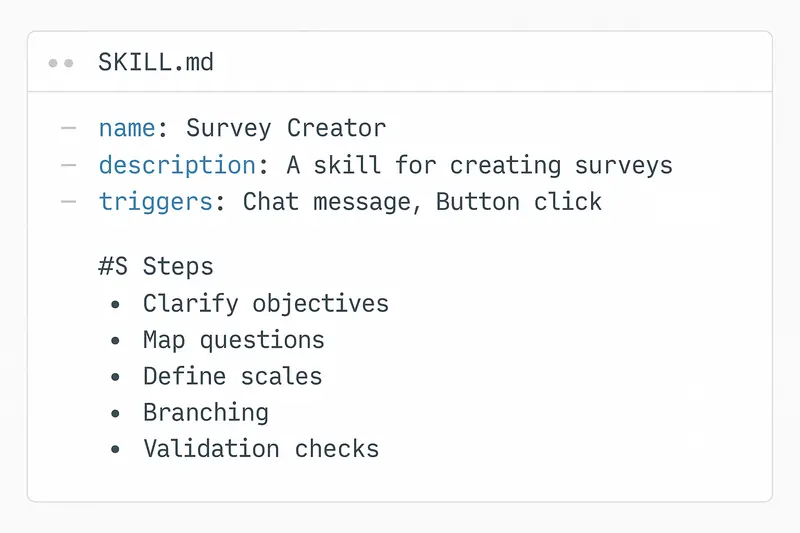
Design choices that matter:
- Triggers: specific enough to avoid noise, broad enough to catch real intent.
- Validation: explicit checks for wording, bias, and mutually exclusive options.
- Outputs: consistent schema for import into your stack.
Takeaway: precision in the blueprint yields precision in the survey.
h2. From spec to live: MCP, plugins, and automation
Skills define what to do, MCP connectors define where to do it. In practice, Claude uses the Survey Creator skill to compose a spec, then an MCP or plugin creates and publishes the live survey. This keeps conversation, creation, and deployment in one flow.
Why it works:
- One brief, one interface.
- No handoffs into fragile copy-paste.
- Versioned artifacts you can review in code.
h2. Analysis on autopilot with Survey Report Builder
Creation is step one. Step two is turning CSVs into decisions. The Survey Report Builder skill automates import, variable typing, visuals, and theme extraction into Quarto or slide-ready outputs: https://mcpmarket.com/tools/skills/survey-report-builder.
What you get:
- Charts for scales and categories, cross-tabs for segments.
- Thematic summaries with representative quotes.
- Exports you can share the same day.
Principle: automate the boring parts, keep human judgment for interpretation.
h2. Best practices we actually use
Human judgment beats pure automation. We pair skills with review and pilots.
- Set the brief: decision to inform, target respondents, constraints, success metric. Be explicit. Example: mobile-first, under 3 minutes, include NPS and 2 follow-ups.
- Build with standards: wording guides, scale libraries, naming conventions.
- Validate ruthlessly: run the skill’s checks, then expert review, then a pilot with 10 to 20 users.
- Close the loop: define actions before launch. Low CSAT creates a ticket within an hour, feature requests move to backlog grooming weekly.
For ethical and methodological guardrails, follow AAPOR’s AI guidance: https://aapor.org/newsletters/best-practices-for-using-generative-ai-for-survey-research/.
h2. Product workflows that ship value
Here is a pattern we see outperform ad-hoc surveys.
1. Idea to spec
- PM types: “Create a post-onboarding satisfaction survey for SMB trials. Three-minute cap, NPS primary, mobile-first.”
- Skill returns a validated spec with 8 to 12 questions, balanced scales, and logic for trial conversion paths.
1. Publish and collect
- MCP pushes to your survey host and returns a link. Email goes to the advisory cohort within the hour.
1. Analyze and act
- Survey Report Builder produces slides by end of day. Low scores on setup speed auto-create an engineering ticket. NPS detractors get CS outreach.
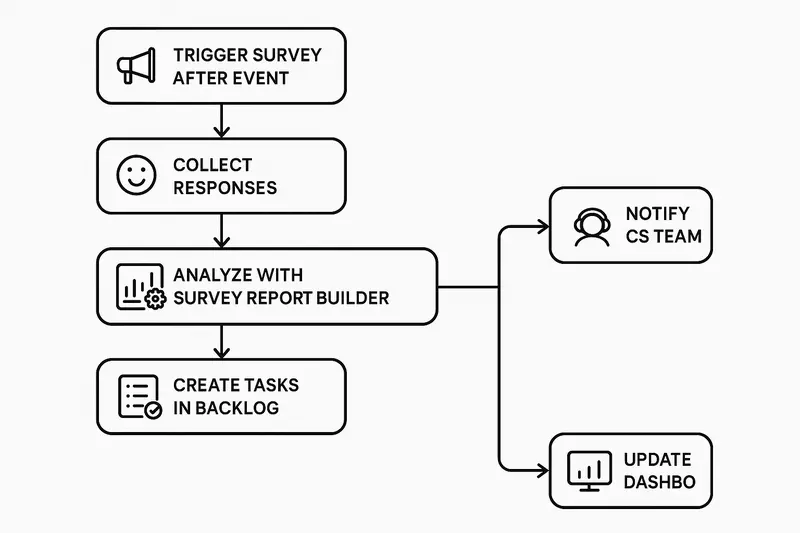
Want the same loop around your roadmap and changelogs, not just surveys? See how Sleekplan Intelligence routes insights into action: https://sleekplan.com/intelligence/.
h2. Claude, ChatGPT, and the Coding Assistant stack
Both Claude and ChatGPT can serve as your AI Coding Assistant. The key is not the logo, it is the skill pattern: encode repeatable steps, constrain triggers, and validate outputs. With that in place, either model can:
- Turn a brief into a survey spec with branching.
- Enforce wording and scale standards.
- Export configs your tooling can import.
- Summarize open-ended responses into themes.
h2. Quick start checklist
- Define objectives, audience, and a 3-minute target length.
- Draft SKILL.md with triggers like “create survey,” “CSAT,” “post-onboarding.”
- Add validation steps for bias, double-barrels, exclusivity, and length.
- Create reference docs: approved scales, wording patterns, example surveys.
- Pilot with 10 to 20 users, fix issues, then launch at scale.
- Wire closed-loop automations for low scores and critical themes.
h2. FAQ
- What is a Survey Creator skill? A reusable instruction set that lets an AI assistant generate, validate, and export production-ready surveys from a plain-language brief.
- How is this different from traditional survey tools? You design by conversation and code spec instead of drag-and-drop. It is faster and more consistent, then you publish via integrations or import into your platform of choice.
- How do I ensure quality? Pair the skill’s automated checks with expert review and a short pilot. Use established standards for wording and scales, such as the Qualtrics guidance: https://www.qualtrics.com/articles/strategy-research/how-to-create-a-survey/.
- Does this replace researchers? No. It removes busywork so researchers focus on objectives, sampling, interpretation, and decisions.
h2. Closing thought
Fast is good, but craft is better. Encode the craft once in a Survey Creator skill, then ship every survey with the same clarity. The result is less rework, cleaner data, and faster, calmer decisions.
Llauren·Mar 19, 2026
More from the Journal
[Feedback ManagementSep 20, 20269 min How to Say No to Feature Requests Without Losing Users→](https://sleekplan.com/blog/how-to-say-no-to-feature-requests) [Feedback ManagementAug 5, 20268 min How to Organize Customer Feedback: A System for SaaS Teams→](https://sleekplan.com/blog/how-to-organize-customer-feedback-a-system-for-saas-teams-5298) [Feedback ManagementJul 29, 20267 min Multi-Channel Customer Feedback for SaaS Teams→](https://sleekplan.com/blog/multi-channel-customer-feedback-for-saas-teams-6352)
Keep up
h2. New essays land on LinkedIn every Tuesday.
Follow Sleekplan on LinkedIn — we post every new piece there, plus the shorter notes that never make it to the journal.
[Follow on LinkedIn](https://www.linkedin.com/company/sleekplan/)
Done reading? [Try Sleekplan free ](https://app.sleekplan.com/sign-up/)
---
### AI Feedback Tools That Scale: How Sleekplan Sleek Intelligence Turns Noise Into Product Decisions | Sleekplan
Source: https://sleekplan.com/blog/ai-feedback-tools-that-scale-how-sleekplan-sleek-intelligence-turns-noise-into-product-decisions-4807
Description: A clear, practical guide to AI feedback tools and Sleekplan’s Sleek Intelligence. Learn how AI collects, deduplicates, scores, and routes feedback, with workflows, FAQs, and next steps.
h2. The signal in the noise
Your backlog is not starving for input, it is drowning in it. Surveys, support tickets, social posts, reviews, in‑app notes. This is where AI feedback tools earn their keep. When volume outpaces human attention, AI helps you collect, classify, and act with clarity.
Modern platforms blend NLP, sentiment analysis, auto‑categorization, and conversational agents to turn raw text into product judgment. The aim is not speed for its own sake, it is consistent quality under pressure.
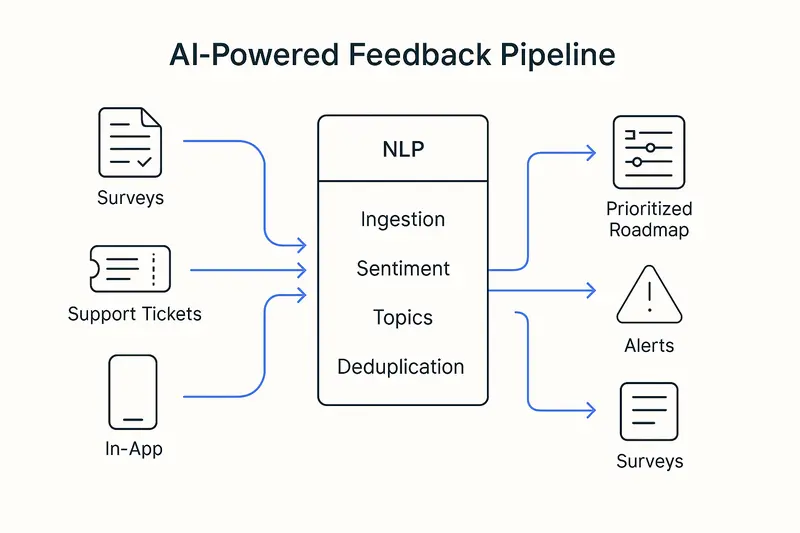
h2. Why AI feedback tools now
- Volume and velocity exceed manual analysis capacity.
- Fragmented sources hide important context.
- Teams need timely, segmented insights, not monthly summaries.
Research across industry shows AI can surface real‑time patterns from support, surveys, and social, cutting analysis cycles while improving accuracy. See practical overviews from the Zendesk team and Thematic for sentiment methods and tradeoffs:
- https://www.zendesk.com/blog/ai-customer-feedback/
- https://getthematic.com/insights/automated-sentiment-analysis
Takeaway: AI is no longer a sidecar. It is the analysis engine.
h2. Inside Sleekplan: integrated feedback with Sleek Intelligence
Sleekplan pairs a public or private board, roadmap, and changelog with AI that removes repetitive work. [Sleek Intelligence](https://sleekplan.com/intelligence/) focuses on the parts humans should not babysit:
- Automated collection across channels, pulling feedback that lives in tickets, chats, and email.
- Board hygiene at scale: spam filtering, duplicate detection, and prompts for missing detail.
- Sentiment and urgency signals, so heated issues rise without burying calm but critical ideas.
- Auto‑generated multi‑step surveys based on context, not guesswork.
- A conversational assistant that answers “what are users asking for about onboarding this quarter?” in seconds.
This sits on top of core modules: voting boards, roadmap, changelog, and satisfaction surveys. When a feature ships, voters get notified, closing the loop without extra ops overhead.
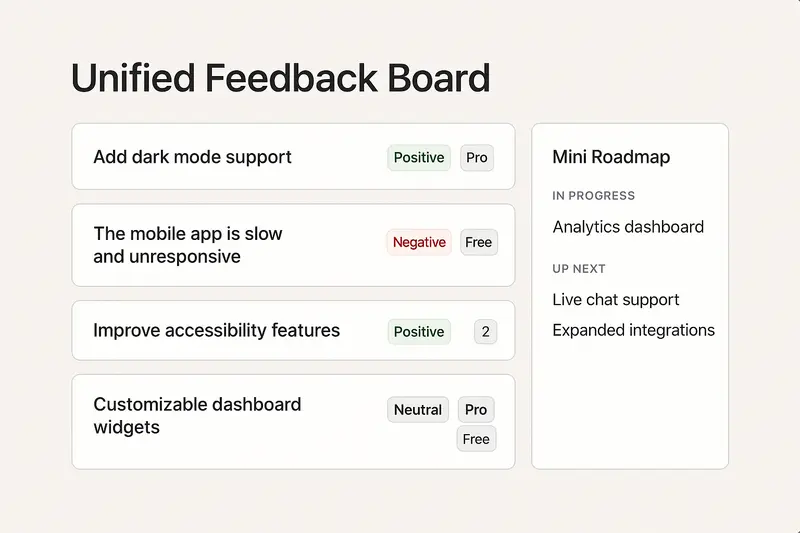
Takeaway: integrate capture, insight, and communication, then automate the glue work.
h2. The architecture that makes it work
Modern stacks follow a simple path: ingest, understand, decide, act.
1. Ingest
- Widgets, in‑app surveys, email forwarding, support ticket sync, social monitoring, APIs.
- Normalize structured and unstructured data into one schema for downstream models.
1. Understand
- NLP pipeline: tokenization, lemmatization, part‑of‑speech, then models for intent, topics, sentiment.
- Semantic similarity embeds meaning as vectors, so “improve loading speed” matches “reduce lag.”
- Abstractive summaries condense long threads into crisp problem statements.
1. Decide
- Scoring blends sentiment, frequency, and segment value to spotlight impact, not just votes.
- Deduplicate, merge, and link feedback to features or epics.
1. Act
- Auto‑route bugs to support, feature themes to product, adoption risks to success.
- Notify stakeholders when thresholds trip, schedule follow‑up surveys.
Good references on methods and automation paths:
- https://www.zendesk.com/blog/ai-customer-feedback/
- https://www.unwrap.ai/post/customer-feedback-management
Takeaway: precision at each layer compounds into trustworthy outcomes.
h2. What this looks like in practice
- Faster prioritization: move from “most requested” to “highest impact for target segments.” Teams report higher adoption and fewer orphaned features when decisions weigh sentiment and account value, not raw counts.
- Churn prevention: negative sentiment in tickets triggers save‑plays within hours, not weeks. Simple rule, big effect.
- CX fixes that matter: if 60% of complaints cluster around checkout, invest there first and measure NPS lift.
- Ops efficiency: auto‑tagging and routing trim triage time by more than half, freeing humans for tough cases.
Takeaway: the win is focus. Less time sorting, more time solving.
h2. Quick FAQ for featured‑snippet clarity
- What are AI feedback tools? AI feedback tools collect and analyze customer input across channels using NLP, sentiment, and automation to deliver prioritized, actionable insights.
- How do they handle duplicates? They use semantic similarity to group differently worded requests that express the same need, then merge votes and context.
- Are AI sentiment models accurate enough? On short, literal text they are strong. On sarcasm or domain slang, combine models with human review on high‑impact items. Balance speed with oversight.
h2. Implementation playbook
Start small, wire deep, scale fast only when the loop works.
- Define the job: volume triage, fragmentation, or insight quality. Pick one.
- Map sources: support, CRM, analytics, communities, and review sites.
- Unify identities: attach segment and revenue context to each voice.
- Set rules: thresholds for alerts, merge criteria, and escalation paths.
- Close the loop: roadmap visibility and changelog updates tied to feedback IDs.
- Review cadence: weekly model checks, monthly taxonomy tune‑ups.
Takeaway: tools help, process wins.
h2. Craft, not just compute
Data helps you hear. Judgment decides what to build. We favor clear writing, small scoped releases, and visible ownership. Ship fixes within 7 days when possible, explain tradeoffs in your changelog, and keep the board tidy. Detail is the brand.
h2. What is next for AI in feedback
- Generative assistance that drafts release notes, executive briefs, and user replies.
- Multimodal analysis from text, audio, video, and session replay in one flow.
- Closed‑loop actions that trigger tickets, experiments, or outreach on their own.
For deeper dives into sentiment techniques and market shifts, explore:
- https://getthematic.com/insights/automated-sentiment-analysis
- https://www.zendesk.com/blog/ai-customer-feedback/
- https://www.unwrap.ai/post/customer-feedback-management
Takeaway: the stack is converging on faster loops with richer context. Quality still depends on human choices.
Llauren·Mar 19, 2026
More from the Journal
[Feedback ManagementSep 20, 20269 min How to Say No to Feature Requests Without Losing Users→](https://sleekplan.com/blog/how-to-say-no-to-feature-requests) [Feedback ManagementAug 5, 20268 min How to Organize Customer Feedback: A System for SaaS Teams→](https://sleekplan.com/blog/how-to-organize-customer-feedback-a-system-for-saas-teams-5298) [Feedback ManagementJul 29, 20267 min Multi-Channel Customer Feedback for SaaS Teams→](https://sleekplan.com/blog/multi-channel-customer-feedback-for-saas-teams-6352)
Keep up
h2. New essays land on LinkedIn every Tuesday.
Follow Sleekplan on LinkedIn — we post every new piece there, plus the shorter notes that never make it to the journal.
[Follow on LinkedIn](https://www.linkedin.com/company/sleekplan/)
Done reading? [Try Sleekplan free ](https://app.sleekplan.com/sign-up/)
---
### How Product Leaders Prove Value: A Practical System for ROI, Evidence, and Stakeholder Trust | Sleekplan
Source: https://sleekplan.com/blog/how-product-leaders-prove-value-a-practical-system-for-roi-evidence-and-stakeholder-trust-5103
Description: A practical guide for product leaders to prove value: define it clearly, build a connected evidence trail, pair leading and lagging metrics, and translate outcomes into revenue terms.
h2. What counts as product value
Start with definitions. To prove product value, separate two truths that coexist:
- **Real value:** measurable outcomes like time saved, cost reduced, errors avoided, revenue added. See this explainer on how businesses create value to set a shared baseline.
- **Perceived value:** how quickly users feel that value. Onboarding, messaging, and interface choices change time to value. Useful background from Product School on real vs perceived value.
Equally important, balance **hard** and **soft** benefits. Hard benefits are direct and easy to price. Soft benefits like higher CSAT, fewer support escalations, or lower defect density are real, they just require a benefits rationale that ties them to financial impact. The PMI perspective on soft benefits is a practical guide for building that chain of reasoning.
Takeaway: define value across dimensions, then decide which slices you will measure first.
h2. Three levels of product ROI, three kinds of proof
Stakeholders ask different ROI questions with the same words. Use the right level of analysis for the room.
- **Organizational ROI:** does the product function earn its keep over years. Build a rolling evidence base, not a one-off deck. Reference: ProdPad on proving product ROI.
- **Initiative ROI:** did a strategic bet deliver the expected outcome. Frame as hypotheses, define metrics upfront, measure over a defined window.
- **Experiment or metric ROI:** did a specific change move a specific metric. Useful for fast feedback, risky for revenue attribution. Do not promise per-ticket ARR.

Takeaway: never try to prove organizational ROI with feature-level math.
h2. Build the evidence trail, not a quarterly story
Evidence should fall out of your workflow, not be invented at quarter end. Tie customer signals to outcomes in one connected system:
- Feedback becomes ideas, ideas map to initiatives, initiatives connect to OKRs, launches track leading and lagging indicators, learnings loop into strategy.
- Use pre-written hypotheses: If we solve X for Y segment, we expect Z behavior change that drives W business metric.
- Define success and guardrails before launch. When you simplify onboarding, watch activation, then also watch support volume and data quality. NN/g’s guide to A/B testing is a helpful reference for guardrails.
If you need a toolchain to support this, see how Sleekplan captures customer feedback and connects it to roadmaps and changelogs in one place: https://sleekplan.com/features/.
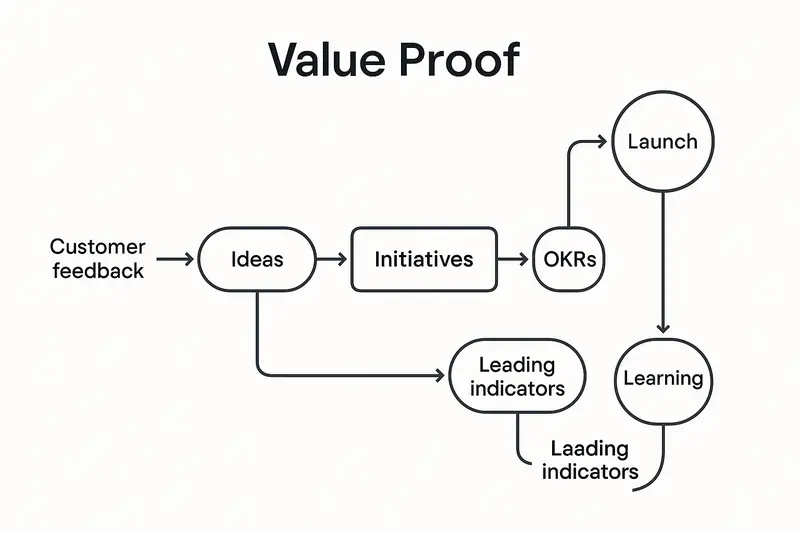
Takeaway: when the system is connected, the story tells itself.
h2. Metrics that matter, in pairs
Focus on a small set that maps to strategy. Pair **leading** with **lagging** so you can steer weekly yet prove value quarterly. BMC’s primer on leading vs lagging indicators is a solid refresher.
Leading indicators:
- Activation rate by segment
- Time to first value
- Feature adoption depth for high-value actions
- Goal completion in core workflows
Lagging indicators:
- Net revenue retention and expansion ARR
- Churn and 90-day or 180-day retention
- ARPU, CAC payback, gross margin
Example in practice: we trimmed enterprise onboarding from 14 to 7 steps, cut setup time by 38 percent, saw activation +12 points in 30 days, and 90-day retention +7 points two quarters later. Support tickets held flat, so no hidden cost.
Takeaway: pick five or fewer, document why, stick with them.
h2. Communicate value in the language of money
Executives filter for currency symbols. Translate product metrics into business impact without pretending to know the fifth decimal.
- **Lead with revenue or risk:** Improving feature adoption in our highest-value segment is projected to add 15 percent expansion ARR within two quarters, range 2 to 5 million.
- **Use ranges:** sophistication beats false precision. Mind the Product’s guidance on revenue ranges is worth a read.
- **Tag the roadmap with revenue hypotheses:** each swim lane carries a magnitude. When priorities shift, show the opportunity cost in dollars, not in story points.
- **Hold the line on the or principle:** doing A means not doing B. Make that tradeoff visible in ARR terms.
Takeaway: translate, do not inflate.
h2. Do impact analysis before you bet
Impact analysis reduces rework and sharpens your value claim.
- Functional: map user workflows and dependencies so a new flow does not break power-user habits.
- Technical: review performance, security, and scalability risks with engineering leads.
- Business: specify who benefits, how behavior changes, and which metric should move.
This discipline turns “great idea” into a testable thesis and a cleaner launch plan.
h2. Stage-appropriate proof across the product lifecycle
Match proof to stage, not to wishful thinking.
- Stage 1 problem validation: proof lives in customer interviews and pain frequency, not dashboards.
- Stage 2 solution validation: low-fi prototypes with clear signals that customers would use it.
- Stage 3 product validation: activation, retention, and usage by cohort for a working MVP.
- Stage 4 business validation: LTV, CAC, payback, and margin that justify scale.
Takeaway: ask for the right kind of evidence at the right time.
h2. Common obstacles, practical counters
- Skepticism of product metrics: translate activation or adoption into LTV and ARR effects with a simple, defensible model. Start conservative.
- Attribution messiness: use A/B tests when you can, plus counterfactual estimates, and be explicit about confidence. NN/g’s A/B testing guide is a good practice source.
- Long lags: show the ladder of indicators, weekly leading then monthly lagging, so patience has proof points.
- Ignored soft benefits: borrow PMI’s structure, tie CSAT or quality to retention or cost-to-serve with traceable assumptions.
Takeaway: clarity beats certainty that nobody believes.
h2. Short answers to questions you will get
- What is the fastest way to prove product value? Start with leading indicators tied to a specific initiative, for example activation or time to first value, then show the first lagging movement, for example 30-day retention.
- How do I attribute revenue to a feature without fiction? You do not. Attribute to the initiative level, use ranges, and triangulate with experiments plus cohort deltas. See ProdPad’s take on avoiding feature-level ROI traps.
- Which metrics should we track by default? A compact set: activation, feature adoption depth, goal completion, retention by cohort, NRR, CAC payback. Expand only when strategy changes.
h2. A calm close
Proving product value is a craft. Define value clearly, build a connected evidence trail, measure a few right things, and communicate in the language your stakeholders already speak. The payoff is more than budget approval. It is trust.
Further reading from the sources above:
- Product value, real vs perceived: https://productschool.com/blog/analytics/product-value
- Proving product ROI across levels: https://www.prodpad.com/blog/proving-product-roi/
- Leading vs lagging indicators: https://www.bmc.com/blogs/leading-vs-lagging-indicators/
- Soft benefits rationale: https://www.pmi.org/learning/library/soft-benefits-are-real-9694
Llauren·Mar 16, 2026
More from the Journal
[Product StrategyMar 9, 20266 min Platform Teams vs Revenue Teams: How RevOps Creates Alignment Without Diluting Either Role→](https://sleekplan.com/blog/platform-teams-vs-revenue-teams-how-revops-creates-alignment-without-diluting-either-role-5716) [Product StrategyJan 5, 20265 min The Product Operating Model: How Modern Teams Ship Outcomes, Not Just Output→](https://sleekplan.com/blog/the-product-operating-model-how-modern-teams-ship-outcomes-not-just-output-9236) [Product StrategyDec 8, 20255 min Product Vision Framework: Define Your North Star, Align Strategy, and Deliver Measurable Outcomes→](https://sleekplan.com/blog/product-vision-framework-define-your-north-star-align-strategy-and-deliver-measurable-outcomes-727)
Keep up
h2. New essays land on LinkedIn every Tuesday.
Follow Sleekplan on LinkedIn — we post every new piece there, plus the shorter notes that never make it to the journal.
[Follow on LinkedIn](https://www.linkedin.com/company/sleekplan/)
Done reading? [Try Sleekplan free ](https://app.sleekplan.com/sign-up/)
---
### Platform Teams vs Revenue Teams: How RevOps Creates Alignment Without Diluting Either Role | Sleekplan
Source: https://sleekplan.com/blog/platform-teams-vs-revenue-teams-how-revops-creates-alignment-without-diluting-either-role-5716
Description: Platform and revenue teams create value differently. Keep roles distinct, connect them with RevOps, measure what each controls, and use shared rhythms to deliver compounding speed and clarity.
h2. The tension you feel is structural, not personal
If you force platform teams to own direct revenue, you break the machine. Balancing platform and revenue teams starts with accepting they create value differently. The work looks similar from the outside, yet under the hood the economics diverge.
Leaders who blur this line end up with two bad outcomes. Platform focus erodes into short-term revenue theater. Revenue teams slow down because the enabling rails never arrive. The fix is clarity, then orchestration.
h2. Different value models, different language
Revenue teams create direct, attributable value: pipeline, bookings, NRR, LTV. A deal closes, ARR moves. Singular impact, short feedback loops.
Platform teams create multiplicative, distributed value. They shorten lead time, improve reliability, and remove toil across many product teams. That value compounds yet rarely shows up cleanly in the P&L. Forcing platform to speak in ARR targets invites distortion. The logic does not translate cleanly, as argued in the ProdPad note that [platform teams are not revenue teams](https://www.prodpad.com/blog/platform-teams-are-not-revenue-teams/).
The takeaway: measure each function on the outcomes it actually controls. Then connect the dots across functions with intent.
h2. RevOps is the bridge
Revenue Operations exists to stitch these worlds together. It aligns marketing, sales, success, finance, and product around shared metrics and clean handoffs. Adoption is high, maturity is not. Accenture reports strong momentum for RevOps, plus a wide execution gap that still needs closing. Read their overview on [the new RevOps imperative](https://www.accenture.com/us-en/insights/software-platforms/revenue-operations-new-business-imperative).
RevOps depends on platform services: data pipelines, integrations, analytics, governance, and workflow automation. Platform depends on RevOps for business context and prioritization. Tight integration turns platform from a perceived cost center into a force multiplier for revenue execution.

Principle: keep roles distinct, build strong connective tissue.
h2. Structures that protect focus and speed
- Stream-aligned product teams own customer outcomes.
- Platform teams own enabling services and internal capabilities.
- Revenue teams own acquisition, expansion, and retention.
- RevOps owns orchestration and shared process.
Separate decision rights, shared outcomes. Platform leadership decides on architecture, tooling, and internal developer experience. Revenue leadership decides on customer strategy and GTM. Executive forums align priorities and resolve trade-offs without collapsing roles into one bucket.
h2. OKRs that make platform work visible
Most OKR pain is a framing problem. Write platform OKRs as enablement outcomes, not feature lists.
Examples you can lift:
- Enable deployment frequency to move from weekly to daily for 80% of product teams.
- Improve API reliability to 99.95% for tier 1 services.
- Cut new service onboarding time from 3 days to 1 hour.
- Reduce mean time to recovery to under 30 minutes for critical incidents.
This language is honest, testable, and valuable. It respects the craft.
h2. Platform metrics that matter
You do not need to pretend platform creates ARR. You do need crisp metrics that prove leverage. The platform community has converged on a practical stack, summarized well in [metrics that matter for platform success](https://platformengineering.org/blog/metrics-that-matter-measuring-platform-success-and-maturity):
- DORA for flow and safety: deployment frequency, lead time for changes, MTTR, change failure rate.
- Developer experience: internal NPS for platform, task success rate, onboarding time, time to first deploy.
- Adoption and utilization: percent of eligible teams using capabilities, version drift, upgrade cadence.
- Cost efficiency: infra cost per developer, consolidation savings, resource utilization.
Pair these with a few cross-functional outcomes in exec reviews, not as a translation into revenue, but as a portfolio view.
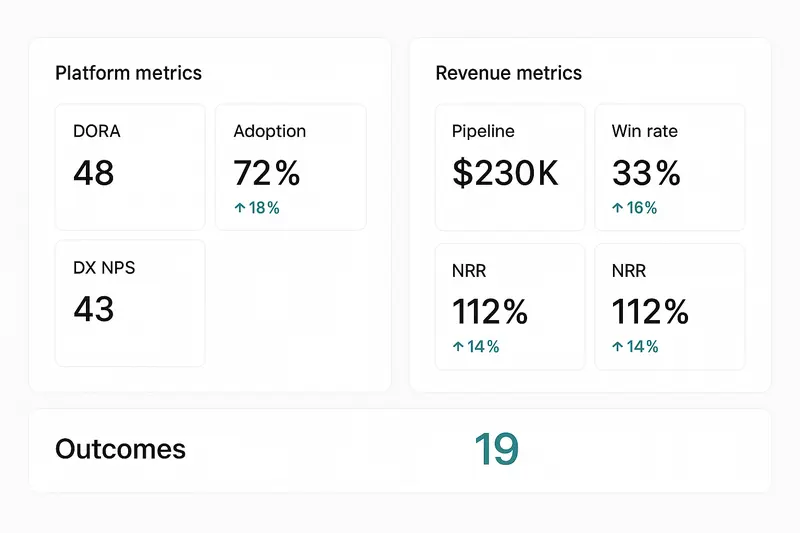
Tip: show the before and after. Example, “Provisioning dropped from 3 days to 45 minutes, bugfixes within 7 days climbed from 62% to 88%.” Numbers cut through noise.
h2. Revenue team metrics without blind spots
Revenue teams still need balanced scorecards: leading indicators to encourage proactive motion, lagging indicators to confirm outcomes.
- Leading: pipeline creation, qualified opportunities, win rate, proposal velocity, expansion pipeline.
- Lagging: bookings, ARR, NRR, churn, CAC payback.
- Shared KPIs: qualified pipeline across sales and marketing, NRR across sales and success, feature adoption across product and sales.
Shared KPIs force shared definitions. Alignment follows measurement.
h2. Collaboration architecture that kills silos
Silos are usually structural, not interpersonal. Create collaboration by design.
- Rituals: weekly RevOps sync, monthly cross-functional business review, quarterly planning with platform plus revenue leaders.
- Shared data: single customer and account truth, shared telemetry, visibility into handoffs and SLAs.
- Working agreements: explicit owners, entry and exit criteria, and escalation paths.
Make information public by default. Fewer closed doors, more shared dashboards.
h2. Governance rhythms that scale
Set a simple cadence that holds, even during crunch time:
- Quarterly strategy alignment: map platform bets to revenue priorities, and sequence.
- Monthly executive review: a single KPI view for platform, product, and revenue. Resolve resource conflicts in the room.
- Weekly operational sync: short, unblockers only.
- Quarterly feedback loop: structured input from product and revenue teams to shape the platform roadmap.
The rhythm is the product. Protect it.
h2. Platform adoption is earned
Mandates create surface adoption and shadow tooling. Real adoption spreads when the platform removes pain faster than teams can replicate the fix.
Start small, pick visible pain, over-support pilots, then scale:
- Choose 2 to 3 pilot teams with high friction and high influence.
- Fund concierge onboarding, office hours, and golden paths.
- Ship speed wins: lead time from days to minutes, paved paths for auth, logging, and deploys.
- Capture developer quotes and time-saved deltas, then broadcast.
Champions matter. Recruit engineers and EMs as peer trainers and signal boosters. Social proof beats policy.
h2. Advanced measurement, without bogus causality
You can correlate platform improvements to business outcomes without over-claiming causality. Build a metadata layer that links services to owners, product areas, and revenue streams. Track deploy success, incident rate, and recovery time per service. Then examine relationships with CSAT, feature adoption, and churn for those services.
Executives do not need a perfect equation. They need consistent evidence that better delivery correlates with better customer outcomes.
h2. Technical debt vs feature development
Do not force these to fight for the same calories. Separate swimlanes or budgets, then set a floor for debt work. Many teams hold 15 percent of capacity for debt and reliability. Platform investment lowers the denominator for every future feature, so underfunding it mortgages velocity.
Good test: if the team cannot ship critical fixes without multi-week regressions, you are underinvested in platform.
h2. Platform consolidation and AI raise the bar
Tool sprawl punishes both RevOps and engineering. The market is moving toward fewer, integrated systems. See Outreach’s perspective on [platform consolidation](https://www.outreach.io/resources/blog/platform-consolidation). Consolidation reduces integration drag, but it increases the need for strong data governance and cross-functional design. That is platform territory.
AI ups the stakes. Revenue teams get guidance on lead quality, deal risk, and next best action. Platform teams get predictive scaling, automated remediation, and smarter runbooks. None of this works without clean data, lineage, and observability. Consolidation is an AI precondition, not a nice-to-have.
h2. Quick answers
- What should platform teams be accountable for? Developer velocity, reliability, adoption, and cost efficiency, not bookings.
- Who should platform report to? Technology leadership with C-suite sponsorship, plus joint governance with revenue leadership.
- How do we show platform ROI? Before and after deltas in flow, reliability, adoption, and cost, presented next to revenue outcomes in portfolio reviews.
- Where does RevOps fit? As orchestrator of shared process, data, and handoffs across marketing, sales, success, product, and platform.
h2. Using feedback to align bets
Feedback is the connective tissue between internal enablement and customer outcomes. Route product feedback, sales notes, and success signals into one place, then use them to prioritize platform and revenue bets together. If you want AI-supported insight from customer feedback without more tool sprawl, explore [Sleekplan Intelligence](https://sleekplan.com/intelligence/).
h2. Closing thought
Clarity first, then connection. Honor how each function creates value, measure them on what they control, and let RevOps stitch the seams. Do that with care and you get compound speed, fewer handoffs gone wrong, and a calmer roadmap that actually ships.
Llauren·Mar 9, 2026
More from the Journal
[Product StrategyMar 16, 20265 min How Product Leaders Prove Value: A Practical System for ROI, Evidence, and Stakeholder Trust→](https://sleekplan.com/blog/how-product-leaders-prove-value-a-practical-system-for-roi-evidence-and-stakeholder-trust-5103) [Product StrategyJan 5, 20265 min The Product Operating Model: How Modern Teams Ship Outcomes, Not Just Output→](https://sleekplan.com/blog/the-product-operating-model-how-modern-teams-ship-outcomes-not-just-output-9236) [Product StrategyDec 8, 20255 min Product Vision Framework: Define Your North Star, Align Strategy, and Deliver Measurable Outcomes→](https://sleekplan.com/blog/product-vision-framework-define-your-north-star-align-strategy-and-deliver-measurable-outcomes-727)
Keep up
h2. New essays land on LinkedIn every Tuesday.
Follow Sleekplan on LinkedIn — we post every new piece there, plus the shorter notes that never make it to the journal.
[Follow on LinkedIn](https://www.linkedin.com/company/sleekplan/)
Done reading? [Try Sleekplan free ](https://app.sleekplan.com/sign-up/)
---
### AI Tools for Customer Feedback Analysis: Practical Automation Playbook for Product Teams | Sleekplan
Source: https://sleekplan.com/blog/ai-tools-for-customer-feedback-analysis-practical-automation-playbook-for-product-teams-7134
Description: A practical guide to AI tools for customer feedback analysis and automation. Learn the tech, platforms, workflows, and ROI metrics to turn raw feedback into clear product decisions.
h2. The signal is in the words
Backlogs are packed with opinions. AI tools for Customer Feedback Analysis turn that noise into signal with automation that reads every comment, tags it, and surfaces what matters. When you analyze 100 percent of interactions, you stop guessing and start deciding.
Modern NLP and large language models changed the pace and fidelity of insight. Teams now catch sentiment shifts in days, not months, and spot patterns that manual triage would miss. The result is faster prioritization and fewer surprises.
h2. Why AI-driven Customer Feedback Analysis now
Digital touchpoints multiplied, but manual review did not scale. AI closes the gap by processing tickets, surveys, reviews, and chats in real time. That shift enables full coverage instead of biased samples, which is the difference between course-correcting early and fighting fires later. See the broader context in Execs In The Know’s guide to AI feedback analysis and Zendesk’s overview of AI in customer feedback.
- Full coverage, not sampling, improves accuracy and trust.
- Real-time detection lets you address issues before churn risk spikes.
- Consistency beats one-off judgment, then humans apply context.
External reading:
- execsintheknow.com/ai-customer-feedback-analysis-a-complete-guide/
- zendesk.com/blog/ai-customer-feedback/
h2. The tech behind feedback intelligence
AI feedback pipelines typically include:
- NLP and sentiment analysis: extract meaning and emotion from unstructured text. Databricks offers a step-by-step walkthrough of AI-powered sentiment analysis.
- Text classification: map feedback to categories like billing, performance, or onboarding.
- Theme detection and topic modeling: uncover emergent topics without predefined labels. GetThematic explains modern theme discovery in depth.
- LLMs for synthesis: summarize threads, explain drivers behind score shifts, and generate human-readable briefs product leaders can trust.
External reading:
- databricks.com/blog/step-step-guide-ai-powered-customer-sentiment-analysis
- getthematic.com/insights/ai-powered-customer-feedback-theme-discovery
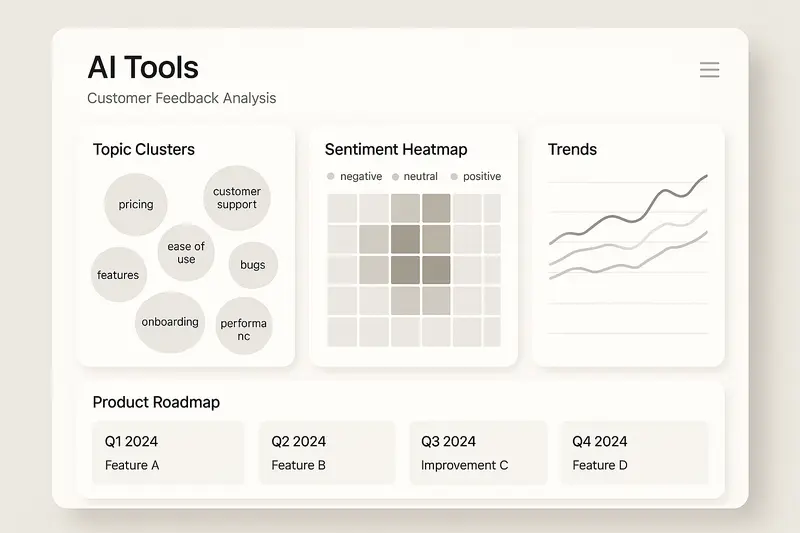
h2. Market overview of AI tools for Customer Feedback Analysis
The landscape spans enterprise suites and focused specialists. A quick map:
- Zendesk AI: enterprise-grade feedback analysis woven into support operations, trained on billions of interactions. Useful when tickets are your primary signal source.
- Thematic: transparent theme discovery at scale with strong validation tools for analysts and exec reviews.
- SentiSum and Chattermill: unify conversations across channels with multilingual coverage and impact analysis to explain metric shifts.
- Qualtrics XM: experience management with predictive modeling to connect drivers to revenue and churn.
- MonkeyLearn and AppFollow: targeted capabilities for review mining and streamlined sentiment plus categorization.
Principle: pick tools that fit where your strongest signals live, then integrate across channels rather than forcing everything into one place.
h2. Sleekplan: collection, analysis, and automation in one workflow
Most teams struggle less with analysis than with orchestration. Feedback gets collected, then drifts. We built Sleekplan to keep the loop intact: capture, prioritize with customer voting, discuss privately, publish the roadmap, ship, and close the loop with a changelog and targeted updates.
- Public board with voting to quantify demand, not just volume.
- Internal tags, owners, and private notes to move from idea to accountable work.
- Public roadmap and changelog to show progress and credit customer input.
- NPS and CSAT built in, so you can correlate themes with satisfaction.
- Integrations with GitHub and Intercom to meet teams where they work.
Explore the AI layer in [Sleekplan Intelligence](https://sleekplan.com/intelligence/), which adds summarization, smart grouping, and automation.
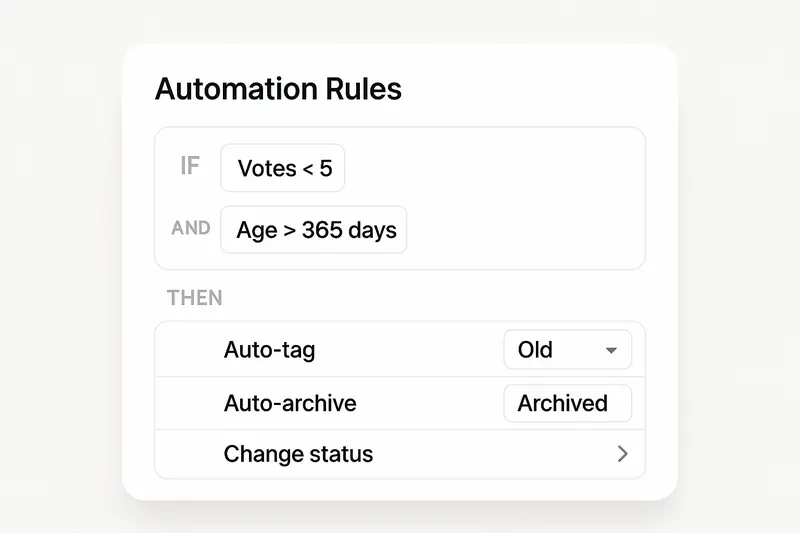
h3. What Sleekplan’s automation looks like
Set rules that act on low-signal noise, duplicates, or stale ideas, so your team focuses on the work that moves the needle.
- Conditions: votes less than 5, age greater than 365 days, status, category, or segment.
- Actions: auto-archive, add tags, change status, request details, or route to an owner.
- Cadence: run weekly so backlogs stay clean without manual sweeps.
Principle: quality and craft over speed. Automation should prune and organize, not silence useful edge cases. Keep humans in the loop for judgment calls.
h2. Support ticketing x feedback integration
Support is one of the richest feedback streams. Connect it.
- Automated triage and routing categorize issues by product area and urgency, then send them to the right specialists.
- Real-time QA reviews 100 percent of interactions, flags sentiment drops, and reveals systemic friction.
- Sentiment trajectory matters. Ending “satisfied” after a rocky path is a coaching signal and a product hint.
When support data flows into product feedback, you reduce repeat work and ship fixes where they lower ticket volume fastest.
h2. Theme detection, sentiment, and pattern recognition
Manual coding cannot keep up with thousands of comments across languages. Modern systems semantically group “slow service,” “response time,” and “delays in getting help” under one theme. That clarity drives cleaner prioritization.
What to track:
- Theme prevalence over time, with alerts for unusual spikes.
- Aspect-based sentiment to see what customers love and what needs work.
- Segment-level differences by plan, region, or lifecycle stage.
Takeaway: detail matters. The right hierarchy turns messy text into precise, layered insight that teams can act on.
h2. Implementation framework: from collection to action
A lightweight, durable setup we recommend:
1. Collect across channels
- Support tickets, in-app widgets, post-purchase surveys, interviews, reviews, and social.
- Do not rely on a single source. Each channel carries different bias and detail.
1. Normalize the data
- Clean attributes, deduplicate, tag by product areas, and expose segments you care about.
1. Analyze with a blend
- Quantitative scores like NPS and CSAT plus NLP classification, sentiment, and theme detection.
- LLM summaries for exec-friendly briefs and context.
1. Prioritize with customers, not opinions
- Use demand signals: votes, revenue at risk, ticket volume, and effort.
1. Ship visibly
- Tie roadmap items and changelog entries back to the original feedback.
1. Measure outcomes
- Track resolution time, ticket deflection, adoption, and satisfaction lift.
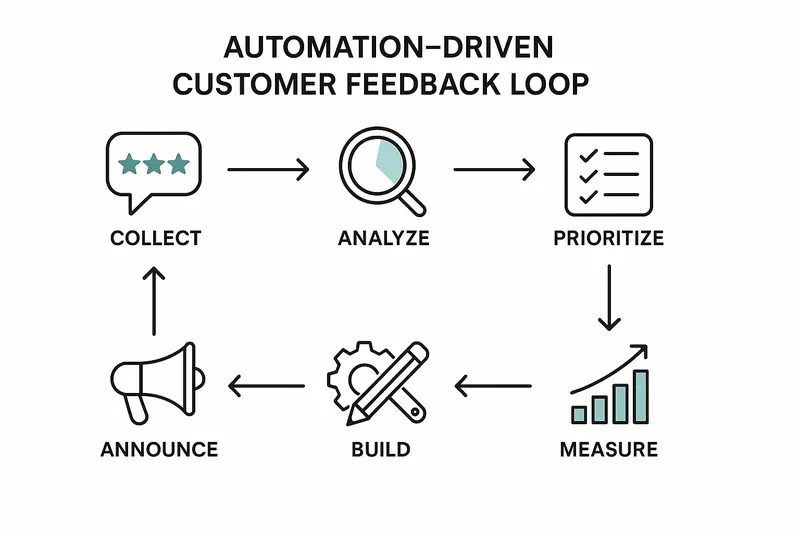
h2. Measuring ROI of automation
Look for value on four fronts:
- Cost and time: automated triage and tagging can save seconds per ticket at scale, which compounds to hours weekly.
- Quality: consistent labeling improves reporting, coaching, and forecasting.
- Revenue protection: early churn signals let success teams intervene before renewal risk hardens.
- Focus: when you ship what customers actually ask for, adoption rises and rework falls.
Principle: measure adoption early. If teams reference customer insights in planning and automation rules fire regularly, value will follow.
h2. Quick answers
- What are AI tools for customer feedback analysis? Software that ingests unstructured feedback, applies NLP and LLMs to classify themes and sentiment, then surfaces prioritized insights for action.
- How do I choose a platform? Start where your signals are strongest, confirm integration paths, test transparency of themes, and prove a small ROI before scaling.
- Where should automation live? Close to the source. Automate tagging, deduplication, and routing. Keep humans on prioritization and messaging.
h2. Closing reflection
Great feedback systems are quiet crafts. Clean inputs, thoughtful hierarchies, careful automation, and honest communication. When we do this well, customers see their ideas move from post to product, and teams make fewer, better decisions.
Further reading from context sources that shaped this guide:
- execsintheknow.com/ai-customer-feedback-analysis-a-complete-guide/
- zendesk.com/blog/ai-customer-feedback/
- databricks.com/blog/step-step-guide-ai-powered-customer-sentiment-analysis
- getthematic.com/insights/ai-powered-customer-feedback-theme-discovery
Llauren·Mar 4, 2026
More from the Journal
[Feedback ManagementSep 20, 20269 min How to Say No to Feature Requests Without Losing Users→](https://sleekplan.com/blog/how-to-say-no-to-feature-requests) [Feedback ManagementAug 5, 20268 min How to Organize Customer Feedback: A System for SaaS Teams→](https://sleekplan.com/blog/how-to-organize-customer-feedback-a-system-for-saas-teams-5298) [Feedback ManagementJul 29, 20267 min Multi-Channel Customer Feedback for SaaS Teams→](https://sleekplan.com/blog/multi-channel-customer-feedback-for-saas-teams-6352)
Keep up
h2. New essays land on LinkedIn every Tuesday.
Follow Sleekplan on LinkedIn — we post every new piece there, plus the shorter notes that never make it to the journal.
[Follow on LinkedIn](https://www.linkedin.com/company/sleekplan/)
Done reading? [Try Sleekplan free ](https://app.sleekplan.com/sign-up/)
---
### Skip Sleekplan widget login for anonymous surveys | Sleekplan
Source: https://sleekplan.com/blog/skip-sleekplan-widget-login-for-anonymous-surveys-4167
Description: Auto-skip the Sleekplan widget login for anonymous surveys by listening for an auth-required event and clicking the skip link inside the iframe.
```
h2. New essays land on LinkedIn every Tuesday.
Follow Sleekplan on LinkedIn — we post every new piece there, plus the shorter notes that never make it to the journal.
[Follow on LinkedIn](https://www.linkedin.com/company/sleekplan/)
Done reading? [Try Sleekplan free ](https://app.sleekplan.com/sign-up/)
---
### Claude.ai for Product Managers: A Practical Guide to Better Daily Workflows, Smarter Prompts, and Stronger Output | Sleekplan
Source: https://sleekplan.com/blog/claude-ai-for-product-managers-a-practical-guide-to-better-daily-workflows-124
Description: Claude.ai is changing how product managers work. Tasks that used to take days of synthesis, planning, and writing can now be compressed into hours, often with better structure and clearer thinking along the way.
h2. Why Claude Matters for Product Managers
Product managers sit at the center of an unusually messy information system. Customer feedback, internal stakeholder requests, roadmap debates, technical limitations, market signals, and business goals all need to be translated into clear product decisions. That work is cognitively expensive, and a lot of it is repetitive.
Claude is valuable because it handles exactly the kind of work that burns PM time without always requiring PM judgment. It can synthesize raw input, structure messy notes, generate strong first drafts, organize competing ideas, and tailor communication for different audiences. Used well, it does not replace product thinking. It creates more space for it.
Teams that use Claude effectively tend to report three consistent benefits:
- less time spent on manual synthesis and documentation
- stronger first drafts and better-structured thinking
- more time for strategy, customer understanding, and prioritization
That last point is the real win. The point is not to offload product management to AI. The point is to spend less time on formatting and summarizing, and more time on decisions that actually matter.
h2. Where Claude Fits Best in the Daily PM Workflow
Claude is most useful when applied to recurring workflows that happen constantly in product work but are hard to do quickly and well at the same time. The strongest PMs do not use Claude as an oracle. They use it as a collaborator that handles synthesis, structure, and draft generation while they stay responsible for judgment, prioritization, and direction.
h3. Synthesizing Customer Feedback at Scale
Turning raw customer input into usable insight is one of the most painful parts of product management. Support tickets, surveys, interviews, sales calls, and reviews all contain useful signals, but it takes serious effort to identify patterns across them.
Claude is very good at processing large volumes of this material and turning it into structured insight. It can help identify:
- recurring pain points
- common feature requests
- objections and buying triggers
- competitor mentions
- language customers use to describe value
- contradictions between what users say and what they actually prioritize
That means you can move from a pile of transcripts or tickets to a ranked list of themes much faster. It is especially useful when you want to compare frequency against severity, cluster similar comments, or extract direct quotes that preserve the customer’s language.
Used consistently, this workflow can also become a living source of customer intelligence rather than a one-off analysis exercise.
h3. Writing PRDs and Feature Specs Faster
PRDs are one of the highest-leverage documents a PM creates, but they are also slow to write well. A good PRD requires synthesis, clarity, structure, edge cases, success metrics, and alignment across multiple stakeholders.
Claude helps most when used as a drafting partner, not as the final author.
A strong workflow looks like this:
1. dump in your research, rough notes, and known requirements
2. ask Claude to create a structured first draft
3. review it critically and fill in the missing judgment
4. iterate until the logic, trade-offs, and wording reflect the real product thinking
This works because Claude is fast at structure. It can turn rough inputs into a usable outline with problem statements, user stories, acceptance criteria, risks, and open questions. That removes blank-page friction and gives you something concrete to improve.
The final document still needs human ownership. But the time savings are real, and the first draft is usually much better than starting from zero.
h3. Drafting Stakeholder Updates and Executive Communication
PMs spend a huge amount of time translating the same core information for different audiences. The challenge is not just writing clearly. It is changing emphasis depending on who is reading.
Executives care about business impact and risk. Engineering cares about constraints and dependencies. Sales cares about customer value and positioning. Finance cares about cost, timing, and resource implications.
Claude is extremely useful here because it can take one source document and generate multiple targeted versions for different audiences. That means less time rewriting the same material over and over, and more time checking whether the message is actually correct.
h3. Prioritizing Work With Better Structure
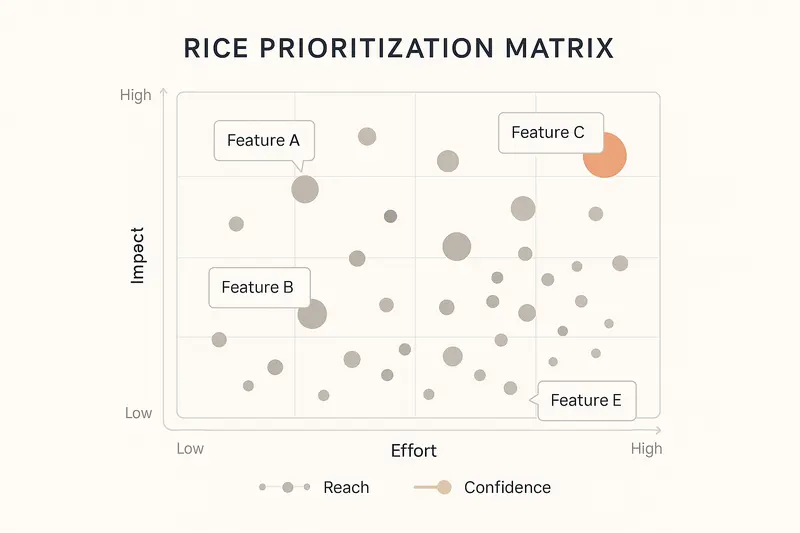
Prioritization is one of the hardest parts of product management because it mixes analysis with politics. Teams say they use frameworks, but many decisions still get shaped by whoever speaks loudest or has the most influence.
Claude is helpful when paired with a framework like RICE because it forces explicit thinking. If you want a real prioritization output, you need to define reach, impact, confidence, and effort. That alone improves the quality of the discussion.
Claude can help calculate scores, compare trade-offs, flag weak assumptions, identify quick wins versus big bets, and highlight where confidence is too low to make a strong decision yet. It does not remove subjectivity, but it makes the subjectivity visible.
That is a big improvement over vague prioritization discussions dressed up as strategy.
h3. Processing Meeting Notes Into Action
Most meetings do not fail because people were absent. They fail because nobody leaves with the same understanding of what was decided.
Claude is good at turning messy meeting notes into something useful. It can extract:
- decisions made
- action items and owners
- open questions
- dependencies and blockers
- concise summaries for sharing
A particularly useful move is asking Claude to summarize a meeting from different perspectives, such as product, engineering, leadership, or customer impact. If those summaries feel misaligned, that is usually a signal that the meeting itself was not as clear as people assumed.
h3. Brainstorming Solutions and Surfacing Edge Cases
Claude can also be a useful thought partner when you are early in the problem-solving process. If you are trying to explore multiple solution directions, it can generate alternatives, compare approaches, and point out risks and implementation concerns.
It is also good at edge case discovery. That is valuable because product teams often underinvest in edge cases until engineering or QA finds them too late. Claude can help identify issues around permissions, missing data, scale, unusual states, or failure modes before they become launch blockers.
h2. How to Prompt Claude Effectively as a PM
The difference between mediocre output and genuinely useful output usually comes down to prompting. Claude is not magic. It performs best when you give it enough context, clear constraints, and a specific format.
h3. Give It Real Context
Claude does not know your users, your roadmap, your constraints, or your internal language unless you tell it.
A vague request like “Help me write a PRD” will produce a vague answer. A specific prompt that explains your product, users, competitive context, and constraints will produce something much more relevant.
Think of Claude as a very capable new team member. Smart, fast, and useful - but still new. If you skip the briefing, the output will reflect that.
h3. Use Roles Carefully
Do not ask Claude to be your final decision-maker. That is where people get sloppy.
Instead of asking, “Which feature should we build?”, ask it to analyze trade-offs, generate arguments from different perspectives, or identify missing assumptions. Let Claude do analysis. Keep the decision with yourself.
That framing is healthier and produces better work.
h3. Be Explicit About Format
If you want bullets, ask for bullets. If you want a markdown table, ask for a markdown table. If you want a document outline, JSON structure, or presentation-style summary, say so directly.
Otherwise, Claude will default to prose, and prose is often not the most useful format for product work.
h3. Use Examples
If you want Claude to match a certain tone, structure, or output style, show it an example. This is one of the highest-leverage prompt improvements and one of the most underused.
A good example beats a long explanation almost every time.
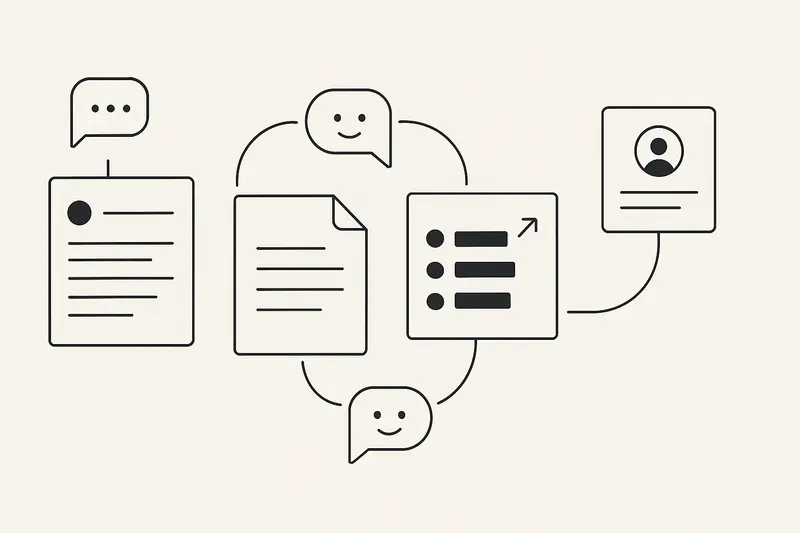
h3. Break Big Tasks Into Steps
If the task is large, do not throw everything into one prompt and hope for brilliance.
Break it down. Have Claude identify themes first, then evaluate trade-offs, then draft a structured output. Sequential prompting usually gives better results because it keeps each step focused and gives you a chance to redirect the work before it drifts.
h3. Tell It to Flag Uncertainty
Claude will try to be helpful, and sometimes that means sounding more certain than it should.
You can reduce this by explicitly telling it: if something is unclear, unsupported, or likely to be a guess, say so directly. That is especially important when discussing competitors, market claims, technical feasibility, or anything else that could lead to bad decisions if wrong.
h2. Copy-and-Use Prompt Templates for PM Work
Here are practical templates you can use right away.
h3. Customer Feedback Analysis
```
I'm analyzing customer feedback to identify patterns and prioritize improvements.
Product context:
[Describe the product, ICP, and current positioning]
Problems we're focused on:
[List the main problems we're trying to solve]
Customer feedback:
[Paste interviews, surveys, tickets, reviews, or call notes]
Please analyze this and provide:
1. Top pain points ranked by frequency and severity
2. Feature requests grouped by theme
3. Competitive mentions
4. Buying triggers
5. Success metrics customers care about
6. Objections and blockers
7. Strong direct quotes that capture customer language
For each section, include frequency estimates, representative quotes, and anything that seems surprising or contradicts our assumptions.
```
h3. PRD First Draft
```
I'm writing a PRD for [feature name]. I'm providing research notes, rough thinking, and known requirements. Please generate a strong first draft.
Product context:
- Product and positioning: [describe]
- Users: [describe ICP and current usage]
- Competitive context: [describe alternatives]
Research input:
[Paste interviews, research synthesis, strategic notes, competitor findings]
Known requirements:
[List anything already decided]
Constraints:
[Timeline, technical limitations, dependencies, resources]
Please generate a PRD with:
1. Problem statement
2. Solution overview
3. User stories with acceptance criteria
4. Technical requirements
5. Success metrics
6. Edge cases
7. Open questions
8. Risks and mitigations
Use clear, specific language. Avoid generic phrases like "improve the experience."
```
h3. RICE Prioritization
```
I need to prioritize these features using RICE.
Product context:
- Monthly active users: [number]
- Core funnels: [describe]
- Main bottlenecks: [describe]
Features:
1. [Feature A]: [description]
2. [Feature B]: [description]
3. [Feature C]: [description]
For each feature, here are my current estimates:
- Reach: [number]
- Impact: [0.25 / 0.5 / 1 / 2 / 3]
- Confidence: [0-100%]
- Effort: [person-months]
Please provide:
1. Ranked features by RICE score
2. Estimates that seem weak or unrealistic
3. Quick wins
4. Big bets
5. What research would improve low-confidence items
6. Dependencies or sequencing issues
```
h3. Stakeholder Update
```
I'm preparing an update for [stakeholder type].
Their main concern:
[What matters most to them]
Their role in decisions:
[What they influence]
Their background:
[Technical, business, product, etc.]
What I need to communicate:
- Progress: [what happened]
- Challenges: [what is blocked or slower than planned]
- Asks: [what I need from them]
Additional context:
[Paste relevant strategy, status notes, or background]
Please generate a [brief / email / outline] that:
1. Opens with what matters most to this stakeholder
2. Anticipates likely objections or concerns
3. Uses evidence where relevant
4. Ends with a specific ask or recommendation
5. Uses a [professional / concise / direct] tone
```
h3. Edge Case Identification
```
I'm designing [feature name] and want to identify realistic edge cases before implementation.
Feature:
[Describe what users can do]
Technical context:
[Describe permissions, data model, constraints, integrations]
Customer context:
[Describe user types, scale, usage patterns]
Please identify edge cases across:
1. Permissions and access
2. Data quality and missing data
3. Unusual system states
4. Scale
5. Failure modes
6. Integrations
For each edge case, include:
- the scenario
- why it matters
- how we should handle it
- whether it should block launch or can wait until V2
```
h2. Common Mistakes to Avoid
h3. Using Claude as a Strategist Instead of a Tool for Strategy Work
Claude can generate impressive strategic writing, but that does not mean it owns the strategy. It can help you think through options, pressure-test logic, and structure analysis. It should not make the final call for you.
If you outsource judgment, you are doing the job badly.
h3. Giving Too Little Context
This is probably the most common mistake. PMs often give Claude just enough information to technically answer the question, but not enough to answer it well.
The result is generic output that sounds decent but is not actually useful.
h3. Trusting It Blindly
Claude can sound convincing even when it is wrong. That matters a lot in product work, especially around market claims, competitor features, technical assumptions, and anything tied to real business decisions.
Review the output critically. Verify important facts. Do not confuse fluency with accuracy.
h3. Sharing Sensitive Information
This one is simple: do not paste confidential information into an AI tool unless that is explicitly approved and compliant with your company’s policies.
Redact names. Generalize sensitive figures. Remove personally identifiable information. Keep the useful context, not the risky detail.
h3. Asking Vague Questions
A vague prompt usually means your own thinking is still fuzzy. Claude will reflect that fuzziness back to you in polished language.
Be specific. If needed, ask Claude to help you clarify the question before asking it to solve the problem.
h2. Best Practices for Making Claude Part of Your Workflow
h3. Build a Prompt Library
Save the prompts that work. Do not reinvent them every week.
Keep a simple internal library for recurring tasks like PRDs, customer feedback analysis, prioritization, stakeholder updates, edge case reviews, and competitive summaries. Over time, these become much more useful than generic templates because they are tuned to your product, market, and style.
h3. Use It for First Drafts, Not Finished Work
This is the healthiest default.
Claude is great at getting you from zero to something structured and useful. But the final layer - judgment, nuance, trade-offs, tone, and factual accuracy - still needs your review.
h3. Use It to Organize Your Thinking
Some of the best use cases are not about output at all. They are about clarity.
Claude can help you break down messy problems, identify weak assumptions, compare options, and structure your reasoning. That kind of support is often more valuable than a polished document.
h3. Separate Work Streams
If you are working across different products or strategic threads, keep those contexts separate. The clearer the context, the better the output. If you use project-based workspaces, this becomes even easier.
h3. Hold It to Real Standards
Treat Claude output the same way you would treat output from a capable teammate. Review it. Challenge it. Rewrite it. Push for specificity. Reject vague or lazy phrasing.
The more rigor you apply, the more useful it becomes.
h2. How to Start Without Overcomplicating It
If you are new to using Claude for PM work, do not try to apply it everywhere on day one.
Start with one workflow where the value is obvious. Customer feedback synthesis is a strong option. PRD drafting is another. Prioritization is also a good starting point.
Use it repeatedly for that task until the workflow feels natural. Save the prompt. Improve it. Then add another use case.
That approach works better than trying to transform your whole process overnight.
h2. Conclusion: Claude as a Real Lever for PM Work
Claude is not valuable because it produces polished text. It is valuable because it helps product managers spend less time on mechanical work and more time on real product thinking.
When used well, it can dramatically reduce the time spent on synthesis, documentation, and communication while improving structure and clarity. That gives PMs more bandwidth for the things that still require human judgment: understanding users, navigating trade-offs, aligning teams, and making decisions under uncertainty.
The product managers getting the most from Claude are not using it as a shortcut for thinking. They are using it to support better thinking, faster execution, and stronger communication.
If you want more practical workflows and prompts for PM , you can also check out [this practical playbook on ChatGPT for product managers](https://sleekplan.com/blog/chatgpt-for-product-managers-practical-pm-prompts-workflows-and-playbooks-for-real-impact-9320/).
The real advantage is not just speed. It is better structure, sharper questions, and more time for the part of the job that actually matters.
Start with one repetitive workflow. Use Claude on it this week. Improve the prompt once. Save it. Then do the same for the next one.
That is how this becomes a real system instead of just another tool.
Mmarco·Mar 3, 2026
More from the Journal
[Product ManagementSep 20, 20267 min Aha Pricing: What Each Product and Tier Costs→](https://sleekplan.com/blog/aha-pricing) [Product ManagementSep 20, 20267 min Jira Product Discovery Pricing: Creators, Not Users→](https://sleekplan.com/blog/jira-product-discovery-pricing) [Product ManagementSep 20, 20268 min Productboard Pricing: Maker Seats and What You Pay→](https://sleekplan.com/blog/productboard-pricing)
Keep up
h2. New essays land on LinkedIn every Tuesday.
Follow Sleekplan on LinkedIn — we post every new piece there, plus the shorter notes that never make it to the journal.
[Follow on LinkedIn](https://www.linkedin.com/company/sleekplan/)
Done reading? [Try Sleekplan free ](https://app.sleekplan.com/sign-up/)
---
### The Essential 2025 Product Management Library: Books for Customer Centric, AI Ready Teams | Sleekplan
Source: https://sleekplan.com/blog/the-essential-2025-product-management-library-books-for-customer-centric-ai-ready-teams-7327
Description: A curated 2025 product management reading list, from foundations to AI. Practical picks, reading paths by level, and concrete steps to turn insights into better roadmaps.
h2. Why this library now
Product management books for 2025 are not nice to have, they are your operating system. AI reshaped discovery, strategy, and execution. This curated product management library focuses on quality, not volume, so you build customer centric products with fewer wrong turns. For broader context, the overview from Mind the Product is a solid companion resource: https://www.mindtheproduct.com/top-product-management-resources-for-summer-2025/
h2. Foundational frameworks that still hold
Strong products start with principles, not tools.
- Inspired, Marty Cagan. Problem before solution, outcomes over outputs, empowered teams. Check your org against this standard.
- The Lean Startup, Eric Ries. Build measure learn, but with a higher minimum today. Parallel experiments beat sequential bets.
- Crossing the Chasm, Geoffrey Moore. Pick a beachhead, ship a whole product, earn word of mouth. The practical breakdown from a16z is concise: https://a16z.com/crossing-the-chasm-in-practice/
Takeaway: foundations keep you honest when trends get loud.
h2. AI product management, from theory to practice
You do not need a PhD to ship sensible AI features. You need judgment, data literacy, and patterns.
- The AI Product Playbook. Clear workflows for scoping, evaluating, and governing AI. Ethics, risk, and collaboration sit at the center. See the publisher page for details: https://www.wiley.com/en-us/The+AI+Product+Playbook:+Strategies,+Skills,+and+Frameworks+for+the+AI-Driven+Product+Manager-p-00440656
- Reimagined: Building Products with Generative AI. 150+ examples, case studies, and playbooks for MVPs, PLG, and trust. Skimmable and practical: https://www.scribd.com/document/793777885/reimagined-building-products-with-generative-ai-9798989966905
Principle: stay close to real jobs and real constraints. Ship AI where it meaningfully reduces friction or unlocks new value, not because a slide says “AI powered.”
h2. Customer discovery and JTBD that actually changes roadmaps
Research is only useful when it changes what you build.
- Continuous Discovery Habits, Teresa Torres. Weekly interviews, opportunity trees, small bets, transparent decision logs.
- Jobs to Be Done. Functional, social, and emotional jobs explain real choices. The Christensen Institute’s primer is a crisp start: https://www.christenseninstitute.org/theory/jobs-to-be-done/
Put both together: collect specific stories, map jobs, then decide the smallest meaningful change that improves the job. For us, consistent customer feedback is the backbone. If you want an AI assist that clusters themes and reduces analysis time, see Sleekplan Intelligence: https://sleekplan.com/intelligence/
h2. Strategy that compounds instead of slides that sparkle
Pretty roadmaps are easy. Durable advantage is not.
- Good Strategy Bad Strategy, Richard Rumelt. Diagnose the real constraint, pick a guiding policy, align coherent actions. No fluff.
- 7 Powers, Hamilton Helmer. Know where your moat could come from: scale, network effects, switching costs, brand, cornered resources, process power, counter positioning.
Rule of thumb: commit to one or two powers, articulate the tradeoffs, then decline work that does not advance them.
h2. Execution playbooks that respect craft
Shipping is a skill. So is saying no.
- The Lean Product Playbook, Dan Olsen. Product Market Fit Pyramid, interview scripts, proto testing, measurable iterations.
- Sprint, Jake Knapp. Five focused days, one Decider, a tested prototype by Friday.
Small example: we schedule usability fixes within 7 days of discovery, then reserve capacity for one experiment per sprint. Quality climbs, risk drops.
h2. Leadership and influence without theater
Teams do their best work when leaders coach, not dictate.
- Empowered, Marty Cagan with Chris Jones. Team topology, coaching, vision craft, and executive partnership. Structure creates autonomy.
- Product Leadership, Banfield, Eriksson, Walkingshaw. Patterns across company stages, how to grow people, and how to tie vision to roadmaps.
Signal to your team: clear goals, crisp decisions, visible learning. No half finished work shipped.
h2. Reading paths by career stage
Choose one path and commit. Depth beats speed.
- Beginners
- Inspired, The Lean Startup, The Lean Product Playbook
- Continuous Discovery Habits, The Design of Everyday Things
- Intermediate PMs
- Escaping the Build Trap, Jobs to Be Done
- Made to Stick, Listen Like You Mean It, Good Strategy Bad Strategy
- Product leaders
- Empowered, 7 Powers, Product Leadership
- The AI Product Playbook or Reimagined, depending on your stack
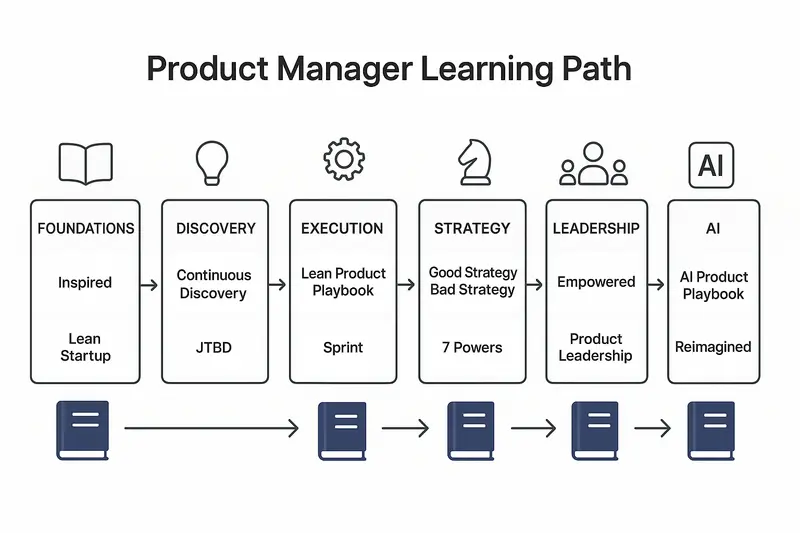
h2. Quick answers
- What are the best product management books for beginners in 2025?
- Start with Inspired, The Lean Startup, and The Lean Product Playbook. Add Continuous Discovery Habits to build weekly research habits.
- Which AI product management book should I read first?
- If you want structured frameworks, pick The AI Product Playbook. If you want hands on examples, pick Reimagined.
- How many books should I read per quarter?
- One or two. Apply each book to a live problem. Document what changed.
- How do I turn reading into better roadmaps?
- Tie every initiative to a customer job, a measurable outcome, and one strategic power. Review monthly.
h2. Bring it into your practice
Keep this library close, but keep your customers closer. Pair weekly discovery with disciplined strategy, then let execution habits do the slow, compounding work. When feedback volume grows, use tools that respect signal over noise and help you act quickly without cutting corners.
For a practical next step, instrument a feedback loop that flags themes automatically and links insights to roadmap decisions. If you need an assist, try Sleekplan’s AI insights to turn raw feedback into clear opportunities: https://sleekplan.com/intelligence/
Llauren·Dec 29, 2025
More from the Journal
[Product ManagementSep 20, 20267 min Aha Pricing: What Each Product and Tier Costs→](https://sleekplan.com/blog/aha-pricing) [Product ManagementSep 20, 20267 min Jira Product Discovery Pricing: Creators, Not Users→](https://sleekplan.com/blog/jira-product-discovery-pricing) [Product ManagementSep 20, 20268 min Productboard Pricing: Maker Seats and What You Pay→](https://sleekplan.com/blog/productboard-pricing)
Keep up
h2. New essays land on LinkedIn every Tuesday.
Follow Sleekplan on LinkedIn — we post every new piece there, plus the shorter notes that never make it to the journal.
[Follow on LinkedIn](https://www.linkedin.com/company/sleekplan/)
Done reading? [Try Sleekplan free ](https://app.sleekplan.com/sign-up/)
---
### The Product Operating Model: How Modern Teams Ship Outcomes, Not Just Output | Sleekplan
Source: https://sleekplan.com/blog/the-product-operating-model-how-modern-teams-ship-outcomes-not-just-output-9236
Description: A practical guide to the product operating model: why outcomes beat outputs, how to structure teams and flow, what to measure, common pitfalls, and how feedback closes the loop.
h2. What is a product operating model?
A product operating model is a company’s system for turning strategy into customer value at a steady, sustainable pace. It prioritizes outcomes over outputs, pairs goals with empowered teams, and blends culture, process, and structure into one clear way of working. See definitions from ProductPlan and SVPG for deeper framing:
- ProductPlan’s glossary on the operating model highlights the bridge from strategy to execution and the shift to customer centricity: https://www.productplan.com/glossary/product-operating-model/
- SVPG explains why outcomes beat feature lists and how product culture anchors everything: https://www.svpg.com/the-product-operating-model-an-introduction/

Quick answer for your leadership doc: a product operating model is how we consistently create technology-powered solutions that customers adopt, that the business can support, and that move our key metrics.
h2. From projects to products
Projects run on the Iron Triangle, a fixed scope bound by time and cost. It works when markets change slowly. Today they do not. Requirements written a year ago age quickly, so teams ship on time and still miss the mark. See comparisons and context from Blueprint and Product School:
- Blueprint’s project vs product breakdown: https://www.blueprintsys.com/blog/7-key-differences-between-project-product-management
- Product School’s primer on modern operating models: https://productschool.com/blog/product-strategy/product-operating-model
The product shift keeps teams durable, accountable to outcomes, and free to adapt. The work does not end at a release; it compounds.
h2. The three core components
h3. 1) Culture: how people behave
Strong product cultures choose principles over process and outcomes over output. Four simple rules, adapted from SVPG:
- Trust over control: empower teams close to the problem.
- Principles over process: light guardrails, clear intent.
- Innovation over predictability: learn through safe experiments.
- Learning over failure: run tests, keep what works.
Thoughtworks expands on codifying these beliefs into a product manifesto and performance system: https://www.thoughtworks.com/en-us/insights/articles/how-to-create-a-product-operating-model-to-support-product-organization-transformation
h3. 2) Flow: how work moves
Strategy must flow into quarterly objectives, then into team bets. Use OKRs to connect intent to choices, and set governance for risk, compliance, and decision rights. Planview’s guide outlines timelines, funding shifts, and OKR alignment:
- Planview on transformation and metrics: https://www.planview.com/resources/guide/master-the-product-operating-model-core-principles-for-leaders/product-operating-model-transformation/
h3. 3) Structure: how people are organized
Cross-functional, durable teams own problems end to end. Clear roles remove friction.
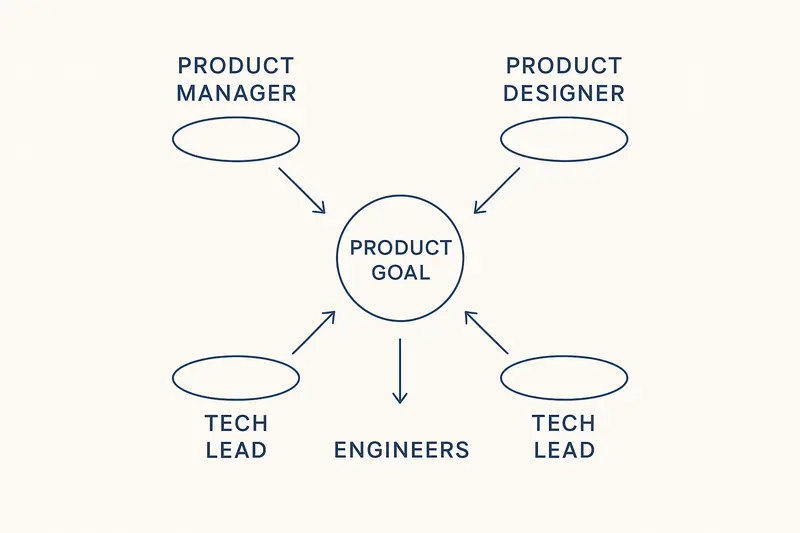
Typical pattern:
- Product manager: accountable for value and viability.
- Product designer: accountable for usability and experience.
- Tech lead: accountable for feasibility and quality.
- Engineers: accountable for implementation and reliability.
h2. The three dimensions and five concepts
SVPG’s framing is practical and sharp.
Three dimensions of daily work:
- How we build: small, frequent releases with CI/CD, ideally weekly or even continuous.
- How we solve: teams get problems, not feature lists, and validate value, usability, feasibility, and viability.
- What we choose: product leaders pick problems to solve using vision, data, customer insight, and technology leverage.
Five concepts working together:
- Product culture: shared beliefs and decision habits.
- Product strategy: quarterly bets that ladder to annual goals.
- Product teams: empowered, outcome-driven, tightly aligned.
- Product discovery: rapid experiments to de-risk ideas.
- Product delivery: clean code, strong monitoring, safe releases.
h2. Variations that work in the real world
Different contexts call for different tactics.
- Chess style, like Spotify: heavy alignment and sequencing, then smooth execution. Read a field view: https://productatheart.com/blog/how-we-work-product-operating-models-in-practice-product-at-heart-2024
- Poker style, like Wallapop: clear intent, flexible bets, quick adaptations as conditions change.
- Startup vs enterprise: startups stay lightweight, enterprises add portfolio management and platform governance.
The principle holds: adapt the playbook to your constraints, keep outcomes central.
h2. Implementing the product operating model
h3. Readiness check
Two tests from Product Talk: does the CEO doubt the current model, and do they feel the pain to change it. Without both, momentum fades: https://www.producttalk.org/organizational-readiness/
h3. Phased path and realistic timelines
- Months 0 to 2: assess current state, define the target model, set success criteria.
- Months 2 to 4: design teams, value streams, governance, and product funding.
- Months 4 to 8: pilot two or three products, coach teams, iterate.
- Months 8 to 18: scale in waves, retrain HR and finance, evolve tooling.
- Beyond 18 months: embed habits, improve continuously.
Small firms often need 18 to 24 months. Mid-size, 24 to 36. Large enterprises, 36 to 48. Compressing usually leads to half-finished change.
h3. Measurement that reinforces outcomes
Track both leading and lagging signals:
- Leading: NPS, qualitative feedback volume, decision latency, weekly release cadence.
- Outcomes: adoption rates, feature usage, activation time, retention and churn.
- Business: revenue growth by product, time to value, ROI of quarterly bets.
- Flow: lead time, cycle time, work in progress, change failure rate.
Planview’s metric guide is a solid reference: https://www.planview.com/resources/guide/master-the-product-operating-model-core-principles-for-leaders/product-operating-model-kpis-and-metrics-to-measure-success/
h2. Common pitfalls and fixes
McKinsey calls out patterns that stall transformations, all fixable with crisp intent and cadence: https://www.mckinsey.com.br/capabilities/people-and-organizational-performance/our-insights/how-to-get-your-operating-model-transformation-back-on-track
- Vague goals: tie model changes to quantified targets, for example cut lead time by 30 percent.
- Partial change: align culture, structure, governance, and funding together.
- Culture ignored: train new behaviors, update performance systems.
- Annual planning grip: move to quarterly reallocation tied to outcomes.
- Slow top-team alignment: decide once, communicate often, then execute fast.
- Backslide risk: set rituals that keep the model alive, for example quarterly product reviews.
h2. Where customer feedback fits in the model
Continuous feedback closes the loop between strategy and delivery. We have seen teams win when they:
- Capture ideas, votes, and sentiment in one place.
- Tie feedback to OKRs and roadmap bets.
- Ship in small batches, publish changelogs, and follow up with the customers who asked.
- Track impact, for example reduce onboarding drop-off by 15 percent or fix high-priority bugs within 7 days.
If you want AI help to summarize themes, spot churn risk, and cluster pain points by segment, try Sleekplan Intelligence: https://sleekplan.com/intelligence/
h2. FAQ: fast answers for busy leaders
- What is a product operating model? The system that aligns culture, structure, funding, and delivery so teams ship measurable outcomes, not just features.
- How is it different from project models? Products keep durable teams focused on ongoing customer value, projects end when scope is delivered.
- How long does it take? Expect 18 to 48 months depending on size. Pilot early, scale in waves.
- Do we need modern tech first? Upgrade in parallel. You need CI/CD, observability, and modular architecture to feel the full benefits.
h2. Craft, not theater
Good operating models are quiet. Clear goals, small releases, honest metrics, and respectful feedback loops. No ceremony for its own sake. The work looks simple from the outside. Inside, it is craft and steady judgment, applied every week.
Llauren·Jan 5, 2026
More from the Journal
[Product StrategyMar 16, 20265 min How Product Leaders Prove Value: A Practical System for ROI, Evidence, and Stakeholder Trust→](https://sleekplan.com/blog/how-product-leaders-prove-value-a-practical-system-for-roi-evidence-and-stakeholder-trust-5103) [Product StrategyMar 9, 20266 min Platform Teams vs Revenue Teams: How RevOps Creates Alignment Without Diluting Either Role→](https://sleekplan.com/blog/platform-teams-vs-revenue-teams-how-revops-creates-alignment-without-diluting-either-role-5716) [Product StrategyDec 8, 20255 min Product Vision Framework: Define Your North Star, Align Strategy, and Deliver Measurable Outcomes→](https://sleekplan.com/blog/product-vision-framework-define-your-north-star-align-strategy-and-deliver-measurable-outcomes-727)
Keep up
h2. New essays land on LinkedIn every Tuesday.
Follow Sleekplan on LinkedIn — we post every new piece there, plus the shorter notes that never make it to the journal.
[Follow on LinkedIn](https://www.linkedin.com/company/sleekplan/)
Done reading? [Try Sleekplan free ](https://app.sleekplan.com/sign-up/)
---
### Customer Feedback Management That Works: A Practical Loop for Triage, Prioritization, and Closure | Sleekplan
Source: https://sleekplan.com/blog/customer-feedback-management-that-works-a-practical-loop-for-triage-prioritization-and-closure-8762
Description: A practical system for customer feedback management in SaaS. Collect, triage, prioritize, build, and close the loop. Metrics, rituals, and a 30‑day rollout plan to make it stick.
h2. Why customer feedback management breaks
- Fragmented channels, feedback lives in support, sales notes, Slack, and issues.
- No clear triage, so requests pile up and old ones win by default.
- Vague prioritization, everything feels important, nothing moves.
- No closure, customers speak into a void.
The fix is not more tools. It is a tighter loop and clear ownership.
h2. The minimal feedback loop for SaaS
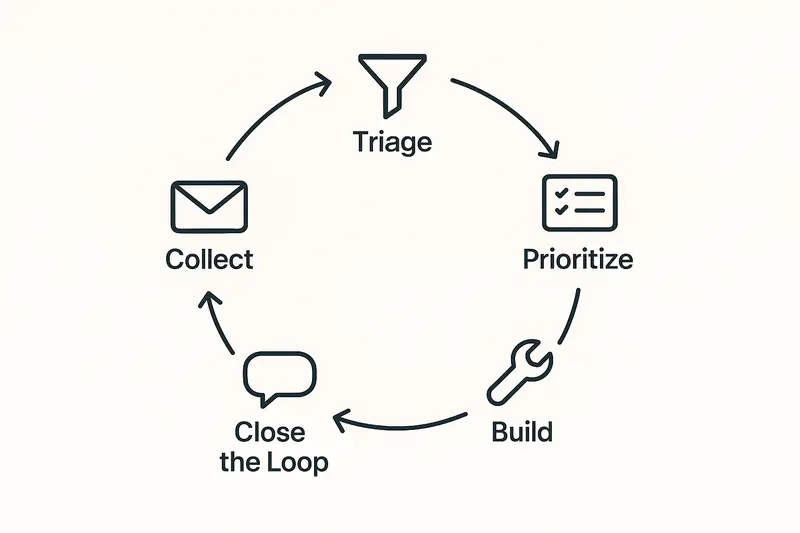
Five steps cover most cases: Collect, Triage, Prioritize, Build, Close the loop. Keep it small enough to run every week. Make it boring on purpose.
**Principle:** quality and craft beat speed. A fast loop that loses context still wastes time.
h2. Collect: reduce noise at the door
- Unify sources: support forms, in‑app widget, sales notes, interviews. Route everything to one inbox.
- Ask for the essentials: problem, impact, frequency, environment, company size. Skip long forms.
- Tag at capture: product area, customer segment, pain vs gain. Do not overfit the taxonomy. Three to five tags is enough.
- Merge duplicates on sight. Keep one canonical record with voter counts and quotes.
Concrete example: we auto‑tag “Billing” from the subject, then confirm the product area during triage.
h2. Triage: decide fast, daily
Triage is a 15 minute ritual. Read, tag, route. Do not solve here.
- Severity first: outages and security go straight to incident process.
- Eligibility: is this a bug, improvement, feature, or research? Label it.
- Fit: does it align to the current quarterly theme? If not, park it.
- Owner: assign a single name, not a team. Ownership clears ambiguity.
You want a steady cadence, not heroics. Small decisions add up.
h2. Prioritize product feedback with impact vs effort
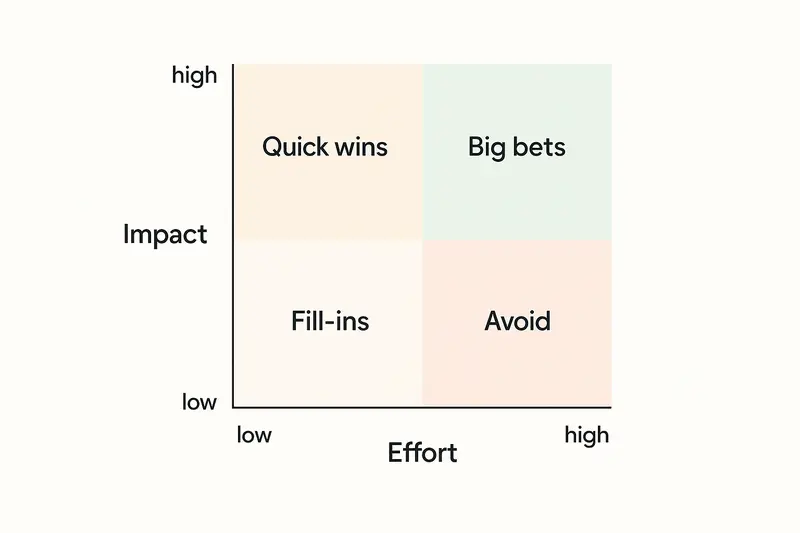
Most stacks overcomplicate prioritization. Start simple.
- Group by outcome: reliability, speed, adoption, expansion. Pick one north star for the cycle.
- Score impact: revenue at risk, number of affected accounts, frequency, qualitative pain. Use a 1 to 5 scale.
- Estimate effort: engineering days, design hours, risk. Keep it relative, not precise.
- Place items on the matrix: Quick wins, Big bets, Fill‑ins, Avoid.
If you need a model, RICE or ICE can help. The goal is a ranked list with no ties. The craft is in the judgment, not the formula.
h2. Build with context, not just tickets
Shipping is smoother when the original feedback stays attached.
- Include the customer quote and the problem statement in the spec.
- Document acceptance criteria and edge cases, who is impacted, and why now.
- Link design decisions to the original pain. Future you will thank you.
A good sign: when engineers can reply to the customer with confidence, without asking the PM for translation.
h2. Close the loop, every time
Silence kills trust. Closing the loop is the simplest retention play you have.
- Notify requesters when work starts, when it ships, and when you decline.
- Personalize the message. Name the problem you fixed, show a screenshot, add a short video if helpful.
- Offer alternatives when you say no, explain the tradeoff, and log the decision.
- Update a public changelog or roadmap so others can follow progress.
Set a team SLA: every item gets a path to closure within 30 days, even if the answer is not now.
h2. Metrics that matter for feedback loops
Track a small set, review weekly.
- Time to triage, median under 24 hours.
- Time to first response, under 48 hours for non incidents.
- Time to decision, within 14 days for most requests.
- Percent closed with a reply, target 90 percent plus.
- Reopened items after ship, under 5 percent.
- Top three themes by volume and impact, clear and stable.
Metrics are a mirror. Use them to spot friction, not to police.
h2. Tooling the loop without friction
You can run the first version with a spreadsheet and your issue tracker. When the volume grows, a dedicated system reduces manual work and keeps context tight. If you want an integrated way to collect, triage, prioritize, and close the loop, explore the feature set on the Sleekplan platform here: [Sleekplan features](https://sleekplan.com/features/).
We build for craft: clean capture, simple triage, clear prioritization, and respectful closure.
h2. FAQ: customer feedback management
**What is a customer feedback loop?** A customer feedback loop is a system that collects input, turns it into decisions, ships changes, and notifies customers. The goal is learning and trust.
**How do I prioritize feedback from enterprise and self serve users?** Define segments. Score impact within each segment, then compare across segments with a clear strategy. Enterprise revenue at risk can outweigh volume from free users.
**How often should we triage?** Daily on business days. Fifteen minutes keeps the queue fresh and prevents pileups.
**What should be public vs private?** Make problems and decisions public when possible. Keep sensitive details, security, and customer data private.
**How do we say no without losing goodwill?** Describe the problem you heard, the tradeoff you made, and any workarounds. Offer to revisit if context changes.
h2. A 30 day rollout plan
- Week 1: define tags, outcomes, and owners. Set the triage ritual.
- Week 2: connect sources, merge duplicates, and start the single queue.
- Week 3: run the first prioritization, ship two quick wins.
- Week 4: publish a changelog, close the loop on every shipped item.
Small, steady steps beat a big bang. Make the loop easy to run, then defend it. Over time, the quality of your decisions will show in your product and in the trust you earn.
Llauren·Dec 22, 2025
More from the Journal
[Feedback ManagementSep 20, 20269 min How to Say No to Feature Requests Without Losing Users→](https://sleekplan.com/blog/how-to-say-no-to-feature-requests) [Feedback ManagementAug 5, 20268 min How to Organize Customer Feedback: A System for SaaS Teams→](https://sleekplan.com/blog/how-to-organize-customer-feedback-a-system-for-saas-teams-5298) [Feedback ManagementJul 29, 20267 min Multi-Channel Customer Feedback for SaaS Teams→](https://sleekplan.com/blog/multi-channel-customer-feedback-for-saas-teams-6352)
Keep up
h2. New essays land on LinkedIn every Tuesday.
Follow Sleekplan on LinkedIn — we post every new piece there, plus the shorter notes that never make it to the journal.
[Follow on LinkedIn](https://www.linkedin.com/company/sleekplan/)
Done reading? [Try Sleekplan free ](https://app.sleekplan.com/sign-up/)
---
### Product Lifecycle Management: Strategies for the Introduction, Growth, Maturity, and Decline Stages | Sleekplan
Source: https://sleekplan.com/blog/product-lifecycle-management-strategies-for-the-introduction-growth-maturity-and-decline-stages-7219
Description: A practical guide to product lifecycle management, with stage‑specific strategies, the role of customer feedback, cross‑functional alignment, and the key metrics to watch.
h2. Why lifecycle thinking matters now
Markets move fast, but craft still wins. Product lifecycle management sits at the center of that craft. Treat it as a discipline, not a diagram. In practice, product lifecycle management threads strategy, customer feedback, and cross‑functional work through four shifting environments.
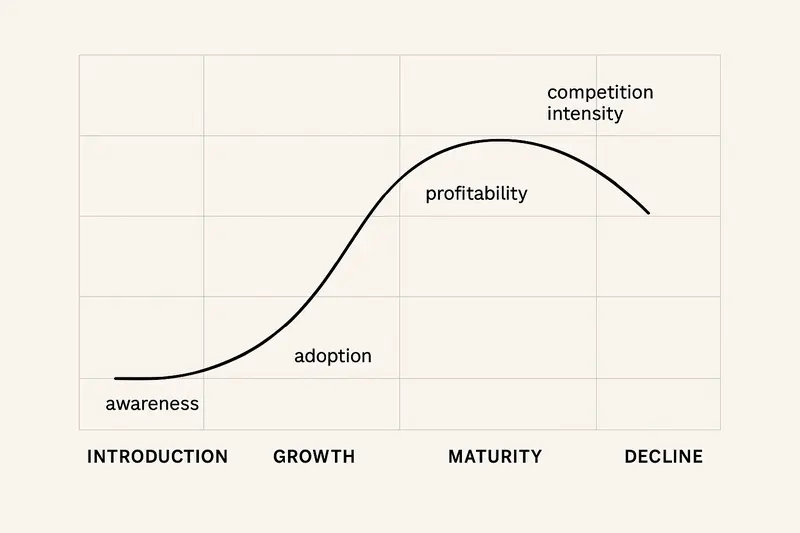
h2. Product lifecycle management, in plain terms
Real products do not follow a neat sequence. They loop, stall, and leap. The job is to notice the turn early, then act with intent. PLM integrates people, process, and data so those calls are timely. For a solid overview, see the lifecycle framing from [ICAgile](https://www.icagile.com/resources/the-4-stages-of-the-product-management-lifecycle) and the PLM guide by [Atlassian](https://www.atlassian.com/agile/product-management/plm).
- **Principle:** Quality over speed. Going faster in the wrong direction burns trust.
- **Principle:** Details compound. Small choices in pricing, onboarding, and handoffs shift outcomes.
h2. Stage 1: Introduction
You are buying learning. Profit comes later.
- **Market validation first:** Ship a tight slice, talk to customers weekly, and prove willingness to pay. Treat assumptions as hypotheses until data and judgment agree.
- **Pricing choices:** Skim when novelty is scarce and budgets are deep. Penetrate when network effects or cost leadership matter.
- **Educate, do not just promote:** Demos, trials, and crisp explainers outperform glossy ads. Make the first run frictionless.
- **Manage risk:** Fund the pre‑profit period. Kill weak bets early. Timebox proof points such as “20 qualified design partner accounts in 60 days.”
Signals you are ready for growth: repeatable acquisition channels, onboarding that gets users to first value in minutes, and early NPS above neutral with clear promoters.
h2. Stage 2: Growth
Demand compounds, competitors arrive, and cracks in your infrastructure show.
- **Scale the system:** Uptime, response times, and support SLAs are now differentiators.
- **Acquire and retain:** Marketing shifts from category awareness to product preference. Customer success turns expansion into a habit.
- **Evolve the product:** Ship improvements that reflect actual usage, not internal wish lists. Close the obvious gaps faster than rivals.
- **Expand the market:** New segments, geos, and channels reduce concentration risk.
A clear map of where to double down beats a crowded roadmap. We review usage heatmaps and the top five churn reasons before any big bet.
h2. Stage 3: Maturity
Growth slows. Profit peaks. Competition is relentless.
- **Defend margin through efficiency:** Tighten cost to serve. Simplify SKUs. Automate the repetitive.
- **Segment and position:** Tailor offers to premium, core, and value tiers. Protect pricing power with real differentiation.
- **Refresh meaningfully:** Variant strategies work when they solve real jobs, not when they add noise. Ship fewer, better upgrades.
- **Earn loyalty:** Retention programs, thoughtful onboarding refresh, and proactive success reviews keep the base secure.
Extending maturity is about focus. One thoughtful redesign or new use case can add years.
h2. Stage 4: Decline
Curves fall. Choices narrow. You can harvest, revitalize, or exit.
- **Harvest:** Reduce investment, maintain support quality, and serve the loyal base with clear timelines.
- **Revitalize:** Reposition, redesign, or target new segments where the job still exists.
- **Divest:** Sell or sunset to free capital for the next wave. End with dignity and data portability.
Decline is not failure. It is a stewardship phase. Treat customers fairly and your brand survives to launch again.
h2. Customer feedback across the lifecycle
Feedback is the throughline. We treat it as an operating system, not a mailbox.
- **Early:** Concept tests, prototypes, and design partners keep you honest.
- **Growth:** In‑app prompts and structured interviews steer prioritization.
- **Maturity:** Scaled surveys plus cohort analysis reveal where value erodes.
- **Decline:** Requests cluster around stability, support, and migration paths.
If you want AI‑assisted signal detection, see how we approach feedback analysis with [Sleekplan Intelligence](https://sleekplan.com/intelligence/). Tools help, judgment decides.
h2. Cross‑functional alignment that actually works
Strong PLM is a team sport. We rely on tight loops between product, engineering, marketing, sales, and success. Product reviews with a crisp agenda, shared KPIs, and visible tradeoffs keep the story coherent. For practical structures and roles, the primers from [Atlassian](https://www.atlassian.com/agile/product-management/plm) and the lifecycle lens from [ProductPlan](https://www.productplan.com/learn/product-management-role-product-lifecycle/) are useful references.
- **Clarity beats consensus:** Define who decides, who inputs, and how decisions are communicated.
- **Show the work:** Roadmap notes, rationale, and post‑launch readouts build trust.
h2. Metrics that matter by stage
Measure what the stage demands, not everything you can.
- **Development and launch:** On‑time delivery, defect escape rate, activation rate, DAU or MAU.
- **Early growth:** CAC alongside LTV, time to first value, feature adoption depth.
- **Maturity:** Net revenue retention, gross margin, ARPU by cohort, churn reasons.
- **Decline:** Run‑rate margin, support costs per account, migration completion rate.
For deeper metric definitions and benchmarks, this overview from [Databox](https://databox.com/product-management-metrics) is a helpful starting point.
h2. Practical plays we return to
- **Guardrails:** Define stage‑specific OKRs such as “Bugfixes within 7 days” in growth, or “Reduce cost to serve by 12 percent” in maturity.
- **Narrative first, numbers second:** Start reviews with the customer story, then the dashboard. Numbers are lenses.
- **Kill switches:** Pre‑commit criteria to stop a feature or campaign. It saves time and morale.
- **Fewer bets, higher bar:** Ship less, finish more. No half‑done features.
h2. Quick answers
- **What is product lifecycle management?** A cross‑functional practice that steers a product through introduction, growth, maturity, and decline with stage‑specific strategy.
- **Which PLM strategies drive early traction?** Tight market validation, clear onboarding, and pricing that fits the job to be done.
- **How do I choose harvest vs revitalize?** Compare remaining LTV, cost to serve, and the credible path to new demand. If you cannot win a new job, harvest.
- **Which metrics prove product‑market fit?** Strong activation, frequent usage, expanding cohorts, and NPS that trends up with fewer detractors.
h2. Final take
Great PLM is quiet, steady work. Notice the stage, align the team, and let customer feedback guide the next decision. If you keep the craft high and the feedback tight, the curve stays kind.
Further reading to deepen your approach:
- The four stages of PLM by [ICAgile](https://www.icagile.com/resources/the-4-stages-of-the-product-management-lifecycle)
- Product lifecycle responsibilities via [ProductPlan](https://www.productplan.com/learn/product-management-role-product-lifecycle/)
Llauren·Dec 15, 2025
More from the Journal
[Product ManagementSep 20, 20267 min Aha Pricing: What Each Product and Tier Costs→](https://sleekplan.com/blog/aha-pricing) [Product ManagementSep 20, 20267 min Jira Product Discovery Pricing: Creators, Not Users→](https://sleekplan.com/blog/jira-product-discovery-pricing) [Product ManagementSep 20, 20268 min Productboard Pricing: Maker Seats and What You Pay→](https://sleekplan.com/blog/productboard-pricing)
Keep up
h2. New essays land on LinkedIn every Tuesday.
Follow Sleekplan on LinkedIn — we post every new piece there, plus the shorter notes that never make it to the journal.
[Follow on LinkedIn](https://www.linkedin.com/company/sleekplan/)
Done reading? [Try Sleekplan free ](https://app.sleekplan.com/sign-up/)
---
### Product Vision Framework: Define Your North Star, Align Strategy, and Deliver Measurable Outcomes | Sleekplan
Source: https://sleekplan.com/blog/product-vision-framework-define-your-north-star-align-strategy-and-deliver-measurable-outcomes-727
Description: A clear product vision framework aligns teams, filters decisions, and links strategy to measurable outcomes. Learn components, steps, metrics, and pitfalls, plus a simple template.
h2. Start with the real problem
When teams skip a product vision framework, roadmaps drift, priorities fight, and work feels busy but aimless. A clear product vision framework sets a north star, aligns strategy to customer needs, and turns intent into measurable outcomes.

h2. What is a product vision framework?
A compact system that states why your product exists and how it creates value, then ties that purpose to strategy and execution. Core parts:
- Vision statement: the future you are building toward
- Target group: who you serve with specificity
- Needs: the human problems to solve
- Product: the differentiating capabilities
- Business goals: the outcomes for the company
For structure, many teams use Roman Pichler’s Product Vision Board, which connects these elements in one view. See the framework on Roman Pichler’s site for format and tips: [Product Vision Board](https://www.romanpichler.com/tools/product-vision-board/).
h2. Vision vs strategy vs roadmap
These are not synonyms. They work at different altitudes.
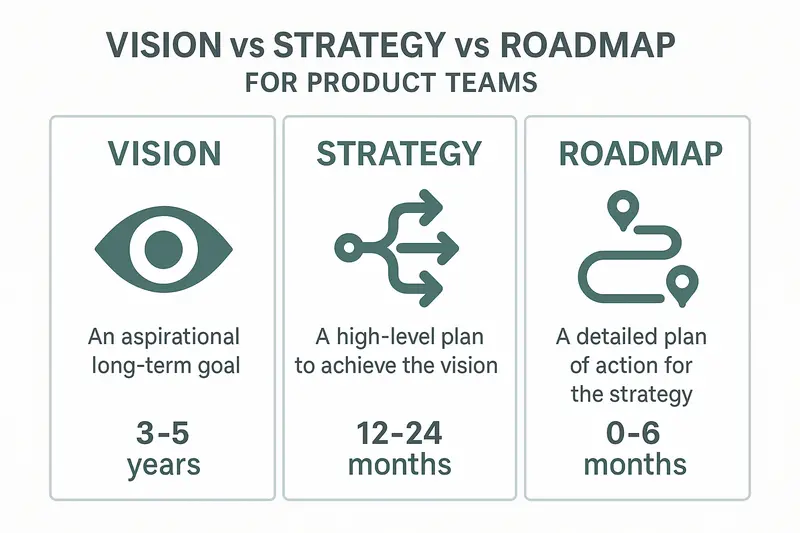
- Vision: the destination and why it matters, 3 to 5 years
- Strategy: the path to get there, markets and choices, 12 to 24 months
- Roadmap: what ships next and when, 0 to 6 months
For a crisp comparison and pitfalls to avoid, see Product School’s guide on [vision vs strategy](https://productschool.com/blog/product-strategy/product-vision-vs-strategy) and ProductPlan’s advice on [aligning vision](https://www.productplan.com/learn/align-product-vision/).
h2. The components that matter
- Vision statement: short, memorable, emotionally real. Example: Slack, make work life simpler, more pleasant, more productive.
- Target group: vivid and narrow. Example: finance managers at mid-market SaaS firms, not “business users.”
- Needs: describe outcomes, not features. Example: “close the books without weekend work,” not “a reporting dashboard.”
- Product: 3 to 5 differentiators that solve the needs. No feature soup.
- Business goals: revenue, retention, market position, brand commitments.
Takeaway: clarity beats breadth. Being specific unlocks better decisions.
h2. How to create your product vision, step by step
1. Study the market: trends, threats, underserved segments, switching costs. Pull from analyst notes and direct interviews.
2. Build personas and empathy maps: behaviors, decisions, pains, desired outcomes. Do this cross-functionally to avoid siloed myths.
3. Ideate beyond constraints: future-headline and “walk into the future” exercises help teams think in outcomes, not features.
4. Prioritize: score ideas against strategic fit, feasibility, market size, differentiation, and team conviction.
5. Draft and refine: use a template, then wordsmith until it sings.
- For [target], who [need], [product] is a [category] that [benefit]. Unlike [alternatives], it [differentiation].
6. Socialize: share the story multiple times, in multiple formats, until every team can recite it and explain trade-offs it implies.
Helpful resources: facilitation techniques from MURAL and workshop formats by Adam Fard are practical starting points, see ProductPlan on [aligning vision](https://www.productplan.com/learn/align-product-vision/).
h2. Turn vision into decisions
Use the vision as a filter. If a request does not move you toward the vision, it is a no, or a not now. This discipline prevents scope creep and keeps the product coherent. High-performing teams consistently do this, even when the request is tempting.
h2. Implementation best practices
- Keep the vision stable, evolve the strategy. Markets change, the north star should not swing every quarter.
- Translate to OKRs and KPIs. Objectives guide the quarter, metrics prove movement. A clear primer: Atlassian on [OKRs](https://www.atlassian.com/agile/agile-at-scale/okr).
- Make trade-offs explicit. Write 3 things you will not do this quarter because they do not advance the vision.
- Align cross-functionally. Engineering, design, marketing, sales, and success should all map their priorities to the same vision.
- Review often. Quarterly checks maintain relevance without churn.
h2. Common mistakes to avoid
- Vague slogans: “be a leader in innovation.” Say what changes for whom and how.
- Vision tied to a tactic: “be the top mobile app for X.” Keep it above channels and tech.
- No emotional pull: facts alone rarely mobilize teams. Write for head and heart.
- Constant pivots: if the vision changes monthly, it is a strategy or roadmap problem in disguise.
- Misaligned with company mission: your vision should be a clear expression of the company’s purpose.
h2. From vision to metrics that matter
- North Star Metric: the best single indicator that customers get sustained value. Examples:
- Collaboration tool: weekly active collaboration sessions per user
- Marketplace: successful transactions per buyer
- Analytics platform: decision events triggered from insights per account
- Supporting KPIs: adoption, retention, time to value, expansion, quality.
- OKR ladder: company objectives cascade into product and team OKRs. Tie every key result to an outcome, not a feature count.
For a pragmatic lens on metric stacks, read the metrics “sandwich” model by [John Cutler](https://herbig.co/product-strategy-metrics-sandwich/).
h2. Continuous discovery keeps the vision honest
Meet customers weekly or bi-weekly. Validate problems, test narratives, watch behavior. Bring engineers and designers into sessions to build shared judgment. Keep a living repository of insights and decisions linked to the vision.
If you need help turning raw feedback into clear themes, our team uses Sleekplan to centralize requests, auto-categorize with AI, and tie insights to roadmap outcomes. See how this works in practice: [Sleekplan Intelligence](https://sleekplan.com/intelligence/).
h2. A quick template you can copy
- Vision: For [target group] who need [primary outcome], we will [transformative promise] so they can [measurable impact].
- Three differentiators: [capability 1], [capability 2], [capability 3].
- Business goals: [goal 1], [goal 2], [goal 3].
- North Star Metric: [single metric] with leading indicators [list].
h2. Fast answers
- What makes a great product vision? Short, specific, customer-outcome focused, emotionally resonant.
- How long should it be? One line or a tight paragraph that teams can recall without notes.
- Who owns it? Product leadership crafts it with cross-functional partners, the whole org owns execution.
- How often to update? Review quarterly, revise only when the purpose truly shifts.
h2. The quiet advantage
A precise vision reduces noise. It sharpens decisions, aligns teams, and steadies execution when markets wobble. Craft it with care, then use it daily. The detail is the strategy.
Llauren·Dec 8, 2025
More from the Journal
[Product StrategyMar 16, 20265 min How Product Leaders Prove Value: A Practical System for ROI, Evidence, and Stakeholder Trust→](https://sleekplan.com/blog/how-product-leaders-prove-value-a-practical-system-for-roi-evidence-and-stakeholder-trust-5103) [Product StrategyMar 9, 20266 min Platform Teams vs Revenue Teams: How RevOps Creates Alignment Without Diluting Either Role→](https://sleekplan.com/blog/platform-teams-vs-revenue-teams-how-revops-creates-alignment-without-diluting-either-role-5716) [Product StrategyJan 5, 20265 min The Product Operating Model: How Modern Teams Ship Outcomes, Not Just Output→](https://sleekplan.com/blog/the-product-operating-model-how-modern-teams-ship-outcomes-not-just-output-9236)
Keep up
h2. New essays land on LinkedIn every Tuesday.
Follow Sleekplan on LinkedIn — we post every new piece there, plus the shorter notes that never make it to the journal.
[Follow on LinkedIn](https://www.linkedin.com/company/sleekplan/)
Done reading? [Try Sleekplan free ](https://app.sleekplan.com/sign-up/)
---
### Four Product Discovery Models: How Modern Teams Balance Autonomy, Evidence, and Speed | Sleekplan
Source: https://sleekplan.com/blog/four-product-discovery-models-how-modern-teams-balance-autonomy-evidence-and-speed-983
Description: A practical guide to four product discovery models, the Four Big Risks, and feedback-led practices. Learn how to move toward empowered, evidence-guided teams with clear metrics and cadence.
h2. The map: two axes, four models
The landscape sits on two axes: centralized to empowered, and opinion-based to evidence-guided. That 2x2 creates four product discovery models that predict how your org learns and decides.
- Centralized opinion-based
- Centralized evidence-guided
- Empowered opinion-based
- Empowered evidence-guided
For a deeper primer on the 2x2, see Itamar Gilad’s overview of discovery models: https://itamargilad.com/product-discovery-models/
h3. Model 1: Centralized opinion-based
A small leadership circle sets direction from intuition and precedent. Product teams execute.
- Strengths: fast top-down calls, clear narratives.
- Risks: distance from customers, misallocated effort, weak team ownership.
- Signals: solutions shipped without interviews, roadmap shaped in QBRs, surprise churn.
Takeaway: useful in crisis or high-regulation contexts, but fragile without customer contact.
h3. Model 2: Centralized evidence-guided
A core research or strategy group runs interviews, surveys, market scans, then hands strategy to teams.
- Strengths: consistent methods, lower duplication, sharper focus.
- Risks: slow feedback loops, brittle when markets shift, teams lack context.
- Signals: polished decks, thin team empathy, late discovery of edge cases.
Takeaway: a solid stepping stone. Pair it with routine customer exposure for delivery teams.
h3. Model 3: Empowered opinion-based
Product trios explore and decide on their own, but rely mostly on judgment.
- Strengths: speed, ownership, local adaptability.
- Risks: bias, conflicting bets, discovery debt.
- Signals: divergent roadmaps, strong team conviction, light research artifacts.
Takeaway: autonomy helps, evidence still missing. Add structure before scale.
h3. Model 4: Empowered evidence-guided
Distributed teams run discovery with shared standards: weekly interviews, clear hypotheses, measurable outcomes.
- Strengths: fast learning, coherent decisions, high engagement.
- Risks: requires skills, tooling, and governance to avoid drift.
- Signals: living opportunity maps, tight problem statements, measurable bets.
Takeaway: the target state for most orgs. It trades heroics for craft.
h2. The risks you must de-risk
Whatever model you run, you still face four big risks. Marty Cagan’s framing is simple and persistent: https://www.svpg.com/four-big-risks/
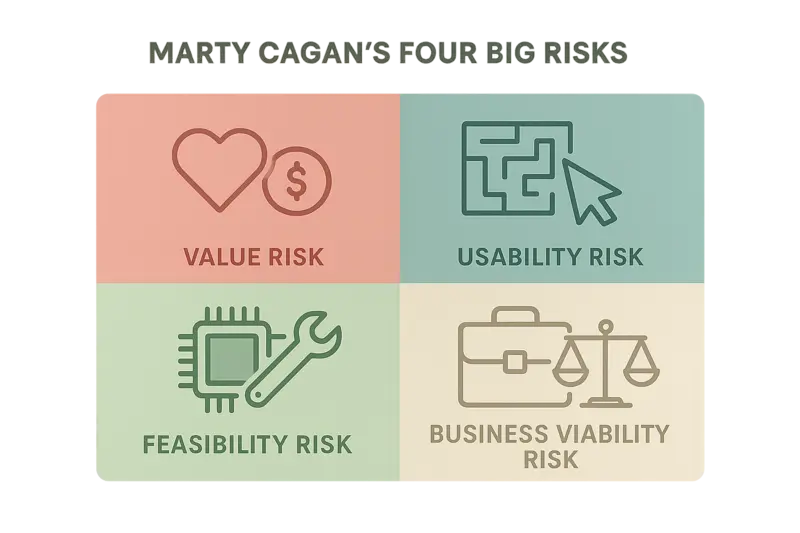
- Value risk: do customers want it, and will they pay or adopt?
- Usability risk: can people figure it out without hand-holding?
- Feasibility risk: can we build and operate it at target cost and time?
- Business viability risk: does it work for sales, legal, finance, and the brand?
Bias pushes teams to overwork feasibility and usability, while value and viability sink launches. Front-load value risk. It is the most expensive risk to get wrong.
h2. Methods that fit your context
You do not need a single framework. You need a small toolbox you actually use.
- Design Thinking, to build empathy and spark new directions.
- Double Diamond, to separate problem definition from solution delivery. See Productboard’s practical guide: https://www.productboard.com/blog/step-by-step-framework-for-better-product-discovery/
- Jobs To Be Done, to focus on the job, not the persona. Solid intro at Strategyzer’s roots and beyond, here via Strategyn: https://strategyn.com/jobs-to-be-done/
- Lean Startup, to validate value with real usage, not sentiment.
- Dual-Track Agile, to keep discovery and delivery moving in parallel. Atlassian’s overview is a crisp starting point: https://www.atlassian.com/agile/product-management/discovery
- Opportunity Solution Tree, to map outcomes, opportunities, and bets.
Principle: choose one method for problem framing, one for hypothesis testing, and one for continuous mapping. Use them every week, not just at offsites.
h2. Make feedback your operating system
Discovery lives or dies on feedback quality. Spread capture points, then make sense of the noise.
- Channels: interviews, win-loss notes, support tickets, product analytics, NPS verbatims, sales calls, community threads.
- Hygiene: dedupe, tag to themes, link to customers, highlight novelty.
- Cadence: weekly review, not quarterly archaeology.
A practical stack looks like this: a central feedback inbox, tagged by area and opportunity; a simple evidence log tied to hypotheses; and an opportunity map the team keeps current. If you want AI-assisted clustering and insight prompts across channels, try Sleekplan Intelligence to reduce triage time and surface patterns you would miss: https://sleekplan.com/intelligence/
h2. The product trio, in the room
Discovery is not a PM solo act. Product, design, and engineering should interview together. Teresa Torres’ work on trios is the reference: https://www.producttalk.org/product-trios/
- PM listens for outcomes and constraints.
- Designer tracks moments, language, and flow friction.
- Engineer probes feasibility and hidden coupling.
Shared exposure builds shared judgment. It also speeds delivery because context is local, not in a slide deck.
h2. Lightweight governance, not heavy gates
Autonomy needs boundaries.
- Define evidence thresholds: what proof moves an idea from explore, to test, to invest.
- Clarify decision rights: who decides, who must be consulted, who is informed.
- Set review rhythms: weekly trio reviews, monthly cross-functional check, quarterly strategy reset.
Good governance keeps teams aligned without killing momentum.
h2. Measure discovery like a craft
You cannot manage what you do not measure, but measure the right things at the right time.
- Process signals: weekly customer touchpoints per team, hypotheses run per sprint, cycle time from question to insight.
- Quality signals: percent of bets with clear problem statements, solution abandonment rate after tests, percent of shipped work preceded by discovery.
- Outcome signals: feature success rate at 30-90 days, outcome velocity, retention or NRR lift linked to validated bets.
Track trends, not vanity counts. Evidence of stopped work is a healthy sign.
h2. A 90-day plan to move right and down the 2x2
The goal: toward empowered, evidence-guided.
- Weeks 1-2: define a single product outcome, set evidence thresholds, set up a shared discovery log and feedback inbox.
- Weeks 3-4: schedule weekly interviews, start an opportunity solution tree, run one usability test on a prototype.
- Weeks 5-8: ship an MVP for one opportunity, define success metrics, run two iterations based on behavior, not opinion.
- Weeks 9-12: prune your tree, keep what works, stop what does not, present decisions that changed due to evidence.
Deliverables, not theater: problem statements, interview notes, test summaries, and a small number of shipped improvements that moved an outcome.
h2. Quick answers
- What are the four product discovery models? Centralized opinion-based, centralized evidence-guided, empowered opinion-based, empowered evidence-guided.
- Which model should we use first? Start where you are. If discovery is new, centralize standards, then empower teams as skills grow.
- How many interviews per week? Aim for 4-6 with the trio present. Keep them short, focused, and continuous.
- Do we need a big research team? Not to start. You need shared methods, a clean feedback hub, and a cadence.
h2. Final note
Great discovery is quiet and disciplined. It respects detail, seeks clarity, and takes responsibility for what gets built. If you combine autonomy with evidence, small choices compound into durable product-market fit.
References worth your time:
- Discovery models by Itamar Gilad: https://itamargilad.com/product-discovery-models/
- The Four Big Risks by SVPG: https://www.svpg.com/four-big-risks/
- Product trios by Teresa Torres: https://www.producttalk.org/product-trios/
- Discovery overview by Atlassian: https://www.atlassian.com/agile/product-management/discovery
Llauren·Dec 1, 2025
More from the Journal
[Product ManagementSep 20, 20267 min Aha Pricing: What Each Product and Tier Costs→](https://sleekplan.com/blog/aha-pricing) [Product ManagementSep 20, 20267 min Jira Product Discovery Pricing: Creators, Not Users→](https://sleekplan.com/blog/jira-product-discovery-pricing) [Product ManagementSep 20, 20268 min Productboard Pricing: Maker Seats and What You Pay→](https://sleekplan.com/blog/productboard-pricing)
Keep up
h2. New essays land on LinkedIn every Tuesday.
Follow Sleekplan on LinkedIn — we post every new piece there, plus the shorter notes that never make it to the journal.
[Follow on LinkedIn](https://www.linkedin.com/company/sleekplan/)
Done reading? [Try Sleekplan free ](https://app.sleekplan.com/sign-up/)
---
### AI for Product Strategy in 2025: A Practical Framework for Market Intelligence, Feedback, and Roadmap Decisions | Sleekplan
Source: https://sleekplan.com/blog/ai-for-product-strategy-in-2025-a-practical-framework-for-market-intelligence-feedback-and-roadmap-decisions-2066
Description: A crisp framework for using AI in product strategy: live market intelligence, feedback synthesis, predictive roadmap ranking, GTM planning, and measurement, with clear guardrails.
h2. From reactive to predictive
Traditional strategy reacted to the past. AI shifts the posture to predictive and adaptive. Instead of quarterly autopsies, we get continuous signals: competitive moves, sentiment shifts, and usage patterns that update the plan in near real time. Studies on the state of AI adoption point to faster, more confident decisions when models meet human review, not intuition alone, which aligns with findings summarized by McKinsey’s perspective on AI adoption in product organizations.
Principle: let models surface patterns, let people set direction.
h2. Market intelligence, at the pace of change
Static competitive decks expire quickly. AI-driven competitive analysis tracks live changes across sites, pricing, launches, hiring, and patents, then flags strategic pivots early. See how AI upgrades competitive intelligence in practice via Glean’s overview of AI-enabled monitoring and the Miro guide to AI competitive analysis. Together, they show how to move from manual scanning to continuous signal processing.
What this looks like day to day:
- Monitor messaging updates and pricing shifts automatically, roll up into weekly alerts.
- Parse job postings for early hints on bets, for example, a cluster of ML roles around recommendations.
- Map whitespace: cross-reference competitor features with customer complaints to find unmet needs.
- Forecast likely moves using historical behavior patterns, prepare countermoves before they land.
Takeaway: treat competitive analysis as a live system, not a PDF.
h2. Customer insight, without the noise
You already have the answers, they are buried in tickets, reviews, and call notes. NLP turns that mess into themes, sentiment, and urgency. Zendesk’s guide to AI in customer feedback shows the mechanics, from intent detection to trend surfacing. The result is a single view of what hurts, what delights, and what should be fixed next.
Use cases that pay back fast:
- Cluster support tickets to spot emerging defects, ship bugfixes within 7 days, not 7 weeks.
- Extract top reasons for churn from call transcripts, pair with product usage to get root causes.
- Quantify impact by segment: which issues block enterprise accounts versus SMBs.
If you want this straight in your workflow, see how Sleekplan Intelligence turns raw feedback into prioritized insights for product and CX teams: https://sleekplan.com/intelligence/
h2. Segmentation that mirrors behavior
Firmographics are a start, behavior is the truth. AI-driven segmentation groups customers by how they use your product and the value they realize. Contentful’s summary on AI segmentation highlights why behavior-based cohorts predict adoption, expansion, and churn more accurately than static labels. Build playbooks around these cohorts, then measure lift.
Signals to model:
- Feature combinations used together, for example, export plus API tokens in the same session.
- Time-to-value milestones, such as first workspace created within 24 hours.
- Support intensity per cohort, high-ticket segments often mask design debt.
h2. Roadmap prioritization, without guesswork
Scoring frameworks are helpful, estimates often are not. Train models on historical launches to predict adoption, effort, and risk. Use them to rank backlog items, then let human judgment adjust for context. When the market moves, refresh the stack rank automatically.
Practical workflow:
- Predict impact: match ideas to past launches with similar patterns, estimate likely usage.
- Estimate effort from real delivery data, not gut feel, factor in dependency graphs.
- Recalculate weekly as new feedback, usage, or competitive signals arrive.
- Sequence intentionally: build learning features first to de-risk larger bets.
Takeaway: use AI to narrow the field, use judgment to make the final trade.
h2. Journey mapping that reflects reality
Most journey maps age on a wall. Connect product analytics, CRM, and support data, then let AI reconstruct real paths: where users stall, which channels convert, which motions drive repeat use. Miro’s guide to AI for journey mapping and WSI’s primer on modern journeys outline the approach. Your job is to turn friction points into backlog items and measure the change.
Focus areas:
- Identify the drop-off after trial day 3, fix the activation step that causes it.
- Locate moments of reconsideration, add in-product nudges or docs precisely there.
- Track cohort-level movement weekly, verify that fixes change behavior.
h2. Implementation playbook: tools, data, people
Tools: start focused, expand later. A portfolio of specialized systems usually beats a monolith early on. Product Marketing Alliance details a pragmatic rollout sequence that aligns to value. Integrations matter more than logos, design data flow first.
Data: invest in quality and governance early. RSM’s overview of AI governance explains why clean pipelines and clear ownership prevent silent drift. Document sources, refresh rates, and definitions. Bad data compounds.
People: raise data literacy and model intuition across PM, design, and engineering. Product School’s resources for AI-savvy PMs are a good baseline. Create review rituals where models explain themselves, and where humans can veto.
h2. Go-to-market with predictive confidence
AI helps pick launch windows, pressure test positioning, and select channels. Use predictive models to score launch readiness and success probability, then adjust plan and timing. The Gibion and Pedowitz walkthroughs show how teams forecast adoption and tune messaging before spending budget.
Tactics that work:
- Pre-launch signal review, look for early intent upticks and competitive noise.
- Message testing by cohort, keep the winners, cut the rest.
- Budget allocation that follows response, not internal commitments.
h2. Measure what moves the business
Tie strategy to outcomes using leading and lagging indicators. Multimodal’s KPI guide and Statsig’s perspective on AI product KPIs lay out sensible sets.
Keep a balanced scorecard:
- Revenue and pipeline lift, with attribution models that connect features to dollars.
- Satisfaction and retention, continuous sentiment plus churn prediction.
- Market position, share and differentiation signals from competitive tracking.
- Adoption and depth of use, feature-level engagement, unexpected usage that hints at new value.
h2. Guardrails, by design
Bias, opacity, and overfitting are real risks. Follow the NIST AI Risk Management Framework to structure reviews. Favor interpretable models when the decision carries weight. Keep a human in the loop for moves that affect pricing, privacy, or policy.
Practical safeguards:
- Segment-level performance checks, prevent models from underserving key groups.
- Decision logs, record when you accept or override model advice and why.
- Red-team your models quarterly, test for drift and brittle assumptions.
h2. A simple path to start
Week 1 to 2: pick one high-impact use case, for example, feedback synthesis for prioritization. Wire in data, define success metrics.
Week 3 to 6: operationalize the loop, weekly refresh, review, and one decision shipped from AI insight each week.
Quarter 2: add competitive signals and journey friction analysis, connect to roadmap updates automatically.
h2. Quick answers
- What is AI for product strategy? Using machine learning and NLP to turn market, customer, and product data into clear decisions on what to build and when.
- Where should I start? Feedback synthesis and roadmap ranking usually return value fastest.
- How do I avoid black-box risk? Prefer explainable models, document decisions, and keep humans in control for critical calls.
Quiet rule: quality over speed, always. The craft is in choosing what not to build, then measuring what you did build with care. AI gives us sharper instruments, judgment decides how to use them.
Llauren·Nov 17, 2025
More from the Journal
[Product StrategyMar 16, 20265 min How Product Leaders Prove Value: A Practical System for ROI, Evidence, and Stakeholder Trust→](https://sleekplan.com/blog/how-product-leaders-prove-value-a-practical-system-for-roi-evidence-and-stakeholder-trust-5103) [Product StrategyMar 9, 20266 min Platform Teams vs Revenue Teams: How RevOps Creates Alignment Without Diluting Either Role→](https://sleekplan.com/blog/platform-teams-vs-revenue-teams-how-revops-creates-alignment-without-diluting-either-role-5716) [Product StrategyJan 5, 20265 min The Product Operating Model: How Modern Teams Ship Outcomes, Not Just Output→](https://sleekplan.com/blog/the-product-operating-model-how-modern-teams-ship-outcomes-not-just-output-9236)
Keep up
h2. New essays land on LinkedIn every Tuesday.
Follow Sleekplan on LinkedIn — we post every new piece there, plus the shorter notes that never make it to the journal.
[Follow on LinkedIn](https://www.linkedin.com/company/sleekplan/)
Done reading? [Try Sleekplan free ](https://app.sleekplan.com/sign-up/)
---
### Overcoming Agile Transformation Challenges: A 90‑Day Playbook for Leaders and Teams | Sleekplan
Source: https://sleekplan.com/blog/overcoming-agile-transformation-challenges-a-90-day-playbook-for-leaders-and-teams-9387
Description: Most Agile transformations fail from shallow adoption and weak leadership. Use this 90‑day playbook to align executives, reshape culture, build capability, and prove progress with clear metrics.
h2. The gap between intent and execution
Agile transformation promises speed, quality, and happier teams, yet many programs stall. One widely cited study reports that roughly 90 percent of organizations struggle to scale Agile effectively. The issue is not Agile itself, it is how we implement it. Treating Agile as a set of rituals instead of a mindset shift guarantees shallow gains and quick regressions.
If you want tangible results in 90 days, start by aligning leadership, shaping culture, building capability, and making outcomes visible.
h2. Why Agile transformations stall at scale
The patterns repeat across industries.
- Superficial adoption, ceremonies without principles, results in wagile. Leaders rename roles, stand up daily status calls, and keep the same command chain. See the root causes outlined by Kainos on failed transformations: [How organisations fail in Agile transformation](https://www.kainos.com/insights/articles/how-organisations-fail-in-agile-transformation).
- Local agility, enterprise rigidity. Teams sprint, finance locks annual budgets, HR grades individuals on output, governance blocks autonomy.
- No outcome narrative. Without a clear “why,” teams turn into feature factories, shipping more, not better.
- Underinvested capability. One workshop is not mastery. Coaching, not just training, builds durable habits.
- Absent metrics. If you cannot show faster cycle time, improved quality, or higher engagement, support fades.
The takeaway, fix the system around the teams, not just the teams.
h2. Executive sponsorship that actually changes things
Real sponsorship is active, visible, and sustained. Leaders model creative mindsets and remove cross‑functional blockers. McKinsey’s guidance on leaders’ capability shifts is useful context: [Leading Agile transformation](https://www.mckinsey.com/capabilities/people-and-organizational-performance/our-insights/leading-agile-transformation-the-new-capabilities-leaders-need-to-build-21st-century-organizations).
What good sponsorship looks like:
- Shared coalition, not a solo hero. Technology, finance, HR, and operations align on one roadmap.
- Policy changes, not slogans. Quarterly funding for product teams, fewer approvals, simpler guardrails.
- Time investment. Leaders attend sprint reviews, unblock decisions within 48 hours, and communicate tradeoffs plainly.
Principle, when leaders change how the system works, teams can change how they work.
h2. Culture work beats ceremony work
Agile thrives where collaboration, transparency, and learning are rewarded. If incentives still celebrate individual heroics and control, Agile will bend back to waterfall habits.
Concrete shifts:
- From top‑down decisions to facilitated team decisions.
- From local optimization to enterprise outcomes.
- From plan conformance to adaptive learning.
Break silos with shared goals, cross‑functional teams, and rewards for team results. Psychological safety is non‑negotiable, people need to surface risks without fear. Culture is built by consistent actions more than posters.
h2. Build capability with training and coaching
Skill gaps block momentum. Invest in layered learning.
- Role‑specific training that teaches the why, not only the what. Connect ceremonies to principles.
- Embedded coaching for the first 2 to 3 sprints, then taper. Coaches transfer capability, they do not run the team.
- Communities of practice to spread working agreements, estimation patterns, and facilitation formats.
A simple example of maturation, move from handoffs to pairing for complex stories, reduce defect escape by 30 percent within two sprints.
h2. Measurement that proves progress
You need a small, balanced set of metrics leaders and teams can inspect weekly. Start with delivery, quality, customer value, and team health. See practical framing on value and ROI from PDCA Consulting: [Agile ROI measurement](https://pdcaconsulting.com/agile-roi-measurement-value-tract-cost/). For hands‑on metric definitions, Atlassian’s overview is useful: [Agile project metrics](https://www.atlassian.com/agile/project-management/metrics).
Track a few, improve a few:
- Delivery, cycle time, throughput per sprint, deployment frequency.
- Quality, defect escape rate, mean time to restore, automated test coverage.
- Customer value, adoption of shipped features, NPS, retention.
- Team health, engagement pulse, psychological safety, focus time.
To connect customer signals with prioritization, route feedback directly into your backlog. Tools like [Sleekplan Intelligence](https://sleekplan.com/intelligence/) help centralize user input, score impact, and close the loop with customers.

Principle, measure to learn, not to police. Metrics should start conversations, not end them.
h2. A 90‑day Agile transformation sprint
Ninety days is enough to build foundations and show evidence. Treat it like a product increment for your operating model.
h3. Days 0 to 30, foundations
- Vision and case for change drafted with the leadership coalition. One page, three outcomes, three constraints.
- Name an executive sponsor and a transformation lead. Publish their responsibilities.
- Map stakeholders, run small‑room briefings, capture risks and questions.
- Train core teams and product owners. Focus on principles, ready backlogs, and working agreements.
- Identify two quick wins, for example cut sprint planning from 6 hours to 3, reduce bug backlog by 25 percent.
h3. Days 31 to 60, expansion
- Launch 2 to 4 pilot teams, embed coaches. Timebox decisions within 48 hours.
- Product ownership active, backlog refinement weekly, clear acceptance criteria.
- Remove top three systemic blockers, budget cadence, approvals, environment access.
- Publish a simple metrics dashboard weekly. Celebrate early wins, narrate tradeoffs.
h3. Days 61 to 90, scale and sustain
- Add teams informed by pilot patterns. Pair early teams with new teams for shadowing.
- Run the first cross‑org retrospective, decide 3 systemic improvements with owners and dates.
- Perform a quarterly review using metrics, adjust the portfolio and funding for the next quarter.
- Extend engineering practices, CI, trunk‑based development, test automation, feature flags.
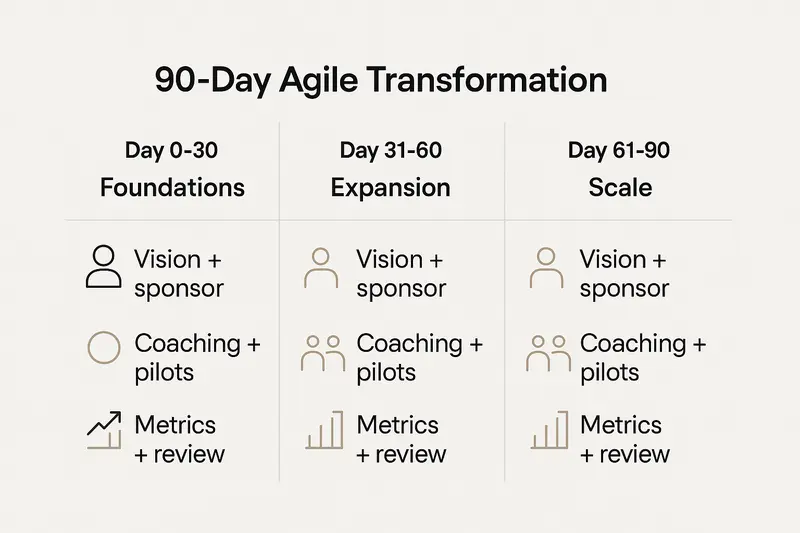
Principle, keep scope small, cadence steady, and decisions visible.
h2. Manage resistance with real engagement
Resistance is information. Listen for role risk, loss of control, and fear of ambiguity. Respond with clarity and support.
Practical moves:
- Convert PM roles into delivery leadership and product operations, with coaching paths.
- Invite skeptics to co‑design working agreements, then test for two sprints.
- Communicate face to face in small groups, answer questions directly, publish FAQs.
You will not convince everyone on day one. You can create enough momentum that results speak for themselves.
h2. Keep momentum through feedback loops
Sustainable transformation depends on tight loops.
- Team retrospectives every sprint, cross‑team retrospectives monthly, and an org‑level retrospective quarterly.
- Customer feedback into discovery every week, interviews, in‑product prompts, and usage analytics.
- Transparent progress updates, a single, lightweight page that shows outcomes, metrics, and next bets.
Learning compounds when you close the loop quickly and publicly.
h2. Quick answers to common Agile transformation questions
- What is the fastest way to show impact in 90 days? Pick two products, fix the system around them, ship something valuable in sprint two, and publish cycle time and quality deltas.
- How many metrics should we track? Four to eight. Prefer trendlines over targets, and review weekly.
- Do we need a framework? Start with Scrum or Kanban mechanics, then adapt. The mindset matters more than the label.
- What proves leadership commitment? Leaders changing funding, approvals, and their own meeting behaviors within the first month.
h2. Sources worth reading
- Kainos on common failure modes: [How organisations fail in Agile transformation](https://www.kainos.com/insights/articles/how-organisations-fail-in-agile-transformation)
- McKinsey on leadership capability shifts: [Leading Agile transformation](https://www.mckinsey.com/capabilities/people-and-organizational-performance/our-insights/leading-agile-transformation-the-new-capabilities-leaders-need-to-build-21st-century-organizations)
- PDCA on value and ROI: [Agile ROI measurement](https://pdcaconsulting.com/agile-roi-measurement-value-tract-cost/)
- Atlassian on practical metrics: [Agile project metrics](https://www.atlassian.com/agile/project-management/metrics)
Final thought, quality beats speed, and clarity beats noise. If we take ownership of the system, honor the craft, and keep listening to customers and teams, Agile transformation stops being theater and starts creating value.
Llauren·Nov 10, 2025
More from the Journal
[Product StrategyMar 16, 20265 min How Product Leaders Prove Value: A Practical System for ROI, Evidence, and Stakeholder Trust→](https://sleekplan.com/blog/how-product-leaders-prove-value-a-practical-system-for-roi-evidence-and-stakeholder-trust-5103) [Product StrategyMar 9, 20266 min Platform Teams vs Revenue Teams: How RevOps Creates Alignment Without Diluting Either Role→](https://sleekplan.com/blog/platform-teams-vs-revenue-teams-how-revops-creates-alignment-without-diluting-either-role-5716) [Product StrategyJan 5, 20265 min The Product Operating Model: How Modern Teams Ship Outcomes, Not Just Output→](https://sleekplan.com/blog/the-product-operating-model-how-modern-teams-ship-outcomes-not-just-output-9236)
Keep up
h2. New essays land on LinkedIn every Tuesday.
Follow Sleekplan on LinkedIn — we post every new piece there, plus the shorter notes that never make it to the journal.
[Follow on LinkedIn](https://www.linkedin.com/company/sleekplan/)
Done reading? [Try Sleekplan free ](https://app.sleekplan.com/sign-up/)
---
### What September 2025 Taught Us About Community-Led UGC: Turning Engagement Into Product Insight | Sleekplan
Source: https://sleekplan.com/blog/what-september-2025-taught-us-about-community-led-ugc-turning-engagement-into-product-insight-2686
Description: September 2025 was a live lab for user-generated content and engagement. Here’s how product teams can capture signals, turn them into roadmap decisions, and close the loop with clarity.
h2. Why September’s communities matter for product teams
September 2025 was a live lab for user-generated content and community engagement. Across activism, awards, Discords, and forums, people shipped ideas in public. The signal for product teams is simple: when communities care, they create. Our job is to capture that energy, translate it into decisions, then close the loop with clarity.
h2. What we observed, and why it matters
- **Story first, data second.** In New Orleans, 1,200 students marched to honor Chance Smith, using poems and songs to turn statistics into lived experience, a cue to elevate narrative alongside metrics. See the recap from DoSomething for context: [youth-led actions and voter drives](https://dosomething.org/article/5-amazing-things-sept).
- **Co-creation over extraction.** At Thailand’s Creative Excellence Awards, “Wisdom Has Fallen” paired craftspeople with design brands, then shared income and authorship. Details here: [Creative Excellence Awards 2025](https://www.cea.or.th/en/single-project/creative-excellence-awards-2025).
- **Infrastructure beats vanity.** Reddit shifted community stats toward weekly visitors and contributions, and expanded Post Check and mod tools, a strong nudge to optimize for health, not size. Read the changelog: [Reddit September updates](https://support.reddithelp.com/hc/en-us/articles/41045533082644-Changelog-September-9-2025).
- **Formats become frameworks.** Trends like “Woah A Turtle” showed how simple audio plus on-screen text can encode everyday tensions for fast reuse, a pattern product teams can borrow for release notes and feedback prompts. Trend breakdowns here: [September TikTok trends](https://newengen.com/insights/september-2025-tiktok-trends/).
Takeaway: communities respond to clear problems, flexible formats, and visible outcomes. Give them scaffolding and ownership, then follow through.
h2. Field notes from September, translated into product patterns
- **Youth activism, New Orleans, 1,200 students**: personal testimony moved people to act. Product pattern: when announcing a fix, pair the metric with a user quote, for example, “Crash rate down 43 percent, I can finally export without force quitting.” Source: [DoSomething](https://dosomething.org/article/5-amazing-things-sept).
- **National Voter Registration drives**: thousands of micro events beat one big announcement. Product pattern: distribute small feedback prompts across surfaces, in-app nudges after actions, quarterly email pulse, and a lightweight forum thread.
- **Buddy benches, age 9 founder**: tight problem framing, fast community funding, three benches in two months. Product pattern: ship a small but complete MVP, set a crisp success window, then report back publicly.
- **Creative Excellence Awards**: co-design shifted artisans from executors to partners. Product pattern: recruit power users as co-designers for feature betas, credit them in changelogs, and share revenue if relevant.
- **Reddit governance tools**: moderation scaled via suggested mods and pre-flight checks. Product pattern: establish contributor roles, guidelines in-context, and helpful automation that respects human judgment.
h2. From UGC to product insight, a clear workflow
1. **Capture**: centralize feedback across posts, comments, forms, and support tickets. Tag by theme, user segment, and sentiment.
2. **Cluster**: group related requests and stories. Keep examples attached, not just counts.
3. **Compare**: weigh demand, impact, and effort. Prefer problems with real user stakes over loud requests with vague value.
4. **Prioritize**: publish criteria, not just outcomes. Show what wins and why.
5. **Act**: create an owner, deadline, and definition of done. No half-finished work shipped.
6. **Close the loop**: tell contributors exactly what changed, include screenshots or a short clip, and invite follow-up.

If you want AI-assisted triage that links themes to roadmap items, see how we approach it with [Sleekplan Intelligence](https://sleekplan.com/intelligence/).
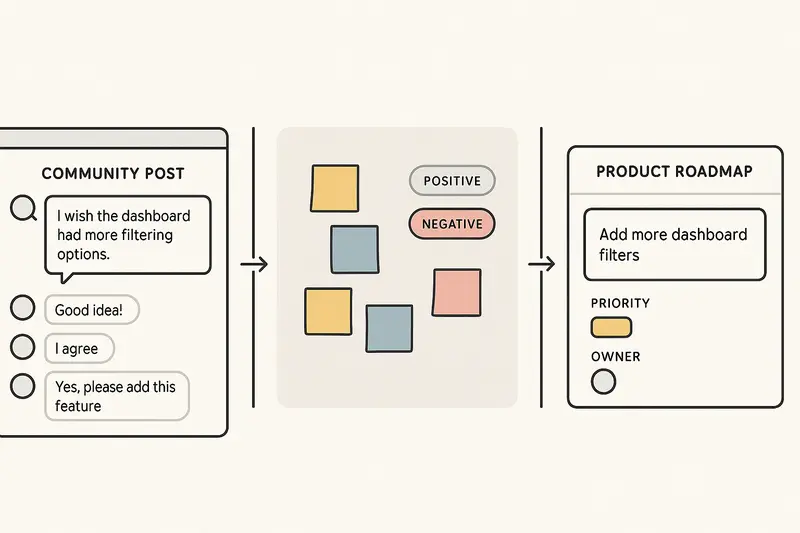
h2. Breaking down September’s content formats for B2B use
- **Call-and-response audio**, like “Woah A Turtle,” becomes a friction explainer. Example: two personas debating a setting, captioned with the precise tradeoff your feature solves.
- **Reliability reels**, inspired by “I’ll Be There,” highlight what customers can count on: uptime streaks, support SLAs, or “bugfixes in 7 days” cuts.
- **Masked vulnerability**, from “Rating Makeup Removers,” can humanize enterprise work. Frame a before and after: “Incident postmortem, 10 out of 10 learning,” then share the fix.
- **Micro-virality beats mass reach**: build for niche resonance inside your own community first. A tight, relevant post in a customer Slack beats an overpolished announcement with no replies.
Reference trends and examples: [New Engen September trends](https://newengen.com/insights/september-2025-tiktok-trends/).
h2. Metrics that indicate healthy engagement
- Weekly contributors, unique and returning
- Participation rate per active user, not per total user
- Feedback depth, average characters or minutes watched
- Theme completeness, coverage of top 5 problem areas
- Close-the-loop time, average days from feedback to reply
- Crafted outcomes, number of releases with linked user stories
Tip: publish a public changelog entry that links to one or two real user threads when feasible.
h2. Quick answers for busy teams
- **What is user-generated content?** Any content your community creates, posts, or shares. Think requests, bug reports, how-tos, reviews, and demos.
- **How do you measure community engagement quality?** Look for repeat contribution, actionable detail, and peer-to-peer replies. Volume without substance is noise.
- **How do you turn UGC into roadmap items?** Cluster feedback by problem, validate with examples, estimate impact, then commit a clear owner and timeline.
- **How often should we close the loop?** Batch weekly for minor updates, immediately for critical fixes, and after every release for beta participants.
h2. Principles we stood by while reviewing September
- **Quality over speed**: ship fewer, finished touches.
- **Details compound**: microcopy, error states, and defaults do heavy lifting.
- **Human judgment over dashboards**: data informs, people decide.
- **Own the outcome**: no orphan features, assign stewardship.
- **Clarity wins**: in interface and in writing.
h2. Final thought
September showed how communities power outcomes, from students organizing in the streets to moderators refining online spaces to artisans co-designing their future. The pattern repeats across domains: clear problems, shared authorship, visible results. Build the rails, then let your users drive.
Llauren·Nov 3, 2025
More from the Journal
[Customer FeedbackJul 22, 20267 min Best Survey Tool in 2026: A Practical Guide for Product and CX Teams→](https://sleekplan.com/blog/best-survey-tool-in-2026-a-practical-guide-for-product-and-cx-teams-7059) [Customer FeedbackSep 8, 20256 min Effective Customer Satisfaction Survey Questions: Templates, Best Practices, and Mobile‑First Design→](https://sleekplan.com/blog/effective-customer-satisfaction-survey-questions-templates-best-practices-and-mobile-first-design-9262)
Keep up
h2. New essays land on LinkedIn every Tuesday.
Follow Sleekplan on LinkedIn — we post every new piece there, plus the shorter notes that never make it to the journal.
[Follow on LinkedIn](https://www.linkedin.com/company/sleekplan/)
Done reading? [Try Sleekplan free ](https://app.sleekplan.com/sign-up/)
---
### Technical Feasibility in Product Management: Methods, Pitfalls, and a Clear Assessment Playbook | Sleekplan
Source: https://sleekplan.com/blog/technical-feasibility-in-product-management-methods-pitfalls-and-a-clear-assessment-playbook-5109
Description: A concise playbook for technical feasibility in product management. Learn clear steps, PoC vs MVP, pitfalls to avoid, and how customer feedback sharpens scope and risk.
h2. What technical feasibility really means
Technical feasibility is more than checking if a technology exists. It is a structured evaluation of capabilities, architecture, skills, integrations, security, and risks. That includes hardware or cloud, software and APIs, data flow, tooling, and the reality of your team’s expertise. See clear definitions and scope in the technical feasibility overviews from LaunchNotes and Chisel Labs:
- LaunchNotes on technical feasibility in product work: https://www.launchnotes.com/glossary/technical-feasibility-in-product-management-and-operations
- Chisel Labs on components and criteria: https://chisellabs.com/glossary/what-is-technical-feasibility/
The TELOS lens is useful. Technical, Economic, Legal, Operational, and Scheduling, reviewed together, keep you honest. If the technical side is weak, the rest will crack.
h2. A practical technical feasibility playbook
Use a repeatable process. Adjust depth by project size, but never skip steps.
1. Define crisp requirements
- Separate functional from non functional. Spell out performance, scalability, uptime, security, and maintainability.
- Anchor numbers. Example: 500 requests per second per region, P95 latency under 200 ms, 99.9 percent availability.
1. List constraints and assumptions
- Timebox, budget, mandated tech, compliance, vendor contracts, legacy systems.
- Document assumptions so you can test and retire them as facts arrive.
1. Set evaluation criteria
- Benchmarks for performance, scalability headroom, integration complexity, risk profile, and operational burden.
- Decide pass or fail thresholds before you test.
1. Research precedent and patterns
- Look for similar systems and known failure modes. Favor proven integration patterns over novelty when risk is high.
1. Validate what is uncertain
- Use proofs of concept, spikes, or an MVP to de risk the hardest parts.
1. Decide with evidence
- Accept outcomes. Adjust scope, add time, or cancel if findings do not meet your thresholds.
Tip: move quality topics to the front. Security, privacy, and reliability choices reshape architecture, not just polish it later.
h2. PoC, MVP, and spikes for feasibility
When should each tool be used, and why?
- Proof of concept: answers can it be built. Pick one or two critical unknowns and run a small, time boxed experiment with explicit success criteria. Good framing on validation stages: https://www.coherentsolutions.com/insights/proof-of-concept-prototype-and-mvp-product-validation-stages-explained
- MVP prototype: answers can users use it at acceptable performance. Build the narrowest slice that exercises integration, load, and operability end to end.
- Technical spike: answers a sharp question fast. Example: will the existing auth service support device flow without breaking SSO? One sprint, then decide.
Keep scope surgical. A PoC is not a shadow product. Define clear cutoffs like peak throughput met within 10 percent CPU headroom, or integration handshake completed with retries under 3 seconds.
h2. Architecture and integration checks
Feasibility weakens at the seams. Spend extra time where systems meet.
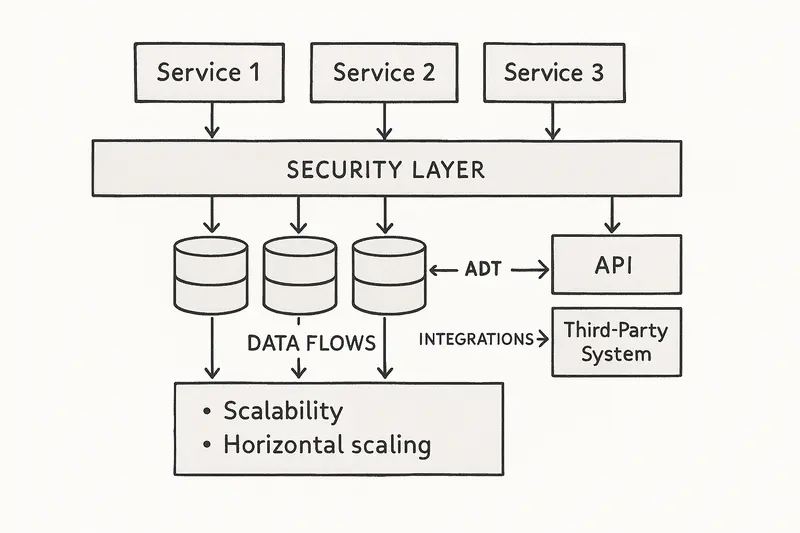
Run a targeted architecture review:
- Data paths: volumes, fan out, backpressure, failure handling.
- Integrations: versioning strategy, idempotency, rate limits, retries, fallbacks.
- Security and compliance: secrets, encryption, audit trails, data residency.
- Operability: logs, metrics, traces, SLOs, on call runbooks.
- Scalability: horizontal vs vertical limits, warmup behavior, cache strategy.
If an integration or compliance control is mandatory, test it early. Do not assume your vendor SDK covers your edge cases.
h2. Common pitfalls that break feasibility
Many failures are pattern repeats. Name them, then avoid them.
- Biased assessments: builders grading their own homework. Independent eyes reduce optimism bias. Practical guidance on avoiding skewed studies: https://groundfloorpartners.com/blog/common-feasibility-study-mistakes-and-how-to-avoid-them/
- Vague scope: fuzzy inputs produce fuzzy answers. Replace goals like faster checkout with measurable targets like P95 under 300 ms across three payment gateways.
- Rushing the study: time saved now becomes schedule slips later. Depth scales with complexity.
- Narrow teams: only backend or only infra. Bring architects, security, data, and operations to the table.
- Cherry picking findings: ignoring red flags does not reduce risk. Escalate and revisit scope or timelines.
h2. Feasibility inside real project constraints
The iron triangle is real. Scope, cost, and time move together. Technical feasibility must sit inside those bounds and account for resources, quality, and risk.
- Resources: the best design fails if you cannot staff it. If you need a cloud network specialist you do not have, feasibility is at risk until that gap is closed.
- Quality: 99.99 percent uptime implies active active regions, health checks, and failover drills. If the budget cannot carry that, reset the target or change the plan.
- Risk: a theoretically possible approach that depends on immature tech may be infeasible for your risk tolerance.
For a simple primer on aligning feasibility and schedule, see Asana’s feasibility study overview: https://asana.com/resources/feasibility-study
h2. Quick answers to common questions
- What is a technical feasibility study? A structured evaluation of whether you can deliver the required functionality and quality within your constraints using your technology, people, and processes. A clear definition with elements here: https://chisellabs.com/glossary/what-is-technical-feasibility/
- When should I run it? During initiation and again at major milestones. Treat it as living, not a one and done report.
- How deep should I go? Match depth to risk. New tech, heavy compliance, or many integrations call for PoCs and spikes.
- PoC or MVP? PoC proves the hardest technical assumption. MVP proves the whole slice works at acceptable user performance.
- How do I avoid bias? Separate the assessment team from sponsors, pre commit criteria, and publish assumptions.
h2. A small story from the trenches
On a recent migration, our team nearly committed to a streaming pipeline that looked elegant on paper. A two week spike showed subtle ordering and backfill issues under regional failovers. We swapped in a more boring pattern with stronger idempotency. That detour saved months of rework. Lesson: proving small details early is cheaper than heroic fixes later.
h2. Bring customer signal into feasibility
Technical choices are better when anchored in real demand. Before you scale, confirm that what you plan to build matters to users and stakeholders. We use structured feedback to shape scope and reduce waste. If you want a lightweight way to capture and prioritize input alongside your roadmap, review the tools on our features page: https://sleekplan.com/features/
h2. Case patterns worth remembering
- Success with realism: complex transit systems that invested in deep feasibility up front, including integration and geotechnical risks, kept delivery credible and phased. Clarity beat optimism.
- Failure through optimism: projects that ignored cost, schedule, or integration warnings burned millions without shipping a usable system. Panorama Consulting’s public sector write ups show how known risks, left unresolved, cascade into organizational failure: https://www.panorama-consulting.com/information-technology-project-failure/
h2. Implementation checklist
Use this as a pragmatic guardrail for your next feasibility cycle.
- Scope is measurable and documented.
- Constraints and assumptions are written and owned.
- Evaluation criteria and pass or fail thresholds are agreed.
- Precedent research and architecture review complete.
- PoC or spike covers the riskiest assumptions with clear success metrics.
- Security, privacy, and compliance mapped to controls and tests.
- Resource plan staffed with real names and backfills.
- Schedule reflects validation and hardening time, not only build time.
- Decision log closed with rationale and next steps.
h2. Closing thought
Good feasibility work is quiet, almost invisible. You spot weak joints early, you trim scope with intent, and you choose sturdy patterns over flashy ones. The result is simple. Fewer surprises, fewer escalations, and a product that holds up in production.
Llauren·Oct 27, 2025
More from the Journal
[Product ManagementSep 20, 20267 min Aha Pricing: What Each Product and Tier Costs→](https://sleekplan.com/blog/aha-pricing) [Product ManagementSep 20, 20267 min Jira Product Discovery Pricing: Creators, Not Users→](https://sleekplan.com/blog/jira-product-discovery-pricing) [Product ManagementSep 20, 20268 min Productboard Pricing: Maker Seats and What You Pay→](https://sleekplan.com/blog/productboard-pricing)
Keep up
h2. New essays land on LinkedIn every Tuesday.
Follow Sleekplan on LinkedIn — we post every new piece there, plus the shorter notes that never make it to the journal.
[Follow on LinkedIn](https://www.linkedin.com/company/sleekplan/)
Done reading? [Try Sleekplan free ](https://app.sleekplan.com/sign-up/)
---
### Effective Stakeholder Management: 5 Practical Steps to Align Interests, Communicate Clearly, and Deliver Projects | Sleekplan
Source: https://sleekplan.com/blog/effective-stakeholder-management-5-practical-steps-to-align-interests-communicate-clearly-and-deliver-projects-6389
Description: A practical guide to stakeholder management: map who matters, align interests, run a clean comms cadence, manage expectations early, and use tools without losing the human.
h2. The quiet edge of great execution
Projects rarely fail on code or Gantt charts. They fail in conversations. Effective stakeholder management, done with care and consistency, turns friction into progress. The craft is simple, not easy: map who matters, align interests, communicate like adults, set expectations, and build trust over time.
h2. Why stakeholder management matters
Strong stakeholder engagement cuts delays, reduces resistance, and improves decisions. Research on leadership backs it up, including McKinsey’s work on how CEOs build lasting stakeholder relationships that influence performance almost a third of earnings. See the analysis on how the best CEOs build lasting stakeholder relationships from McKinsey.
Stakeholders are people, not variables. Principles from APM highlight that humans do not always behave predictably, so judgment and empathy are non negotiable. Routines help, but relationships carry the work.
h2. 1) Identify and analyze stakeholders with precision
Start wide, then prioritize. Build a living stakeholder register that logs roles, influence, interest, impact, stance, and preferred channels. Use a power interest grid to focus effort where it counts.
- High power, high interest: manage closely, invite early, share trade offs.
- High power, low interest: keep satisfied with concise updates.
- Low power, high interest: keep informed, recruit as advocates.
- Low power, low interest: monitor lightly, avoid noise.
Practical moves:
- Run a 60 minute cross functional sweep, list internal and external groups.
- Tag each contact with influence and interest, refresh monthly.
- Record one sentence “what they really care about” next to each name.

For deeper mapping, consider salience (power, legitimacy, urgency) and relationship networks. Good maps surface politics early and prevent surprises later. For a clear overview of best practices, review Simply Stakeholders’ guide to stakeholder engagement best practices.
h2. 2) Align interests with project goals
Alignment is not selling. It starts with understanding motivations behind positions. Ask what success looks like for each group, then connect outcomes to their interests.
Example: in a platform migration, executives want clear ROI, managers want reliable tooling, frontline teams want fewer clicks. Write value statements for each, then design rollouts that respect all three.
When interests conflict, be transparent about trade offs and where input is truly open. Invite co creation sessions to design “good enough for all” solutions. You will not get perfect consensus, you can get durable commitment.
Helpful references: APM’s key principles of engagement clarify how to balance flexibility with clarity, and this overview of common project failures from ILX shows how missing alignment costs time and money.
h2. 3) Communicate like you mean it
One way broadcasts create distance. Two way communication builds trust. Set a clear cadence, pick channels on purpose, and tailor messages to audience.
Baseline cadence that works:
- Weekly highlights for core stakeholders: what shipped, risks, next week.
- Monthly digest for broader groups: progress, wins, changes.
- Quarterly review for execs: value, metrics, decisions needed.
- Real time alerts for critical incidents.
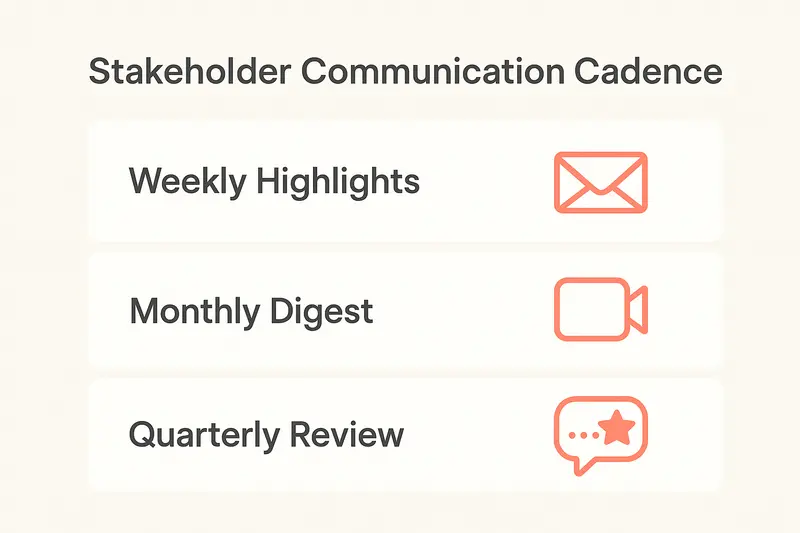
Channel fit:
- Complex or sensitive topics: live conversation first, notes after.
- Detailed specs: written docs that can be reviewed async.
- Urgent change: call or message, then confirm in writing.
Quality bar:
- Lead with why, then what, then impact.
- Remove jargon, use numbers, link to the source.
- Ask for feedback and make it easy to respond.
h2. 4) Manage expectations proactively
Unstated expectations break projects. Surface them early, then agree on measures of success.
Do this:
- Write explicit “in scope, out of scope” in one page.
- Define 3 to 5 success metrics, for example, adoption rate after 30 days, incident reduction by 20 percent, stakeholder response time under 48 hours.
- Publish response time SLAs by channel, then meet them.
- Log change decisions and the rationale, share within 24 hours.
When reality shifts, tell people early. Explain what changed, why it changed, and the impact on dates, scope, or quality. Clear beats perfect.
h2. 5) Build relationships that last beyond the project
Trust compounds, then carries you through rough patches. It comes from consistent behavior: do what you say, tell the truth, and show care for stakeholder outcomes.
Small habits that scale:
- Begin key meetings with two minutes of context and intent.
- Reflect back what you heard before proposing solutions.
- Close loops, even on small asks, within the promised window.
- Recognize contributions in public forums, not just in DMs.
A short story: during a finance rollout, we set office hours twice a week. One VP showed up at 7 30 am with three sharp objections. We solved two on the spot and logged the third for a decision by Friday. She became our strongest sponsor. Not magic, just follow through.
h2. Leverage tools, keep the human in the loop
Technology helps when it centralizes context, tracks commitments, and surfaces signals.
What to look for:
- A single register for stakeholders and interaction history.
- Mapping views for influence versus interest, plus relationships.
- Sentiment and topic analysis on feedback streams.
- Workflow reminders for outreach and follow ups.
If you collect a lot of input, AI can speed analysis. Use it to categorize themes and flag risk, then apply human judgment for decisions. For product teams, see how AI assisted analysis of customer feedback works in practice with Sleekplan’s Intelligence module: [Sleekplan Intelligence](https://sleekplan.com/intelligence/).
h2. Common pitfalls to avoid
Patterns repeat. A few to watch:
- Missing stakeholders who can veto late in the game. Do a second pass with someone outside your team.
- Over communication with no signal. Curate updates, do not spam.
- Wishful timelines. Publish buffers and change logs.
- Ignoring resistance. Treat it as data about risk, not defiance.
- Tool worship. Software tracks the work, it does not replace the work.
For cautionary tales across industries, see ILX’s roundup of failed project examples.
h2. Quick checklist you can run this week
- Create or refresh your stakeholder register, tag influence and interest.
- Draft a one page comms plan: audiences, messages, cadence, channels.
- Write down success criteria and baseline metrics with owners.
- Schedule two stakeholder interviews to uncover hidden expectations.
- Log every meeting within 24 hours, include decisions and next steps.
h2. FAQ on stakeholder management
- What is a stakeholder management plan? A simple document that lists stakeholders, priorities, engagement tactics, cadence, owners, and metrics.
- How do I prioritize stakeholders? Use a power interest grid, then validate with your sponsor. Recheck monthly.
- What cadence works best? Weekly for core, monthly for broad, quarterly for execs, real time for incidents.
- How do I handle conflict? Listen first, clarify interests, surface trade offs, then co design options. Document agreements.
h2. Sources worth bookmarking
- A practical overview of best practices: Simply Stakeholders’ stakeholder engagement best practices.
- Principles that respect the human side: APM’s key principles of stakeholder engagement.
- Leadership and performance angle: McKinsey on building lasting stakeholder relationships.
Clear decisions, clean communication, and steady relationships turn complex work into progress. The details add up.
Llauren·Oct 20, 2025
More from the Journal
[Product ManagementSep 20, 20267 min Aha Pricing: What Each Product and Tier Costs→](https://sleekplan.com/blog/aha-pricing) [Product ManagementSep 20, 20267 min Jira Product Discovery Pricing: Creators, Not Users→](https://sleekplan.com/blog/jira-product-discovery-pricing) [Product ManagementSep 20, 20268 min Productboard Pricing: Maker Seats and What You Pay→](https://sleekplan.com/blog/productboard-pricing)
Keep up
h2. New essays land on LinkedIn every Tuesday.
Follow Sleekplan on LinkedIn — we post every new piece there, plus the shorter notes that never make it to the journal.
[Follow on LinkedIn](https://www.linkedin.com/company/sleekplan/)
Done reading? [Try Sleekplan free ](https://app.sleekplan.com/sign-up/)
---
### Build a Strategic Product Roadmap that Drives Outcomes, Earns Buy-in, and Stays Flexible | Sleekplan
Source: https://sleekplan.com/blog/build-a-strategic-product-roadmap-that-drives-outcomes-earns-buy-in-and-stays-flexible-5408
Description: Stop shipping feature calendars. Build a strategic product roadmap that aligns goals, earns executive buy-in, and adapts fast with outcome-first planning, clear cadence, and focused prioritization.
h2. Start with outcomes, not a laundry list
A product roadmap is not a backlog in slide form. It is a clear, visual contract with your org about why you will invest, what outcomes you expect, and how you will learn along the way. Most teams still miss this. Research shows less than one third of product pros are confident their roadmaps will deliver outcomes, and nearly half struggle with vision and strategy. That gap is fixable with a few disciplined choices.
h2. Roadmaps are strategy in motion
When used well, roadmaps connect vision to execution. They align leaders, product, design, marketing, and engineering around a few measurable goals. They make trade-offs visible. They also invite change when the market shifts. Done poorly, they become static feature calendars that age fast and erode trust. The point is clarity and focus, not certainty.
- For leaders: tie initiatives to company goals and report progress in plain language. See the guidance on stakeholder-friendly formats from Atlassian: [product roadmaps](https://www.atlassian.com/agile/product-management/product-roadmaps).
- For teams: show the big picture so people can make autonomous decisions and avoid scope creep.
- For customers: share problems you plan to solve, not promises of dates.
h2. Roadmap vs. backlog, the line that saves you
A roadmap communicates strategy and priorities. A backlog lists work that implements the strategy. Keep them separate. ProductPlan’s overview captures this split well: [what is a product roadmap](https://www.productplan.com/learn/what-is-a-product-roadmap/). Strategy in the roadmap, stories and defects in the backlog. When that boundary blurs, you lose both altitude and clarity.
h2. Shift from outputs to outcomes
Feature calendars feel comforting, then they trap you. Roman Pichler describes how feature-first plans fuel feature factories and false commitments. Outcome roadmaps avoid that by stating goals first, then options: [product roadmapping mistakes to avoid](https://www.romanpichler.com/blog/product-roadmapping-mistakes-to-avoid/).
- State goals like reduce churn 2 points, raise activation to 40 percent, cut p95 latency to 300 ms.
- List a few candidate initiatives per goal, not exhaustive specs.
- Keep space to run experiments, then update the roadmap as you learn.

h2. The essential pieces of a strategic roadmap
Strong roadmaps share a simple backbone. They are easy to scan, hard to misunderstand.
- Vision and objectives: the north stars that anchor everything.
- Themes: high-level focus areas such as Growth, Reliability, Experience.
- Initiatives: bets that ladder into themes, with owners.
- Time horizons: think quarters or Now, Next, Later, not exact dates.
- Success metrics: the few KPIs that prove progress.
- Risks and dependencies: what could block you and how you will respond.
Planview’s guide covers these elements clearly, including objectives, initiatives, timelines, milestones, and resources: [strategic roadmap framework](https://www.planview.com/resources/articles/strategic-roadmap-a-framework-for-achieving-your-goals/).
h2. Pick the right format for your context
Different moments call for different lenses. Use the form that clarifies the decision in front of you.
- Outcome or theme-based: best for strategy reviews and executive forums.
- Now-Next-Later: clean framing for evolving bets when dates are uncertain.
- Quarterly view: good for capacity and risk planning without fake precision.
- Agile or release view: short-term coordination for active delivery work.
Whatever you choose, keep the thread from initiative to outcome visible. If a card cannot name a metric, it likely does not belong.
h2. Earn real buy-in, then keep it
Great roadmaps secure sponsorship early and keep it through honest updates. Supportive sponsors correlate with higher delivery success. Tie your plan to company goals, and show how you will measure progress. For stakeholder-friendly structure and ongoing communication tactics, see Atlassian’s overview: [product roadmaps](https://www.atlassian.com/agile/product-management/product-roadmaps).
What we do in practice:
- Co-create goals with leadership, then share themes for feedback.
- Run a prioritization workshop with engineering, sales, and success.
- Publish a single source of truth, then review monthly, adjust quarterly.
h2. Communicate with rhythm and restraint
Standardize views and cadences so updates feel predictable, not performative. Use one roadmap, many views.
- Executive view: themes, outcomes, percent complete, key risks.
- Team view: dependencies, sequence, owners, next decision dates.
- External view: problems, benefits, what is under consideration.
A simple matrix helps keep everyone in sync. Define audience, goal, cadence, channel, content for each group.
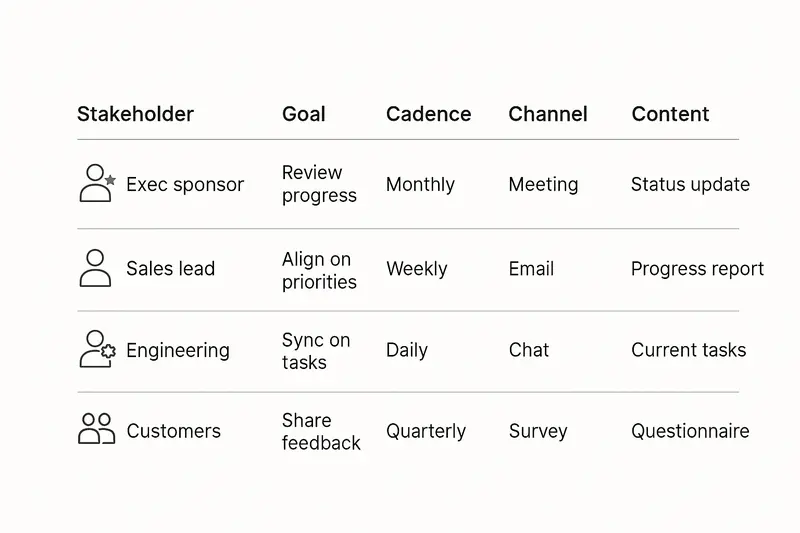
For more on standardizing communication and status without noise, see ProductPlan’s advice on tailoring roadmap communications: [communicate roadmap to stakeholders](https://www.productplan.com/learn/communicate-roadmap-stakeholders/).
h2. Prioritize with principles, not politics
Frameworks do not replace judgment, they focus it. Pick one or two, apply them consistently, and revisit as data arrives.
- RICE: Reach × Impact × Confidence ÷ Effort. Good when you have usage data and need comparative ranking. Quick overview here from Atlassian’s guide to prioritization.
- Value vs Complexity: Simple 2x2 that surfaces low-effort, high-value work first. Great for first pass.
- MoSCoW: Must, Should, Could, Will not. Useful for release scoping and expectation setting.
- KPI alignment: if it does not move a key metric, question why it is on the roadmap.
Productboard’s glossary summarizes these tools and their tradeoffs well: [product prioritization frameworks](https://www.productboard.com/glossary/product-prioritization-frameworks/).
h2. Anti-patterns that quietly break your roadmap
Some mistakes look small, then compound.
- Feature-first planning that ignores outcomes, see Pichler’s critique above.
- Rigid dates in strategy views, use date ranges or horizons and keep exact dates in release plans.
- Overstuffed roadmaps that drive overtime, quality drops, and burnout.
- Hidden roadmaps, share role-appropriate views to build trust.
- Velocity as a KPI, treat it as a planning tool, not a scoreboard.
- Ignoring technical debt and security, make room every quarter so quality does not rot.
h2. A practical setup you can ship this month
Here is a lean, outcome-first setup we have used with good results:
- Three themes for the next two quarters: Growth, Reliability, Experience.
- Each theme has one to two goals, for example, reduce churn by 2 points, cut p95 latency to 300 ms, raise activation to 40 percent.
- Now-Next-Later board with two to four initiatives per theme. Each card names an owner, a leading indicator, and a first decision date.
- Quarterly review, monthly progress check, weekly delivery sync for in-flight initiatives.
- Progress signals baked in, for example, bug fixes resolved within 7 days, onboarding completion rate above 70 percent.
Small habits make this work: document trade-offs, archive prior versions, and write short decision memos when priorities change. Momentum is a product of clarity.
h2. Quick answers to common roadmap questions
- What is a product roadmap? A visual strategy that links goals to initiatives over time, distinct from the backlog that holds tasks.
- Should roadmaps have dates? Use quarters or Now-Next-Later for strategy. Keep exact dates in release plans.
- How often should we update it? Review monthly, adjust quarterly, and after major learnings.
- What must it include? Objectives, themes, initiatives, time horizons, metrics, risks, and owners.
- How do we get buy-in? Co-create goals, show objective prioritization, and report progress with percent complete and risks.
h2. The quiet rule
Quality beats speed. A good roadmap reduces noise, elevates judgment, and gives every team a shared way to say no. Build for understanding first. The outcomes will follow.
Llauren·Oct 13, 2025
Keep up
h2. New essays land on LinkedIn every Tuesday.
Follow Sleekplan on LinkedIn — we post every new piece there, plus the shorter notes that never make it to the journal.
[Follow on LinkedIn](https://www.linkedin.com/company/sleekplan/)
Done reading? [Try Sleekplan free ](https://app.sleekplan.com/sign-up/)
---
### Beyond Vanity Metrics: Product KPIs That Drive Retention, CLV, and Sustainable Growth | Sleekplan
Source: https://sleekplan.com/blog/beyond-vanity-metrics-product-kpis-that-drive-retention-clv-and-sustainable-growth-6136
Description: Stop chasing page views. This guide shows how to choose product metrics that drive retention, CLV, and conversion, with practical frameworks, examples, and links to get started.
h2. The problem with chasing shiny numbers
Vanity metrics look good on slides, but they rarely change a roadmap. If you want growth, focus on strategic product metrics that tie directly to value. In the first 100 words, let’s be clear about vanity metrics vs strategic product metrics. We care about numbers that influence decisions, not just attention.
According to Product School, vanity metrics inflate perceptions without guiding action. Think follower counts or raw page views. They hide gaps in activation, conversion, or retention. The fix is simple, but not easy, measure what you can act on and what you’re willing to own.

h2. What makes a metric strategic
The best metrics feel real in daily work, not theoretical.
- Tangible, the outcome is clear to everyone, for example, paid seats, first value reached, active workspaces created.
- Controllable, teams can influence the number through their actions.
- Fast feedback, you see movement soon after a change, not quarters later.
- Testable, supports experiments like A/B tests and feature flags.
- Explainable, you can decompose shifts by segment, region, or cohort.
- Hard to game, incentives drive value, not vanity.
A simple rule of thumb, if it would be discussed in an exec meeting to change strategy, it is a strategic metric.
h2. Core product metrics to trust
Here are the workhorse numbers that connect behavior to business outcomes.
h3. Customer Lifetime Value
CLV estimates total net profit per customer across the relationship. It guides how much you can pay to acquire and how much to invest to retain. See the practical overview from Qualtrics for formulas and caveats. Keep an eye on the CLV to CAC ratio, 3 to 1 is a healthy benchmark for many SaaS models.
- Inputs that matter, average revenue per account, gross margin, churn rate.
- Use cases, segment by plan, region, or industry to find where to invest.
- Example, moving onboarding help from email to in-app cut early churn 20 percent, CLV rose within a quarter.
External reference, https://www.qualtrics.com/experience-management/customer/customer-lifetime-value/
h3. ARPU or RPU
Average revenue per user reveals pricing power and value per account. Track it by cohort and plan. Look for clean increases without harming retention. Rising ARPU with stable churn usually signals real value creation.
h3. Conversion rate, macro and micro
Beyond traffic, measure the journey. Map the path to paid and the steps that predict it.
- Macro conversions, trial start, paid upgrade, annual prepay.
- Micro conversions, email verified, first project created, first teammate invited.
- Where to look, message clarity, page speed, onboarding steps, paywall copy.
Reference guide, https://contentsquare.com/guides/conversion-rate-optimization/metrics/
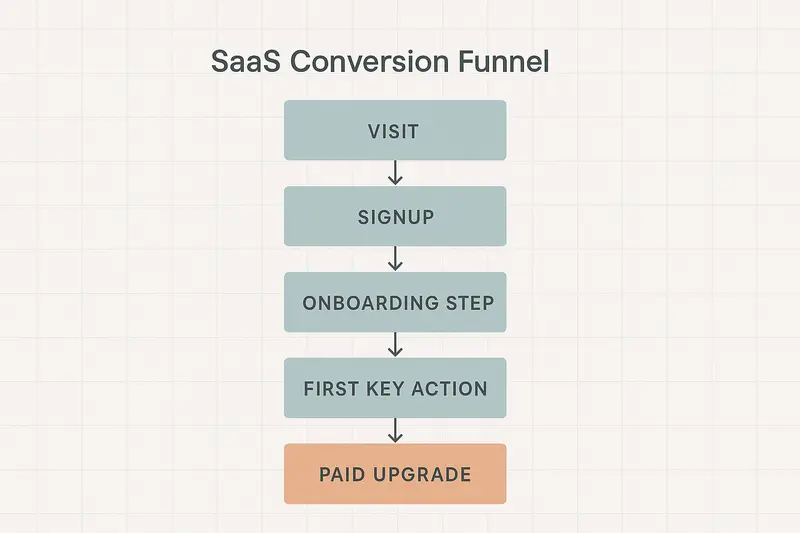
h3. Retention and engagement
DAU, WAU, MAU are useful when defined with intent. Tie them to meaningful actions, not any click. Track DAU over MAU for depth of engagement. Pair with churn and reactivation rates to see the full picture.
- Practical tip, define an Active User as a user who completes your core action, for example, publishes a release note, closes a feedback loop, or views a dashboard.
- Early warning, a falling DAU over MAU ratio often precedes churn.
h2. Product adoption, the quiet lever
Adoption is the bridge between interest and value. If users do not hit first value fast, everything downstream leaks.
- Time to First Key Action, how quickly a new user experiences core value.
- Feature adoption rate, percent of active users who use a given capability.
- Frequency of use, how often the core action happens in a period.
Patterns we look for, users who invite a teammate within 48 hours often retain at 2x. When a feature’s adoption is low but satisfaction is high for users who find it, the problem is discoverability, not value.
For a primer on adoption metrics and how to read them, Product School has a good starting point, https://productschool.com/blog/product-strategy/product-adoption-metrics.
h2. A simple framework to choose metrics
Anchor on one North Star Metric, then map inputs you can move.
- Pick a North Star that reflects value delivered, not just activity.
- Identify inputs by breadth, depth, frequency, and efficiency.
- Connect inputs to teams with clear ownership.
Helpful deep dive from Amplitude, https://amplitude.com/blog/product-north-star-metric
We pair this with OKRs so roadmaps ladder up to outcomes. Outputs are not enough. A released feature means little until it moves a number you agreed matters.
h2. Avoid the traps
Good intentions can still lead you astray.
- Gaming, if bonuses hinge on one metric, expect people to contort the system. Add counter metrics, for example, measure time on page with scroll depth and conversion, not in isolation.
- Over measurement, too many dashboards create noise. Keep a concise set for weekly review, park the rest for monthly analysis.
- Measurement without action, insights need owners and deadlines. We assign a DRI for every red metric and set a date for the next readout.
h2. Turning feedback into metrics you can ship against
Metrics should reflect customer reality, not the other way around. Product feedback, when structured, is a powerful input to your metric stack. We use Sleekplan to group requests by theme, link them to adoption and retention, and spot the features that matter. If you want help connecting feedback to measurable outcomes, explore Sleekplan Intelligence, https://sleekplan.com/intelligence/
h2. Tooling and data hygiene, do the boring work well
Data quality is craft. Define events in a shared schema, keep names stable, document calculations, and sample dashboards with real users. Small choices, like what counts as an activation event, change strategy. When in doubt, write the definition in plain language, then implement.
h2. Quick answers
- What are vanity metrics, Numbers that make you look busy without changing decisions, for example, page views without conversion context.
- Which product metrics matter most, CLV, retention, conversion rate, ARPU, and adoption metrics tied to first value.
- How do I pick a North Star, choose one number that captures value delivered to customers, then define a small set of input metrics you can move.
- How often should I review metrics, weekly for core inputs, monthly for deeper analysis and cohort trends, quarterly for strategy resets.
h2. One last principle
Chasing speed is easy. Building a clean measurement system is harder. Take the time. The craft shows in the details, strict definitions, reliable data, crisp visuals, and the discipline to act when a number moves.
Further reading used in this guide
- Vanity vs strategic metrics, https://productschool.com/blog/analytics/vanity-vs-strategic-metrics
- Conversion metrics overview, https://contentsquare.com/guides/conversion-rate-optimization/metrics/
- CLV foundations, https://www.qualtrics.com/experience-management/customer/customer-lifetime-value/
- North Star metric framework, https://amplitude.com/blog/product-north-star-metric
Llauren·Oct 6, 2025
More from the Journal
[Product StrategyMar 16, 20265 min How Product Leaders Prove Value: A Practical System for ROI, Evidence, and Stakeholder Trust→](https://sleekplan.com/blog/how-product-leaders-prove-value-a-practical-system-for-roi-evidence-and-stakeholder-trust-5103) [Product StrategyMar 9, 20266 min Platform Teams vs Revenue Teams: How RevOps Creates Alignment Without Diluting Either Role→](https://sleekplan.com/blog/platform-teams-vs-revenue-teams-how-revops-creates-alignment-without-diluting-either-role-5716) [Product StrategyJan 5, 20265 min The Product Operating Model: How Modern Teams Ship Outcomes, Not Just Output→](https://sleekplan.com/blog/the-product-operating-model-how-modern-teams-ship-outcomes-not-just-output-9236)
Keep up
h2. New essays land on LinkedIn every Tuesday.
Follow Sleekplan on LinkedIn — we post every new piece there, plus the shorter notes that never make it to the journal.
[Follow on LinkedIn](https://www.linkedin.com/company/sleekplan/)
Done reading? [Try Sleekplan free ](https://app.sleekplan.com/sign-up/)
---
### AI in Product Management: Practical Ways to Make Faster, Smarter Product Decisions | Sleekplan
Source: https://sleekplan.com/blog/ai-in-product-management-practical-ways-to-make-faster-smarter-product-decisions-4706
Description: A clear, practical guide to using AI in product management. Learn where AI boosts judgment, how to start small, measure ROI, and scale feedback, prediction, and automation responsibly.
h2. The quiet shift: from opinion to proof
AI in product management is not a trend, it is a discipline shift. We are moving from opinions and sporadic surveys to continuous, data-driven decision-making that still honors human judgment. Done well, AI compresses discovery time, spots weak signals early, and reduces routine work without flattening nuance.
Teams that adopt AI report sharper prioritization, faster iteration, and fewer blind spots. The craft is in choosing what to automate, what to predict, and where human sense-making stays in the loop.
h2. What AI actually adds to product judgment
AI extends attention. It processes feedback at scale, highlights patterns, and quantifies risk so decisions land faster and cleaner. This is not about replacing instincts. It is about validating them, or proving them wrong, with evidence.
- Natural language processing for feedback and support analysis
- Predictive analytics for demand, churn, and adoption
- Workflow automation for documentation and project signals
If you need a primer on where PMs are already applying AI, the overviews by Productboard and Effy are crisp and pragmatic: [Productboard on AI for PMs](https://www.productboard.com/blog/ai-for-product-managers/), [Effy on AI use cases](https://www.effy.ai/blog/ai-for-product-managers).
h2. The AI decision loop, end to end
Good AI workflows look like tight feedback loops, not one-off models. Data in, sense-making, action out.
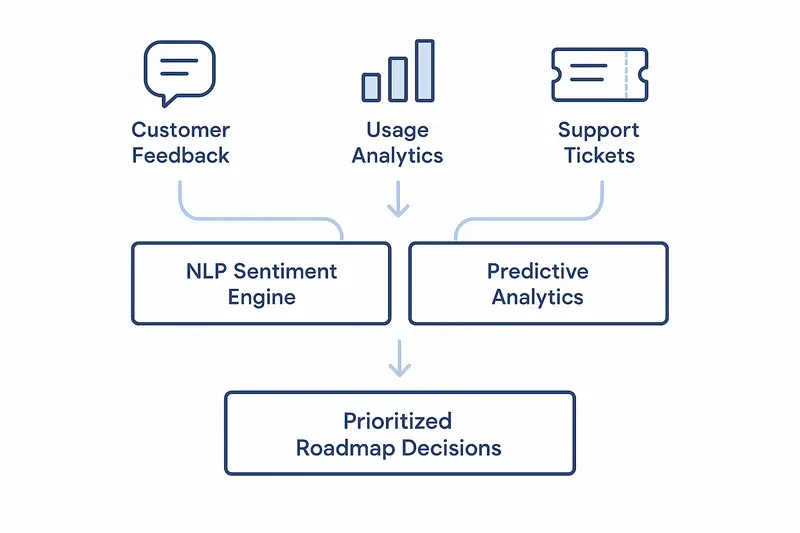
Inputs: customer feedback, usage analytics, support logs. Processing: sentiment, clustering, correlation, and prediction. Outputs: prioritized problems, forecasted impact, and clear next steps. When this loop runs continuously, small signals do not get lost.
**Takeaway:** Treat AI as a loop you can audit, not a black box you trust blindly.
h2. Real-time analytics without the noise
Periodic reports are slow. Real-time analytics, powered by AI, show change as it happens. That does not mean chasing every spike. It means:
- Alerts tied to material shifts, for example a 20 percent drop in onboarding completion by a key segment
- Context, not just numbers, for example the exact flows and events linked to the shift
- Suggested actions, for example move an experiment to the next sprint or trigger a customer success play
More on continuous product analytics here: [AI-powered product analytics](https://beyondthebacklog.com/2024/11/18/ai-powered-product-analytics/).
h2. Predictive analytics that earns its keep
Prediction only helps if it changes a decision today. Focus on models that power actions you will actually take.
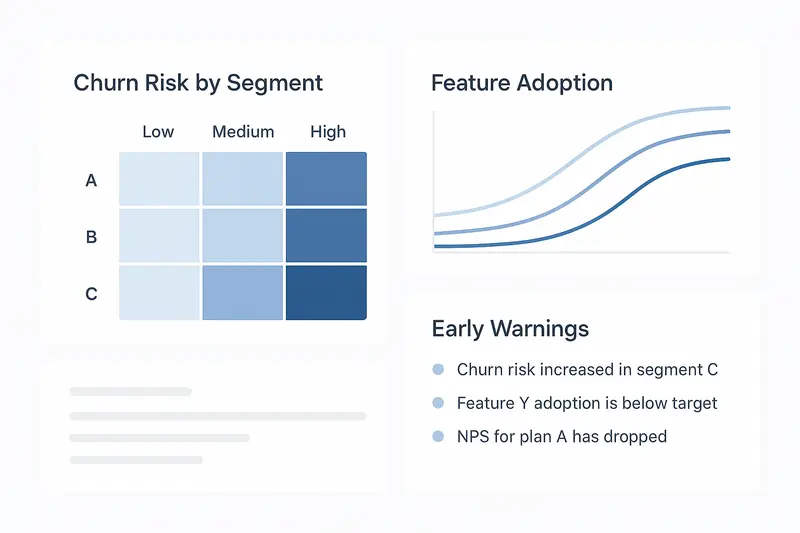
High-impact predictions for product teams:
- Churn risk by cohort, with leading indicators like declining weekly active days or feature usage depth
- Feature adoption curves, with expected time to activation and likely blockers
- Customer lifetime value by segment, to balance build vs. buy and support investments
Useful primers on behavior modeling: [FullStory on predicting behavior](https://www.fullstory.com/blog/predicting-customer-behavior/), [Pragmatic Coders on modeling techniques](https://www.pragmaticcoders.com/blog/predicting-customer-behavior-with-ai).
**Principle:** If you would not act differently at a given threshold, do not track it.
h2. Feedback analysis and sentiment, at scale
Feedback is gold, but panning for it takes time. With AI you can triage 10,000 comments, slice by topic, and isolate pain with context.
- Auto-tag themes like pricing confusion, import errors, or missing SSO
- Score sentiment and urgency, surface the top 5 issues inside an hour
- Link feedback to usage data, separate loud requests from high-value needs
If you want an integrated way to move from raw feedback to prioritized decisions, take a look at [Sleekplan Intelligence](https://sleekplan.com/intelligence/). It blends sentiment, impact estimation, and trend detection so product, engineering, and success work from the same source of truth.
h2. Automation that gives time back
Documentation and coordination can drain a week. AI can draft PRDs from discovery notes, update status summaries, and flag delivery risks based on velocity trends.
Practical wins we have seen:
- First-draft PRDs in minutes, final review still human
- Weekly rollups from support and NPS routed to the right owners
- Sprint risk alerts when scope creeps or cycle time slips by 15 percent
For broader context on AI agents in product ops, see Productboard’s write-up on [AI agents in product operations](https://www.productboard.com/blog/the-power-of-ai-agents-in-product-operations-workflows/).
h2. How to implement AI in your product practice
Start small, measure hard, scale what works.
1. Pick a concrete use case
- Automated feedback triage for one major channel
- Churn prediction for a single segment
- PRD drafting for one squad
1. Define success upfront
- Time saved per week
- Lead time from insight to action
- Retention lift for the target segment
1. Build the data basics
- Clean event tracking for activation and core actions
- Clear customer IDs across tools
- A lightweight warehouse or lake you can query
Helpful overview for first steps and change management: [AI for product managers](https://monday.com/blog/rnd/ai-for-product-managers/).
h2. Team, governance, and ethics
AI is probabilistic, so guardrails matter. Set ownership and review rhythms.
- Data quality owner, with a simple schema and audits
- Model review cadence, test on recent cohorts, not just last quarter
- Bias checks for sensitive attributes, document known limits
On the ethics and governance side, Dataversity’s guide is practical: [AI ethics and innovation for product development](https://www.dataversity.net/ai-ethics-and-innovation-for-product-development/).
**Operating rule:** Human judgment stays accountable. Let AI inform, do not let it decide in isolation.
h2. Measuring ROI without hand-waving
Capture baselines before you switch anything on. Then compare against the same clocks and counters.
- Routine work reduction, for example hours saved on triage and reporting
- Decision speed, for example time from signal to shipped fix
- Accuracy, for example churn model precision at the intervention threshold
- Outcome, for example activation rate or NPS change for targeted cohorts
Treat ROI as a portfolio. Some benefits are direct time savings, others are improved bets that pay off over months.
h2. Common questions, quick answers
- What is AI in product management? The use of machine learning and NLP to turn data into insights, predictions, and workflow automation that improve product decisions.
- Where should I start? Pick one narrow use case with clear metrics, then iterate.
- Will AI replace PMs? No. It upgrades the surface area of your attention so you can spend more time on strategy, clarity, and stakeholder alignment.
- How do I avoid bias? Use representative data, audit outputs regularly, and document constraints.
h2. The craft still matters
Tools accelerate you in the direction you already set. Clear problem definitions, crisp writing, and responsible ownership still separate strong teams from average ones. AI multiplies good practice. It also amplifies sloppiness. Choose carefully what you automate, keep your loops tight, and measure what you change.
Llauren·Sep 29, 2025
More from the Journal
[Product ManagementSep 20, 20267 min Aha Pricing: What Each Product and Tier Costs→](https://sleekplan.com/blog/aha-pricing) [Product ManagementSep 20, 20267 min Jira Product Discovery Pricing: Creators, Not Users→](https://sleekplan.com/blog/jira-product-discovery-pricing) [Product ManagementSep 20, 20268 min Productboard Pricing: Maker Seats and What You Pay→](https://sleekplan.com/blog/productboard-pricing)
Keep up
h2. New essays land on LinkedIn every Tuesday.
Follow Sleekplan on LinkedIn — we post every new piece there, plus the shorter notes that never make it to the journal.
[Follow on LinkedIn](https://www.linkedin.com/company/sleekplan/)
Done reading? [Try Sleekplan free ](https://app.sleekplan.com/sign-up/)
---
### Product-Market Fit Survey Questions: Use the 40% Rule, JTBD, and NPS to validate real demand | Sleekplan
Source: https://sleekplan.com/blog/product-market-fit-survey-questions-use-the-40-rule-jtbd-and-nps-to-validate-real-demand-8575
Description: A practical guide to product‑market fit surveys. Learn the 40% rule, JTBD prompts, targeting, timing, and analysis to turn feedback into roadmap decisions and sustained market fit.
h2. The shortest path from guesswork to truth
Product-market fit survey questions are the fastest way to check if your product truly matters. Ask the right questions, then let customers show you where the value lives. Start with the Sean Ellis test, add JTBD, NPS, and qualitative prompts, and you get a clear picture of market validation, not just sentiment.
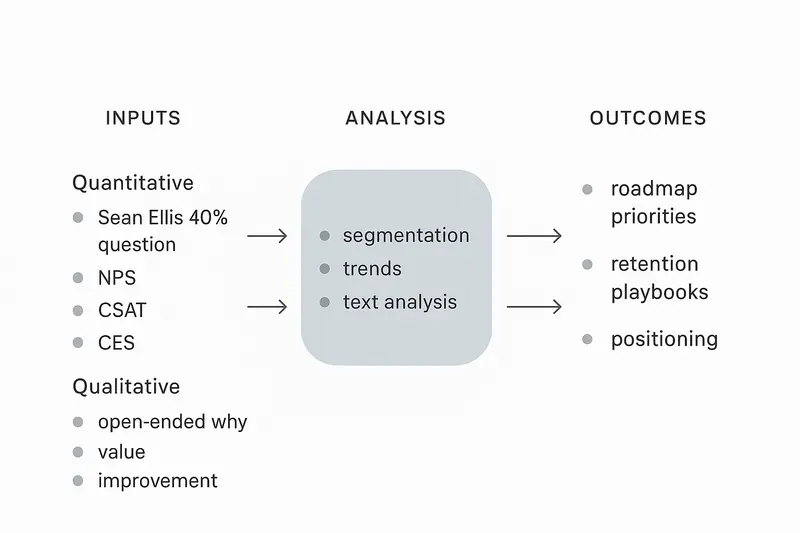
h2. Why product-market fit surveys matter
Hypotheses are cheap, adoption is not. Teams that run focused PMF surveys grow faster and retain better because they trade opinions for evidence. See the research behind the approach from Qualaroo and the 40% benchmark introduced by Sean Ellis. Useful background here: [Qualaroo on PMF surveys](https://qualaroo.com/blog/product-market-fit-survey/) and [VivaTech’s methods to test PMF](https://vivatechnology.com/news/6-proven-ways-startups-can-test-product-market-fit).
h2. The 40% rule in one minute
- What it is: Ask, “How would you feel if you could no longer use this product?” Answers: Very disappointed, Somewhat disappointed, Not disappointed.
- Goal: 40% or more “Very disappointed.” Below that, expect growth friction.
- Source and deep dive: [Learning Loop on the PMF survey](https://learningloop.io/plays/product-market-fit-survey).
Short answer for a featured snippet: The Sean Ellis 40% rule says you likely have product-market fit when at least 40% of users would be very disappointed if they could no longer use your product.
h2. Build a complete question set
You do not need a 30-question epic. You need a tight set that exposes necessity, value, and friction.
Primary PMF check
- How would you feel if you could no longer use this product? (Very disappointed, Somewhat disappointed, Not disappointed)
Secondary validation
- How likely are you to recommend this product to a colleague? (0–10)
- What problem does this product solve for you?
- What do you like most?
- What would you improve first?
Feature value
- Which feature is most valuable to you and why?
- Which feature would you miss most if removed?
Competitive reality
- If you could not use this product, what would you use instead?
Usage pattern
- How often do you use the product? (Daily, Weekly, Monthly, Rarely)
- What workflows do you use it for? Any integrations involved?
h2. Quantitative plus qualitative, not either or
- Quantitative: Track the PMF 40% score, NPS, CSAT, and CES over time. Segment by plan, persona, industry, and feature usage.
- Qualitative: Use open text to capture motivations, jobs, and friction you cannot see in numbers.
Featured snippet style answers
- How many responses do you need? 40 to 50 engaged users can make the PMF score directionally useful, more is better for segmentation.
- Who should you survey? Users who have used core features at least twice in the last two weeks.
Helpful references: [Qualaroo’s overview](https://qualaroo.com/blog/product-market-fit-survey/), [VivaTech’s PMF testing guide](https://vivatechnology.com/news/6-proven-ways-startups-can-test-product-market-fit), and the [Learning Loop play](https://learningloop.io/plays/product-market-fit-survey).
h2. Look through a JTBD lens
Jobs-to-be-Done reframes feedback around outcomes, not features. Customers hire your product to get a job done. Ask for the context, the job, and the desired outcome.
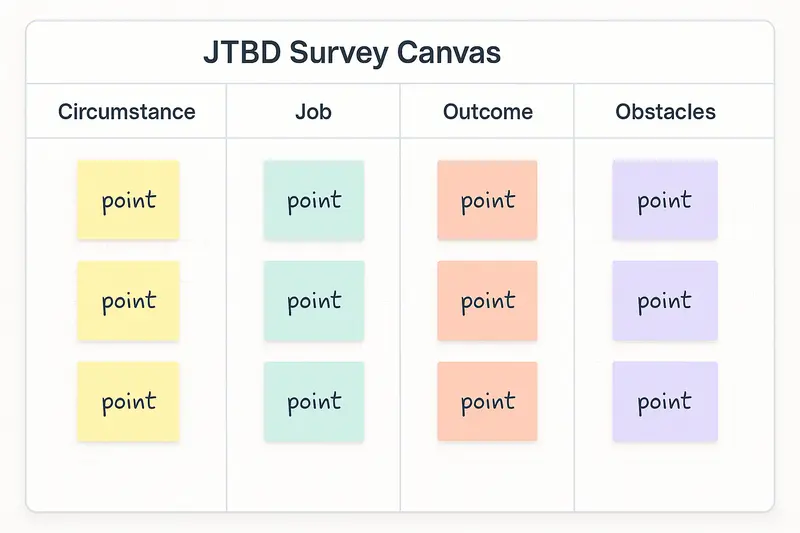
JTBD prompts
- When I am [circumstance], I want to [job], so I can [outcome] without [pain point].
- What alternatives did you consider to accomplish this job?
- What makes this product a better hire for that job?
Use JTBD answers to segment by primary job. You will find that different segments want different outcomes, which should shape onboarding, pricing, and roadmap.
h2. Design and deployment that respect the user
Keep the craft tight. Quality over volume.
- Targeting: Focus on recently active users who touched core features. Avoid single-use accounts.
- Timing: Weekday mornings and late afternoons work for most B2B audiences. Test and localize for time zones.
- Length: 5 to 13 questions. Use progressive profiling for depth over time.
- Flow: Start easy, then deeper, end with one open text prompt.
- Channels: In-app for relevance, email for reach. Use logic and branching to skip irrelevant paths.
h2. Analyze like a product team, not a pollster
Turn raw responses into decisions, not dashboards.
- Segment: By persona, plan, activation cohort, and feature adoption.
- Trend: Track PMF 40% over releases. Look for step changes after key shipping moments.
- Text analysis: Tag themes, measure frequency, and map sentiment to jobs and features.
- Correlate: Link scores to retention, expansion, and usage. High daily usage plus high PMF score is your core fit.
If you want help mining open text for themes and drivers, see how AI can surface insights without losing human judgment: [Sleekplan Intelligence](https://sleekplan.com/intelligence/).
h2. From insight to action, fast and clean
Insights that do not change the roadmap are trivia. Make the loop explicit.
- Weekly triage: Review new PMF data and top themes.
- Ownership: Assign each theme to a DRI with a target and a date.
- Experiments: Ship a focused fix or improvement within 7 to 14 days when possible.
- Communication: Close the loop with customers who asked for it.
Signals to watch
- Rising “Very disappointed” percentage in a specific segment.
- A feature mentioned in 30% of positive comments, but used by only 10% of accounts.
- A job statement that keeps repeating in churn reasons.
h2. A concise PMF survey you can run this week
Use this as a starting point, then adapt by persona and job.
1. How would you feel if you could no longer use this product?
2. What problem does it solve for you?
3. Which feature is most valuable and why?
4. Which feature would you miss most if we removed it?
5. How often do you use it?
6. What would you improve first?
7. If not this product, what would you use?
8. NPS: How likely are you to recommend us?
9. CSAT: How satisfied are you with the latest release?
10. CES: How easy was it to accomplish your key task today?
h2. Benchmarks and context that keep you honest
- PMF 40% score: Target at least 40% “Very disappointed.” Learn the nuance here: [Learning Loop on PMF](https://learningloop.io/plays/product-market-fit-survey).
- NPS: Useful as a loyalty signal, but read it with PMF and usage.
- Sample size: 40 to 50 engaged users gives you direction, then scale for segmentation.
h2. Common questions, quick answers
- Is NPS enough to prove PMF? No. Pair NPS with the 40% question and usage behavior. See the research from [VivaTech](https://vivatechnology.com/news/6-proven-ways-startups-can-test-product-market-fit).
- When should I run PMF surveys? Quarterly for a full read, with smaller pulse checks tied to releases.
- Who should not be included? Users who have not used core features recently. You want fresh, meaningful experience.
h2. The craft that separates good from great
PMF measurement is not a checkbox. It is a habit. Be precise in wording, intentional in targeting, and disciplined in analysis. Use data to inform, not to abdicate judgment. The small choices add up: a crisp follow-up question, a clear tag taxonomy, a clean handoff from insight to roadmap. That is how teams earn fit and keep it.
Llauren·Sep 22, 2025
More from the Journal
[Feedback ManagementSep 20, 20269 min How to Say No to Feature Requests Without Losing Users→](https://sleekplan.com/blog/how-to-say-no-to-feature-requests) [Feedback ManagementAug 5, 20268 min How to Organize Customer Feedback: A System for SaaS Teams→](https://sleekplan.com/blog/how-to-organize-customer-feedback-a-system-for-saas-teams-5298) [Feedback ManagementJul 29, 20267 min Multi-Channel Customer Feedback for SaaS Teams→](https://sleekplan.com/blog/multi-channel-customer-feedback-for-saas-teams-6352)
Keep up
h2. New essays land on LinkedIn every Tuesday.
Follow Sleekplan on LinkedIn — we post every new piece there, plus the shorter notes that never make it to the journal.
[Follow on LinkedIn](https://www.linkedin.com/company/sleekplan/)
Done reading? [Try Sleekplan free ](https://app.sleekplan.com/sign-up/)
---
### Choosing a Product Management Research Topic: A Practical Scorecard for Clear, Confident Decisions | Sleekplan
Source: https://sleekplan.com/blog/choosing-a-product-management-research-topic-a-practical-scorecard-for-clear-confident-decisions-4938
Description: A practical scorecard and 60 minute process to pick the right product management research topic. Gather signals, score options, avoid traps, and commit with a crisp one page brief.
h2. Start with the real problem
The hardest part of product management research is not the research, it is choosing what to research. In a week full of requests, metrics, and opinions, focus drifts. The right topic can unblock a roadmap and protect months of engineering time. Pick poorly and you dig decision debt.
We treat product management research like placing a bet. Small bet, clear odds, defined payoff. That mindset keeps us honest and keeps the work tight.
h2. A simple scorecard for topic selection
Use a short scorecard to compare research options. It favors clarity over volume.
Score each topic from 0 to 5 on six criteria:
- Goal alignment: Does this connect to a current OKR or revenue goal, not a generic improvement?
- Customer signal strength: Do you see repeated feedback, churn notes, or usage patterns pointing to it?
- Cost of delay: What happens if we wait one quarter?
- Scope clarity: Can you describe the decision you will make in one sentence?
- Data access: Can you reach users and data within two weeks?
- Ethical risk: Any privacy, fairness, or safety concerns to explore early?
Add the scores, then sanity check with judgment. Numbers help, they do not decide for you.
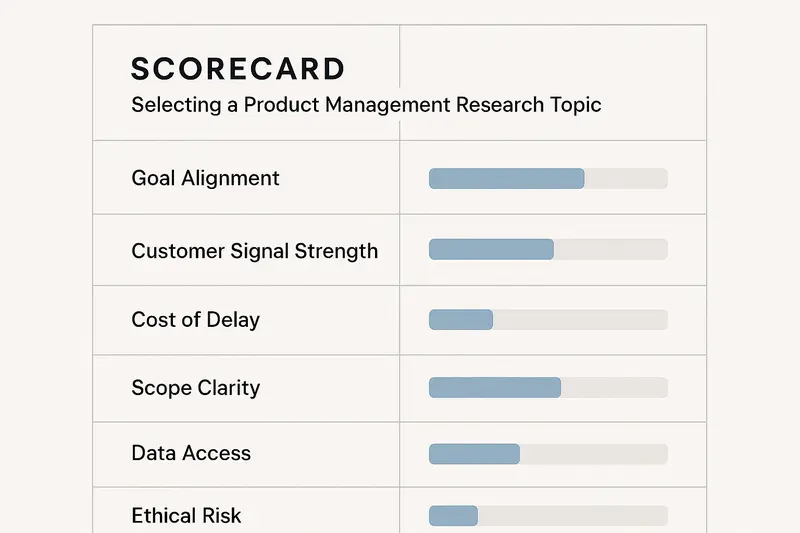
h2. Where strong signals come from
When in doubt, start with the customer. The best signals are near the work, not buried in a slide deck.
- Feedback board themes and upvotes
- Support tickets tagged by issue type
- Churn and expansion reasons from calls
- Product analytics for activation and retention
- Sales notes where deals stall
If you already centralize product feedback, you can synthesize themes faster. Tools that cluster comments, spot duplicates, and tie feedback to accounts cut hours. We use that approach to move from noise to a short list of research topics. If you want an example of automated insight surfacing, see how Sleekplan Intelligence groups feedback by theme and impact: [Sleekplan Intelligence](https://sleekplan.com/intelligence/).
h2. The 60 minute filter
Timebox the choice so it does not expand to fill the week.
- Minute 0 to 10: List 5 to 8 possible topics. Write the decision you need for each.
- Minute 10 to 25: Pull signals. One query per source, one chart, one call note. No rabbit holes.
- Minute 25 to 40: Score quickly using the scorecard. Add one sentence of rationale per criterion.
- Minute 40 to 55: Compare top two. Ask, what would change in the next 14 days that might flip this decision?
- Minute 55 to 60: Choose. Write a crisp research brief with scope, methods, and exit criteria.
Clarity beats certainty. You are choosing a starting line, not a finish.
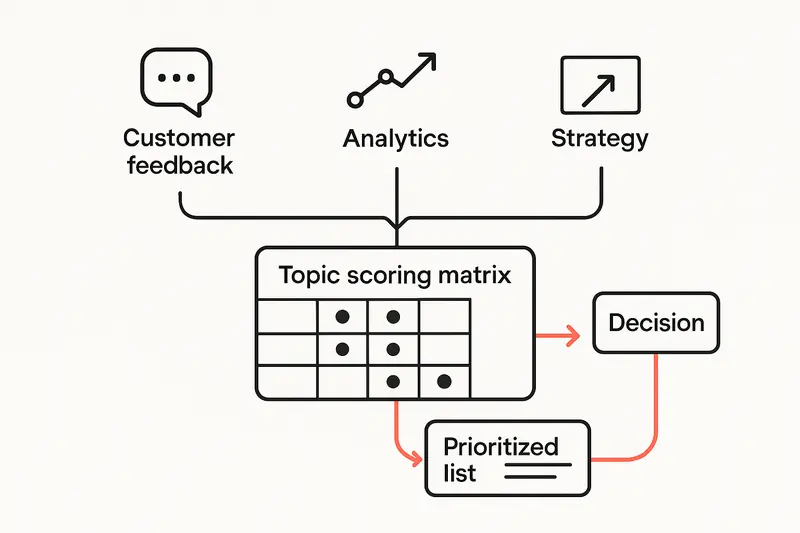
h2. A worked example
Three tempting topics land on your desk:
- Improve onboarding with an AI guide for first week adoption
- Redesign the pricing page to reduce plan confusion
- Map the activation journey to fix a drop between signup and first value
Now score lightly:
- AI onboarding: Goal alignment 3, signal 2, cost of delay 2, scope clarity 3, data access 4, ethical risk 3. Total 17.
- Pricing page: Goal alignment 4, signal 4, cost of delay 4, scope clarity 4, data access 3, ethical risk 4. Total 23.
- Activation journey: Goal alignment 5, signal 5, cost of delay 5, scope clarity 3, data access 3, ethical risk 5. Total 26.
Pick activation. Why, because repeated feedback mentions confusion before first value, the cost of delay is high, and the decision is concrete. The brief might be: identify top two blockers to time to value under 10 minutes, propose one change that can ship in 14 days, then measure activation lift within 30 days.
h2. Methods to fit the question
Choose methods that match the decision, not prestige.
- To unblock activation: 5 user interviews, 3 screen shares, 1 log study, 1 prototype test
- To price or package: value testing with real plan names, sales call reviews, competitive teardowns
- To size a retention issue: cohort analysis, job stories, diary studies with active users
Small samples are fine when the signal is strong. Quality of observation beats sample size.
h2. Avoid common traps
We see the same mistakes, even on seasoned teams.
- Vague outcomes: Everything sounds important, nothing is testable
- Novelty bias: The shiny idea jumps the queue, the core problem waits
- Proxy metrics: Engagement goes up while activation stays flat
- Over research: Weeks of interviews without a decision
- No exit criteria: The team keeps digging, the roadmap freezes
Keep one rule: if the research cannot change a decision, do not start it.
h2. Deliverables that keep momentum
Top off the process with crisp artifacts that fit on one page:
- One page brief: decision, methods, sample, exit criteria
- Topic scorecard: final scores plus two lines of reasoning
- Timeline: week one discovery, week two synthesis, week three decision and shareout
- Impact review: did the decision change and by how much
These are small on purpose. Minimal overhead encourages better craft and more ownership.
h2. FAQ: How do you choose a product management research topic?
- Tie it to a current goal
- Validate with customer feedback and analytics
- Estimate cost of delay
- Check access to users and data
- Define exit criteria for the research
Pick, commit, and write a one page brief before you book the first interview.
h2. Principles behind the process
- Quality over speed: A sharp brief saves sprints
- Detail matters: The exact decision sentence keeps you honest
- Human judgment: Scores inform, product sense decides
- Ownership: No half finished research, hand it off with a recommendation
- Clarity: Clear writing forces clear thinking
h2. When to stop researching
Stop when you can make the decision you set in the brief, not when you run out of time. If new learning would not change the call, ship the recommendation and move.
I keep one personal rule. If I cannot explain the decision in five lines to a skeptical engineer, I am not done.
Llauren·Sep 15, 2025
More from the Journal
[Product ManagementSep 20, 20267 min Aha Pricing: What Each Product and Tier Costs→](https://sleekplan.com/blog/aha-pricing) [Product ManagementSep 20, 20267 min Jira Product Discovery Pricing: Creators, Not Users→](https://sleekplan.com/blog/jira-product-discovery-pricing) [Product ManagementSep 20, 20268 min Productboard Pricing: Maker Seats and What You Pay→](https://sleekplan.com/blog/productboard-pricing)
Keep up
h2. New essays land on LinkedIn every Tuesday.
Follow Sleekplan on LinkedIn — we post every new piece there, plus the shorter notes that never make it to the journal.
[Follow on LinkedIn](https://www.linkedin.com/company/sleekplan/)
Done reading? [Try Sleekplan free ](https://app.sleekplan.com/sign-up/)
---
### Effective Customer Satisfaction Survey Questions: Templates, Best Practices, and Mobile‑First Design | Sleekplan
Source: https://sleekplan.com/blog/effective-customer-satisfaction-survey-questions-templates-best-practices-and-mobile-first-design-9262
Description: A practical guide to customer satisfaction survey questions: proven question types, crisp wording, mobile-first design, and analytics. Includes templates, pitfalls to avoid, and a quick checklist.
h2. Start with the right question
Customer satisfaction survey questions are small levers that move big systems. Done well, they lift response rates, uncover real friction, and guide product decisions. In one study on mobile surveys, effective wording and flow tripled responses compared to sloppy forms, and the difference showed up in the quality of insights, not just volume. See the breakdown in Userpilot’s overview of mobile surveys: https://userpilot.com/blog/mobile-surveys/.
h2. Why surveys still matter
Satisfaction surveys are a simple contract. You ask, customers respond, you act. When that loop is tight, trust grows. When it breaks, people stop answering. The fundamentals are well covered by Qualtrics’ customer satisfaction guide: https://www.qualtrics.com/experience-management/customer/satisfaction-surveys/.
What to measure depends on the job you need the data to do:
- CSAT for immediate satisfaction with a touchpoint.
- NPS for loyalty and advocacy.
- CES for effort, the ease to achieve a goal.
Each metric is a lens, not the whole picture. We usually combine them sparingly, then validate with qualitative notes.

h2. Pick the right question types
Different questions answer different problems. Match the type to your decision.
h3. Rating scale questions
Use 5 or 7 points. Fewer points speed decisions. Seven gives nuance without fatigue.
- Example: “How satisfied are you with your experience today?” 1 very dissatisfied, 7 very satisfied.
- Use when you need trend lines and benchmarks.
h3. Binary questions
Fast and clear, but blunt.
- Example: “Did you find what you needed today?” Yes or No.
- Use as a gate, then branch to deeper questions.
h3. Multiple choice
Good for features or reasons, not feelings.
- Example: “What was the main reason for contacting support?” Options plus Other.
- Keep options mutually exclusive and complete.
h3. Likert scale questions
Great for attitudes toward statements.
- Example: “The product is easy to learn.” Strongly disagree to Strongly agree.
- Avoid double ideas in one sentence.
h3. Open ended
Where the story lives.
- Example: “What nearly made you stop using our product?”
- Place after structured items, then ask for one concise example.
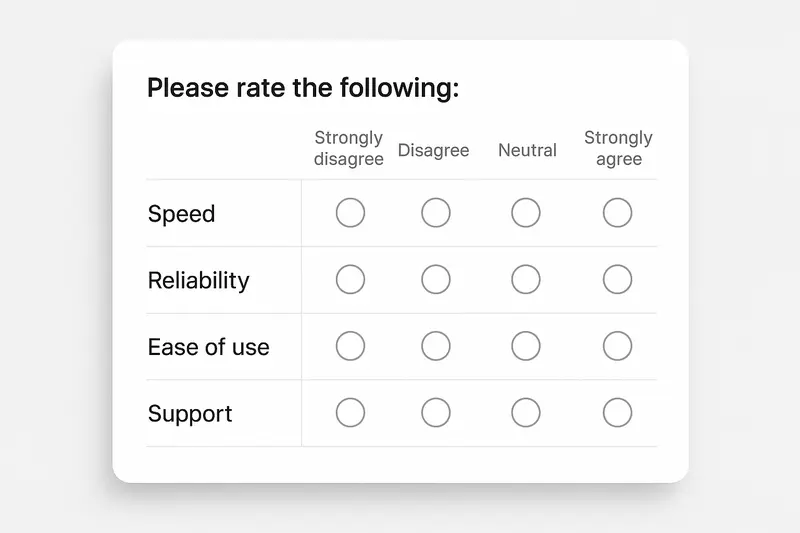
h2. Wording that earns honest answers
Small edits change outcomes. The goal is neutrality and clarity.
- Remove leading language: not “our excellent support,” just “our support.”
- One idea per question, no doubles like “quality and service.”
- Use everyday words, skip internal jargon.
- Short sentences. Short labels. Precise scales.
- Balance options: equal positives and negatives, clear neutral.
Principle: if a reasonable person could read a question two ways, rewrite it.
h2. Structure, logic, and flow
Order shapes answers. Start broad, then narrow. Use skip logic to keep people in relevant territory.
- Open with overall satisfaction or goal completion.
- Branch based on score. Low score, ask what went wrong. High score, ask for highlights.
- End with one open question.
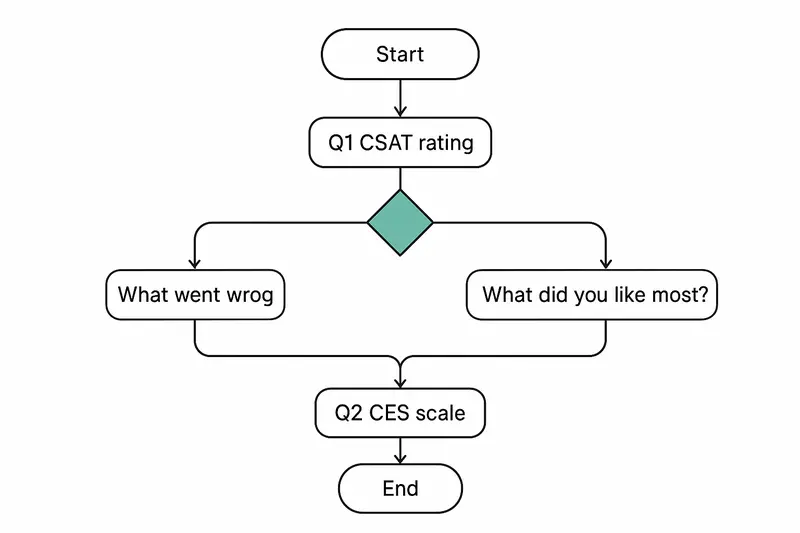
Micro-template:
1. “Overall, how satisfied are you with [recent experience]?”
2. If 1–3, “What went wrong?” If 6–7, “What worked well?”
3. “How easy was it to do X today?”
4. “Anything else we should know?”
Takeaway: relevance reduces drop-off and improves candor.
h2. Mobile-first or bust
Most surveys arrive on a phone. Design for thumbs and short attention.
- Target 2 minutes or less from start to submit.
- Big touch targets, one screen per idea, progress indicator.
- Keep text fields optional, but invite specifics.
- Cut half of what you think you need, then cut again.
For practical tactics that lift completion, see Formbricks’ guide on response rates: https://formbricks.com/blog/increase-survey-response-rate. Their advice on introductions, reminders, and intrinsic incentives is worth the read.
h2. Examples by scenario
Use these as starting points. Edit to your voice, product, and journey.
h3. Post-support interaction
- CSAT: “How satisfied are you with the help you received today?” 1–7.
- CES: “How easy was it to resolve your issue?” 1 very hard, 5 very easy.
- Open: “What could we have done better?”
h3. In-product moment for SaaS
- Feature fit: “How valuable is [Feature X] for your workflow?” 1–7.
- Reliability: “In the past 7 days, did anything break or feel slow?” Yes or No, then details.
- Direction: “Which one improvement would save you the most time?” MC plus Other.
h3. Retail or hospitality checkout
- Outcome: “Did you find everything you needed?” Yes or No.
- Staff: “How would you rate staff helpfulness today?” 1–5.
- Open: “If something felt off, what was it?”
h3. Healthcare visit follow-up
- Communication: “I understood my options and next steps.” Strongly disagree to Strongly agree.
- Wait time: “Was your wait acceptable?” Yes or No, then minutes estimate.
- Open: “One thing we should improve for next time?”
Takeaway: specific context prompts specific feedback you can act on Monday morning.
h2. How long should your survey be?
Short enough that you would take it yourself. As a rule, five questions or less wins. Mobile completion under two minutes beats longer forms by a wide margin. Again, Formbricks’ data on timing and reminders is practical: https://formbricks.com/blog/increase-survey-response-rate.
h2. Advanced moves for better data
If you already run surveys, this is where gains compound.
- Personalize invites by context. Reference the action they just took.
- Use channel fit. Email for depth, in-app for immediacy, SMS for ultra short.
- Add gentle attention checks, not trick questions.
- Monitor completion time and straight-line patterns. Trim where you see friction.
- Analyze open text with modern tooling to spot themes quickly. A good primer on turning feedback into action is here: https://www.sentisum.com/customer-feedback/actionable-customer-insights.
If you want AI-powered summaries, root-cause grouping, and trend detection inside your feedback loop, explore Sleekplan Intelligence: https://sleekplan.com/intelligence/.
h2. Pitfalls to avoid with quick fixes
- Leading wording: “our excellent service” -> Neutral: “our service.”
- Double-barreled: “quality and service” -> Split into two questions.
- Fatigue from over-surveying -> Centralize a send calendar, space requests.
- Unbalanced scales -> Provide equal positive and negative choices, include neutral.
- Logic bugs on mobile -> Test on real devices before sending broadly.
Principle: if the data could mislead you, the question is broken.
h2. Measuring survey effectiveness
Beyond response rate, look for:
- Coverage: do responses represent your customer segments?
- Reliability: do related items move together logically?
- Actionability: can a team ship a change next sprint based on the result?
- Business link: do score shifts correlate with retention or revenue?
When in doubt, run a short pilot, then adjust. For a broader framework on turning signal into action, review SentiSum’s playbook on actionable insights: https://www.sentisum.com/customer-feedback/actionable-customer-insights.
h2. Quick checklist
- Goal defined and tied to a decision.
- 3–5 questions, mobile-first, clear progress.
- Neutral wording, single idea per item.
- Balanced scales, plain labels.
- Skip logic for relevance, one open text at the end.
- Test on devices, pilot with a small segment, then ship.
h2. FAQ
Q: What is a good CSAT question? A: “How satisfied are you with [experience] today?” Use a 5 or 7 point scale with clear anchors.
Q: Where do I place open-ended questions? A: At the end, after commitment builds, with a focused prompt.
Q: 5 point or 7 point scale? A: Use 5 for speed, 7 for nuance. Be consistent over time.
Q: How often should we survey? A: Tie cadence to events, not the calendar. Avoid repeating asks to the same person within a short window. Coordinate across teams.
Q: What response rate is “good”? A: It depends on channel and audience. Track trend lines for your segments. Improve by tightening scope, timing, and relevance.
Final thought: quality questions respect people’s time and attention. When we do that, customers tell us what we need to hear, and we can act with confidence.
Llauren·Sep 8, 2025
More from the Journal
[Customer FeedbackJul 22, 20267 min Best Survey Tool in 2026: A Practical Guide for Product and CX Teams→](https://sleekplan.com/blog/best-survey-tool-in-2026-a-practical-guide-for-product-and-cx-teams-7059) [Customer FeedbackNov 3, 20255 min What September 2025 Taught Us About Community-Led UGC: Turning Engagement Into Product Insight→](https://sleekplan.com/blog/what-september-2025-taught-us-about-community-led-ugc-turning-engagement-into-product-insight-2686)
Keep up
h2. New essays land on LinkedIn every Tuesday.
Follow Sleekplan on LinkedIn — we post every new piece there, plus the shorter notes that never make it to the journal.
[Follow on LinkedIn](https://www.linkedin.com/company/sleekplan/)
Done reading? [Try Sleekplan free ](https://app.sleekplan.com/sign-up/)
---
### ChatGPT for Product Managers: Practical PM Prompts, Workflows, and Playbooks for Real Impact | Sleekplan
Source: https://sleekplan.com/blog/chatgpt-for-product-managers-practical-pm-prompts-workflows-and-playbooks-for-real-impact-9320
Description: A precise playbook for Product Managers to use ChatGPT. Real PM prompts, workflows, and guardrails for research, PRDs, prioritization, SQL, and feedback analysis, plus a simple rollout plan.
h2. Why PMs should put ChatGPT on the team
Product managers juggle strategy, delivery, and communication. ChatGPT helps a Product Manager move faster with fewer mistakes. With the right PM prompts and simple guardrails, you can automate low‑value work, then spend your attention on product judgment where it matters.
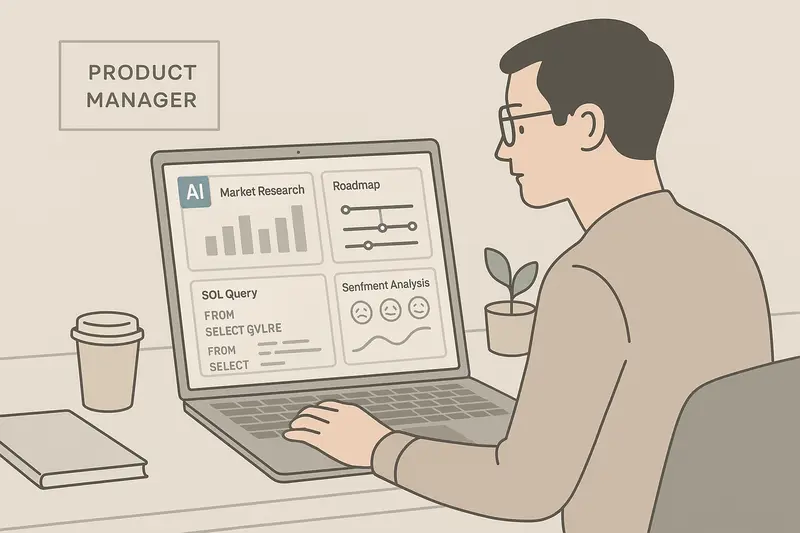
Below is a practical playbook, not theory. We share prompts, workflows, and small choices that compound into real impact.
h2. Market research with ChatGPT, without the fluff
Good research is structured. ChatGPT shines when you give it scope, signals, and a clear output format.
- Set scope: market, region, ICP, and time horizon.
- Provide seeds: 3 to 5 known competitors, a pricing hint, two buyer pains.
- Ask for structure: a short brief, a table, a list of risks.
Try these PM prompts:
- “Act as a market researcher. Summarize the top 5 competitors for collaborative storytelling tools in North America. Include ICP, pricing tier, and key differentiator. Output a table and a 120 word summary.”
- “Identify 3 underserved segments for SMB analytics platforms in the UK. Include segment size logic, common jobs, and two channels to reach them.”
For deeper context on AI assisted research, these walkthroughs are useful: [Userpilot on ChatGPT for product managers](https://userpilot.com/blog/chatgpt-for-product-managers/) and [Zapier on market research prompts](https://zapier.com/blog/chatgpt-market-research/).
Takeaway: scope hard, ask for structure, then verify with real sources.
h2. From idea to PRD in hours, not weeks
A clean PRD reduces ambiguity. Use ChatGPT to draft, then tighten with your voice.
Prompt pattern:
- “Write a PRD for [product or feature]. Audience is engineering and design. Include problem, objectives, non goals, success metrics, user stories, risks, and open questions. Follow this style guide: short sentences, crisp bullets.”
Example:
- “Write a PRD for contactless guest check in for mid market hotels. Include guest personas, accessibility needs, mobile key flows, offline fallback, and a phased rollout plan.”
For templates and framing, see [Productboard on AI for roadmap prioritization](https://www.productboard.com/blog/using-ai-for-product-roadmap-prioritization/). Let the AI draft, you provide judgment.
h2. User stories that developers actually use
Translate features into stories with acceptance criteria and edge cases.
Prompt:
- “Here are 7 features for our onboarding revamp: [paste]. Create user stories in the As a, I want, So that format. Add acceptance criteria, edge cases, and analytics events to track. Group into epics.”
Principle: keep stories short, acceptance criteria testable, analytics explicit.
h2. Feature prioritization with RICE or MoSCoW
ChatGPT can score at scale, you still make the call.
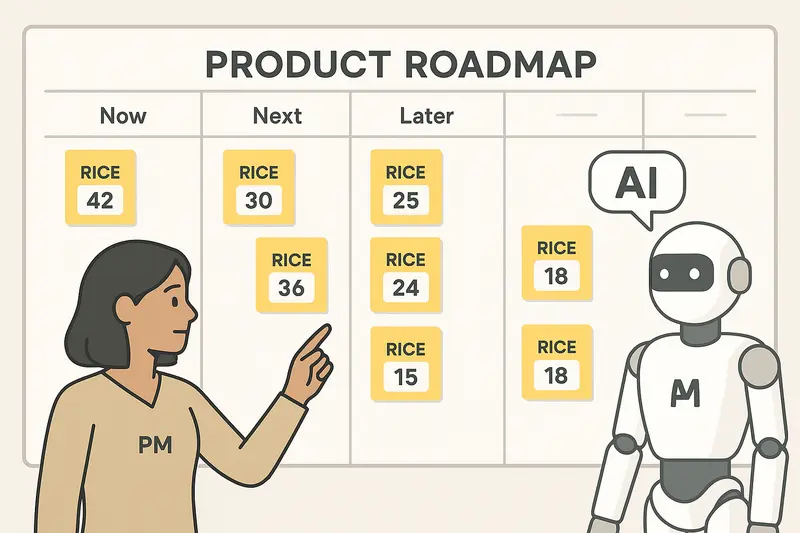
Prompt:
- “Given this backlog with Reach, Impact, Confidence, and Effort estimates, compute RICE, sort descending, and flag any items with Confidence below 60 percent. Suggest one quick win and one strategic bet.”
Small moves that help:
- Ask it to surface assumptions behind scores.
- Request two options, conservative and bold, then compare.
- End with a one page narrative that explains trade offs.
More ideas on structured prioritization here: [Productboard on prioritization with AI](https://www.productboard.com/blog/using-ai-for-product-roadmap-prioritization/).
h2. SQL without the handbrake
You do not need to be a DBA to ask good questions. Use natural language, let ChatGPT draft SQL, then run it in your warehouse after a quick check.
Prompt:
- “PostgreSQL schema: orders(order_id, customer_id, total, created_at, status), customers(customer_id, plan). Show top 5 products by revenue in 2024, grouped by category, include percent of total revenue.”
Follow ups to request:
- Safer filters for nulls and time zones.
- An index recommendation if the query scans the table.
Useful overviews: [Graphable on ChatGPT for analytics](https://www.graphable.ai/blog/chatgpt-for-analytics/).
h2. Customer feedback analysis that scales
Your backlog should reflect real customer pain, not the loudest voice. ChatGPT can summarize themes, score sentiment, and estimate impact.
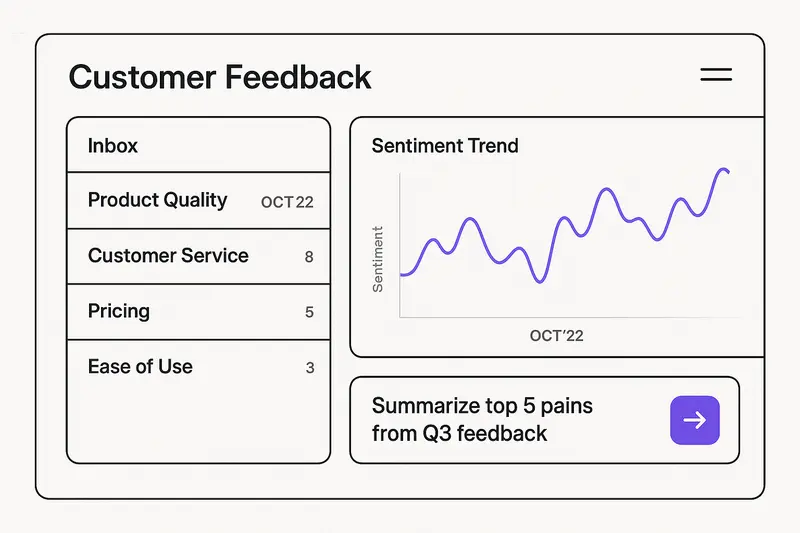
Prompt:
- “Analyze these 250 feedback entries from Q3. Group by theme, tag each with sentiment and intensity 1 to 5, and list the top 5 pains with example quotes. Propose 3 fixes that ship within 30 days.”
If you want AI to do this inside your feedback system, see [Sleekplan Intelligence](https://sleekplan.com/intelligence/), which adds automated themes, sentiment, and insights over your feedback boards.
For prompt ideas, see [Mouseflow on sentiment prompts](https://mouseflow.com/blog/chatgpt-prompts-for-sentiment-analysis/).
Principle: always keep a human in the loop. Validate insights with user calls.
h2. Stakeholder communication without the rewrite loop
Great PMs communicate clearly. Use AI to get to a tight first draft, then sharpen.
Prompts that save time:
- “Draft a weekly stakeholder update. Sections: highlights, risks with owners, decisions needed, next week. Keep it under 200 words, neutral tone.”
- “Write a scope change note for executives. State the change, why, impact on timeline, new risk, and the decision needed by Friday.”
Meeting prep:
- “Create a 45 minute agenda for a roadmap review with engineering. Include pre read, time boxes, and a decision log template.”
h2. Operational excellence with small automations
Documentation
- “Turn these research notes into a 1 page brief. Include problem, key quotes, and the 3 sharpest insights.”
Workflow
- “Map our current GTM launch process for minor features. Identify bottlenecks, propose a lighter weight path for changes that do not affect pricing or compliance.”
Quality
- “Generate test scenarios for bulk import. Include normal flows, malformed files, partial failures, and data validation rules.”
h2. Prompt patterns that consistently work
Use this six part structure. It keeps outputs usable and reviews faster.
- Task: what you want.
- Context: product, audience, constraints.
- Examples: one or two samples to mimic.
- Persona: who the AI should act as.
- Format: bullets, table, or narrative.
- Tone: short, neutral, or persuasive.
I keep a small prompt library in our team docs. We prune it monthly, like a garden.
h2. Guardrails, so you trust the output
- Verify facts with source links. Ask the model to cite inputs it used.
- Keep humans as final approvers for roadmap, pricing, and messaging.
- Track where AI drafts helped. Time saved on docs, faster bug triage, clearer roadmaps.
h2. Quick answers PMs search for
- What are the best ChatGPT prompts for PMs? Use scoped, structured prompts that ask for tables or bullets. Include audience, constraints, and acceptance criteria.
- Can ChatGPT do market research? Yes, for first pass synthesis. Cross check with reports and user interviews. See [Zapier’s guide](https://zapier.com/blog/chatgpt-market-research/).
- Can ChatGPT write SQL? Yes, treat it as a junior analyst. Review JOINs and filters. See [Graphable’s overview](https://www.graphable.ai/blog/chatgpt-for-analytics/).
- How do I prioritize with AI? Feed your backlog with effort and impact, ask for RICE, then adjust with judgment. See [Productboard’s approach](https://www.productboard.com/blog/using-ai-for-product-roadmap-prioritization/).
h2. A simple rollout plan
Week 1
- Pick two use cases, for example PRD drafts and stakeholder updates.
- Define success, such as 60 percent time saved on PRD first drafts.
Week 2
- Add feedback analysis with sentiment and themes.
- Log wins, for example bugfixes closed within 7 days after clearer triage.
Week 3
- Introduce backlog scoring with RICE, plus a monthly roadmap narrative.
- Share before and after examples in a team review.
h2. The principle that holds it all together
AI is leverage, not a substitute for product judgment. Use ChatGPT to clear the fog around research, writing, analysis, and planning. Then decide with clarity.
Llauren·Aug 30, 2025
More from the Journal
[Product ManagementSep 20, 20267 min Aha Pricing: What Each Product and Tier Costs→](https://sleekplan.com/blog/aha-pricing) [Product ManagementSep 20, 20267 min Jira Product Discovery Pricing: Creators, Not Users→](https://sleekplan.com/blog/jira-product-discovery-pricing) [Product ManagementSep 20, 20268 min Productboard Pricing: Maker Seats and What You Pay→](https://sleekplan.com/blog/productboard-pricing)
Keep up
h2. New essays land on LinkedIn every Tuesday.
Follow Sleekplan on LinkedIn — we post every new piece there, plus the shorter notes that never make it to the journal.
[Follow on LinkedIn](https://www.linkedin.com/company/sleekplan/)
Done reading? [Try Sleekplan free ](https://app.sleekplan.com/sign-up/)
---
### How to add CSS to the Sleekplan widget: safely access iframe CSS and style it cleanly | Sleekplan
Source: https://sleekplan.com/blog/how-to-add-css-to-the-sleekplan-widget-safely-access-iframe-css-and-style-it
Description: A focused guide on how to access iframe CSS and add custom styles to the Sleekplan widget. Learn safe injection on open, robust patterns, examples, and FAQs.
h2. Why customize the Sleekplan widget style
Sometimes the brand asks for one more tweak: a softer background, tighter typography, a sharper button. If you need to add CSS to iframe content, you can do it safely when the Sleekplan widget opens. This guide shows how to access iframe CSS at the right moment, inject a small style sheet, and keep it maintainable.

h2. Start with built‑in options
Before writing custom CSS, try the built-ins. In Settings, you can set brand color, light or dark theme, and launcher styles. It is fast, supports updates, and stays consistent across releases. If you still need custom rules, add them carefully and keep the surface small.
Tip: Review the features overview and defaults first. They cover most needs: [Sleekplan features](https://sleekplan.com/features/).
h2. The approach: inject styles when the widget opens
The widget lives inside an iframe. You cannot style it from the parent until it is ready. The safe hook is the widget "open" event. On open, find the iframe, create a `